 3DPRS
3DPRS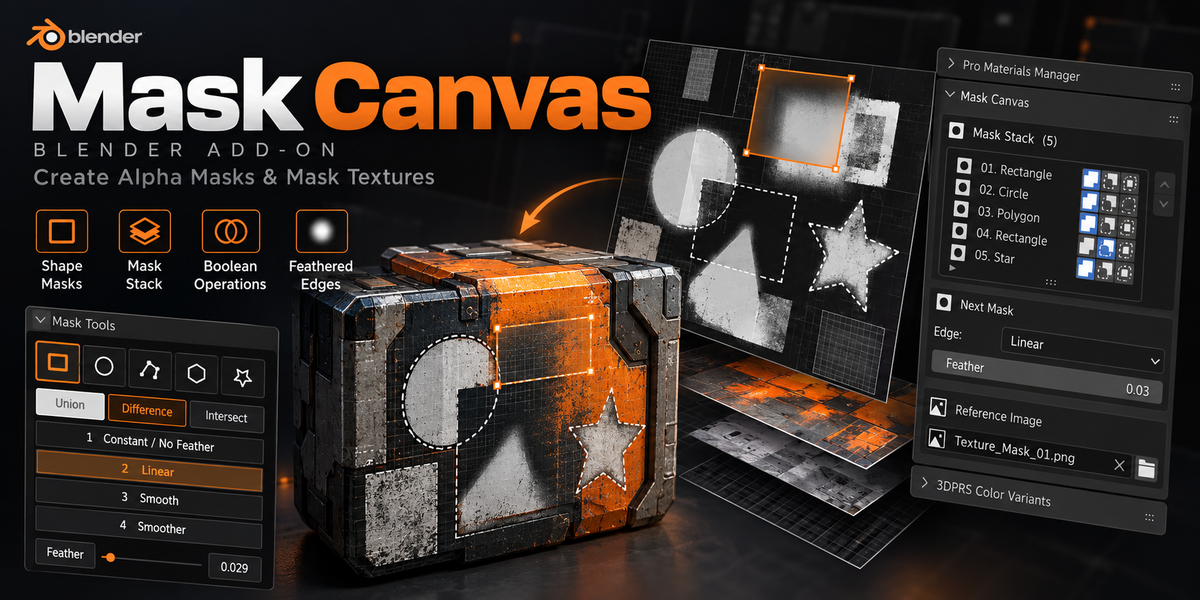
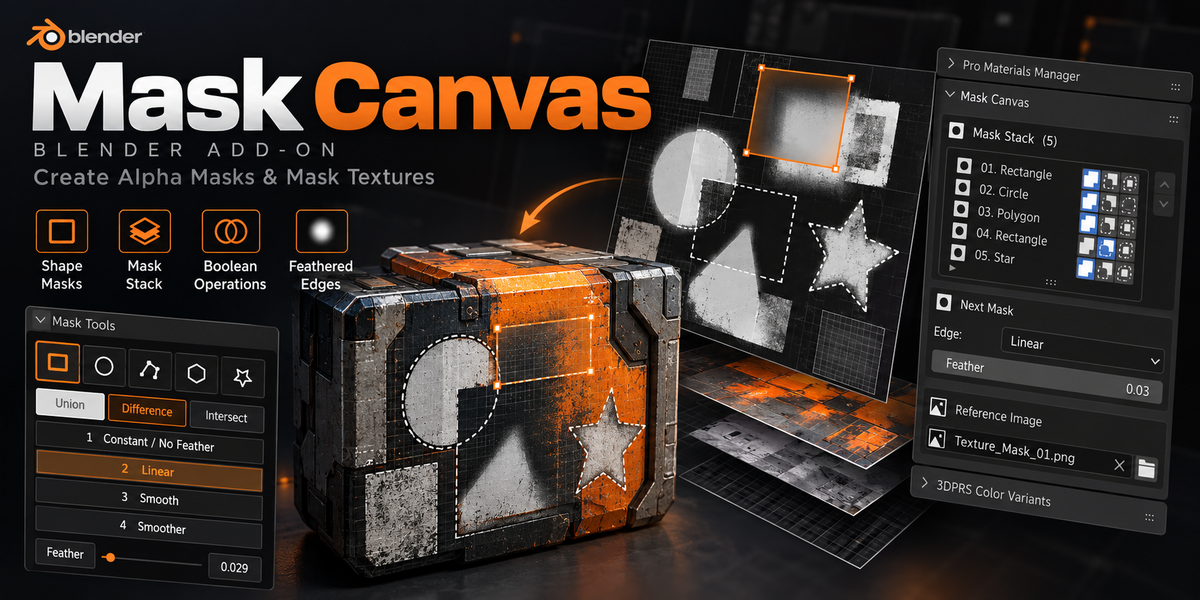

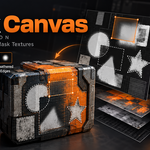
Build shader masks
visually.
Draw, combine, and refine UV masks directly in Blender. Expose individual masks as separate outputs, or bake the finished result to a mapped image texture. Keep the editable node group for future changes.
MASKING WITHOUT THE GUESSWORK
See the mask as you shape it.
Start with an Image Texture in the Shader Editor, open the canvas, and draw over the image. Position and adjust each mask visually while the add-on handles the node setup behind the result.
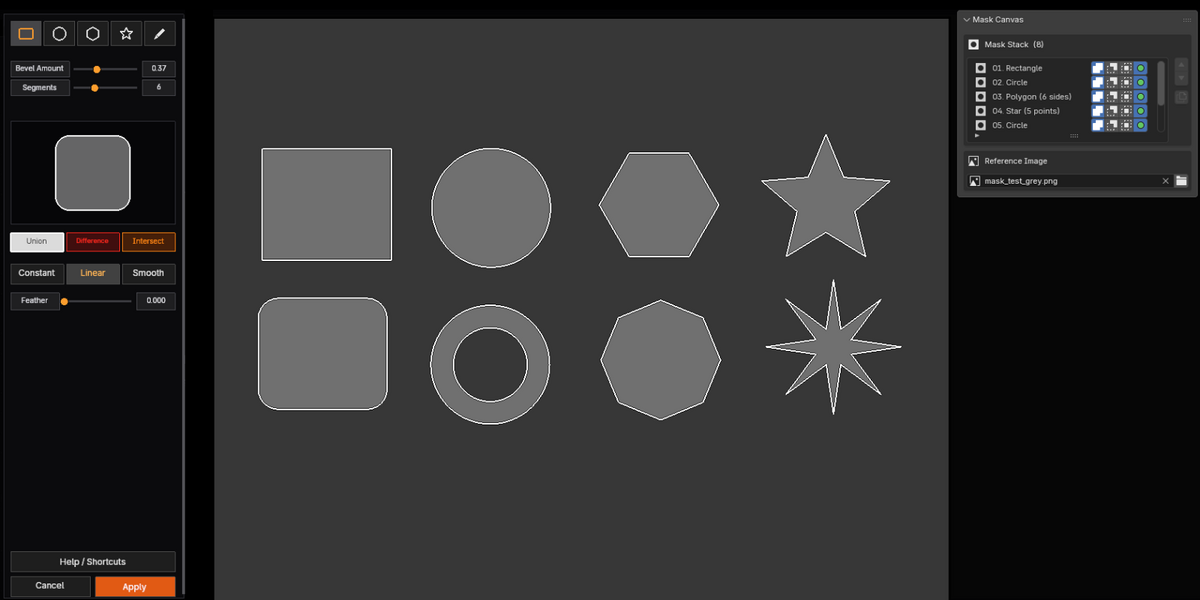
Draw your shapes
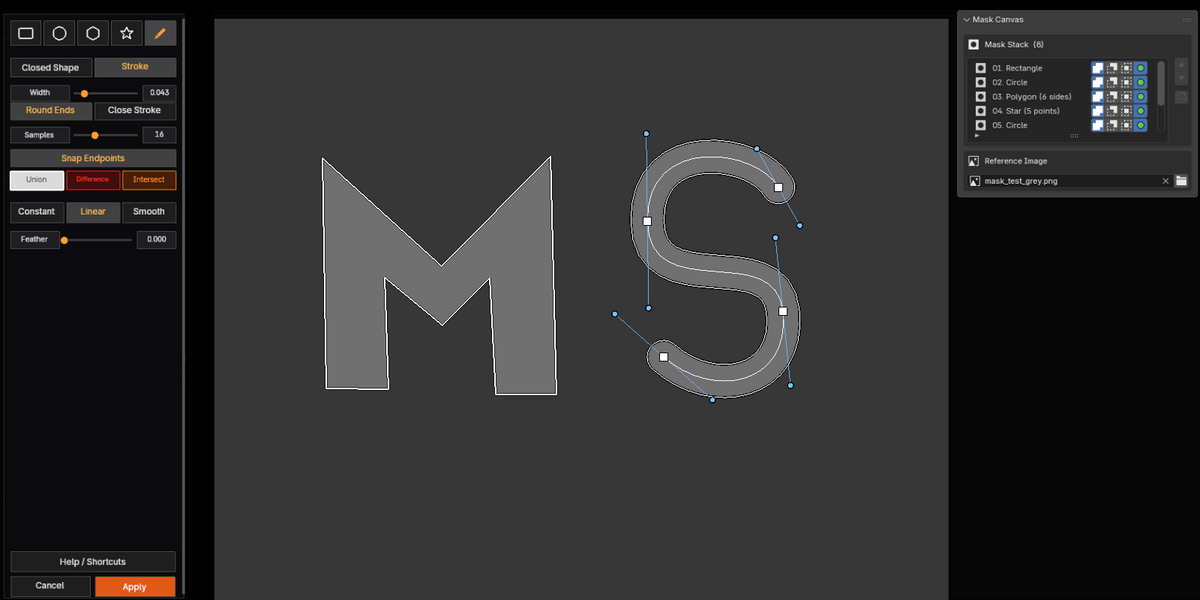
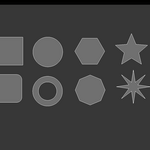
Create rectangles, circles, polygons, stars, and custom pen shapes. Choose the tool that fits the area you want to mask, then adjust it on the canvas.
Build the result
Use Union, Difference, and Intersect to combine masks. Reorder or duplicate shapes in the mask stack as the composition grows.
CONTROL WHERE IT COUNTS
Shape the mask. Soften the edge.
Keep the visual workflow simple while retaining control over each mask’s shape, operation, and edge.
FROM CANVAS TO SHADER
Draw it visually. Choose how to use the result.
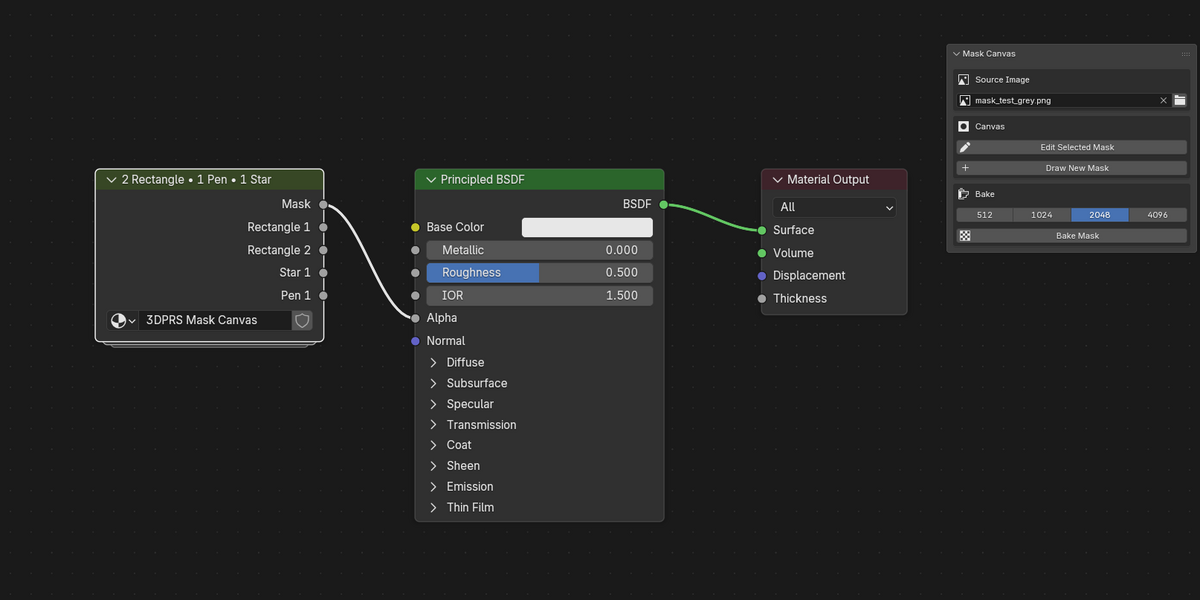
Apply the canvas to create an editable shader node group. Use the combined mask output directly, enable individual outputs for any shape, or bake the final mask to a mapped Image Texture at your chosen resolution.
FLEXIBLE OUTPUTS
One canvas. Multiple ways to use the result.
Keep the full editable mask setup, or take the outputs you need into the rest of your shader.
BAKE THE COMBINED MASK
Create a mapped mask image
Bake the finished mask at your chosen resolution. Mask Canvas adds a mapped Image Texture inside the node group and exposes a separate Image Texture output. Update the bake after changing your shapes.
OUTPUT MASKS SEPARATELY
Use each shape on its own
Enable Individual Output on a mask layer to add its own float output to the node group. Route shapes independently in your shader while retaining the combined mask output.
A MORE VISUAL WAY TO MASK
Make the mask you see, then keep shaping it.
3DPRS Mask Canvas brings drawing, layering, and edge control together in one Blender add-on.
