 ZEG
ZEG
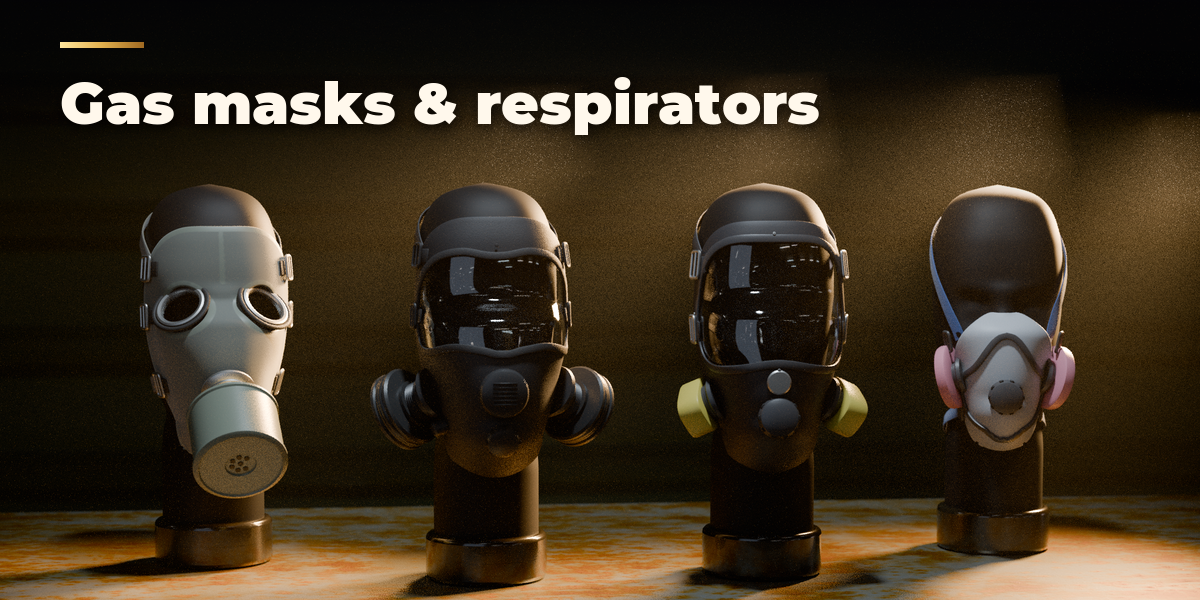
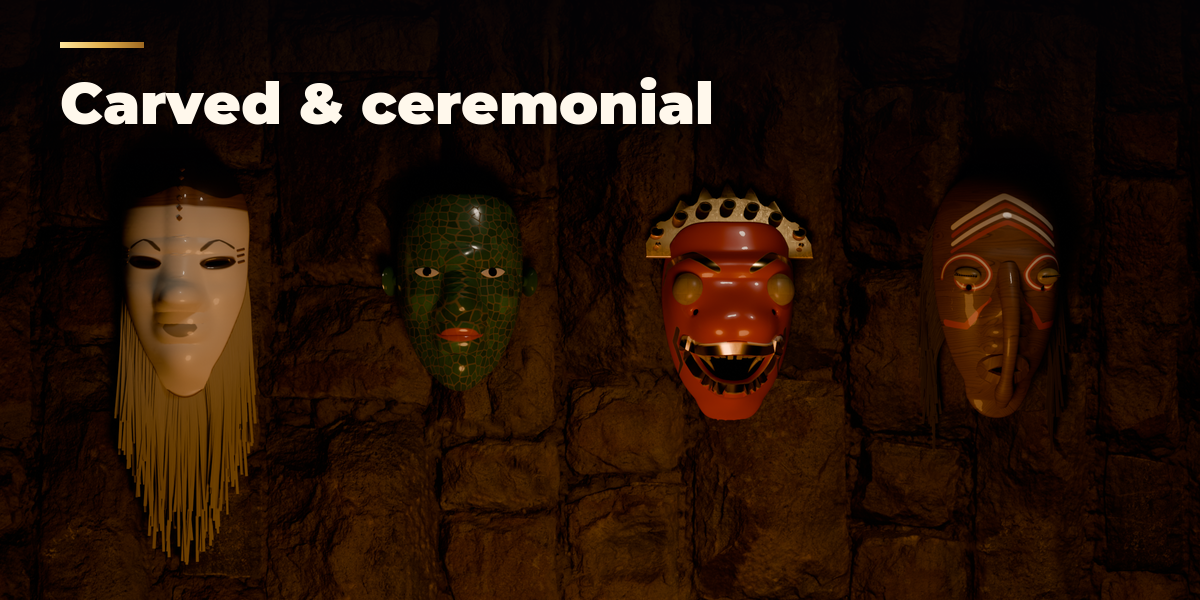
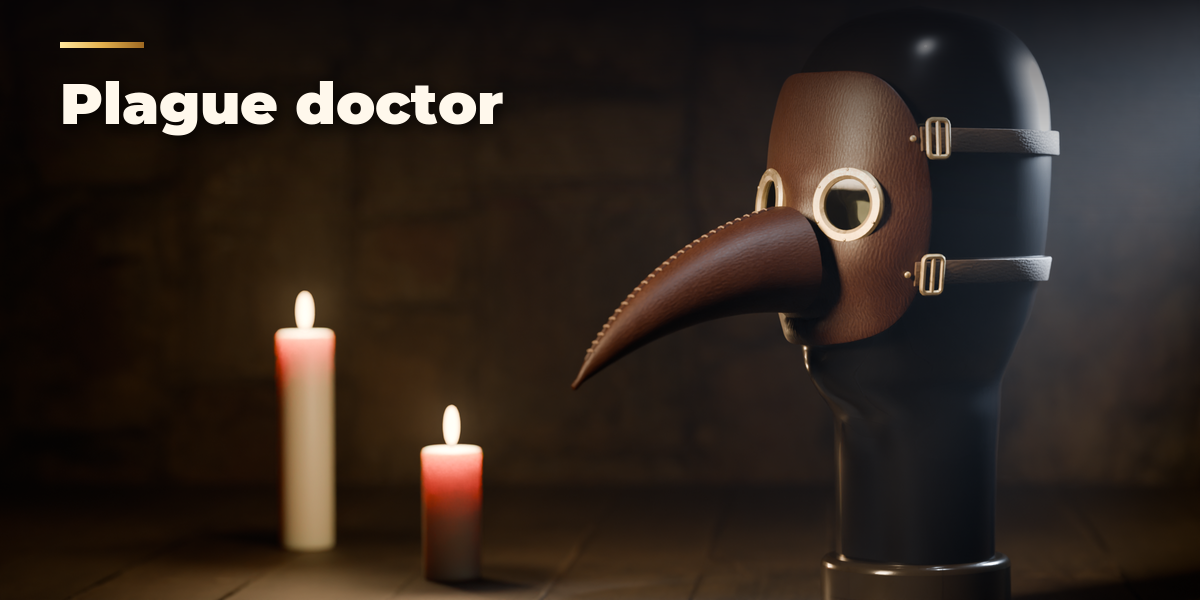
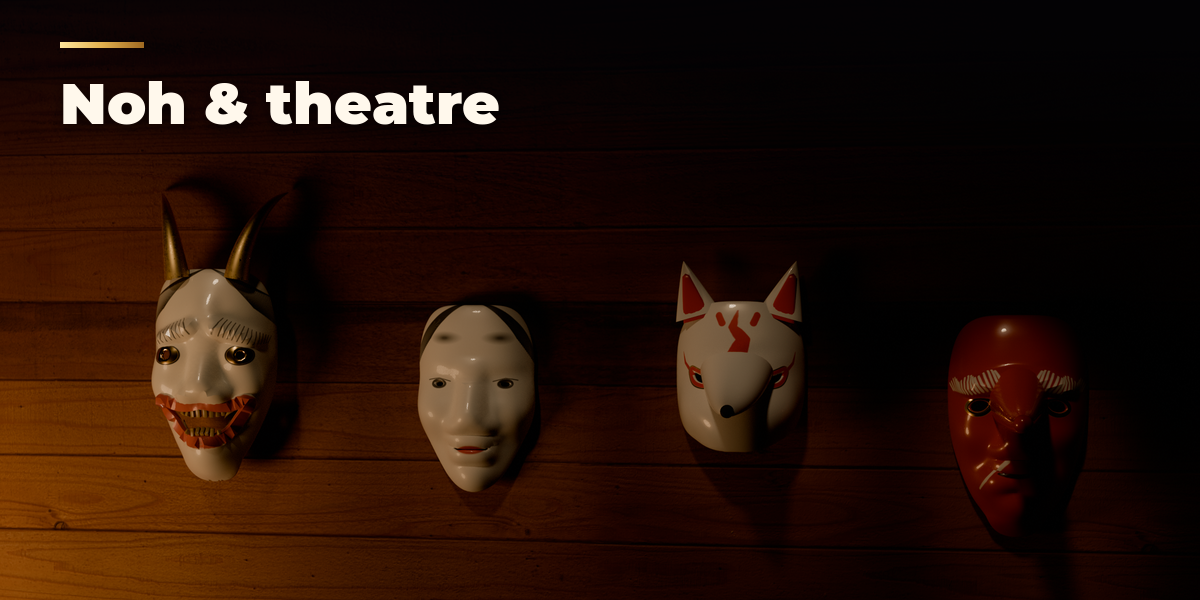
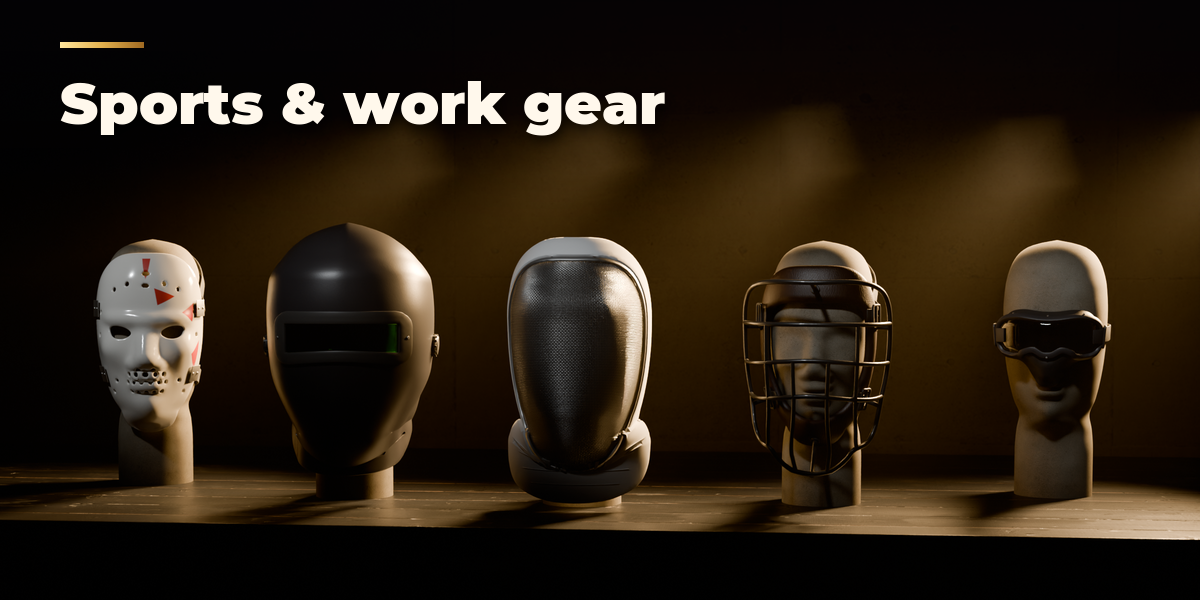
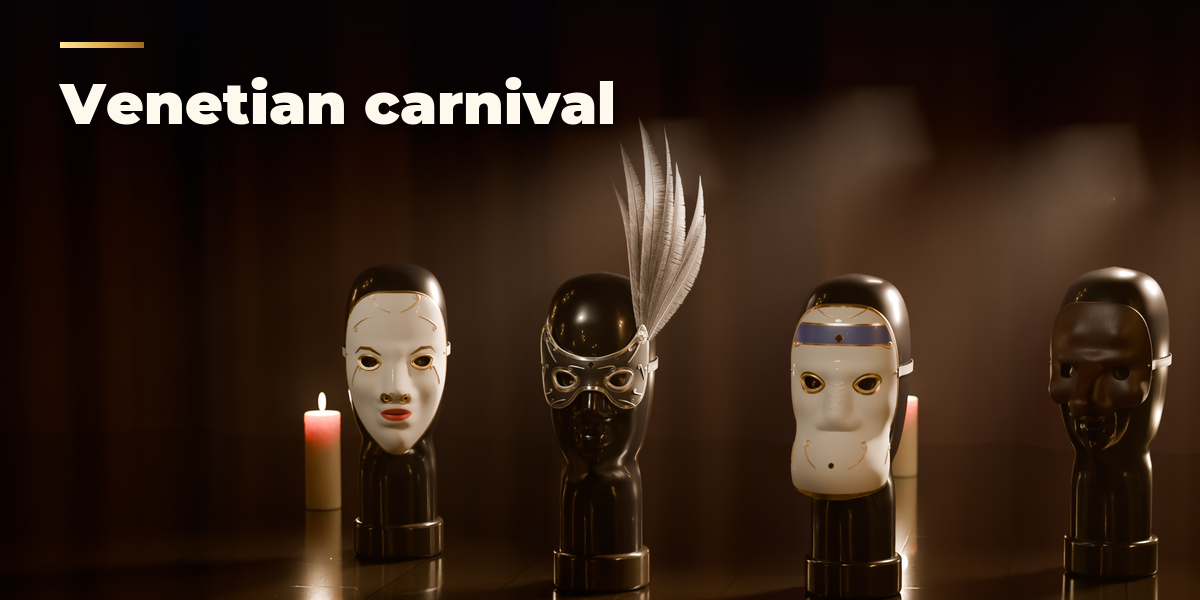
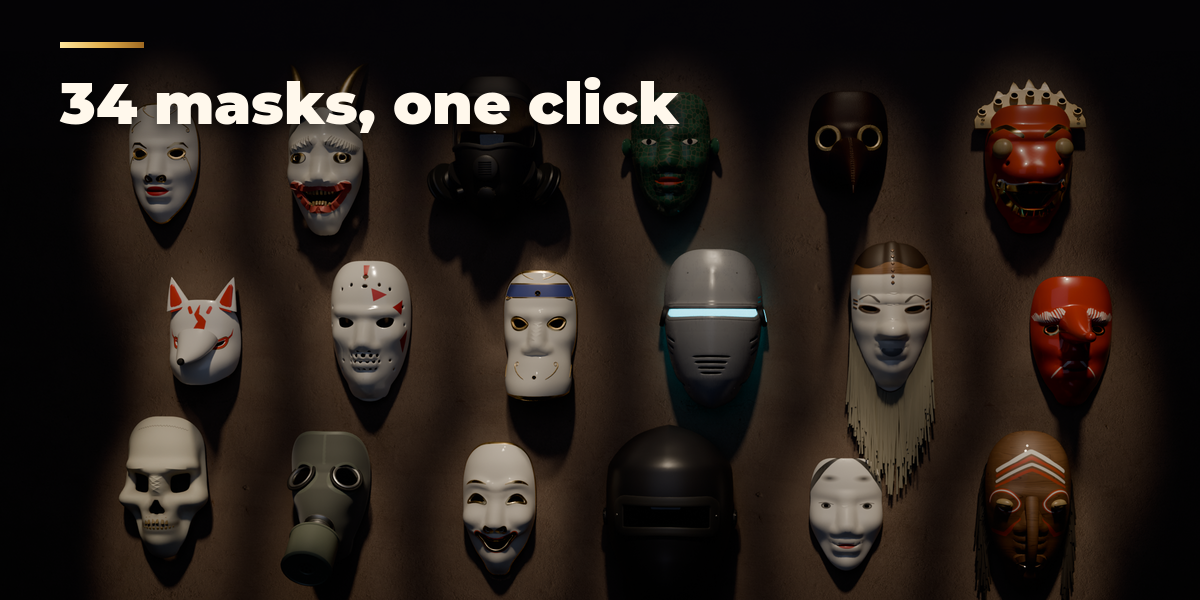

Installation
In Blender open Edit, Preferences, Get Extensions, then use Install from Disk and pick the zip.
Usage
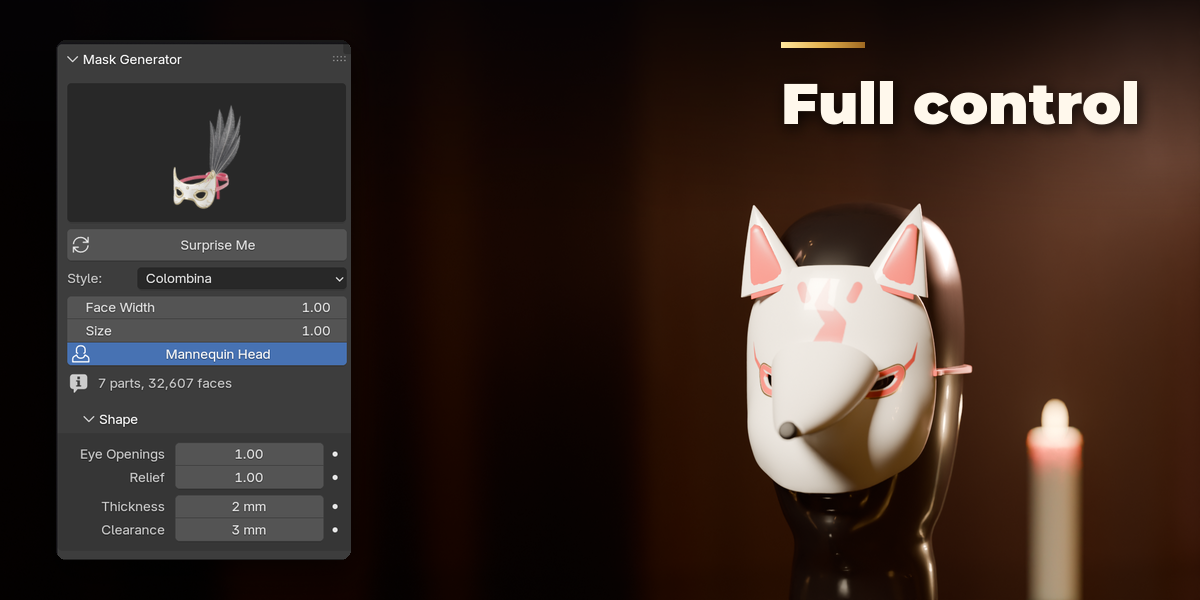
- Open the 3D Viewport sidebar (N) and the Mask tab, or use Add, Mask.
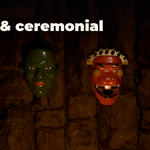
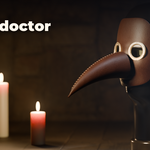
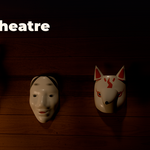
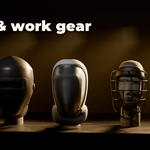
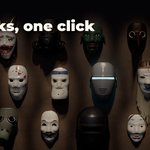
- Click a preset picture to add that mask at the 3D cursor.
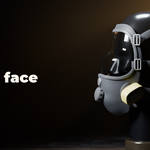
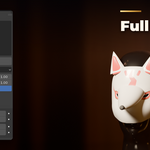
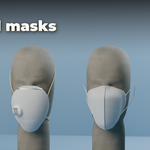
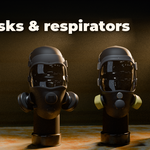
- Press Surprise Me for a random variation, or change the Shape, Details, Finish and Fit sub-panels; the mask rebuilds live.
- Use Apply as Meshes to turn the mask into plain mesh objects for export.
Tips
Mannequin Head displays a head for fitting. Face Width and Face Length fit the mask to your character.
Have questions about this product?
Login to message
| Blender Extension Compatible | Yes |
| Published | 1 day ago |
| Blender Version | 4.2 - 5.2 |
| Extension Type | Add-on |
| Render Engine Used | Cycles, Eevee |
| License | GPL |

Discover more products like this
noh costume respirator halloween masquerade tribal venetian Generator procedural gas mask props mask