Masknode V1.2
 CGCocktail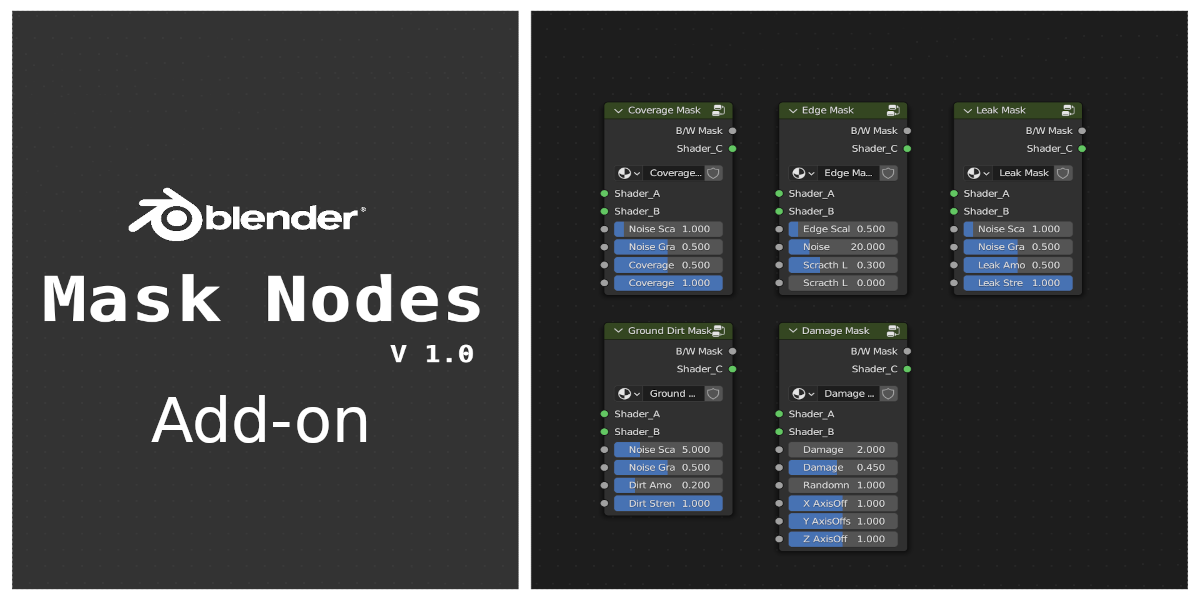
What is MaskNodes ?
MaskNodes is custom node groups that procedurally generate black-and-white texture which can be used to add detail to your material
How to install ?
In Blender, navigate to Edit -> Preferences. Then the Addons tab.
Hit the install button, locate the zip and install the zip file.
Make sure the addon is displayed in the list and enabled
How to use ?
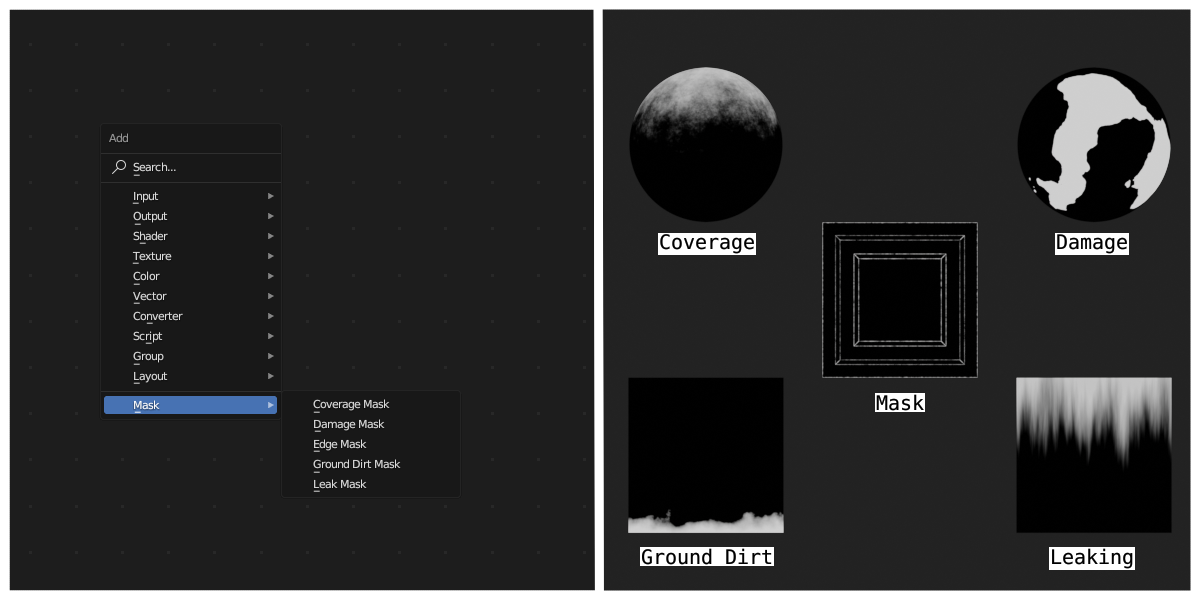
After installing the add-on a new category 'Mask' will appear in shared editor's 'Add' menu (Shift+A), you can select the required mask from there. ( 'Mask' category will only appear if 'Use Node' check box is checked)
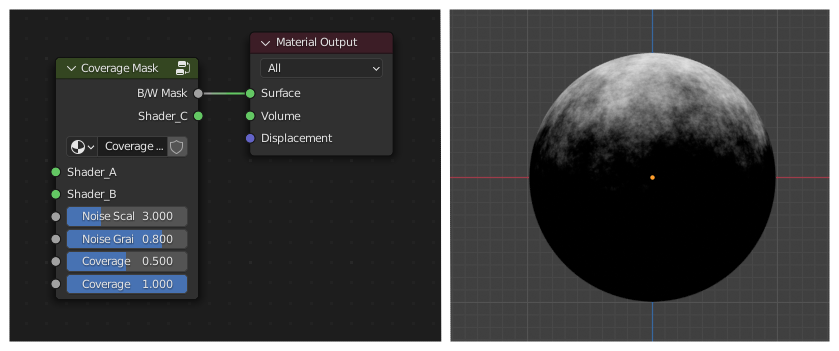
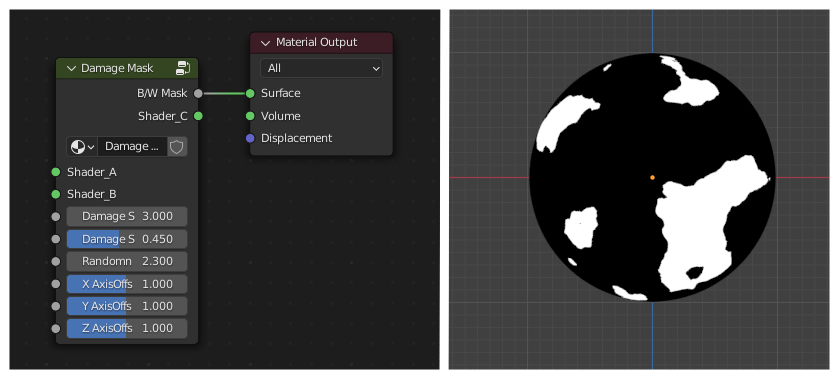
Mask nodes can be used in two methods

Both methods gives same result
Types of Mask Available
1. Coverage Mask

2. Damage Mask

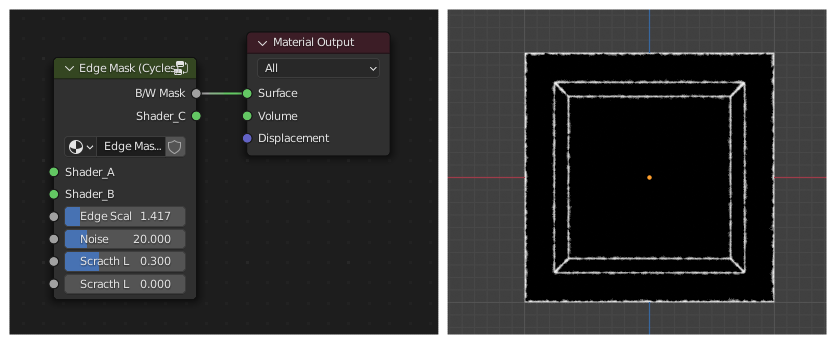
3. Edge Mask

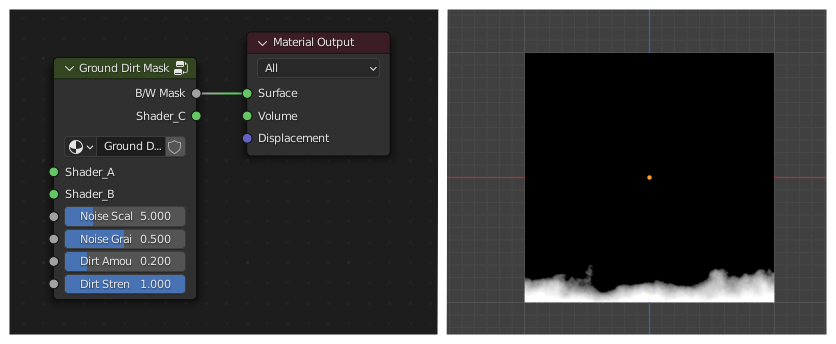
4. Ground Dirt Mask

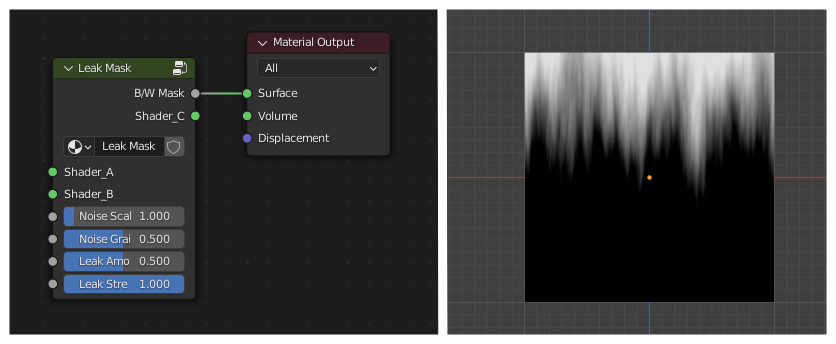
5. Leak Mask

*Note:
1. Edge Mask work only in cycles render engine
2. MaskNode's custom group will not appear when searched in add menu (Shift+A)
Have questions about this product?
Login to message
| Blender Extension Compatible | Yes |
| Sales | 100+ |
| Dev Fund Contributor | |
| Published | over 3 years ago |
| Blender Version | 3.0 - 5.1 |
| Extension Type | Add-on |
| Render Engine Used | Cycles, Eevee |
| License | GPL |
Discover more products like this
smartmaterial custom nodes Cycles detail addons for texturing Add-on edge detection blender procedural materials leaking Advanced Shader blender script Procedural leak cgcocktail blender-node procedural damage eevee coverage custom node Shader procedural ground dirt texture addons mask #procedural shaders Procedural edge mask advanced-material addon scripts procedural shader 3d_monkeyx