Masknode V1.2
 CGCocktail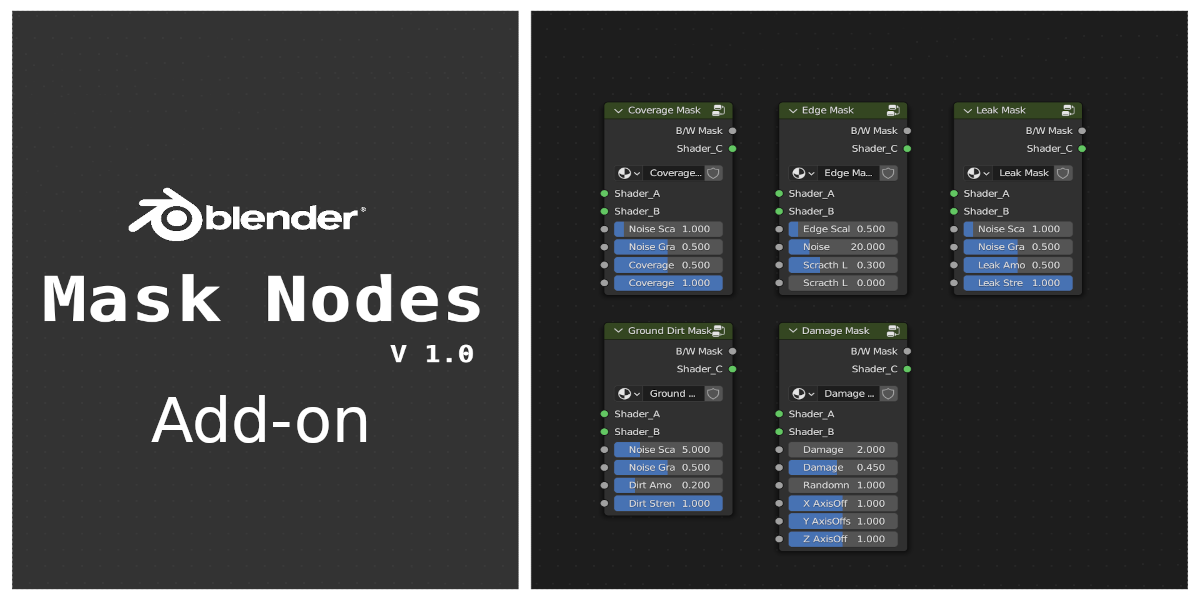
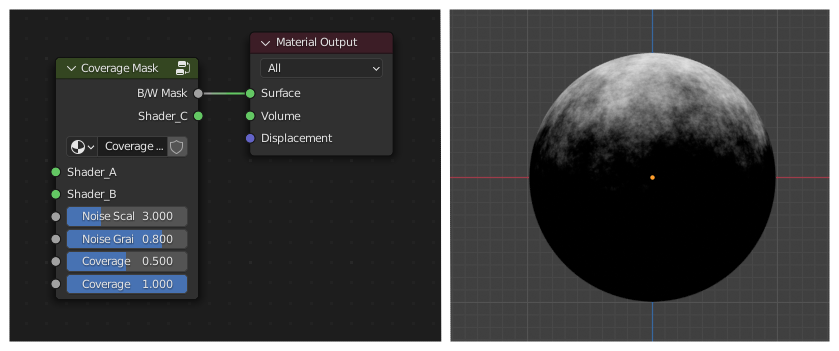
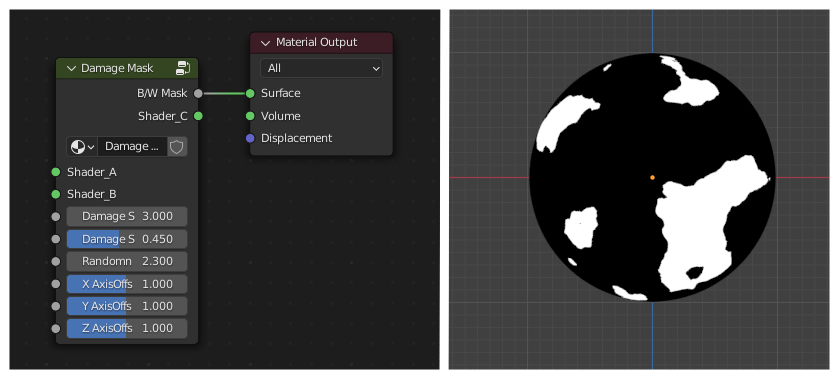
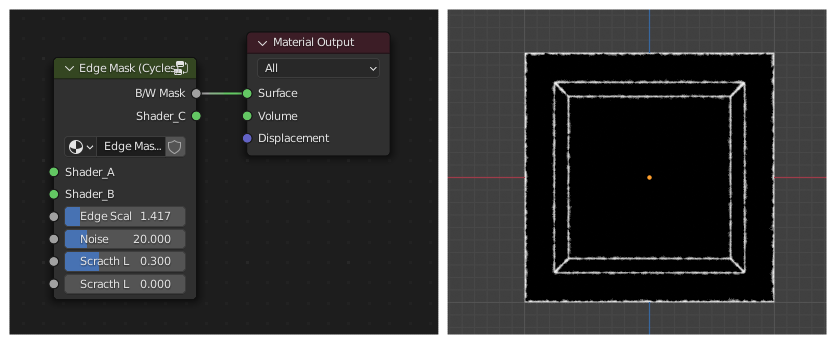
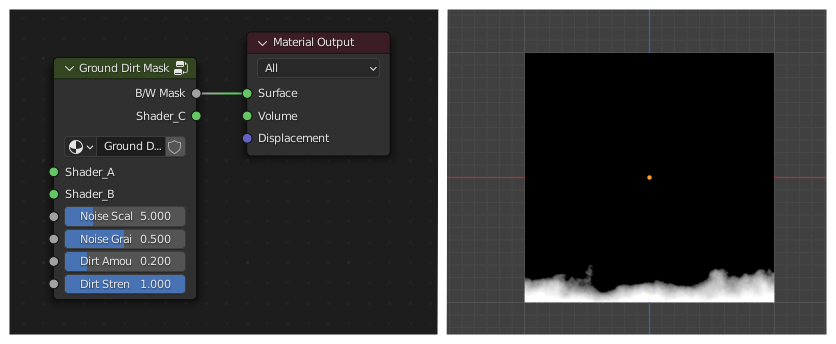
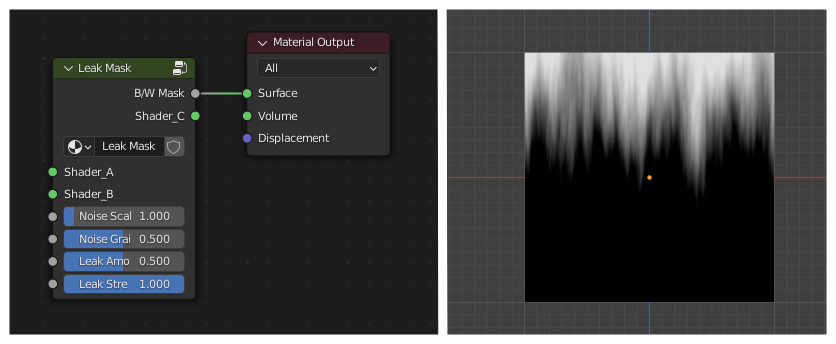
Edge mask won't work on EEVEE render engine, Make sure your using cycles render engine.
Apply rotation and scale transformation for the object

to apply rotation and scale transformation select the object then (Ctrl + A) and select Rotation & Scale from the apply menu
when new version released remove the current version by following these step
In Blender, navigate to Edit -> Preferences. Then the Addons tab.
Search for MaskNode and expand it
click the remove button

now install the new version by following these steps
In Blender, navigate to Edit -> Preferences. Then the Addons tab.
Hit the install button, locate the MaskNode new version zip and install the zip file.
Make sure the addon is displayed in the list and enabled
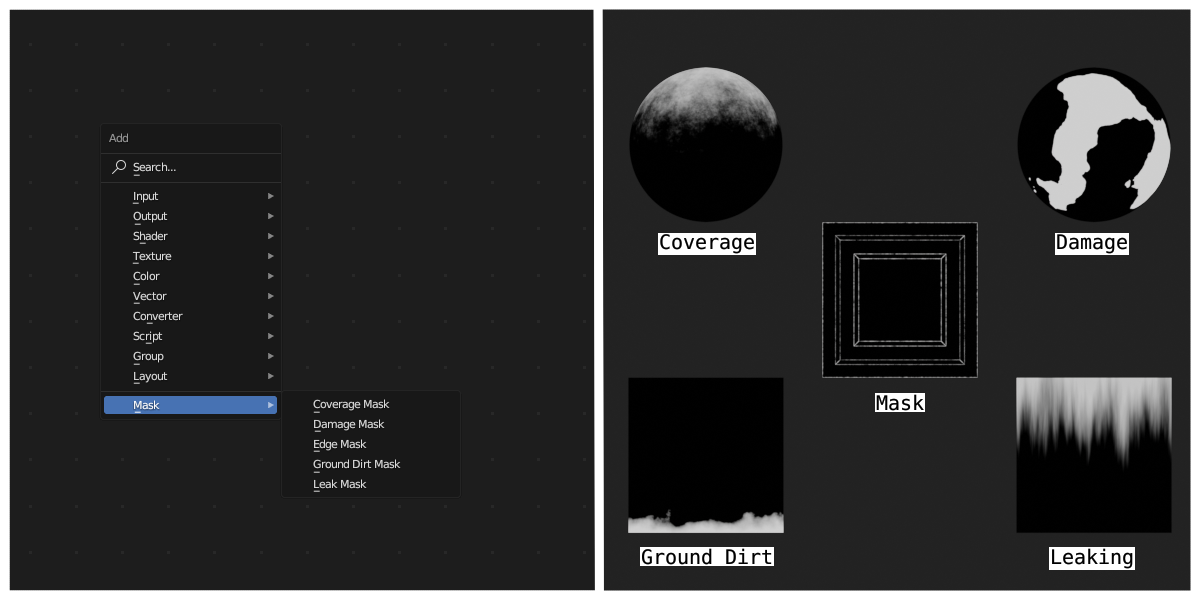
MaskNode's custom group will not appear when searched in add menu (Shift+A), Alternatively your can use 'F3' to search masks

Make sure 'Use Node' checkbox is checked

Have questions about this product?
Login to message
| Blender Extension Compatible | Yes |
| Sales | 100+ |
| Dev Fund Contributor | |
| Published | over 3 years ago |
| Blender Version | 3.0 - 5.1 |
| Extension Type | Add-on |
| Render Engine Used | Cycles, Eevee |
| License | GPL |
Discover more products like this
Procedural leak smartmaterial blender script advanced-material blender procedural materials Shader eevee custom node blender-node leaking Procedural edge mask addon scripts procedural damage cgcocktail 3d_monkeyx custom nodes procedural shader texture detail addons edge detection addons for texturing procedural ground dirt Advanced Shader Add-on mask #procedural shaders coverage Cycles