Match Transform
 marvluebke


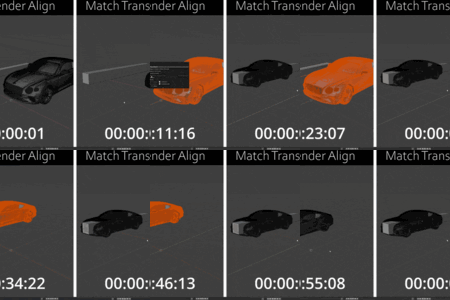
Installation
- Download the addon zip containing the .py file
- Open Blender → Edit → Preferences → Add-ons
- Click "Install..." and select the zip file
- Enable "Match Transform"
- Open the 3D Viewport sidebar (N key) → Tool tab
Basic Usage
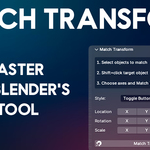
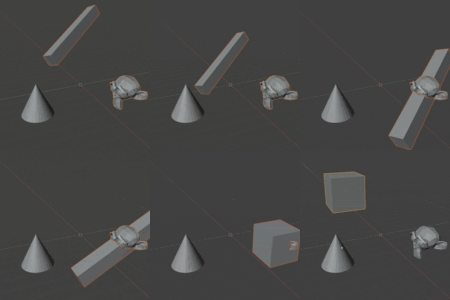
- Select the objects you want to align
- Shift+click the target object (the one you're aligning to)
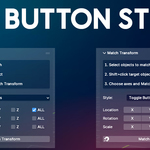
- Check which axes you want to match
- Click "Match Transform"
Done.

Discover more products like this
align geometry matching 3D alignment tools aligner align alignment align object copy transform Fast match match transforms