 bashpacks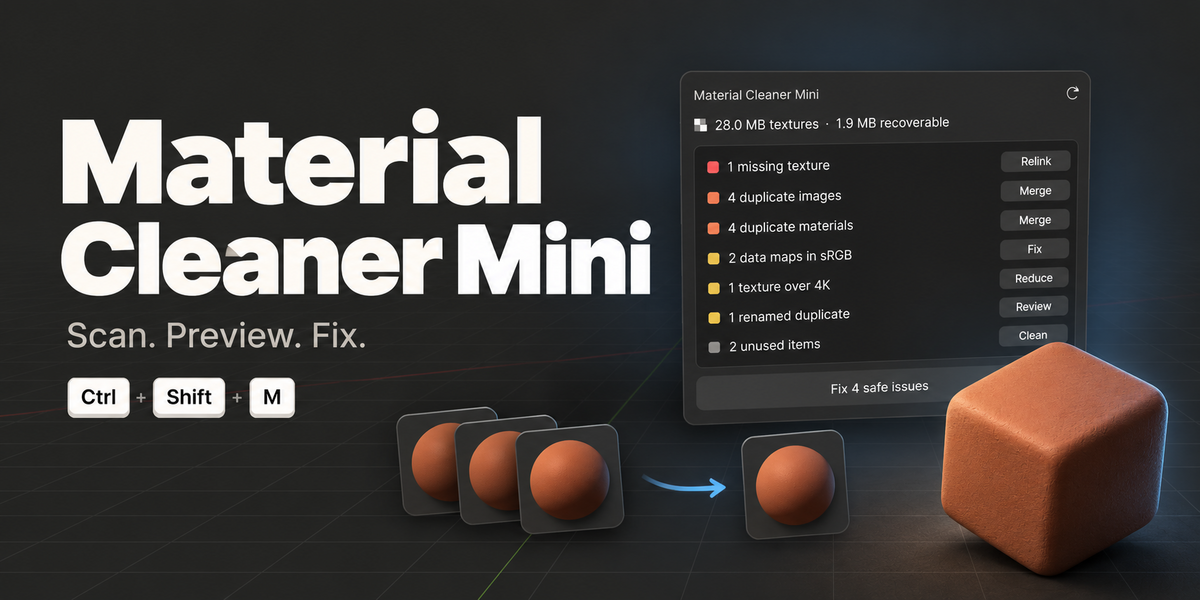
Version 0.1.1 · by bashpacks
NOW SERVING · BLENDER 5.1
★ ★ ★
MATERIAL CLEANER
MINI
SAME-DAY CLEANING FOR MESSY .BLEND FILES
| TICKET Nº 0.1 | DROP-OFF CTRL+SHIFT+M | PICK-UP 1 UNDO STEP |
Your scene comes in messy.
It leaves clean.
Mini scans the file, writes up every item on a ticket, washes what's safe in one go, and asks before anything delicate.
ITEMS RECEIVED
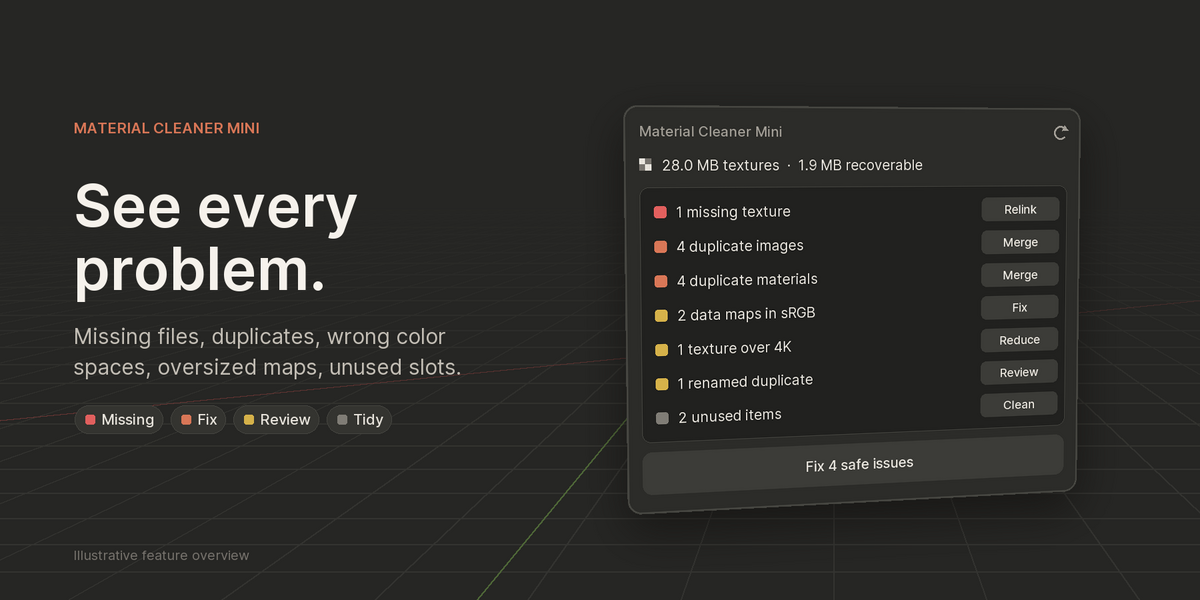
| 1 × | Missing texture ......... | RELINK | ? hand |
| 4 × | Duplicate images ........ | MERGE | 1× machine |
| 4 × | Duplicate materials ..... | MERGE | 1× machine |
| 2 × | Data maps stained sRGB .. | RETAG | ? hand |
| 1 × | Texture over 4K ......... | REDUCE | ? hand |
| 1 × | Renamed duplicate ....... | REVIEW | ? hand |
| 2 × | Unused slots & orphans . | CLEAN | 1× machine |
1× |
MACHINE WASH. All together, one click, one undo step. Merges identical data and tidies unused items. |
? |
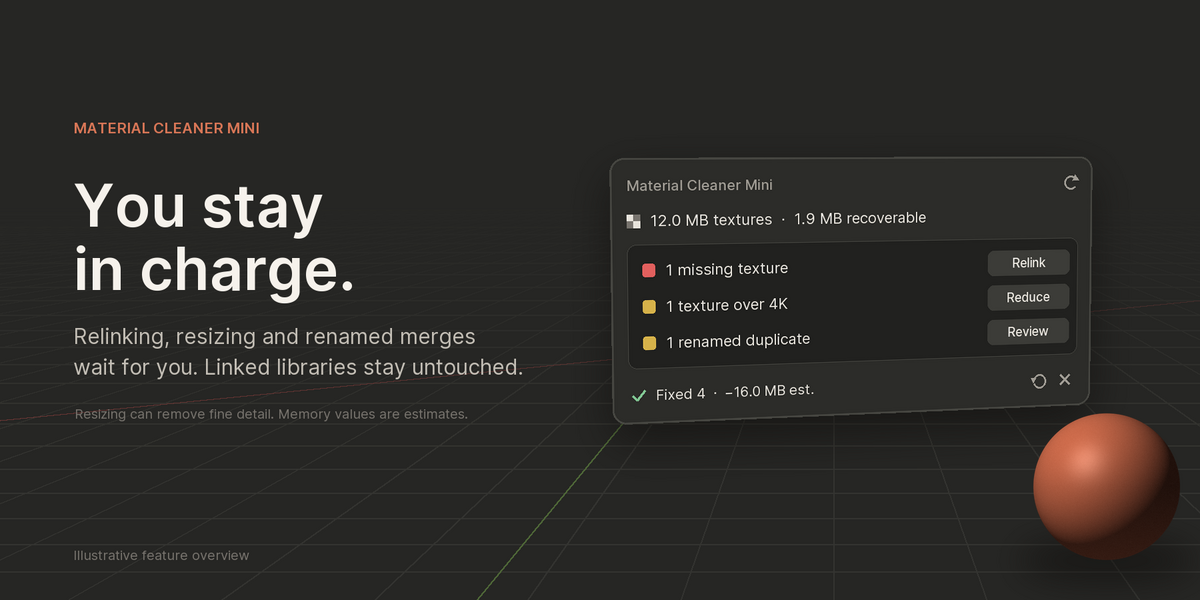
HAND WASH ONLY. The ? means we ask. Anything that can lose detail or needs a decision waits for your OK. |
| TEXTURES IN | 28.0 MB |
| TEXTURES OUT | 12.0 MB |
| UNDO | FREE |
| YOU SAVE* | −16.0 MB |
*Example file. Estimated decoded texture size, not measured RAM/VRAM.
CLEANED
THE WASH CYCLE
Simplified UI, drawn to match the real popup.
|
File Edit Render Window Help Material Cleaner ⌄
or CTRLSHIFTM in any editor |
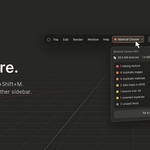
1 · DROP-OFF Open it anywhere. Top-bar button or Ctrl+Shift+M. It scans at once and changes nothing. |
||
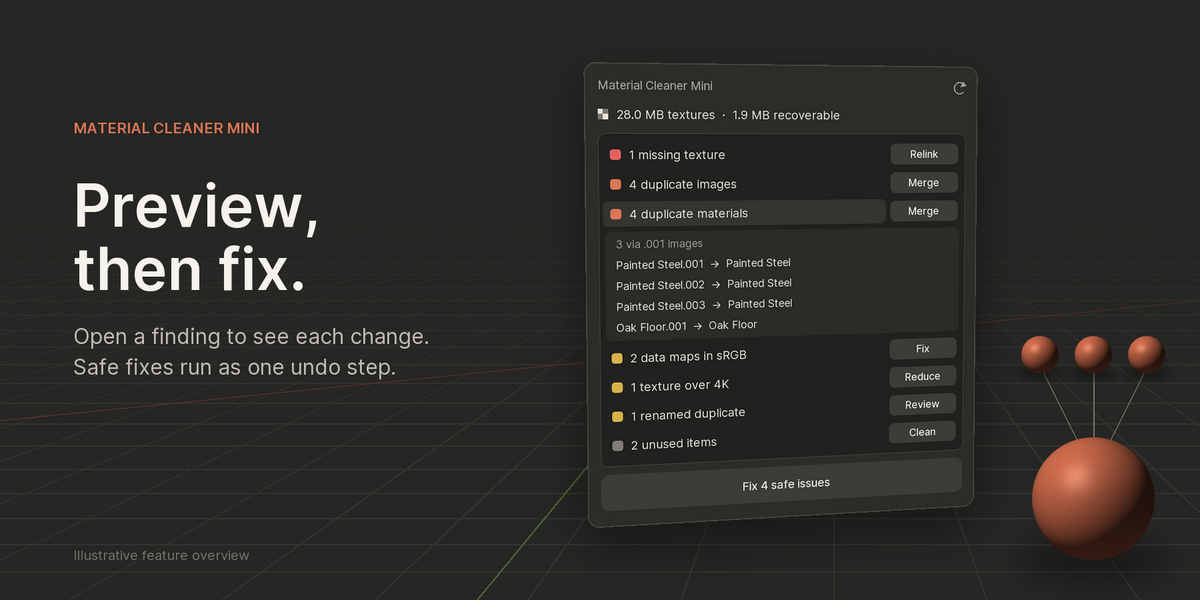
3 via .001 images
Painted Steel.001 → Painted Steel Painted Steel.002 → Painted Steel Oak Floor.001 → Oak Floor |
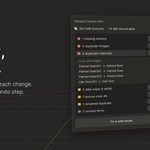
2 · INSPECTION See every change first. Click a row to list exactly what it will touch. |
||
Fix 3 safe issues
↓
|
3 · MACHINE WASH Fix the safe ones. Duplicates merge and unused items go. One click, one undo step. |
||
search folder + subfolders
D:/projects/textures/ ✓ Relinked 1 of 1 |
4 · HAND WASH Relink missing files. Pick a folder. Mini finds the files by name, subfolders included. |
||
1 texture(s) over 4K
1K2K4K
Lowers texture detail. Undo restores it before saving. OK |
5 · HAND WASH Reduce oversized textures. Choose 1K, 2K or 4K. Mini warns you first and makes smaller packed copies. |
||
OakFloor ≡ Wood
Confirm? OK |
6 · HAND WASH Review renamed duplicates. Same material, different name. Nothing merges until you confirm. |
ON FILE
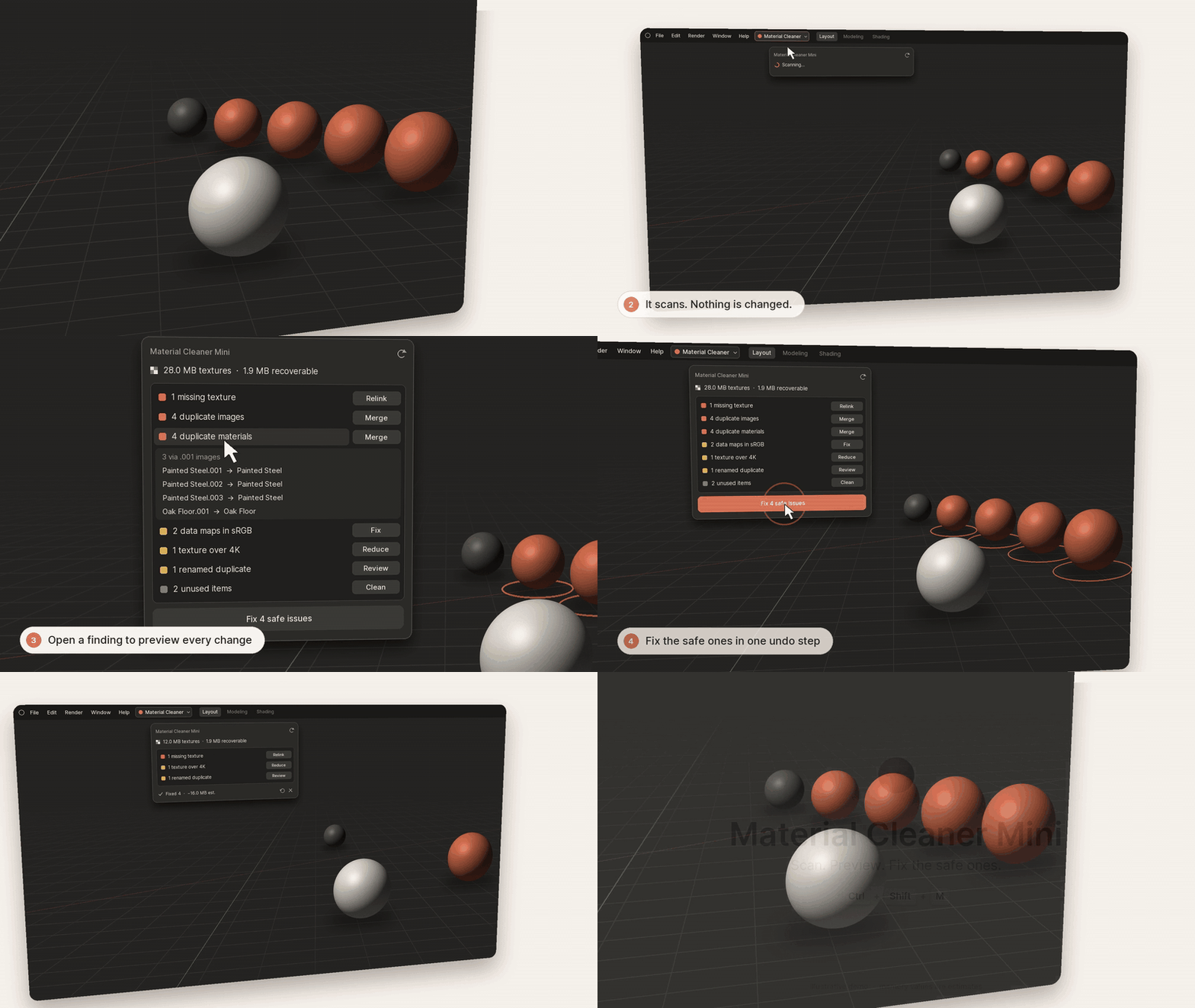
EXHIBIT A · The whole cleaning in 13 seconds. Illustrative demo with simulated UI.
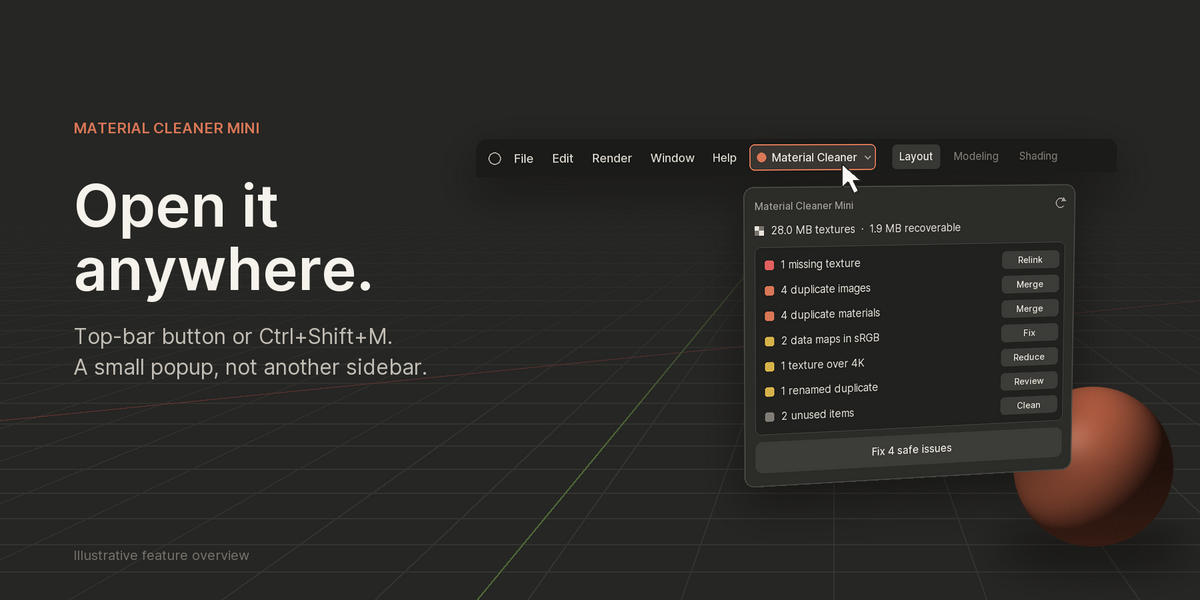 EXHIBIT B · Drop-off: the top-bar button or Ctrl+Shift+M, in any editor. Scanning changes nothing. |
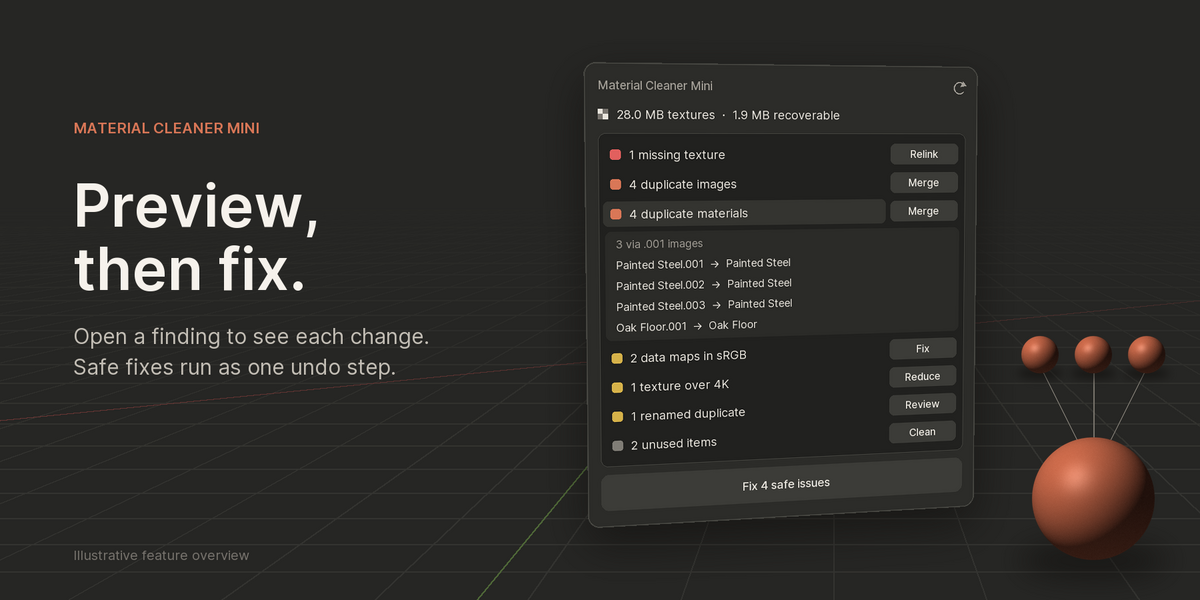 EXHIBIT C · Inspection: click any item to see exactly what will be touched. |
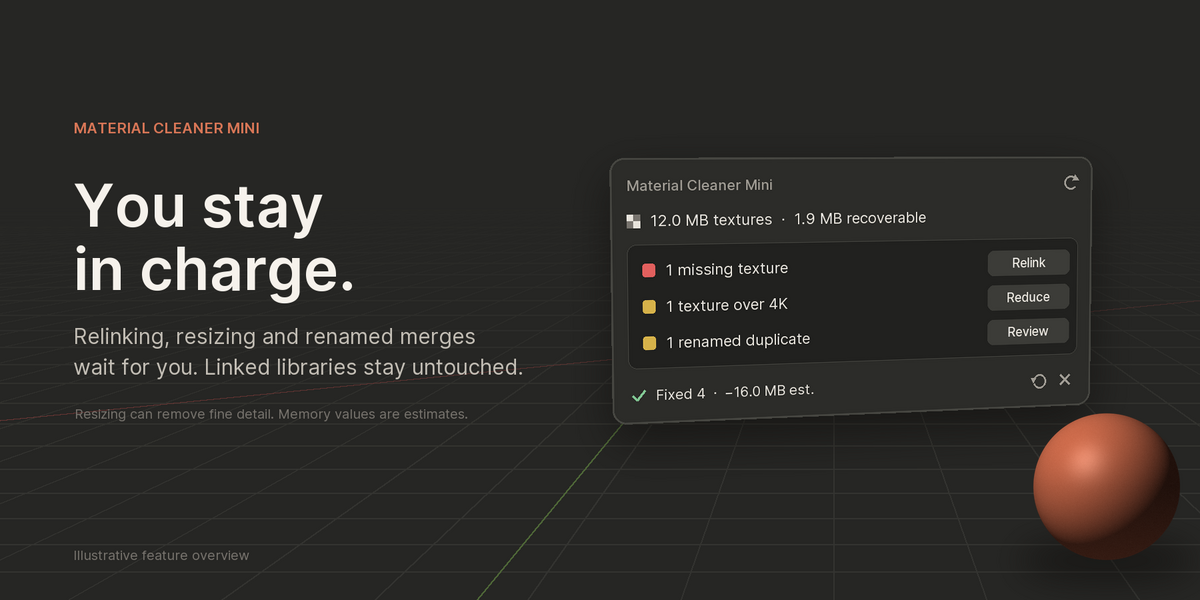 EXHIBIT D · Pick-up: machine-wash items done, hand-wash items waiting for you. |
CARE INSTRUCTIONS
LOOK ALL YOU LIKE. SCANNING NEVER CHANGES ANYTHING.
TEXTURES STAY OUT OF MEMORY WHILE WE LOOK.
(SIZES READ FROM PNG/JPEG FILE HEADERS)
LINKED LIBRARIES: DO NOT TOUCH. WE DON'T.
ONLY WHAT'S ON THE TICKET GOES IN THE WASH.
RESIZED TEXTURES MAY LOSE FINE DETAIL. WE ASK FIRST.
|
CLAIM STUB · Nº 0.1 DROP-OFF ANY TIME: CTRLSHIFTM BLENDER: 5.1 (TESTED ON WINDOWS) INSTALL: PREFERENCES → ADD-ONS → INSTALL FROM DISK |
MCM · 0.1 · ⌃⇧M |
FINE PRINT: THE MANAGEMENT IS NOT RESPONSIBLE FOR DETAIL LOST IN HAND-WASH ITEMS YOU APPROVE. ALL WEIGHTS ARE ESTIMATES FROM AN EXAMPLE FILE. IMAGES ARE ILLUSTRATIVE. THANK YOU, COME AGAIN.