 Ydeaz
Ydeaz


Introduction
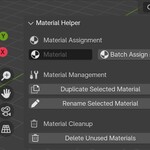
Material Helper is a Blender add-on designed to streamline material management by providing tools for batch material assignment, duplication, renaming, and cleanup.
Installation
Open Blender and go to Edit > Preferences.
Navigate to the Add-ons tab.
Click Install…, select the Material Helper
.zipfile, and click Install Add-on.Enable the add-on by checking the box next to Material Helper.
Close Preferences.
How to Use the Add-on
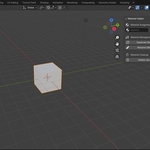
The add-on is located in the N-Panel > Material Helper tab. Below are the available functions:
1. Assign Materials
-
Batch Assign Material:
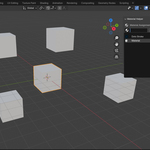
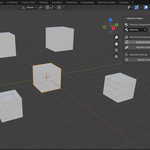
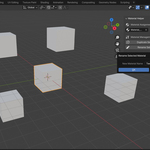
Select multiple objects in the viewport.
Choose a material from the dropdown list.
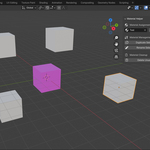
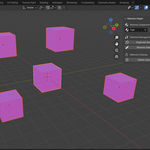
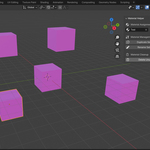
Click Batch Assign Material to apply the selected material to all chosen objects.
2. Material Duplication & Renaming
-
Duplicate Selected Material:
Select an object with the material you want to duplicate.
Click Duplicate Selected Material to create a copy with a unique name.
-
Rename Selected Material:
Select an object with the material you want to rename.
Enter a new name in the provided text field.
Click Rename Selected Material to apply the new name.
3. Material Cleanup
-
Delete Unused Materials:
Removes all materials that are not assigned to any objects in the scene.
4. Additional Notes
The add-on prevents renaming to an empty name to avoid errors.
Icons are added to buttons for better usability.
All actions update the materials in real time.
Troubleshooting
If buttons do not work, ensure the add-on is properly enabled in Edit > Preferences > Add-ons.
If renaming or duplication fails, check the system console (
Window > Toggle System Console) for error messages.
