 Damian Mathew




MOUVAL Material Manager
Professional material management for Blender with visual previews and smart indicators. Quickly organize, clean up, and control all materials in your scene.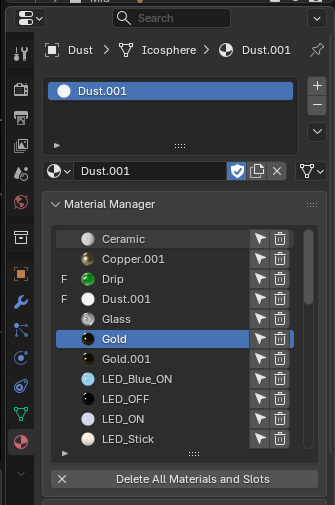
✨ Key Features
- Material Preview Icons — See material thumbnails at a glance
-
Usage Indicators — Instantly identify unused materials (
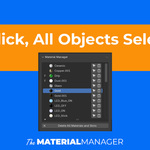
0) and fake users (F) - One-Click Selection — Select all objects using a specific material
- Quick Delete — Remove materials individually or bulk-delete all materials from selected objects
- Hidden Object Detection — Get warnings when materials are used by hidden objects
- Clean Interface — Streamlined UI in the Material Properties panel
🚀 How to Use
- Open the Material Properties panel
- Find the Material Manager section
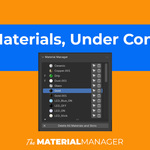
- View all scene materials with preview icons and indicators:
-
0= Material has zero users (unused) -
F= Material has fake user enabled
-
- Click the select icon to select all objects using that material
- Click the trash icon to delete a material
- Use "Delete All Materials and Slots" to clear materials from selected objects
💡 Perfect For
- ✓ Cleaning up complex scenes with many materials
- ✓ Finding which objects use specific materials
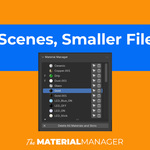
- ✓ Removing unused materials to optimize file size
- ✓ Managing material libraries efficiently
📍 Location: Properties → Material → Material Manager
⚙️ Compatibility: Blender 2.80+ as well as 5.0
Developed by MOUVAL LLC | Professional Blender Tools