 Christopher Groff


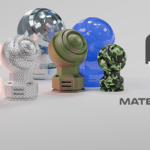
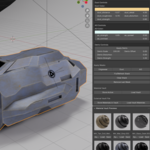
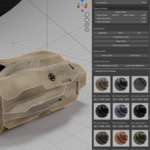
NOW COMPATIBLE WITH BLENDER 5.+ JUST INSTALL THE MATERIALVAULT ZIP FILE INSTEAD OF THE ONE CALLED MATERIAL VAULT_ADDON.ZIP FOR BLENDER 5.0+
✅ Material Vault – Complete Surface Creation & Decal Toolkit for Blender
Material Vault is a professional, artist‑focused texturing suite for Blender that combines three powerful tools into one seamless workflow:
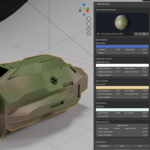
- Material Vault Core – stackable masks, procedural effects, and a persistent material library
- Decal Placer – image‑based decal placement with automatic UVs and aspect‑ratio control
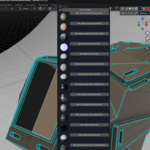
- Quick Material Painter – fast material assignment directly onto mesh faces
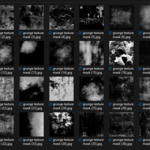
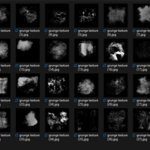
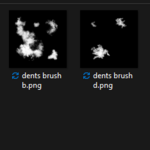
- Over 40 8K Resolution Grunge Masks including separate 49 alpha brushes
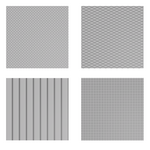
- 7 Procedural Patterns - sci-fi camo, diamond, smooth lines, and more. Bonus Image texture mask for sci-fi panels
- Designed to Create and Store Your Own Smart Materials for Reuse - with all the masks you need, a starter pack of patterns, and grunge masks
- Create Your Own Categories - custom create your own categories for storing including your favorites
Together, they form a unified system for building, detailing, and managing materials with speed, precision, and creative freedom.
Material Vault is designed for hard‑surface artists, game asset creators, environment designers, and anyone who wants a fast, intuitive way to texture models without wrestling with nodes or UVs.
✅ What’s Included in the Material Vault Package
1. Material Vault Core (MV)
A complete material‑building engine with:
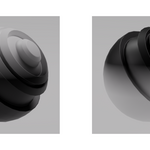
✅ Stackable Procedural Masks (can use with external materials such as pbr materials or create your own materials within Material Vault)
Add layered effects to any material with one click:
- Edge Wear – chipped paint, worn metal, stylized erosion
- Dust Mask – dirt, dust, surface buildup
- Ambient Occlusion Mask – cavity darkening, customize color and contact shadows
- Dents Mask – surface dents, impacts, and micro‑damage
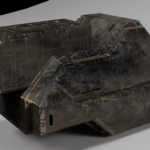
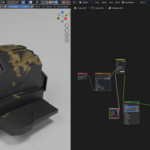
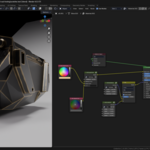
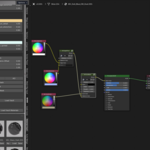
- Scratches - additional surface imperfections- if combining with dents mask use color mix node to combine as in product image (if mesh isn't shading smooth switch bump node from normal to height)
- BONUS- 2 Separate Directional Mask Nodes Included- Top to Bottom and Bottom to Top to complete all your Material Creation needs
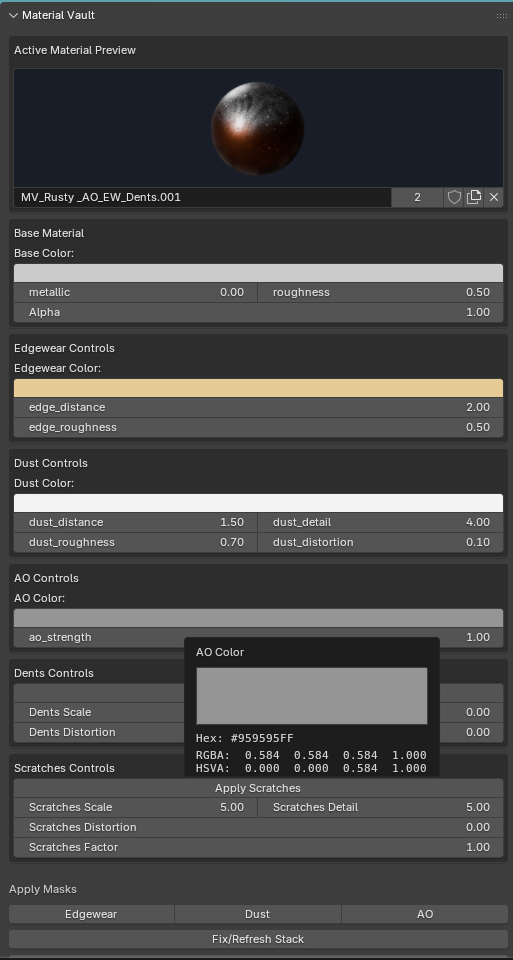
Adjust your material in real time:
- Base Color
- Metallic
- Roughness
- Alpha
- Mask colors
- Mask intensities
- Mask detail and breakup
✅ Texture Painting Option

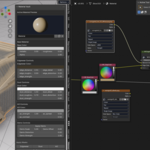
– This feature allow use to build textures upon textures, including setting roughness and normal map. With the click of a button it places the nodes. All you to do is add a second uv map, select it in the uv node, and set your color, load a texture (3 included) and connect the base color node into the color b slot in the MV_PaintMix Node and your all set.
✅ Material Custom Textures for Brushes and Customization Starter Pack for Own Masks - includes 45 custom grunge textures for Texture Painting and Customization of Masks (45 alpha brushes and 40 grunge masks)
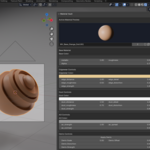
✅ Material Vault Library
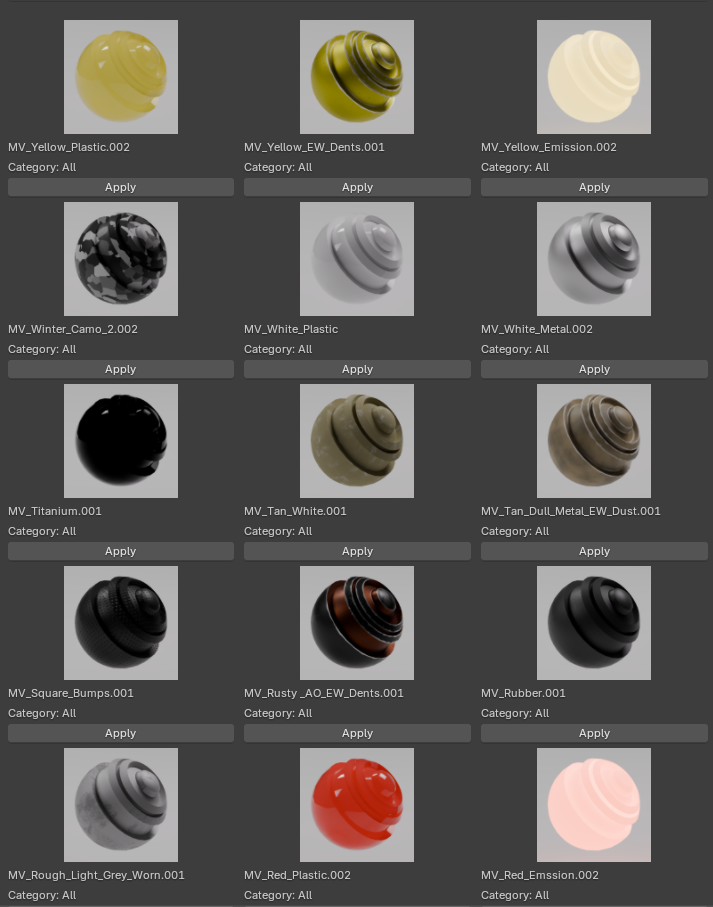
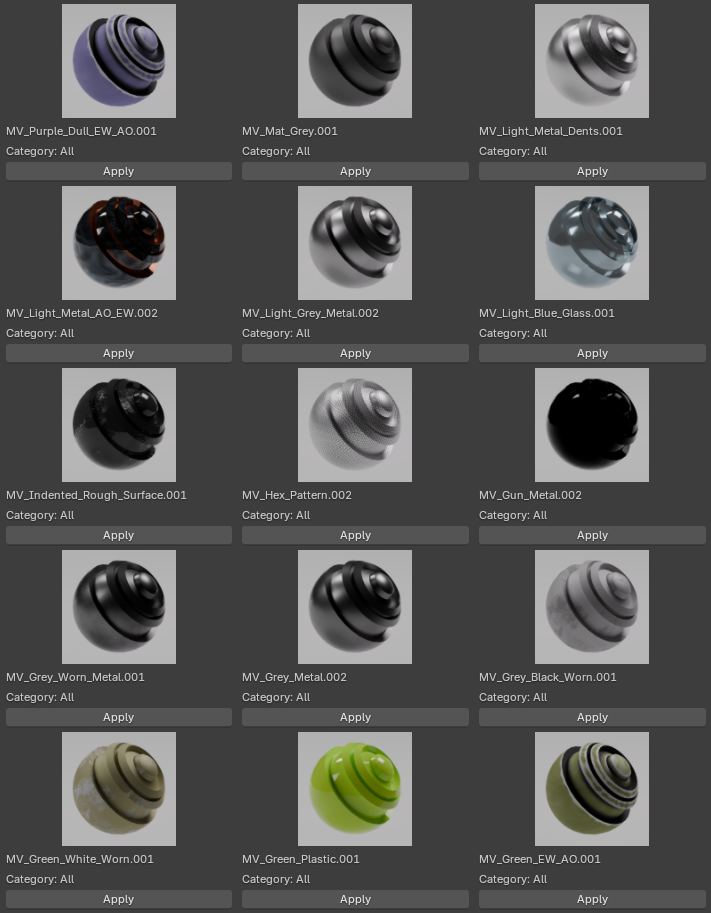
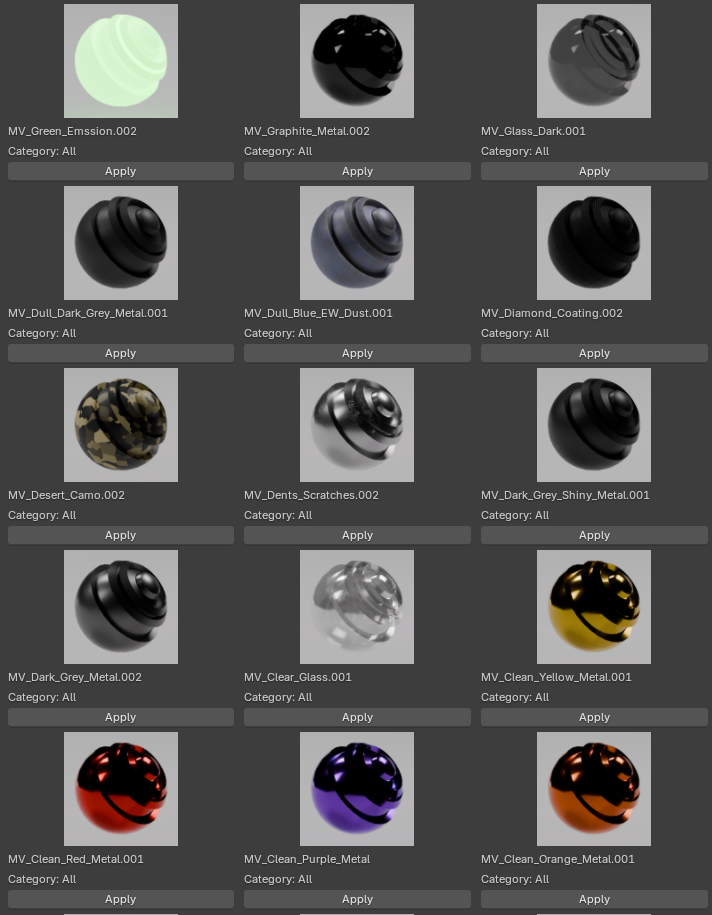
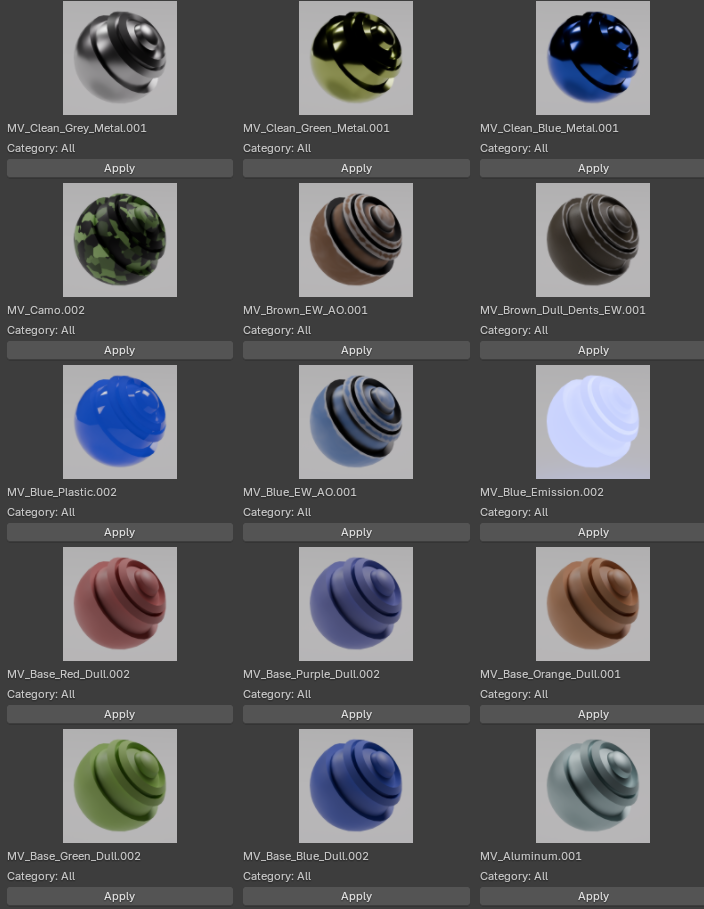
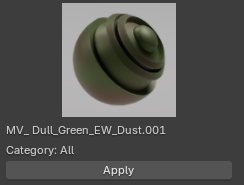
persistent, expandable material library:
- Save any material into your vault
- Load materials across projects
- Export and import vault libraries
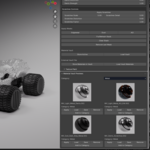
- Auto‑generate preview thumbnails (just add your own camera and lighting)
- Organize materials with internal or external vault files
- Safely remove materials from library
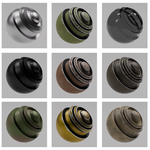
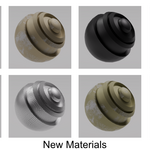
- Includes 60 Materials including metal, glass, rubber, emission, plastic and more!
Material Vault becomes your personal, growing material ecosystem.
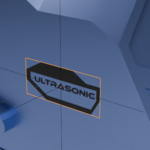
2. Decal Placer
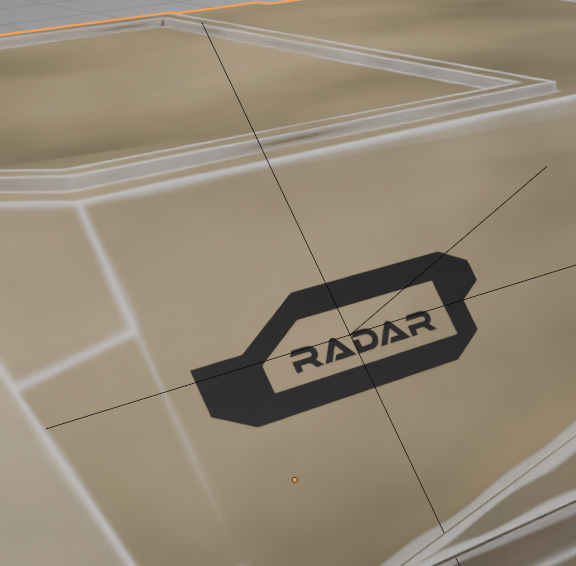
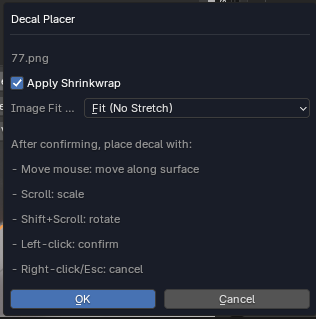
A modern, frictionless decal‑placement tool with:
✅ Automatic UV Generation
No more Smart UV Unwrap.
Every decal plane gets perfect UVs instantly.
✅ Aspect‑Ratio Modes
Choose how your decal fits the plane:
- FIT – preserve aspect ratio (no stretching)
- FILL – fill the plane (cropping allowed)
- STRETCH – stretch to fill (classic behavior)
✅ Raycast Placement
Click anywhere on your model to place the decal:
- Move mouse to slide along the surface
- Scroll to scale
- Shift+Scroll to rotate
- Left‑click to confirm
- Right‑click/Esc to cancel
✅ Shrinkwrap Support
Decals conform perfectly to curved surfaces.
✅ Blender 4.5‑Safe Material Pipeline
Includes all the fixes:
- Pixel buffer evaluation
- GPU texture upload
- Shader recompilation
- Alpha blend transparency
- Backface settings
- Filepath binding
- Customizable hotkey (Shift+Y by default)
Decals always load correctly — no black planes, no invisible textures.
3. Quick Material Painter
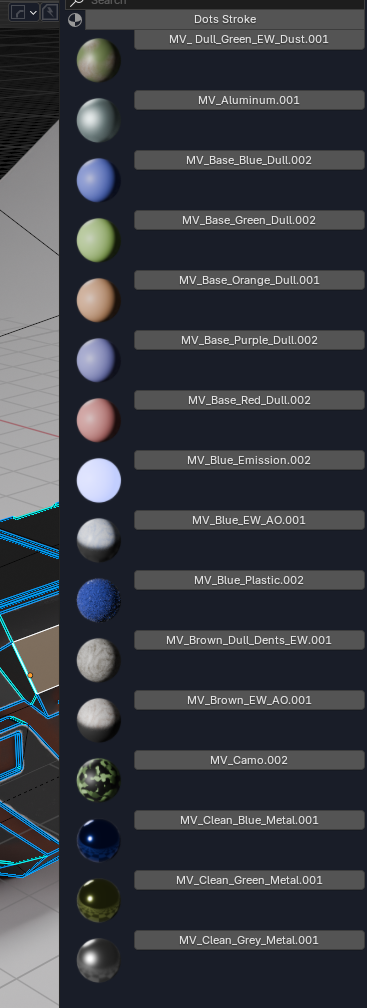
A fast, intuitive face‑painting tool for assigning materials:
- Popup material selector with search
- Material previews
- Assign materials to faces with a single click
- Perfect for hard‑surface paneling, color blocking, and rapid iteration
- Hotkey‑driven (Shift+M by default)
This tool dramatically speeds up the process of applying materials to specific regions of your mesh.
✅ Sci‑Fi Decal Starter Pack (Included)
Material Vault ships with a curated starter pack of sci‑fi decals, perfect for hard‑surface and mech design:
✅ Numbers
- Clean numeric sets (0–9)
- Industrial stencils
- Bold mech‑style numbering
- Micro‑label digits for small parts
✅ Titles & Labels
All decals are PNG with alpha, optimized for the Decal Placer workflow.
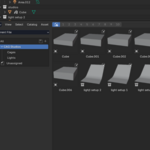
⭐ CAG Studios – Lookdev Lighting Pack

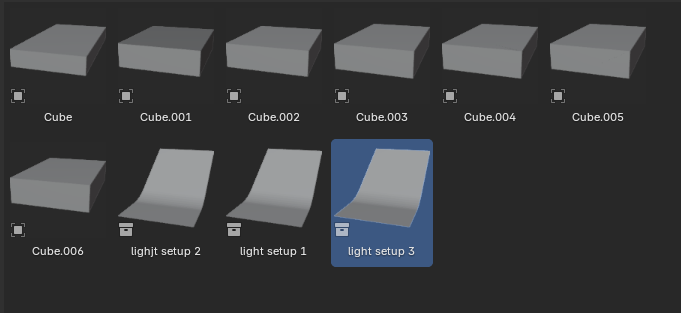
A professional lighting toolkit included with Material Vault
The CAG Studios Lighting Pack is a curated set of studio‑grade lighting assets designed to make your materials, decals, and hard‑surface models look their absolute best. Built for artists who want clean, reliable, production‑ready lighting without the hassle of setting up scenes from scratch, this pack integrates seamlessly with Blender’s Asset Browser for instant drag‑and‑drop use.
🔶 Seven Surround Lighting Boxes
These modular lighting boxes fully enclose your model in a controlled environment, giving you:
• Even, studio‑quality illumination
• Soft, gradient‑based reflections
• Clean silhouettes for product shots
• Perfect conditions for evaluating roughness, metallic, and mask details
Each box is uniquely tuned to highlight different surface responses, making them ideal for testing Material Vault’s edgewear, scratches, dust, and AO layers.
🔶 Three Professional Light Setups + Backdrop
For artists who want a ready‑to‑render presentation scene, the pack includes three handcrafted lighting rigs, each paired with a smooth, modern backdrop.
You get:
• A 3‑Point Studio Rig for clean, cinematic highlights
• A Hard‑Surface Showcase Rig with crisp reflections and controlled shadows
• A Soft Gradient Rig for product‑style renders and portfolio shots
The included backdrop creates a natural falloff and eliminates harsh horizon lines, giving your models a polished, gallery‑ready look.