 Jonas Noell




✓Blender 4.5+ ✓12 months free updates ✓EEVEE & Cycles ✓330+ materials
MATERIALBOX is three things in one: a material library, live previews and the tools to build, tweak and clean up your materials.
 Feature List
MATERIALBOX comes in two versions. See what each one includes
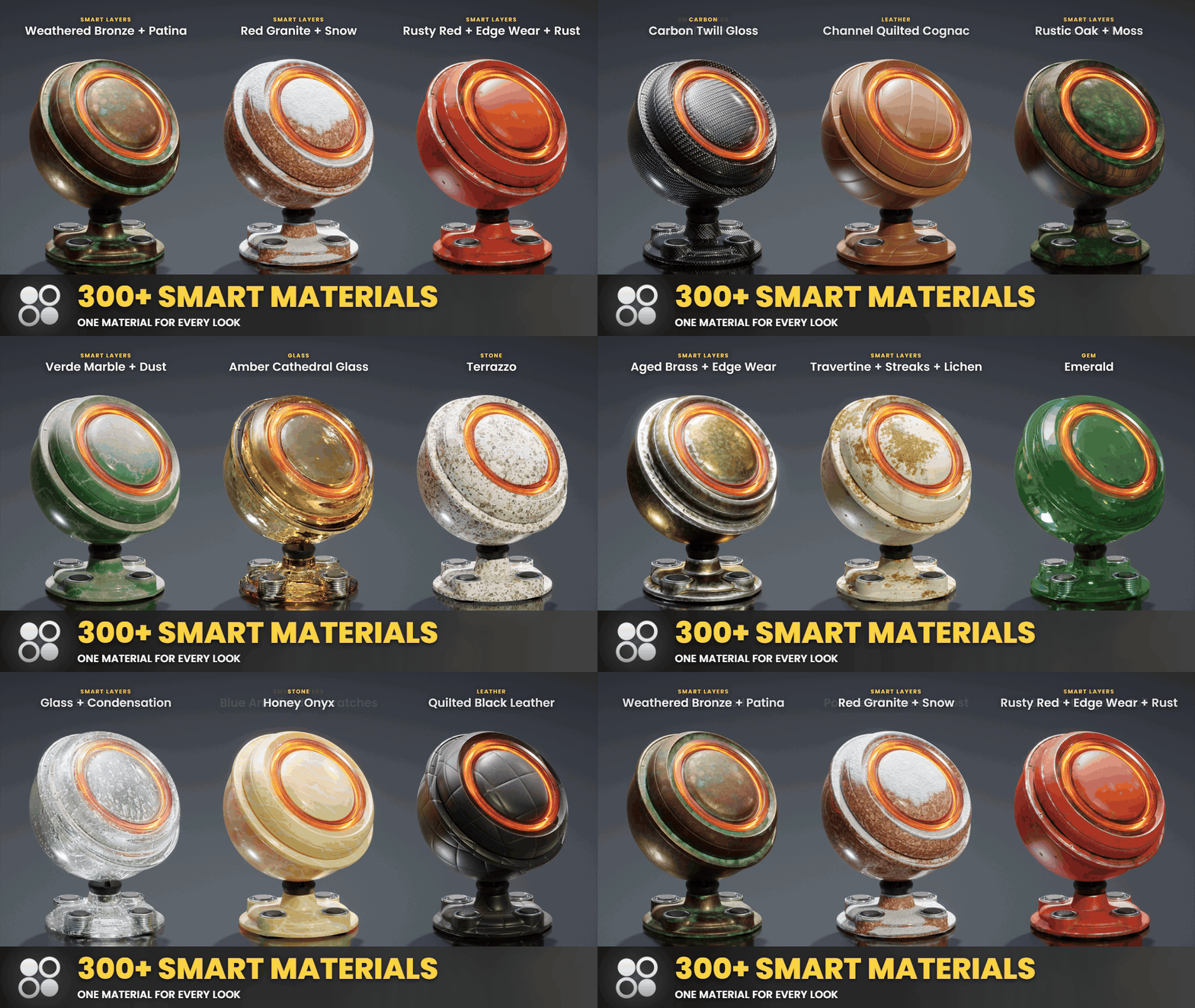
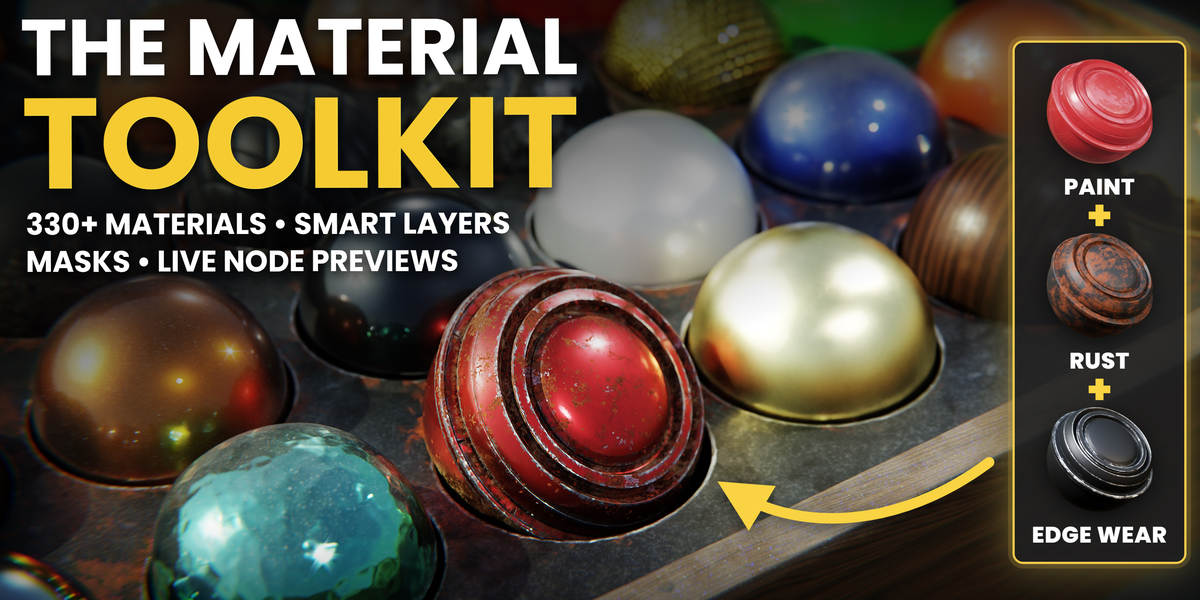
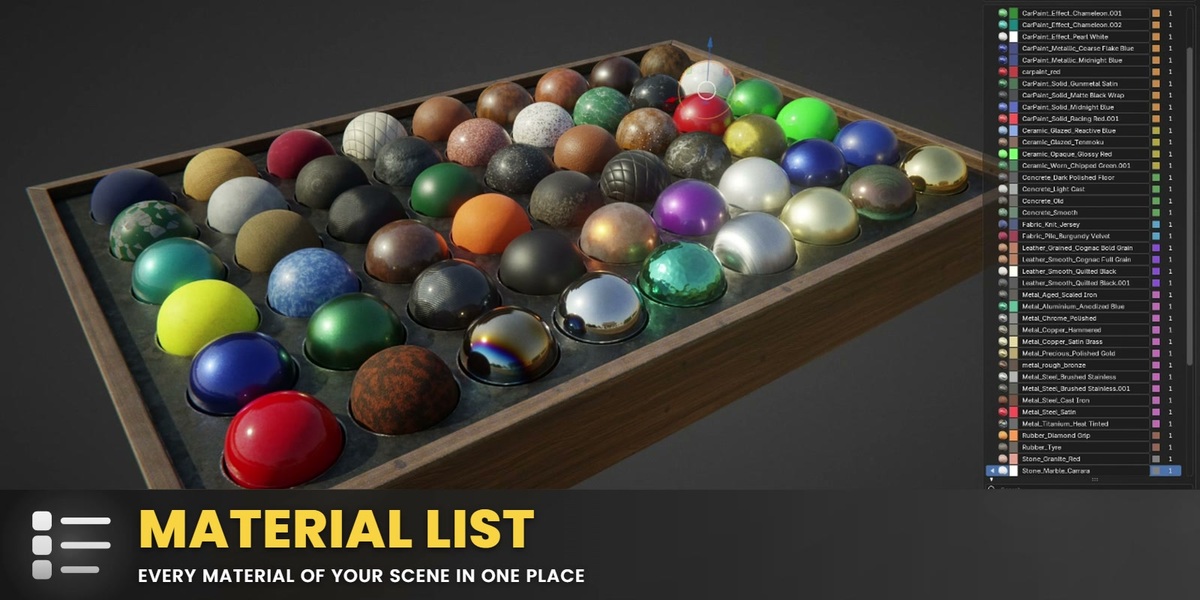
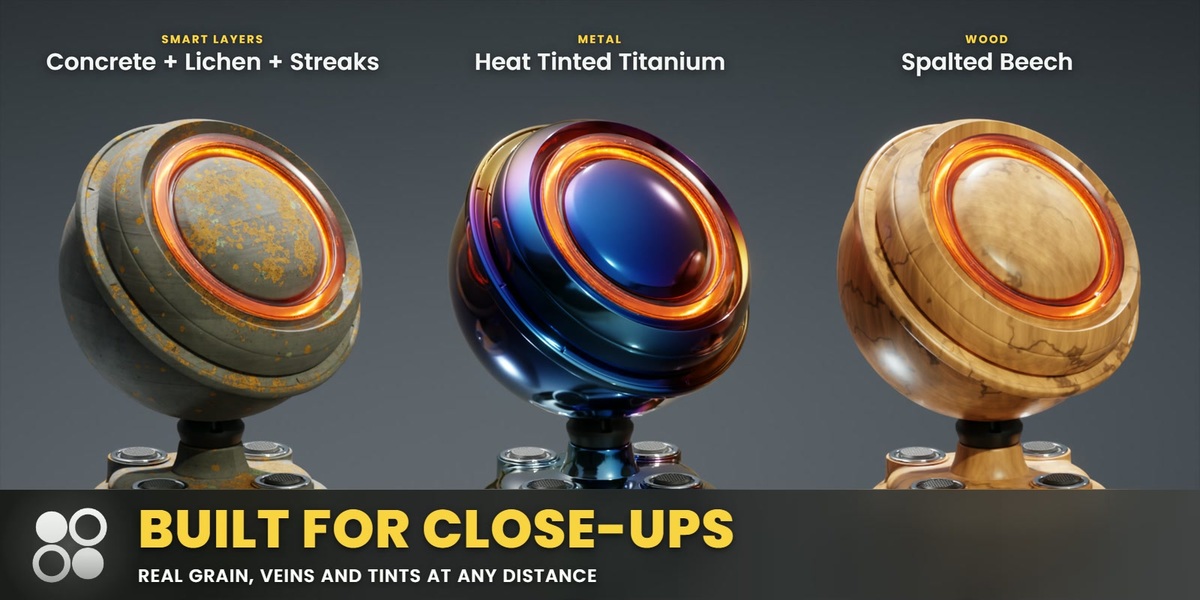
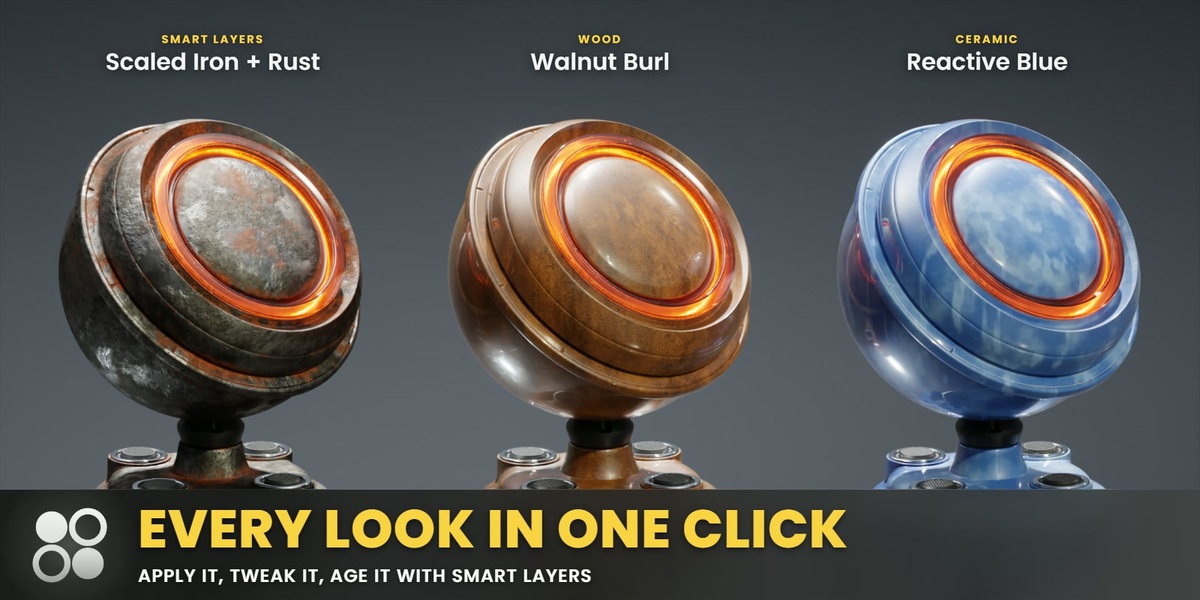
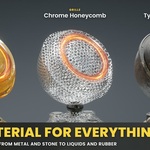
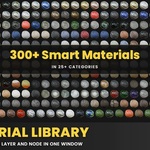
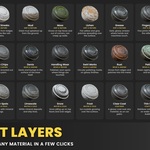
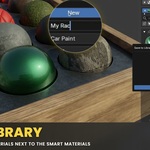
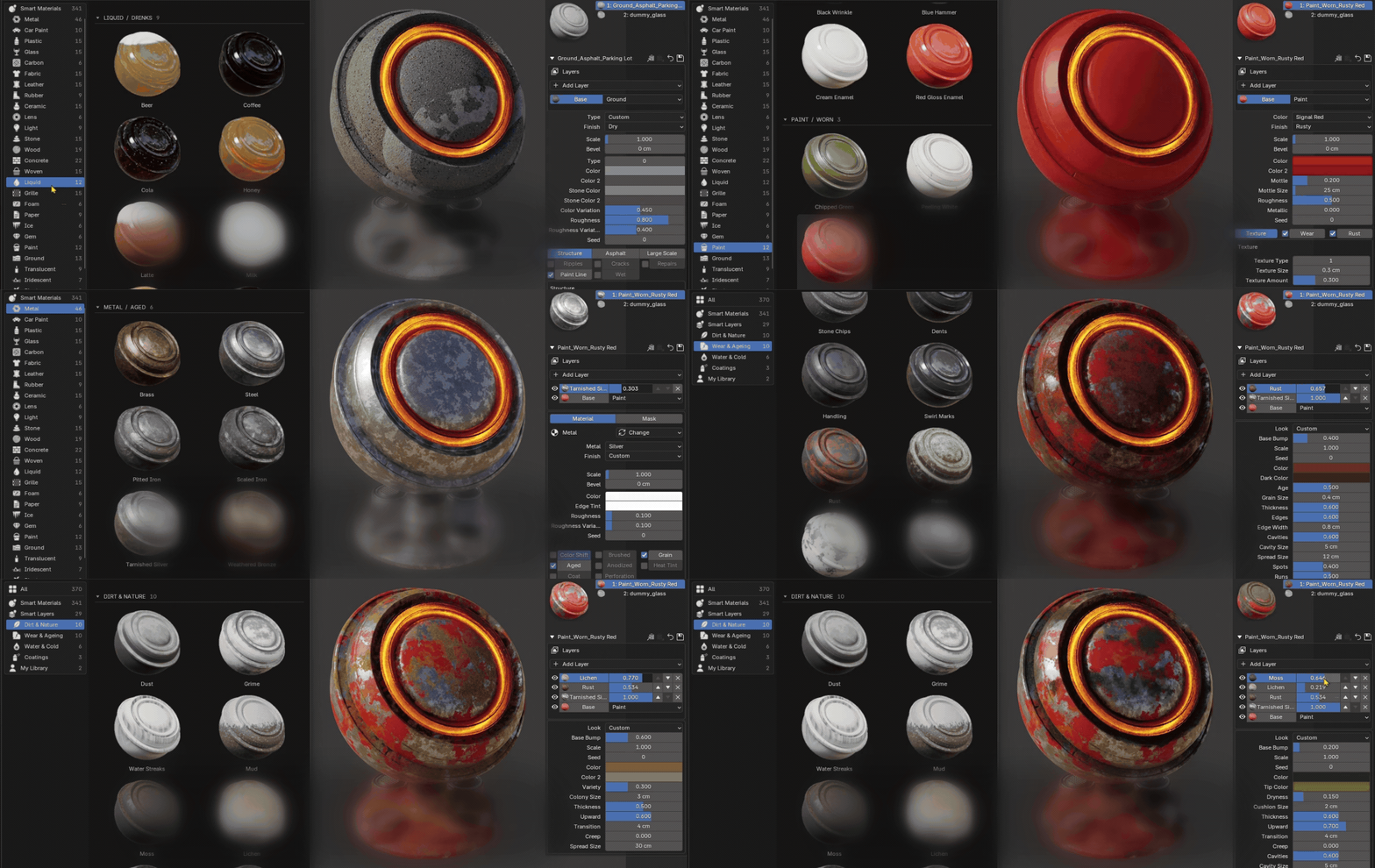
339 base materials in 27 categories, from aged metals, wood and marble to liquids, gems and car paint, each built to hold up in a close-up. Fully editable and small in your file, aged with the Smart Layers. The library keeps growing with regular updates. ▶ Watch in full quality ↑
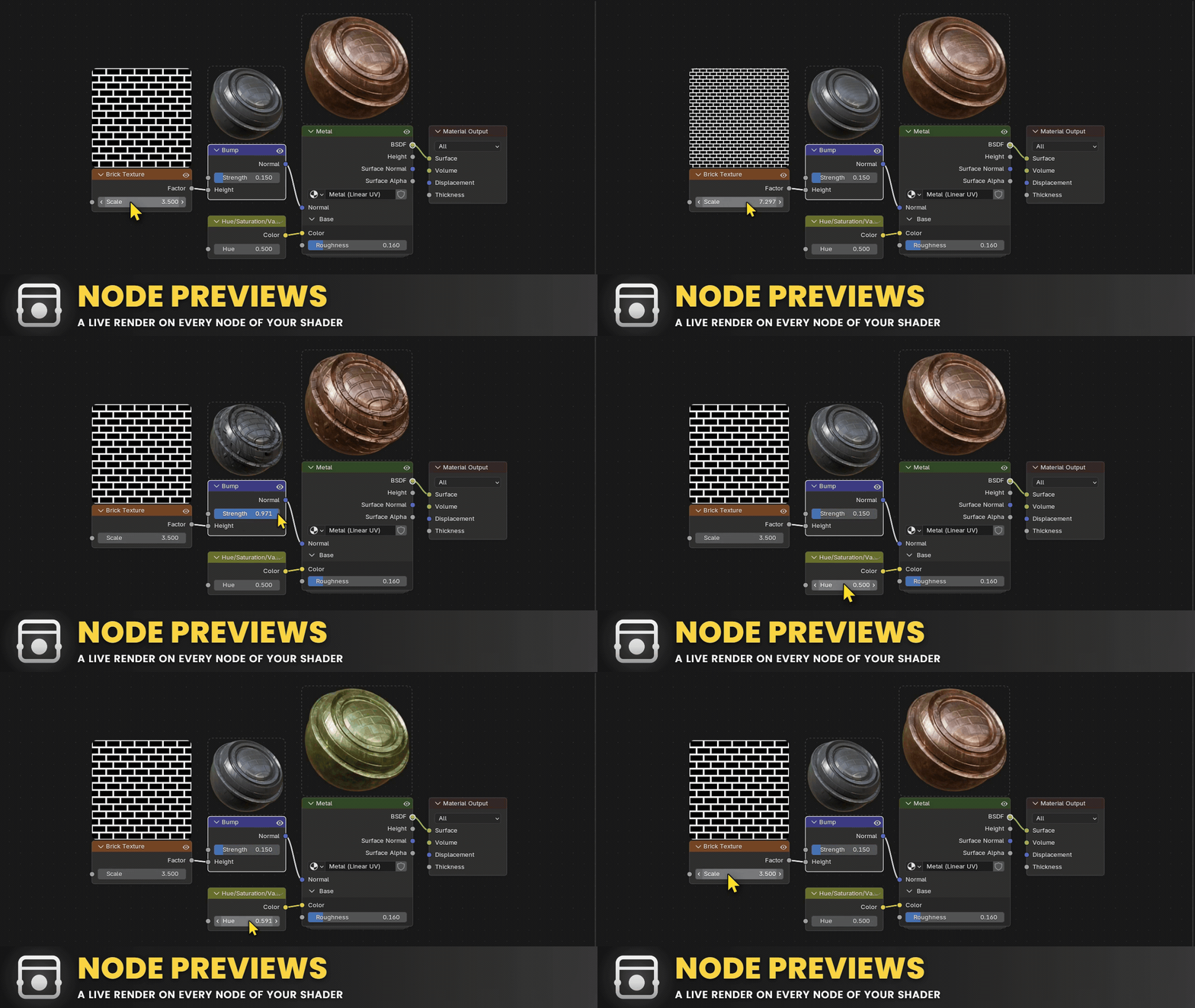
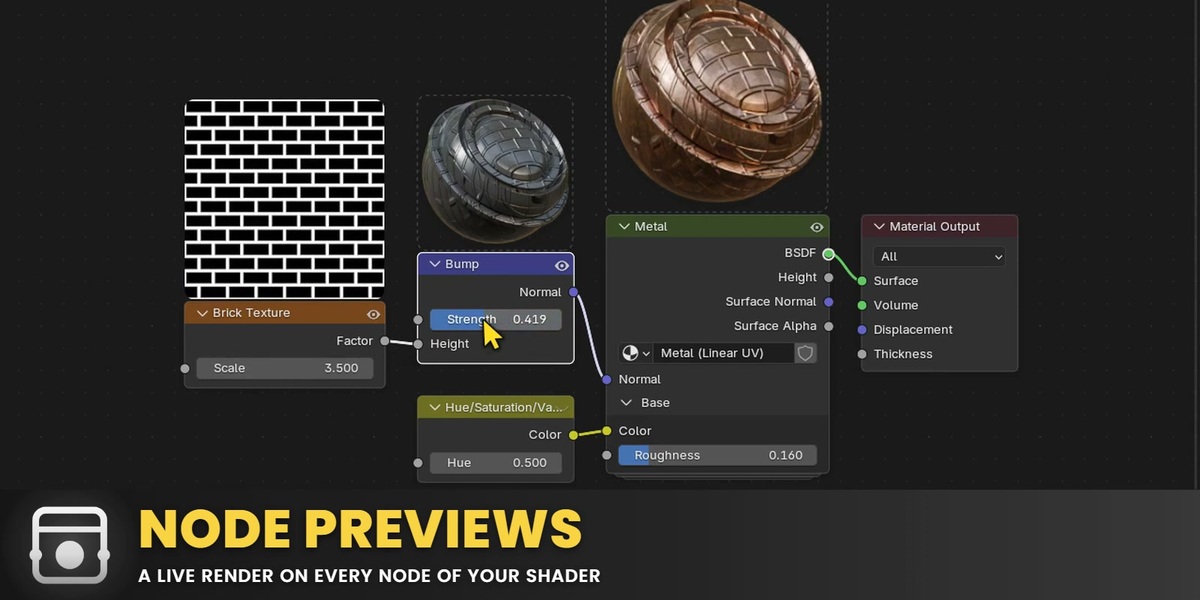
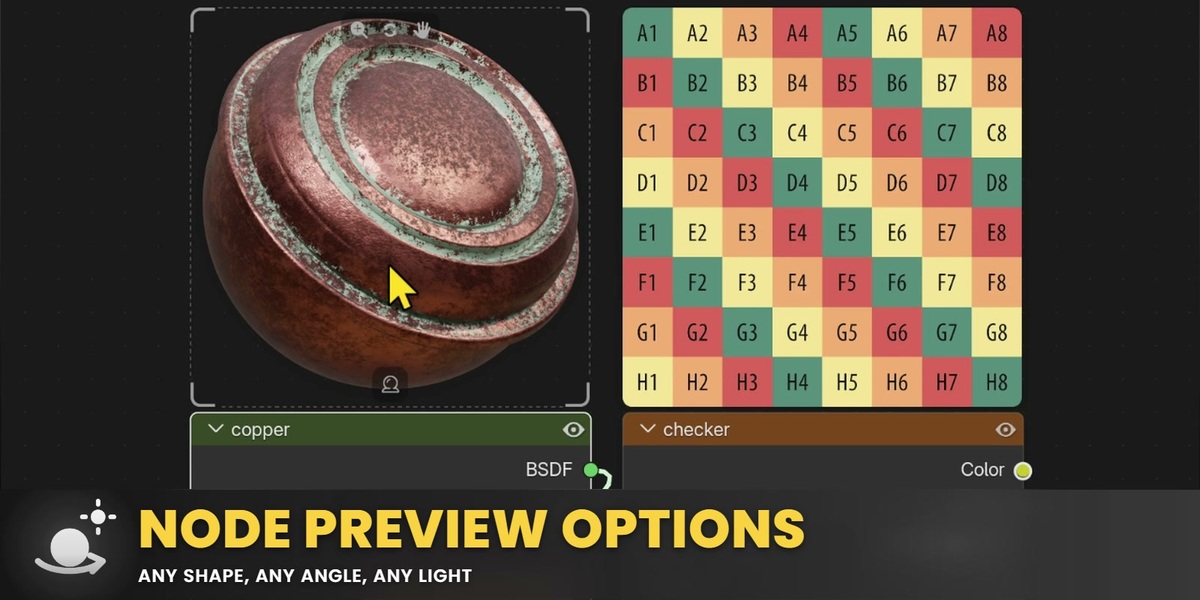
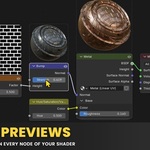
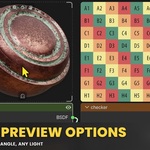
Every node in the Shader Editor gets its own live preview, so you see what each step of the tree puts out. Previews render in the background while you work. ↑
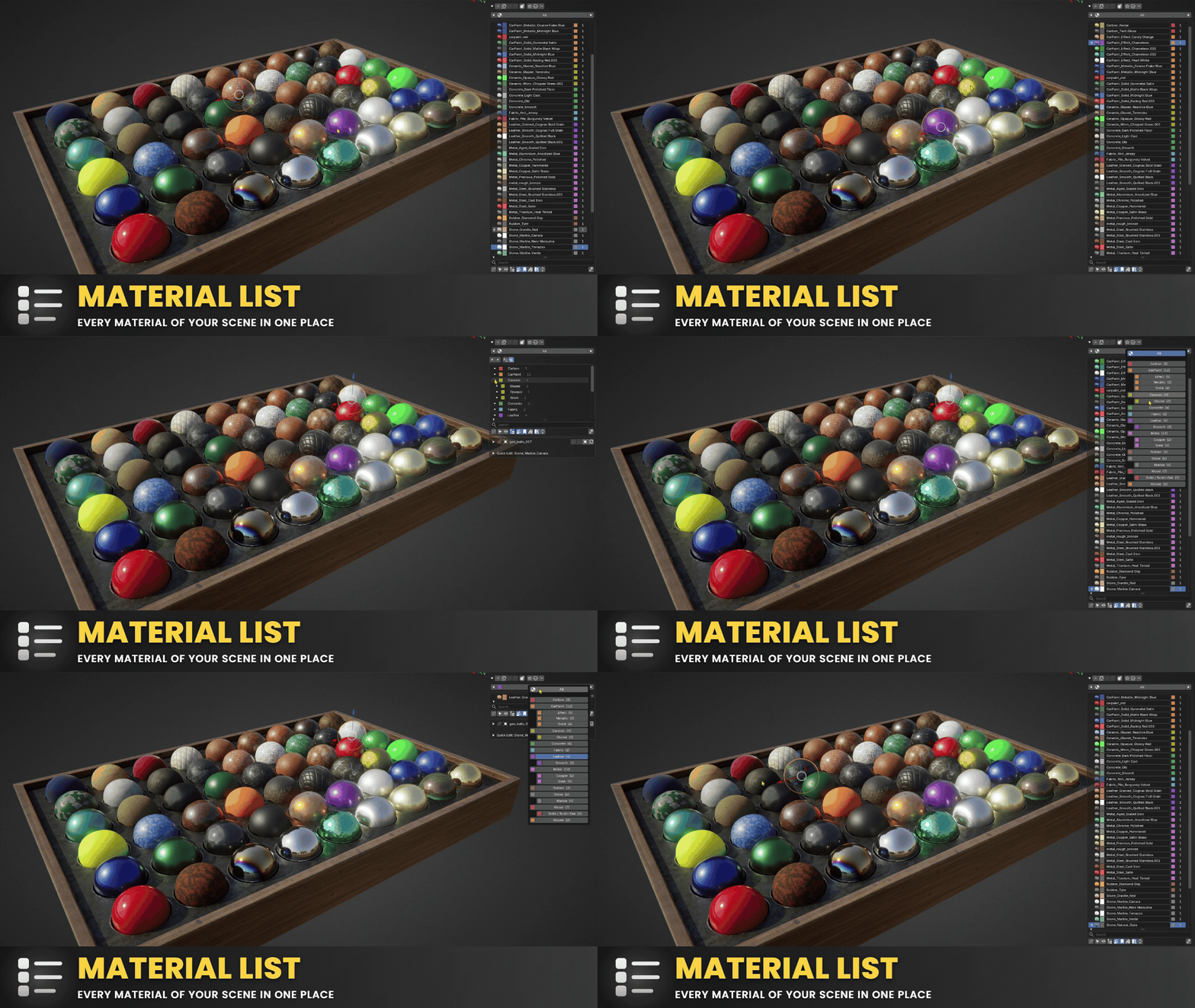
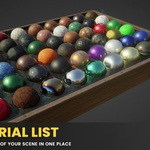
A material list with thumbnails, folders and favorites. Assign with one click, merge duplicates, purge unused materials and see where each one is used. ↑
And Also
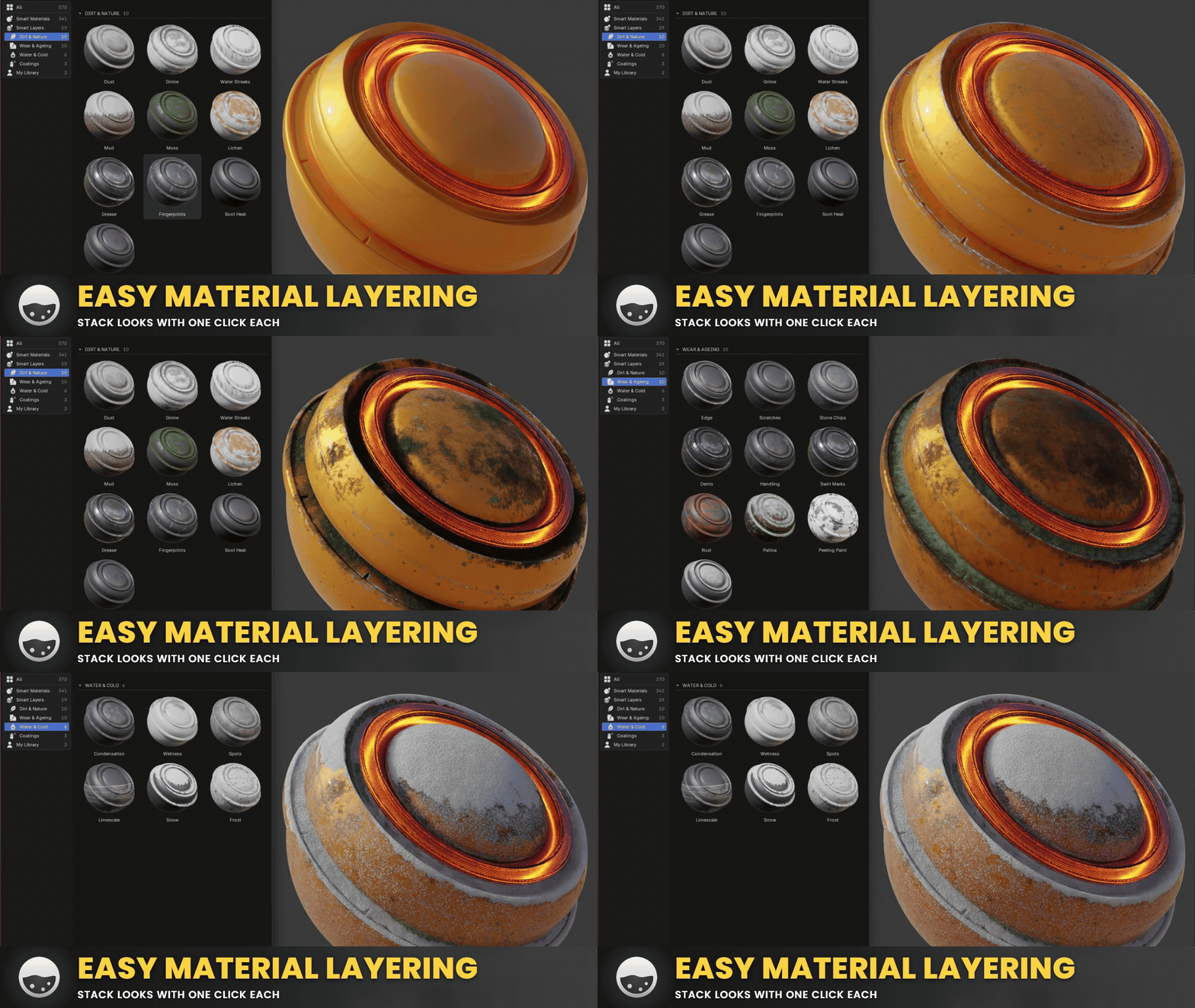
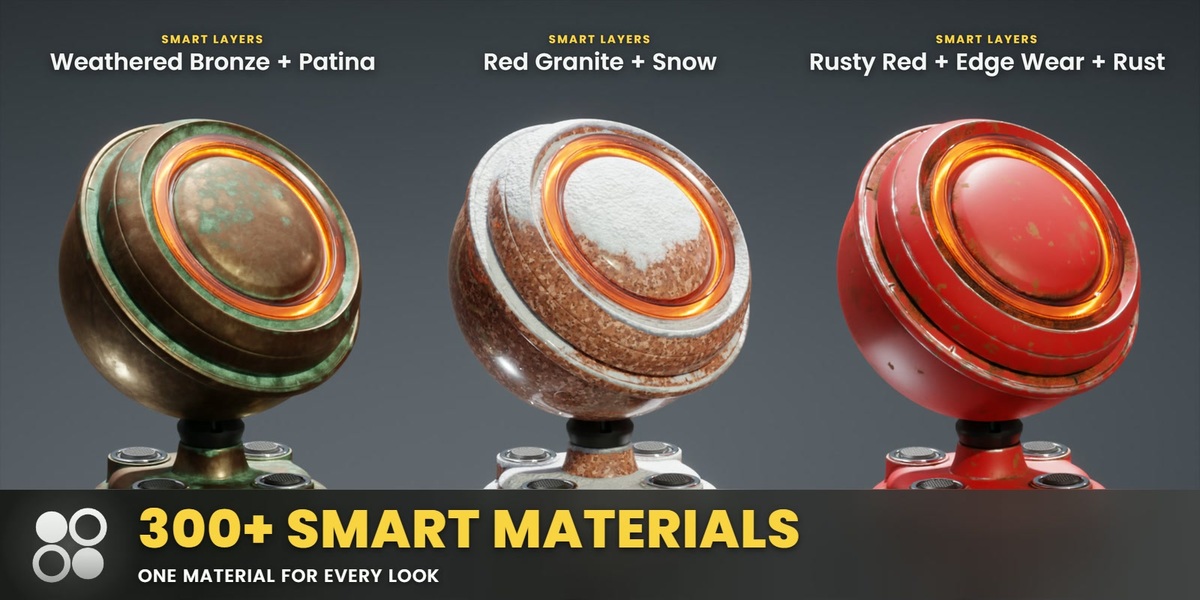
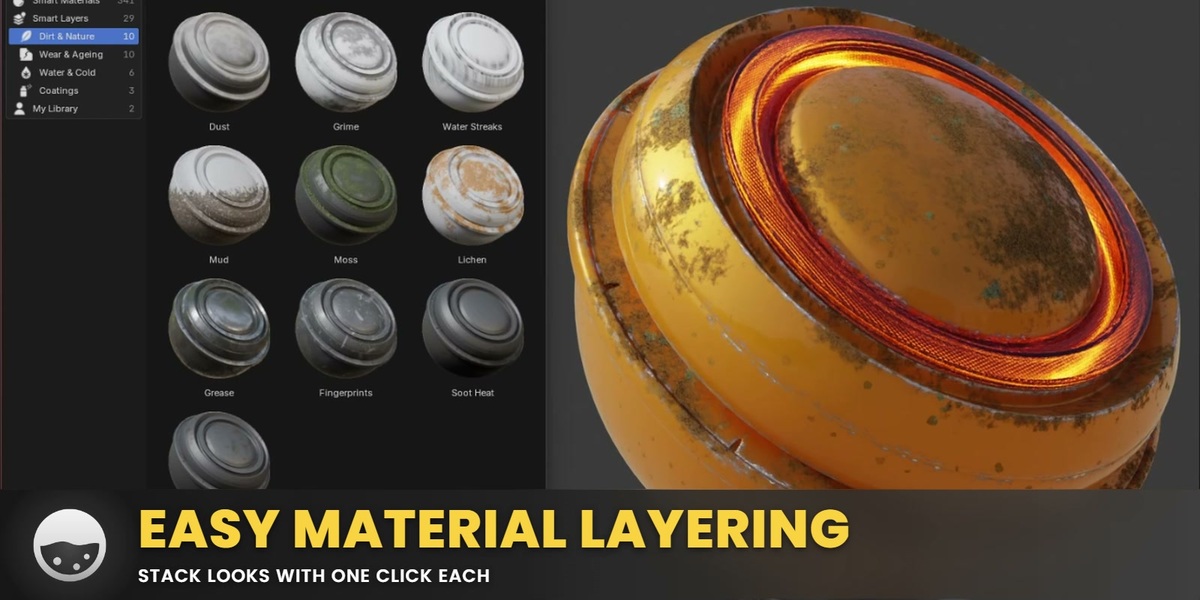
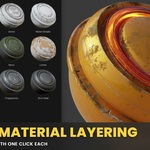
Click Smart Layers onto any material, for example patina, then rust, then frost. Each one stays editable, with no node wiring and no masks to paint. ↑
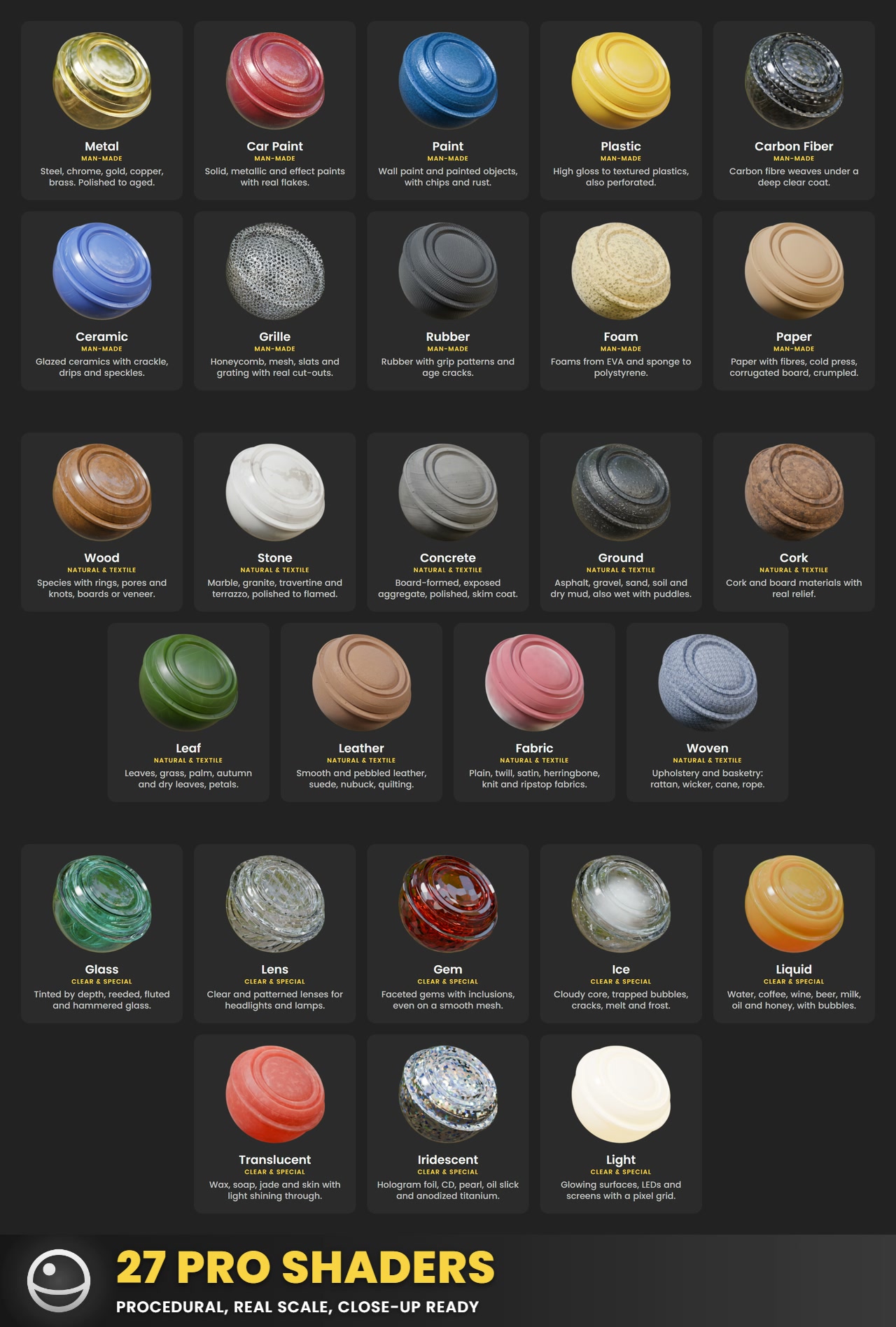
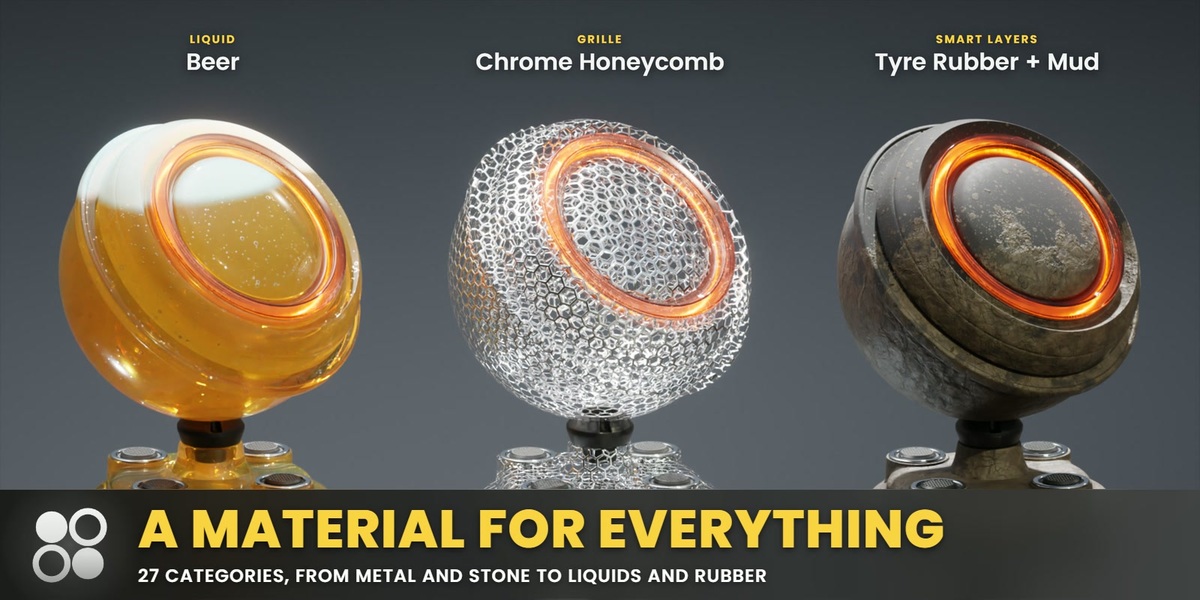
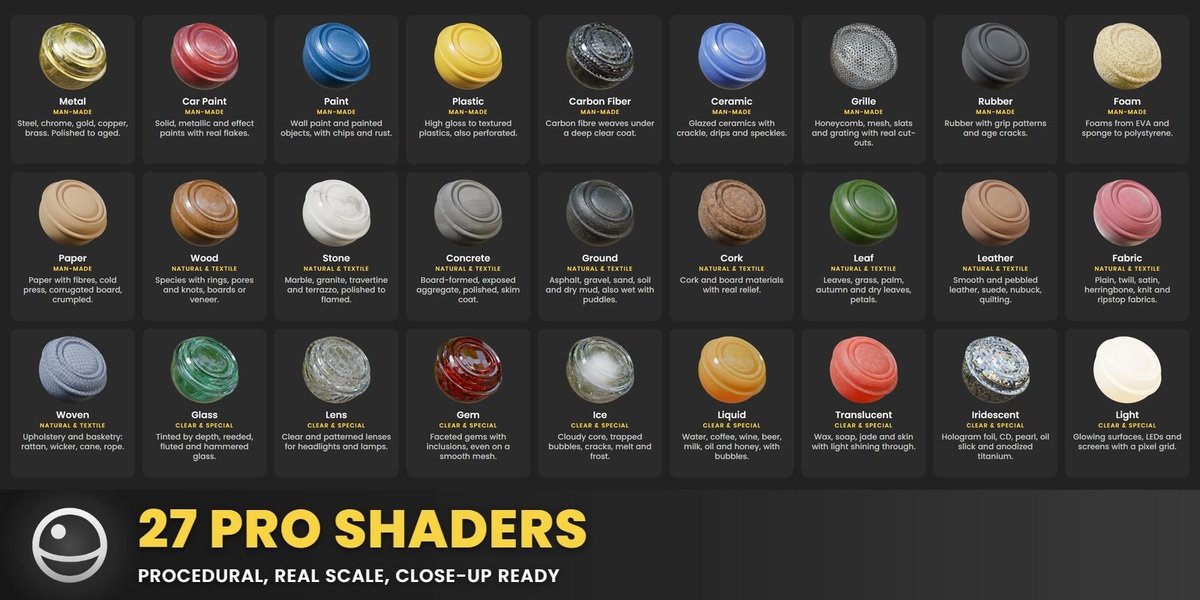
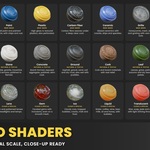
27 procedural shaders, from metal and car paint to wood, stone and liquids. Real-world sizes, two preset menus each, and detail that holds up in close-ups. ↑
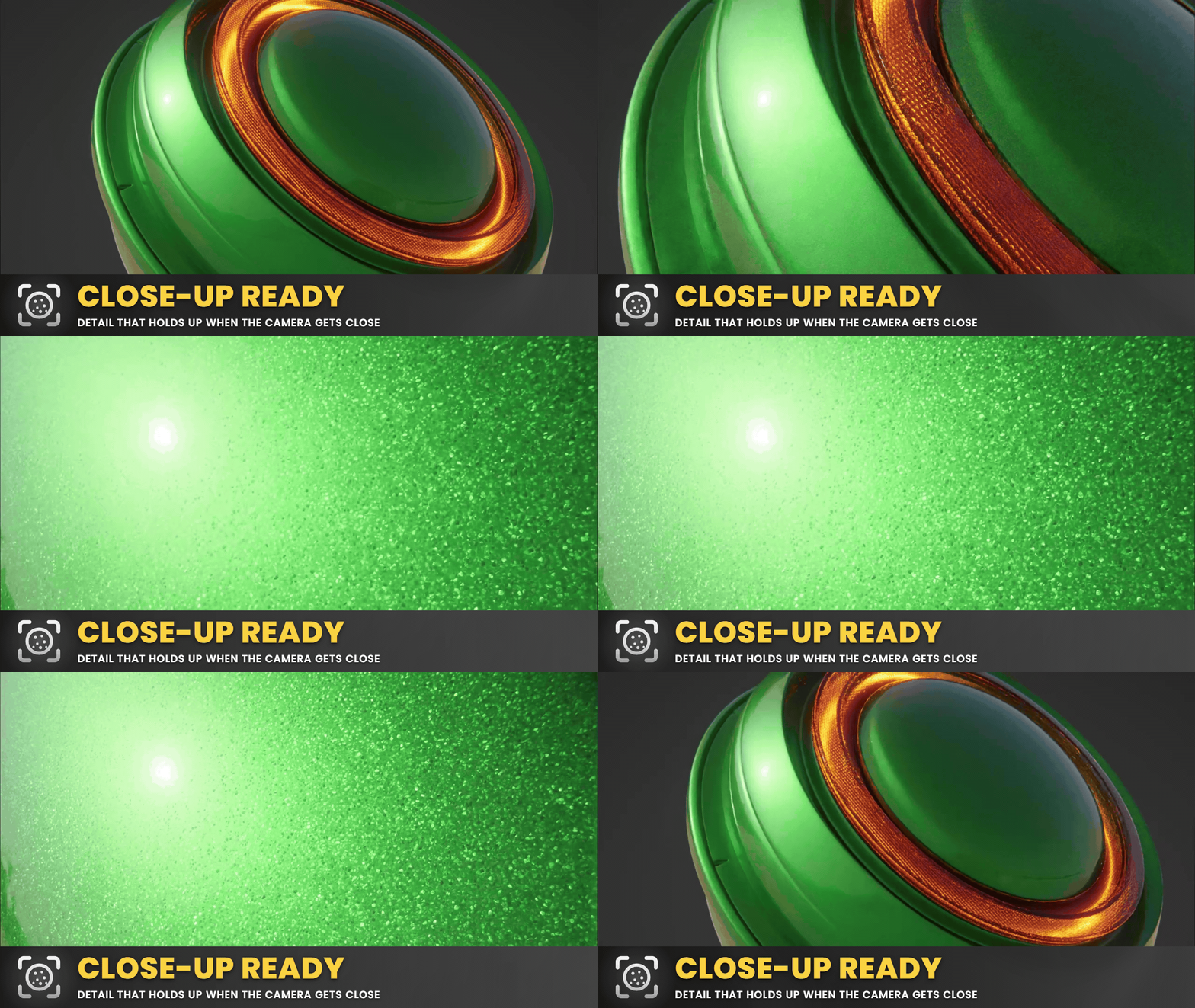
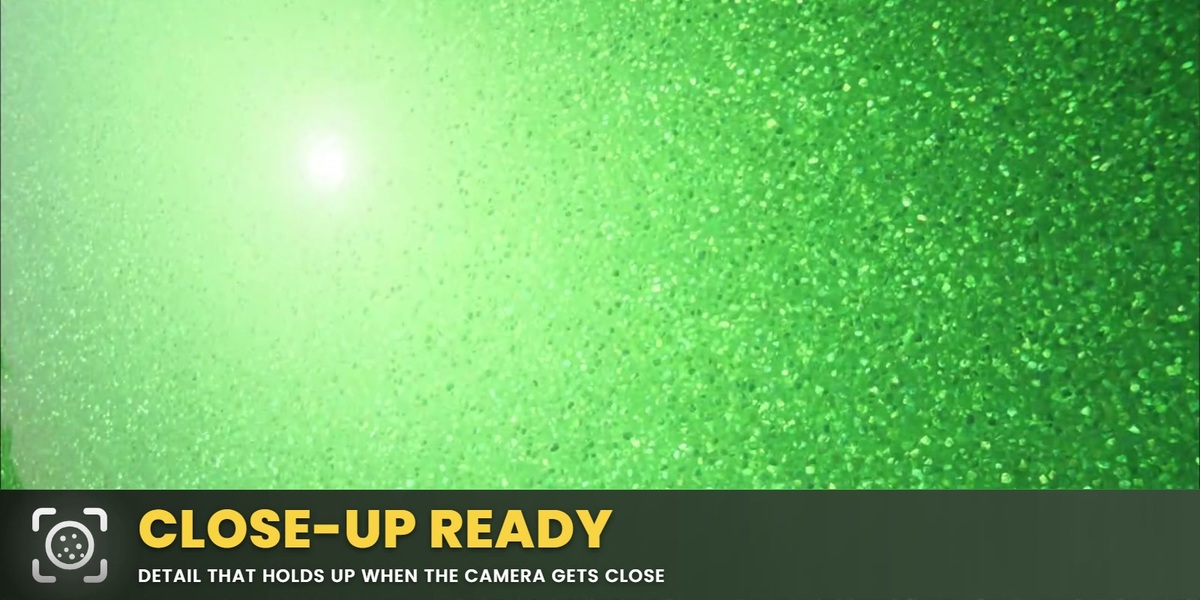
All shaders are procedural at real-world scale, so there are no texture pixels to run out of. Sand grains, fibres and fine scratches stay sharp in close-ups. ↑
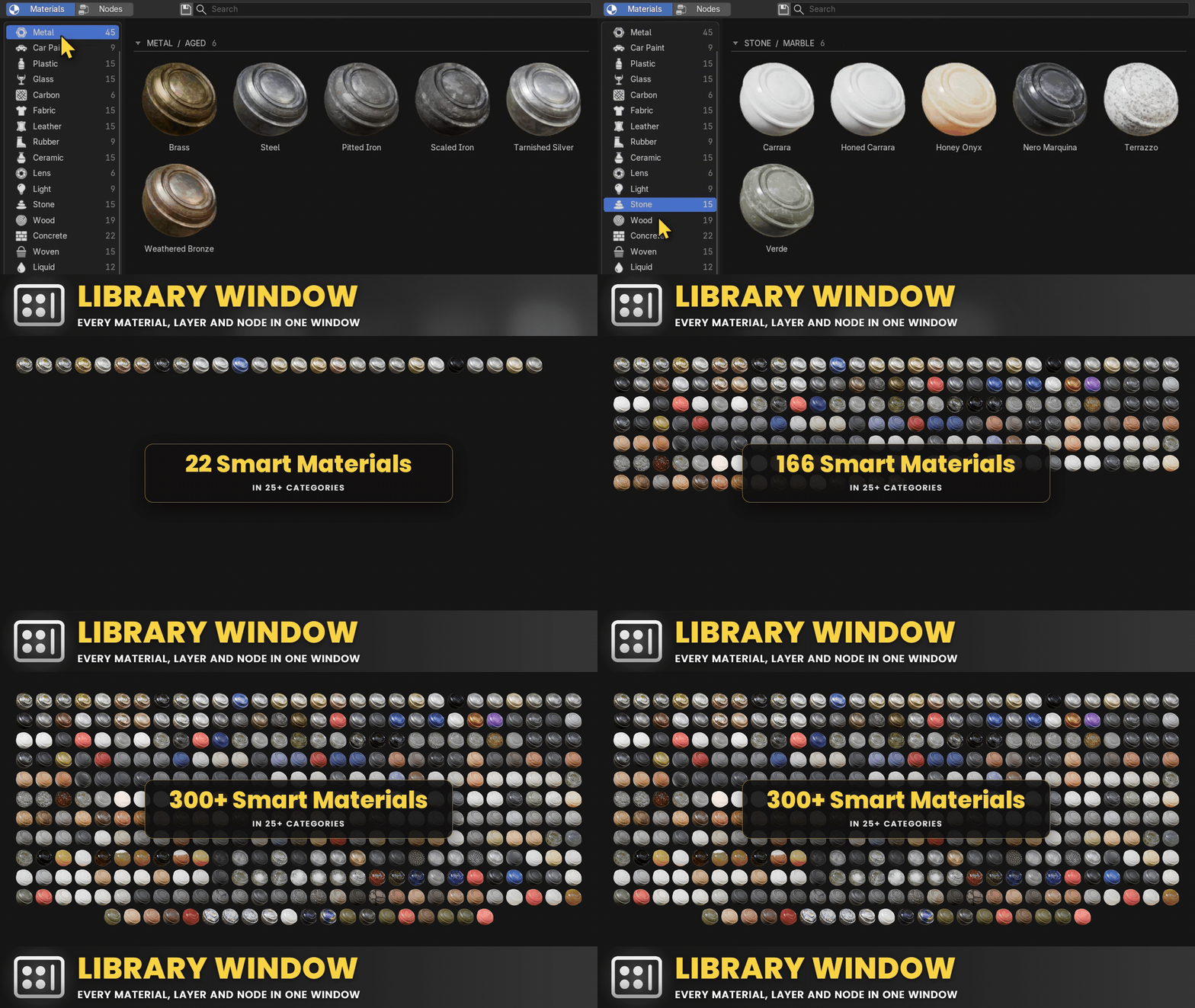
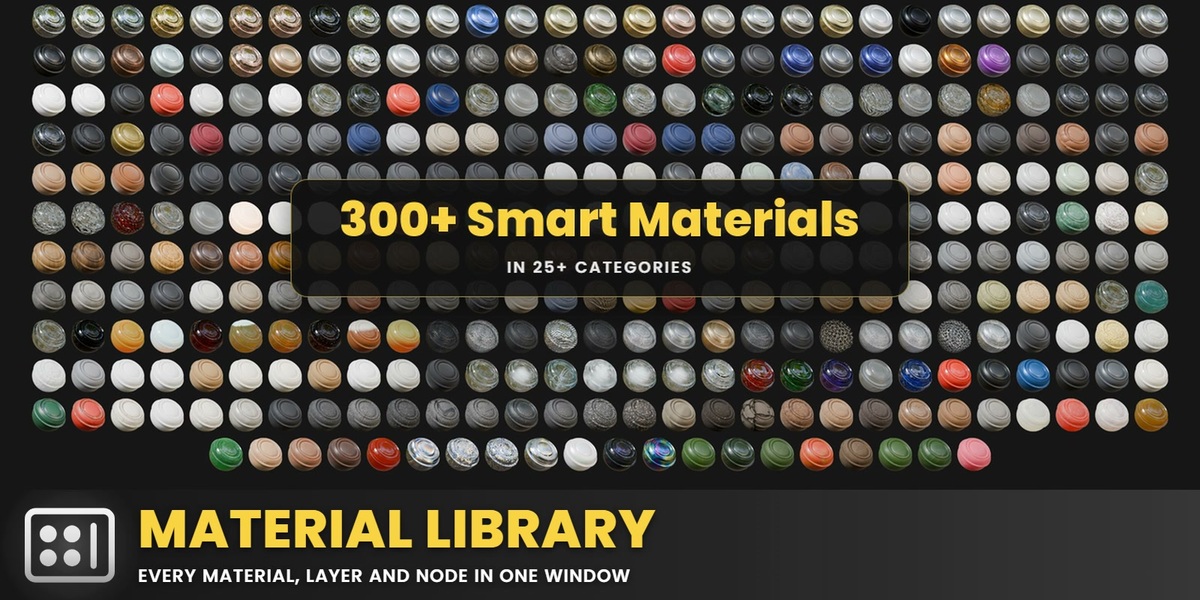
Every material, layer and node in one window, with large previews and search. Click to apply; with Try On each click replaces the last, so only the one you keep stays in your file. ↑
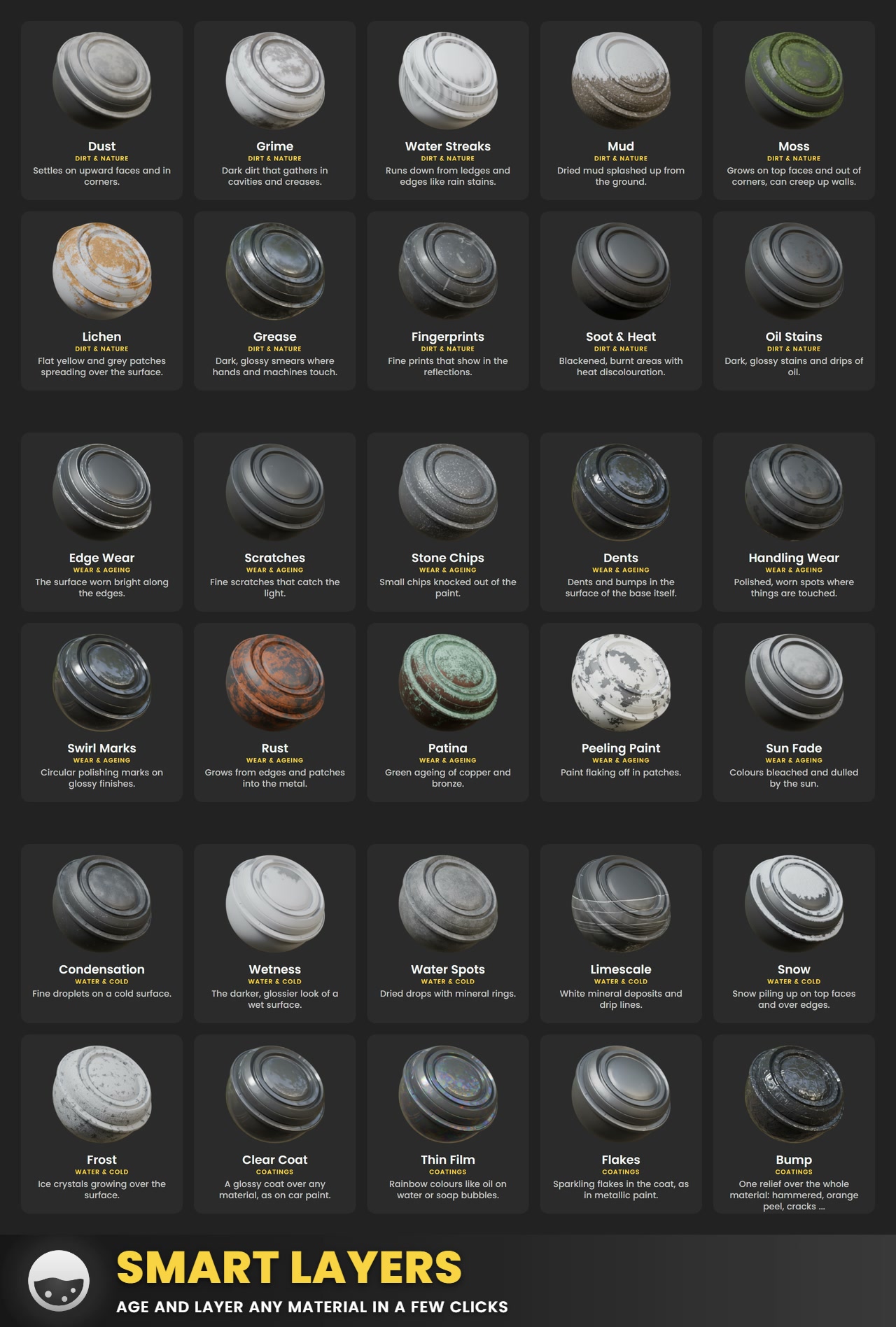
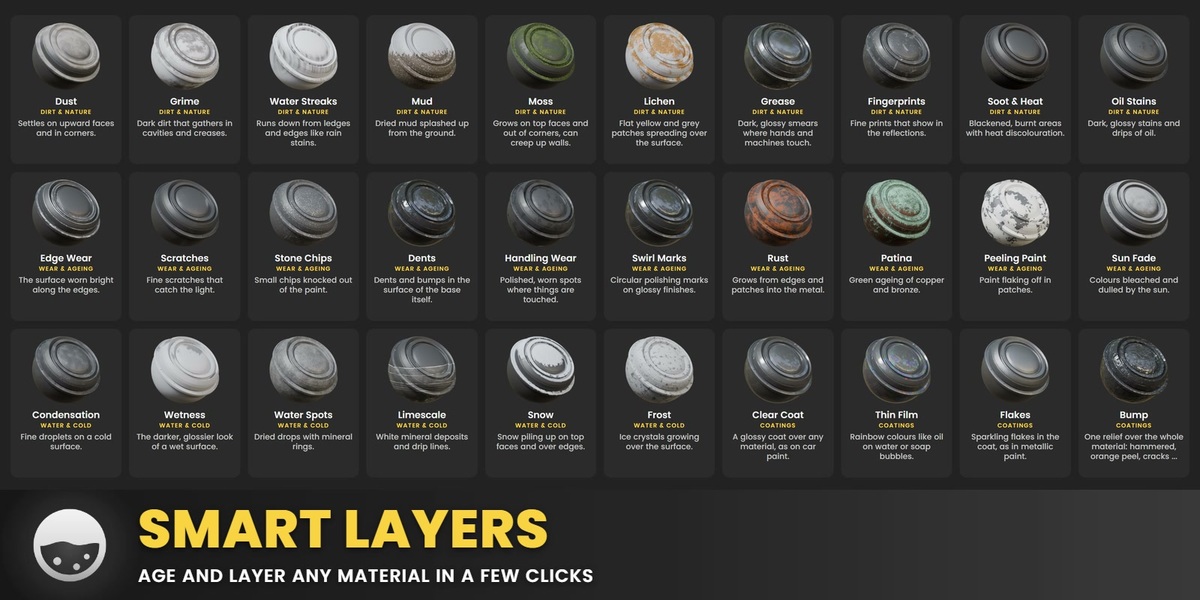
30 layers like dust, rust, moss, edge wear and snow over any material, each placing itself where it belongs. Material Layers add a whole second material through a mask. ↑
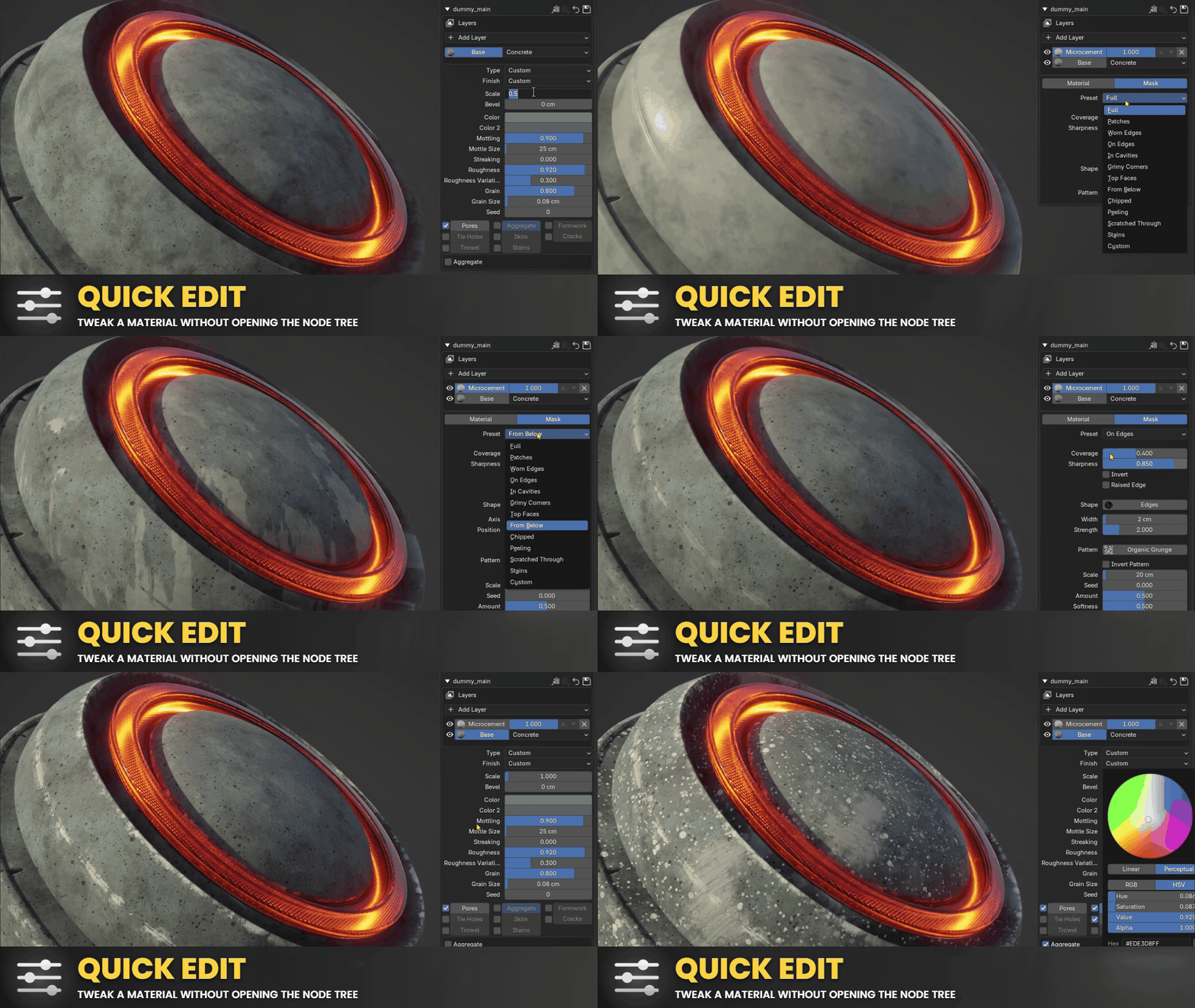
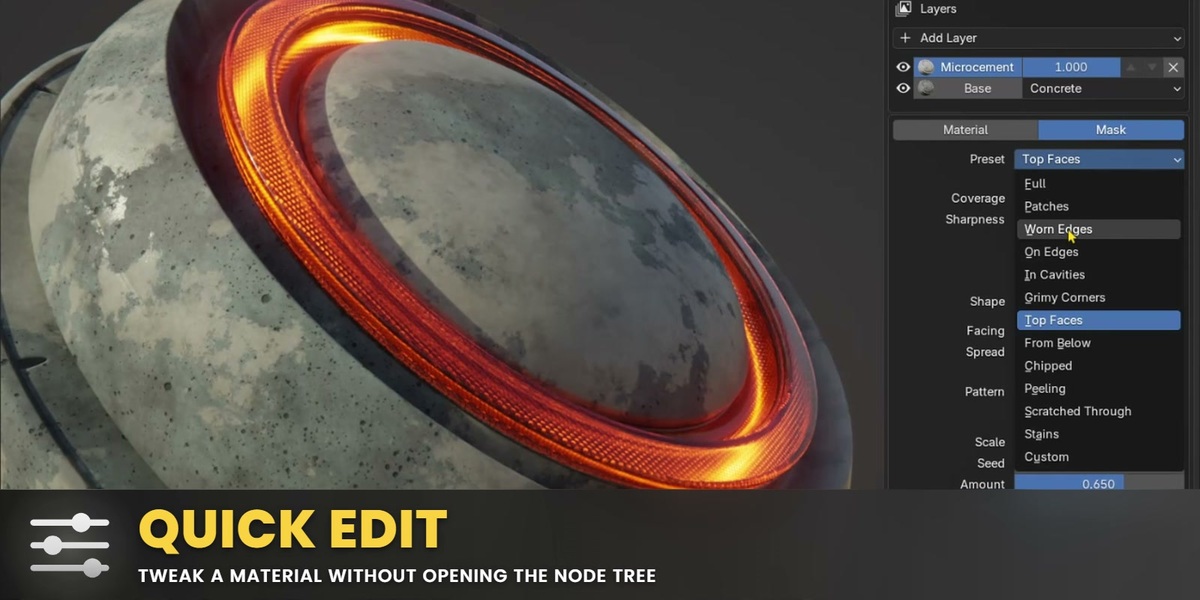
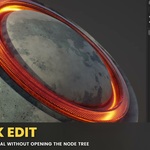
Presets, Scale and the key values of a material in the sidebar, next to a live preview. Change a wood species or a paint finish without opening the Shader Editor. ↑
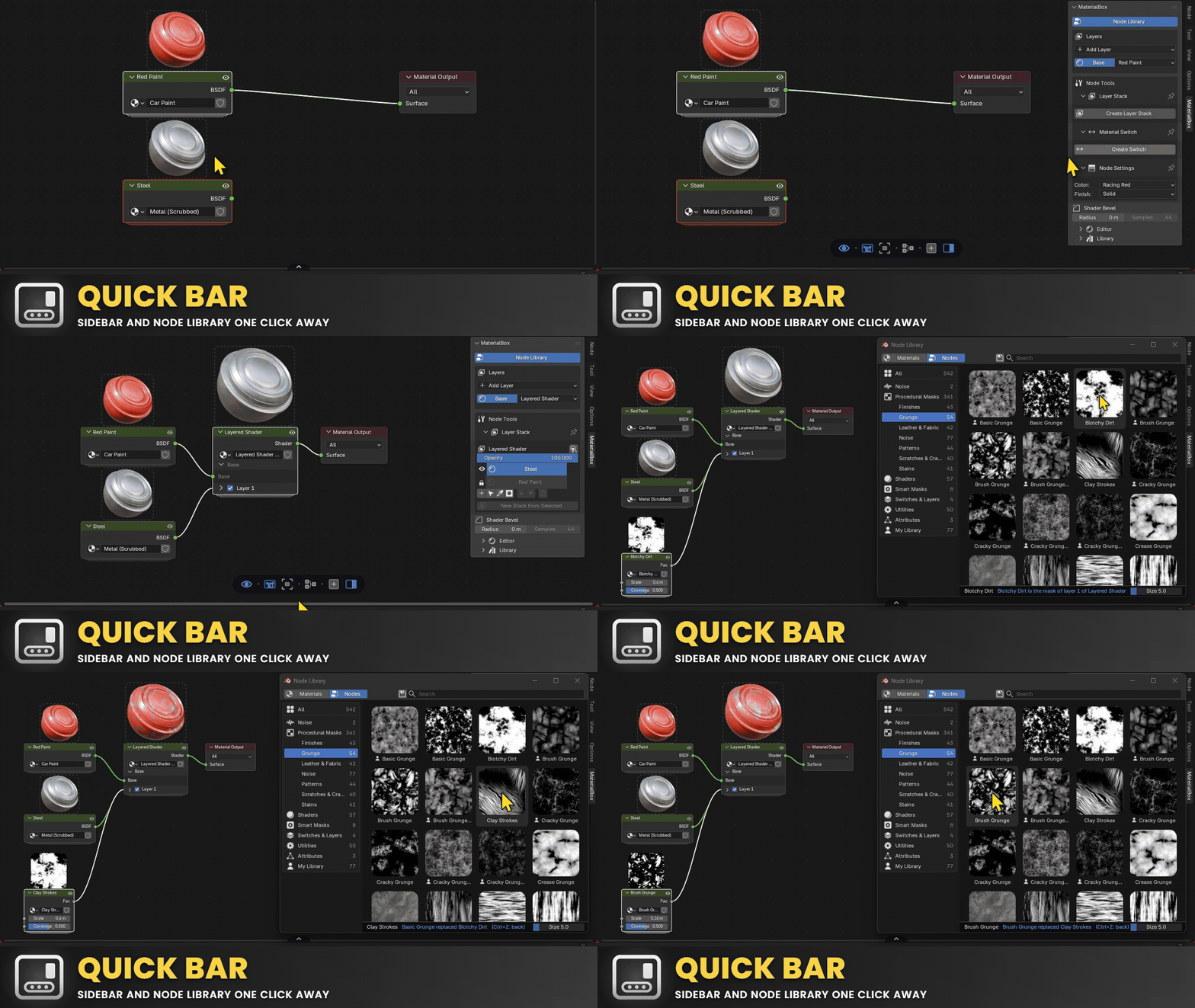
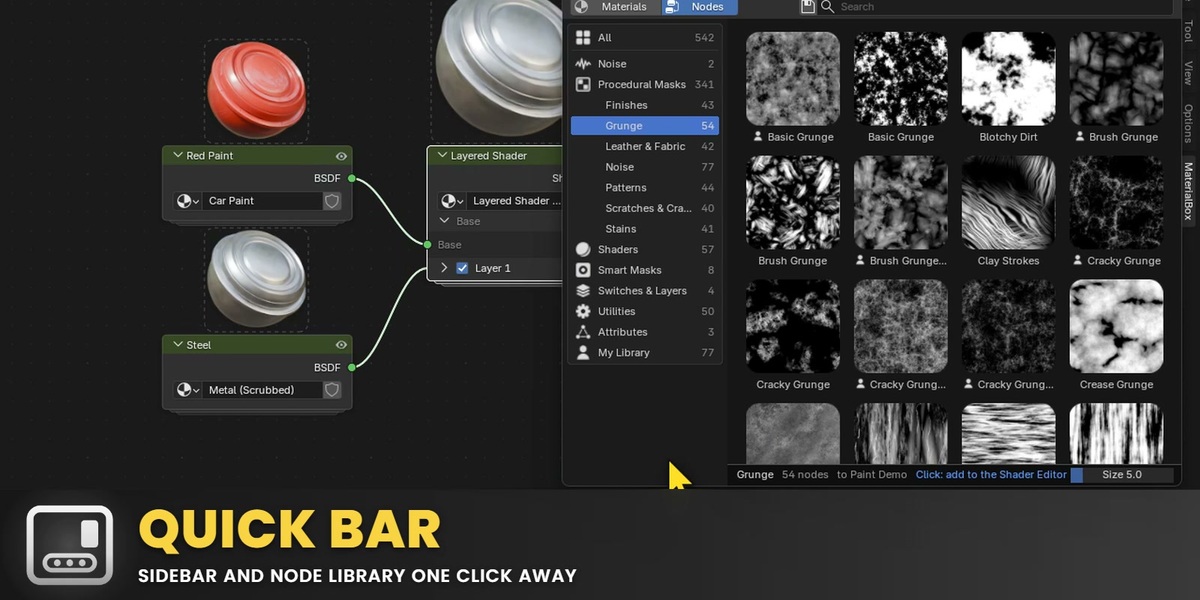
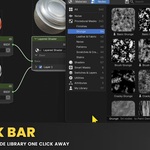
A small bar at the bottom of the Shader Editor opens the MaterialBox sidebar, the Node Library and the preview switches. The sidebar follows the selected nodes with their next step: two shaders become a Layered Shader in one click, an image gets its texture set, a Mix turns into a layer. Click a mask in the Node Library and it goes into the layer's mask; the next click swaps it, connections and values kept. ↑
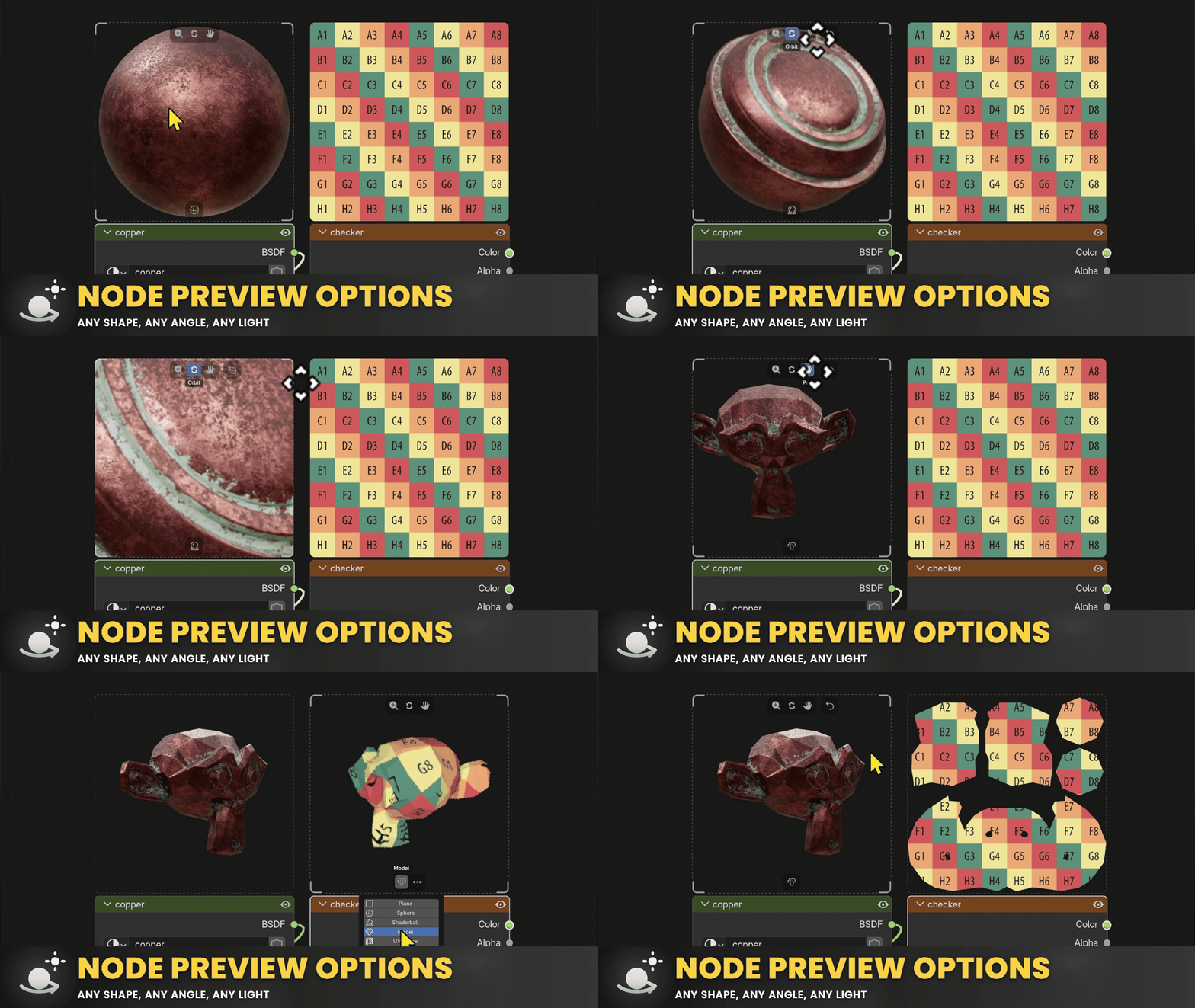
Show a preview on a plane, sphere, shaderball, your own model or its UVs. Orbit, pan and zoom each preview, Alt+drag to turn the lighting around it, and light the previews with any HDRI or your scene's world. ↑
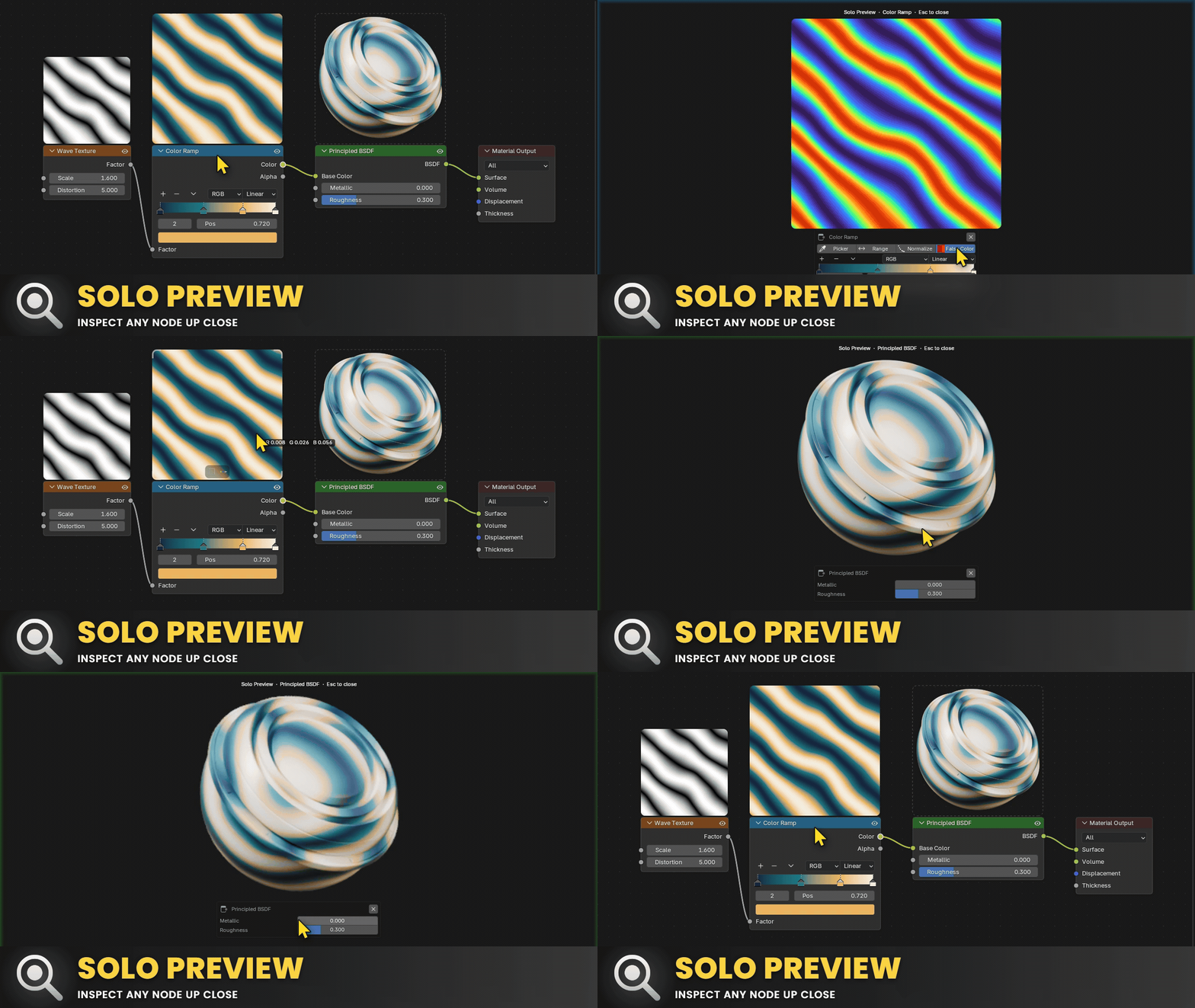
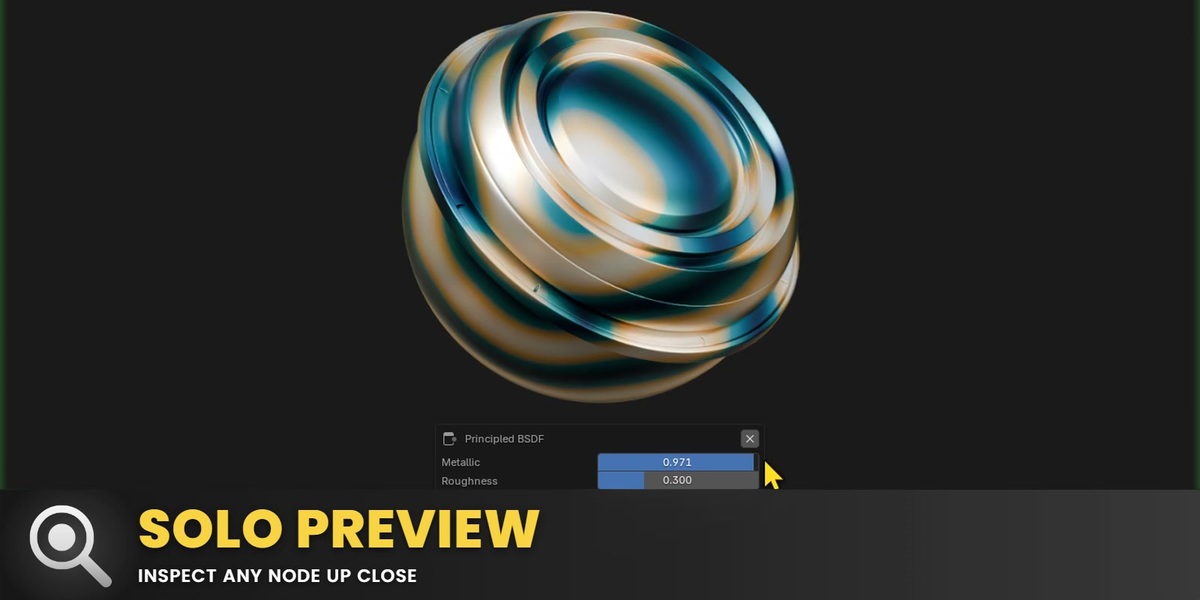
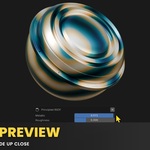
Open any preview large, next to the node's controls. Check tiling at real size, displacement and exact values with picker, false colour and range check. ↑
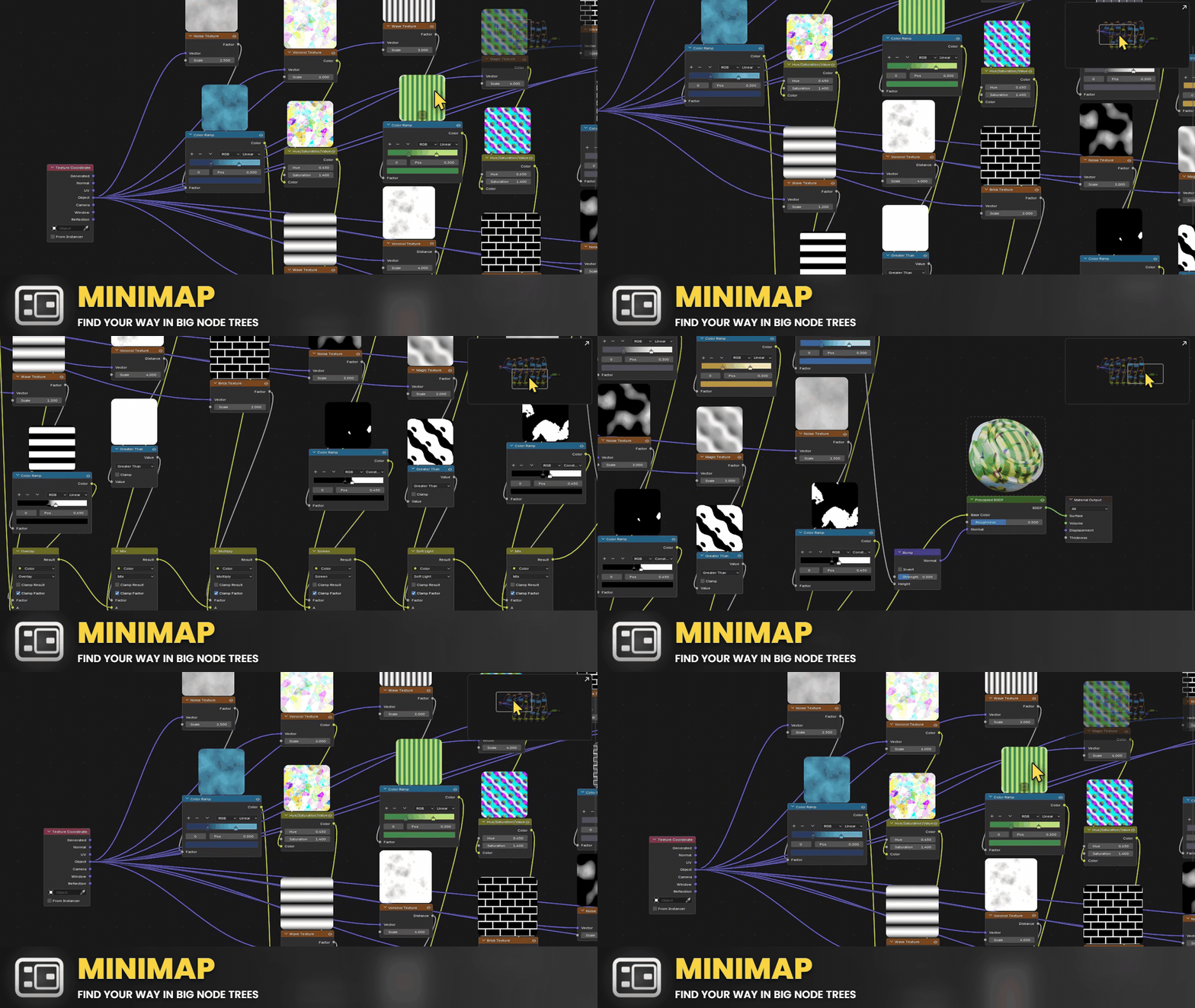
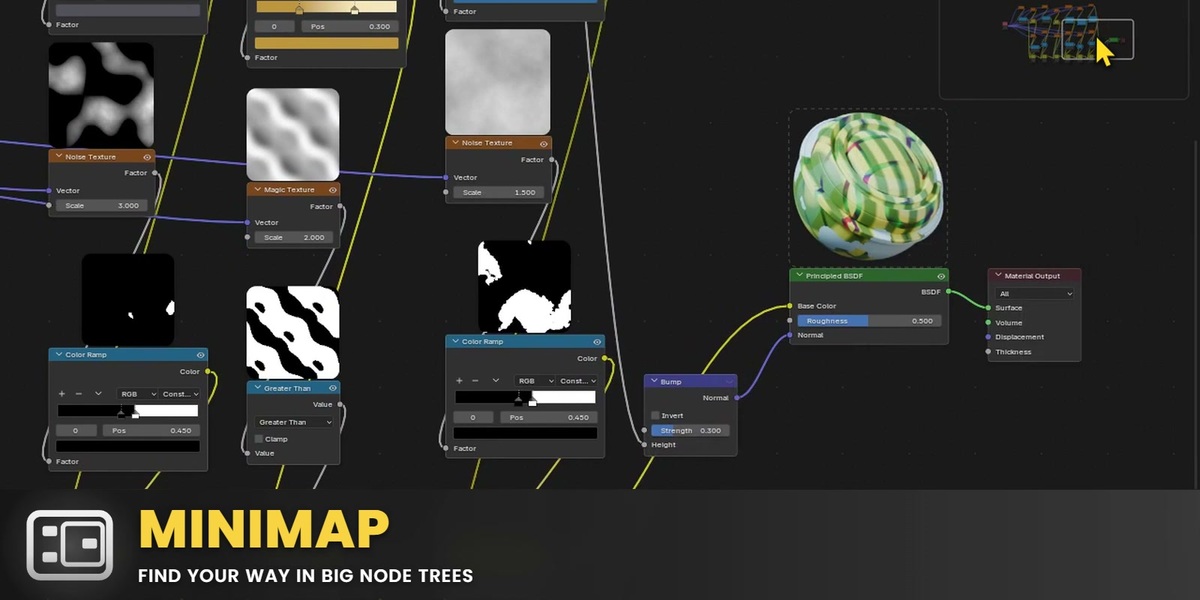
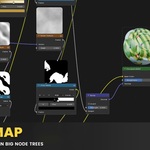
A map of the whole tree in a corner of the Shader Editor, the part on screen framed. Click or drag in it to get anywhere, even in groups with hundreds of nodes. ↑
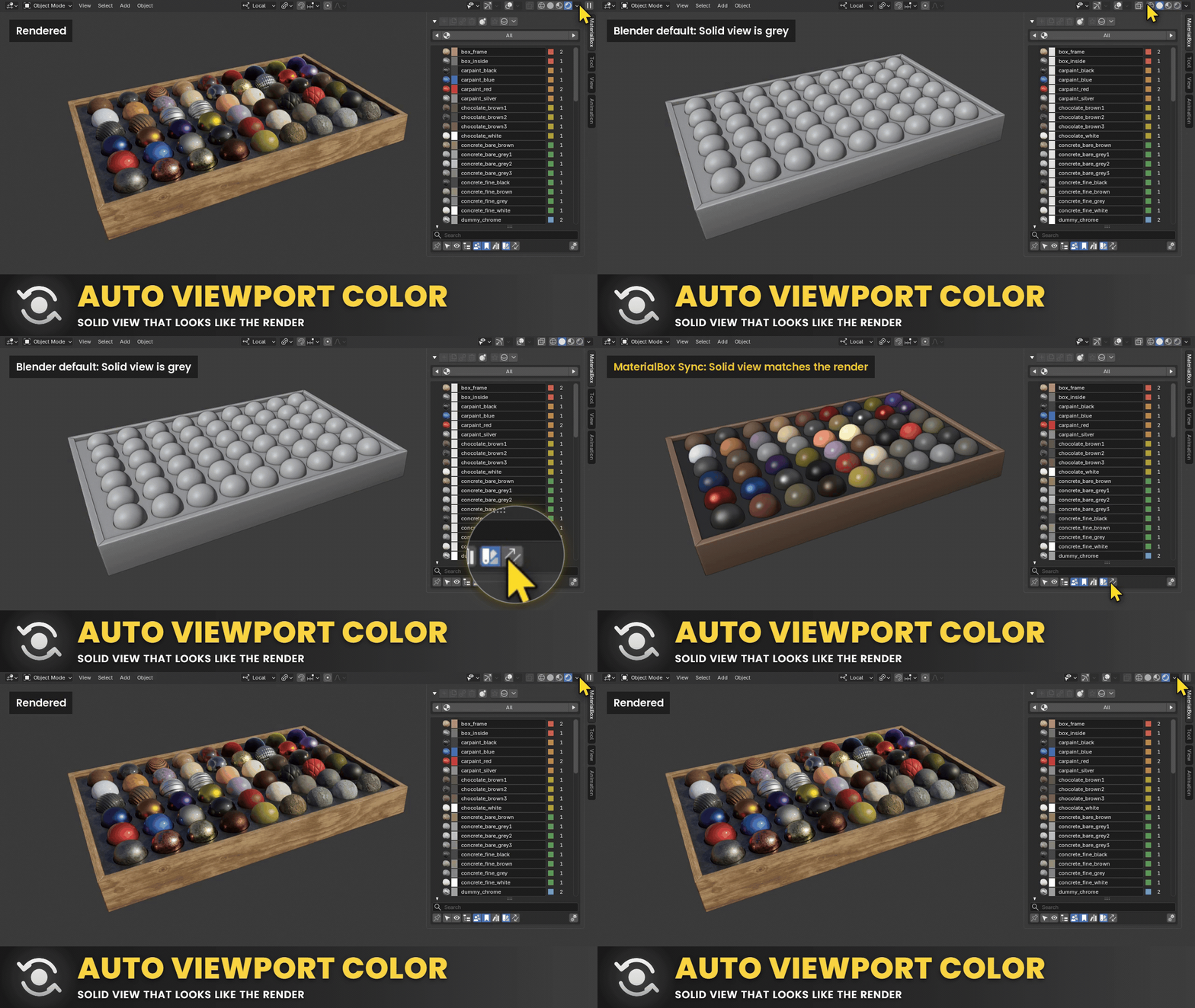
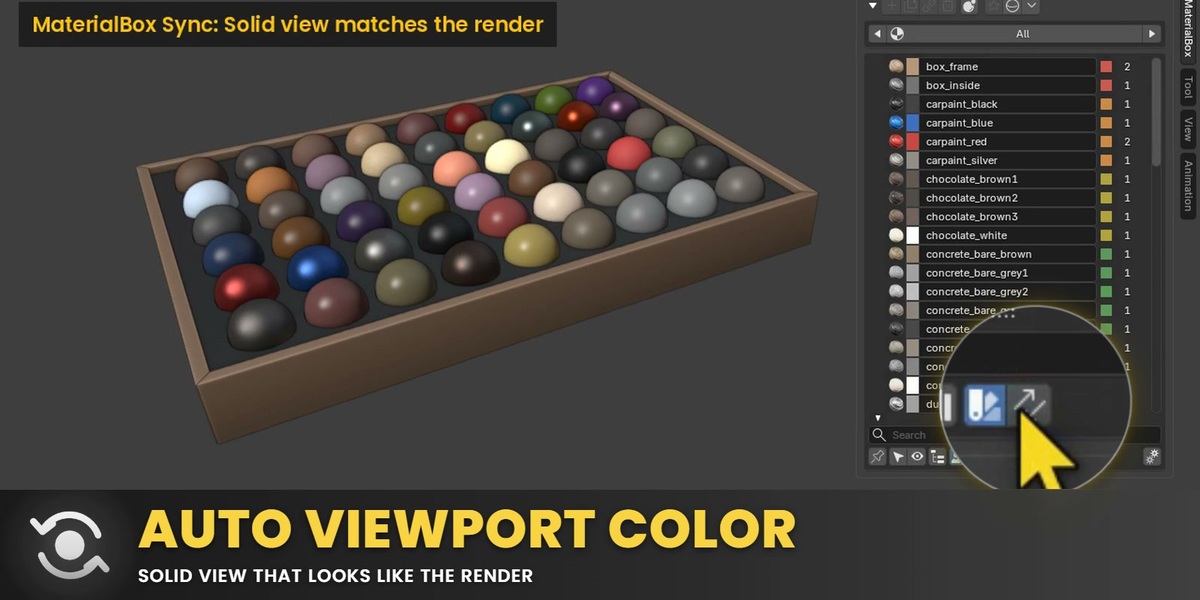
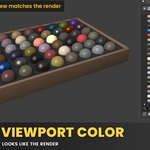
Each material's viewport color, metallic and roughness come from its shader or thumbnail, so Solid view looks like the render. Auto Sync keeps them up to date. ↑
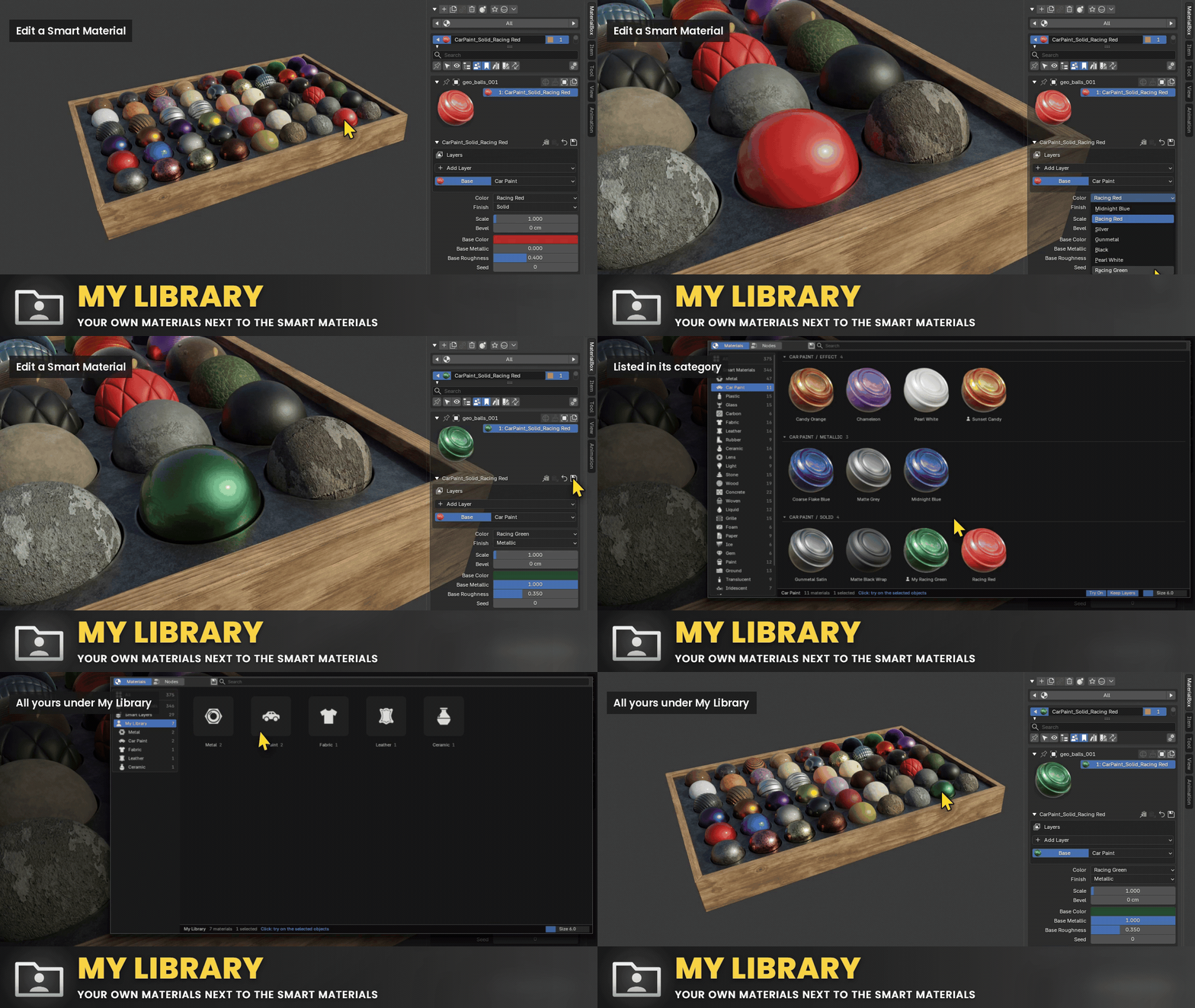
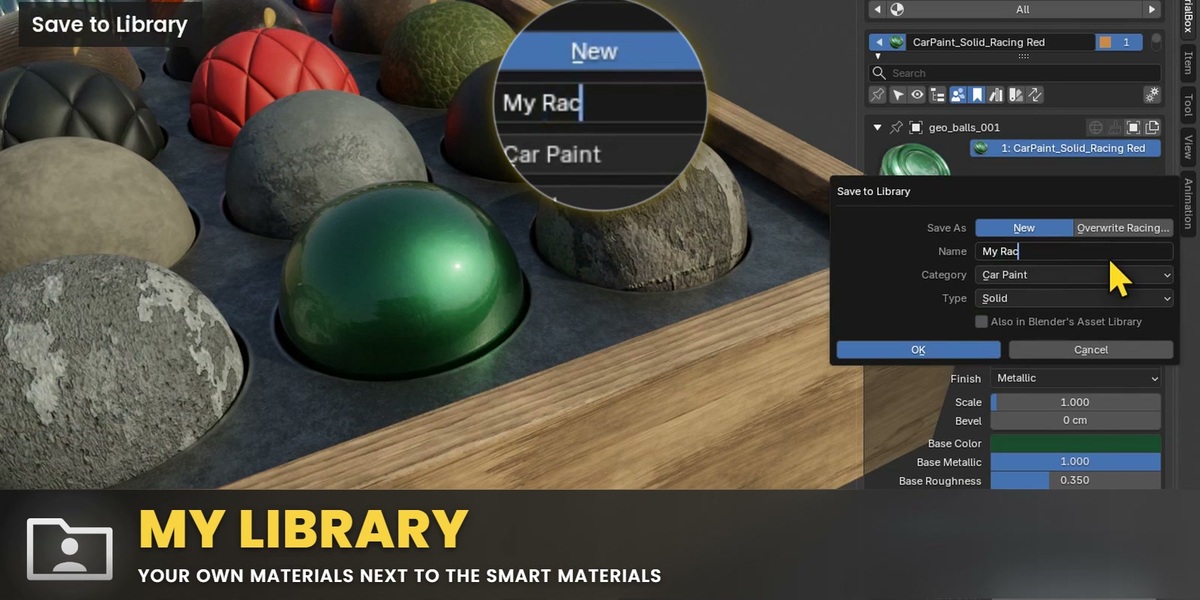
Save any material or node group to your own library with one dialog, from anywhere in the add-on. Your saves show up at once and are never touched by updates. ↑
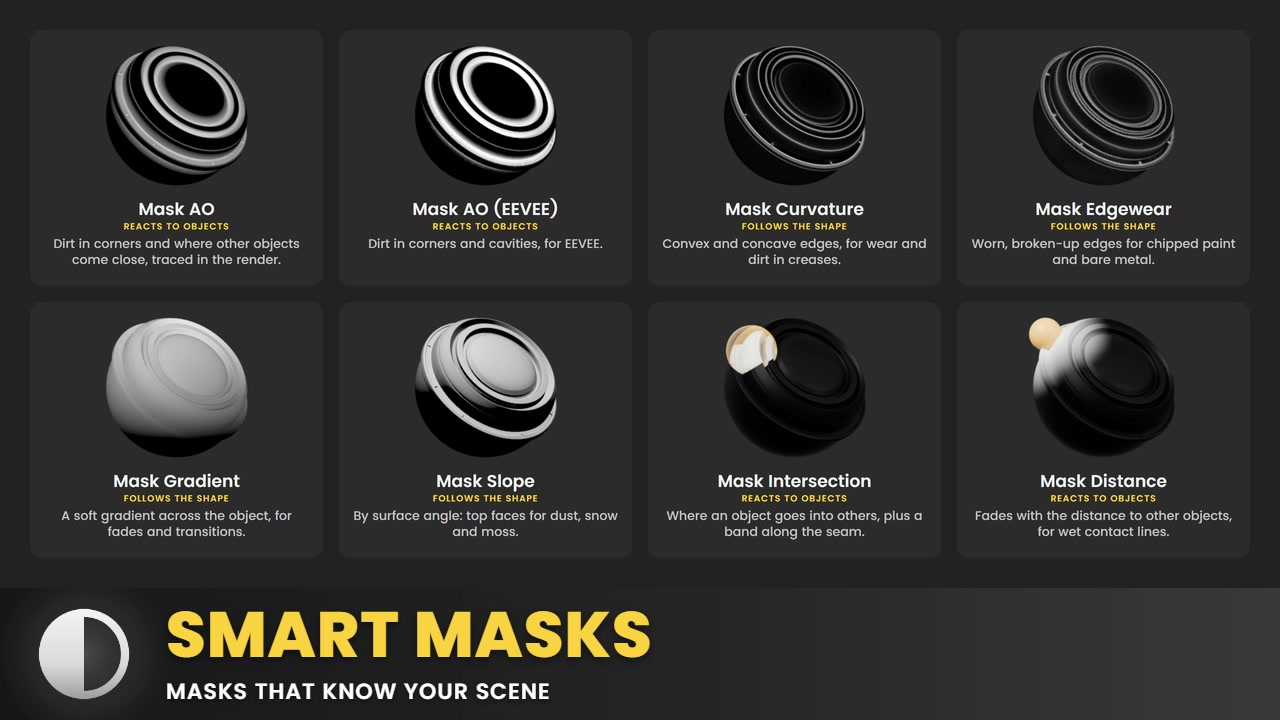
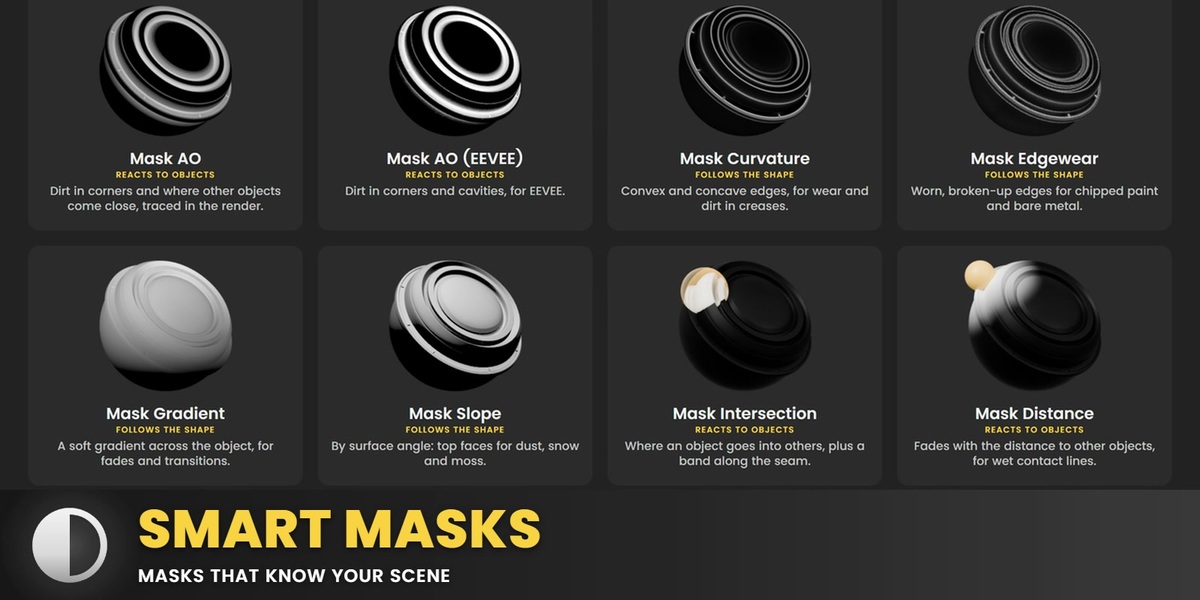
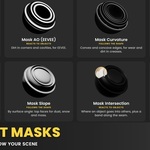
Masks that react to the scene: ambient occlusion, intersections, distance to other objects, edges, slope and gradients. Pick target objects with a click in the viewport. ↑
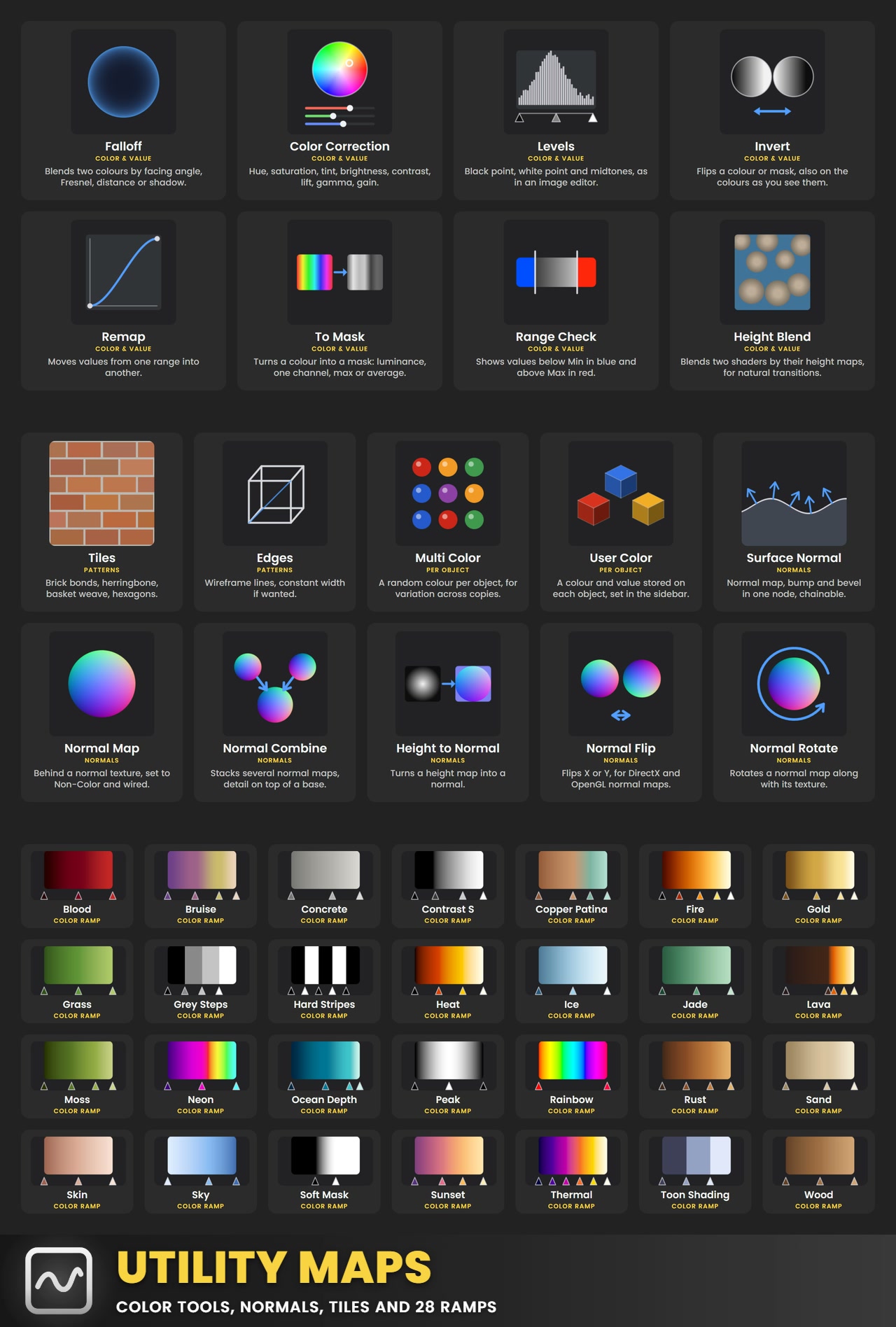
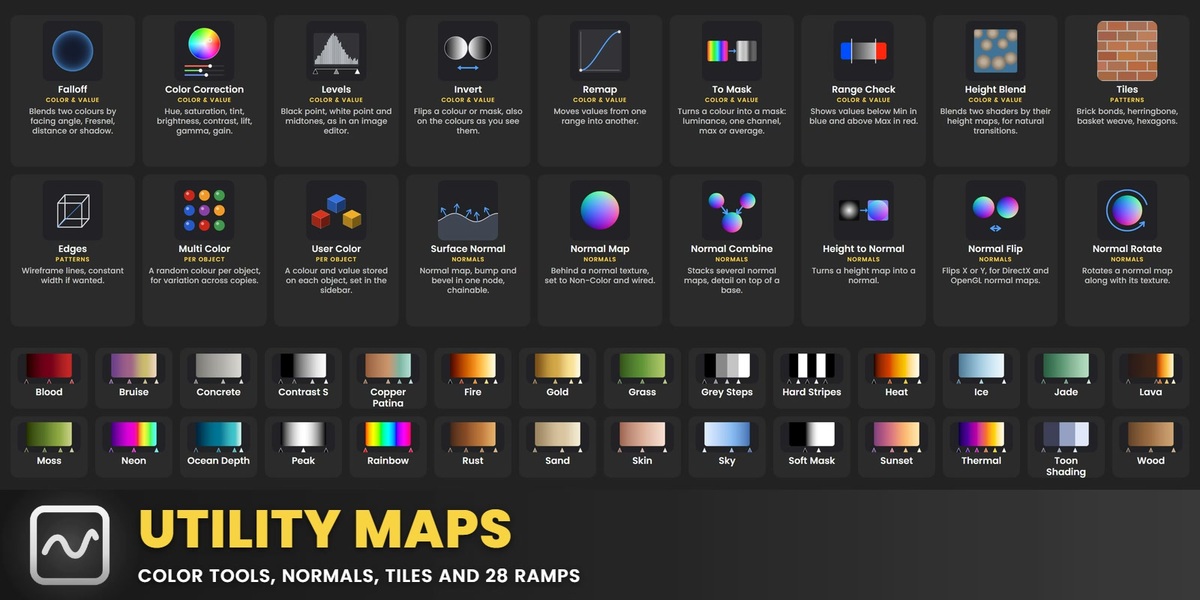
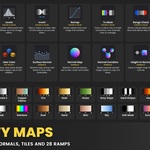
The small nodes you need every day: colour and value tools, Tiles, colour per object, normal tools and 28 color ramps. They keep rendering without the add-on. ↑
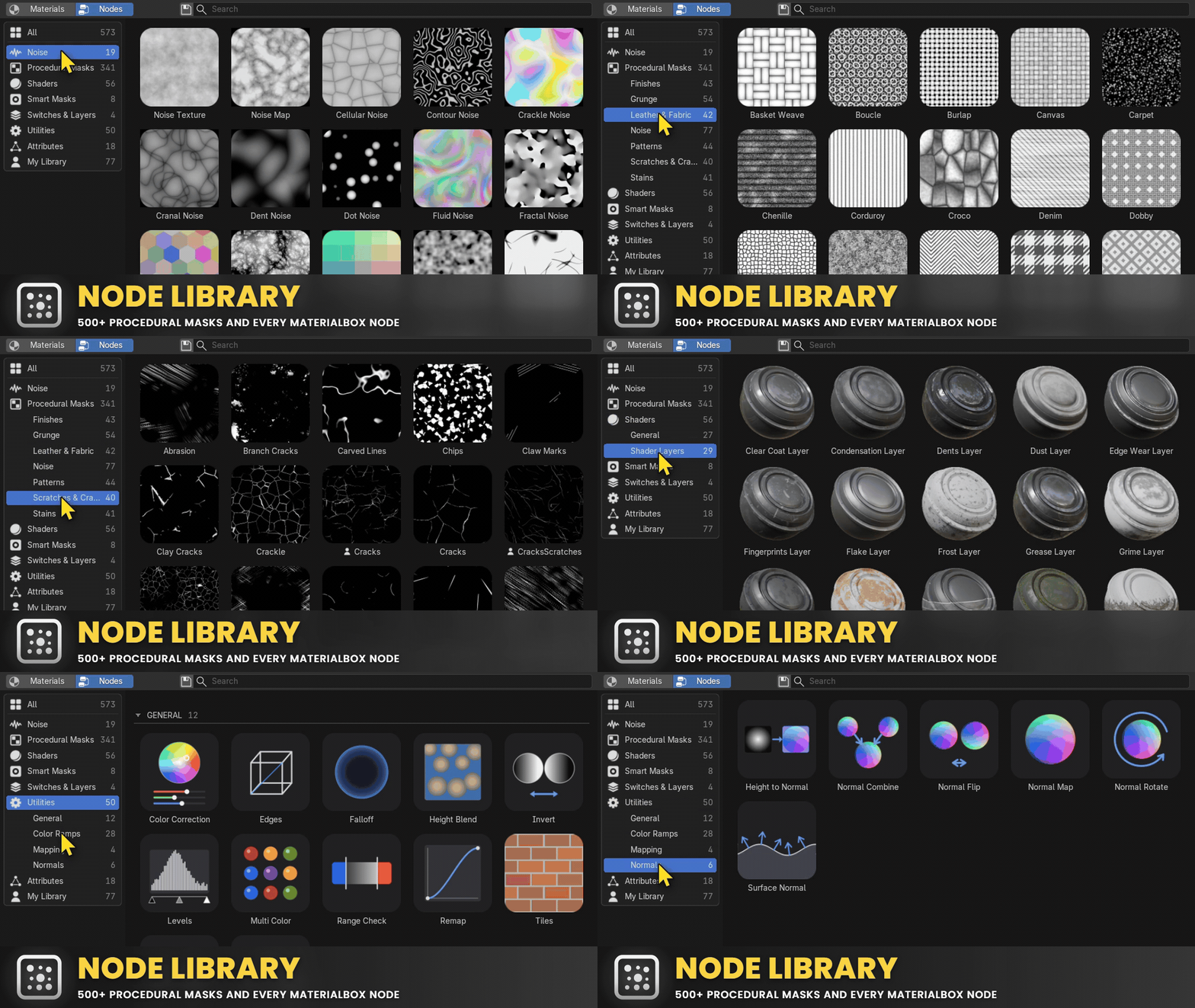
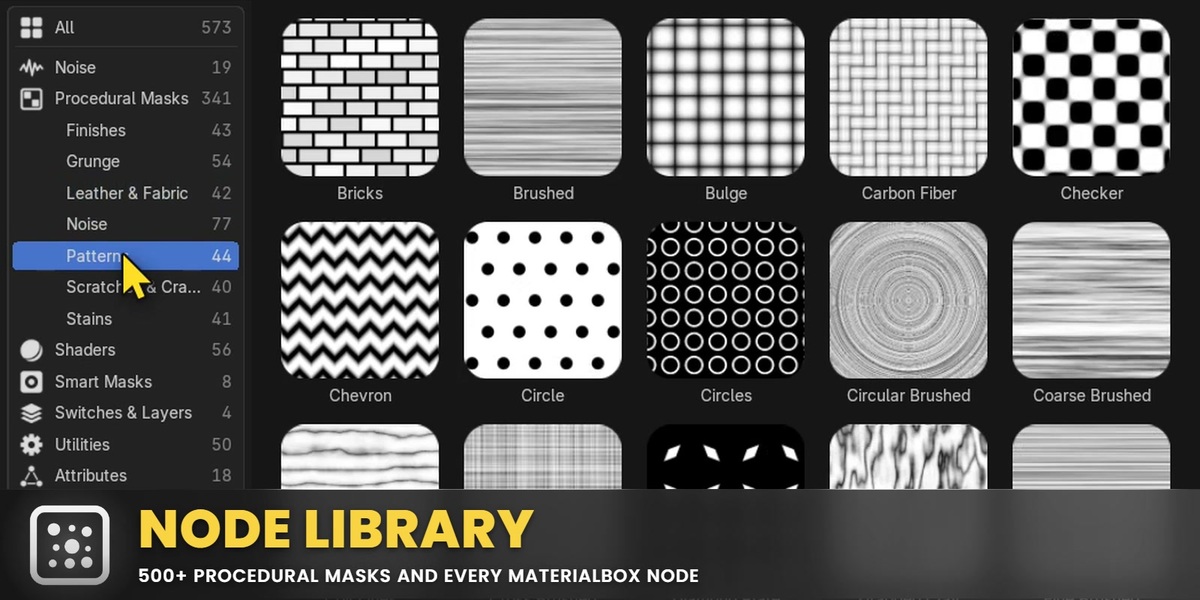
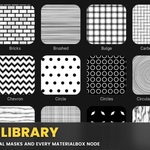
500+ procedural masks plus the shaders, utilities and ramps, with previews and search. Select a node first and the new one connects to it by itself. ↑
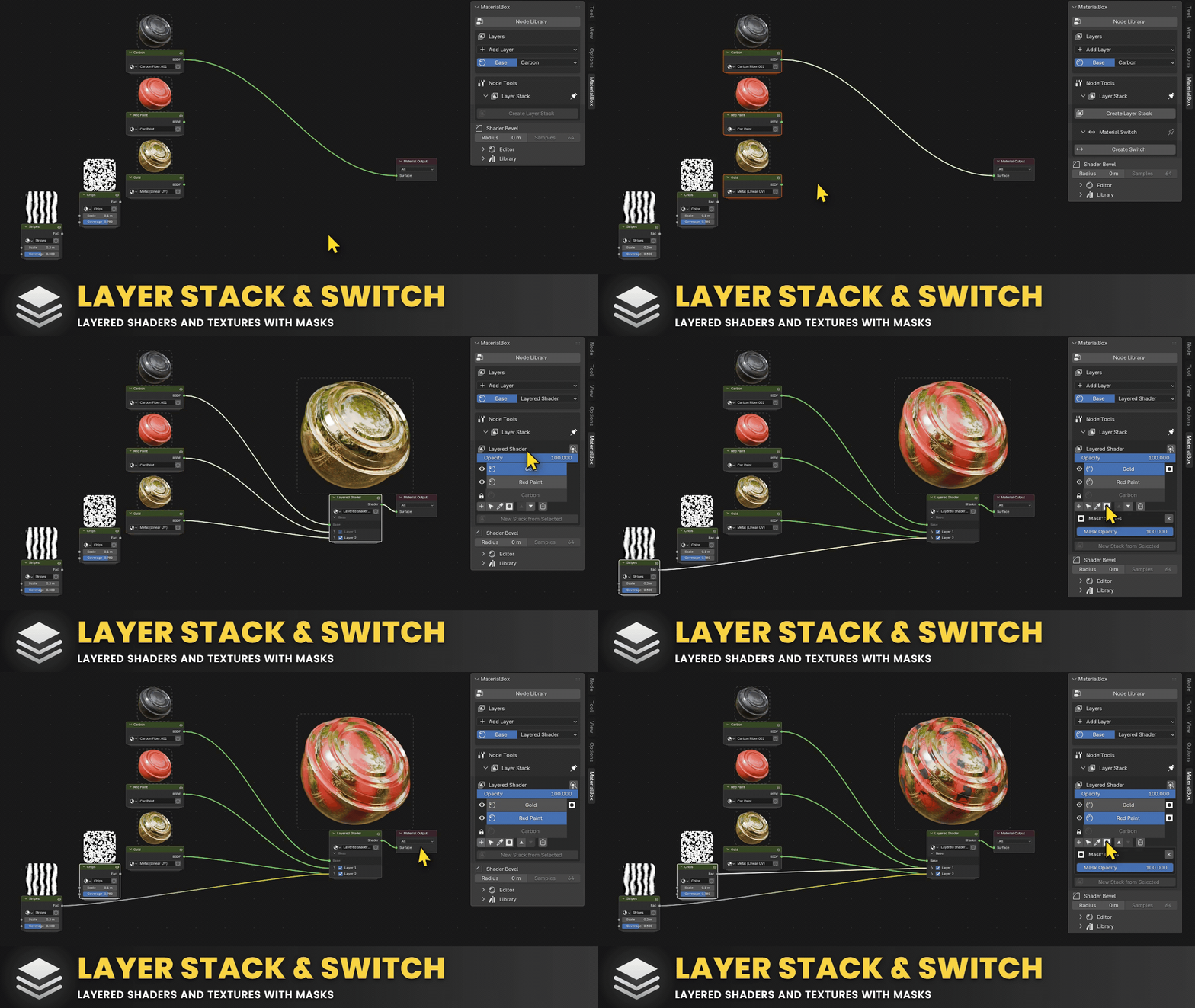
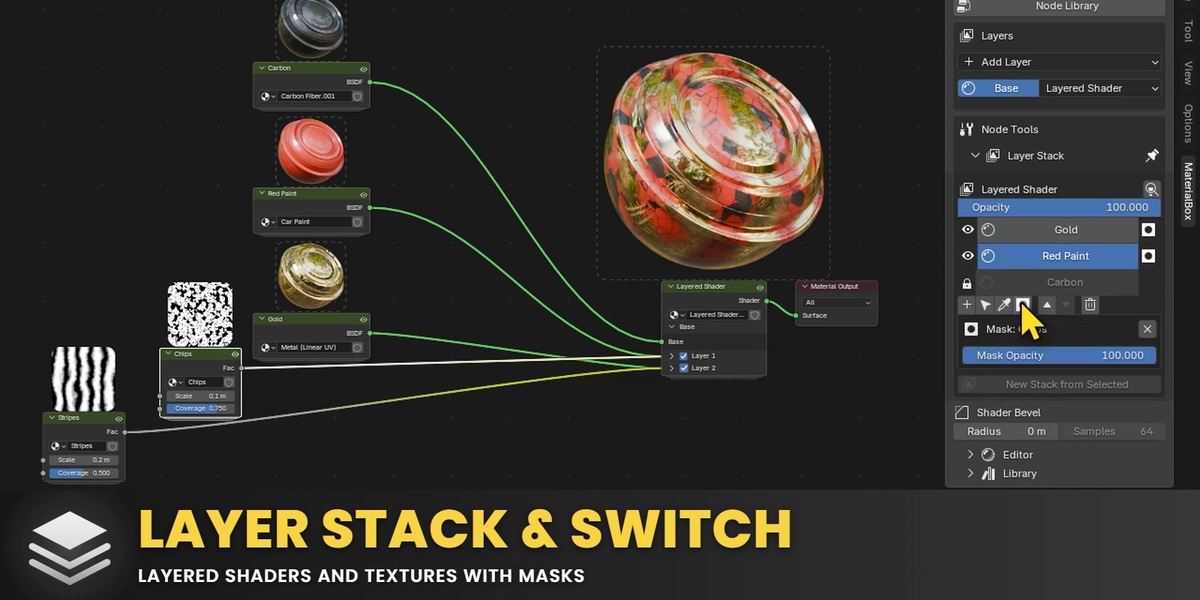
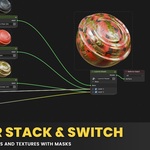
Stack shaders or textures in layers with masks and blend modes. Switch nodes give every object its own variation of one material. ↑
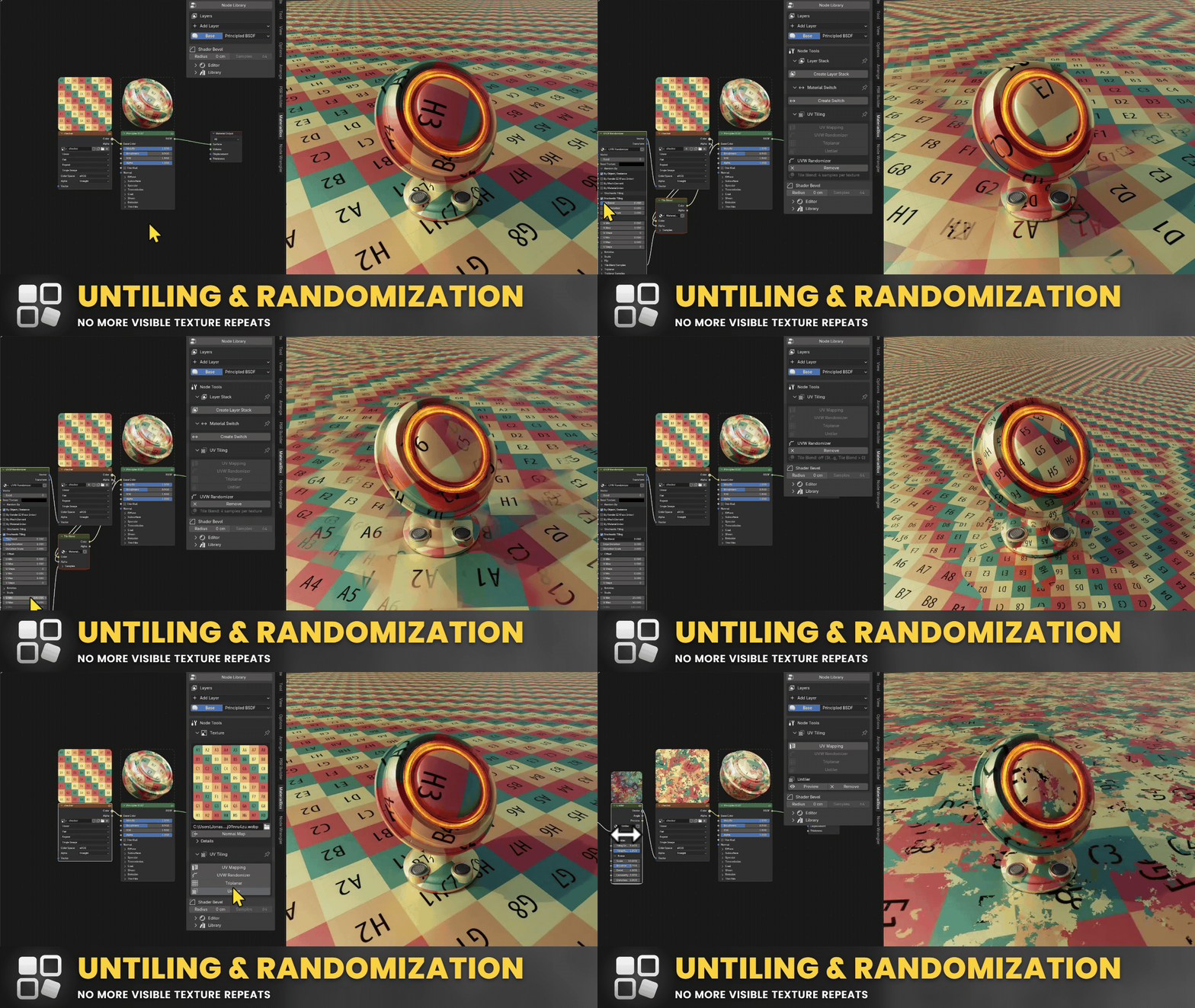
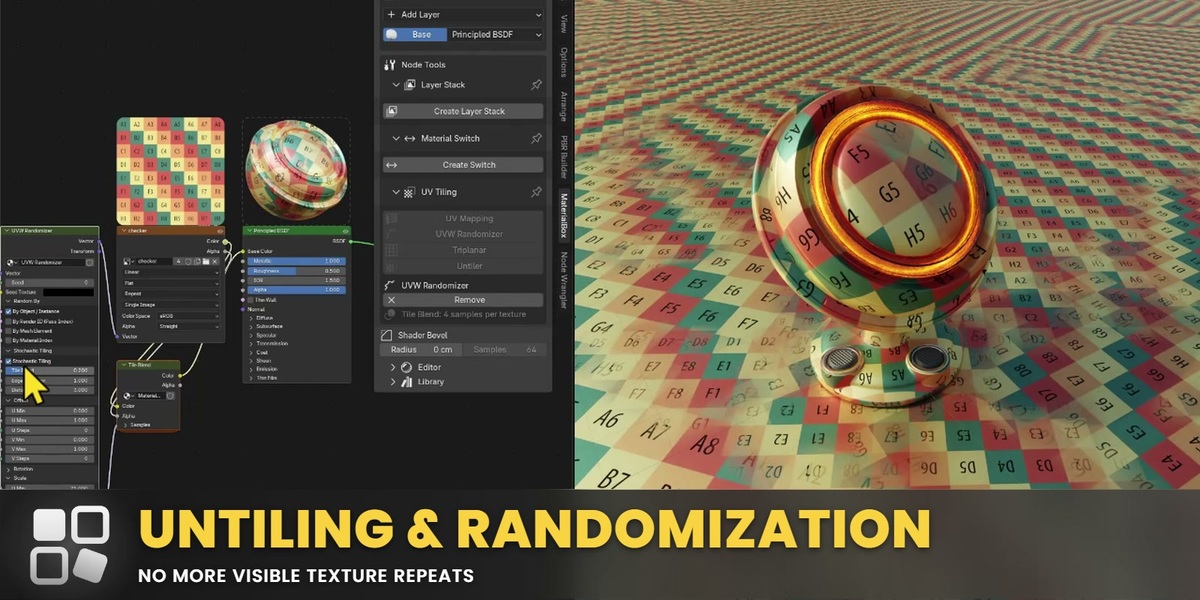
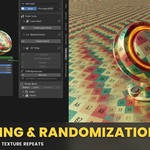
Hide texture repeats with the UVW Randomizer, the Untiler and Triplanar. An easier UV Mapping node is one Ctrl+T away on any texture. ↑
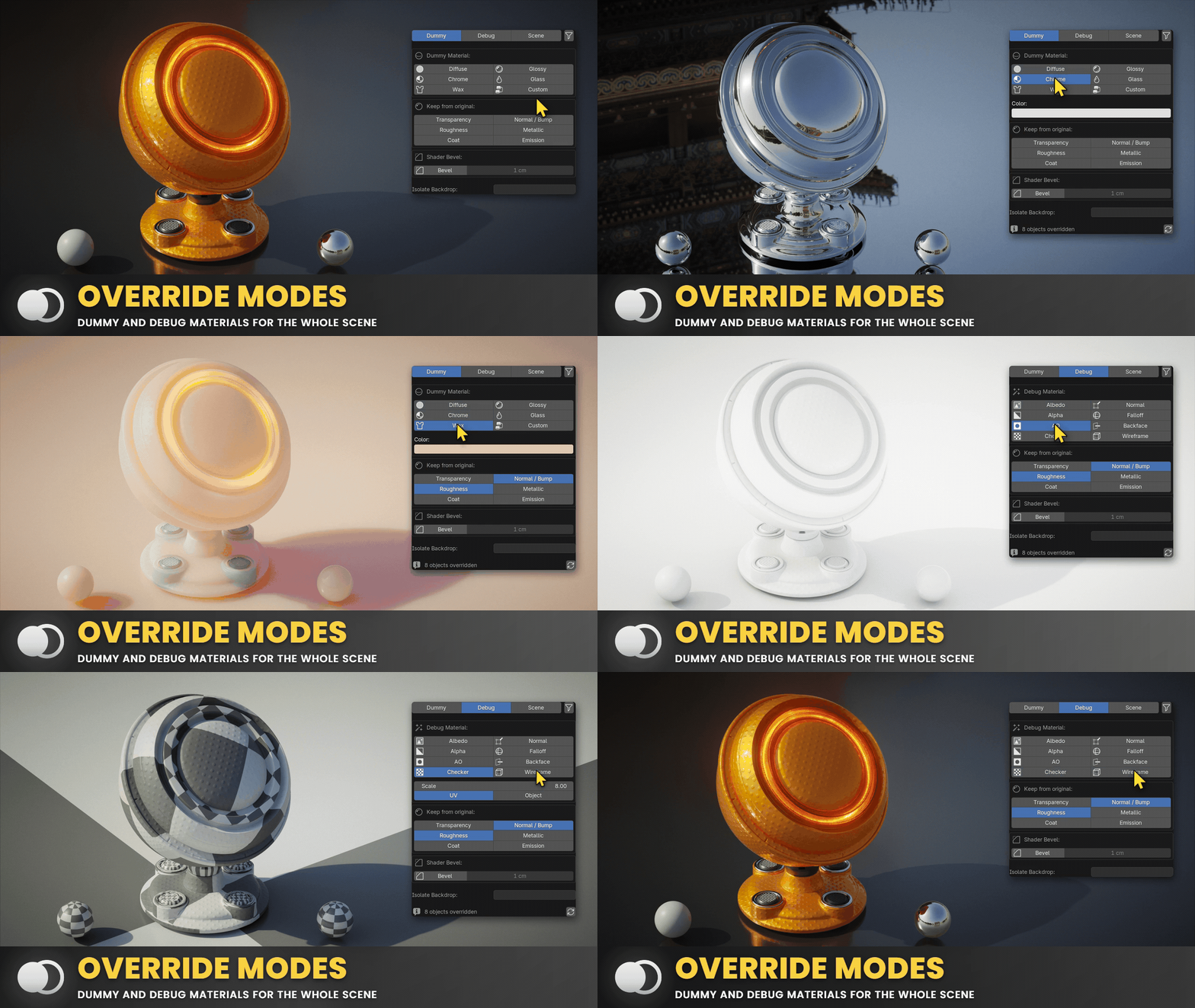
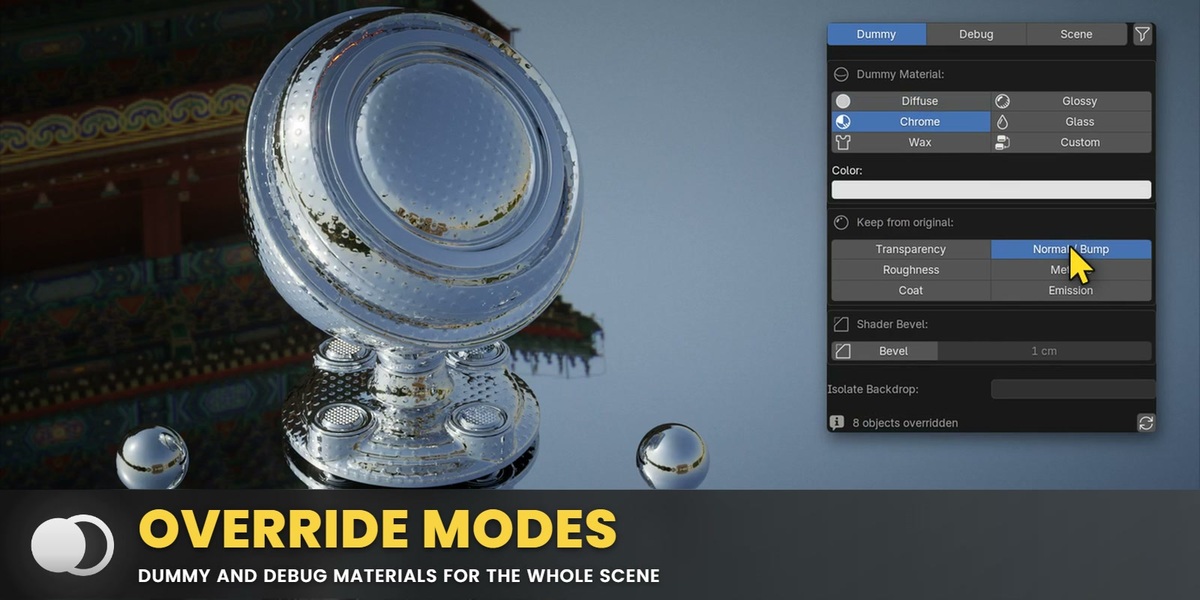
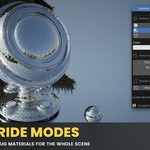
Swap all materials for a Diffuse, Chrome, Wax or Custom dummy, or a debug view like Albedo, AO or Wireframe. Bump and roughness can stay. Switch it off and your materials return. ↑
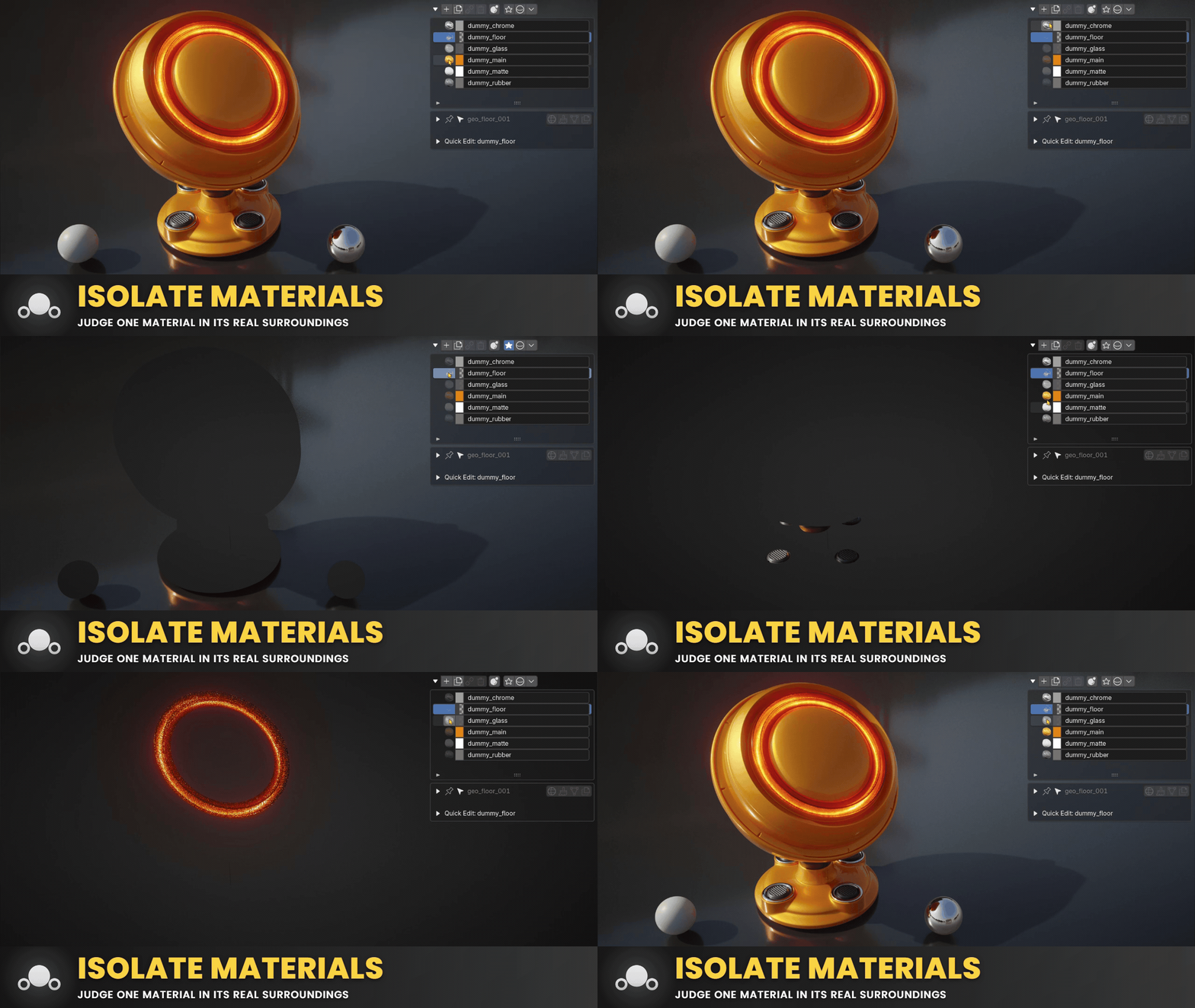
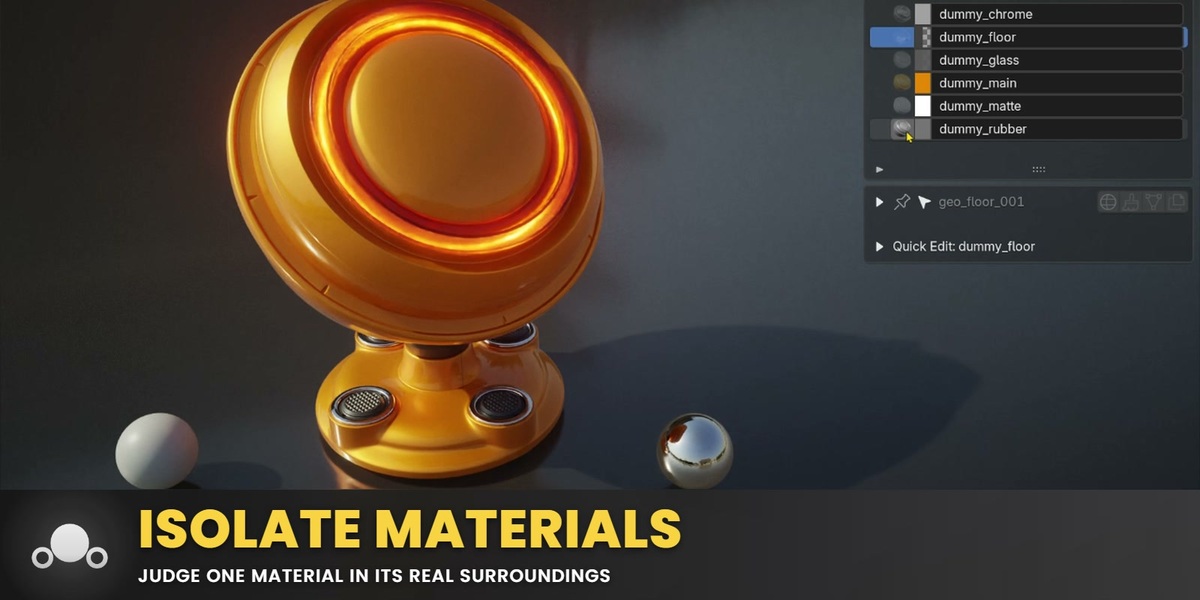
Shift+click a material and the camera sees all other materials and the world as one flat color, while lighting and reflections stay the same. Esc ends it. ↑
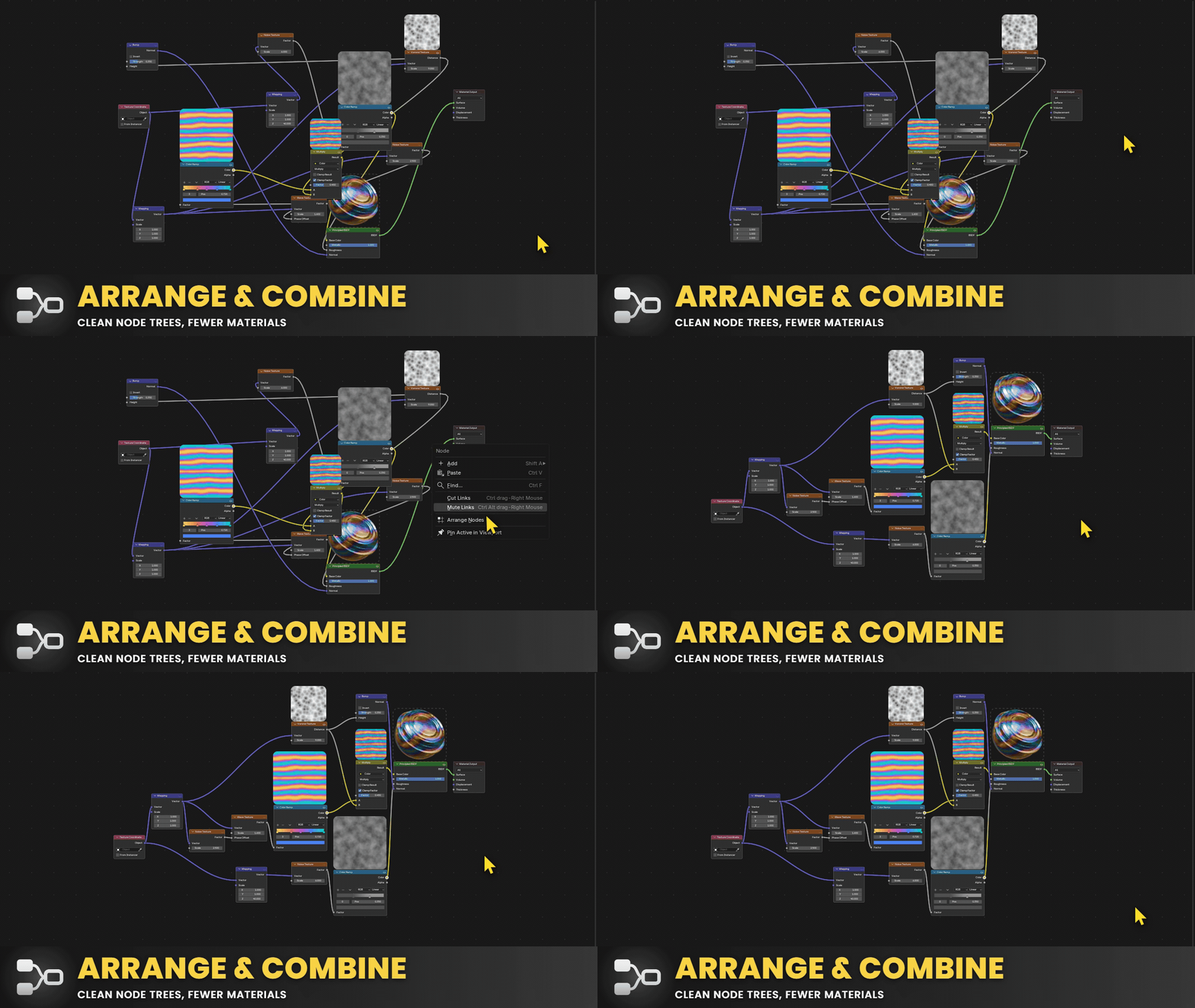
Arrange a messy node tree with one click, and combine similar materials into one that switches per object. ↑
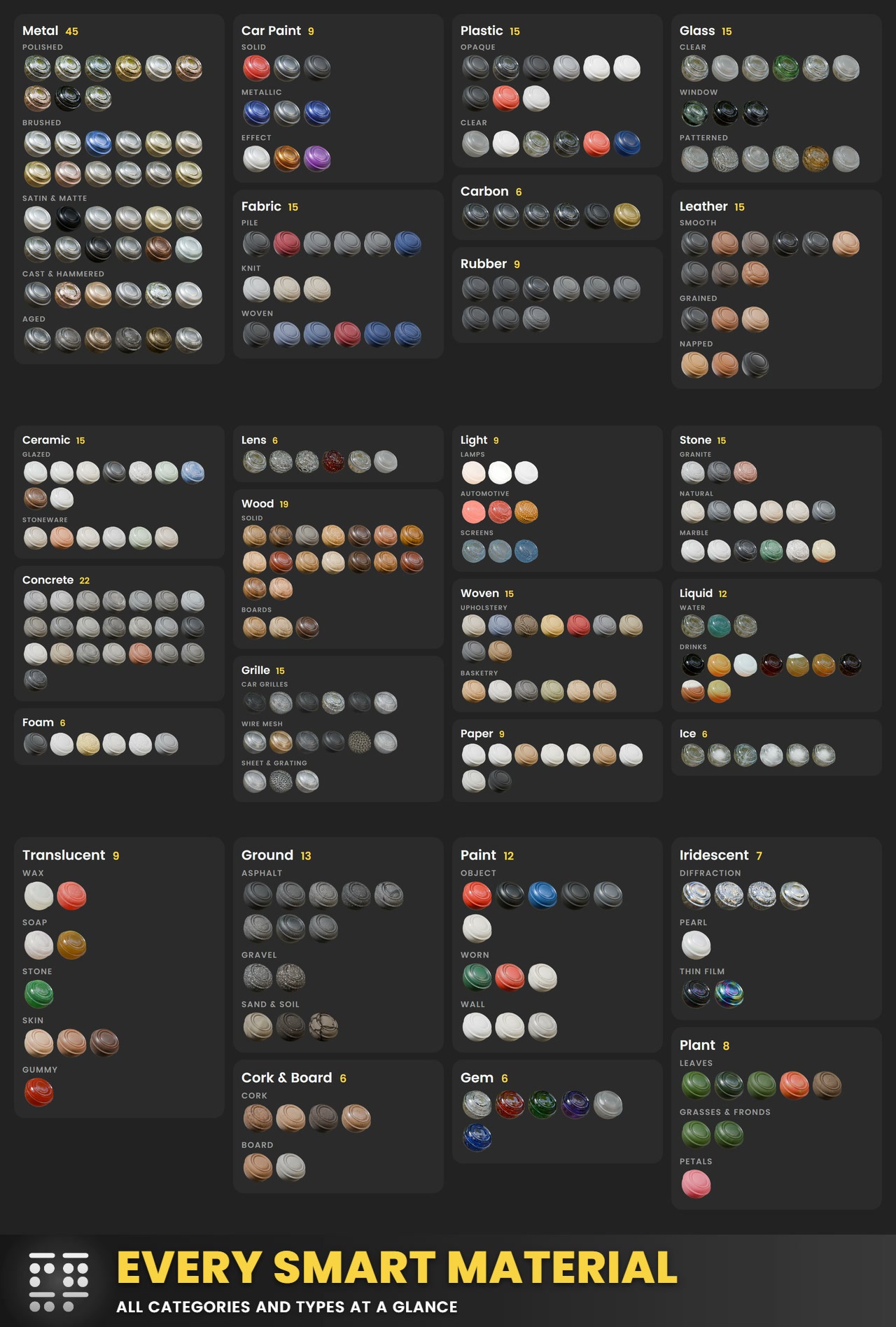
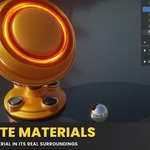
All 300+ Smart Materials, sorted by category and type: polished, brushed and aged metals, glazed ceramics, upholstery weaves, asphalt, wax and many more. ↑
Which Version Is Right for You?
If you build materials on a regular basis, take MATERIALBOX. It is the complete shading workflow and the version everything on this page is built around. MATERIALBOX Lite is for you if you want the material list and live previews of your shaders. Both versions are sold on this page, you pick the one you want at checkout.
The next step for the selected node: texture sets, Color / Data / Normal, displacement, ramps
Enlarged preview with Model, UV and Panorama views, tiling, displacement and value tools
Previews on your own model or its UVs, orbit, pan and zoom, turn the lighting, pick the HDRI
In short: Lite shows you what your shaders are doing. The full version gives you the tools to build them.
 What Users Say
MATERIALBOX was just released, so there are no reviews here yet. If you give it a try, we would genuinely like to hear what you think.
Write a review, get 30% off another one of our products
Leave a review on Superhive Market, then send us a short note at [email protected] and you get a 30% discount code for any other product of ours. Honest feedback is welcome, the discount is not tied to a rating.
 Exclusive Offers for MaterialBox Customers
As a MATERIALBOX customer, use these codes at checkout:
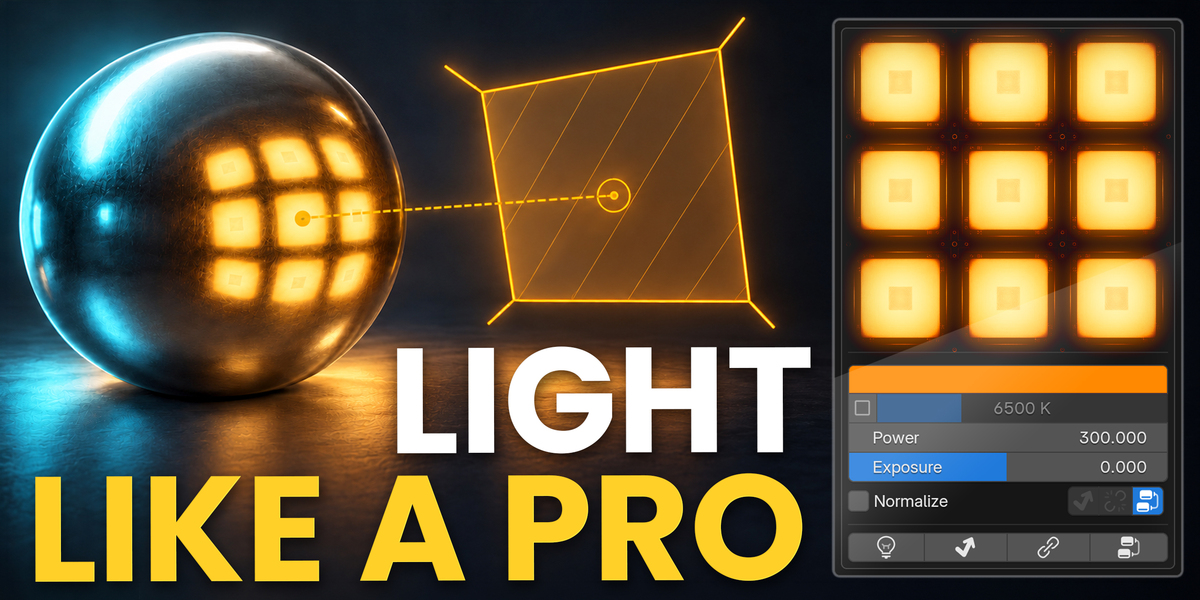
30% OFF LightBox
Real-time light previews, procedural softboxes, light splitting, light linking and 130+ presets.
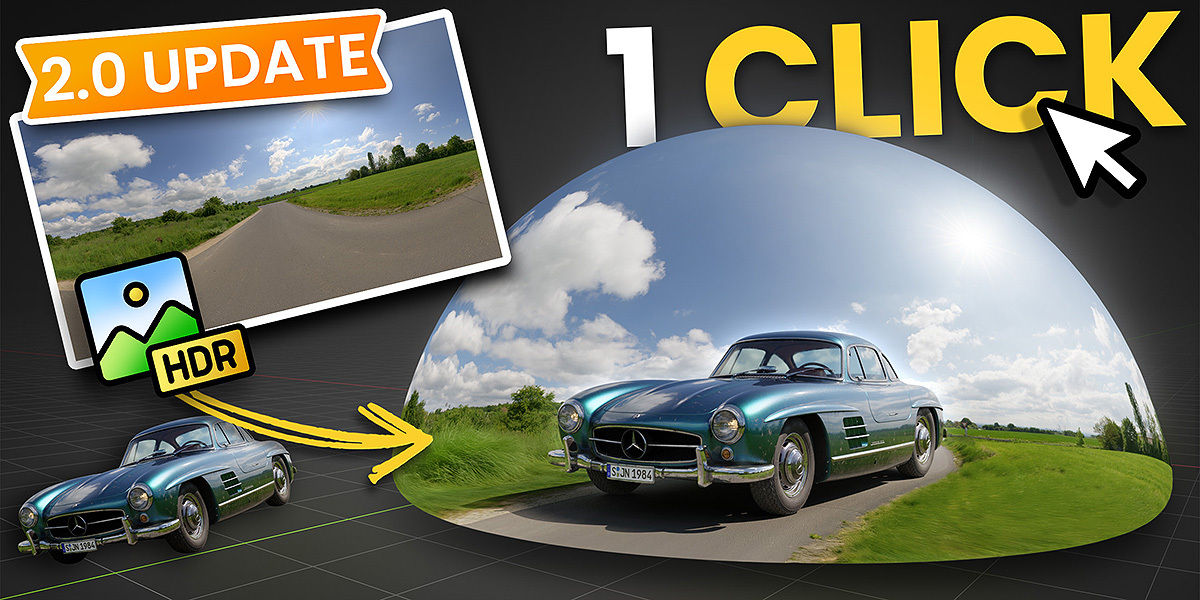
30% OFF PolyDome
Light your scenes with photorealistic HDRI environments: seamless floor matching, reflections, and procedural puddles.
 Why MATERIALBOX
Blender gives you the Principled BSDF and an empty node tree. Good materials take hours of wiring, and the Shader Editor shows you nothing until the end of the tree. MATERIALBOX starts you from a library of real materials, lets you age and layer them in a few clicks, and shows a live render on every node while you refine them. Spend your time on the look, not on wiring and checking.

Made by Jonas Noell, Lighting & Shading Artist and Educator
25K+Subscribers100+Tutorials20 YearsIn Production
 Compatibility & Requirements
- Blender 4.5 LTS to 5.3
- Node previews render in the background and work with Cycles and EEVEE scenes
- Materials built with MATERIALBOX keep rendering without the add-on, the node groups are saved in your file
- Files saved with MATERIALBOX open in MATERIALBOX Lite
 What's Included
- MATERIALBOX Add-on (.zip)
- 330+ Smart Materials, 27 shaders, 30 Smart Layers and 340+ procedural masks
- 12 months of free updates & basic support
 FAQ
Does It Work With EEVEE and Cycles?
Yes. The node previews are rendered by their own background renderer, independent of the render engine of your scene, and the shaders and maps work in both engines.
Do My Files Need MaterialBox to Render?
No. Everything MATERIALBOX builds is made of regular Blender nodes and node groups saved in your file. You can send files to a render farm or a colleague without the add-on.
Can I Use the Materials Without UVs?
Many of them, yes. Stone, concrete, wood, car paint, plastic and other solid materials are projected in 3D or box mapped, so they need no UVs. Fabric, woven textiles, leather, carbon weave and grilles follow the UVs, with one UV unit as one metre.
Will My Own Materials Survive Updates?
Yes. Everything you save to the library is stored in your own user library in Blender's user folder, apart from the materials that ship with MATERIALBOX, so updates never touch it.
Does It Replace Node Wrangler?
No, both work side by side. MATERIALBOX only takes over Ctrl+T on vector inputs to add its UV Mapping node.
What Is the Difference Between Lite and Full?
Lite has the material list, cleanup, the attribute picker and live previews of shader nodes. Full adds the Material Browser with all Smart Materials, the shaders, the Smart Layers, Quick Edit, previews on every node, the solo preview, masks, procedurals and node tools. See the comparison table above.
How Long Are Updates Free?
12 months from your purchase: bug fixes, new features and new materials are free during that time.
Will There Be New Materials?
Yes. The material library is updated continuously with new Smart Materials, Smart Layers and masks, and they come with the regular updates.
Can I Use MaterialBox Commercially?
Yes, MATERIALBOX can be used in both personal and commercial Blender projects.
 Get Started with MATERIALBOX
MATERIALBOX $30$24 MATERIALBOX Lite $10$8
BLACK FRIDAY · 20% off
Pick a material, layer it, see every node.
Buy NowBoth versions are available on this page, pick the one you want at checkout.
- 12 months free updates
- EEVEE & Cycles
- 330+ materials
