MaterialBox - Smart Materials, Node Previews & Shader Tools
 Jonas Noell




MaterialBox Tab Not Visible After Install?
Open Edit → Preferences → Add-ons, search for "MaterialBox" and make sure it is enabled. Check Panel Location in the Panel tab of the preferences: the list may be set to Material Properties only. In the 3D Viewport the sidebar tab is called MaterialBox, the same as in the Shader Editor.
MaterialBox and MaterialBox Lite Enabled at Once?
Only one edition can be enabled at a time. Disable the other one in the Add-ons list.
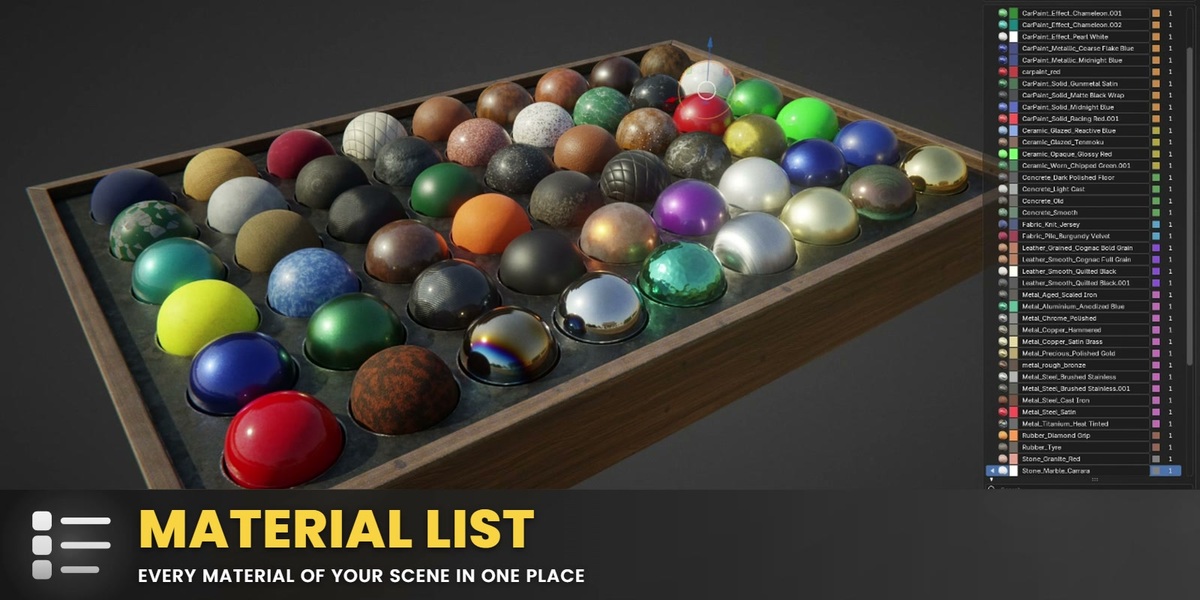
A Material Is Missing From the List?
It may be hidden by the search, the category selector, Selected Only, Visible Only or Pin List, or its name contains a word from Hide Materials Containing in the preferences.
A Thumbnail Is Red?
The material is not used and would be lost when you save. Assign it, give it a fake user (click its 0) or mark it as an asset.
Clicking a Material in the Material Library Does Nothing?
No object is selected. The bar at the bottom of the library window says nothing selected. Select the objects in the 3D Viewport, the window stays open.
The Library Only Swaps the Base Instead of Assigning the Material?
The selected object has layers and Keep Layers is on. Switch it off in the bar at the bottom of the library window to assign the library material as it is.
No Dispersion on Glass, Gem or Ice?
Dispersion needs Blender 5.3, where the Principled BSDF got it. On older versions the input is not shown.
Assigning or Deleting Does Nothing?
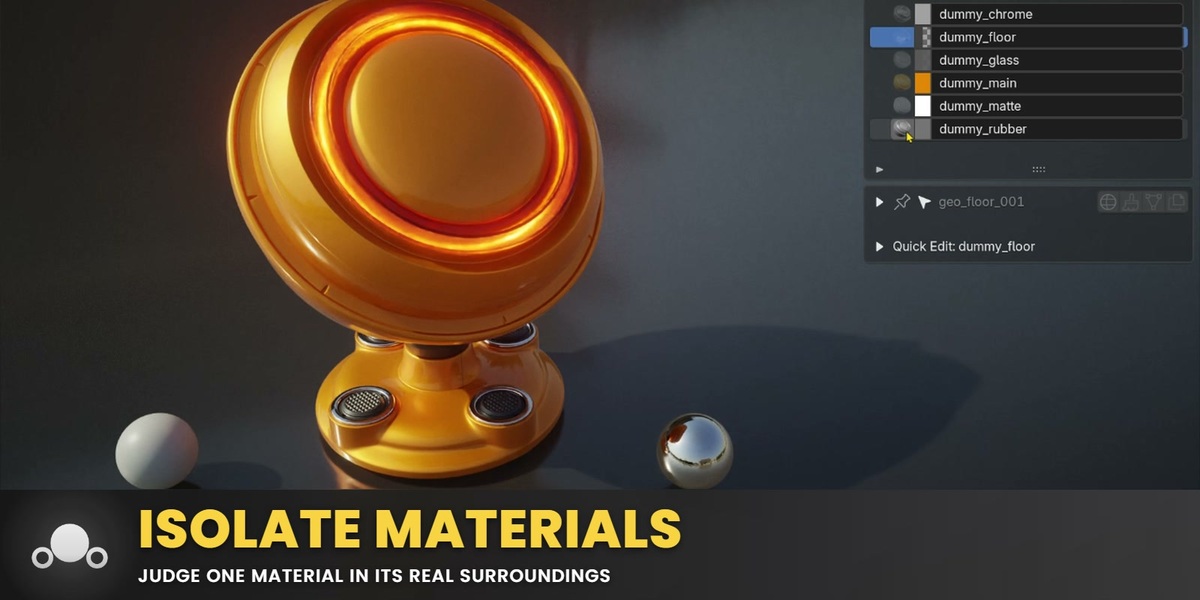
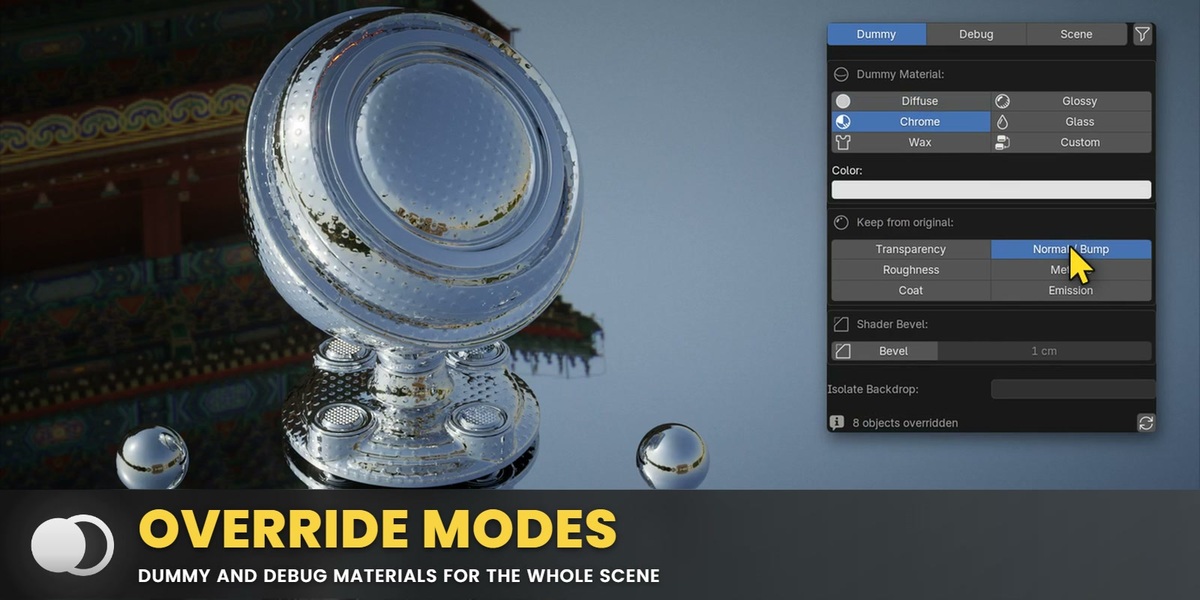
The Dummy Override or Isolate is active. Switch it off first, or press Esc.
The User Count Is Higher Than Expected?
Click the number. Material Usage lists every user. If none of them is a real assignment, File → Clean Up → Recursive Unused Data-Blocks clears them.
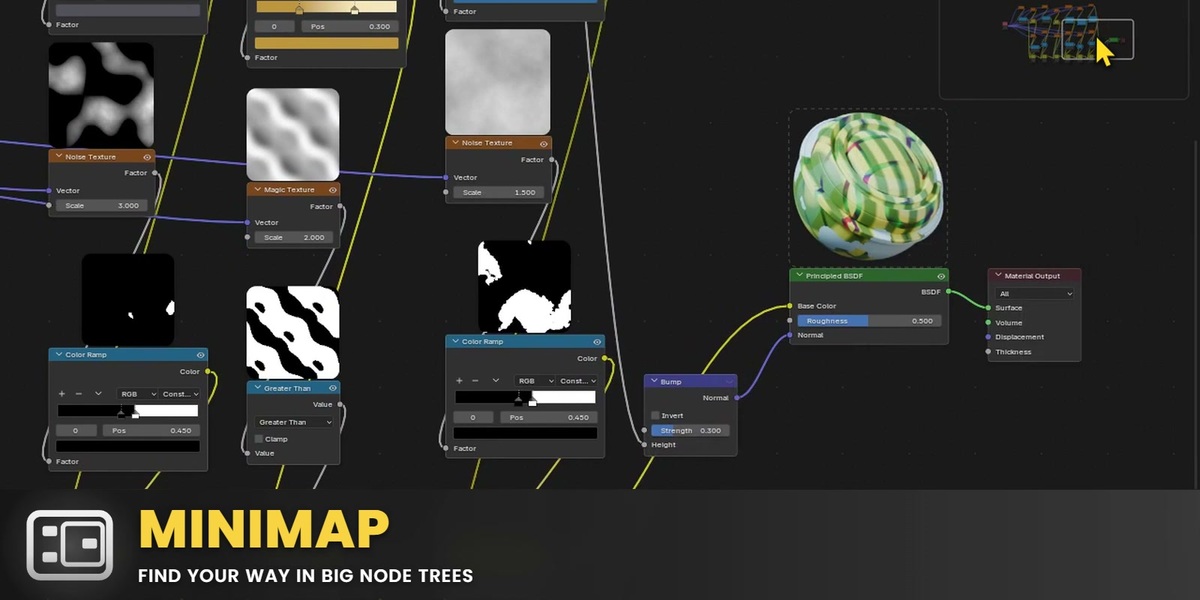
Node Previews Stay Empty for a While?
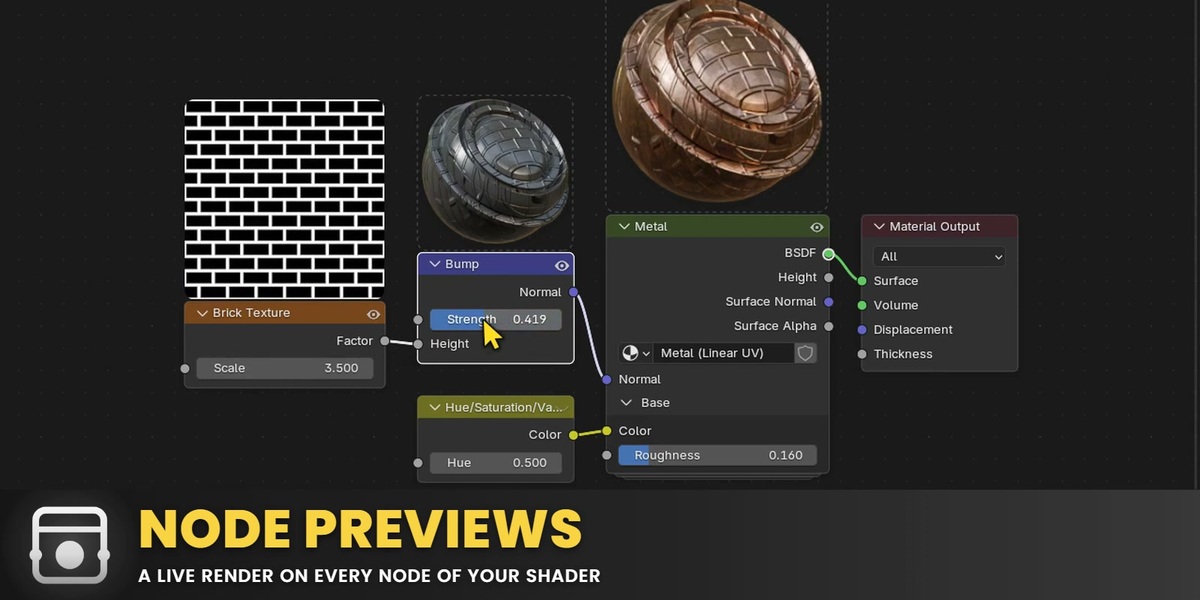
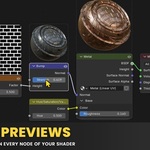
On the first render Cycles compiles its kernels, which can take a few minutes. Nodes with Ambient Occlusion, Bevel or Ray Cast compile once more. After that previews are fast.
Previews Are Slower Than Usual?
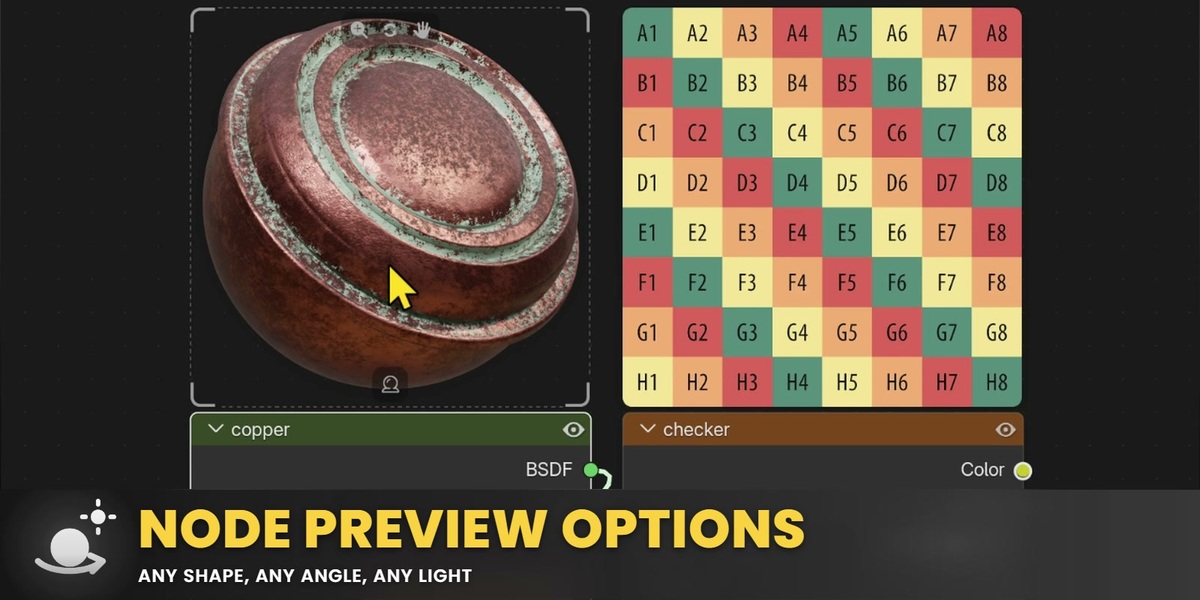
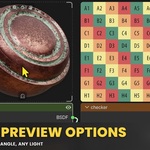
While a 3D Viewport renders with Cycles, the previews switch to the CPU so they don't compete for the GPU. EEVEE viewports keep them on the GPU.
"Previews disconnected" or a Red "Reconnect Previews" Button?
The background renderer stopped. Click any preview or Reconnect Previews in the MaterialBox tab of the Shader Editor sidebar. A single preview marked Failed renders again once you change its material
A Preview Shape Is Greyed Out?
Model and UV Space need an object that uses the material, UV Space also a UV map. Nodes that depend on the view only offer the 3D shapes.
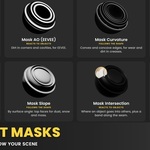
Mask AO or Mask Intersection Renders Black, or the Create Buttons Are Missing?
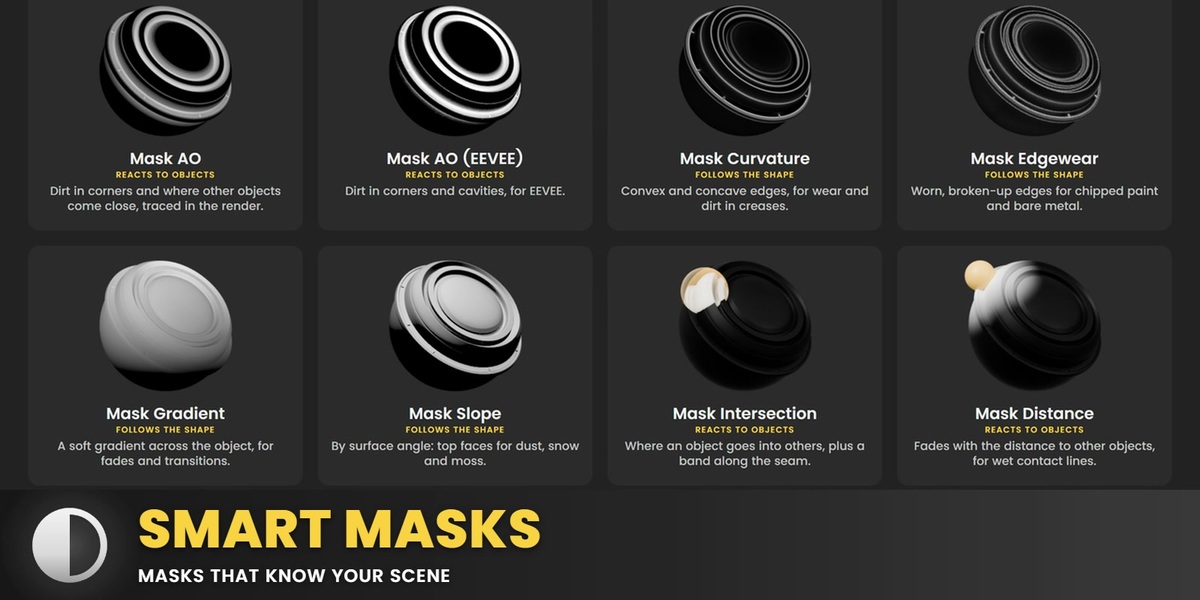
They need Cycles and Blender 5.2. In EEVEE use Mask AO (EEVEE) instead.
Mask Curvature Shows No Concave Edges?
The Concave output needs Blender 5.1. Curvature, the Edge Wear Layer and Shader Bevel only render in Cycles.
Mask Distance Looks Coarse?
The mask is calculated on the vertices. Subdivide the mesh that gets the mask.
Ctrl+T Does Nothing?
The selected node has no free Vector or Color input. Select the texture node itself.
A Mapping Tool Refuses the Image?
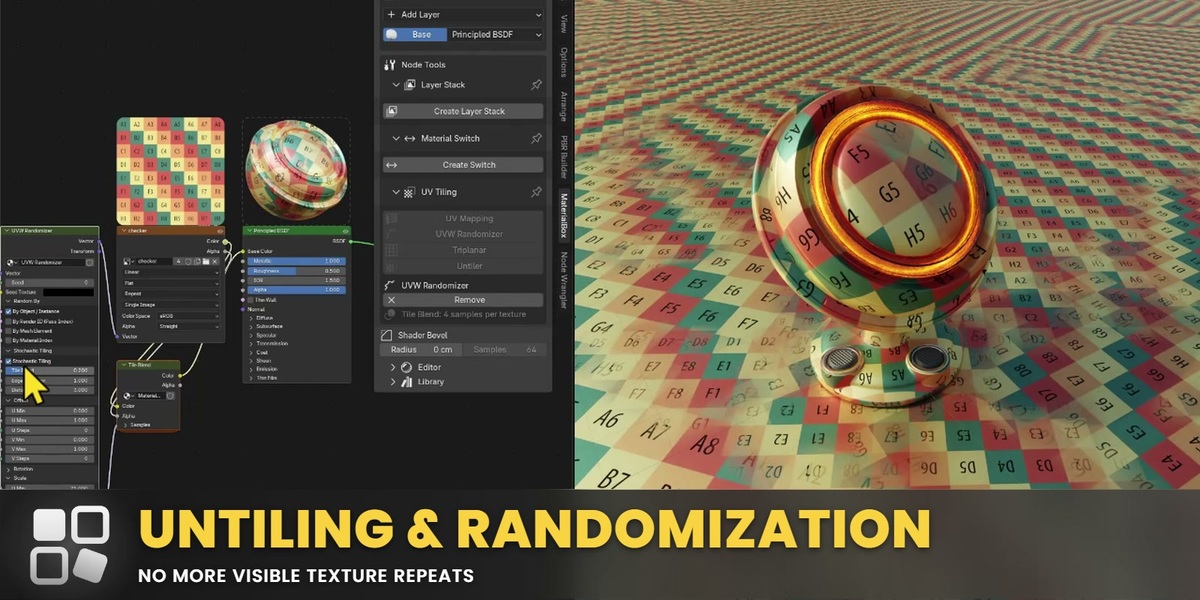
The image already has that mapping. Click Remove in the UV Tiling section first to start over.
Something Else Goes Wrong?
Set Log Level to Debug in the Debugging tab of the preferences, repeat the problem, then click Save Debug Report and send the file with your request.
Have questions about this product?
Login to message
| Blender Extension Compatible | Yes |
| Dev Fund Contributor | |
| Published | about 16 hours ago |
| Blender Version | 4.5 - 5.3 |
| Extension Type | Add-on |
| Render Engine Used | Cycles, Eevee |
| License | GPL |

Discover more products like this
smart-masks blender smart materials lookdev car paint material library material browser node preview shader nodes layered materials procedural textures pbr-material texture set