1Open Blender, go to Edit › Preferences › Get Extensions (or Add-ons).
2Click the small arrow at the top right and choose Install from Disk…
3Select the Materialify Pro .zip file. Don't unzip it.
4Make sure Materialify Pro Beta is enabled (ticked).
STEP 02
Set up the Source Folder (the textures)
1Download the Source Folder and unzip it anywhere on your PC (a drive with enough free space).
2Keep every folder name exactly as it is. The add-on finds textures by those names.
3In Blender, press N in the 3D Viewport and open the Materialify Pro tab.
4In the Source File field, choose the unzipped Source Folder. The galleries fill up.
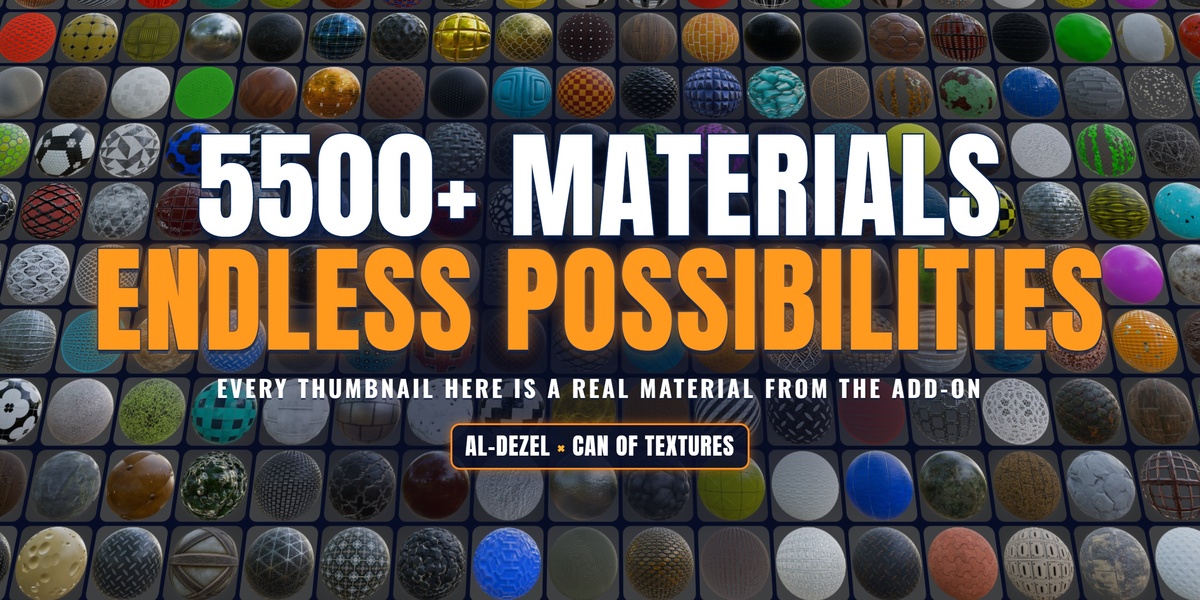
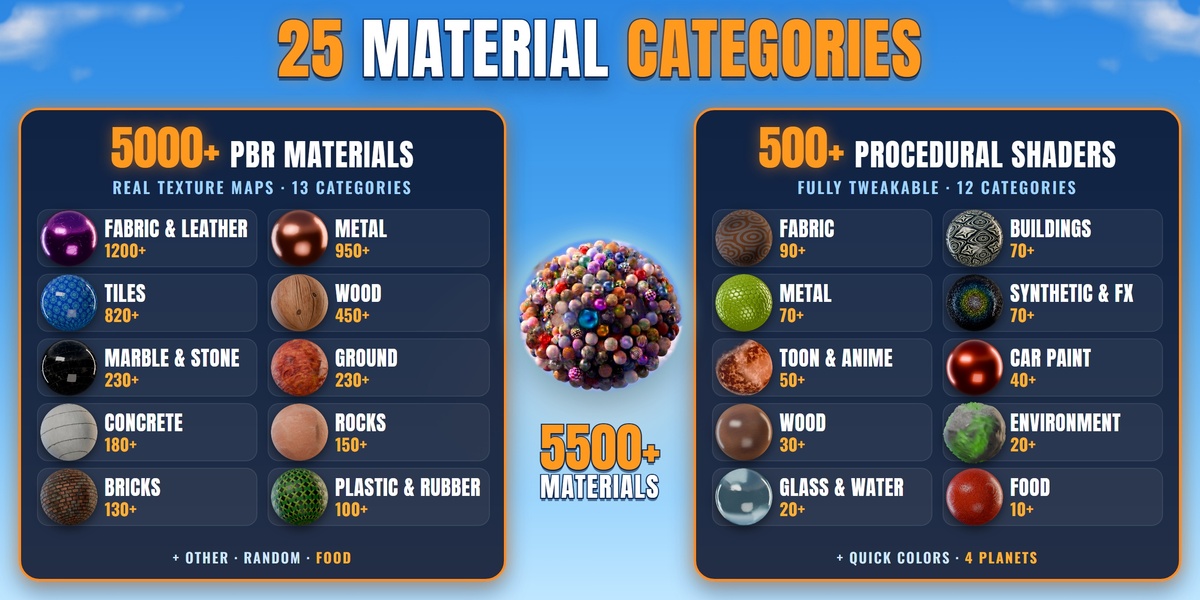
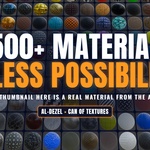
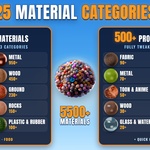
The 5,000+ PBR materials use real texture files, which come as a separate Source Folder download.
STEP 03
Apply a material
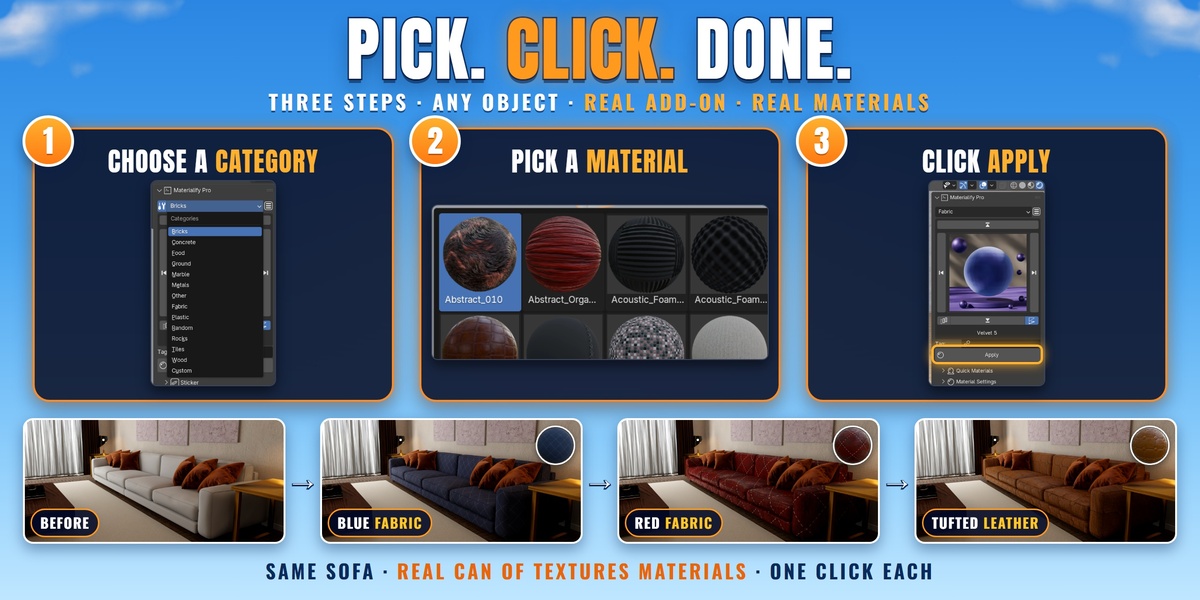
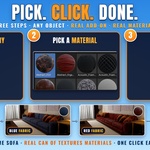
1Select your object (Object Mode, or Edit Mode for part of a mesh).
2Choose PBR or Procedural, then a category: Fabric, Metal, Tiles, Wood, Marble…
3Browse with the arrows, or click the big preview to open the full gallery.
4Click Apply. Done.
STEP 04
Make it yours: Material Settings
Open Material Settings under the gallery to see the sliders of the selected material, like Mapping Scale, Tint Color and Displacement Scale (PBR) or Hue, Saturation and Value (procedural). Changes show right away.
FIND IT FAST
Magic Search
1Open Magic Search.
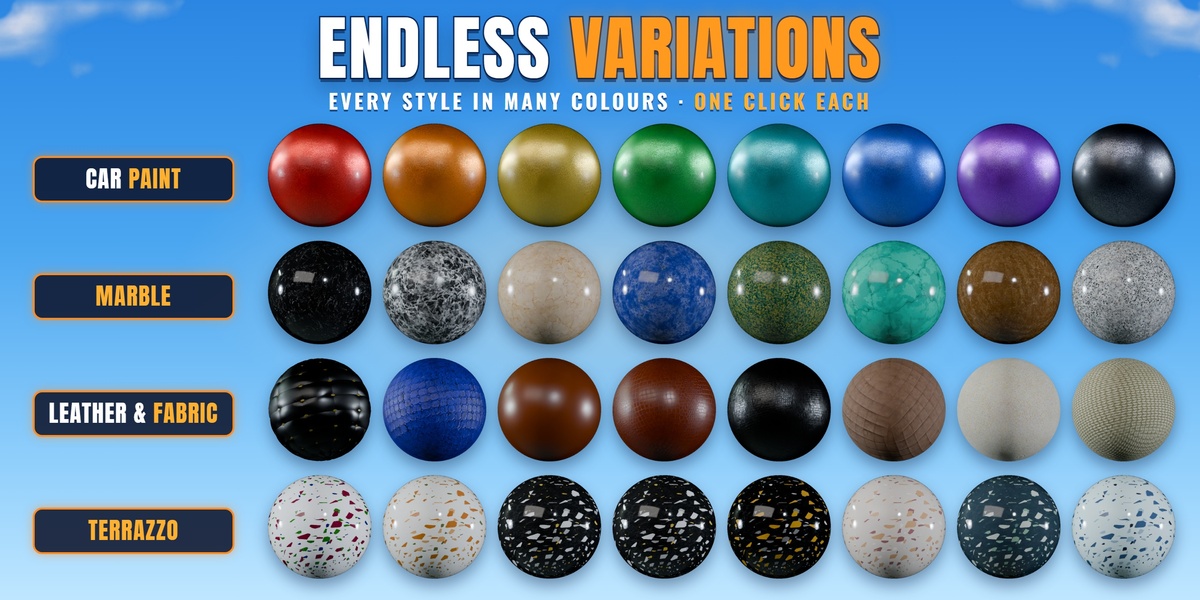
2Type a word like wood, or pick a colour.
3It shows you the closest materials. Click one, then Apply.
AI TEXTURES
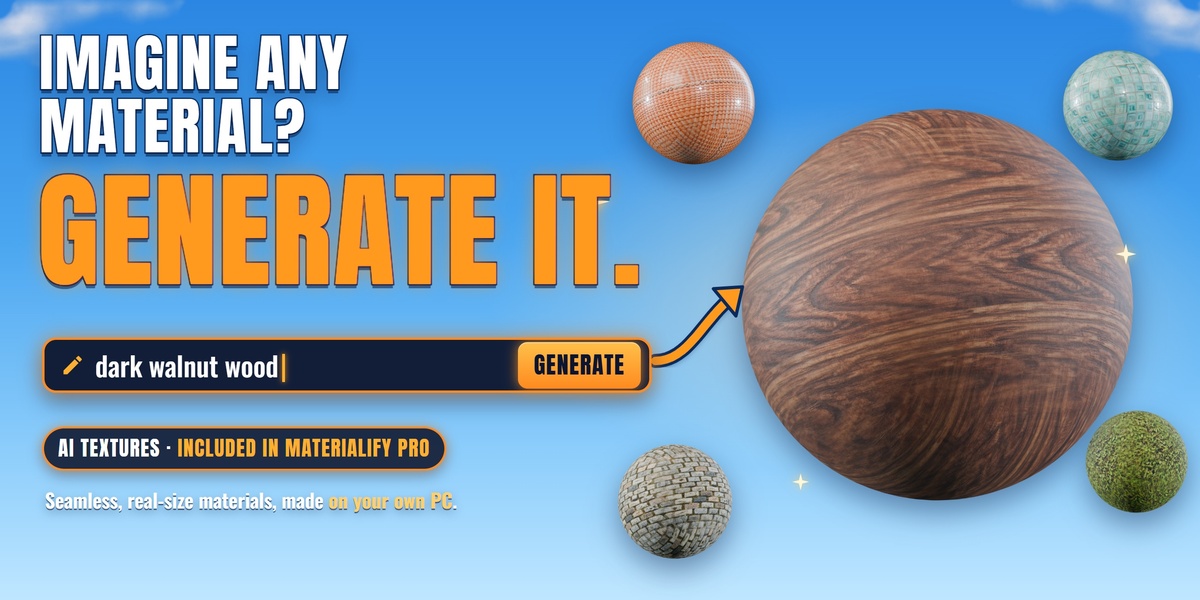
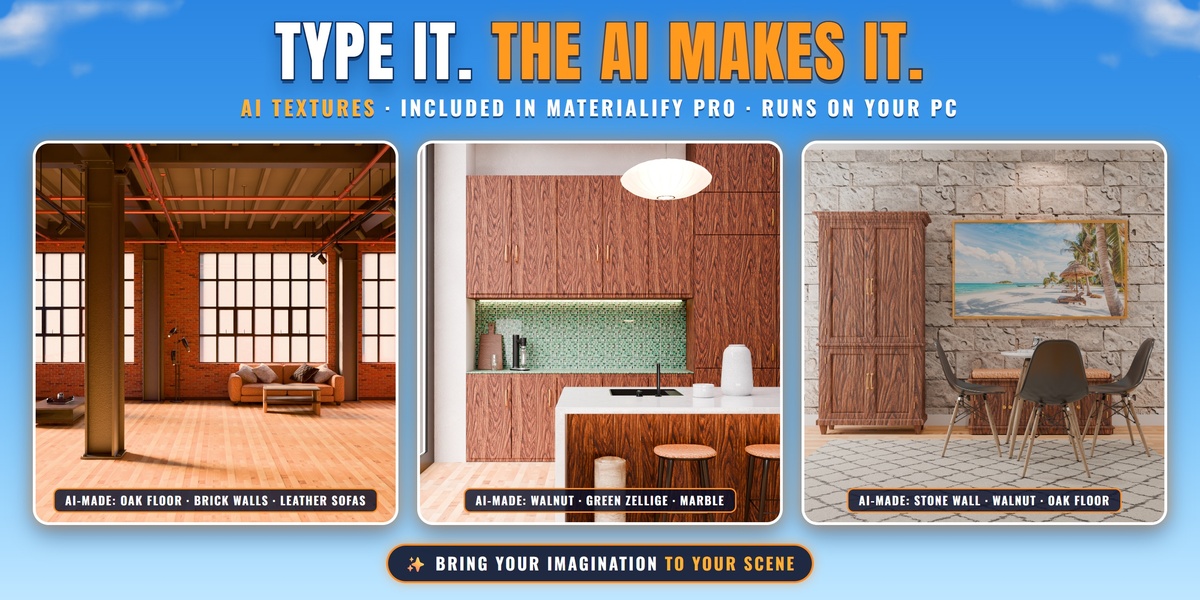
AI PBR Texture Generator
1Install the AI PBR Texture Generator .zip the same way as step 1. It adds an AI Textures tab to the N-panel.
2Select your objects and type a few words, like polished oak planks. Need ideas? Click the lamp button.
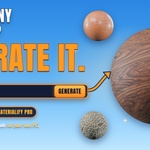
3Click Generate: a seamless PBR material, made on your own computer, goes on the selected objects.
It uses your graphics card when it can and your processor when it can't. It picks the right setup by itself and never installs drivers.
YOUR OWN
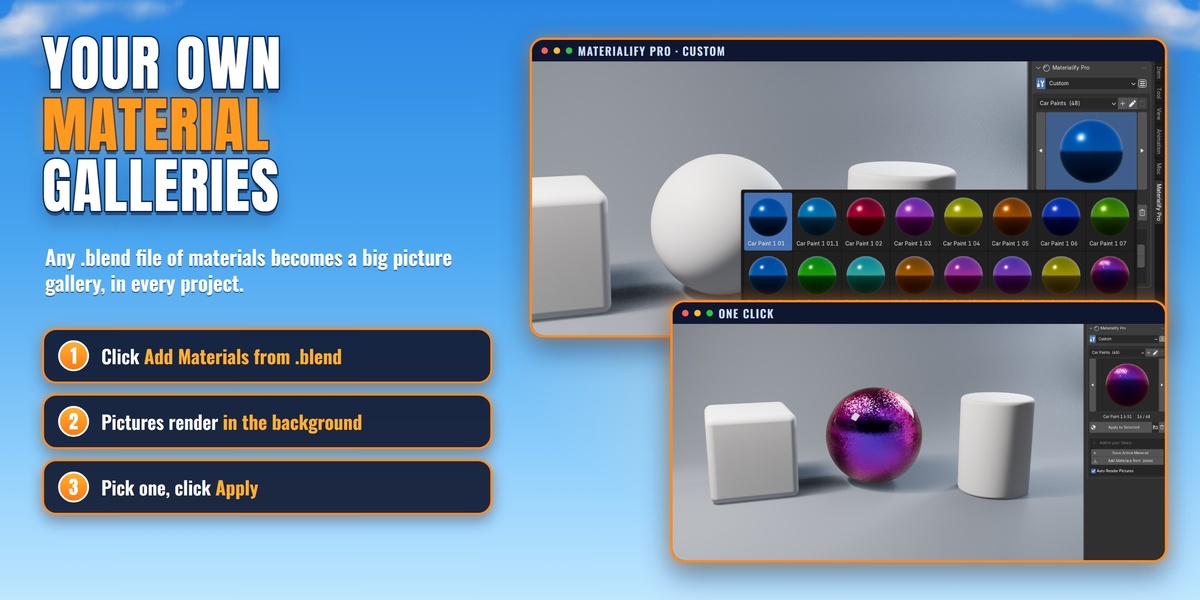
Your own material gallery
1Pick the Custom category and click Add Materials from .blend.
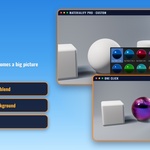
2Every material in that file shows up with a real picture, rendered in the background while you keep working.
3Click a picture, then Apply. Or select an object and click Save Active Material.
Make as many categories as you like.
BAKE
Use a material outside Blender
1Open Bake and choose a folder.
2Click Bake.
3Materialify Pro saves the material as 2K texture maps for any game engine or 3D app.
MORE TOOLS
Everything else
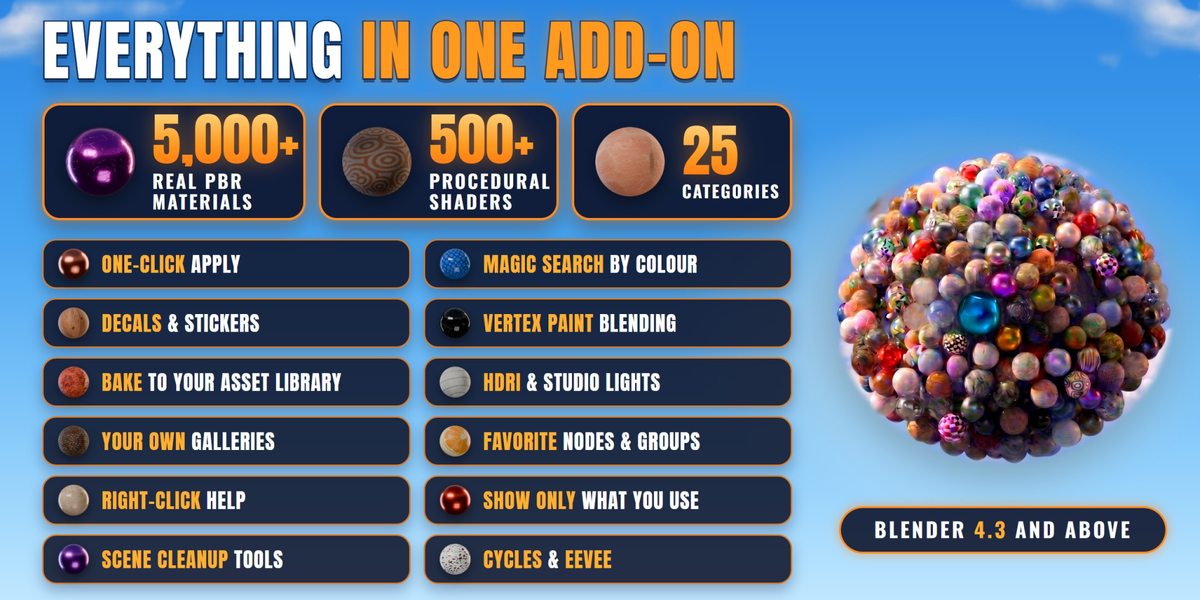
Quick Materials: clean ready colours, plus gold, silver, black and white. · Sticker: decals and your own images. · Paint: blend two materials with a brush. · Custom HDRI: your HDRIs with previews, lit in one click. · PBR Importer and Linkify: your own texture sets and .blend materials. · Asset Library, Favorite Nodes and cleanup tools.
HELP
Help on every button
Right-click any button and choose Materialify Guide. It tells you what that button does, with the steps of its panel. After you choose the Source Folder, a Settings panel at the bottom lets you show or hide any panel.
FIXES
Troubleshooting
1Pink materials or empty galleries: the Source File isn't set, or a folder inside it was renamed. Point Source File to the unzipped folder and keep the original names.
2After updating: install the new zip over the old one, then restart Blender.
3Still stuck? Message us on Superhive or ask in our Discord: https://discord.gg/gjDpm6bV44
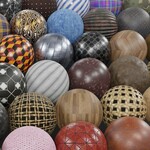 CAN OF TEXTURES
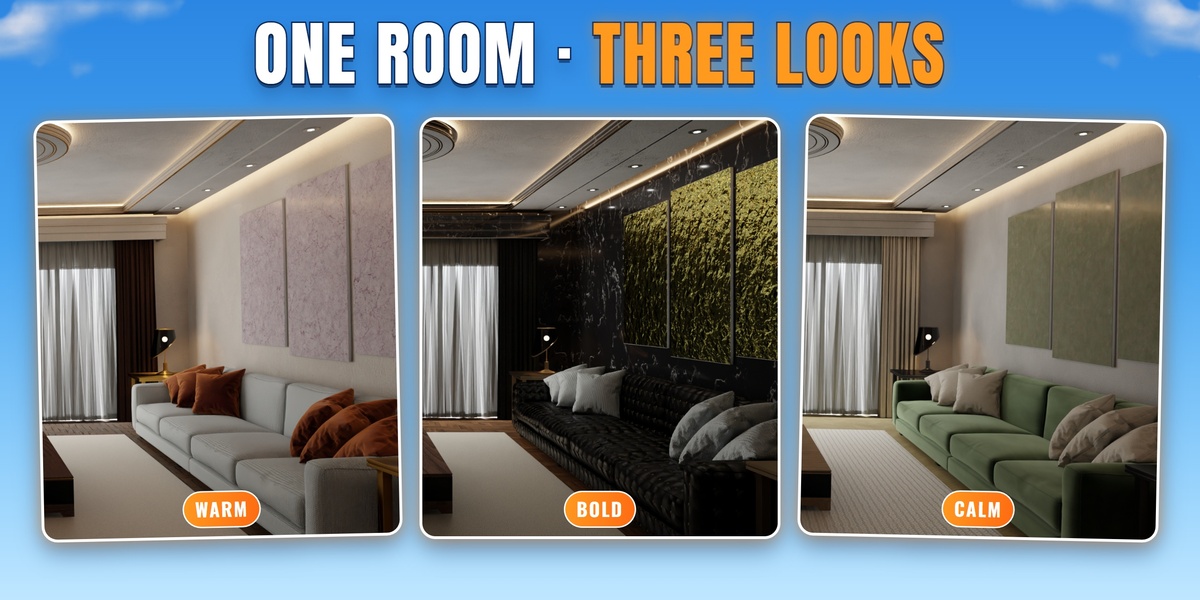
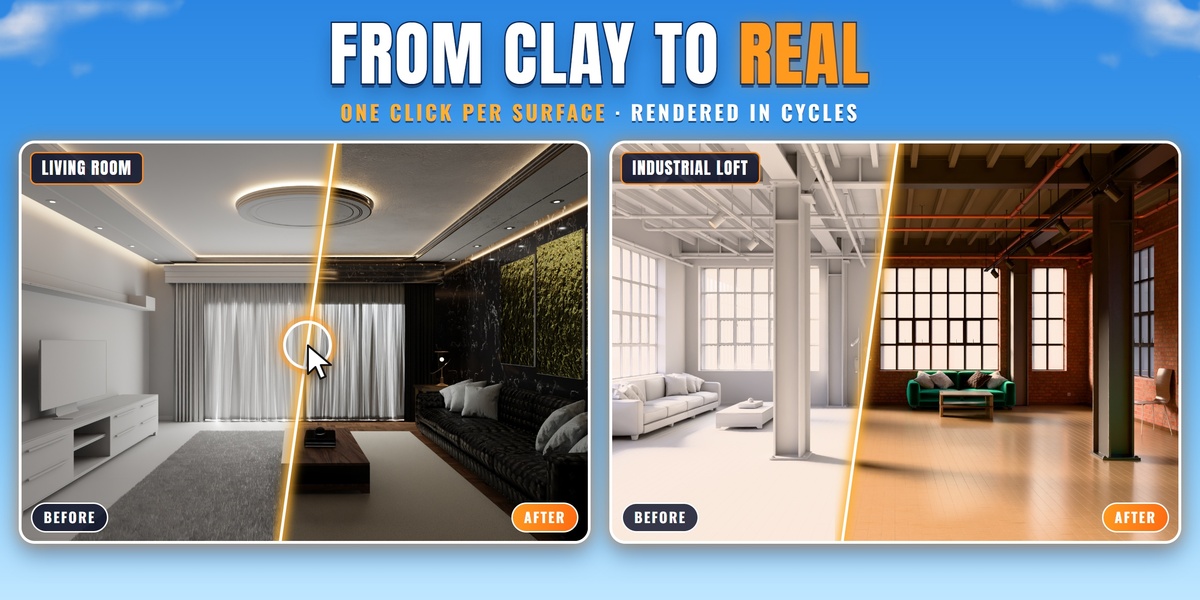










 Included