Materialify Pro
 CAN OF TEXTURES
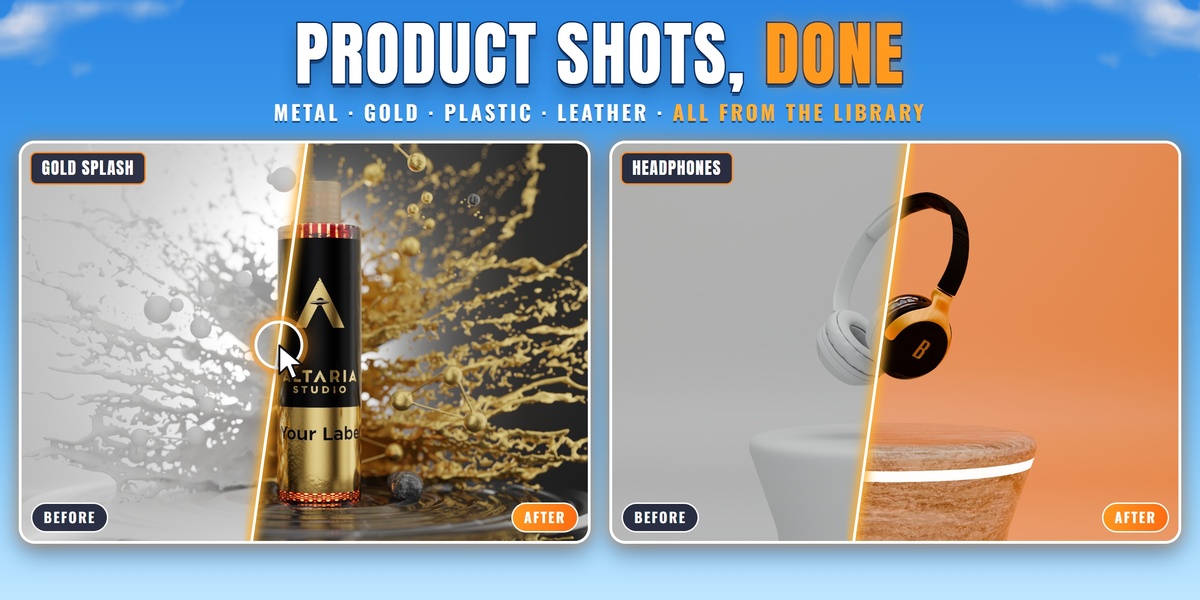
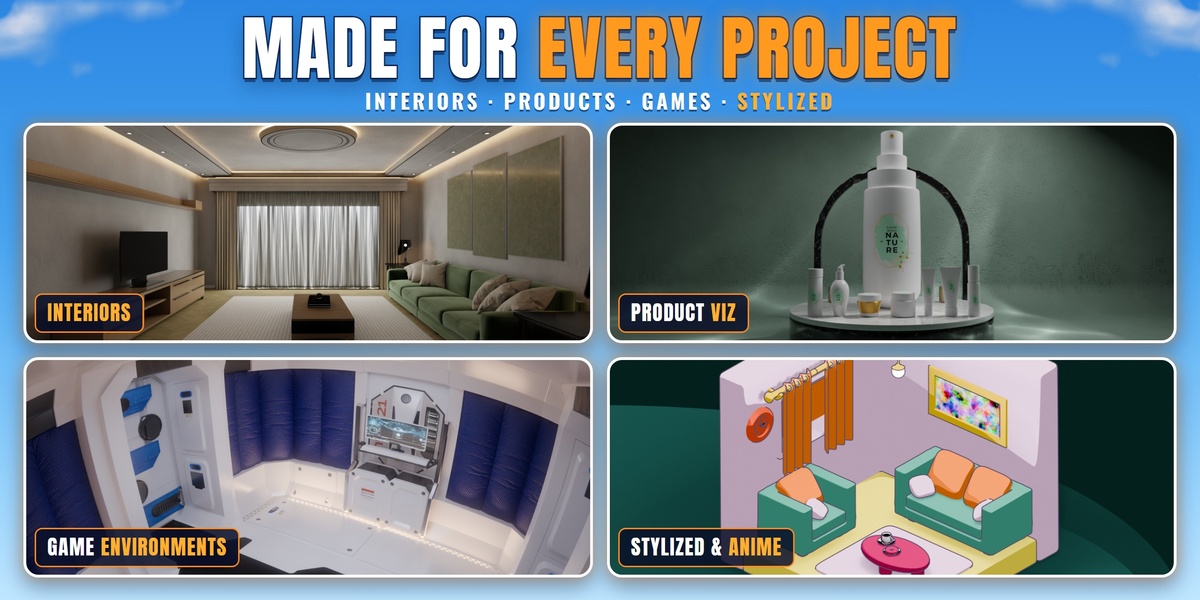
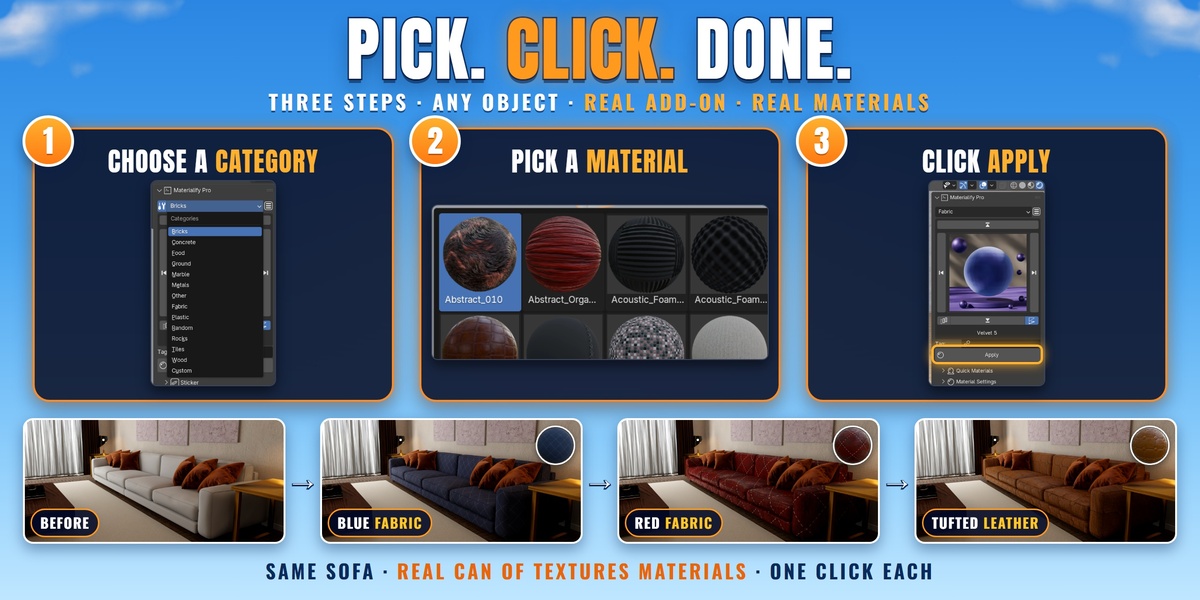

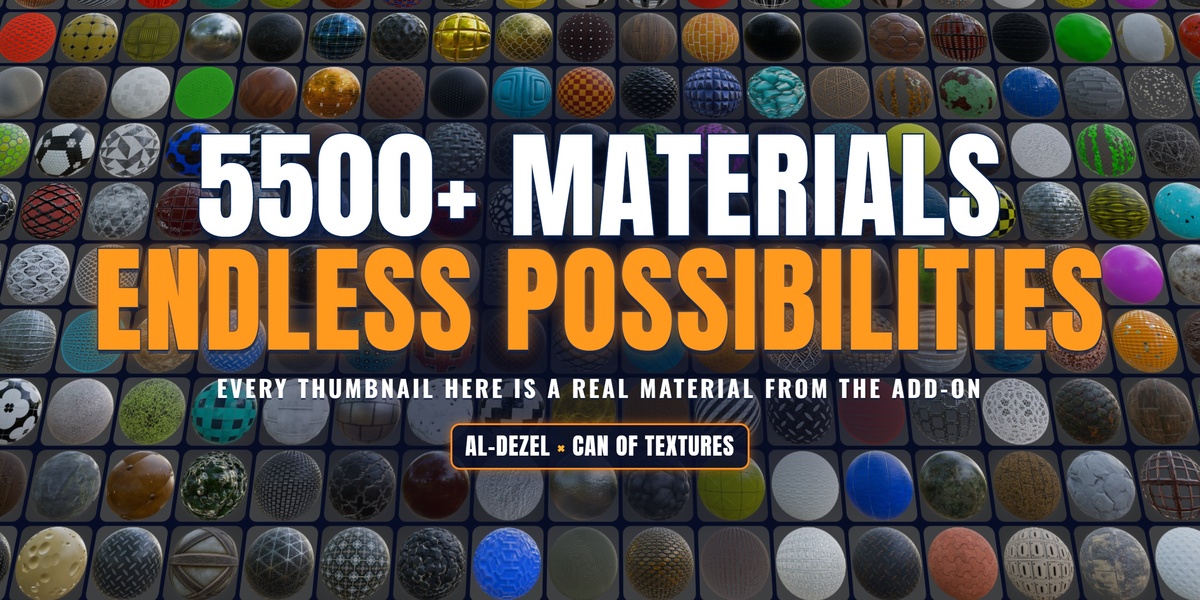
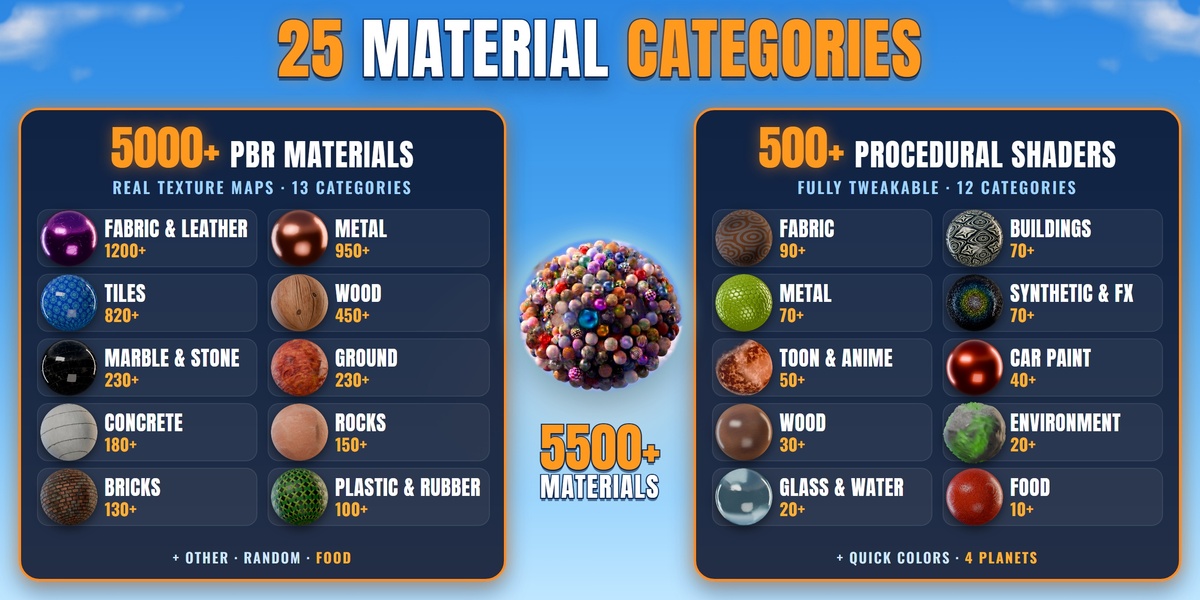






Q. What's the difference between PBR and procedural?
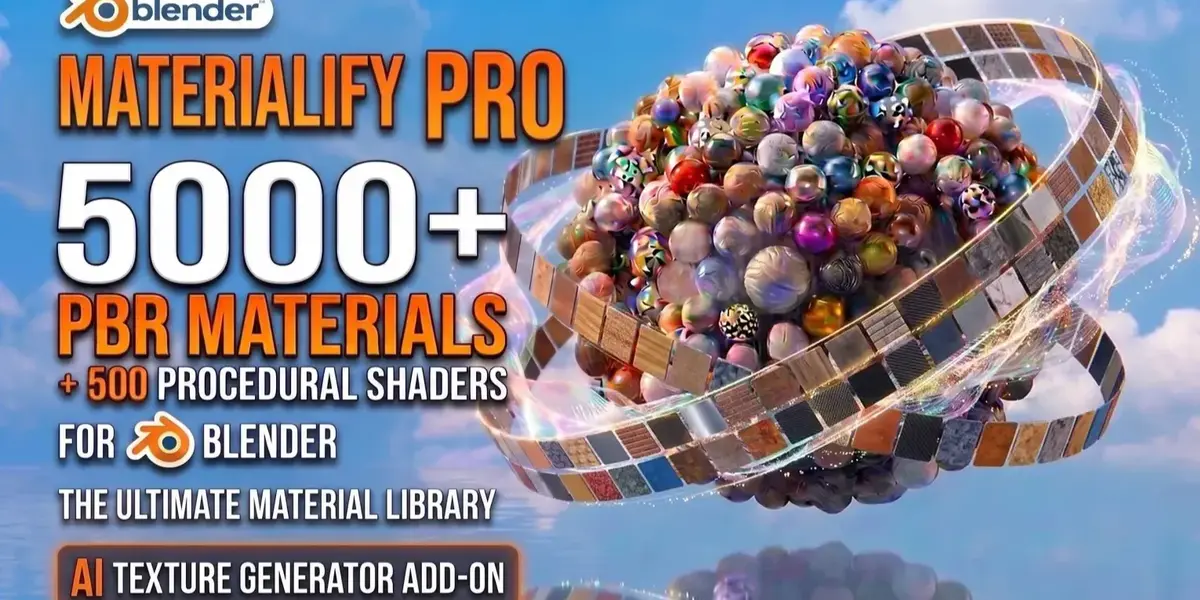
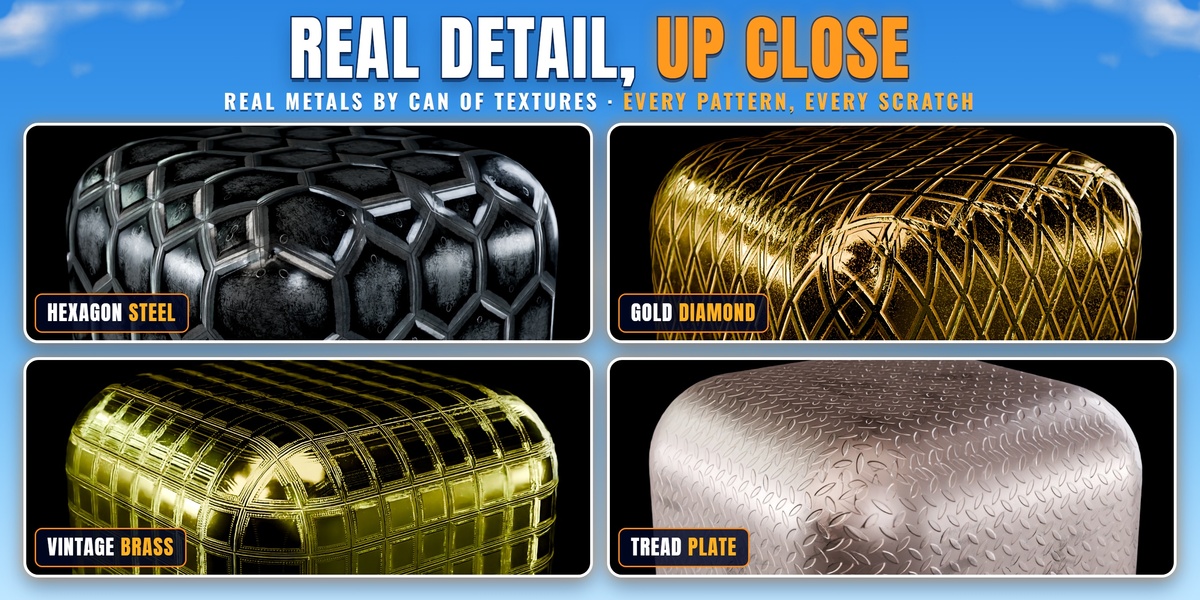
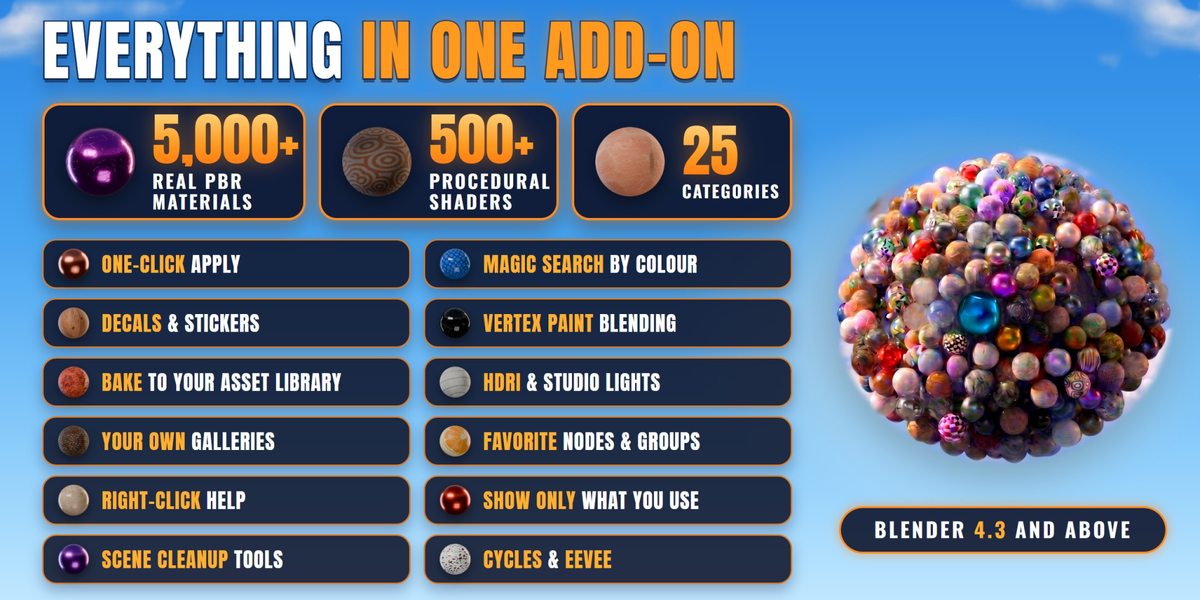
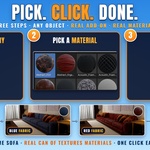
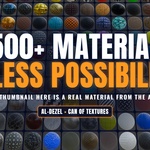
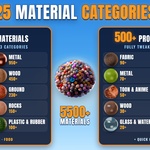
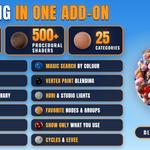
PBR materials use real texture maps (colour, roughness, normal, height) from CAN OF TEXTURES. Procedural materials are built from nodes, so you can change colours and patterns freely with sliders.
Q. Which Blender versions does it work with?
Blender 4.3 and above, in Cycles and EEVEE.
Q. Do I need to download anything else?
Yes, the texture Source Folder that comes with your purchase. It's big because it holds 5,000+ real texture sets. Set its location once in the panel (Documentation, step 02).
Q. Can I change a material after applying it?
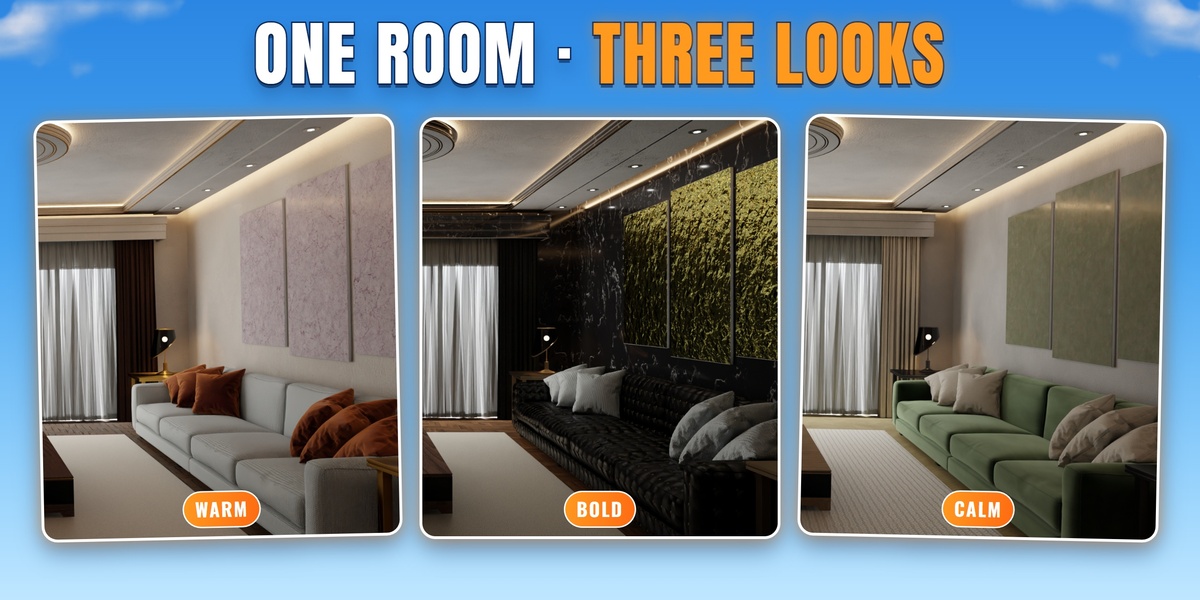
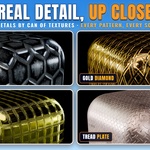
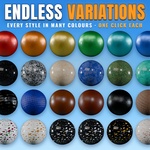
Yes, in Material Settings: every material has its own sliders such as Mapping Scale, Tint Color and Displacement Scale.
Q. Can I find a material by colour?
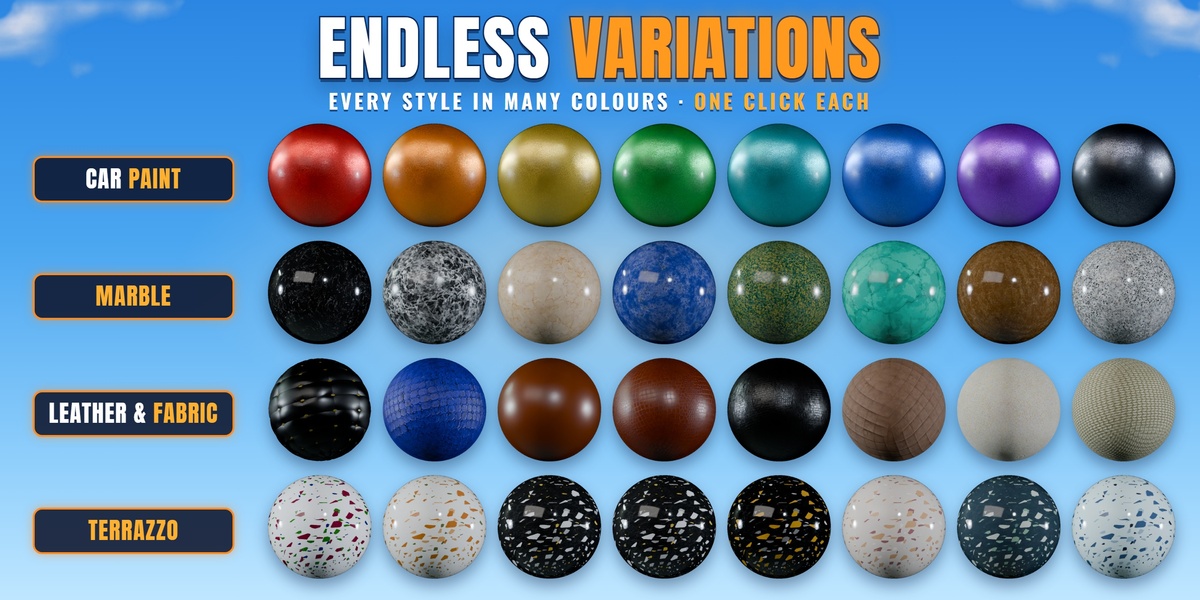
Yes. Magic Search finds the closest materials to a word or a colour you pick.
Q. Is the AI included?
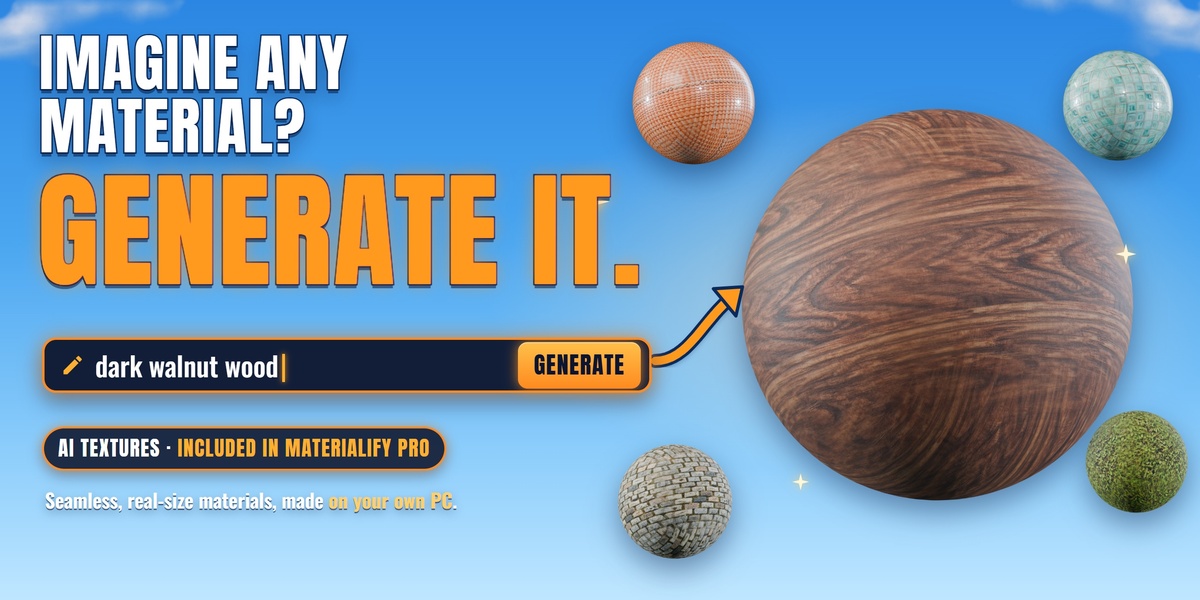
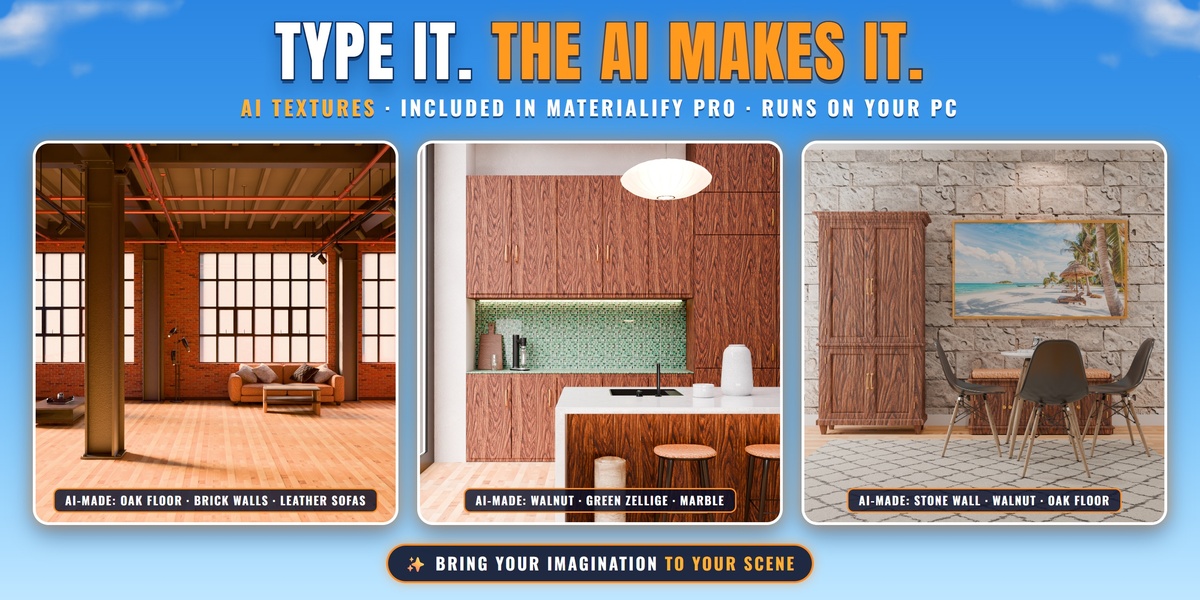
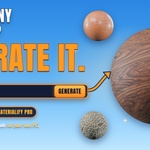
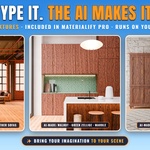
Yes. The full Materialify Pro includes the AI PBR Texture Generator. It makes the materials on your own computer.
Q. Can I use my own materials?
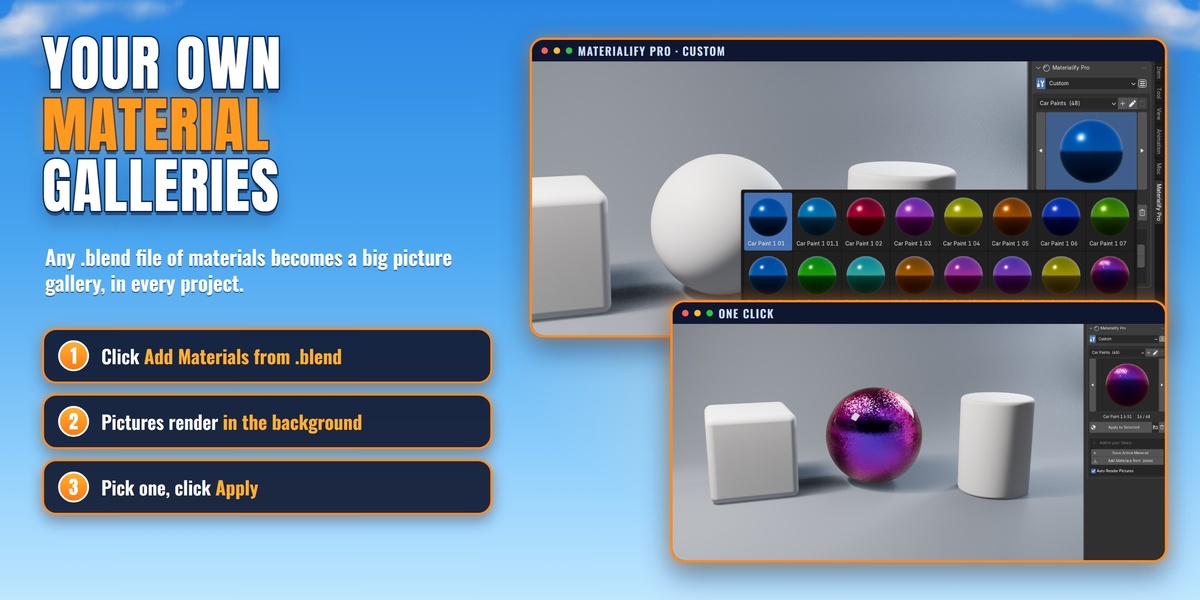
Yes. Pick the Custom category and click Add Materials from .blend, or import your own PBR texture sets with the PBR Importer.
Q. Is it finished?
It's a beta: it works, and we keep improving it.
Where do I get help?
Right-click any button for the Materialify Guide, message us on Superhive, or join our Discord: https://discord.gg/gjDpm6bV44
 Included
Includes 12 months of
- Support from CAN OF TEXTURES
- Product updates
Extend this product’s Support Period +12 months: 25% of product price
Have questions before purchasing?
Login to message
| Blender Extension Compatible | Yes |
| Dev Fund Contributor | |
| Published | about 2 hours ago |
| Blender Version | 4.3 - 5.3 |
| Extension Type | Add-on |
| Render Engine Used | Blender-Internal, Cycles, Eevee |
| Misc Data | Uvs-Unwrapped, Low-High-Resolution, Normal-Mapped, Textured |
| License | GPL |
Discover more products like this
ai-texture-generator-seamless-pbr hdri-decals-stickers-vertex-paint procedural-materials-shaders-nodes material-library-asset-browser blender-materials-addon-one-click can-of-textures seamless-textures-wood-marble-metal product-visualization-rendering archviz-interior-realistic-materials al-dezel bake-textures-unreal-unity-godot pbr-materials-texture-library-5000