MatKit - Material Finder, Gallery, Swap & Cleanup Tools
 Al-Dezel
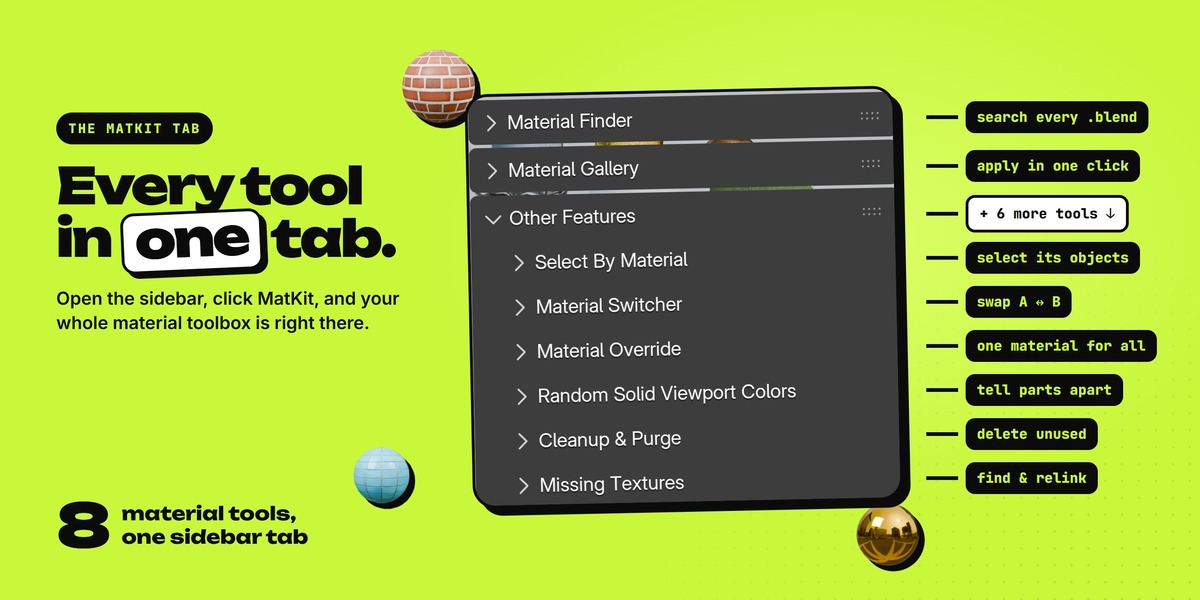
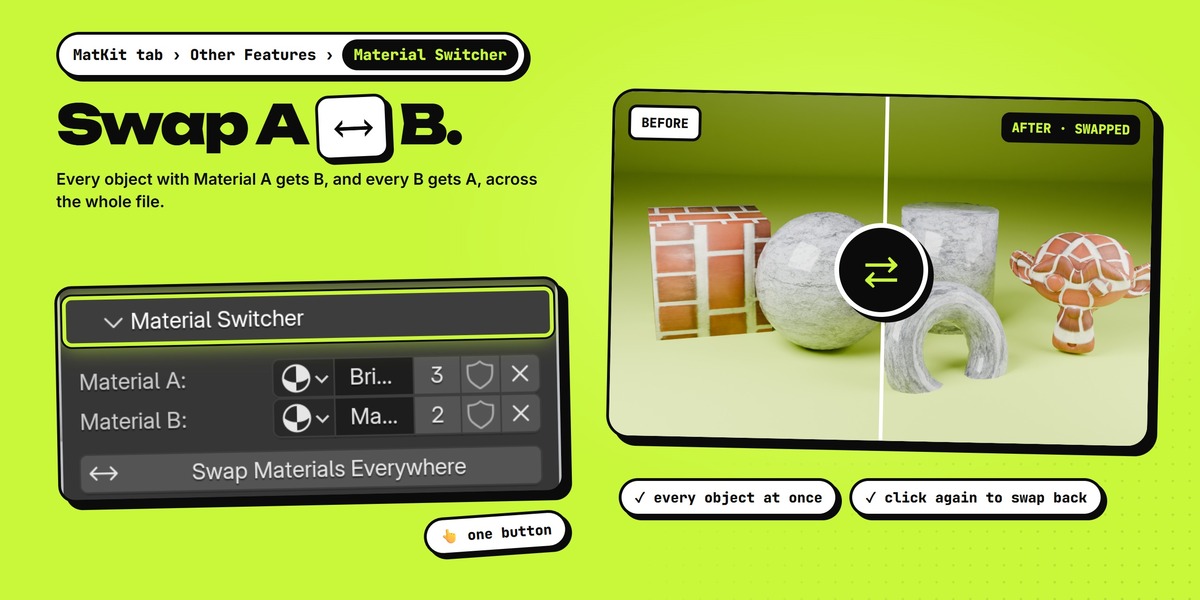
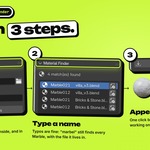

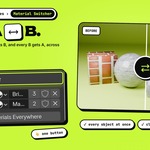
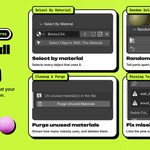

In the 3D Viewport, press N and click the MatKit tab.
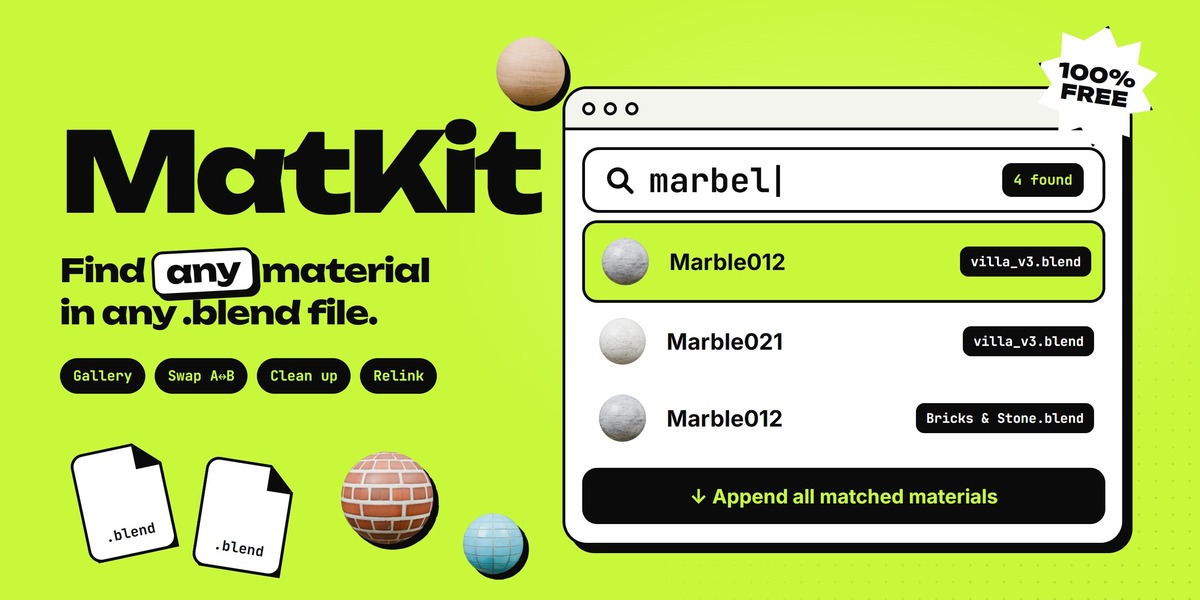
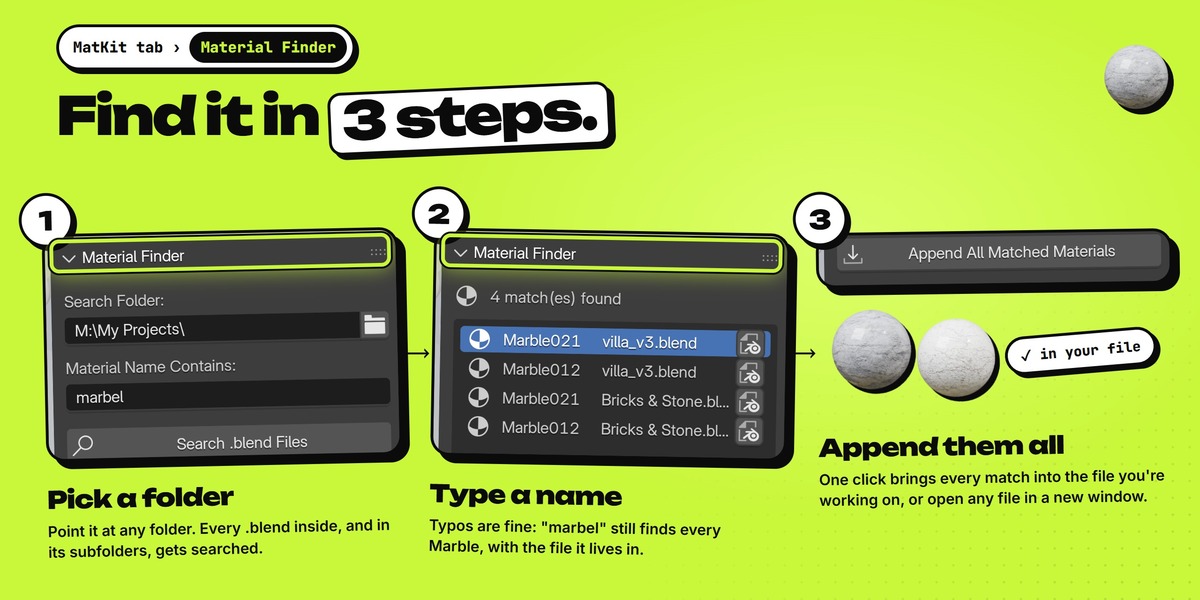
Yes. Type what you remember. MatKit also lists close matches, so small typos are fine.
Yes, every .blend inside the folder you pick, however deep.
No. It only reads material names. Append copies the materials into the file you have open.
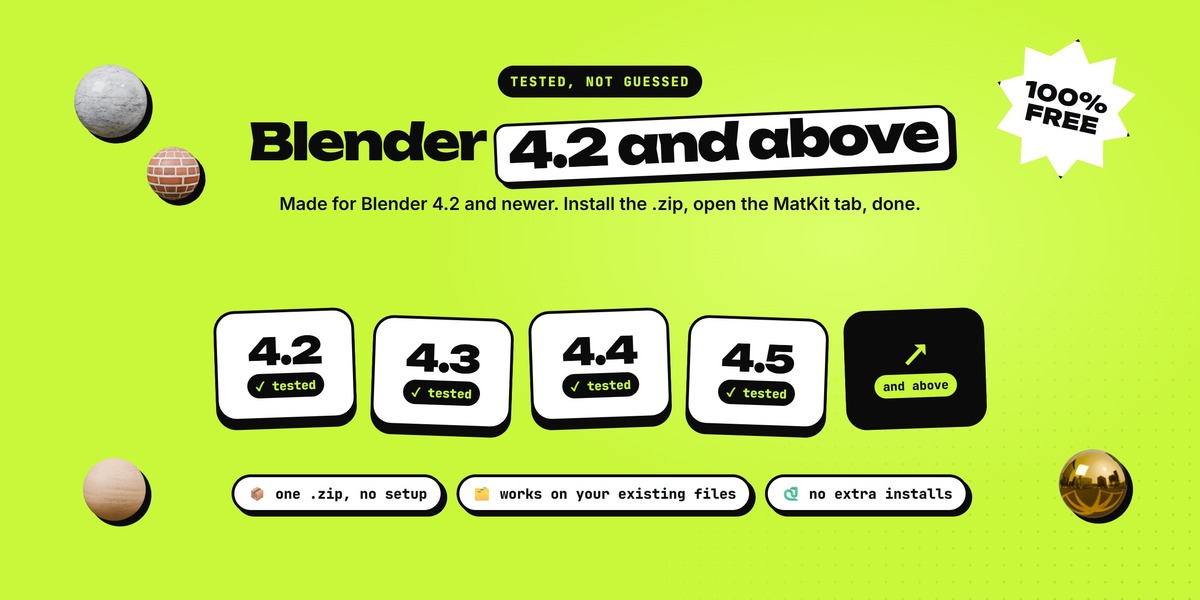
Blender 4.2 and newer. We tested every tool from 4.2 up to the latest Blender.
Those files were saved in a newer Blender. An older Blender can't open them, so the Finder skips them.
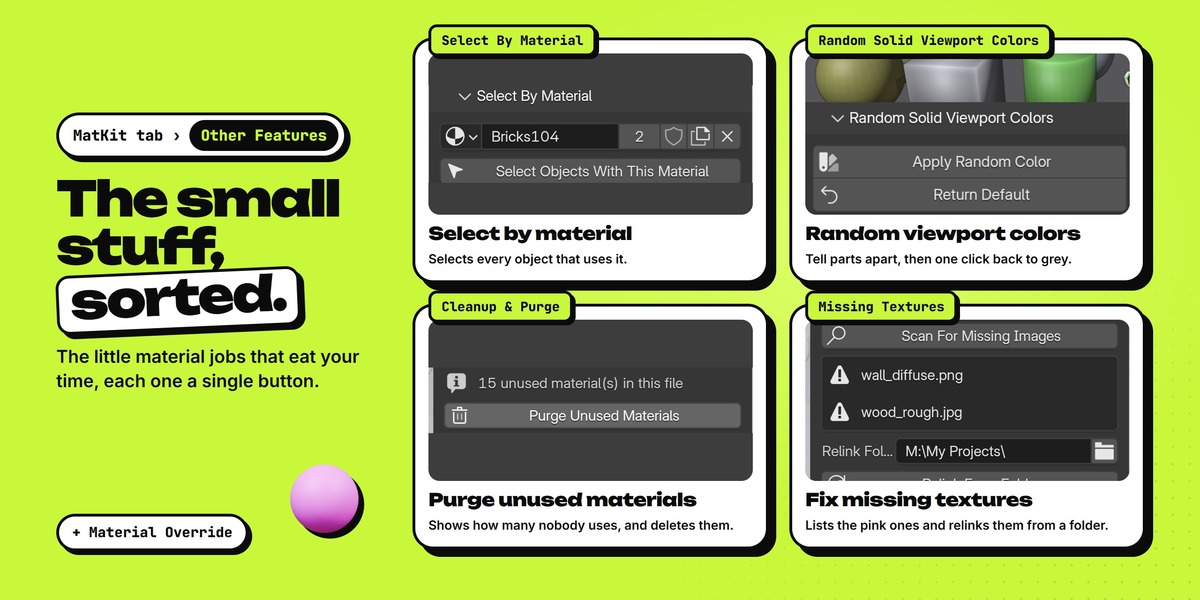
No. They only change the viewport color you see in Solid mode. Return Default sets them back to grey.
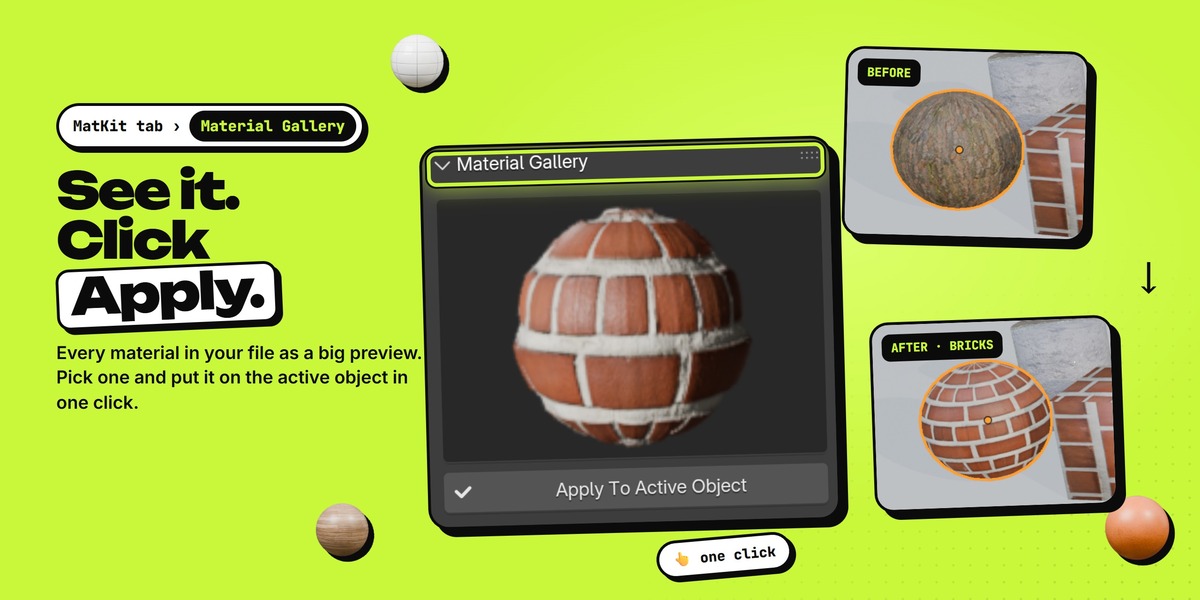
Yes. Append, Apply, Swap, colors, Purge and Relink all work with Ctrl + Z.
Message us here on Superhive, or join our Discord.
Have questions about this product?
Login to message
| Blender Extension Compatible | Yes |
| Published | about 2 hours ago |
| Blender Version | |
| Extension Type | Add-on |
| Render Engine Used | Cycles, Eevee |
| License | GPL |
Discover more products like this
asset management materials free material manager material finder shading productivity cleanup al-dezel Workflow material library textures