Matricx Lite (Shutdown)
 Prasanth / Eidos Edge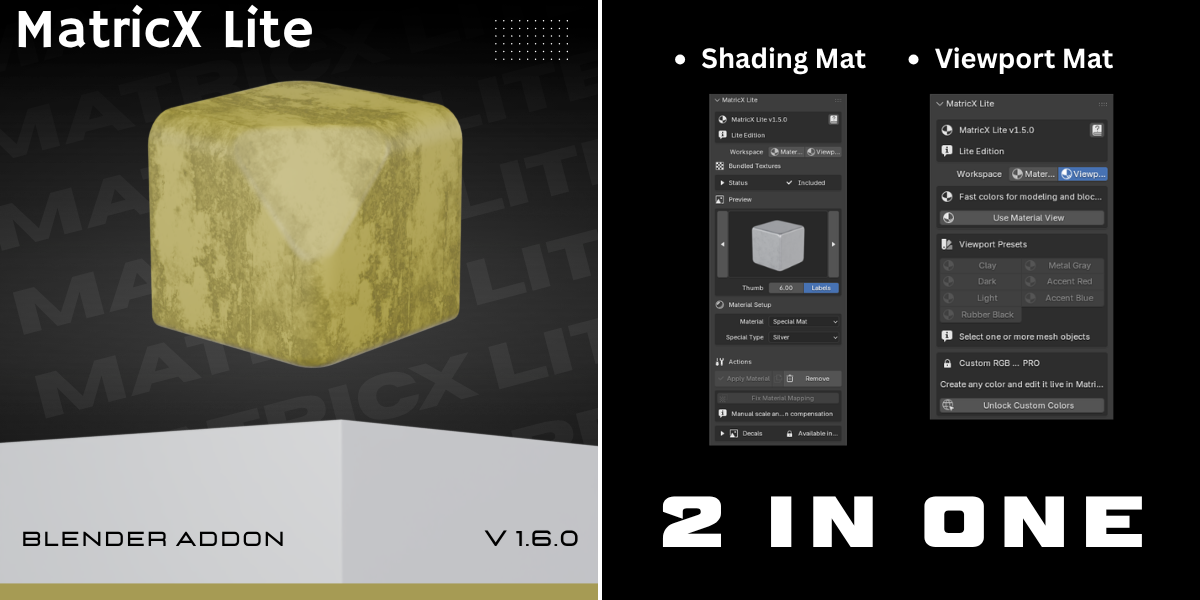


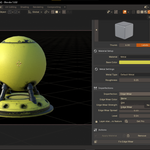
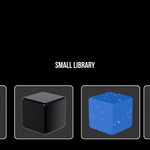
MatricX Lite — Documentation
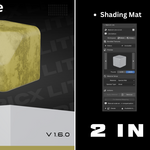
MatricX Lite is a free Blender material toolkit designed for fast look development, hard-surface blockouts, and simplified material workflows.
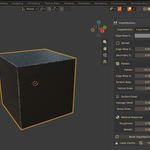
Built as an introduction to the MatricX ecosystem, Lite provides curated smart materials, simplified imperfections, viewport color workflows, and material mapping tools directly inside Blender’s N-Panel.
Compatible with Blender 4.0 – 5.1+
Features
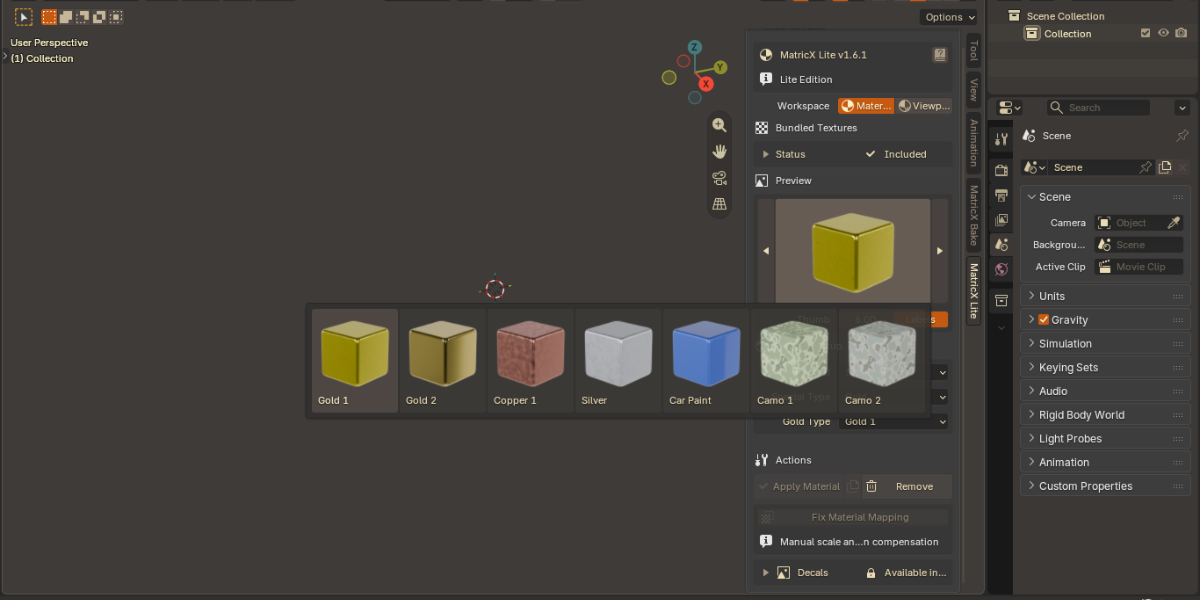
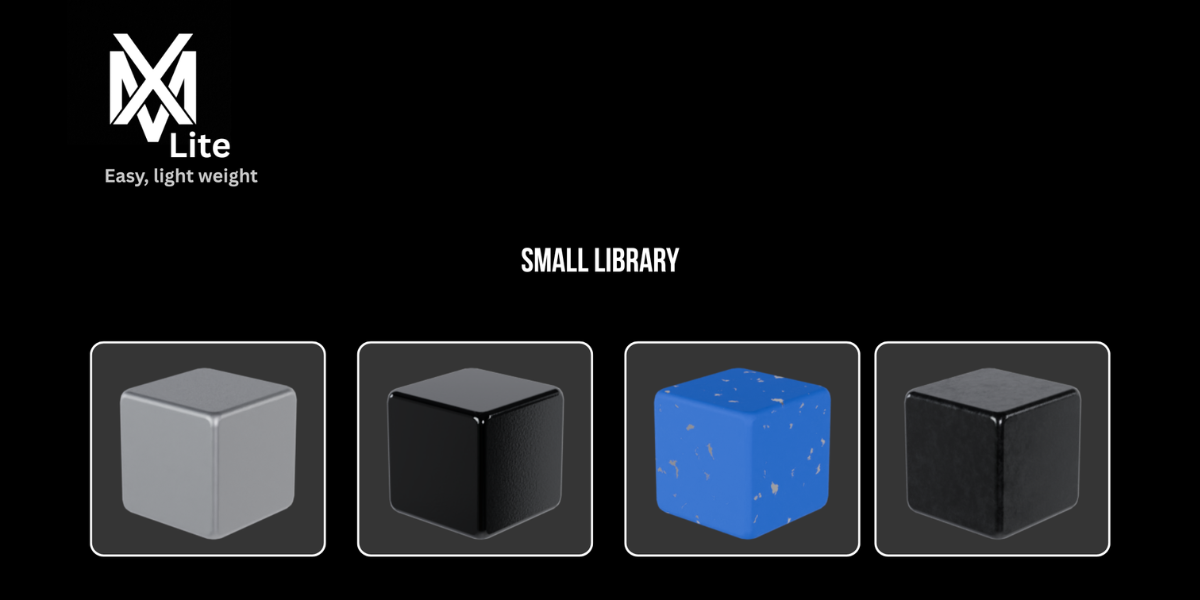
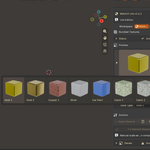
Curated Material Library
Quickly apply clean hard-surface materials without building node setups manually.
Included material categories:
Metal
Plastic
Wood
Glass
Rubber & Leather
Emission
Floor
Special Materials
Includes curated presets such as:
Steel
Dark Steel
Painted Worn Metal
Default Plastic
Default Wood
Glass
Car Paint
Procedural Gold
Standard Copper
Camo materials
Concrete
Diamond Metal
Smart Material Workflow
Designed for fast iteration and modeling workflows.
Features:
Real-time material editing
Material browser
Search system
Favorite presets
Recent materials
Thumbnail previews
Material synchronization
Make Unique workflow
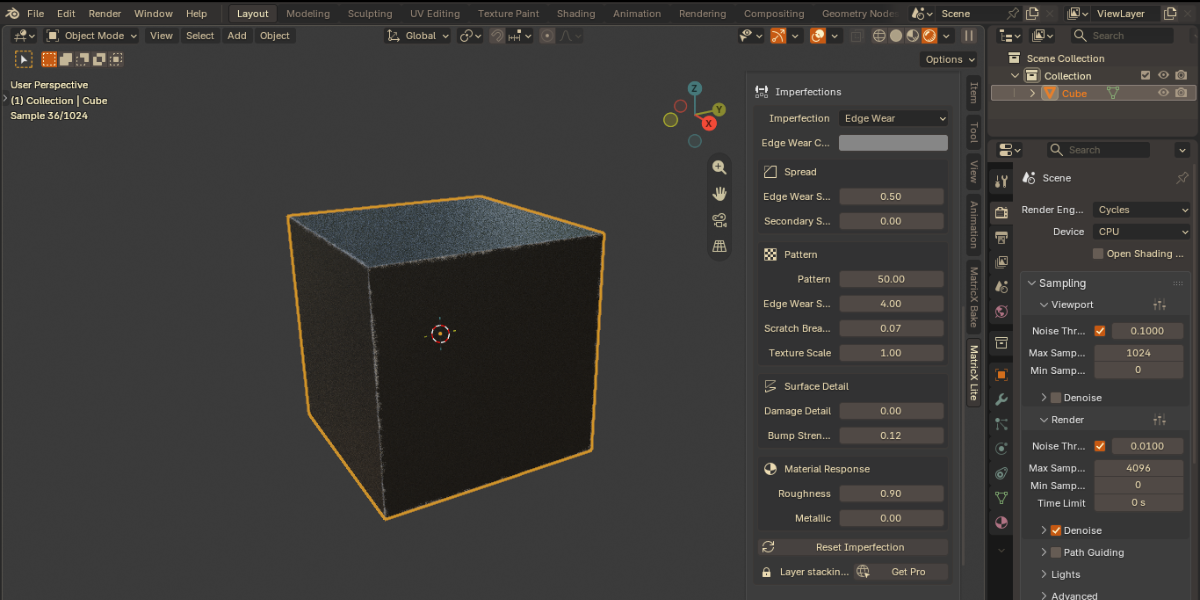
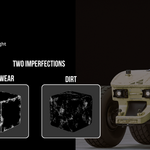
Lite Imperfection System
Add simple surface breakup directly inside Blender.
Supported imperfection types:
Dirt
Edge Wear
Features:
Adjustable roughness
Edge wear controls
Dirt controls
Procedural wear workflow
Non-destructive editing
Lite supports one imperfection at a time.
Fix Material Mapping
Repair stretched procedural materials caused by unapplied transforms.
Features:
Scale compensation
Rotation correction
Edge-wear correction
Object-specific mapping repair
Useful for:
Hard-surface modeling
Active scaling workflows
Blockout workflows
Viewport Workflow Tools
Fast viewport color assignment for modeling and scene organization.
Included viewport presets:
Clay
Dark
Light
Rubber Black
Metal Gray
Accent Red
Accent Blue
Features:
One-click Material Preview
Multi-object assignment
Fast blockout workflows
Consistent viewport materials
Installation
Download the MatricX Lite ZIP
Do NOT extract the ZIP
Open Blender
Go to:
Edit → Preferences → Add-ons
Click:
Install from Disk
Select the MatricX Lite ZIP
Enable the addon
Press N in the 3D Viewport
Open the MatricX Lite tab
Download the MatricX Lite ZIP
Do NOT extract the ZIP
Open Blender
Go to:
Edit → Preferences → Add-ons
Click:
Install from Disk
Select the MatricX Lite ZIP
Enable the addon
Press N in the 3D Viewport
Open the MatricX Lite tab
Basic Workflow
Materials
Select a mesh object
Open Materials workspace
Choose a category
Select a preset
Adjust settings
Click Apply Material
Select a mesh object
Open Materials workspace
Choose a category
Select a preset
Adjust settings
Click Apply Material
Imperfections
Apply a supported material
-
Choose:
Dirt
Edge Wear
Adjust settings
Fine-tune roughness and intensity
Apply a supported material
Choose:
Dirt
Edge Wear
Adjust settings
Fine-tune roughness and intensity
Viewport Colors
Select objects
Open Viewport workspace
Click Use Material View
Select a viewport preset
Select objects
Open Viewport workspace
Click Use Material View
Select a viewport preset
Material Features
Editable controls may include:
Base Color
Roughness
Metallic appearance
Paint Color
Texture Scale
Glow Strength
Glass controls
Floor scale
Controls vary depending on the selected material.
Material Linking
Shared Materials
When multiple objects use the same Blender material:
edits remain shared
changes update all linked objects
Useful for:
product variants
grouped assets
repeated objects
Make Unique
Create an independent copy of the active material.
Useful when:
changing one object only
testing variations
separating linked materials
Lite vs PRO
Included in Lite
Curated material presets
Material browser
Simplified imperfections
Manual mapping repair
Viewport presets
Material Preview shortcut
Curated material presets
Material browser
Simplified imperfections
Manual mapping repair
Viewport presets
Material Preview shortcut
Available in MatricX PRO
Full material library
Layered imperfections
Rust, scratches, fingerprints, smudges
External PBR materials
Decal workflow system
Surface projection
Material matching
Live scale compensation
Custom RGB viewport materials
Random viewport colors
Collection helpers
Full material library
Layered imperfections
Rust, scratches, fingerprints, smudges
External PBR materials
Decal workflow system
Surface projection
Material matching
Live scale compensation
Custom RGB viewport materials
Random viewport colors
Collection helpers
Recommended Workflows
Fast Hard-Surface Material
Apply Default Metal
Adjust roughness
Add Edge Wear
Fine-tune Spread and Level
Apply Default Metal
Adjust roughness
Add Edge Wear
Fine-tune Spread and Level
Blockout Workflow
Use viewport presets
Assign accent colors
Separate object groups visually
Use Material Preview mode
Use viewport presets
Assign accent colors
Separate object groups visually
Use Material Preview mode
Product Variants
Share materials across objects
Use Make Unique on variants
Modify colors independently
Share materials across objects
Use Make Unique on variants
Modify colors independently
Troubleshooting
Material Looks Stretched
Use:
Fix Material Mapping
after scaling the object.
Edge Wear Looks Incorrect
Use:
Fix Material Mapping
after rotating the object.
Apply Material Is Disabled
Confirm:
a mesh object is selected
Viewport Colors Are Not Visible
Click:
Use Material View
or switch Blender viewport shading to Material Preview.
Included Assets
MatricX Lite includes:
Material presets
Thumbnail previews
Required textures
Procedural assets
No additional download required.
Compatibility
Supported Blender Versions:
Blender 4.0+
Blender 4.1+
Blender 4.2+
Blender 5.0+
Blender 5.1+
Supported Platforms:
Windows
macOS
Linux
Support
Official Links
YouTube:
https://youtube.com/@EidosEdge
Instagram:
https://www.instagram.com/eidosedgeofficial
ArtStation:
https://www.artstation.com/prasantheidos
MatricX PRO:
https://eidosedge.gumroad.com/l/MatricX-Pro
MatricX Bake:
https://eidosedge.gumroad.com/l/MatricXBake
License
MatricX Lite is provided as a free Blender addon.
Redistribution or reselling of addon files and bundled assets is prohibited.
Thank you for using MatricX Lite.
Created by Prasanth / Eidos Edge
-
$1.99
*Limited Materials *2 Imperfections *viewport materials *Free updates
Have questions about this product?
Login to message
| Published | over 1 year ago |
| Blender Version | 4.0 - 4.4 |
| Extension Type | Add-on |
| Render Engine Used | Cycles, Eevee |
| License | GPL |