Matricx Lite (Shutdown)
 Prasanth / Eidos Edge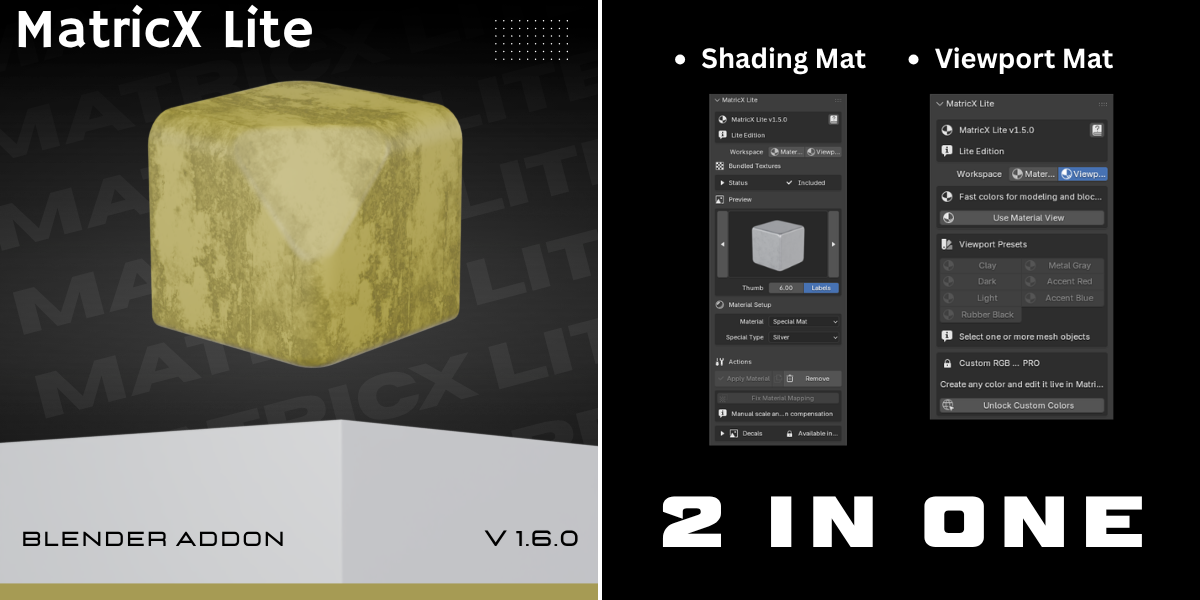


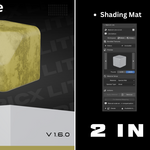
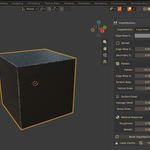
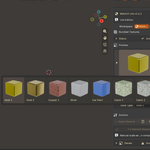
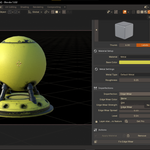
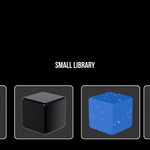
Does Lite support viewport colors?
Yes.
Included viewport presets:
Clay
Dark
Light
Rubber Black
Metal Gray
Accent Red
Accent Blue
Can I fix stretched procedural textures?
Yes.
MatricX Lite includes:
Fix Material Mapping
which compensates for unapplied scale and rotation.
Does MatricX Lite support custom PBR materials?
No.
Custom PBR material import is a MatricX PRO feature.
What is the difference between Lite and PRO?
MatricX PRO includes:
Full material library
Layered imperfections
Decal workflows
Surface projection
Material matching
Custom PBR import
Live mapping compensation
Advanced viewport tools
MatricX Lite focuses on simplified workflows and core material tools.
Does MatricX Lite support imperfections?
Yes.
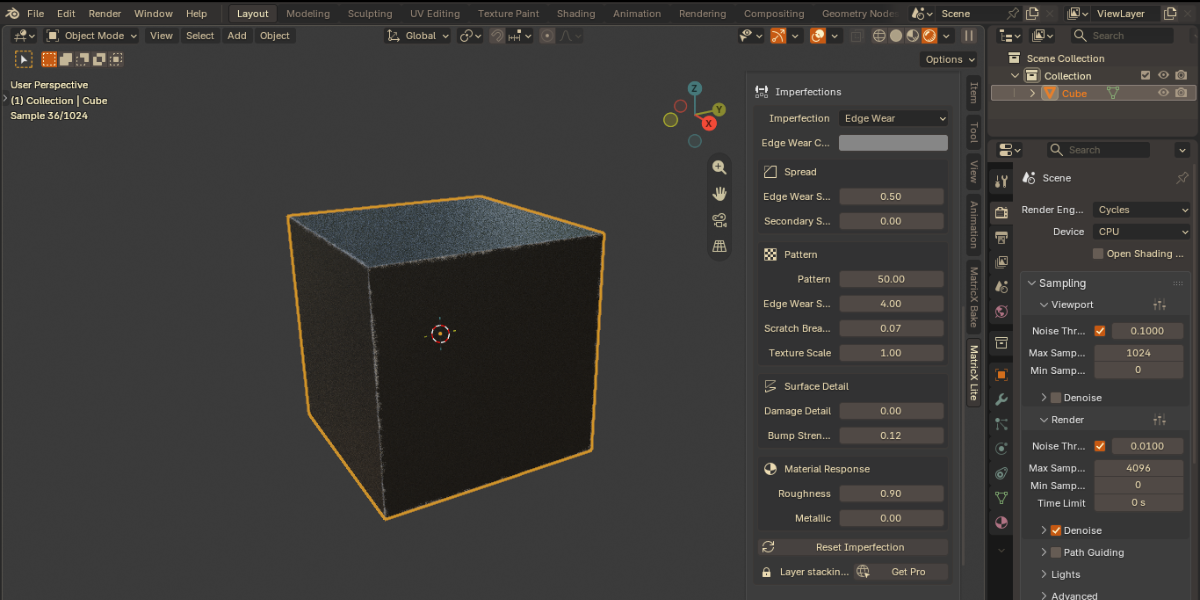
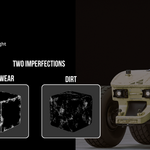
Lite includes simplified imperfection controls:
Dirt
Edge Wear
Lite supports one imperfection layer at a time.
Can I use MatricX Lite for commercial work?
Yes.
Commercial artistic use is allowed.
Does MatricX Lite support decals?
No.
The advanced decal workflow system is available in MatricX PRO
Does MatricX Lite include materials?
es.
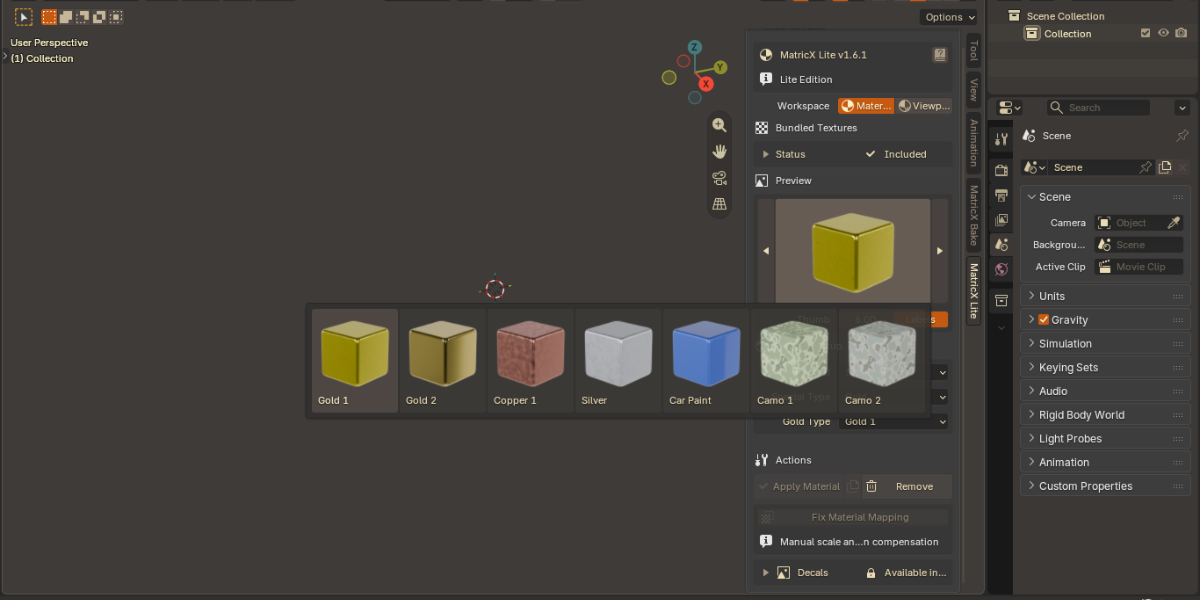
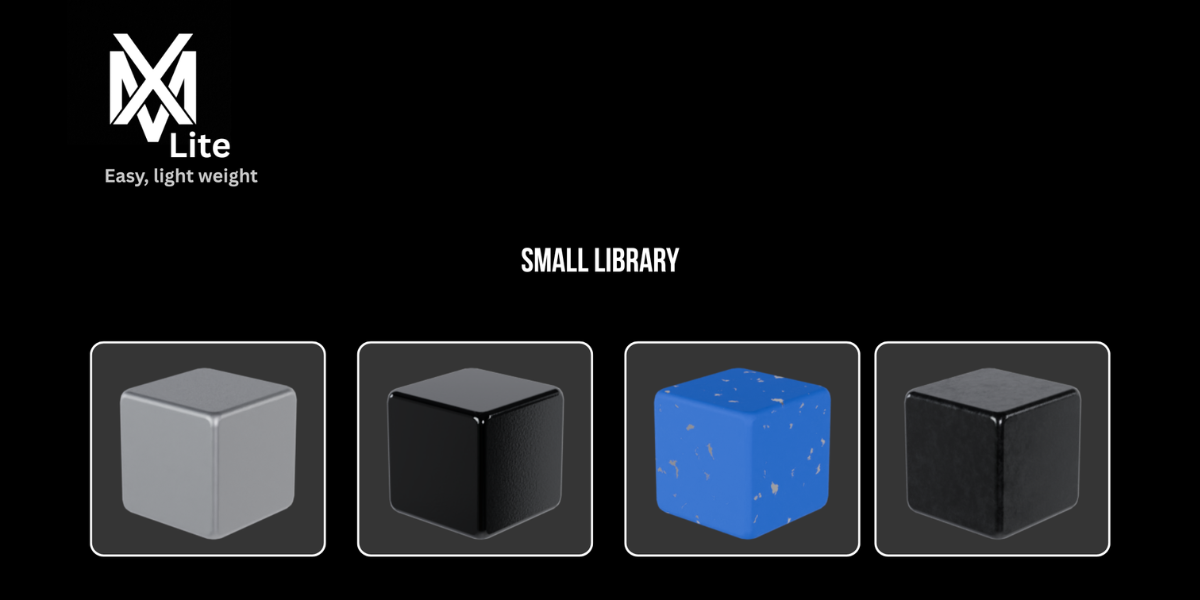
MatricX Lite includes curated procedural materials including:
Metal
Plastic
Wood
Glass
Rubber
Floor materials
Special materials
Is MatricX Lite really free?
Yes.
MatricX Lite is completely free to download and use.
Which Blender versions are supported?
MatricX Lite supports Blender 4.0 up to Blender 5.1+.
What is MatricX Lite?
MatricX Lite is a free Blender material toolkit designed for:
- hard-surface workflows
- fast look development
- viewport blockouts
- simplified material editing
It is the free entry point into the MatricX ecosystem.
-
$1.99
*Limited Materials *2 Imperfections *viewport materials *Free updates
Have questions about this product?
Login to message
| Published | over 1 year ago |
| Blender Version | 4.0 - 4.4 |
| Extension Type | Add-on |
| Render Engine Used | Cycles, Eevee |
| License | GPL |