 WERK
WERK


Quick and useful, Blender material tools in one add-on.
Pick, edit, colour, preview, generate and clean up, all where the mouse already is. Blender 4.2 and newer.
Point at anything and take its material
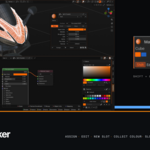
Hover a surface and the plate at the cursor shows the material, its colour, and every slot on that object. Click assigns it to the selection, or to selected faces in Edit Mode. Ctrl adds a new slot, the wheel steps through the others.
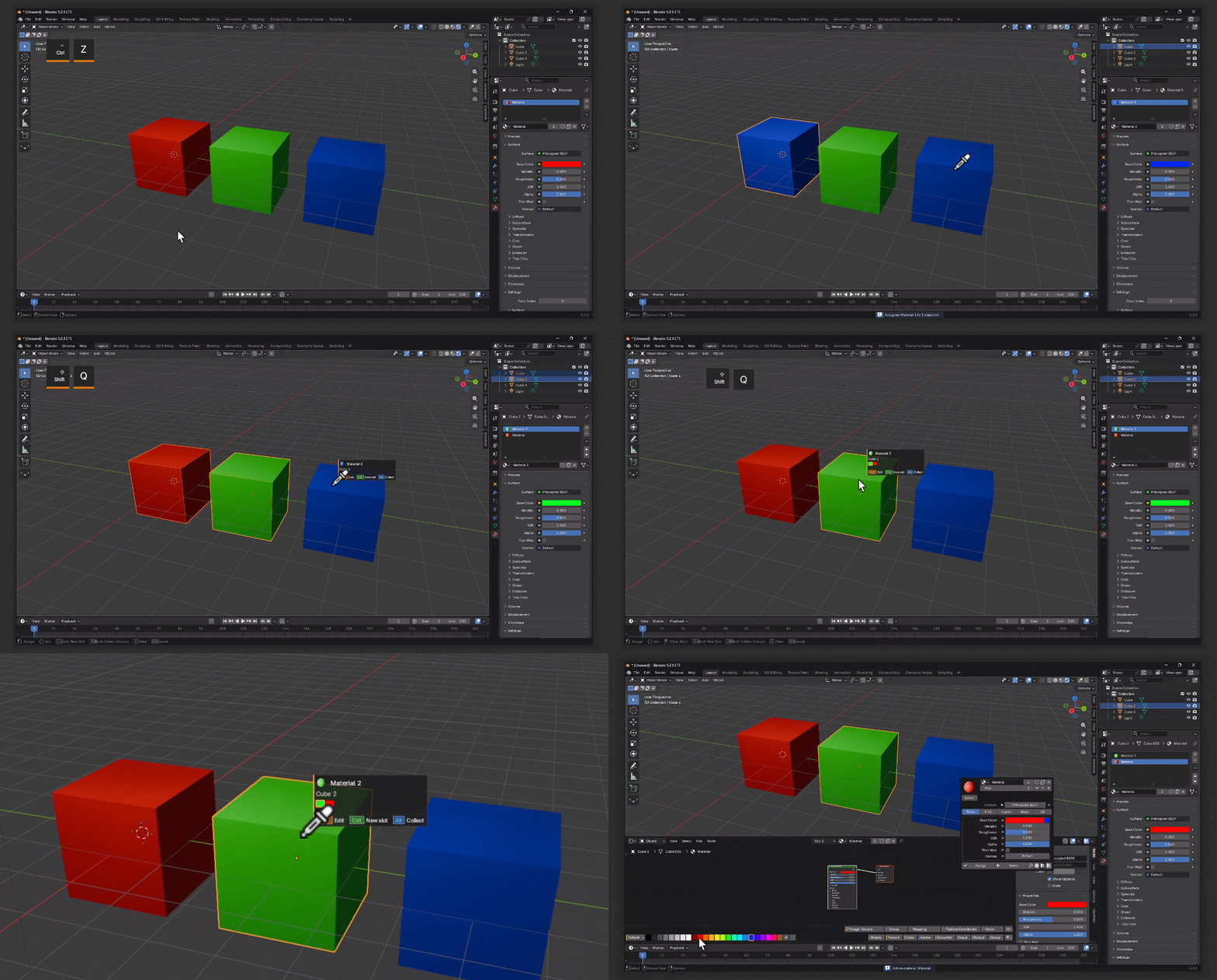
The whole material, under the cursor
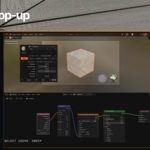
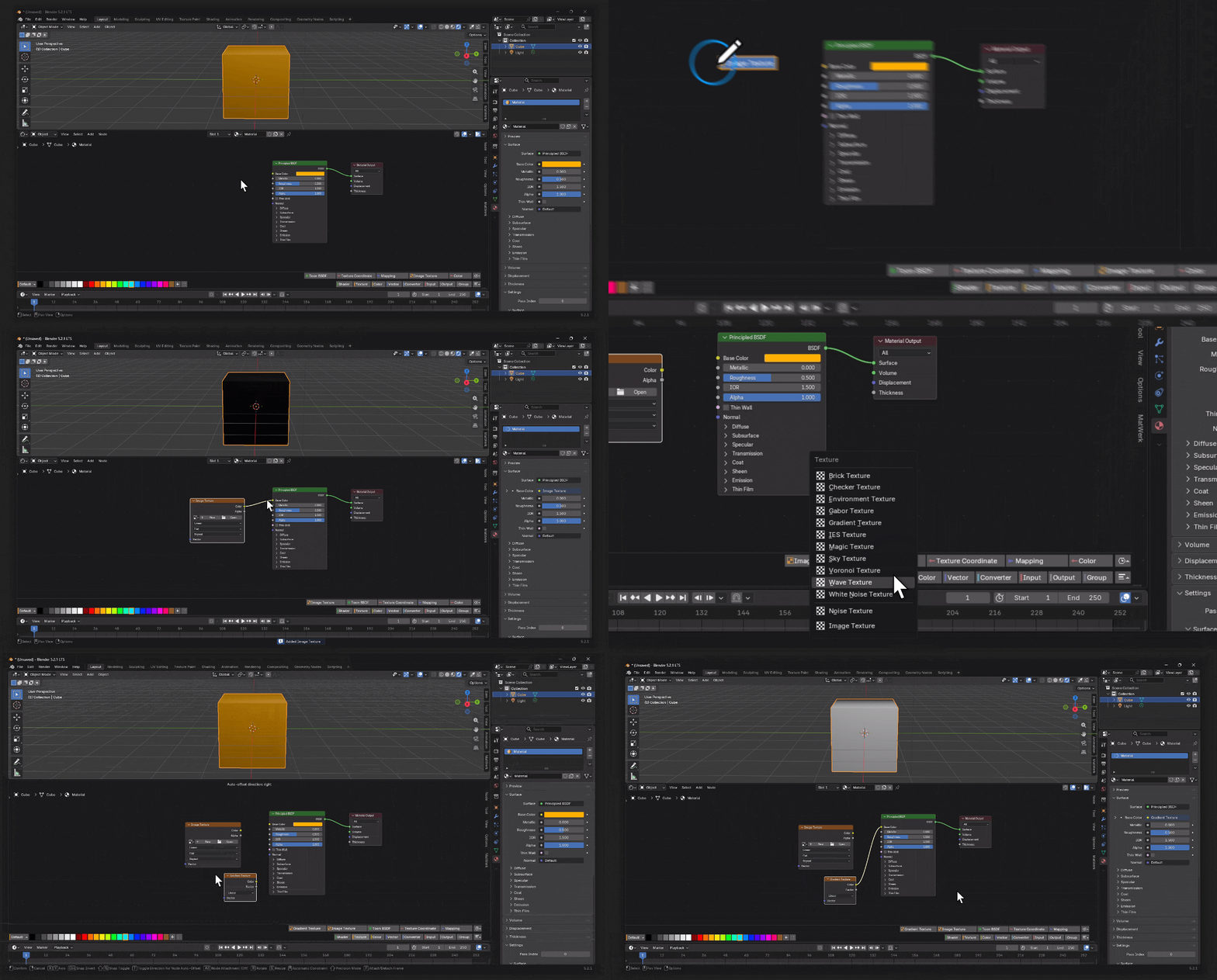
Tap Shift and it opens where the mouse is. Base, Emit, Layers, Maps, All. Every row is the real node socket, so dragging, keyframing and undo work as usual. Click a socket dot and a search opens: type noise, press return, it is wired in.
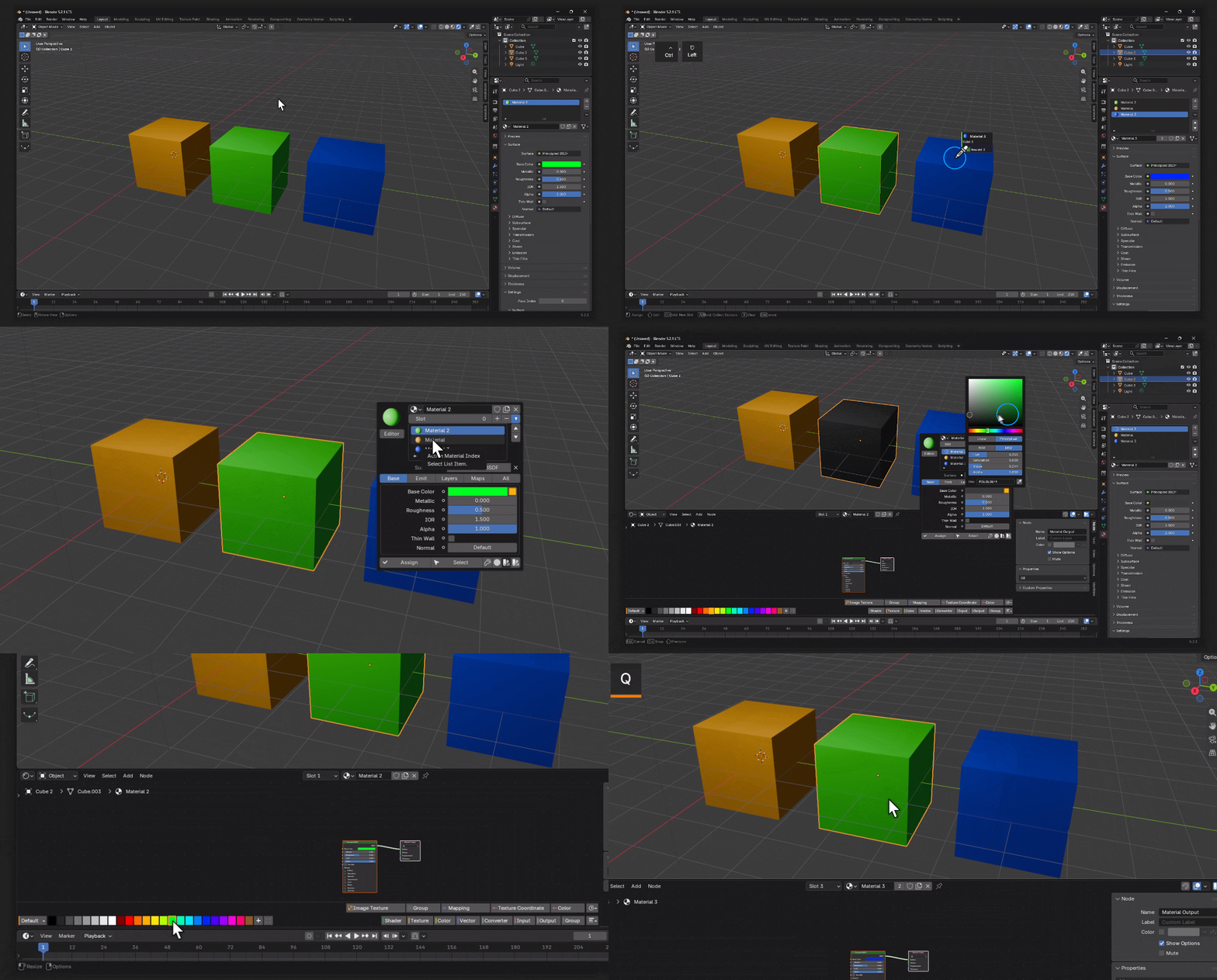
Quick Tip: While in picker tool, pressing "X" will remove all material(s) from picked object(s). If you click any palette color while there is no material it will create that material automatically.
03 / Palette Bar
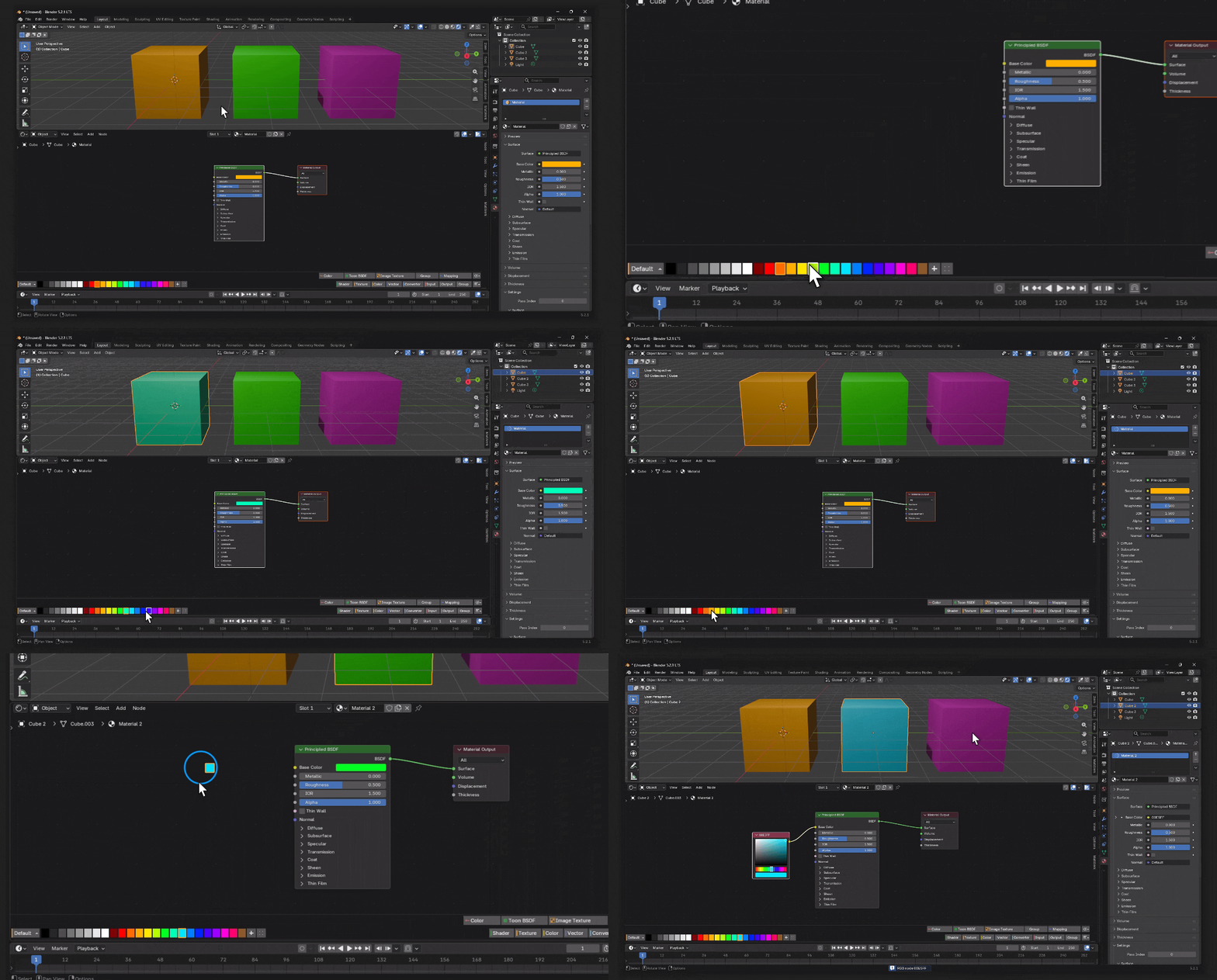
Colours and nodes, inside the Shader Editor
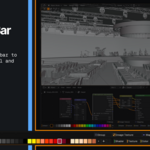
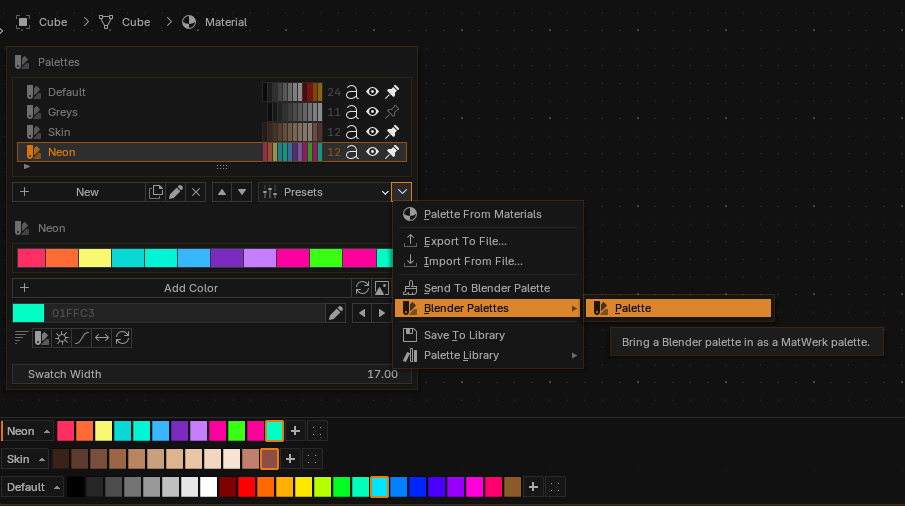
A strip along the bottom of the node editor, clear of every panel. Click a swatch to apply it, drag it onto a node to write the colour in. Eleven presets ship with it, or build one from an image, from your scene, or from a harmony. The other half of the bar is every shader node, ranked by how often you actually use it.
04 / Node Preview
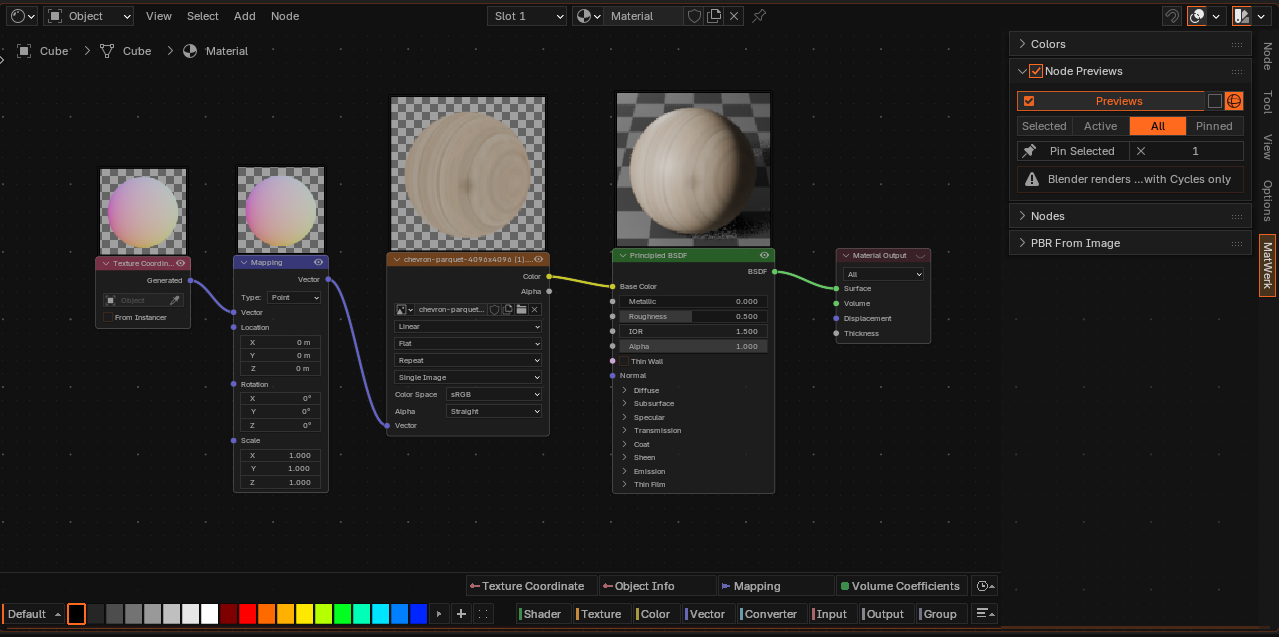
See what each node is doing
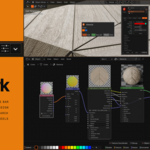
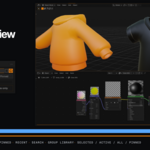
Cycles draws thumbnails on your nodes through Blender's own preview renderer. Selected, active, all, or pinned. Nothing is written to the .blend and no background process starts.
One texture in, a wired tree out
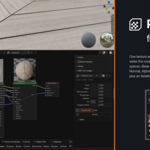
Base Color, Roughness, Metallic, Normal, Alpha, Height, AO and Displacement, connected with the colour spaces already set. Parallax is an iterative walk rather than a single offset, four to twelve steps.
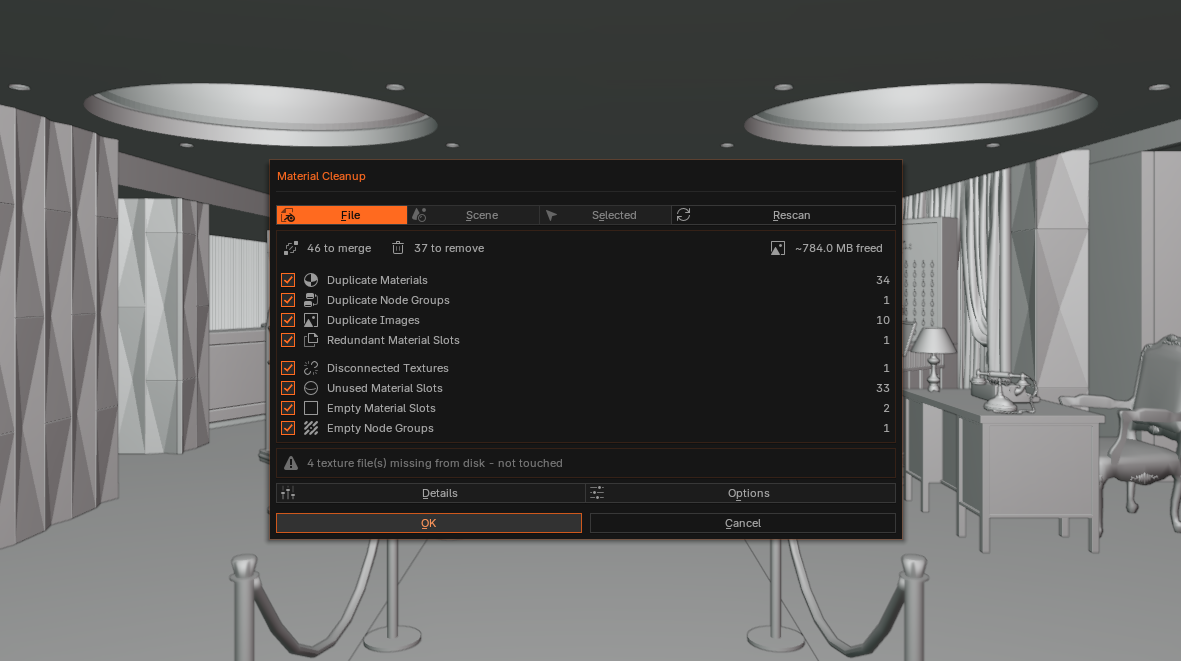
Merges only what it can prove
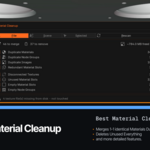
Analyse first, read the summary, then apply. Two materials merge only once every property, the node tree and the images match. Unused slots, empty node groups and orphaned textures go with them. Missing files are reported, never deleted.
Also in there
Sweep hands one material to whatever the cursor crosses while the button is down, in one undo step. Recent Materials, Select Users and Replace Material sit in the sidebar. A button splits the viewport you are looking at and puts a Shader Editor under it.
Shortcuts
Shift+Q |
3D Viewport | Material Picker, and the editor inside it |
Ctrl+Shift+Q |
3D Viewport | Material from an image |
Shift+Q |
Shader Editor | Quick colour and node popup |
Ctrl+Shift+P |
Shader Editor | Node previews on and off |
Ctrl+Shift+B |
Shader Editor | Palette bar on and off |
What you get
- MatWerk add-on
- WERK Dark (the Blender theme in the screenshots)
- not WERK Dark )the Blender theme not in the screenshots( -This is not a typo (:
- Documentation
Blender 4.2 LTS or newer, on Windows, macOS and Linux. Pure Python, nothing to compile.
GPL-3.0-or-later. No licence key, no activation, so it runs on every machine you own. Updates are free for the life of the product.
FAQ
Will Smart Material Cleanup delete something I need?It will not merge two materials until they are proven identical: every property compared, the node tree hashed independently of names and layout, ramps and nodegroups compared recursively, images matched by path and optionally by pixelcontent. Analyze runs first and shows you the summary before anything is applied, and every change goes into a log you can read. Fake users, assets,linked data and anything you list under Never Touch are excluded, and missingfiles are reported rather than deleted.
Do node previews slow Blender down?MatWerk uses Blender's own preview renderer rather than shipping a second one,so nothing is written to the .blend and no background process starts. Eachpreview is its own render job, which is what Max Previews controls. The default is 16. Turn the feature off and the polling stops.
Is this a material library?No. MatWerk ships no materials and no textures. It works on the materials youalready have.
Can I use it on more than one computer?Yes. No licence key, no activation, no limit. MatWerk is GPL-3.0-or-later, like every Blender add-on that touches bpy.
Does the palette bar cover my nodes?It keeps clear of the sidebar, the toolbar and the header, and the gap to the editor edge is a preference. Ctrl+Shift+B switches it off, and the colour and node halves can be turned off separately.