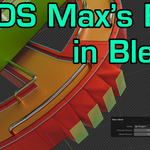
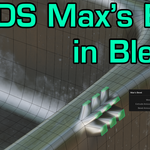
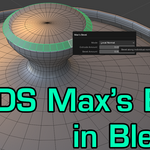
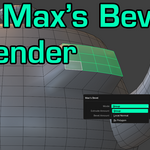
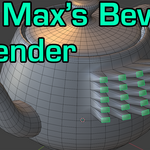
Max-Style Bevel for Blender is a geometry-safe, Max-inspired bevel tool designed for artists who want predictable, clean bevels without fighting Blender’s default behavior.
Unlike traditional bevel workflows that rely on modifiers or unstable edge operations, this add-on combines extrusion and outlining into a single, controlled operation—while automatically cleaning internal geometry to prevent artifacts and crashes.
Built with production safety in mind, Max-Style Bevel focuses on topology cleanliness, normal-aware extrusion, and repeatable results, making it ideal for hard-surface modeling and precision work.
Bevel Modes:
Group Mode – Bevel selected faces as a single unit using averaged normals (classic Max-style behavior)
Local Normal Mode – Bevel connected geometry along smoothed local normals with no double transformations
Polygon Mode – Bevel each face individually for maximum control
Key Features:
Max-inspired extrude + outline workflow
Automatic cleanup of internal faces and edges
Predictable, crash-safe beveling
Normal-aware extrusion and scaling
Clean topology with minimal setup
Lightweight, fast, and dependency-free
How to Use:
Enter Edit Mode and select the faces you want to bevel.
Access the add-on from one of three locations:
Right-Click → context menu
Ctrl + F → Face Specials menu
Alt + E → Extrude menu
Choose your bevel mode, set height and outline, then apply.
Perfect For:
Artists transitioning from 3ds-style workflows to Blender
Hard-surface and mechanical modeling
Anyone frustrated with Blender’s default bevel behavior
3ds Max is a registered trademark of Autodesk, Inc. This product is not affiliated with or endorsed by Autodesk.
 Bracer Jack