Max-Style Bevel for Blender
 Bracer Jack





How to Use:
-
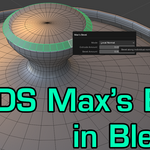
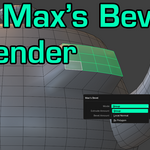
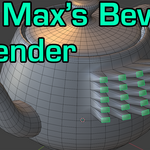
Enter Edit Mode and select the faces you want to bevel.
-
Access the add-on from one of three locations:
-
Right-Click → context menu
-
Ctrl + F → Face Specials menu
-
Alt + E → Extrude menu
-
-
Choose your bevel mode, set height and outline, then apply.
Have questions about this product?
Login to message
| Published | 10 months ago |
| Blender Version | 3.1 - 5.0 |
| Extension Type | N/A |
| Render Engine Used | Cycles, Eevee |
| License | Mit |
Discover more products like this
mesh modeling face bevel bevel clean-topology 3ds workflow Edge Bevel topology hard surface 3ds max extrude