 BlendR6


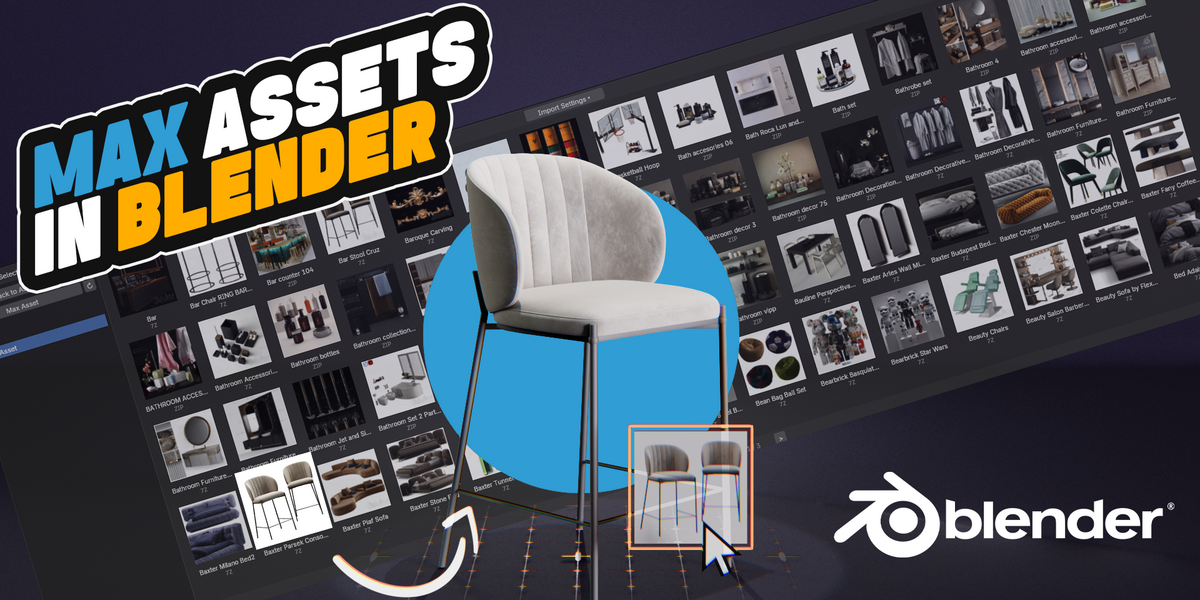
MaxAsset 2.0.0 Changelog
New Features
Direct
.matlibrary import — Import 3ds Max material libraries from Blender's Import menu, drag and drop, the clipboard, or supported archives. Multi-material libraries are expanded into individual material assets.Complete material-asset workflow — The Max Asset Browser can now display and search
.matmaterials, which can be dragged directly onto objects.Material preview management — Existing sidecar previews are detected automatically. Missing previews can be generated and saved with Blender's Material Preview system, with batch Bake, Rebake, and Delete tools.
Native V-Ray for Blender conversion — When V-Ray is the active Render Engine, supported 3ds Max, Corona, and V-Ray materials, lights, cameras, and world environments are converted to native V-Ray data.
Preserve Original Quad Topology — A new import option preserves original quad and ngon boundaries whenever the source file contains the required topology data.
Additional geometry support — Added geometry and UV conversion for Capsule, Chamfer Box, and Chamfer Cylinder primitives.
Improvements and Fixes
Major modifier-conversion improvements — TurboSmooth and MeshSmooth now use editable Geometry Nodes. Conversion accuracy and stack handling have also been improved for Sweep, Lathe, Bend, Path Deform, FFD, Chamfer, Edit Poly, and Edit Mesh.
Expanded Edit Poly history replay — Added support for Clone Edge, Remove Edge, Delete Vertex, Bevel Face, Tessellate Face, and Set Material operations.
Higher material fidelity — Improved Bitmap Crop and Placement, Gamma 2.2, Color Correction, Falloff, Normal and Bump maps, Roughness, Refraction, Volume, Corona Sky, and V-Ray Dome conversion.
Better large-scene and newer MAX support — Added support for MAX 2025+ compressed streams, with disk-backed processing for large data to reduce memory usage and background-transfer file size.
Improved archive support — ZIP, MAXZIP, 7Z, and RAR packages can now contain both
.maxand.matfiles, with more reliable handling of large RAR archives.Faster and more scalable asset libraries — Removed the previous default 5,000-asset scan limit and improved indexing, search, thumbnail caching, and large-library stability.
Note
|
FAMILY |
3DS MAX MAP |
BLENDER CONVERSION |
COVERAGE |
PRESERVED BEHAVIOR / LIMITATIONS |
|
V-RAY |
VRayColor |
RGB + Vector Math |
Direct |
Linear RGB, HDR multiplier and alpha. |
|
VRayNormalMap |
Normal Map + Bump |
Direct |
Strength, R/G flip-swap and additional bump. |
|
|
VRayHDRI |
Image Texture |
Partial |
Asset path, role and UV channel 1; limited mapping settings. |
|
|
VRayBitmap |
Image Texture |
Partial |
Uses the same basic image path as VRayHDRI. |
|
|
VRayDirt |
Ambient Occlusion + MixRGB |
Approx. |
Occluded/unoccluded inputs; local-only has no exact equivalent. |
|
|
CORONA |
CoronaBitmap |
Image Texture + Mapping |
Direct |
UV, tiling, offset, rotation, clipping, gamma and real-world scale. |
|
CoronaColorCorrect |
Bright/Contrast > HSV > Gamma |
Direct |
Preserves Corona processing order and core controls. |
|
|
CoronaNormal |
Normal Map + Bump |
Direct |
Strength, channel flips-swap and additional bump. |
|
|
CoronaColor |
RGB |
Direct |
Color, multiplier and alpha. |
|
|
CoronaMix |
MixRGB |
Direct |
Add, Subtract, Multiply, Divide, Darken, Lighten, Mix, Difference. |
|
|
CoronaAO |
Ambient Occlusion |
Approx. |
Main color input; distance is currently fixed to 1. |
|
|
CoronaTriplanar |
Object Coordinates + Box Projection |
Approx. |
First input only; image sources use box projection. |
|
|
CoronaWire |
Wireframe |
Basic |
Source color and size controls are not currently restored. |
|
|
STANDARD |
Bitmap / Bitmaptexture |
Image Texture + Mapping |
Direct |
Saved UV channel and core placement. |
|
Color Correction |
Gamma > HSV > Bright/Contrast |
Direct |
Lightness mode and per-channel controls. |
|
|
Mix |
MixRGB |
Direct |
Map1, Map2, mask positions and enabled states. |
|
|
Vertex Color |
Vertex Color / Attribute |
Direct |
MAX channel 0 maps to Blender Col attribute. |
|
|
Falloff |
Layer Weight + MixRGB |
Approx. |
Uses the Facing curve; not every MAX falloff mode. |
|
|
Composite |
Layered MixRGB chain |
Direct |
Layers, masks, opacity and common blend modes. |
|
|
RGB Multiply |
MixRGB (Multiply) |
Direct |
Two map inputs and color fallbacks. |
|
|
Output |
Source map passthrough |
Direct |
Unwraps the source without an extra Output wrapper. |
|
|
Gradient |
Texture Coordinates + Color Ramp |
Approx. |
Axis, three colors and middle position. |
|
|
Cellular |
Voronoi + Color Ramps + Mix |
Approx. |
Rebuilt with Blender procedural nodes. |
|
|
Noise |
Noise Texture + Map Range + Mix |
Approx. |
Size, phase, levels, thresholds and turbulence. |
|
|
PROCEDURAL |
Marble |
Bundled 8192 x 8192 Image Texture |
Image Noises |
Prebuilt image approximation; no parameter reconstruction. |
|
Dent |
Bundled 8192 x 8192 Image Texture |
Image Noises |
Prebuilt image approximation; no parameter reconstruction. |
|
|
Smoke |
Bundled 8192 x 8192 Image Texture |
Image Noises |
Prebuilt image approximation; no parameter reconstruction. |
|
|
Stucco |
Bundled 8192 x 8192 Image Texture |
Image Noises |
Prebuilt image approximation; no parameter reconstruction. |
|
|
Speckle |
Bundled 8192 x 8192 Image Texture |
Image Noises |
Prebuilt image approximation; no parameter reconstruction. |
|
|
Splat |
Bundled 8192 x 8192 Image Texture |
Image Noises |
Prebuilt image approximation; no parameter reconstruction. |
|
|
Perlin Marble |
Bundled 8192 x 8192 Image Texture |
Image Noises |
Prebuilt image approximation; no parameter reconstruction. |
Have questions about this product?
Login to message
| Sales | 50+ |
| Published | about 2 months ago |
| Blender Version | 4.2 - 5.2 |
| Extension Type | N/A |
| Render Engine Used | Cycles, Eevee |
| License | GPL |