 blenderVfxMaster


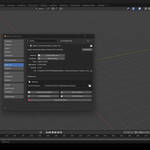
| 🚀 Maxon Cinema 4D Import-Export Pro The fastest way to import Cinema 4D projects into Blender! A polished, production-ready addon that imports selected .c4d project files directly from Blender—no need to keep Cinema 4D open. It preserves core assets with minimal friction: Pro Features: Support for importing advanced Cinema 4D features
| ||||||||||||||||
| | ||||||||||||||||
| Overview Overview Bring Cinema 4D scenes straight into Blender—and send them back—without juggling extra software or manual conversions. Import-Export Pro appears in Blender's file menu, letting you open, edit, and re-save native .c4d projects while preserving geometry, materials, animations, cameras, lights, splines, hierarchy, and scale. Perfect for studios that need quick turn-around, freelancers who switch between tools, and educators who want the simplest pipeline possible. 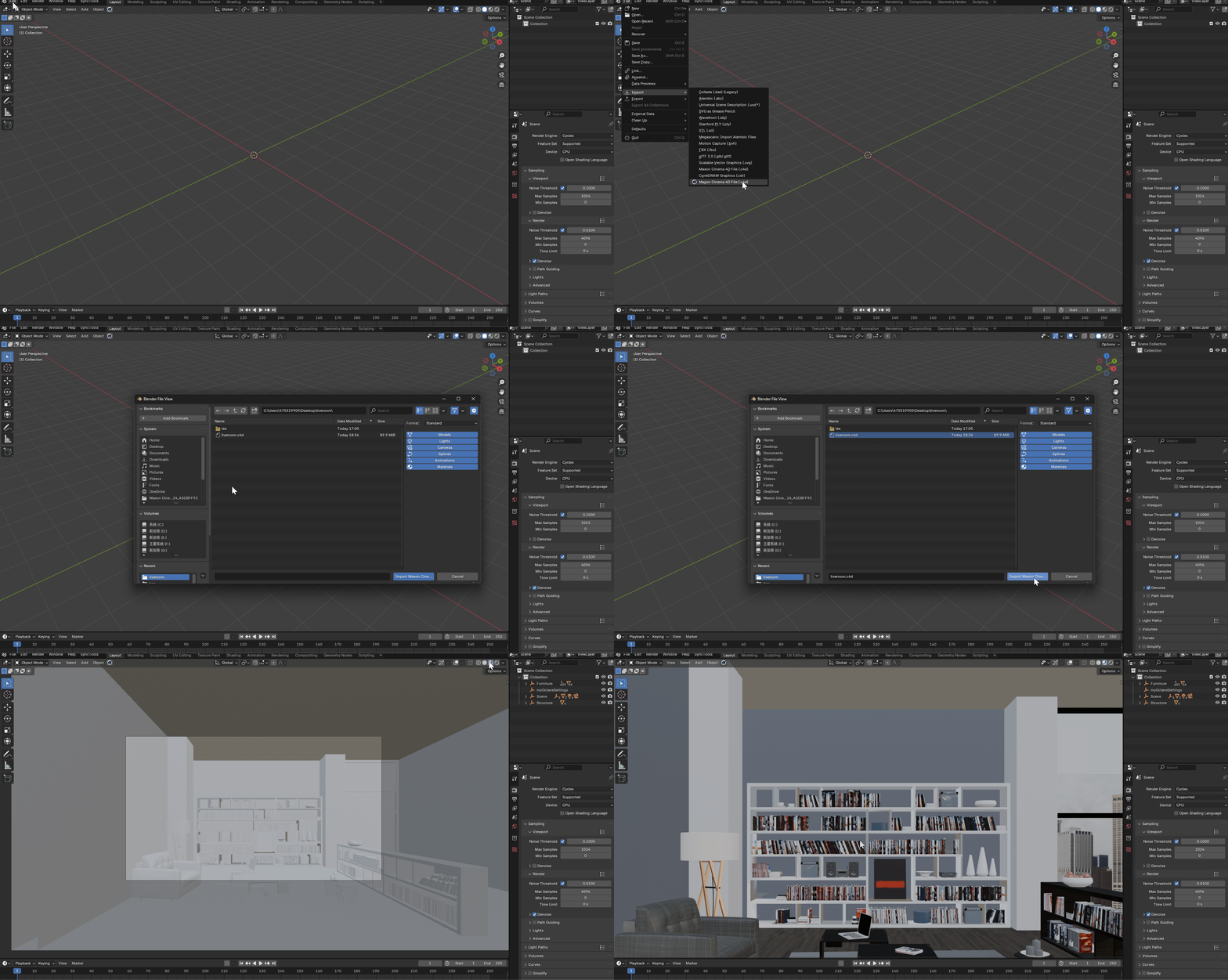 | ||||||||||||||||
| Features Key Benefits
| ||||||||||||||||
| Benefits Why Import-Export Pro? • No Extra Hassle – Skip juggling multiple converter apps or lengthy export chains. • Studio-Ready – Batch-convert asset libraries or plug it into automated build systems. • Future Proof – Lifetime updates, tested on Blender stable & alpha builds. • Fair Licensing – One seat covers unlimited personal or commercial projects; render nodes included (see EULA). | ||||||||||||||||
| Compatibility Compatibility • Blender: 3.6 LTS – 5.0+ • OS: Windows 10/11, macOS 13+, Linux (cloud conversion beta) Privacy note: Windows and macOS use local/offline conversion. Linux support currently uses a cloud conversion fallback, so .c4d files may be uploaded to the conversion service. | ||||||||||||||||
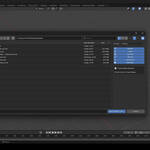
| Installation Installation 1. Download the .zip from the right-hand column.2. Blender → Edit ▸ Preferences ▸ Add-ons ▸ Install → select the zip → enable. 3. You'll see Maxon Cinema 4D (.c4d) under File ▸ Import/Export—or simply drag a .c4d into the viewport. 4. For exporting, choose File ▸ Export ▸ Maxon Cinema 4D (.c4d). A step-by-step PDF guide and video walkthrough are available in the Support tab. | ||||||||||||||||
| Support Support & Updates • Email & ticket system (48 h response) • Community chat groups for real-time help • Built-in updater for future versions | ||||||||||||||||
| Updates Changelog (v 2.2.3) • Supported Blender 5.0 version • Fix known issues • Fixed an error when exporting hidden objects Changelog (v 2.1.8) • New Linux cloud conversion beta option • "Skip Materials" toggle for look-dev passes • Performance boost: faster export in Precision Mode • Fixed rare hierarchy mismatch on export | ||||||||||||||||
| Community 🌱 Support Blender Foundation We believe in giving back to the community that makes our work possible. Every month, we dedicate a portion of our plugin's revenue to support the Blender Foundation. Thank you for helping us contribute to the future of open-source creativity. | ||||||||||||||||
| Tags c4d, blender, import-export, pipeline, 3d-tools, materials, animation | ||||||||||||||||
| © 2025 Maxon Cinema 4D Import‑Export Pro · blenderVfxMaster |