 Form Affinity


Maya Config Pro is the ultimate UI layout configuration + addons for 3D artists migrating from Maya to Blender — or for anyone who wants a true industry-standard workflow. Built on the foundation of the widely-successful Maya Config Addon and its successor, Maya Config Lite, Pro takes everything that made those tools effective and pushes it even further. This addon was born out of necessity: production work demanded a more robust Maya-style toolset and navigation than the original Config could offer; Pro was built to close that gap.
All the essentials are still here — the highly effective Marking Menu-style pie menu (upgraded for Pro), the Quad Menu for fast view switching, and the familiar Alt + LMB/MMB/RMB view controls Maya users rely on every single day.
But Pro goes beyond even that, adding:
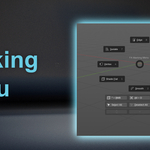
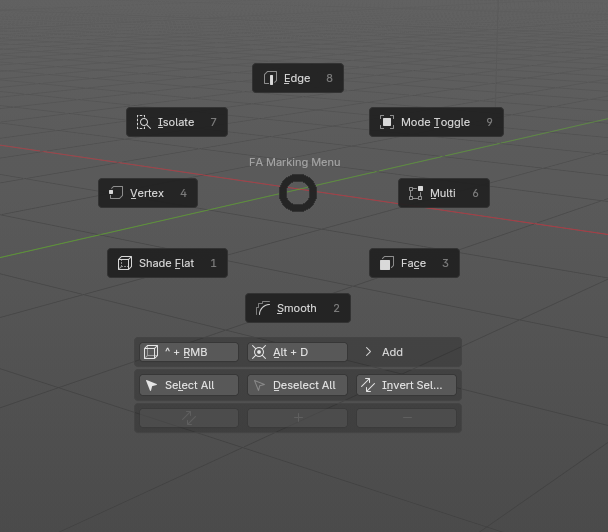
- An advanced Marking Menu for faster, more intuitive selection tools and modes/sub component switching
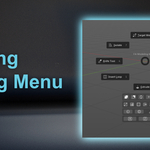
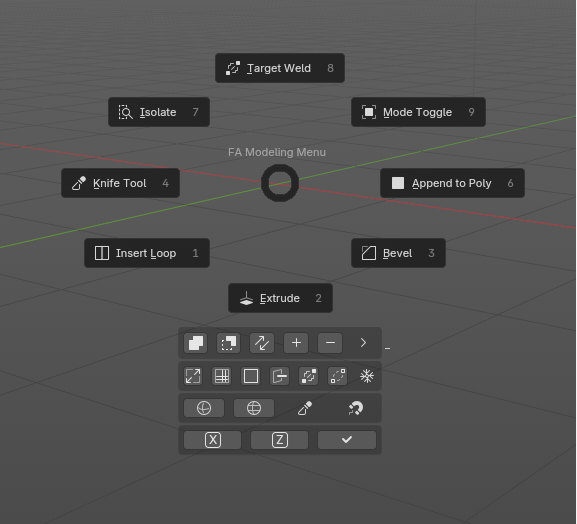
- An advanced Modeling Marking Menu for quick access to common modeling tools
- A Left Toolbar for quick access to essential items
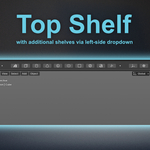
- A user-friendly Top Shelf, complete with a dropdown to switch between menu sets
Maya Config Pro has been battle-tested in heavy production environments and has consistently proven its value on real-world projects.
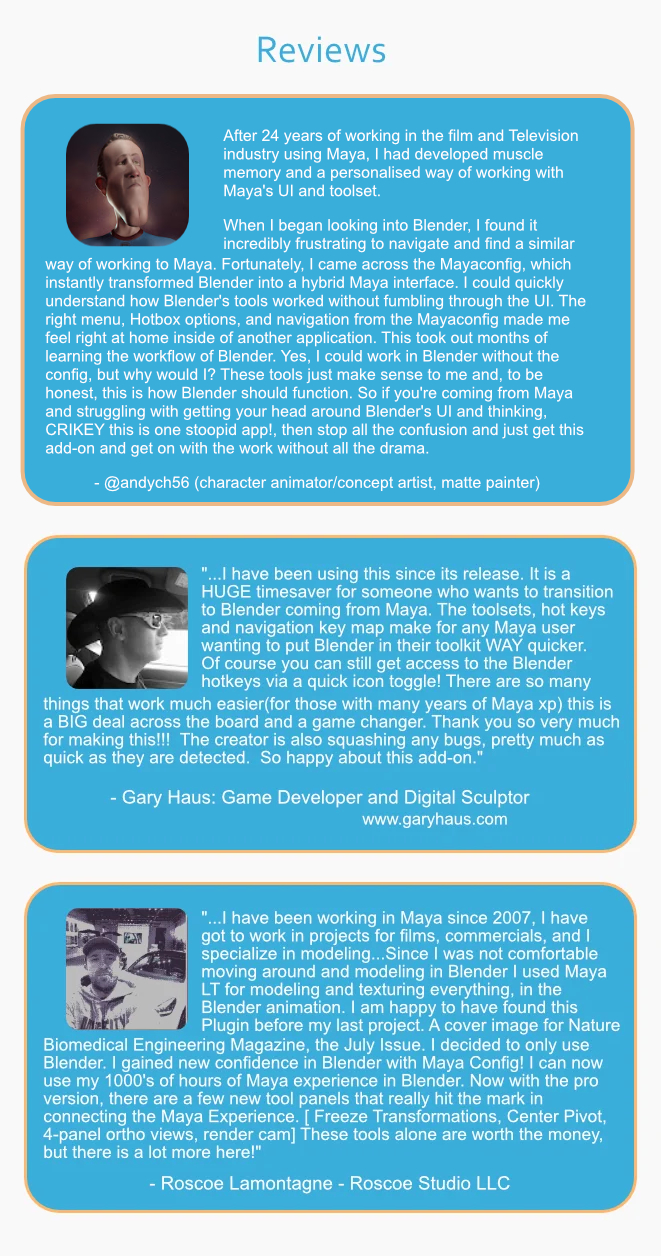
See what other users are saying:
Take a look at some of the great things it has to offer:
Marking Menu Pro |
-----------------------------------------------------------------------------------
Quickly go into Face, Edge, Vertex and Multi Sub Component Modes, as well as toggle between Object & Edit mode
Selection features (invert, all, etc)
Quick Access to Modeling and Pivot Marking Menus
Add Primitives dropdown
Modeling Menu |
-----------------------------------------------------------------------------------
Target Weld, among other handy and familiar tools
Subdivide and Un-subdivide buttons
Flip normal and Merge buttonsa
Extra Modes (Sculpt, Vertex, Weight and Texture)
Quad Draw Retopology Tool |
-----------------------------------------------------------------------------------
Panel Pro Side Panel | CamTools 2.0
-----------------------------------------------------------------------------------
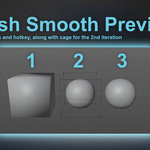
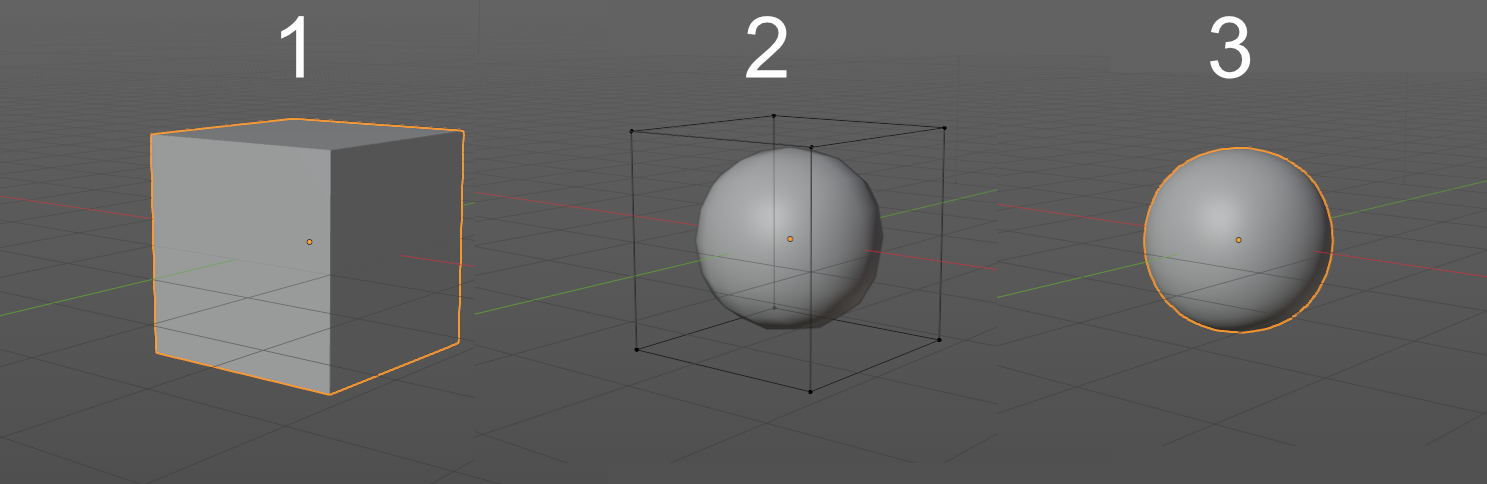
Mesh Smooth Preview buttons, set to the 1, 2 and 3 hotkeys
Gizmo/Widget Size Adjuster
In-App Hotkey List
Maya Equivalent Hotkey Checker
CamTools 1.0, with Camera View Lock Toggle Button, Lock Transforms, Toggle Camera and more. The Camera View Lock is now able to toggle. See all transform locks directly in Camtools
Pro Top Shelf |
-----------------------------------------------------------------------------------
Dynamic Shelf Dropdown Selection
Polygon, Curves/Surfaces, Rendering & FX shelves
Freeze Transforms
Join and Separate Object Buttons
Materials and Render Workspace Buttons
Load Reference & Load Background Images
Add Lights and Camera
-
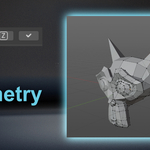
Live-like Symmetry Addon
Pro Side Shelf | Modeling ToolKit
-----------------------------------------------------------------------------------
Pro Side Shelf features Include:
Everything from the Top Shelf +
Slight Change in Primitive Creation Options
Nurbs Curves and Surfaces
New to Version 1.6: Modeling ToolKit:
Subcomponent Modes, Live Symmetry Addon, Modeling Tools like Extrude Along Normal, Extrude Along Axis, Bevel, Bridge and Inset, plus more!
Mesh Smooth Preview |
-----------------------------------------------------------------------------------
1, 2 & 3 Hotkeys for setting to 0, 2 and 3 Subdivisions
Coinciding 1,2 & 3 Buttons on the Left Side Panel
Toggle Switch functionality
- An editable cage on the 2nd Subdivision
Maya Equivalent Hotkey Checker |
-----------------------------------------------------------------------------------
Type in a Blender Hotkey and run "OK" function
-
Displays Maya Equivalent in the bottom Info area
Live-like Symmetry Addon |
-----------------------------------------------------------------------------------
Run an X or Z Symmetry/Mirror, automatically cutting the object in half
Buttons for Applying the Symmetry and for Applying Transforms
Tab Switcher Pie/Marking Menu |
-----------------------------------------------------------------------------------
Quickly Switch Tab Workspace while over the 3D Viewport
New Materials Window Layout |
-----------------------------------------------------------------------------------
Hypershade-like Window for adjusting materials has been revamped with a new layout and features
Drag and Drop functionality of left side materials
Includes 5 Pre-Made materials: Blambert, BlinnB, BrampShader, PhongB & Surface Shader Emission, + Standard BlenderBSDF (Principle Shader)
Preview Window setup in order to preview materials prior to rendering
Top-Right Render Engine Switcher
5 Included Pre-Made Materials + Standard BlenderBSDF |
-----------------------------------------------------------------------------------
Revamped Render Tab |
Added Outliner and Render Passes sections
Outliner Improvements |
Streamlined and Clean Outliner (no more spreadsheet look)
"Active Mesh" section for ease of finding objects within complex scenes
Horizontally Split for Easy Dragging and Dropping between Collections and Scenes with Numerous Objects
Hotkey List Popup Window |
Displays all of the Hotkeys included in the Keymap of this Configuration
Discord Server |
Access to the Private MCP (Maya Config Pro) Discord Server
- Share your work, ask questions, and have conversations with the MCP community (see _DISCORD.txt for access).
Common Features Included from Maya Config Lite |
Marking Menu (right click activated)
Quad Menu (space bar activated)
Special Tools Menu (shift + RMB activated)
All of the Hotkeys from the Original Free Version (QWER, etc)
Themes and Configuration
Select by Dragging while using Transform Widgets
A version of MyAlt for Blender particular to this setup
Add/Subtract/Difference selections using Shift, Ctrl, Ctrl + Shift, while in transform widgets (Move, Rotate, Scale)
-
Layout configured to resemble Maya panel locations, look and feel.
Thank you for using Maya Config Pro! - Team Form Affinity
