 Dynos
WHAT DOES MEASURIX DO?
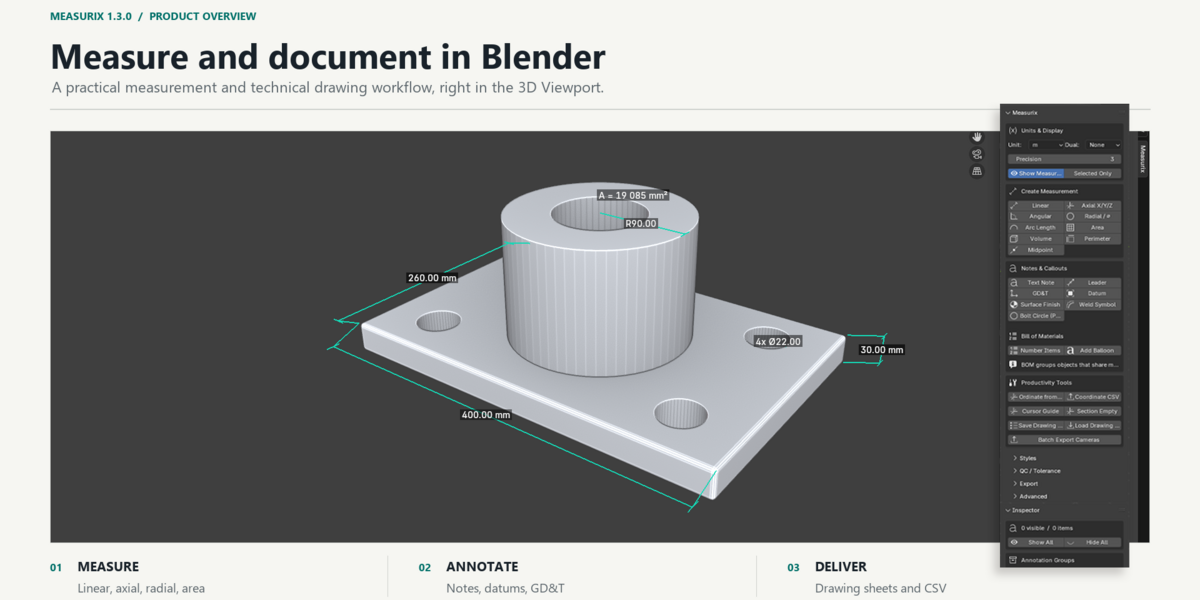
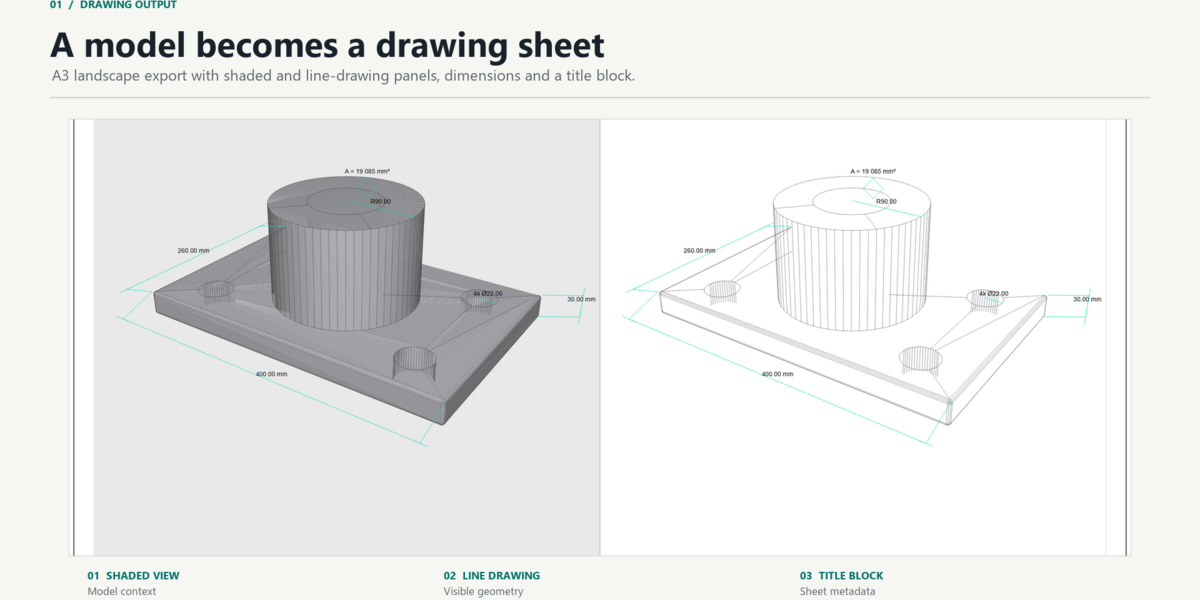
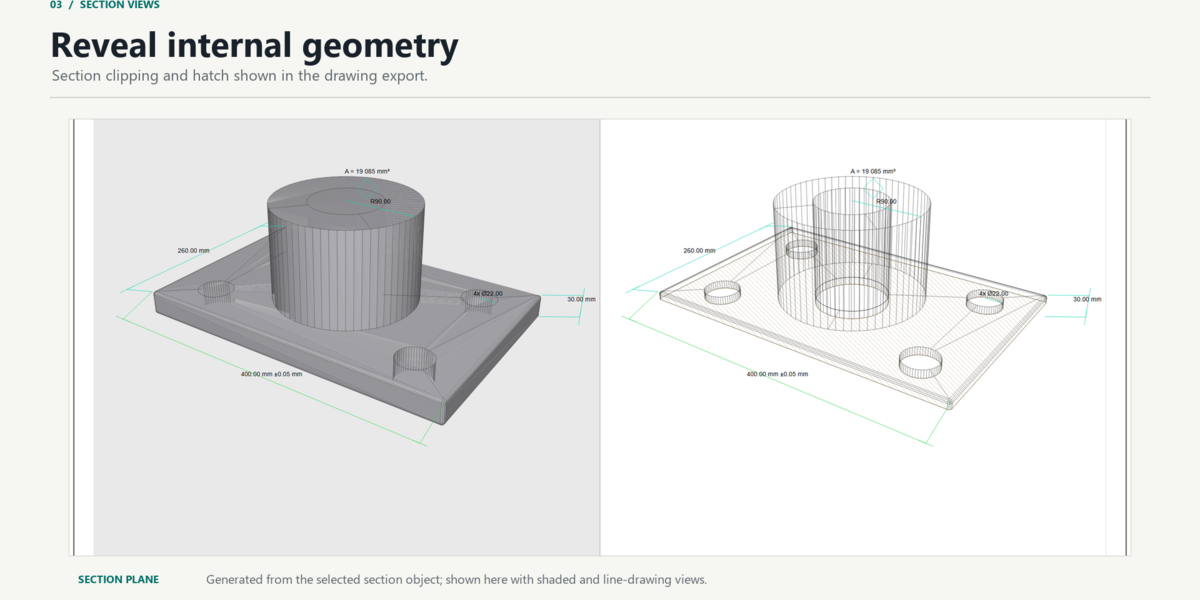
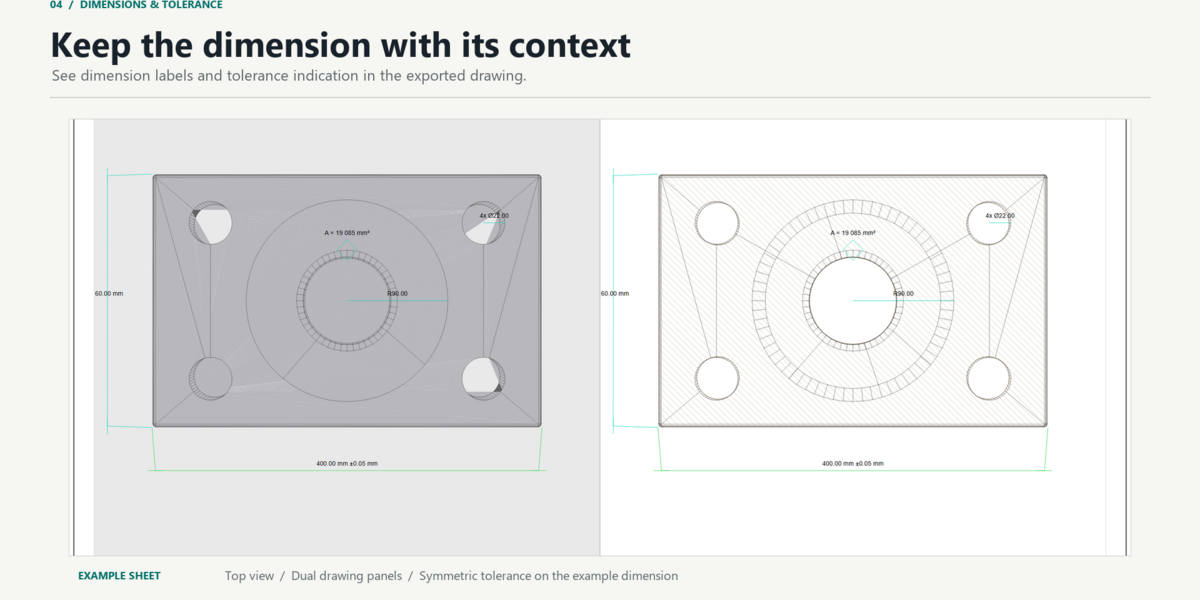
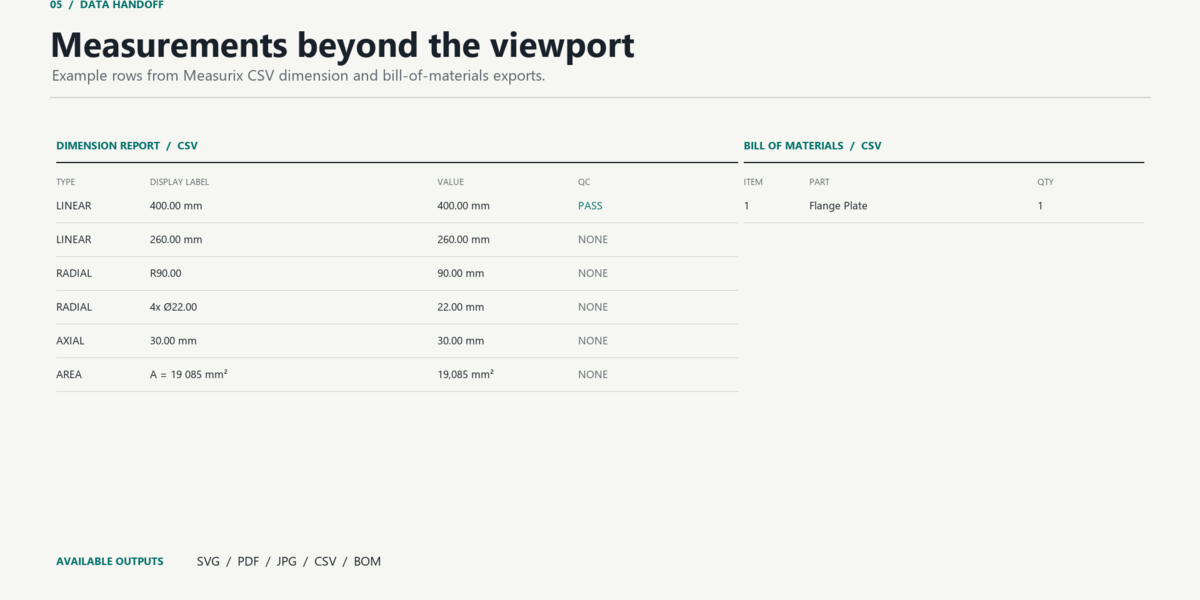
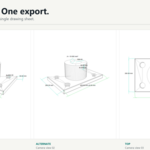
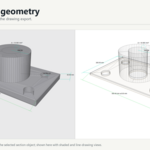
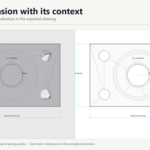
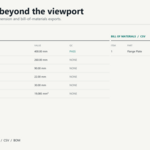
Measurix adds measurement, annotation, drawing-sheet export, and tabular reporting tools to Blender's 3D Viewport.
WHICH BLENDER VERSIONS ARE SUPPORTED?
Blender 4.2 or newer is required.
Do drawing-sheet exports require a camera?
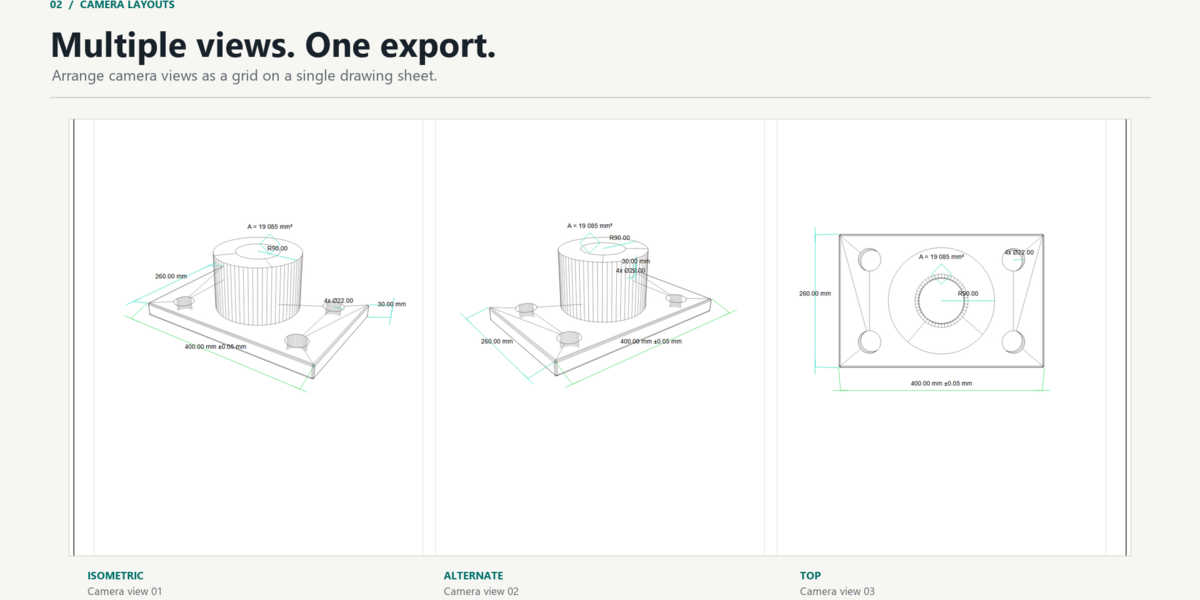
Yes. Add at least one camera to the scene and frame the model before exporting a drawing sheet. You can export one sheet per camera or arrange cameras in a grid. Batch export is also available.
What measurement types are included?
Linear, Axial, Angular, Radial, Arc Length, Area, Volume, Perimeter, and Centerline/Midpoint. Auto Measure can choose an operation based on the current selection.
HOW DO I OPEN THE PANEL?
In the 3D Viewport, press N and select the Measurix tab in the sidebar.
How do I create a measurement?
Choose a measurement type in the Measurix panel, make the required mesh selection, and click the matching button. Selection requirements depend on the measurement type. For example, Linear can use two selected vertices; Angular can use three vertices, two edges, or two faces; Area and Perimeter use selected faces.
Have questions about this product?
Login to message
| Blender Extension Compatible | Yes |
| Published | 4 days ago |
| Blender Version | 4.4 - 5.2 |
| Extension Type | Add-on |
| Render Engine Used | Cycles, Eevee |
| License | GPL |
Discover more products like this
industrial design cad drafting manufacturing architectural visualization engineering measurement precision measure gd&t