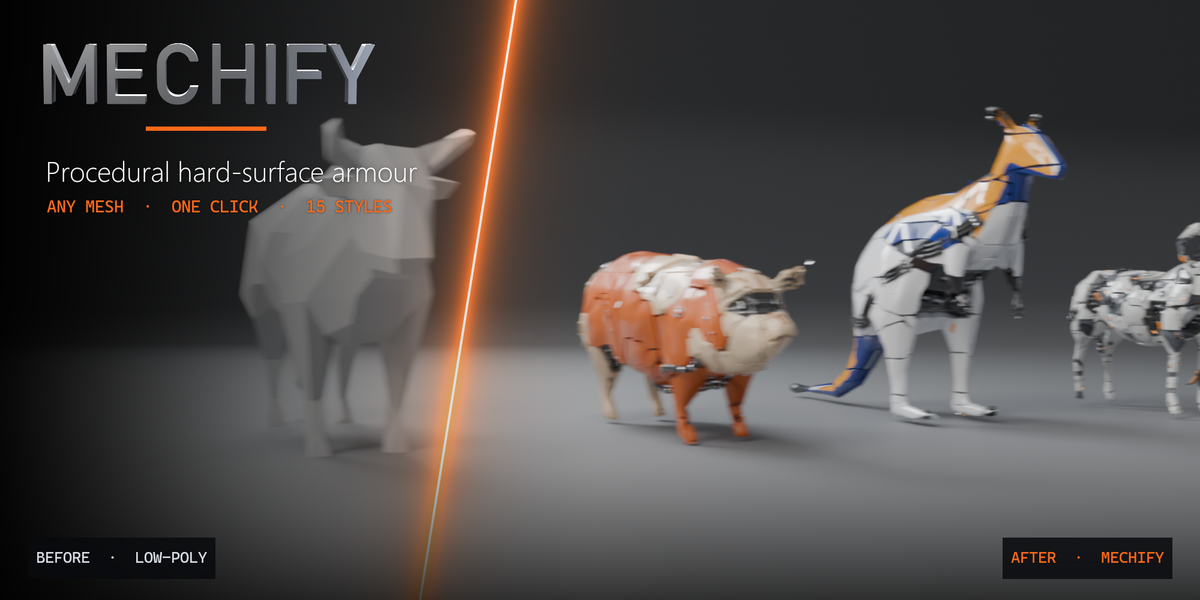
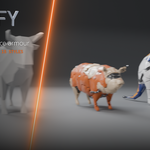
Mechify
Documentation
Get started
with Mechify.
Install it, apply your first style and learn every panel in five minutes.
Blender 4.2 or newer3D Viewport › N › Mechify tabShift + Alt + P Panel Picker
01 · Installation
Install in under a minute.
Download the product archive and unzip it. Inside you find Mechify-2.1.0.zip (the add-on), the demo scene and the docs. Do not unzip Mechify-2.1.0.zip itself.
In Blender open Edit › Preferences › Get Extensions.
Click the drop-down arrow in the top right corner and choose Install from Disk…
Select Mechify-2.1.0.zip. Mechify is installed and enabled. You can also drag the zip into the Blender window.
In the 3D Viewport press N and open the Mechify tab.
Updating: install the new zip the same way – it replaces the old version. Your saved files and saved styles keep working.
02 · Quick start
Your first result.
STEP 1
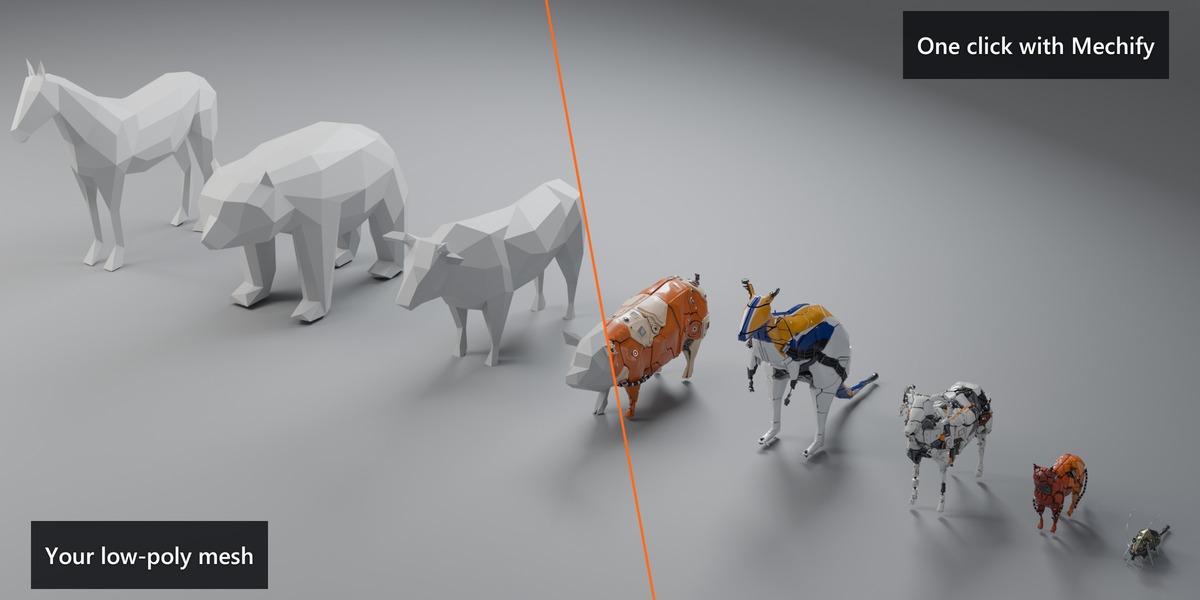
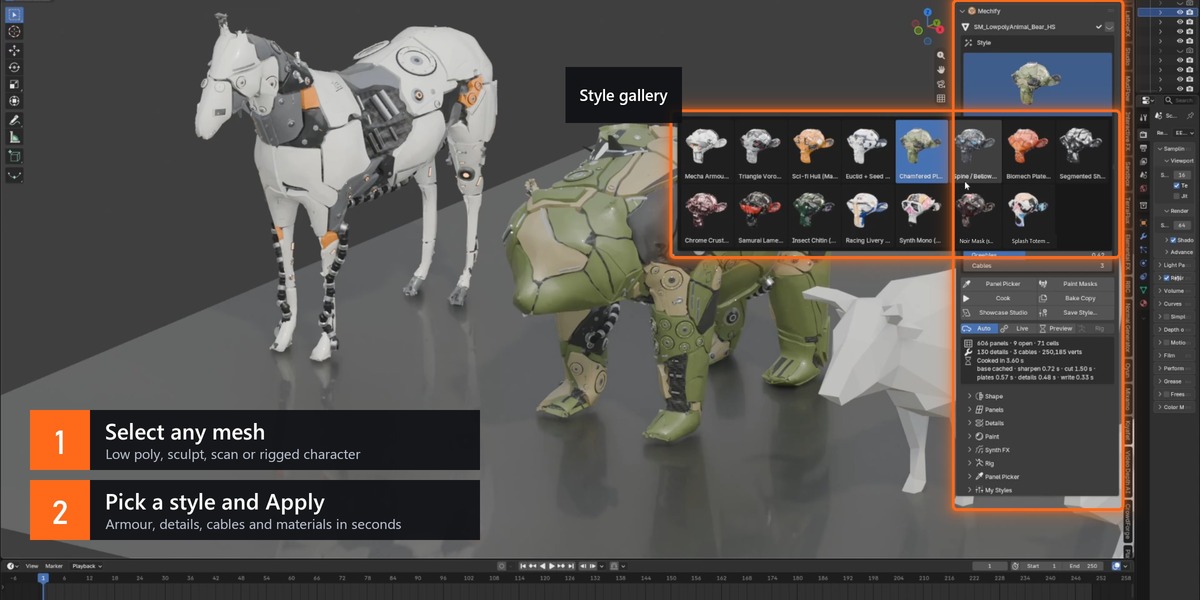
Select one or more mesh objects. No model yet? Use Add Base Form.
STEP 2
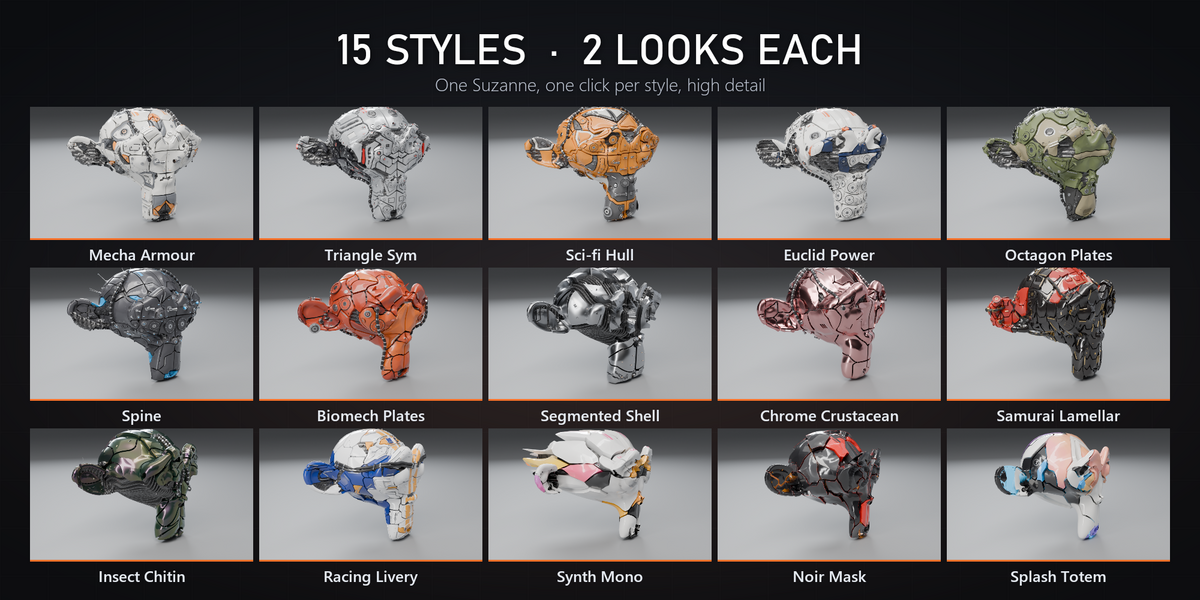
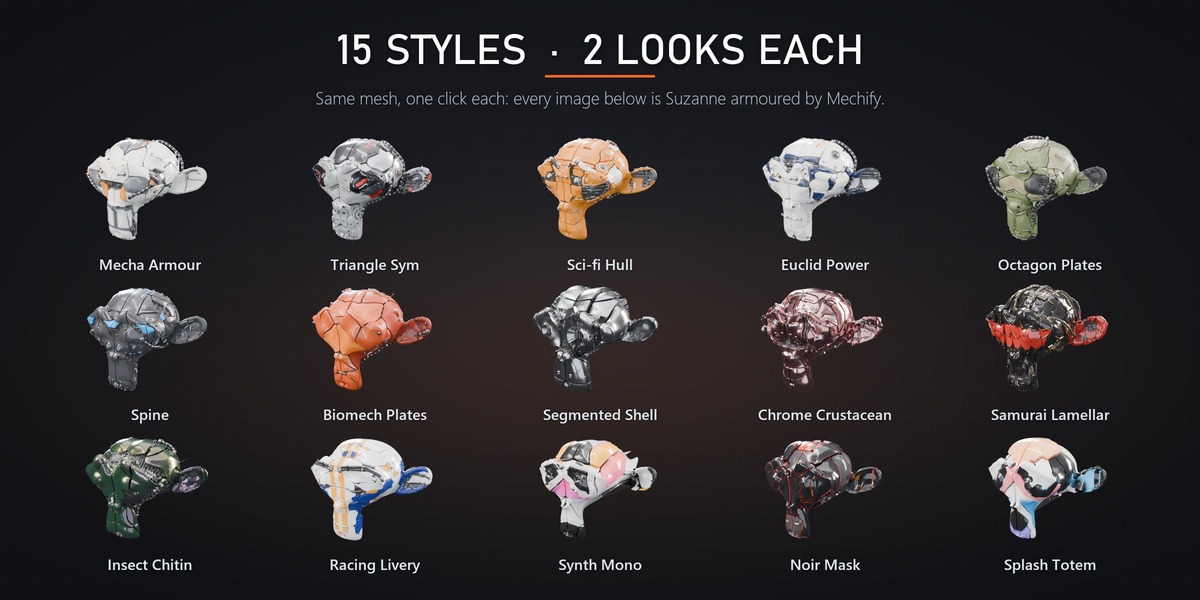
Pick a style in the gallery and choose Showcase or Clean.
STEP 3
Choose how styles are assigned: Same, Each (one per object) or Random.
STEP 4
Press Apply to Selected. Auto Fit sets the style up for each model and the result appears.
STEP 5
Tweak Quick Shape, press New Seed for variations, then Showcase Studio for an instant render setup.
Your original mesh is safe. It is hidden, not changed. Use the eye button next to the generator name to show it again.
03 · The generator panel
Everything at a glance.
Style
The gallery, Showcase / Clean, Auto Fit (re-reads the model) and Reset Style.
Quick Shape
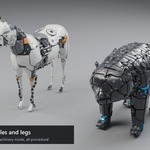
Seed, Cell Field / Edge Flow, Panel Size, Panel Lines, Puffiness, Cut-outs, Greebles and Cables.
Tools
Panel Picker, Paint Masks, Cook, Bake Copy, Showcase Studio, Save Style.
Toggles
Auto re-cooks on every change, Live also when the source mesh is edited, Preview cooks faster and coarser while you explore, Rig turns on Rig Follow.
Status
Panels, details, cables, vertex count and cook time.
04 · Sub-panels
Go deeper when you want to.
Shape
Base (Voxel Remesh, Subdivide, None), World Axes, Keep Volume, resolution, smoothing, Mesh Sharpen.
Panels
Cell Field or Edge Flow, metric, seeds, size, jitter, distortion, stretch, flow, symmetry, repeat, sub-panels.
Plates
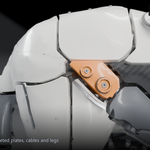
Gap, thickness, height levels, body depth, open panels and joints, inset, pillow, shingle, inner ribs.
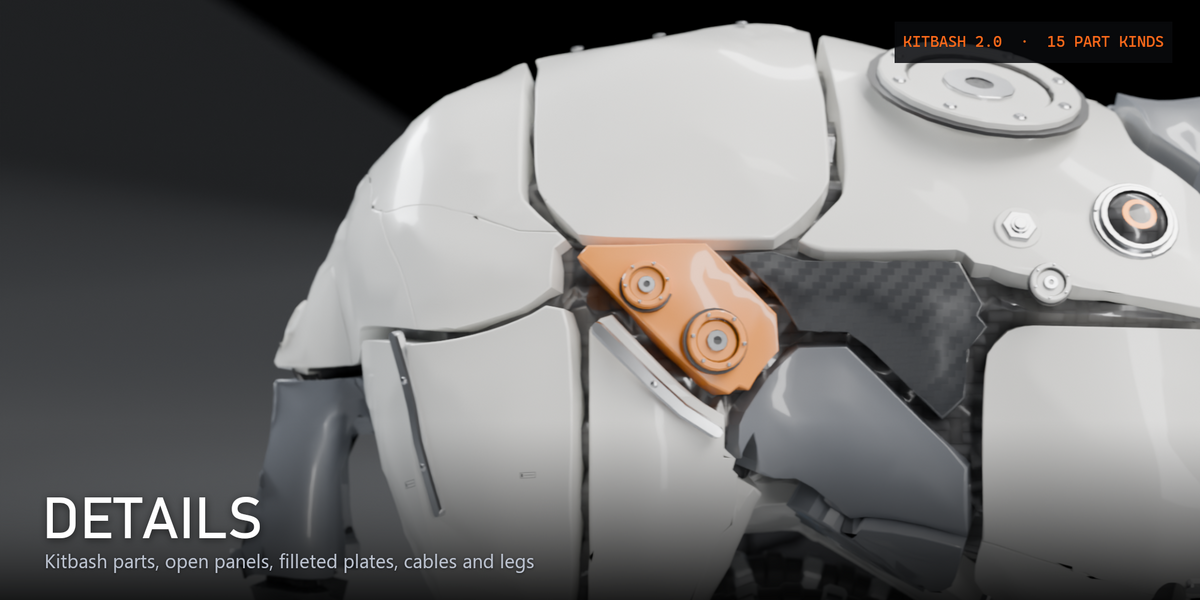
Details
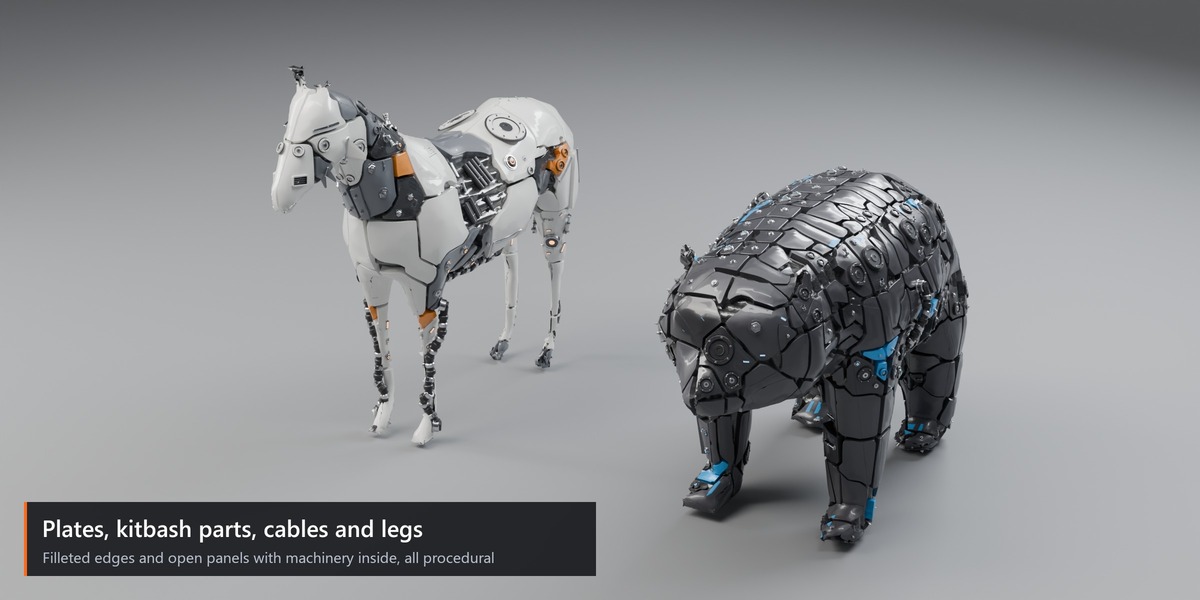
Detail kit and quality, cut-outs, layout, density, sizes, part mix, inner machinery, rivets, trim strips.
Cables & Legs
Routing, count, style, radius, length, clearance, arch; legs and tendrils.
Paint
Palette, colouring mode, secondary / accent amount, gradient axis, Drive Materials, fillets and normals.
Synth FX
Smear (direction, length, start, taper), Rim Colour / Rim Glow, Glow Core, Paint Splash.
Rig · My Styles
Rig Follow and Rigid Plates. Load, delete and save your own styles.
05 · Paint Masks
Paint where it happens.
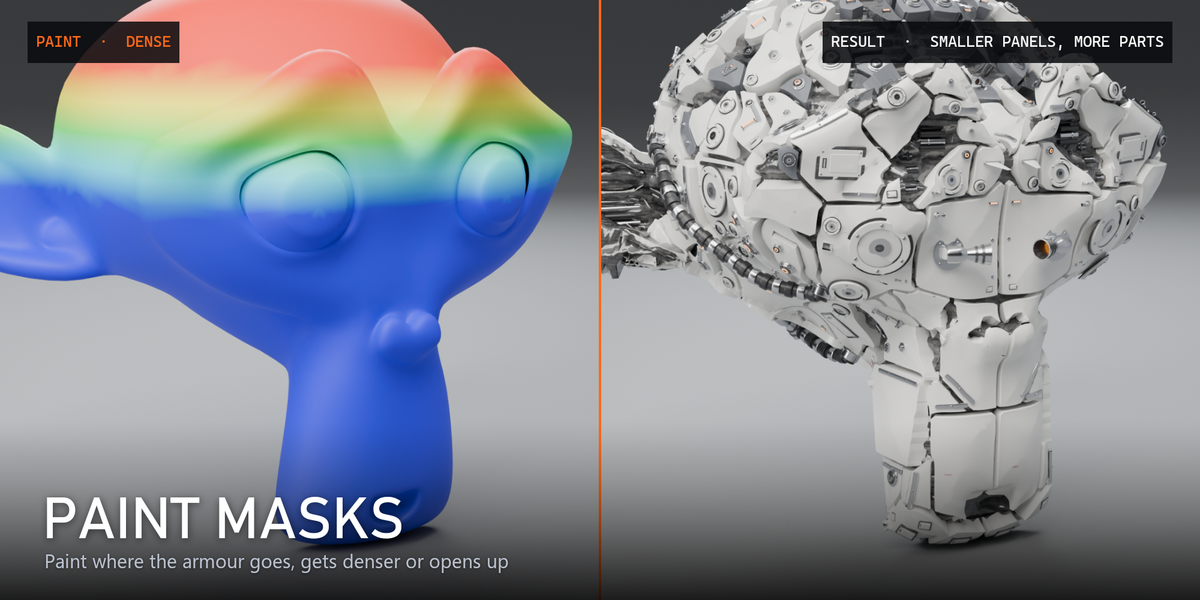
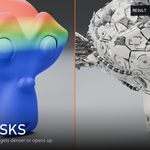
Press Paint Masks with a generator selected. The source mesh switches to Weight Paint and four vertex groups are created if missing. Switch groups with the sidebar buttons and press Done Painting to re-cook.
Bare
White = no plates. A satin carbon under-suit shows the original form.
Dense
White = smaller panels and more parts.
Accent
White = accent colour.
Open
White = open panels, the machinery shows.
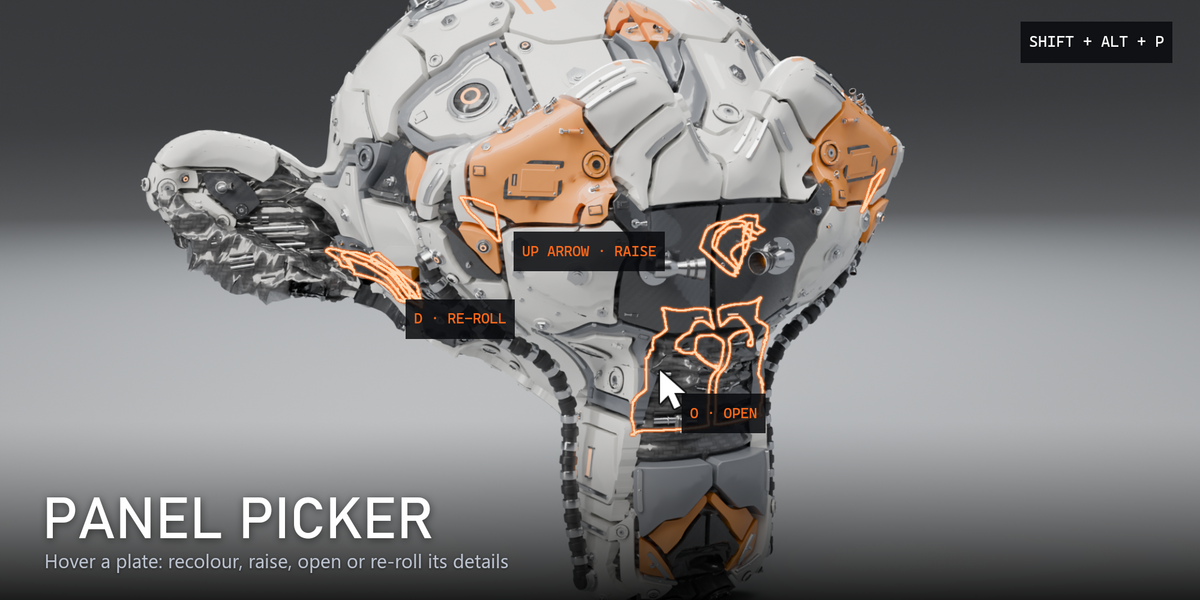
06 · Panel Picker
Click any plate. Change it.
Press Shift + Alt + P or Panel Picker in the sidebar, then hover over a plate.
Left clickC
Next colour (hold Shift for the previous one)
↑↓
Raise / lower the plate one tier (+ and − work too)
O
Auto / Open / Closed
D
Re-roll the details of the plate
X
Reset the plate
EscRight click
Finish
Middle mouse and Alt + left click still navigate the view. Undo works after you leave the picker. Edits stay as long as the panel layout is the same (same seed, panel settings and source); if you change the layout they pause, and come back when the layout returns.
07 · Workflows
Characters, scans, renders.
Animated characters
Select a character with an Armature modifier and press Apply to Selected. Auto Fit turns on Rig Follow: the result is cooked on the rest pose and bound to the same armature. Press Play – it moves without re-cooking. Rigid Plates keeps every plate solid; switch it off to let plates bend with the skin.
Sculpts and scans
Dense triangle meshes are detected automatically: Mechify builds a smooth shell and uses Cell Field panels on it. Large scans cook in a few seconds.
My Styles
Set up a look you like and press Save Style… Saved styles appear in My Styles and load onto any generator; sizes scale with the model.
Rendering
Press Showcase Studio for backdrop, lights and camera, then render (F12). Materials are procedural and work in Cycles and Eevee. Bake Copy freezes the current result as a plain mesh.
08 · Preferences & tips
Get the most out of it.
Edit › Preferences › Add-ons › Mechify: default look, quality (Preview / Standard / High) and the cook delay used while dragging sliders.
→ Turn on Preview while exploring, off for the final look.
→ Panels too small or too big after scaling a model? Press Auto Fit.
→ Use Each in Apply to Selected to see many styles at once.
→ Very heavy scene? Set the quality to Preview in the preferences.
Stuck? Just ask.
Send me a message here on Superhive with your Blender version and a screenshot.
Included
Includes 12 months of
- Support from Blender Procedural
- Product updates
Extend this product’s Support Period +12 months: 50% of product price
Have questions before purchasing?
Login to message
| Blender Extension Compatible | Yes |
| Dev Fund Contributor | |
| Published | about 22 hours ago |
| Blender Version | 4.2 - 5.2 |
| Extension Type | Add-on |
| Render Engine Used | Cycles, Eevee |
| License | GPL |
Discover more products like this
sci fi surface detailing blender addon kitbash hard surface mecha greebles Robot 3d modeling panel generator mechanical procedural modeling