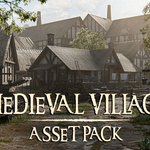
Medieval Village Asset Pack
 Rithick_03d


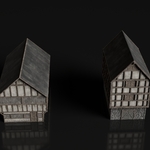
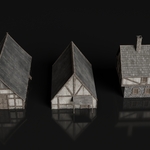
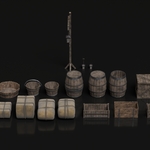
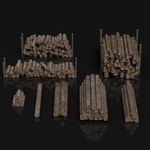
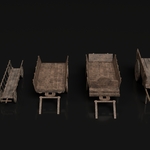
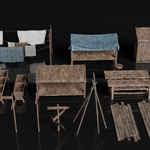
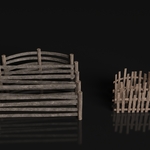
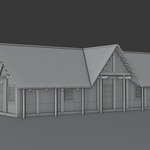
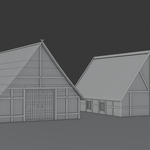
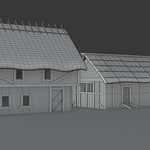
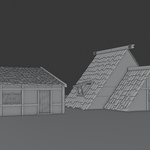
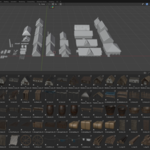
Set Up an Asset Library in Blender:
- Download and unzip the pack you received. Inside, you’ll find a Blender file (.blend) containing all the assets.
- Open Blender
- Go to Edit > Preferences > File Paths
- Find the Asset Libraries section
- Click the “+” icon to add a new library.
- Browse and select the folder where your .blend file is stored
- Name it (e.g., Medieval Village Asset Pack)
- Save Preferences
License Information:
The Medieval Village Asset Pack is released under a Royalty-Free License.
- Use the assets in personal and commercial projects (animations, films, visualizations, artworks, etc.).
- Modify and adapt the assets to fit your needs.
- Include the assets in your final works (renders, animations, or client projects) without attribution (credit is appreciated but not required).
- ❌ You may not redistribute, resell, or share this asset pack (in whole or in part) or claim it as your own.
$15
Have questions about this product?
Login to message
| Sales | 30+ |
| Dev Fund Contributor | |
| Published | 9 months ago |
| Blender Version | 4.0 - 5.0 |
| Render Engine Used | Cycles |
| Misc Data | Uvs-Unwrapped, Textured |
| License | Royalty Free |

Discover more products like this
3Dmodel props Blender-medieval-pack Medieval House Pack assetpack 3d-medieval-models medieval village assets textured 3denvironment 3d building Blender medieval asset medieval-prop-assets