Mediterranean Villa – Procedural Materials & Scene
 Spatial Dialects
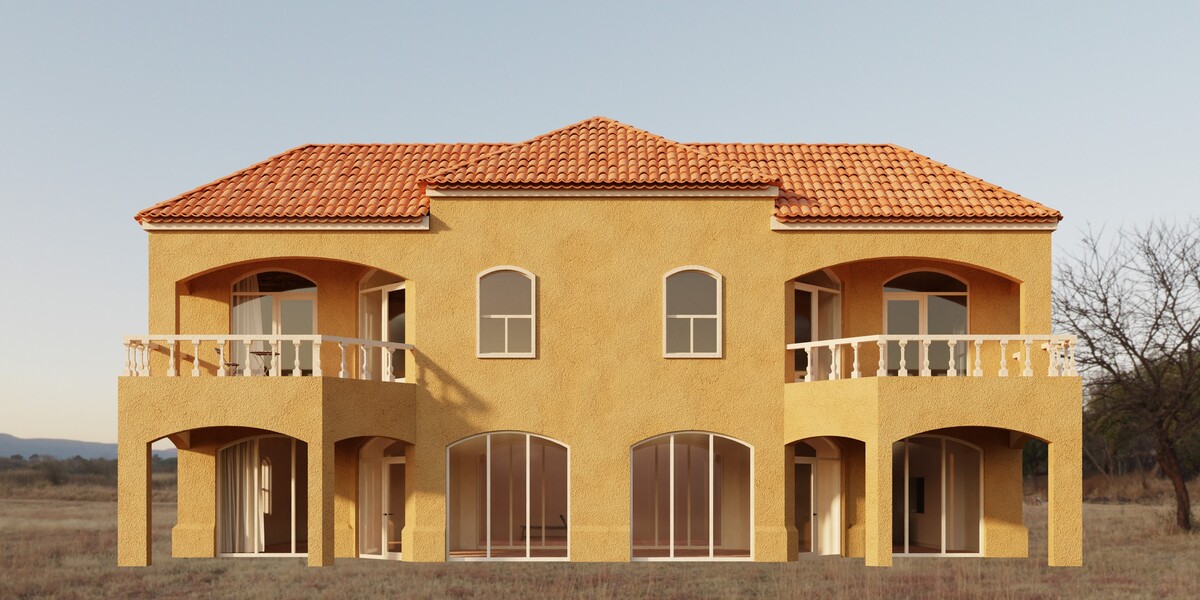
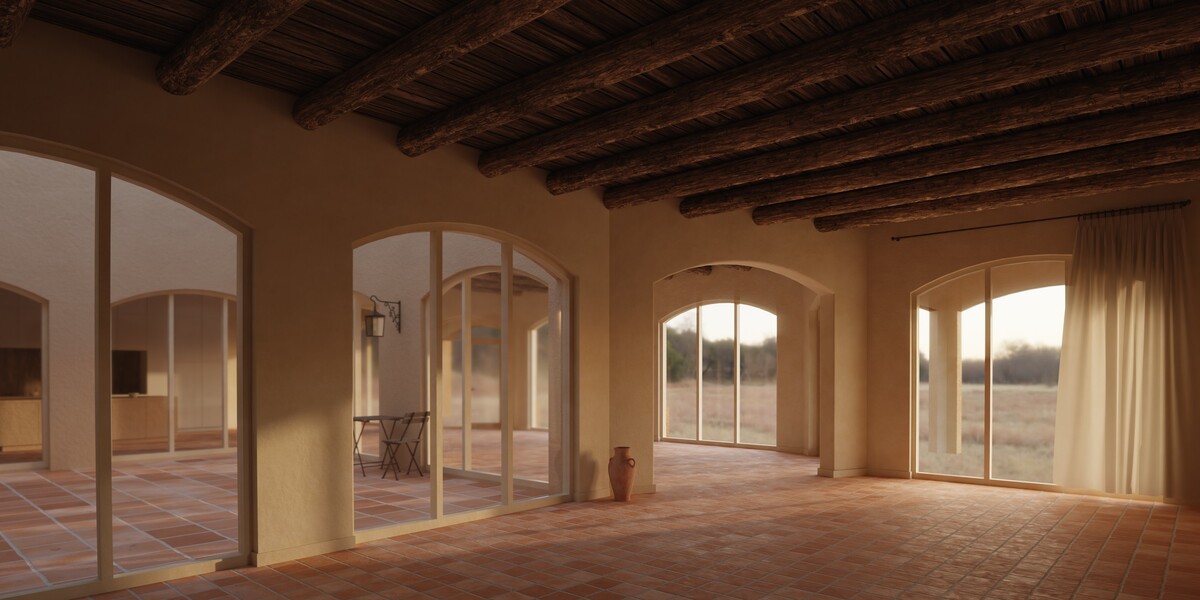
Requirements
- Blender 5.2.2 LTS or later
- Built and lit for Cycles. All scenes and preview renders are made in Cycles.
- The materials also load and display in EEVEE, but the scenes are not set up for it: expect a less realistic result and lighting that needs adjusting.
- No add-ons are needed.
What's in the download
Starter Materials
- 3 .blend files, one per material generator
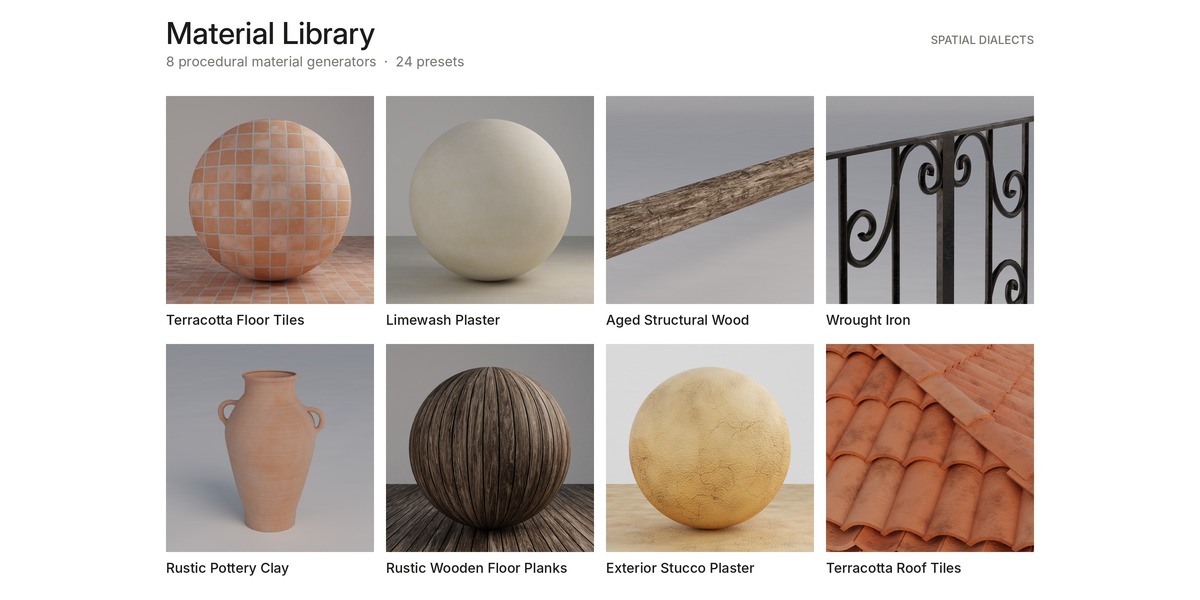
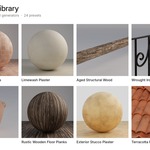
Material Library
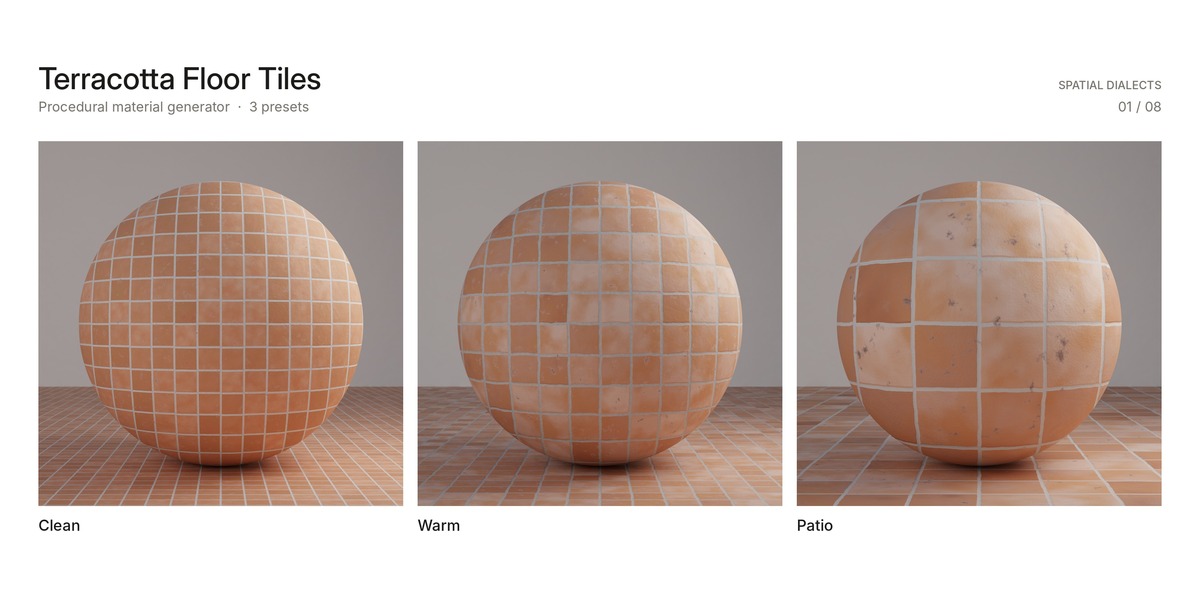
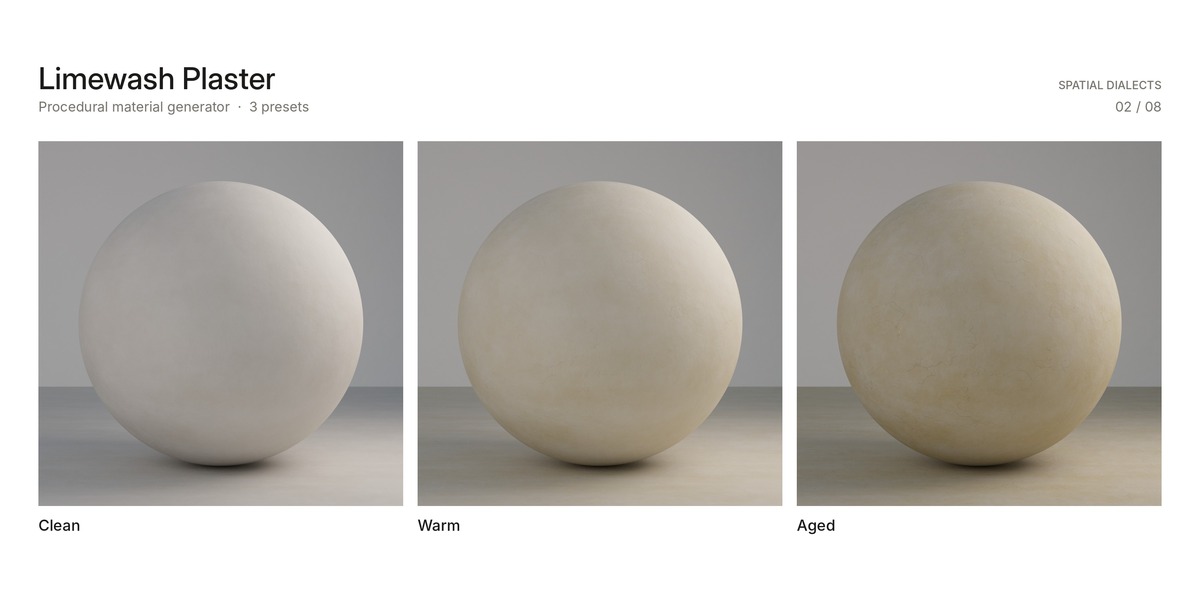
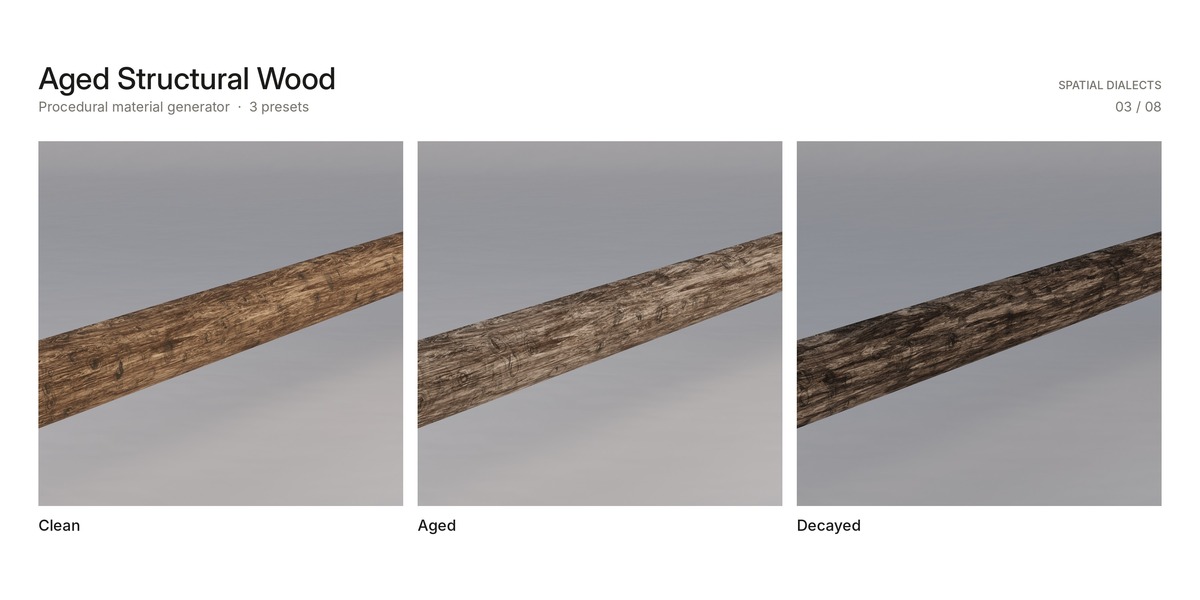
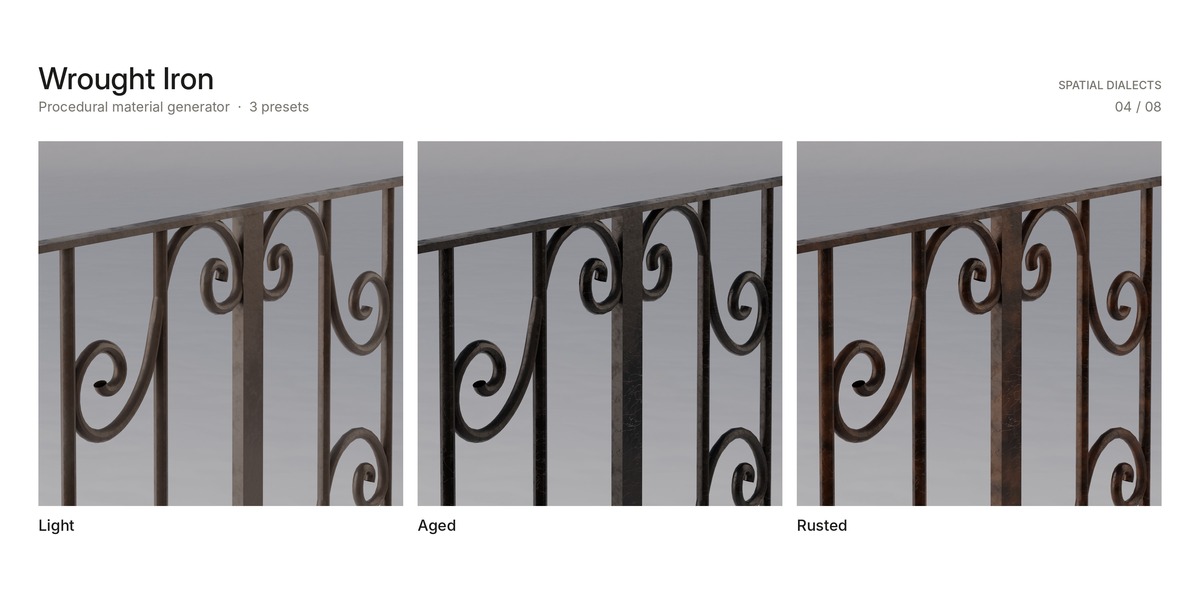
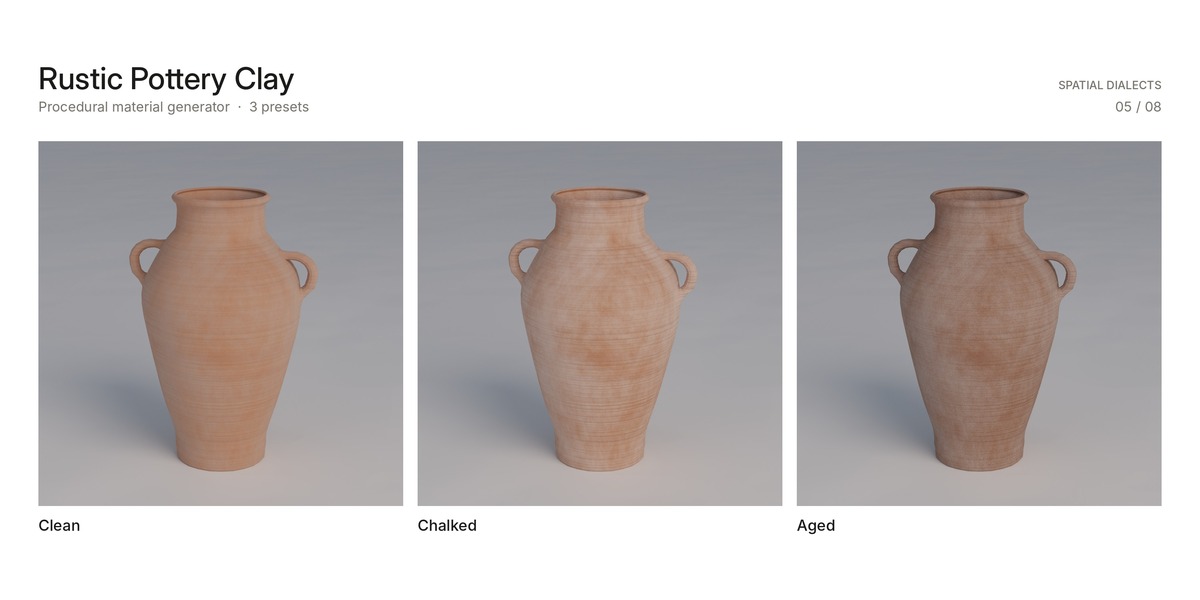
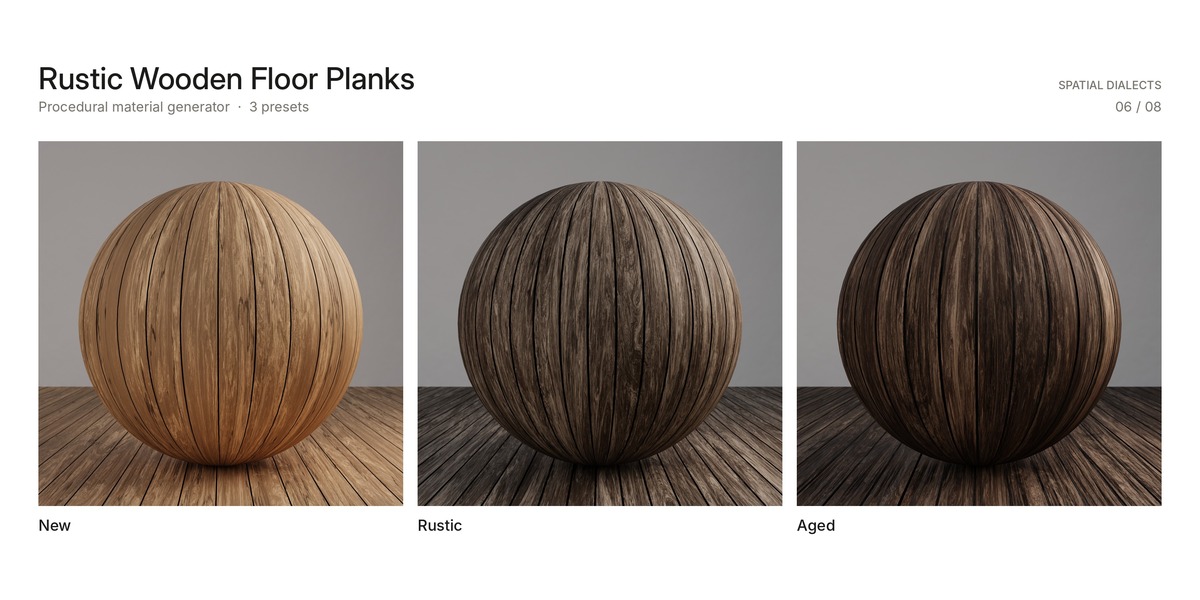
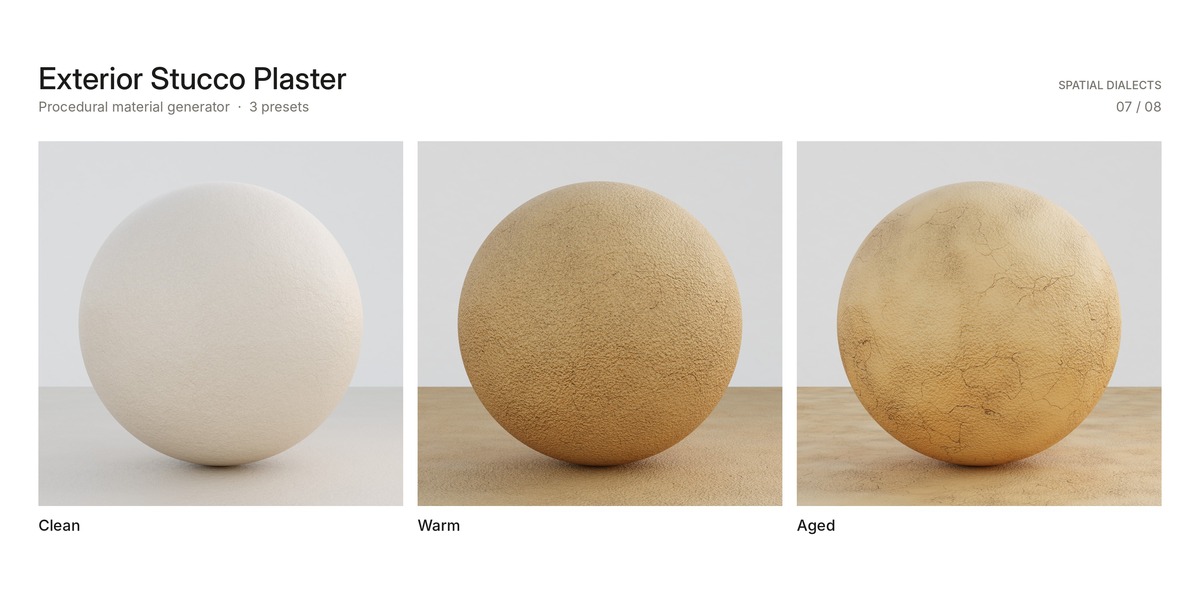
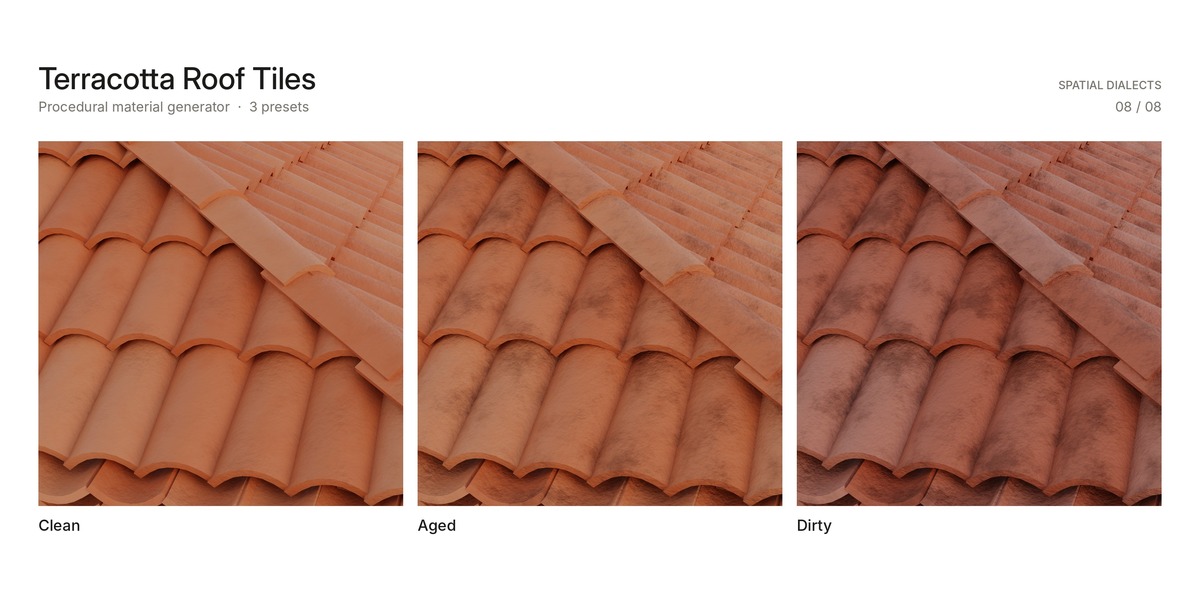
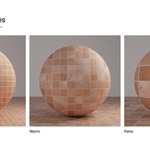
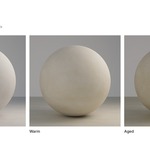
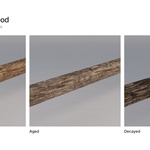
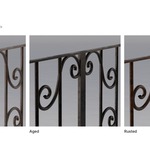
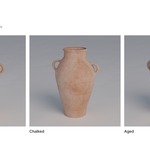
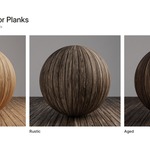
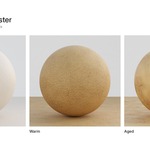
- 8 .blend files, one per material generator, each with its node groups and 3 presets
Material Lab
- The 8 material .blend files
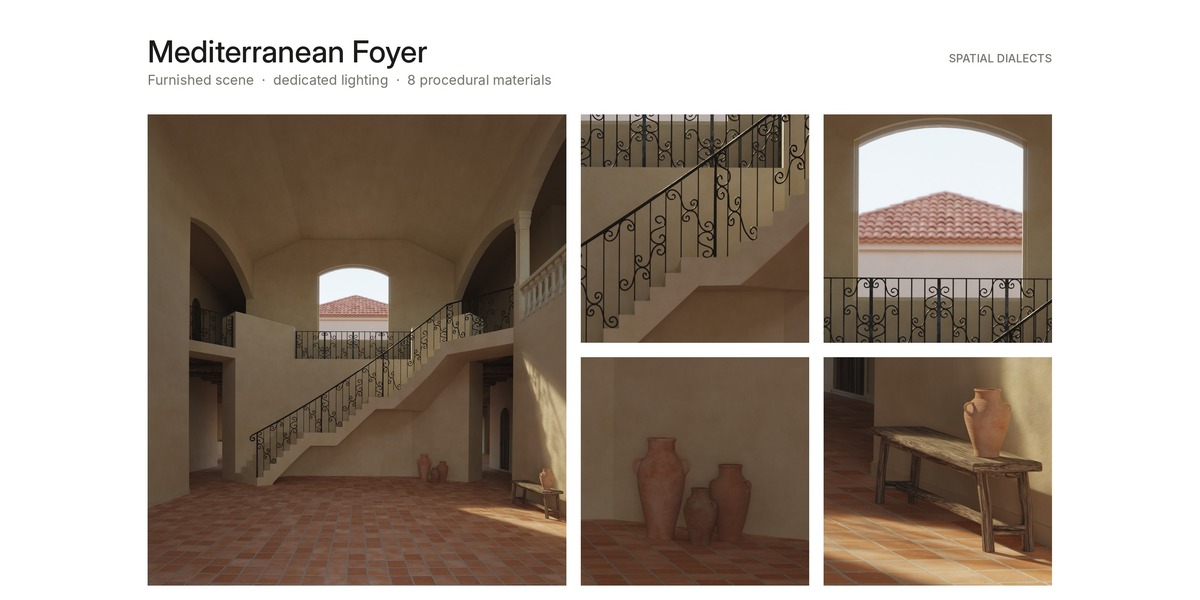
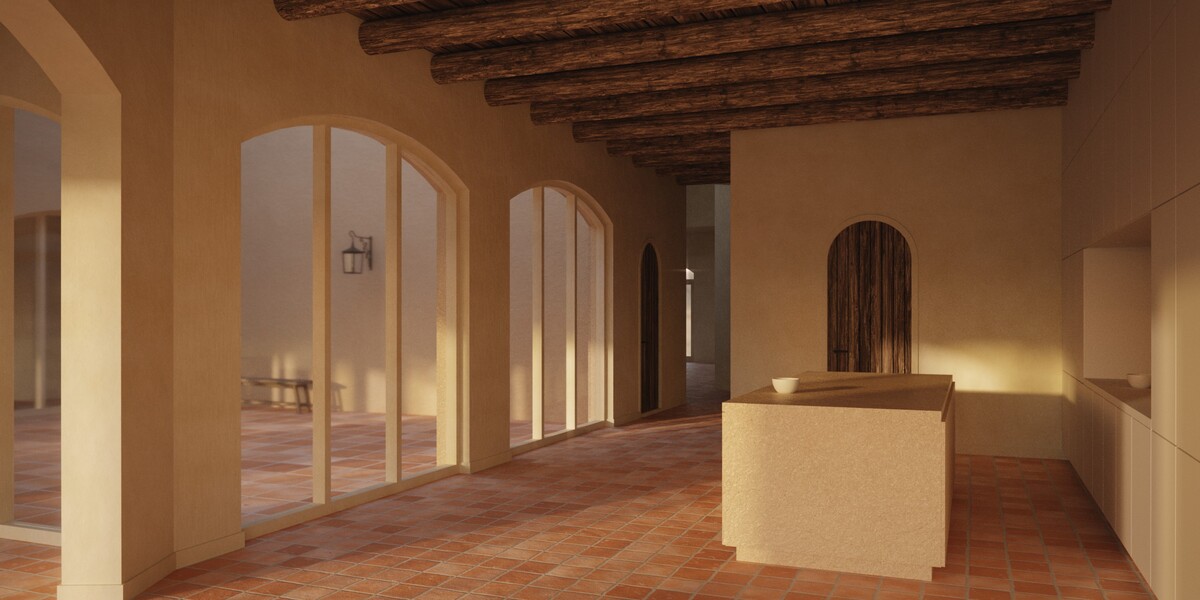
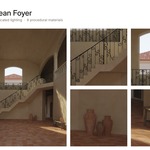
- Mediterranean Foyer.blend: furnished foyer scene with camera, lighting, world and compositing
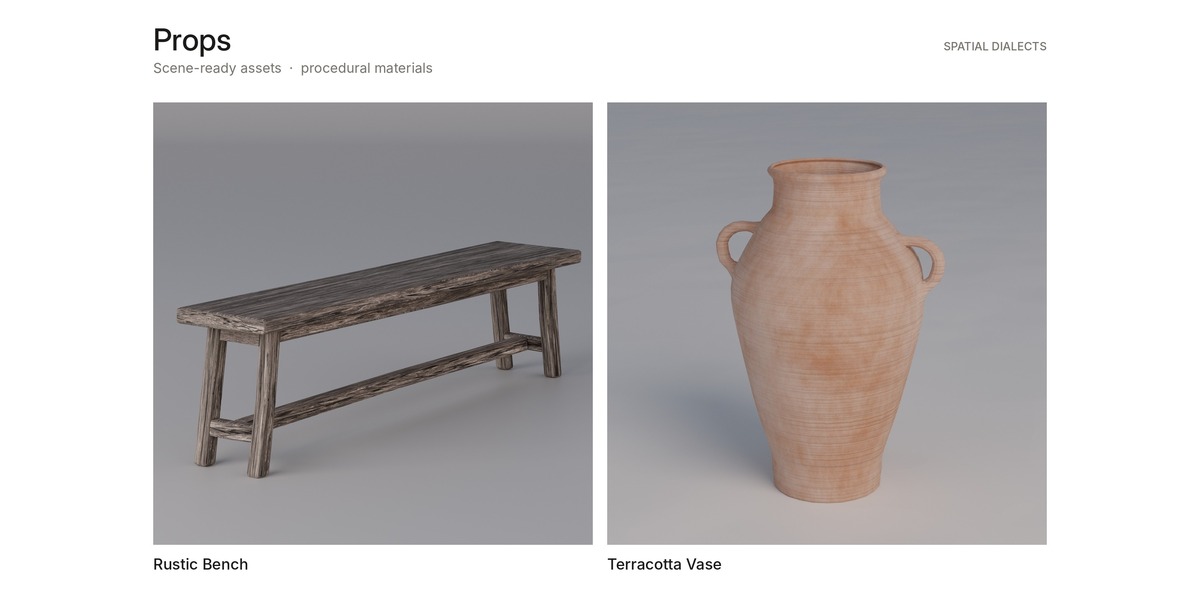
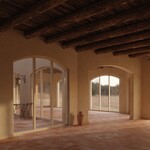
- Hero render of the foyer
Complete Villa
- The 8 material .blend files
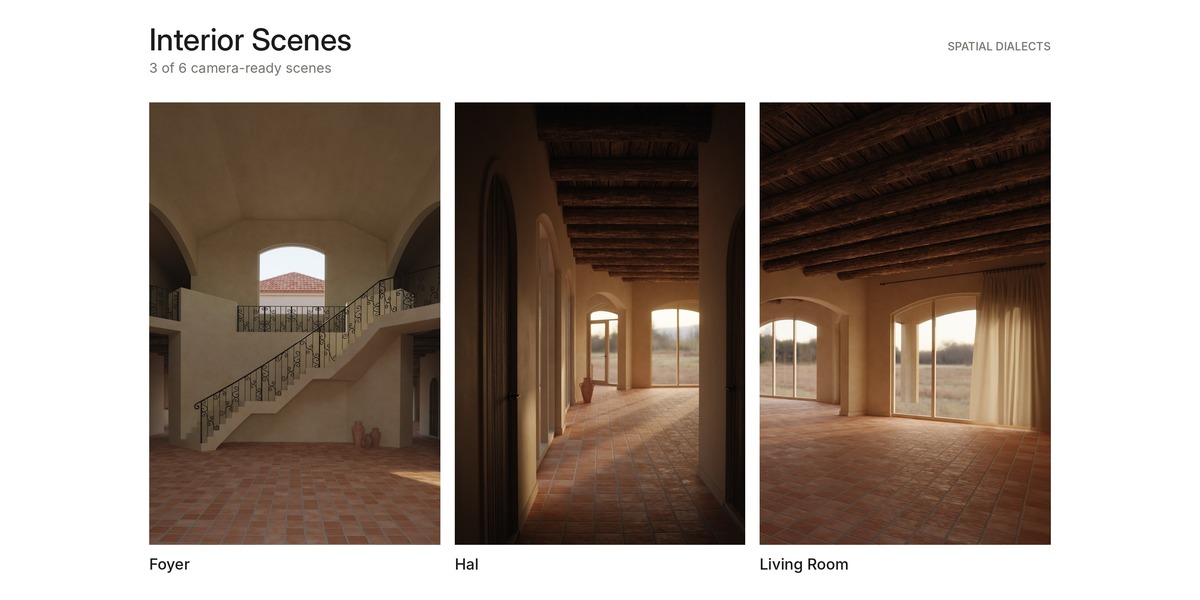
- Mediterranean Villa.blend: the complete villa with all 6 scenes
- Mediterranean Foyer.blend: the foyer as a separate, lighter file
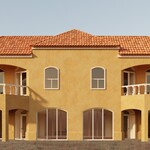
- 6 hero renders, one per scene
Every version also includes a README with these instructions.
Using the materials in your own project
- In your own project, go to File → Append (or Link).
- Browse to one of the material .blend files and open its Material or NodeTree folder.
- Select the material or node group you need and confirm.
- Assign the material to your object and adjust the node inputs to match your scene's lighting and scale.
Use Append if you want to edit the material freely. Use Link if you want to keep one central version that updates across projects.
Adjusting a material
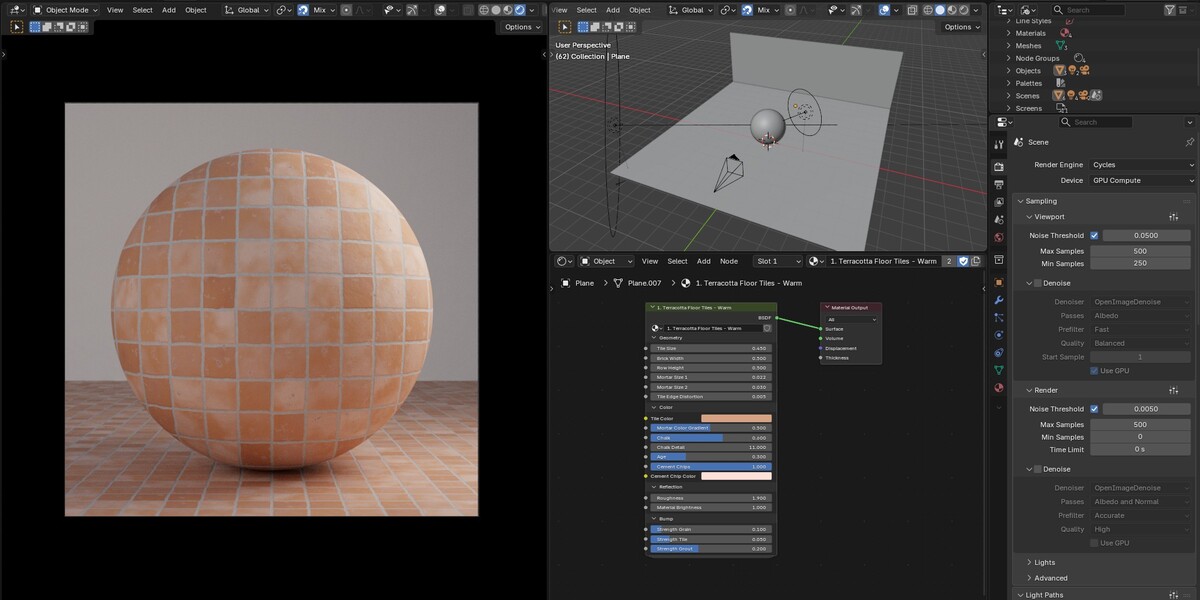
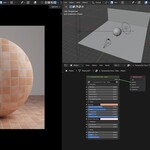
Select an object and open the Shader Editor. Each generator exposes its main controls – color, wear and surface detail – as inputs on the node group. The three presets are starting points; change the inputs to create your own variations.
Rendering the scenes (Material Lab and Complete Villa)
- Open Mediterranean Foyer.blend or Mediterranean Villa.blend.
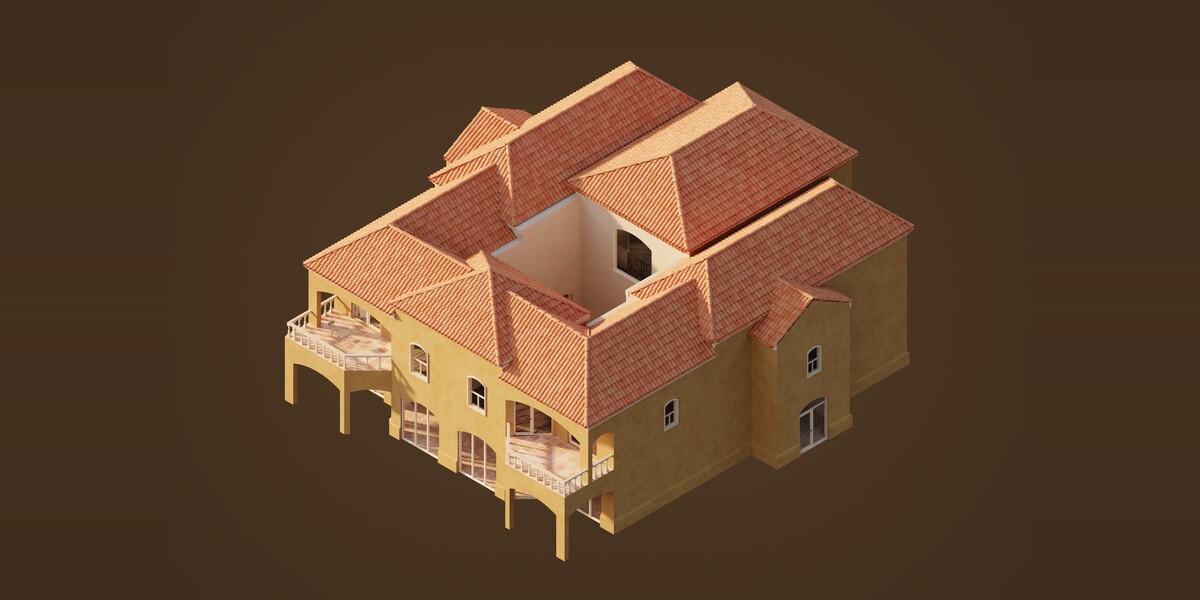
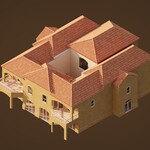
- In the villa file, choose a scene in the Scene selector at the top of the Blender window. Each scene has its own camera and render setup. The axonometric view is listed as "Render - 5. Axo".
- Render. Lights, world and compositing are already set per scene.
How the villa lighting is organised
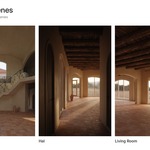
- Hal and Living Room share one lighting collection, since they are the same room seen from two cameras.
- Kitchen uses that same collection and adds lights of its own.
- Foyer has its own lighting collection.
- Axonometric reuses the sun and world of the Back Elevation, so the overview reads in the same light as the facade.
- Hal, Living Room and Kitchen share an interior world; Foyer has its own; Axonometric and Back Elevation share an exterior world.
License
Standard Royalty Free. You may use the materials, scenes and assets in personal and commercial projects, including rendered or composited output for sale. Redistribution or resale of the files themselves, as-is or repackaged, is not permitted.
Credits
HDRI environment lighting courtesy of Poly Haven (CC0). Everything else – materials, models and scenes – is my own work.
Support
Send questions through your Superhive inbox. I read every message myself and respond within 72 hours.
Have questions about this product?
Login to message
| Published | 4 days ago |
| Blender Version | 5.2 |
| Render Engine Used | Cycles |
| Misc Data | Uvs-Unwrapped |
| License | Royalty Free |

Discover more products like this
villa architecture wrought iron terracotta mediterranean plaster ArchViz Interior stucco spanish roof-tiles procedural