Megascan Asset Manager
 MgameDev
Megascan Asset Manager — Documentation
Megascan Asset Manager is an offline Blender addon for artists who already have Megascans assets downloaded and stored on their local computer.
Important: This addon does not download Megascans assets. Please purchase it only if you already have a local Megascans library.
Installation
- Open Blender.
- Go to Edit → Preferences → Add-ons.
- Choose Install from Disk.
-
Select the
megascans_manager-1.0.0.zipfile. - Enable Megascan Asset Manager.
- Open the addon preferences and select your local Megascans library folder.
First Setup
After selecting the library folder, click Scan Library.

The addon will scan and organize the Megascans assets found in your local library.
When you add new assets to the library later, simply run Scan Library again.
Supported Asset Types
Megascan Asset Manager supports:
- 3D Assets
- 3D Plants
- Surfaces
- Decals
- Atlases
- Imperfections
- Displacements
- Brushes
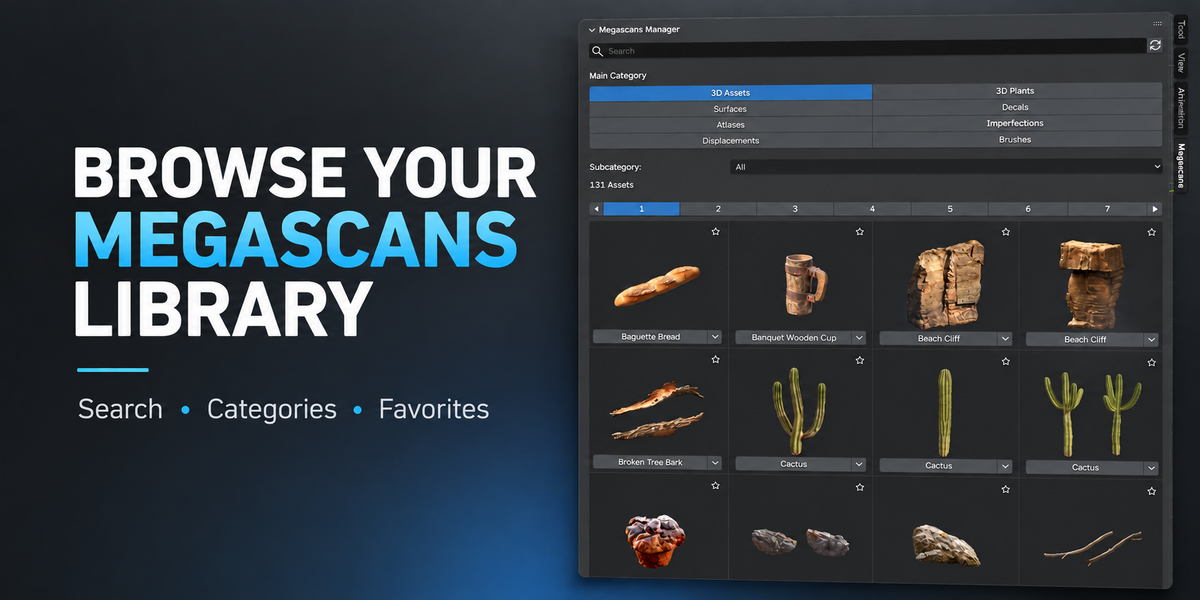
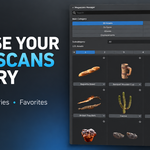
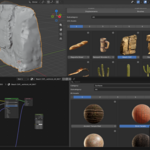
You can browse assets using categories, subcategories, Search and Favorites.
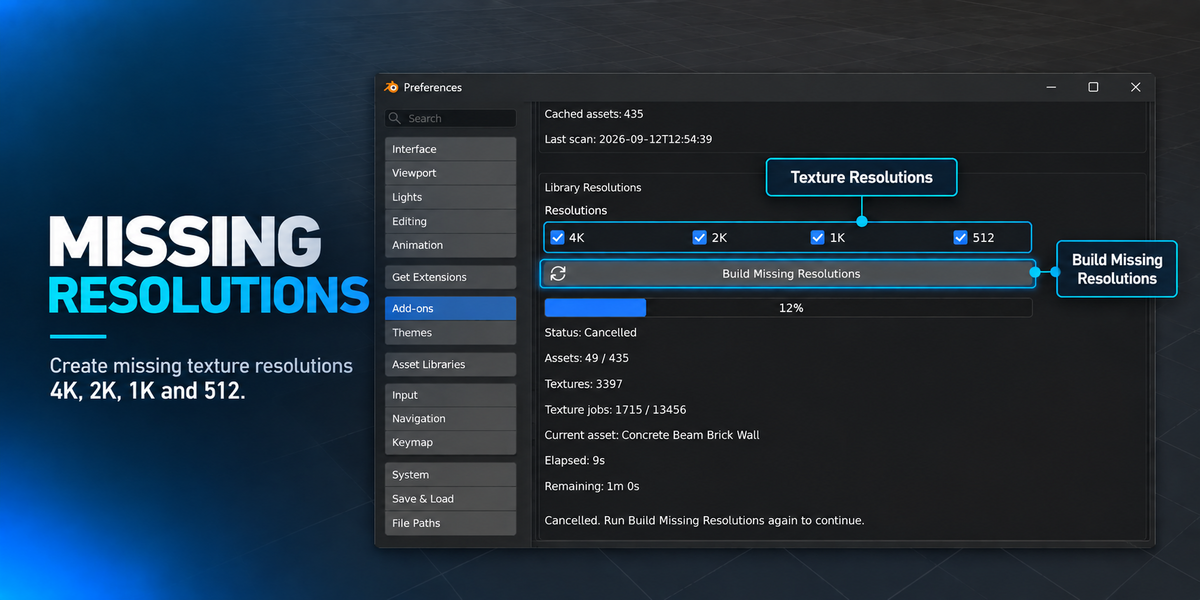
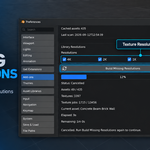
Missing Resolutions
The addon can create missing texture resolutions such as:
4K, 2K, 1K and 512

Use Build Missing Resolutions if you want additional optimized texture sizes.
This process can take some time depending on the number and size of your textures.
3D Assets
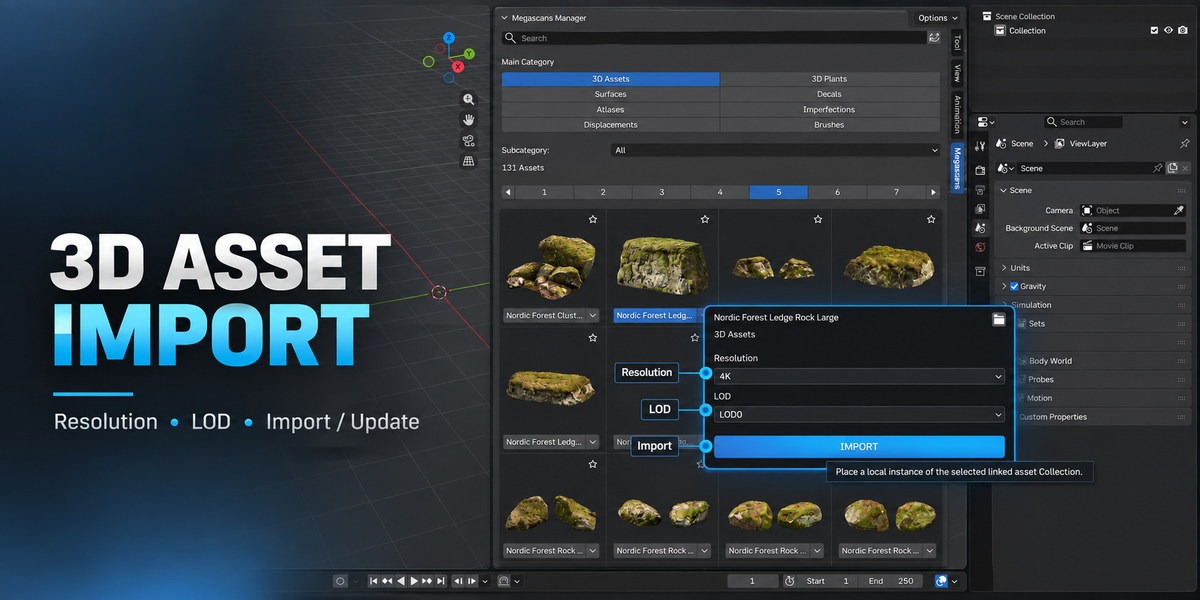
For 3D Assets, choose:
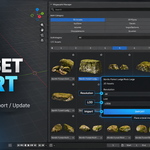
Resolution → LOD → Import
After importing, you can change the Resolution or LOD later and click Update.
The addon updates the managed asset while keeping its placement and supported linked duplicates.
3D Plants
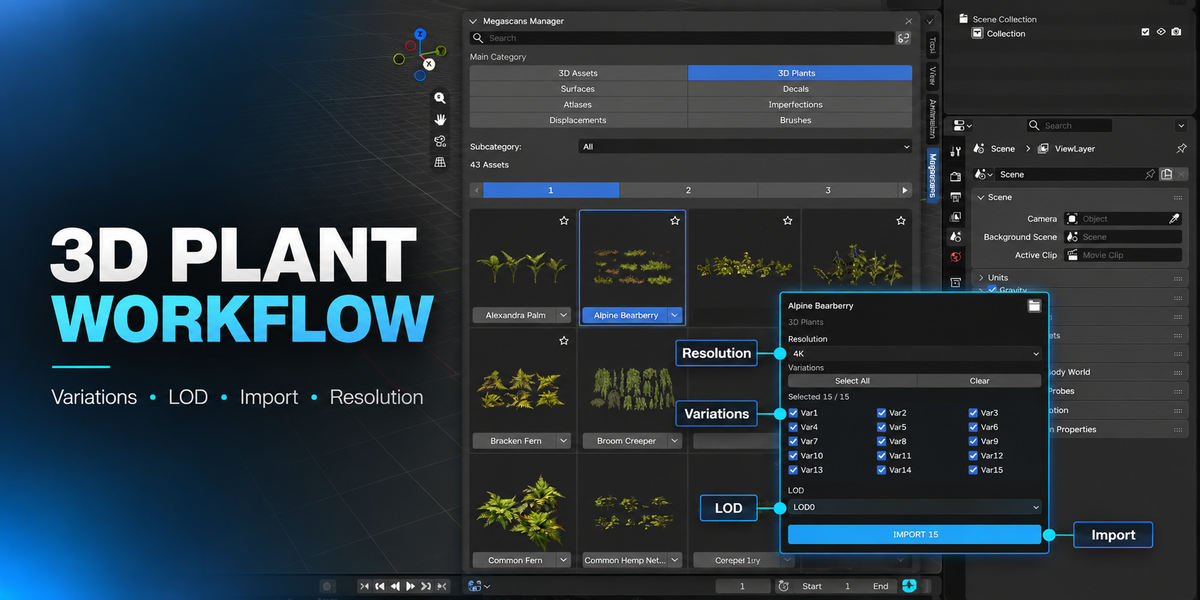
3D Plants support:
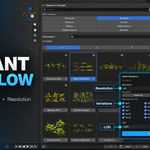
Resolution, LOD and Plant Variations
You can import one or multiple variations.
Resolution updates are shared across managed plant materials, while LOD can be changed per managed variation.

Local Mode
Local mode imports editable Blender data into the current project.
Use Local mode when you want to freely work with the imported meshes and materials inside your scene.
Linked Mode
Linked mode is available for 3D Assets and 3D Plants.
Megascan Asset Manager automatically creates managed Blender cache files inside your Megascans library.
The first Linked import may take a few seconds while the cache is created. Later imports reuse the generated cache.
Different Resolution and LOD combinations are imported as separate linked variants.
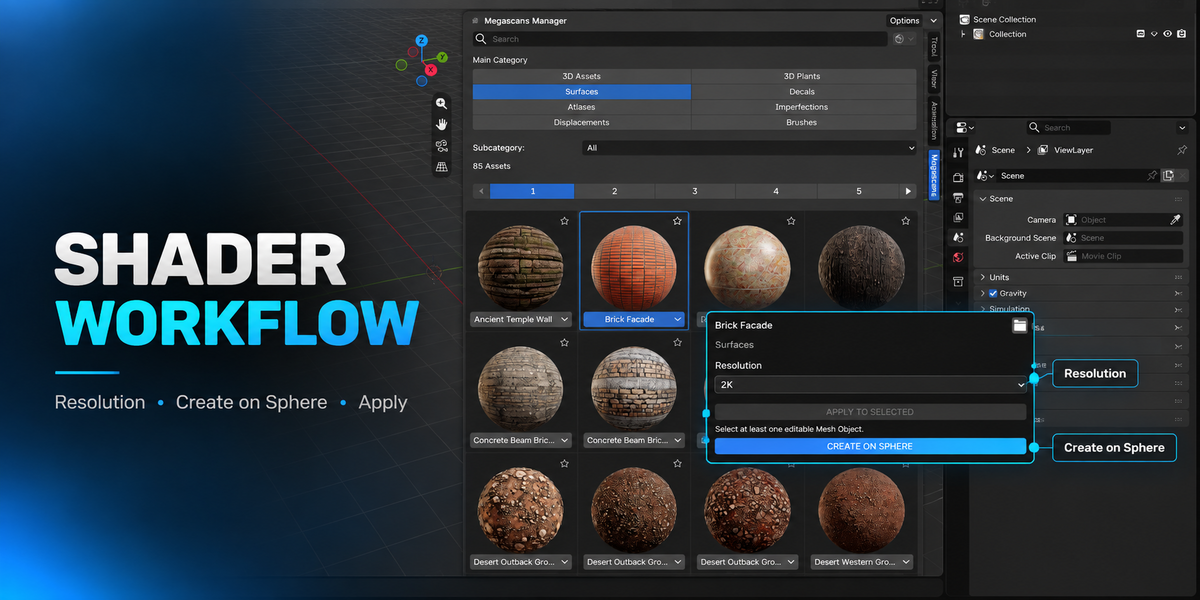
Surfaces and Shader Assets
Surfaces can be:
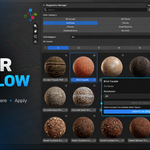
Applied to Selected objects or Created on a Sphere.
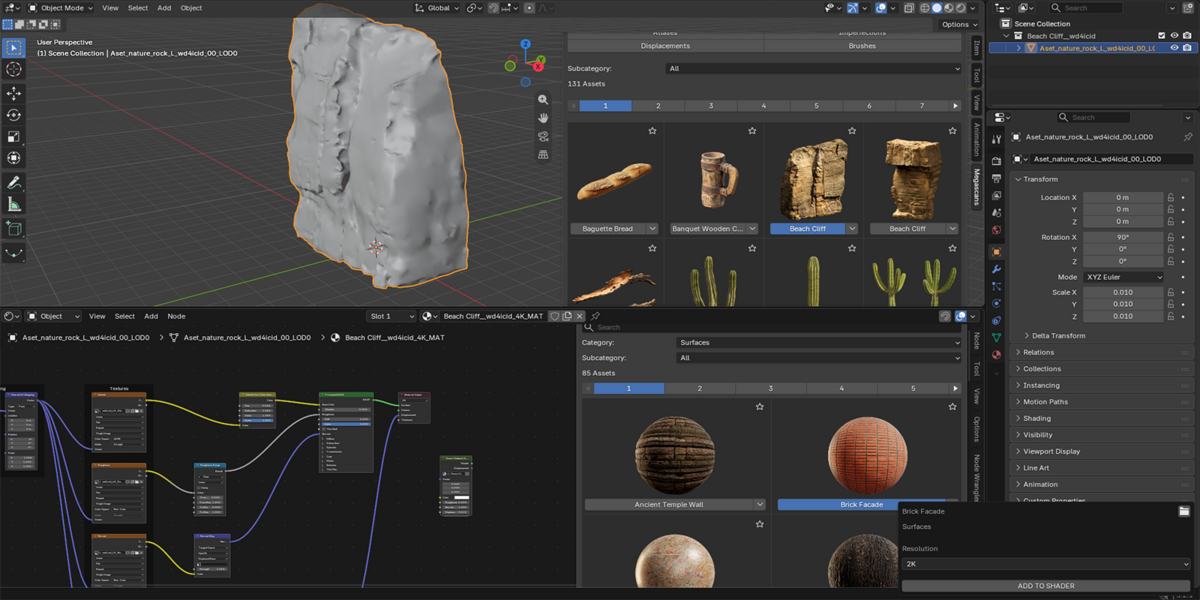
Supported shader assets can also be added directly from the Shader Editor → Megascans panel.
This includes Surfaces, Decals, Atlases, Imperfections and Displacements.
Brushes
Megascans Brush assets can be converted into native Blender Sculpt Brush assets using Create Brush Asset.
Favorites
Click the star icon on an asset to add it to Favorites.
Favorite assets are shown first inside the current category or search result.
Duplicate Assets
If the same Megascans Asset ID exists in more than one physical folder, Megascan Asset Manager automatically selects the most complete source and displays it as one logical asset.
No source folders are deleted or modified.
Refresh
Use the Refresh button to reload the browser and previews from the existing database.
Refresh does not perform a full library scan.
Use Scan Library when you add or remove assets on disk.
Blender Compatibility
Supported Blender versions: 4.5 – 5.2
The addon is packaged as a Blender Extension.
Support
If you find a bug or have any questions, please contact me through the Superhive Inbox.
Please include:
Blender version, asset type, Local or Linked mode, and a screenshot/error message if possible.
 Included
Includes 12 months of
- Support from MgameDev
- Product updates
Extend this product’s Support Period +12 months: 25% of product price
Have questions before purchasing?
Login to message
| Blender Extension Compatible | Yes |
| Published | 5 days ago |
| Blender Version | 4.5 - 5.2 |
| Extension Type | Add-on |
| Render Engine Used | Cycles, Eevee |
| License | GPL |

Discover more products like this
quixel Asset Manager materials 3d assets asset library 3d-plants Linked Assets Local Assets Shader environment art LOD megascans