Megascan Asset Manager
 MgameDev
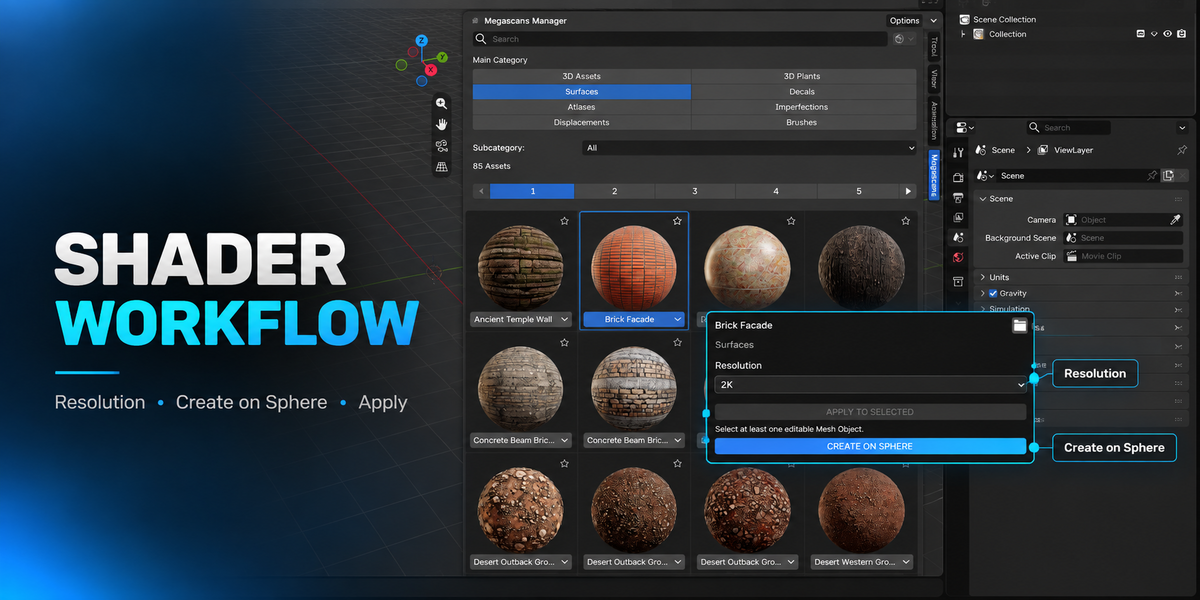
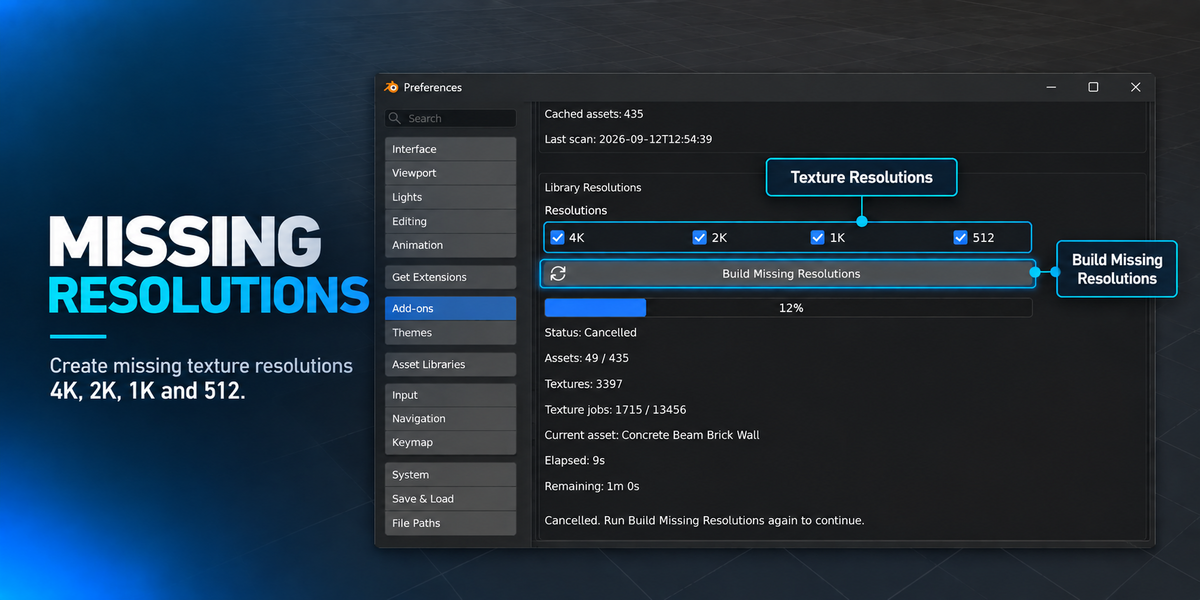
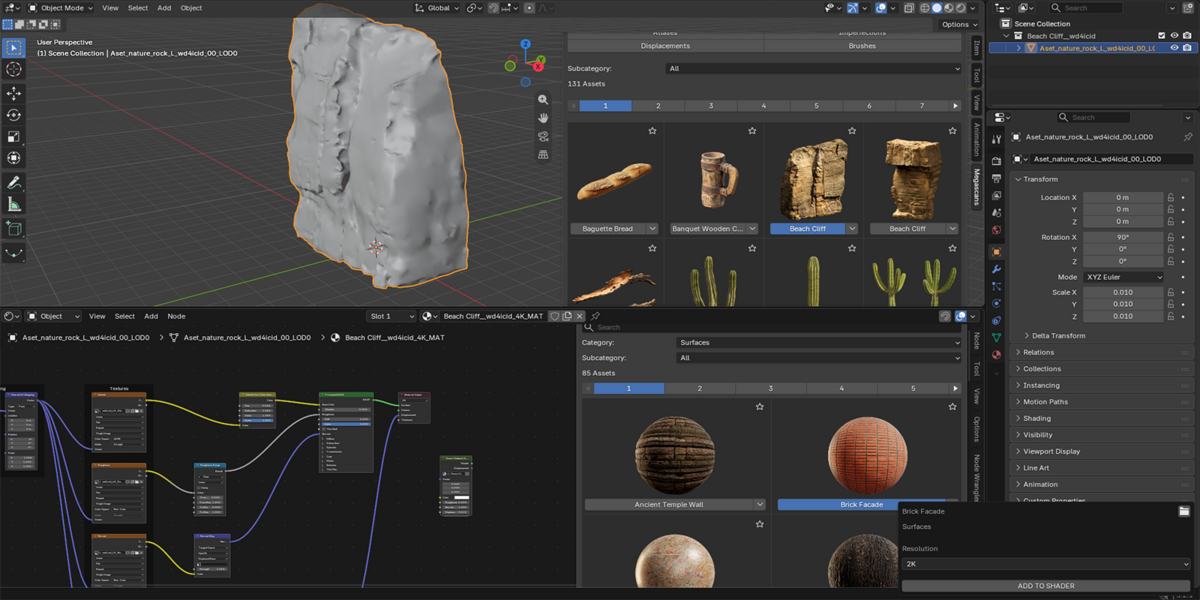
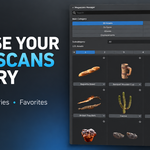
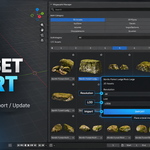
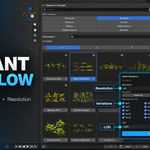
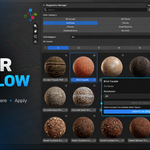
What happens if I have the same Megascans asset twice?
The addon detects duplicate Asset IDs and automatically chooses the most complete source. Only one logical asset is shown in the browser, and your original folders remain untouched.
Can I change Resolution or LOD after importing?
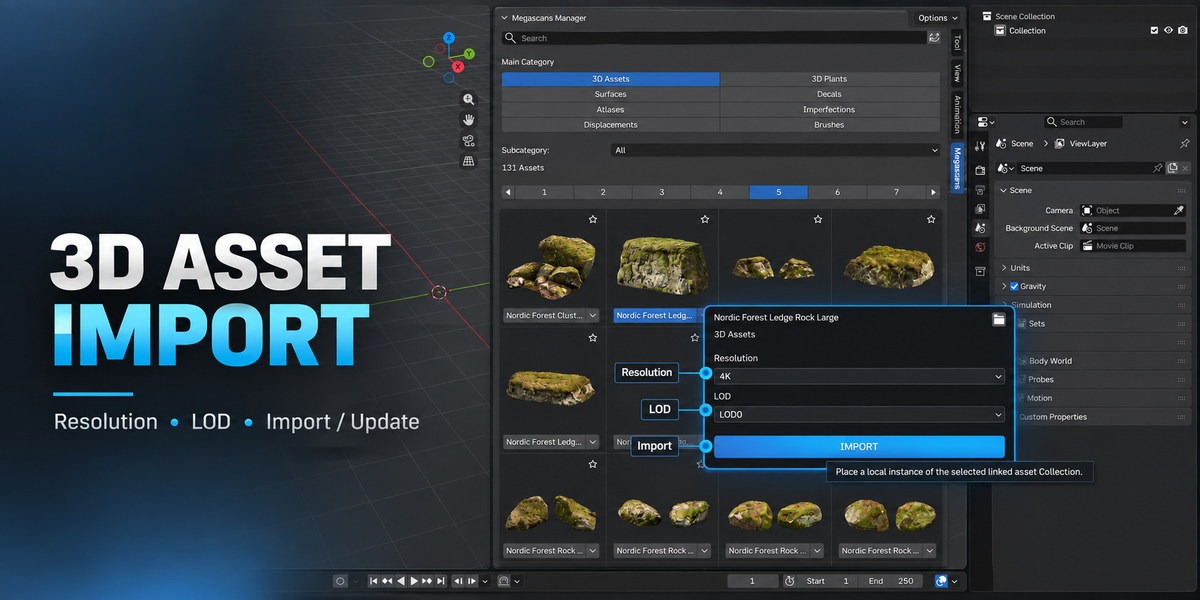
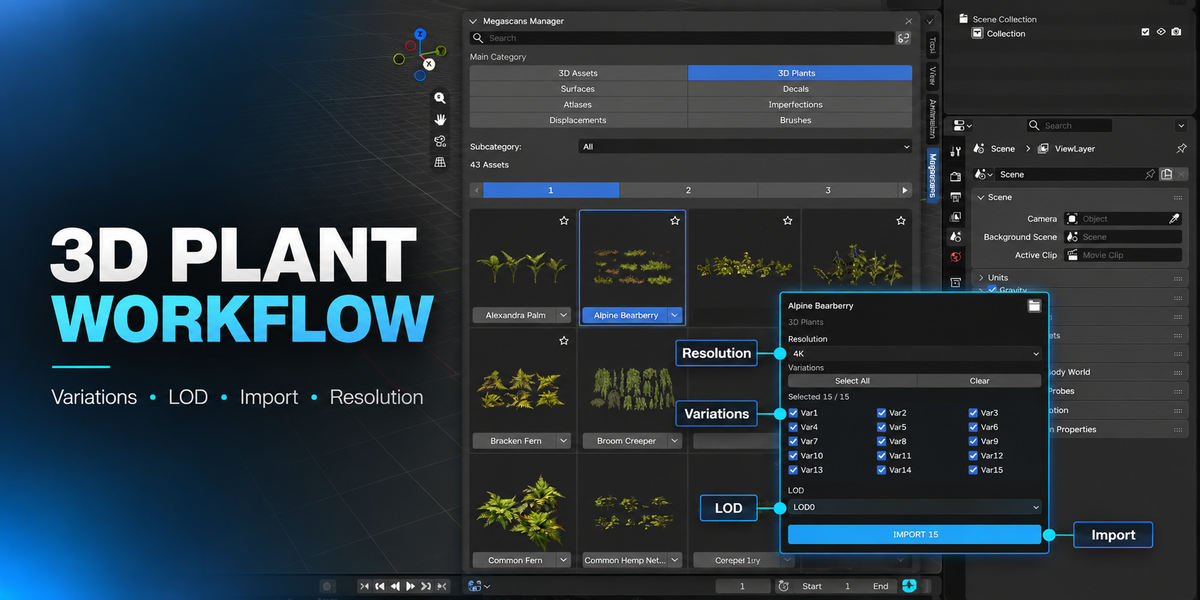
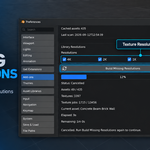
Yes. Local 3D Assets and Plants can be updated to another supported Resolution or LOD directly from the addon.
What is the difference between Local and Linked mode?
Local mode imports editable Blender data directly into your scene. Linked mode creates and reuses managed Blender cache files and links the source data. Linked mode is available for 3D Assets and 3D Plants.
Which Blender versions are supported?
Megascan Asset Manager currently supports Blender 4.5 through Blender 5.2.
Does it support assets downloaded from both Quixel Bridge and the Megascans website?
Yes. The addon supports locally stored Megascans libraries from different download sources, as long as the asset files and metadata are available.
Does this addon download Megascans assets?
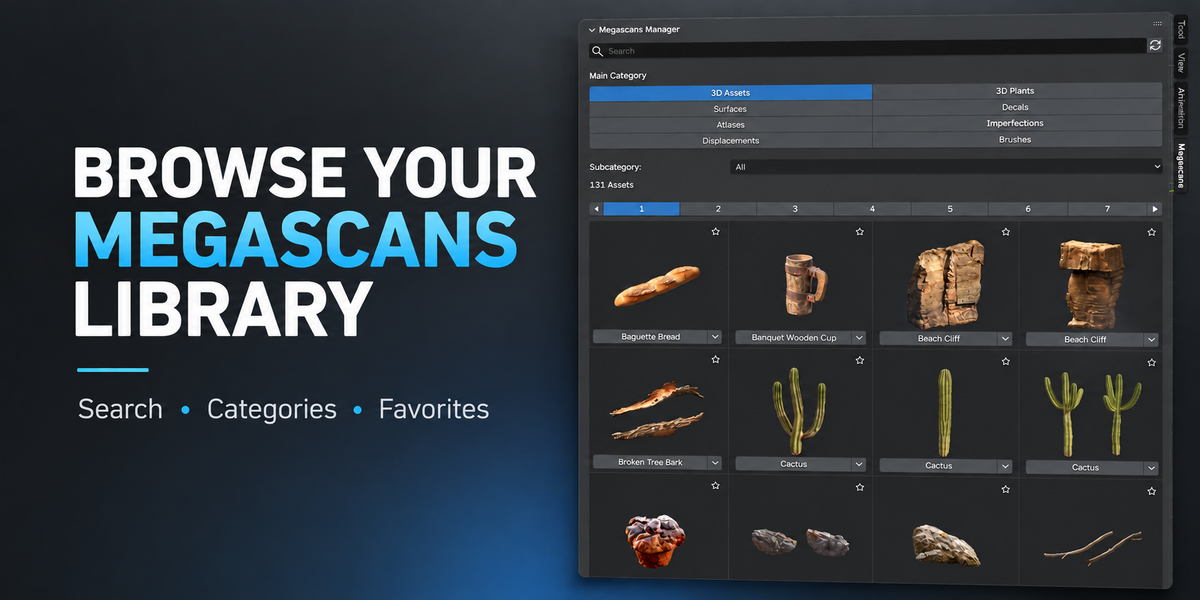
No. Megascan Asset Manager is an offline library manager. You must already have Megascans assets downloaded and stored locally on your computer.
$15
 Included
Includes 12 months of
- Support from MgameDev
- Product updates
Extend this product’s Support Period +12 months: 25% of product price
Have questions before purchasing?
Login to message
| Blender Extension Compatible | Yes |
| Published | 4 days ago |
| Blender Version | 4.5 - 5.2 |
| Extension Type | Add-on |
| Render Engine Used | Cycles, Eevee |
| License | GPL |

Discover more products like this
LOD materials Linked Assets Shader megascans 3d-plants asset library Local Assets environment art 3d assets Asset Manager quixel