 MgameDev
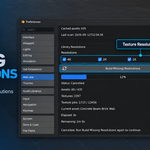
Megascans Manager
Now supports Megascans assets downloaded from Fab and Quixel Bridge.
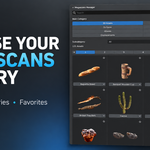
Browse your library. Pick your assets. Get back to creating.
Fab & Quixel Bridge | Parallax | Shader Presets | Texture Conversion
VERSION 1.2.0 · NEW
Fab & Quixel Bridge Support
Bring your downloaded Megascans models and textures into Blender, ready to use in your scene.
Note for Fab users: For thumbnail previews, we recommend downloading your Megascans assets through Fab in the Epic Games Launcher. Check that a thumbnail image is included and keep the complete download folder intact. If no thumbnail is available, the add-on displays a texture preview instead. Asset import still works normally.
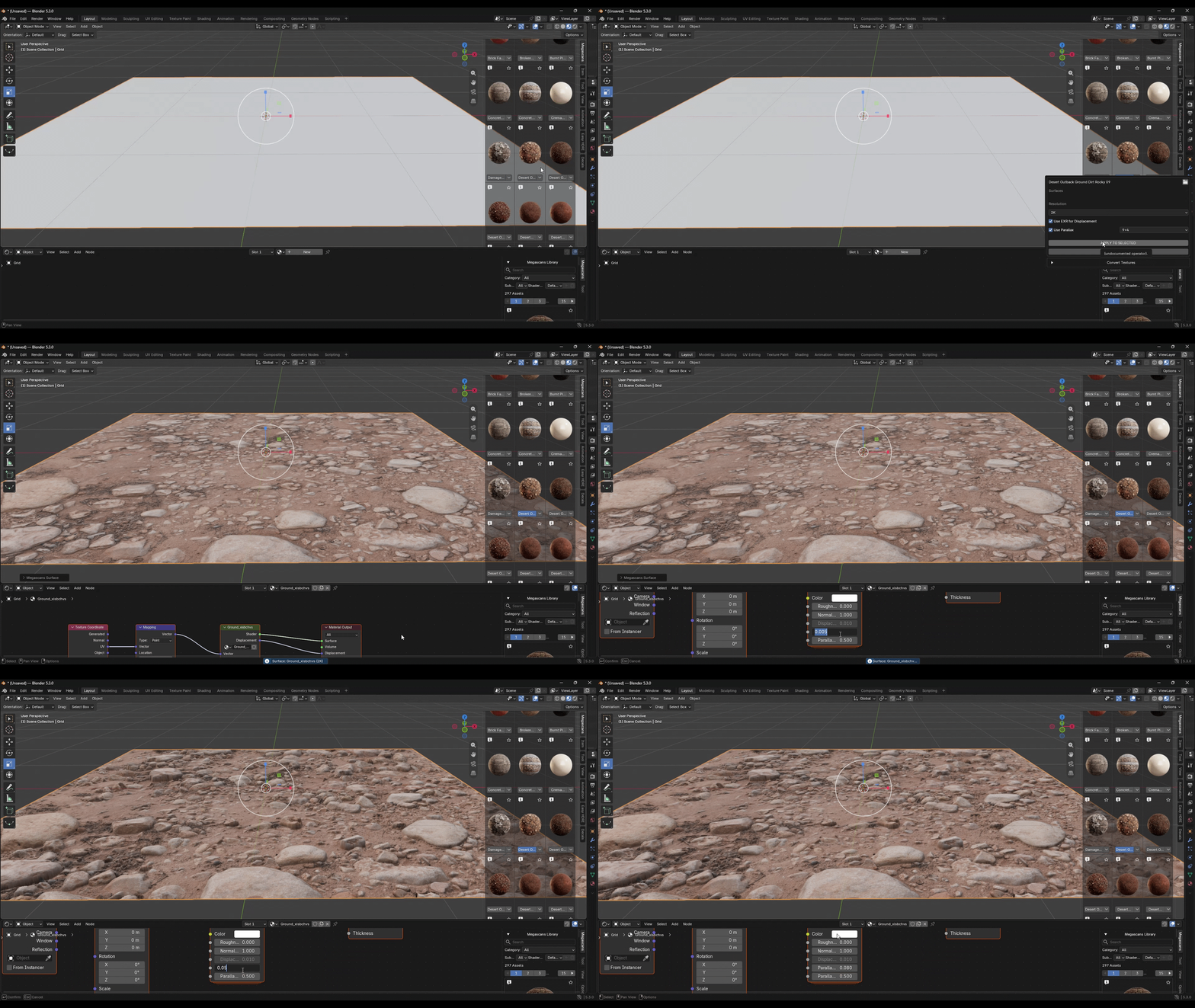
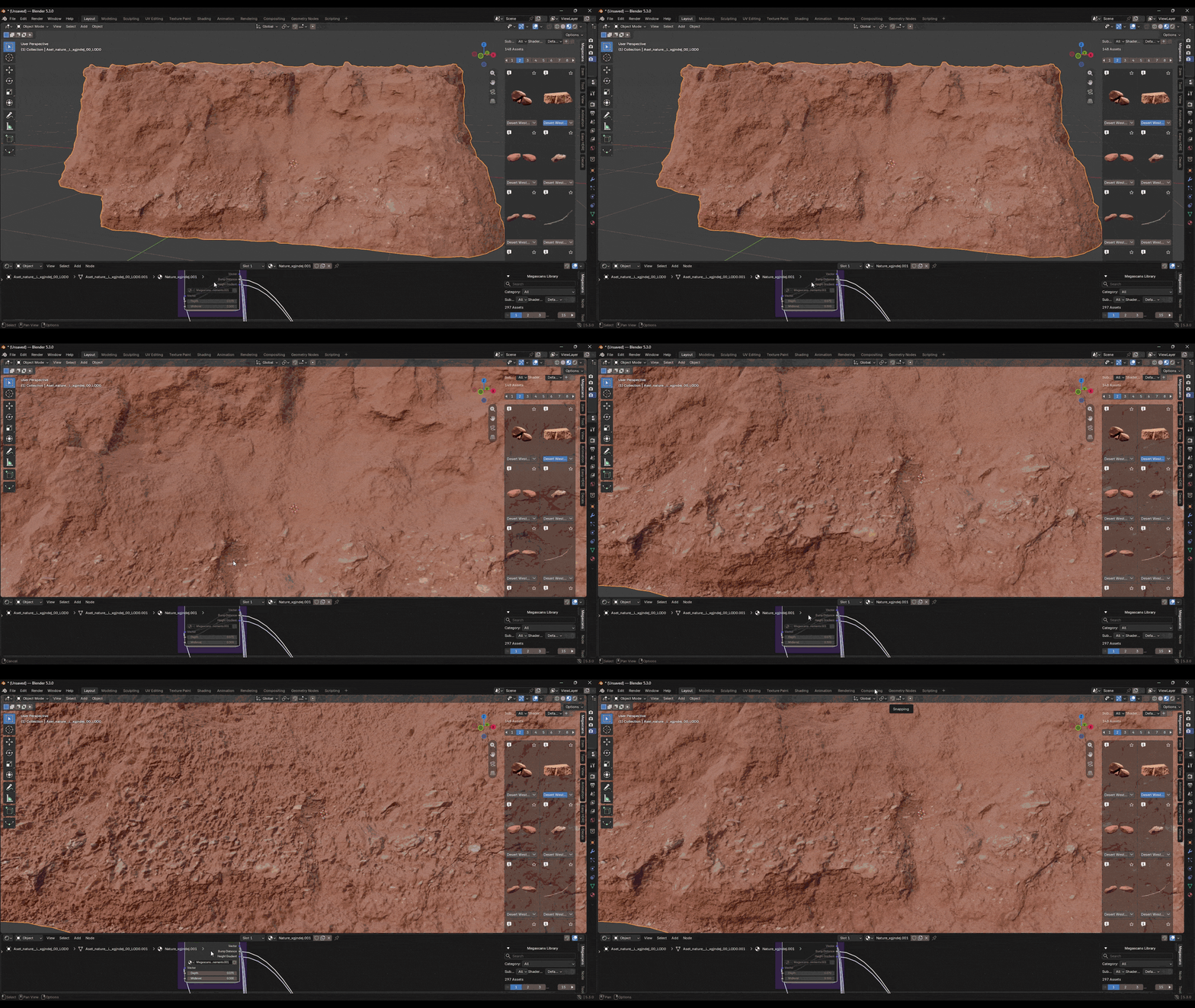
PARALLAX EFFECT
Add realistic depth and detail to your materials without adding extra geometry. Works with EEVEE and Cycles.
CUSTOM SHADER PRESETS
Save your own shader setups and reuse them across imports for a consistent look.
LOWER-RESOLUTION CONVERTER
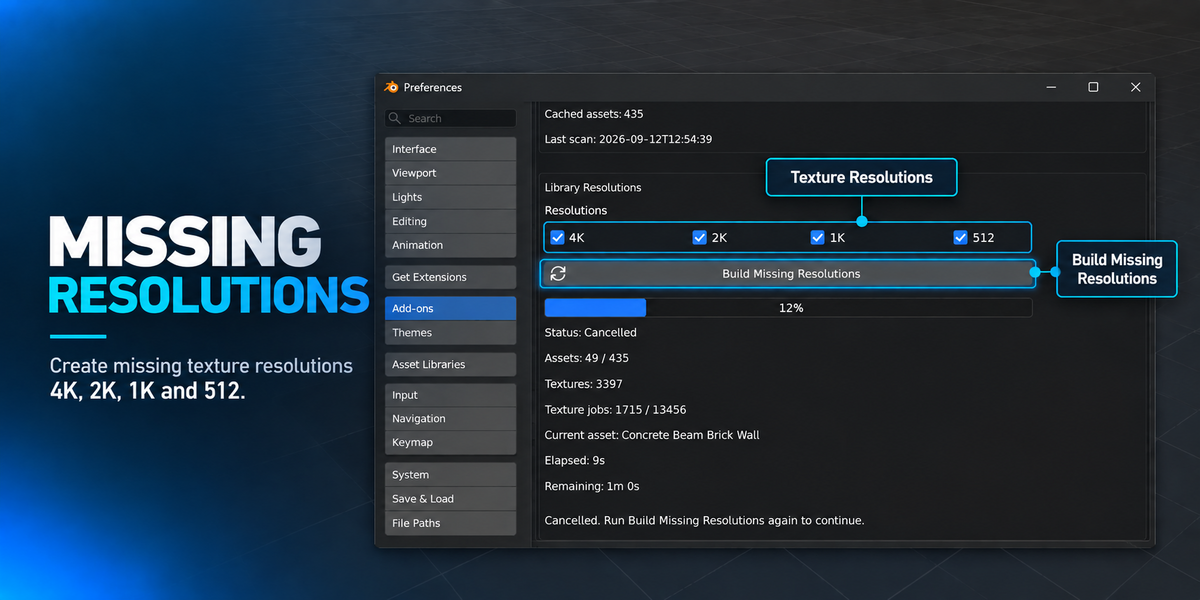
Create 2K, 1K, or 512 versions of your textures while keeping your originals intact.
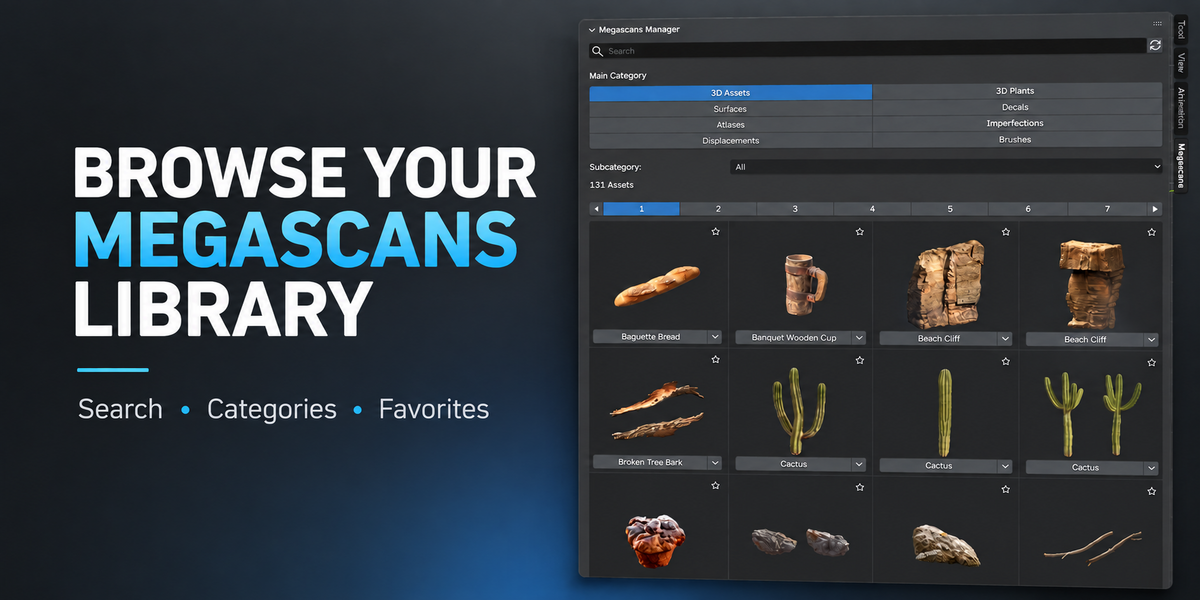
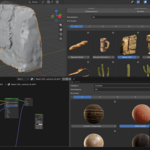
LIBRARY BROWSER
Find Your Assets Faster
Browse previews, search by name, filter your library, and keep favourites close at hand.
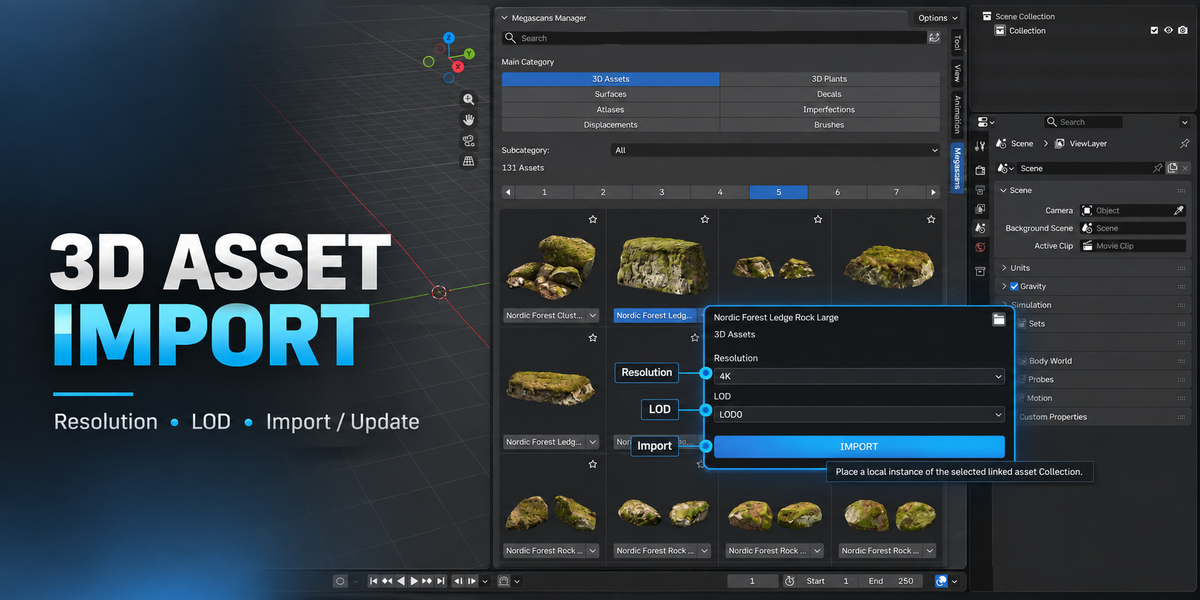
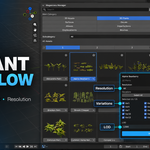
MESH & TEXTURE DETAIL
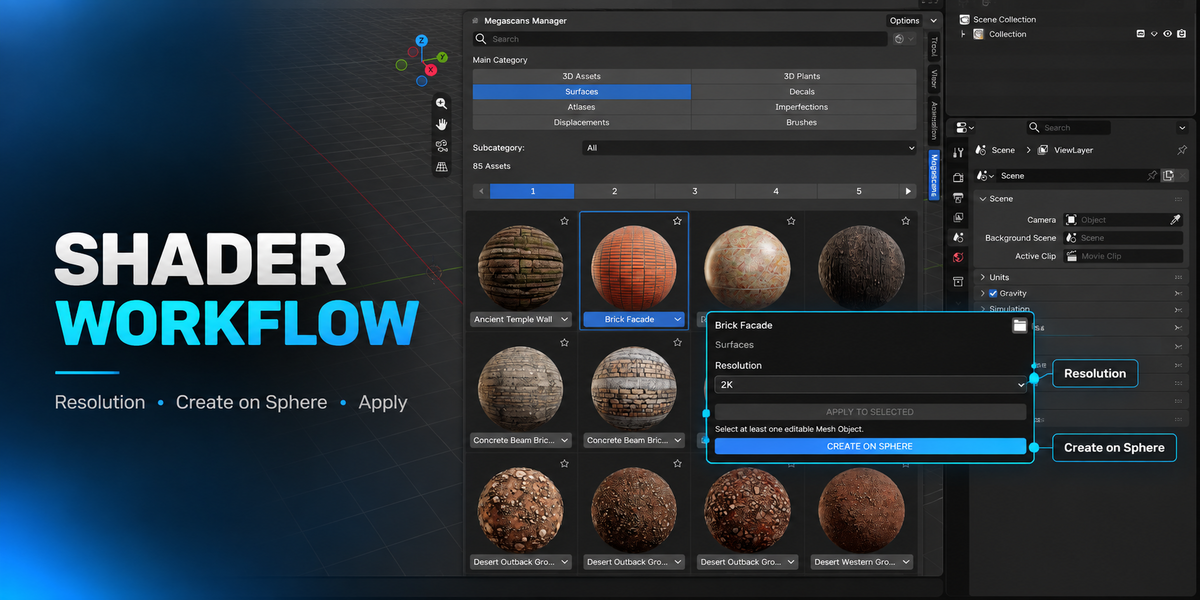
Set model detail and texture resolution separately to suit each asset in your scene.
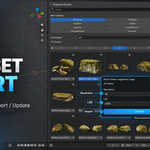
LOCAL & LINKED IMPORTS
Import Your Way
Work with editable Local assets or use Linked assets for repeated placement.
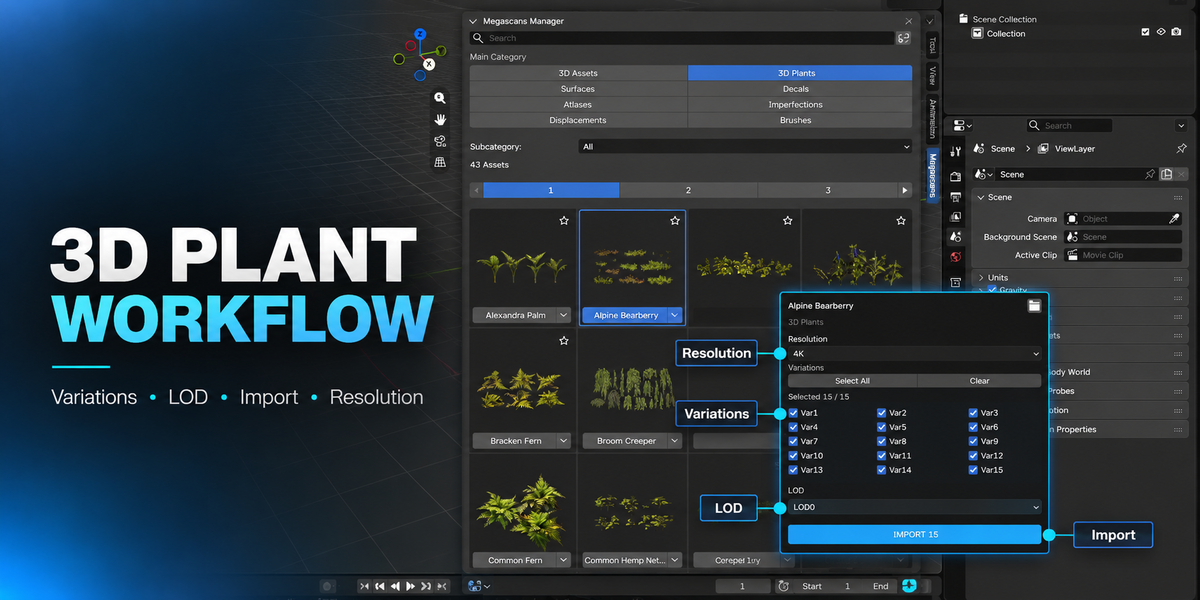
EIGHT ASSET CATEGORIES
One Browser for Your Megascans Library
From models and plant variations to materials and brushes, keep your assets within reach.
TEXTURE UPDATES
Change texture resolution while keeping your shader edits and material controls.
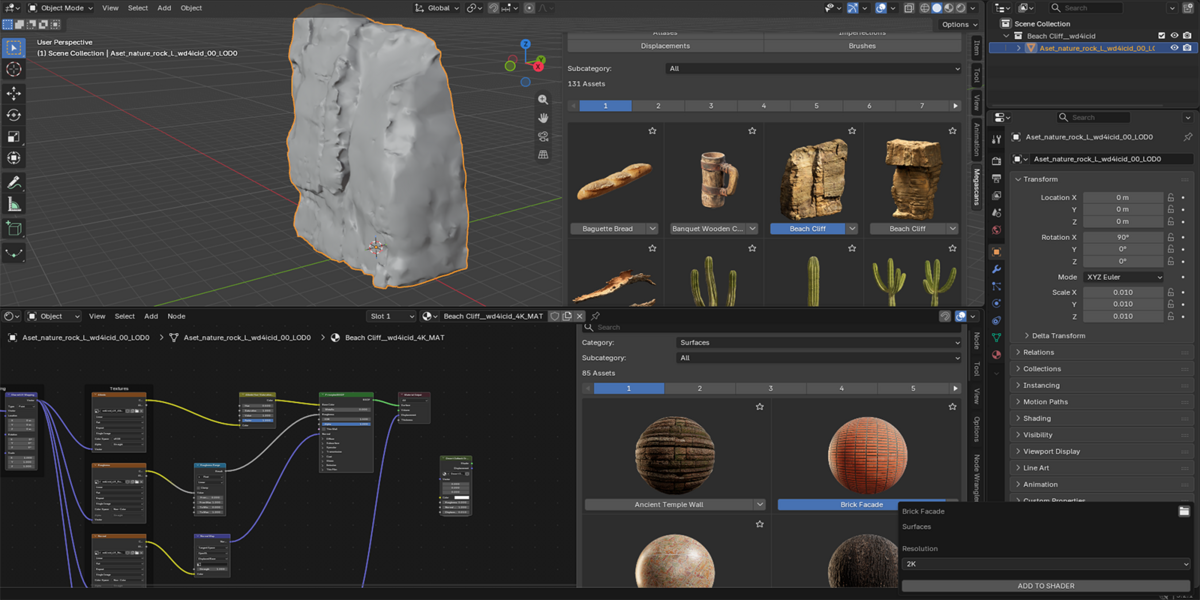
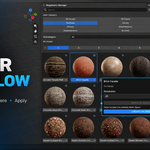
SHADER EDITOR
Browse texture assets and add shader groups directly from the Shader Editor.
BLENDER COMPATIBILITY
Blender 4.5 - 5.3
Tested on Windows. Requires Blender 4.5 or newer.

