Megascans Library Importer
 Cool Addons


How do I install it?
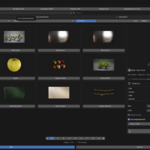
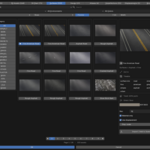
In Blender: Edit → Preferences → Add-ons → Install from Disk → select the .py file → enable the checkbox. Then open the sidebar (press N) in the 3D Viewport and find the Megascans tab.
Why don't my assets show up after I set the folder?
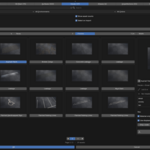
Make sure you clicked Scan Library after setting the path, and that the path ends in "Downloaded." The add-on reads each asset's metadata to categorize it, so assets need to be fully downloaded.
What asset types does it support?
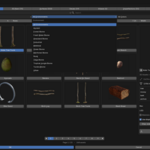
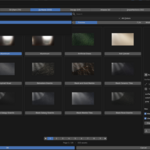
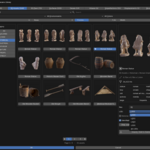
All eight Megascans categories: 3D Assets, 3D Plants, Surfaces, Decals, Atlases, Imperfections, Displacements, and Brushes.
Which Blender versions are supported?
Blender 4.2 and up, including the 5.x series.
What folder do I point it at?
Your downloaded Megascans/Bridge library — the path must end in the "Downloaded" folder. Point it there (not at a parent folder), then click Scan Library to index your assets.
Does this download assets from the internet?
No. It works only with Megascans assets you've already downloaded locally. It scans your existing library folder and imports from disk — it never connects to or downloads from any online service.

Discover more products like this
Megascan blender addon megascan to blender Bridge to blender asset asset-browser bridge