 Cole 3D


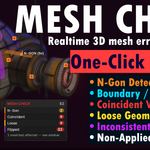
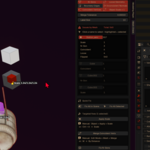
# Mesh Check
**Real-time topology validation for Blender, with a visual HUD and one-click fixes.**
Mesh Check continuously inspects your meshes while you work and surfaces the
most common topology problems directly in the viewport — boundary edges, n-gons,
coincident vertices, loose geometry, inconsistent normals and non-uniform object
scale — grouped per mesh, with targeted fixes a click away.
## What it checks
| Check | Highlight | Meaning |
|-------|-----------|---------|
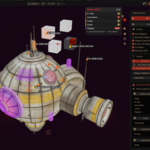
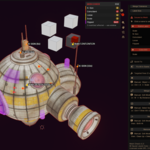
| N-Gons | Orange fill | Faces with more than 4 sides |
| Boundary Edges | Cyan lines | Edges used by only one face (open mesh) |
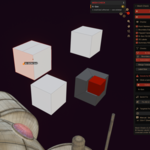
| Coincident Vertices | Red points + count | Overlapping vertices within the tolerance |
| Loose Geometry | Yellow points/lines | Vertices or edges not connected to any face |
| Inconsistent Normals | Purple fill | Faces wound opposite to the rest of their island |
| Object Scale ≠ 1 | Yellow label | Object has non-applied scale |
## Performance
Scanning is throttled and the inconsistent-normals pass is skipped on very dense
meshes (above an internal face budget) to keep the viewport responsive. Disable
checks you don't need for the heaviest scenes.
 Included
Includes 12 months of
- Support from Cole 3D
- Product updates
Extend this product’s Support Period +12 months: 50% of product price
Have questions before purchasing?
Login to message
| Blender Extension Compatible | Yes |
| Published | 3 months ago |
| Blender Version | 5.0 - 5.2 |
| Extension Type | Add-on |
| Render Engine Used | Blender-Internal |
| License | GPL |
