Mesh Check Gpu Edition
 Pistiwique
in Addons
Pistiwique
in Addons
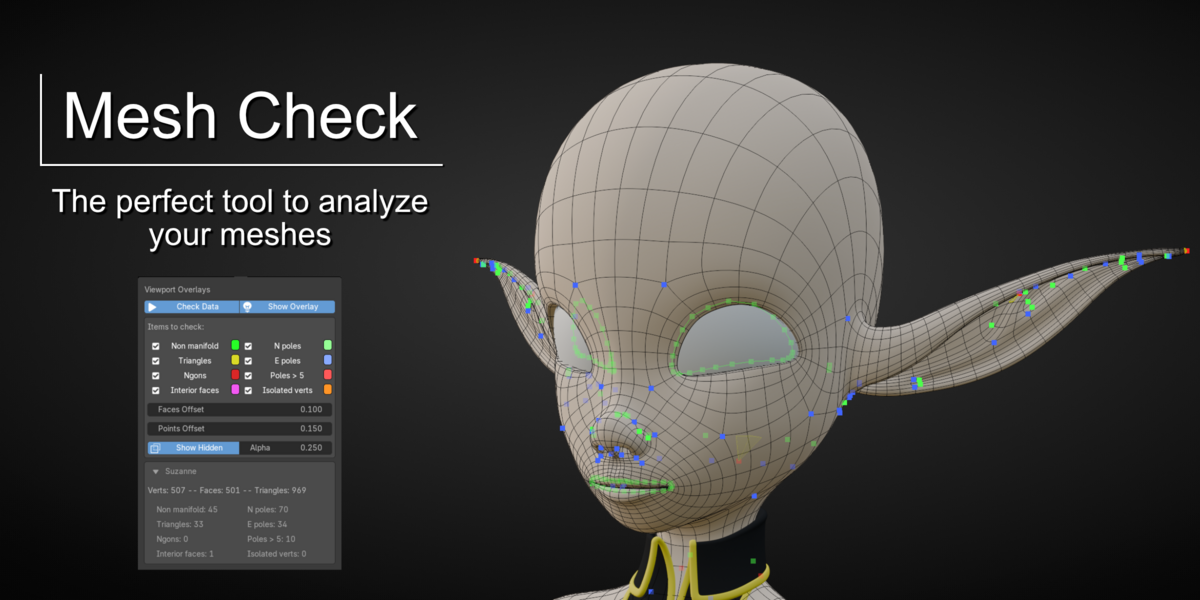
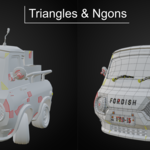
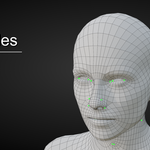
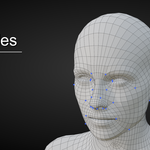
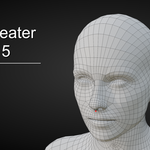
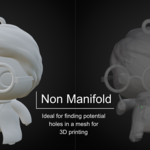
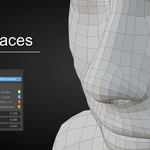
What it checks
| Check | Highlights |
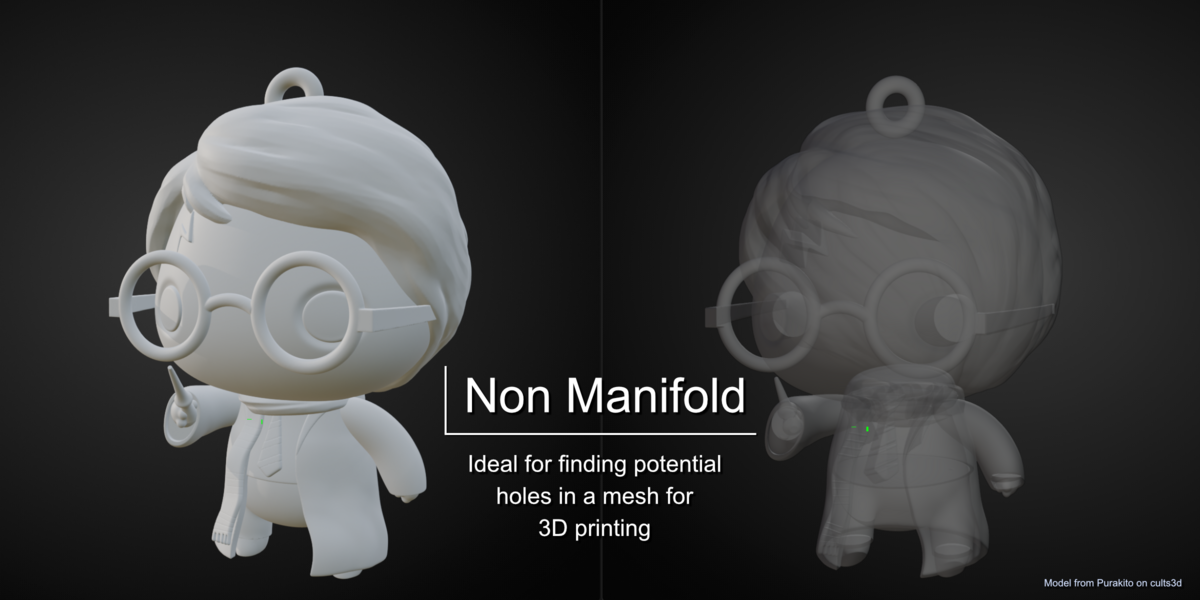
| Non manifold | Edges with anything but two faces: open edges, wire edges, T-junctions |
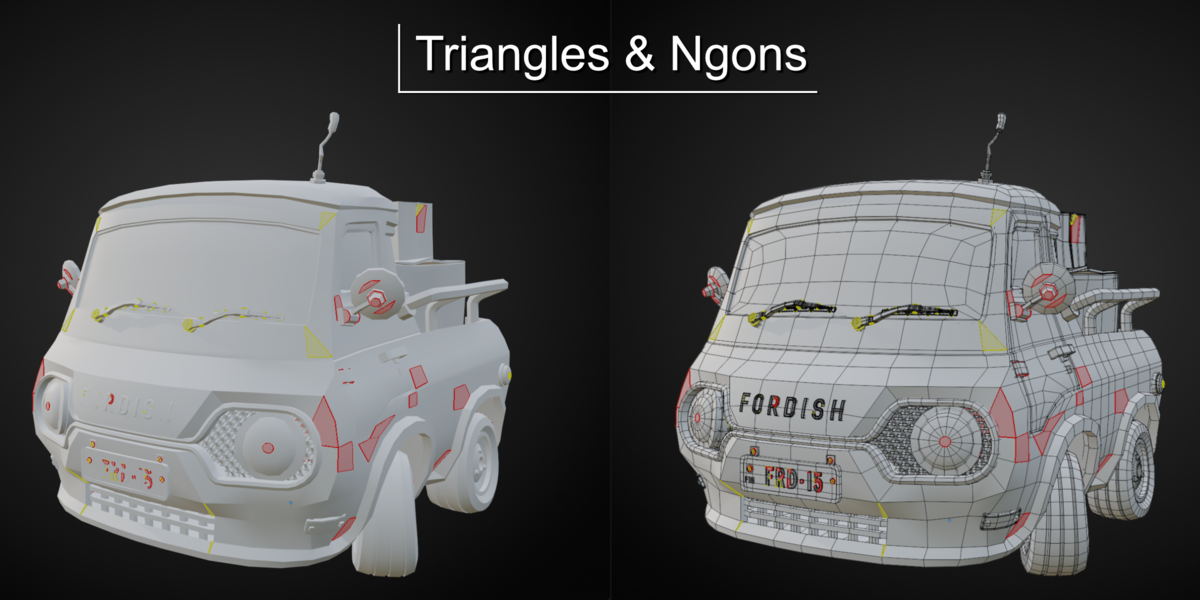
| Triangles | Faces with three vertices |
| Ngons | Faces with more than four vertices |
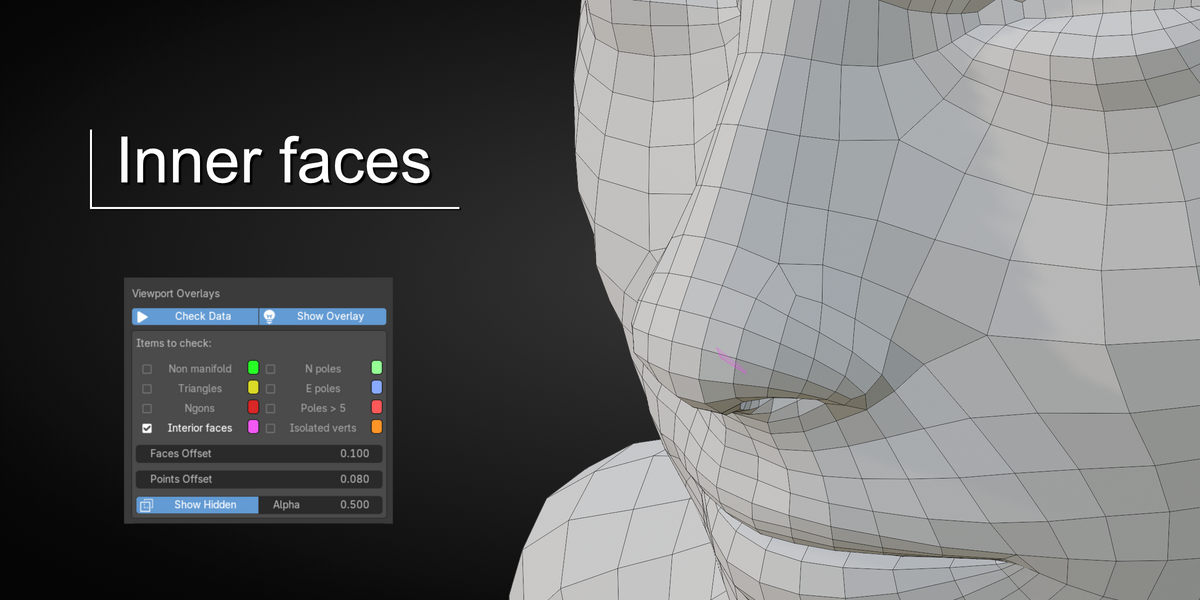
| Interior faces | Faces with material on both sides: the walls left inside a volume after joining shells, which a slicer cannot make sense of |
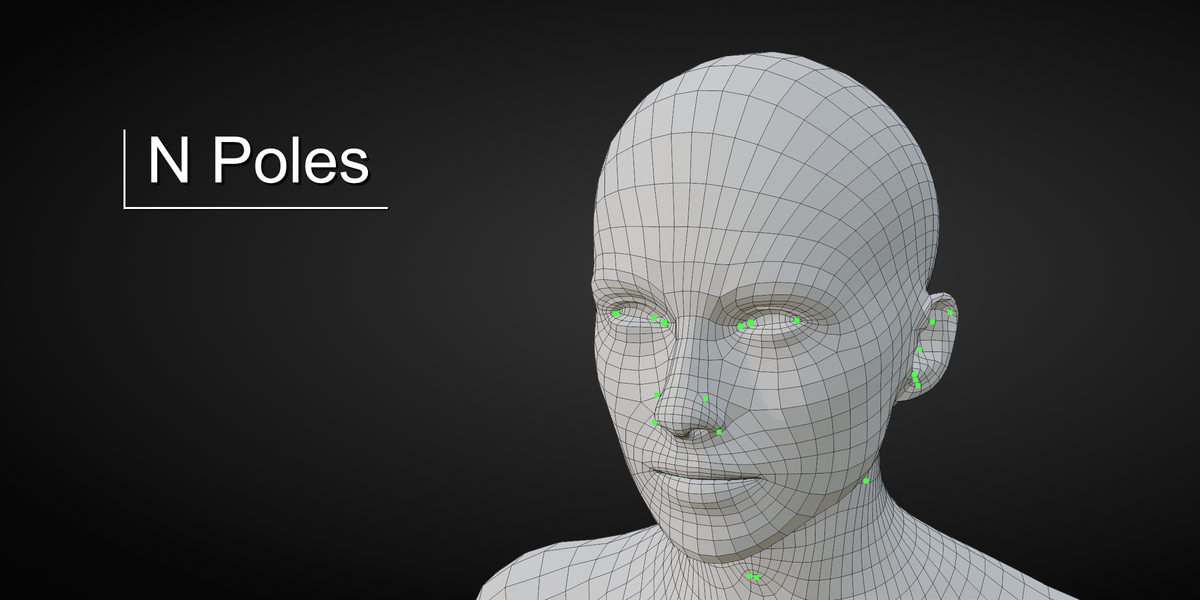
| N poles | Vertices with three edges |
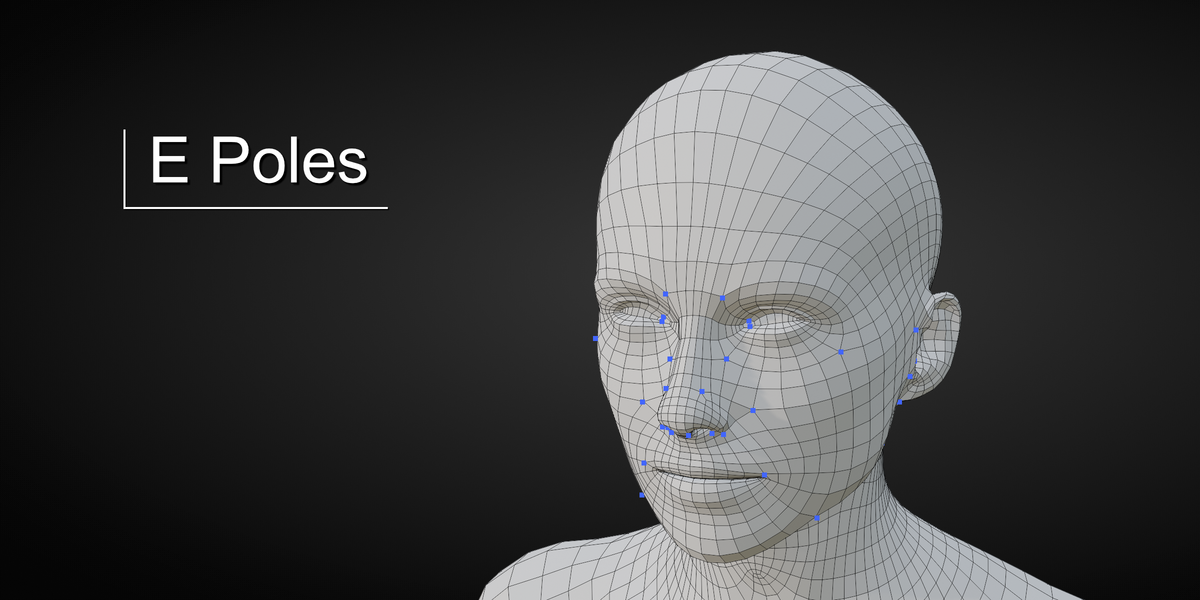
| E poles | Vertices with five edges |
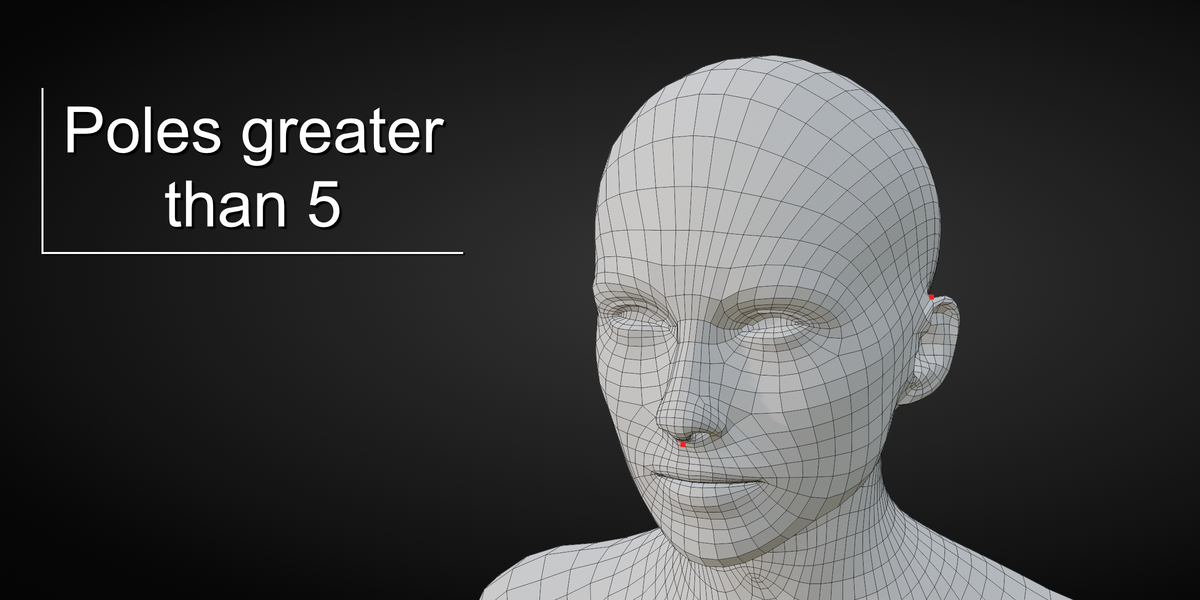
| Poles > 5 | Vertices with more than five edges |
| Isolated verts | Vertices with no edge |
Checks read the object's own mesh, in every mode. A modifier that is not
applied is not part of the model yet and is left aside.
Using it
Everything lives in the viewport's Overlays popover, under Mesh Check.
1. Select the mesh objects to inspect and switch Check Data on. The
selection is followed: select another object, it is checked; deselect
it, it is dropped.
2. Switch Show Overlay on to draw the highlights.
3. Tick the checks you want. Each has its colour beside it.
The Faces Offset and Points Offset push the highlights a little
above the surface so they never fight the mesh for the same pixels.
Each checked object gets a collapsible block of statistics: vertices, faces
and triangles, then the count of every active check.
Seeing through the mesh
Show Hidden also draws the highlights hidden behind the mesh, through
it, fainter, so what is in front can still be told from what is hidden.
Alpha sets how faint. When the viewport itself is in X-ray, hidden
highlights are drawn this way regardless.
Very large meshes
A print-ready mesh is all triangles, and painting a million of them yellow
tells nothing that the number does not. Above the Draw Limit (100 000
by default, in the preferences), a check is still counted but not drawn:
the object's block shows a warning and the check reads (not drawn).
Preferences
Edit > Preferences > Extensions > Mesh Check GPU edition:
- Draw Limit, Show Hidden and Hidden Alpha, as above;
- edge width, face and edge opacity, the two offsets, vertex size;
- one colour per check.

Discover more products like this
analysis e-pole good-topology quad-topology addons analyser clean-topology 3d printing n-pole topology ngons triangles Intersected Faces polygons interior-faces correct-topology non-manifold 3d modeling quads mesh