 Rafael Nogueira
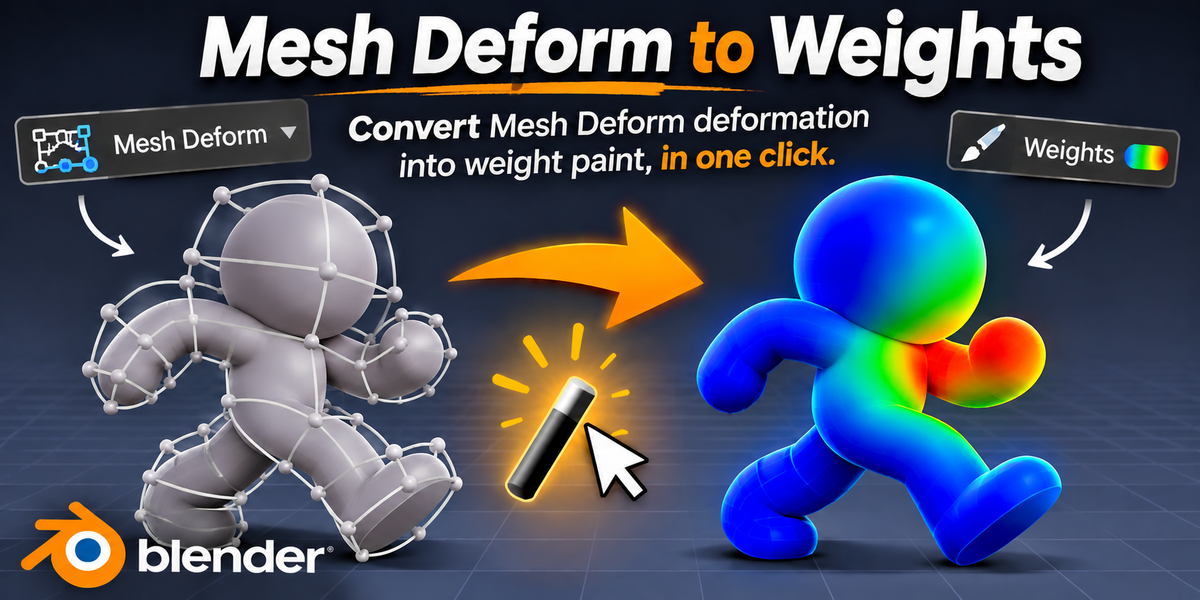
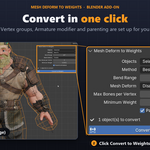
Turn Mesh Deform deformation into weight paint, in one click.
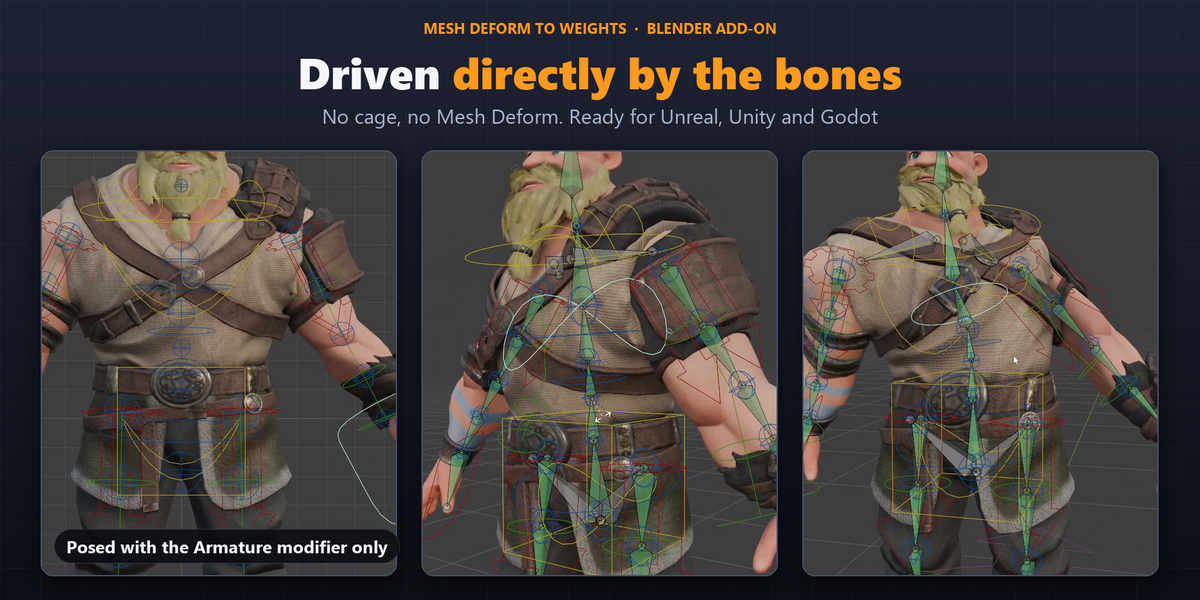
You rigged a simple cage, bound the clothes, accessories and character parts to it with Mesh Deform, and it animates beautifully. Now you need to export to a game engine, and Mesh Deform doesn't come along.
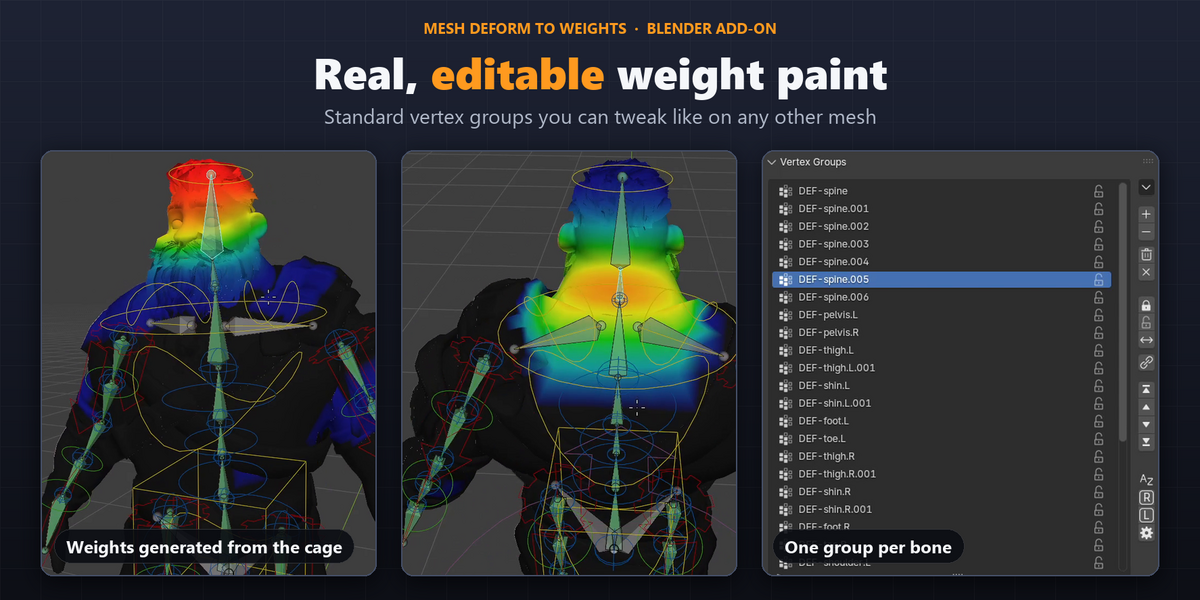
Mesh Deform to Weights solves that: it reads how the cage deforms each object and writes that deformation as weight paint on the objects themselves, using the same bones as your rig. No repainting by hand.
What you get
|
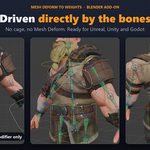
🦴 An export-ready rig Objects are deformed directly by the armature, with ordinary vertex groups and an Armature modifier. That is what FBX, glTF, Unreal, Unity and Godot expect. |
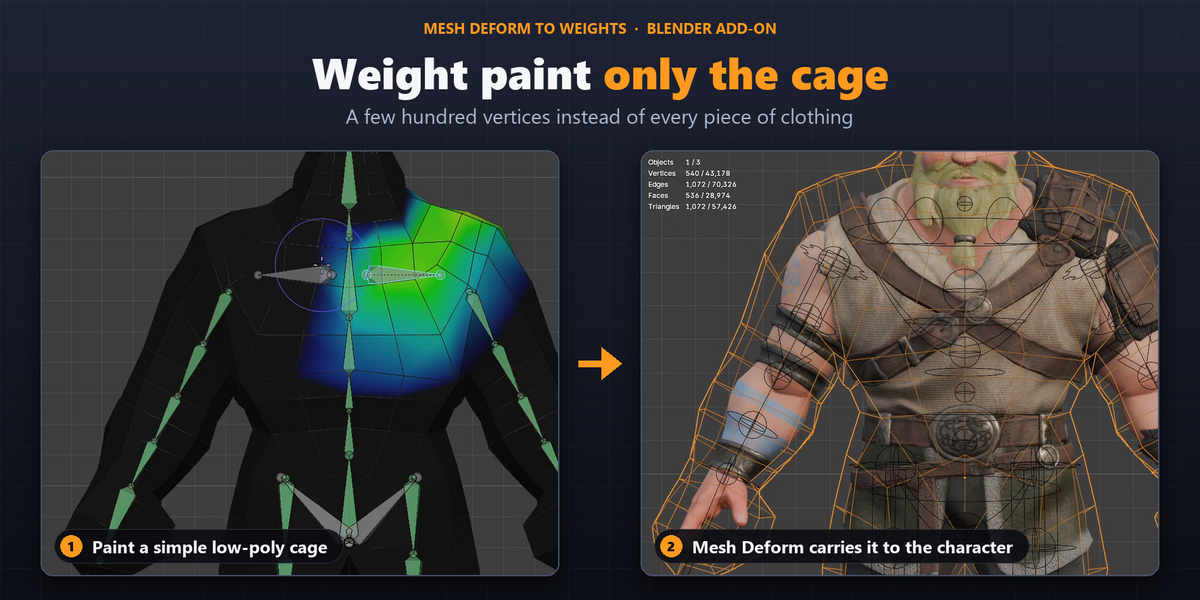
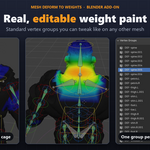
⏱️ Hours of weight painting saved Paint only the cage. Dozens of objects get their weights at once. |
|
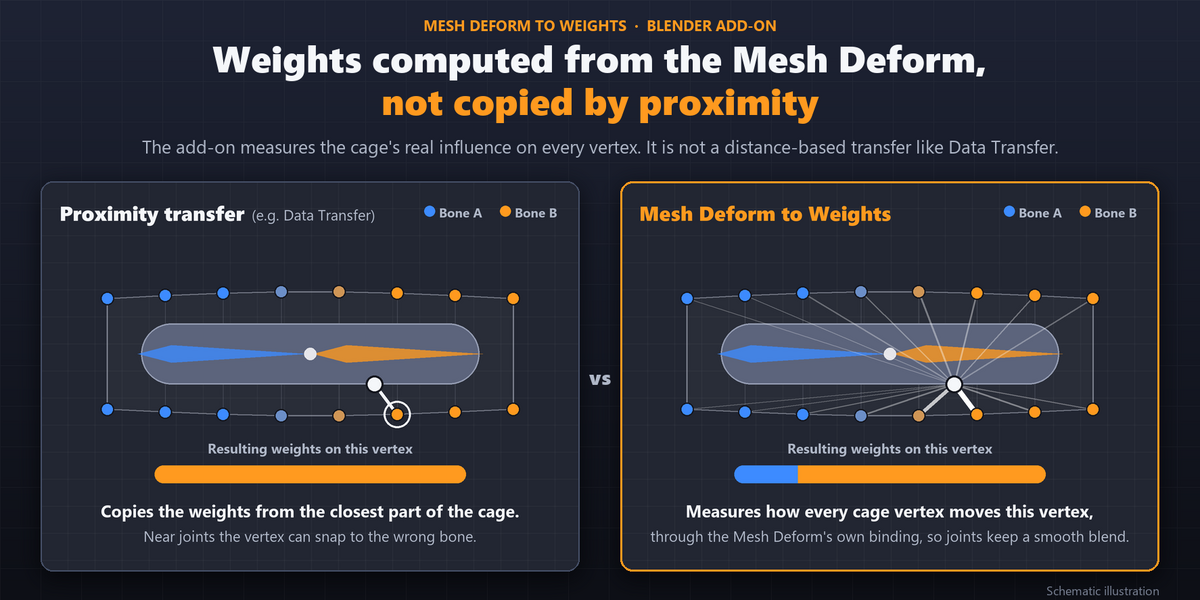
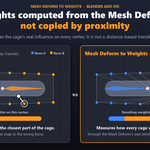
🎯 Weights computed from the Mesh Deform, not copied by proximity The add-on measures the cage's real influence on every vertex. It is not a distance-based transfer like Data Transfer. |
🛡️ No risk to your scene The Mesh Deform is turned off, not deleted. The cage and the armature pose end up exactly as they were. And everything can be undone with |
How it works
|
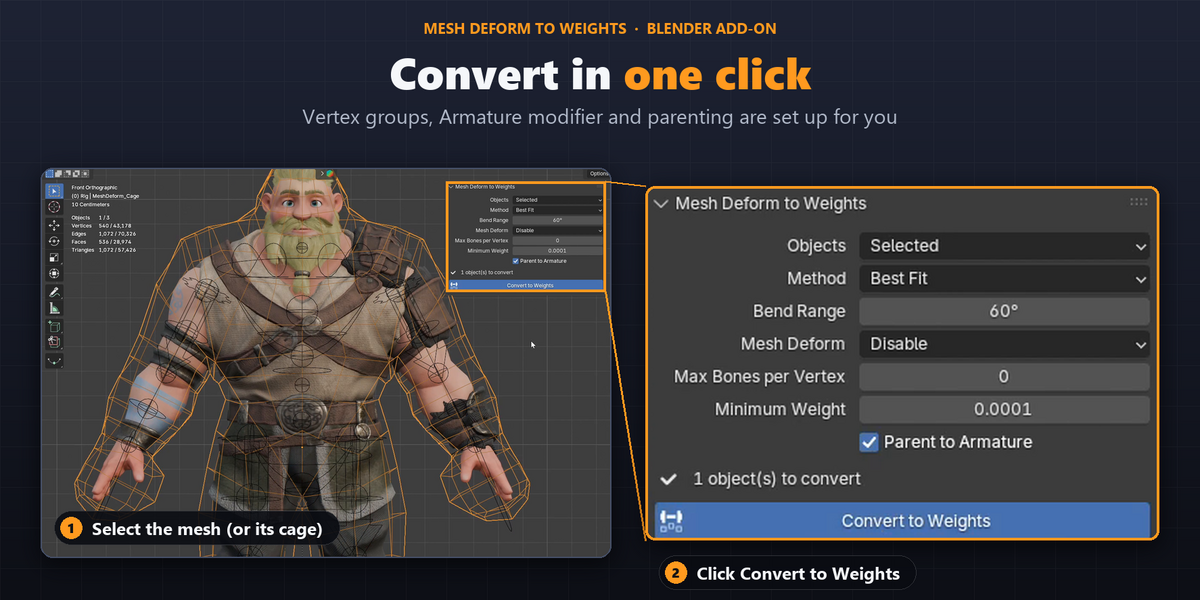
1 Select the objects that have a Mesh Deform (or just the cage, to convert all of them at once). |
2 Open the MD Weights tab in the 3D Viewport sidebar. |
3 Convert Click Convert to Weights. |
✅ Done: vertex groups created, Armature modifier added, Mesh Deform turned off.
Features
Two calculation methods
|
Best Fit Adjusts the weights to follow the Mesh Deform as closely as weight paint allows, optimized for the bend angle you set. |
Direct Transfer A direct, smooth transfer of the cage weights, ideal for twisting motion. |
Everything else
- Respects the Mesh Deform Vertex Group: converts only the region the Mesh Deform affects, preserves the weights everywhere else, and blends smoothly where the group fades. Works with Invert.
- Bones-per-vertex limit: set 4 or 8 to match your game engine.
- Batch conversion: every object bound to a cage, or every object in the scene, in one go.
- Fidelity report: after converting, the panel shows the largest difference between the Mesh Deform and the weights for each object, in the current pose. You know the result before you export.
- Side-by-side comparison: the Keep Active option leaves the Mesh Deform on and adds the Armature modifier turned off, so you can switch between the two.
- Automatic parenting to the armature, optional, without moving the objects.
- Works with cages that have shape keys.
- Weights always normalized, and results are repeatable: converting twice gives the same weights.
Who it is for
- Character artists who use a cage and need to deliver to Unreal, Unity or Godot.
- Riggers who want to paint a simple mesh and propagate the weights to complex parts.
- Anyone who wants lighter scenes that don't depend on a Mesh Deform on every object.
How faithful is the result
Let's be direct: weight paint and Mesh Deform are different kinds of deformation, and no conversion can be identical in every case.
|
✅ Away from joints The result is practically identical to the Mesh Deform. |
⚠️ Near joints A small difference remains, larger the stronger the bend. This is a limit of weight paint itself, not of the add-on. |
Best Fit exists precisely to reduce that difference: in our test, the average difference in bends dropped to less than half on several objects compared with direct transfer. And the report shows the real number for your scene, object by object.
💡 Tip: if you need more fidelity at a specific joint, add helper bones to the cage before converting.
Specifications
| Version | 1.1.0 |
|---|---|
| Blender | 4.2 or newer (Extension format). Tested on 5.2 LTS |
| Dependencies | None |
| Location | 3D Viewport > sidebar (N) > MD Weights. Also in the Object menu and in search (F3) |
| License | GPL-3.0-or-later |
Scene requirements: objects with a Mesh Deform already bound to a cage, and the cage with an Armature modifier using vertex groups.
What's included
- 📦 The add-on
.zipfile, installed through Preferences > Get Extensions > Install from Disk.
Version history
1.1.0
- Support for the Mesh Deform Vertex Group, preserving and blending existing weights.
1.0.0
- Release: Best Fit and Direct Transfer methods, batch conversion, bones-per-vertex limit and fidelity report.

