Mesh Deform to Weights
 Rafael Nogueira
Mesh Deform to Weights — Documentation
Version 1.1.0 · Add-on for Blender 4.2 or newer (tested on 5.2.3 LTS)
Overview
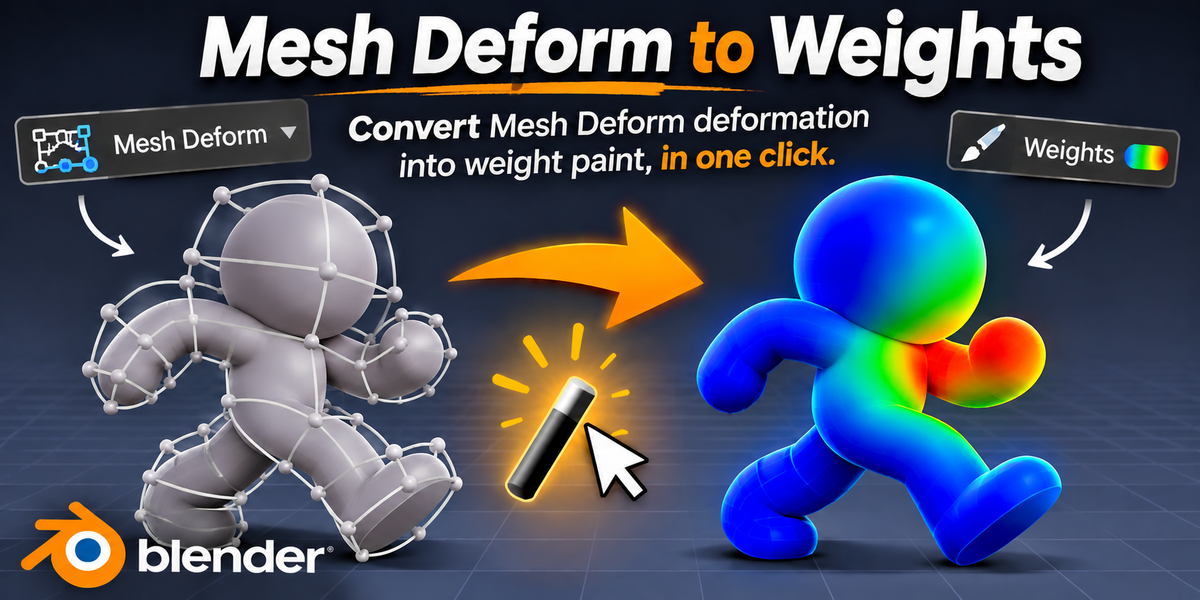
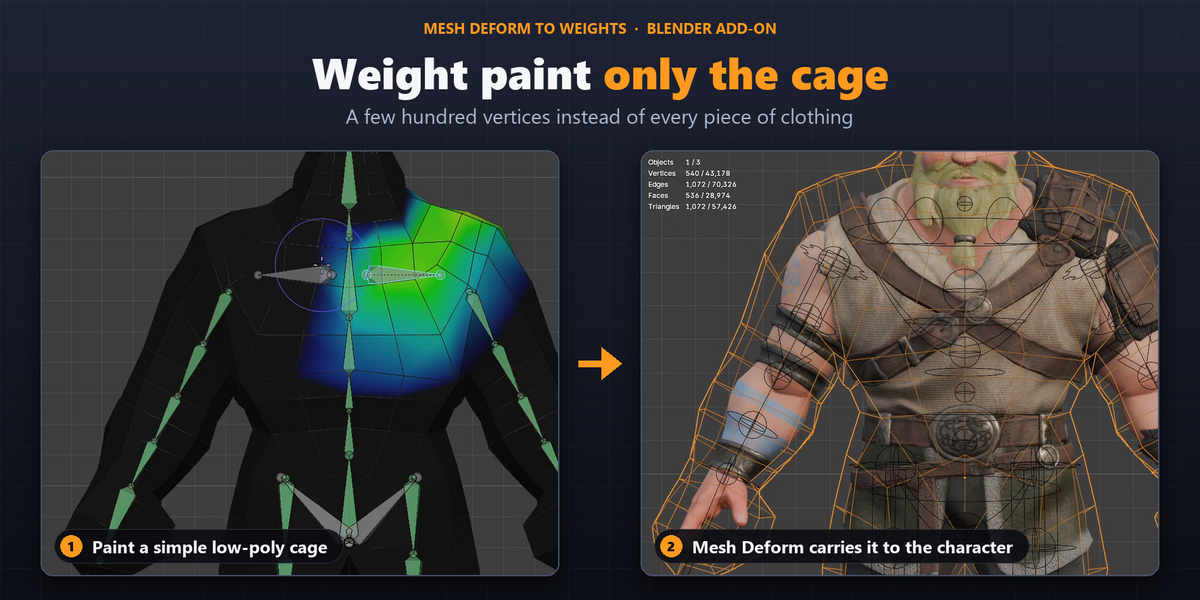
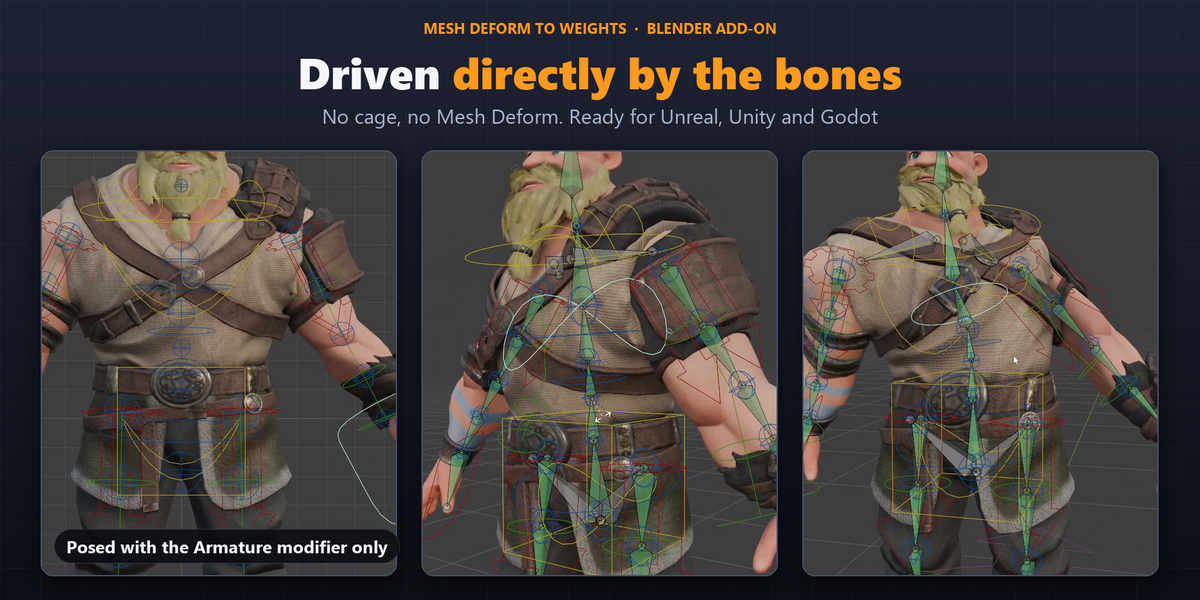
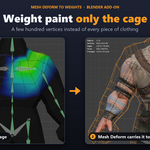
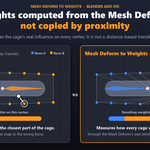
Many rigs use a simple cage mesh that carries the weight paint, while other objects follow it through a Mesh Deform modifier. Mesh Deform is not exported to game engines and slows down large scenes.
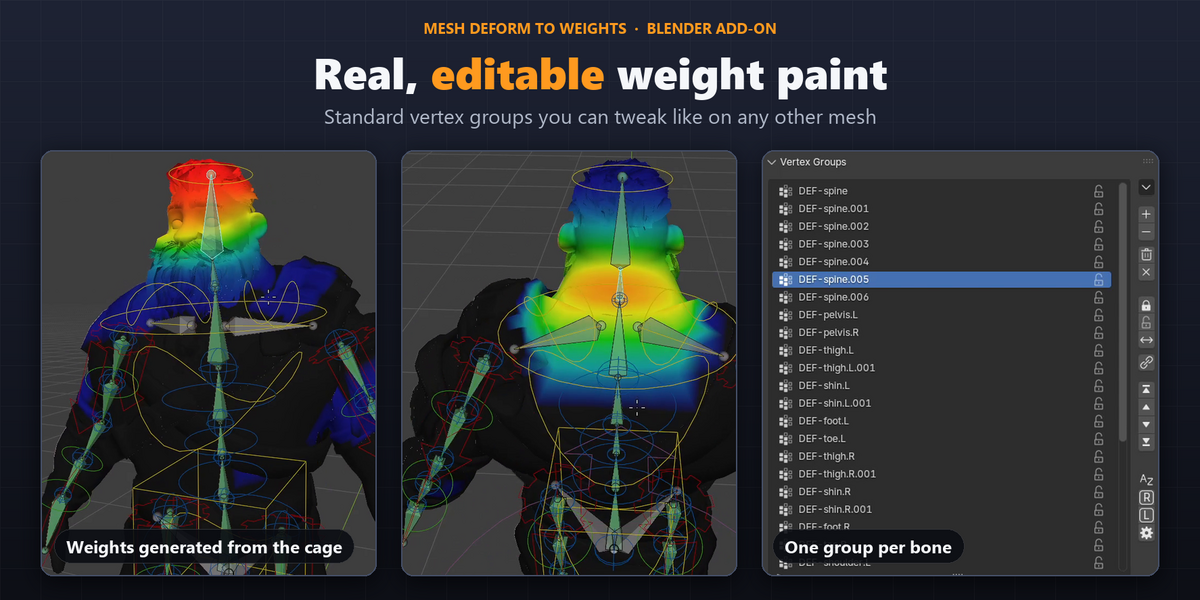
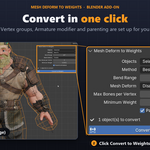
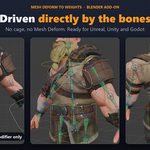
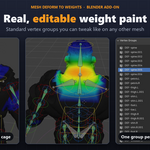
This add-on converts that deformation into regular weight paint. It creates vertex groups on each object, adds an Armature modifier, and disables the Mesh Deform. The bones then deform the objects directly.
Requirements
- Mesh objects with a Mesh Deform modifier bound to a cage
- A cage with an Armature modifier that uses vertex groups and has weights on Deform bones
- A cage with no modifiers that change vertex count (for example an unapplied Subdivision or Mirror)
- Object Mode
Installation
Go to Edit > Preferences > Get Extensions > Install from Disk and select meshdeform_to_weights-1.1.0.zip. The panel appears in the 3D Viewport sidebar (N) under MD Weights.
How to Use
- (Recommended) Put the armature in a bent pose.
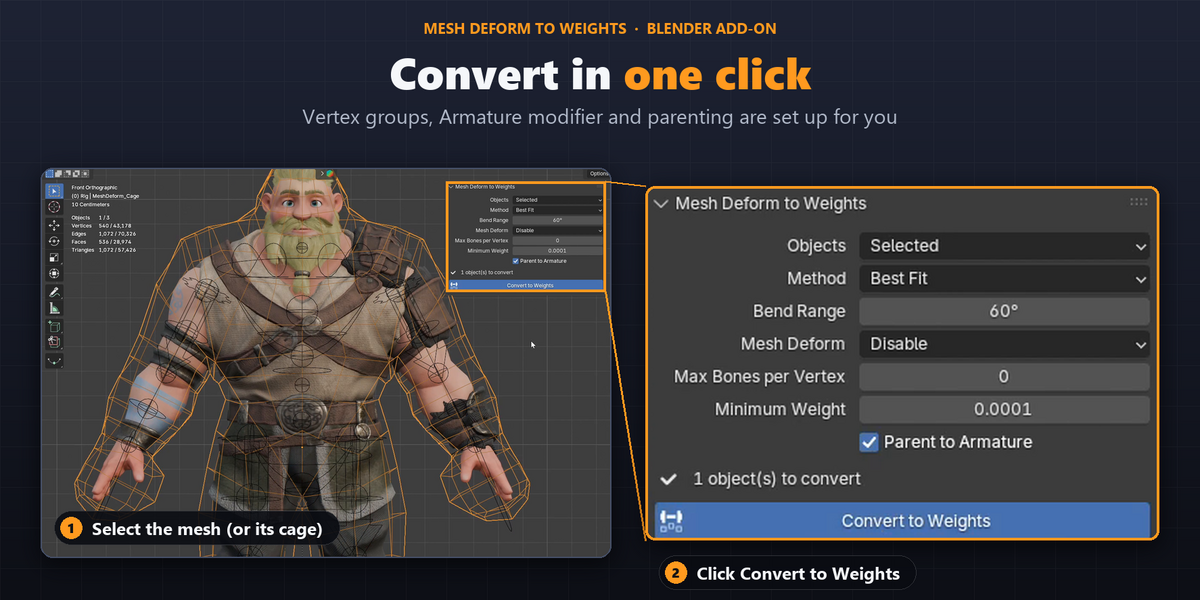
- Select the objects with a Mesh Deform. Selecting only the cage converts every object bound to it.
- Adjust the options.
- Click Convert to Weights. You can undo with Ctrl+Z.
Main Options
| Option | Default | Description |
|---|---|---|
| Objects | Selected | Convert the selection, or all visible objects in the scene. |
| Method | Best Fit | Best Fit is best for bending joints. Direct Transfer is best for twisting. |
| Bend Range | 60° | Set it to the largest bend in your animation (Best Fit only). |
| Mesh Deform | Disable | Disable, Remove, or Keep Active to compare both results. |
| Max Bones per Vertex | 0 (no limit) | Set to 4 or 8 if your game engine requires it. |
If the Mesh Deform modifier has a vertex group, only that area is converted. The edges blend with the existing weights.
Accuracy
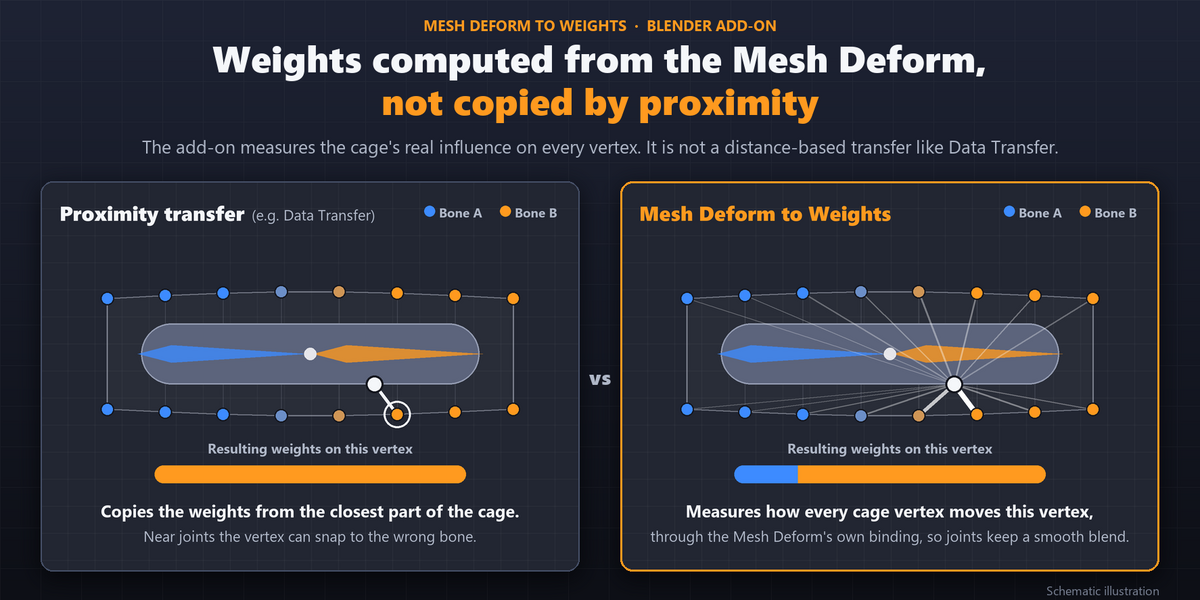
The result is very close to Mesh Deform away from joints. Near joints a small difference remains, because weight paint can only follow the bones. To get closer, set Bend Range to your real animation angle, or add helper bones at the joint before converting.
Limitations
- Only the first Mesh Deform on each object and the first Armature modifier on the cage are used.
- Bone envelopes and mask groups are ignored.
- Linked objects are skipped.
- It has not been tested on rigs with hundreds of bones.
License: GPL-3.0-or-later · No extra dependencies
 Included
Includes 12 months of
- Support from Rafael Nogueira
- Product updates
Extend this product’s Support Period +12 months: 50% of product price
Have questions before purchasing?
Login to message
| Blender Extension Compatible | Yes |
| Published | about 1 hour ago |
| Blender Version | 4.2 - 5.2 |
| Extension Type | Add-on |
| Render Engine Used | Blender-Internal, Blender-Game-Engine, Cycles, Eevee |
| License | GPL |
