 GK Tools




Mesh Encyclopedia
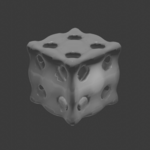
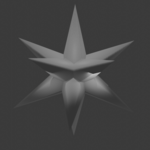
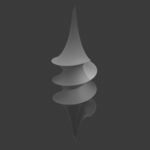
Mesh Encyclopedia is a continuously updated library of 500+ production-ready meshes and curves for Blender. It is an add-on that offers a large library of mathematically defined and artist-friendly geometric forms.
It gives Blender users fast access to convex and non-convex polyhedra, Johnson solids, prisms, antiprisms, knot-based meshes, higher-genus tori, parametric surfaces, implicit surfaces, and triply periodic minimal surfaces, all directly inside the 3D Viewport.
Instead of modeling these structures manually, users can insert ready-to-edit mesh objects at the 3D Cursor and refine them through Blender’s standard operator settings.
Key Features
- Large, organized library of geometric mesh primitives and advanced surfaces
- Direct integration in Add > Mesh > Mesh Encyclopedia
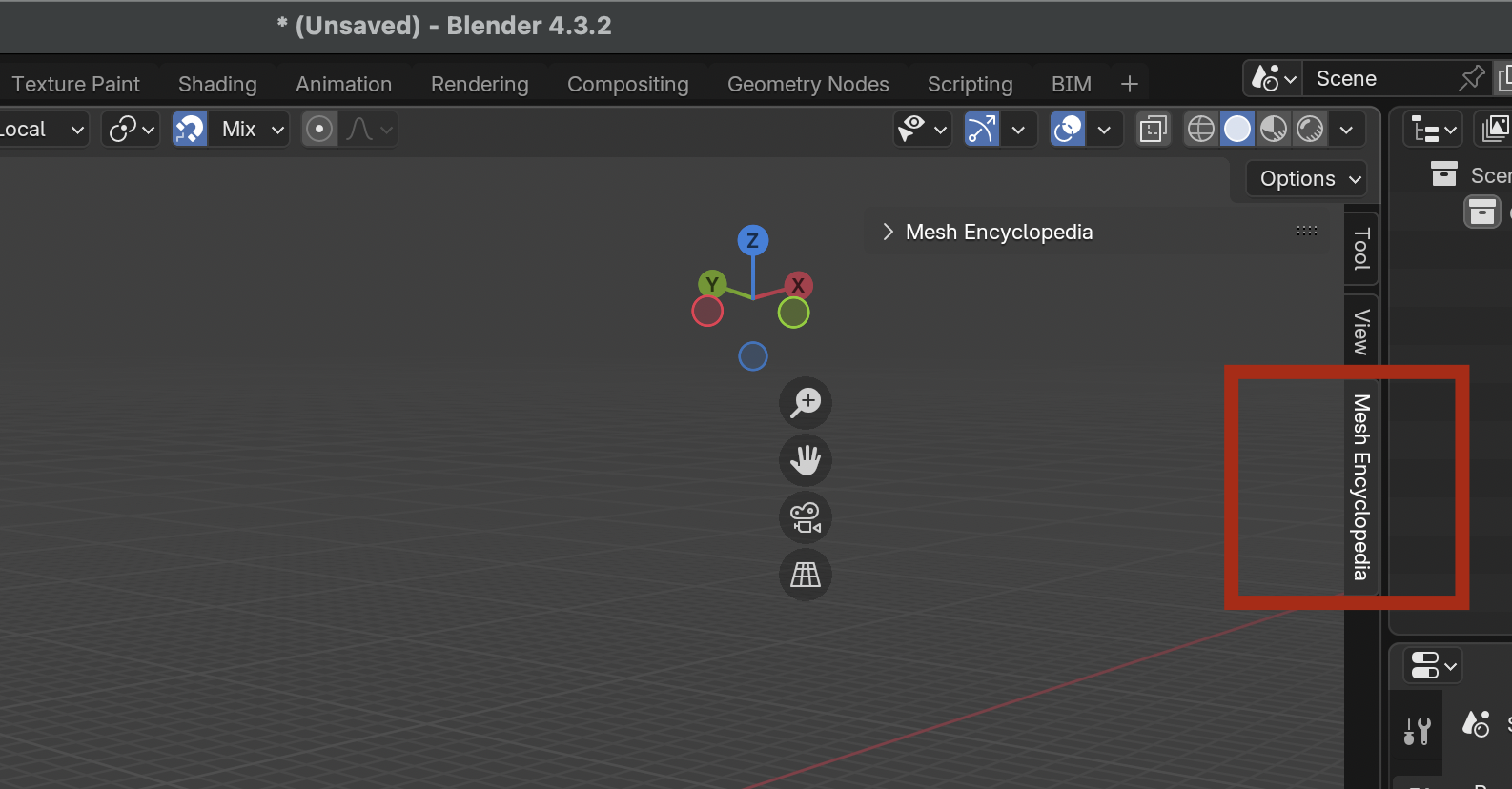
- Dedicated sidebar panel in the 3D Viewport for browsing and searching
- Categories for convex polyhedra, non-convex polyhedra, TPMS, and advanced geometric shapes
- Fast access to mathematically significant forms that are difficult to model by hand
- Useful both for production work and for geometry study inside Blender
Why Use Mesh Encyclopedia
Mesh Encyclopedia brings a broad, structured geometry library directly into Blender’s native mesh workflow.
It helps users:
- Save time creating complex geometric forms
- Explore mathematically rich structures without external imports
- Generate clean reference meshes for modifiers and node-based workflows
- Move quickly from concept to shading, rendering, animation, or fabrication
For users working with topology, symmetry, minimal surfaces, polyhedra, or technical form development, it provides a practical and production-friendly toolkit inside Blender.
Installation
- Open Blender.
- Go to Edit > Preferences > Add-ons.
- Click Install.
- Select the ZIP file containing the add-on.
- Enable Mesh Encyclopedia in the add-on list.
How To Use
You will find the add-on in the 3D Viewport. Enjoy using it.
The add-on fits naturally into standard Blender workflows and can be combined with modifiers, Geometry Nodes, materials, lighting, and rendering pipelines.