 KiyohitoMaeda


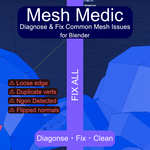
Mesh MedicDiagnose & Fix Common Mesh IssuesClean up any 3D mesh in seconds — straight from the N-panel.
Whether you're working with AI-generated models, scanned geometry, or assets from the web, bad mesh data is a constant headache: duplicate vertices, Ngons, zero-area faces, loose geometry, and flipped normals. These issues cause rendering artifacts, physics failures, and broken rigs.
Mesh Medic diagnoses and fixes all of these problems in one simple panel — no digging through menus required.
Features
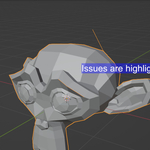
Diagnose Run a full diagnosis on any mesh (or multiple meshes at once) and get an instant report:
- Duplicate Vertices
- Duplicate Faces
- Ngons (5+ sided polygons)
- Zero Area Faces
- Loose Vertices
- Loose Edges
- Unapplied Scale / Rotation
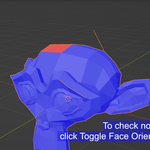
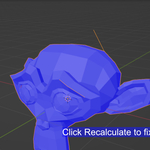
- Flipped Normals (via Face Orientation overlay)
Fix Every issue comes with a dedicated Fix button. Or hit Fix All to resolve everything in one click.
- Merge duplicate vertices (by distance)
- Remove duplicate and zero-area faces
- Convert Ngons to Tris or Quads (your choice)
- Delete loose vertices and edges
- Apply scale and rotation transforms
- Recalculate normals (clears Custom Split Normals automatically)
Select Not sure where the problem is? Each issue has a Select button that jumps into Edit Mode and highlights the affected geometry — so you can inspect or fix it manually.
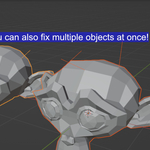
Multiple Object Support Select multiple objects and diagnose or fix them all at once. Results are shown as a combined total.
How to Use
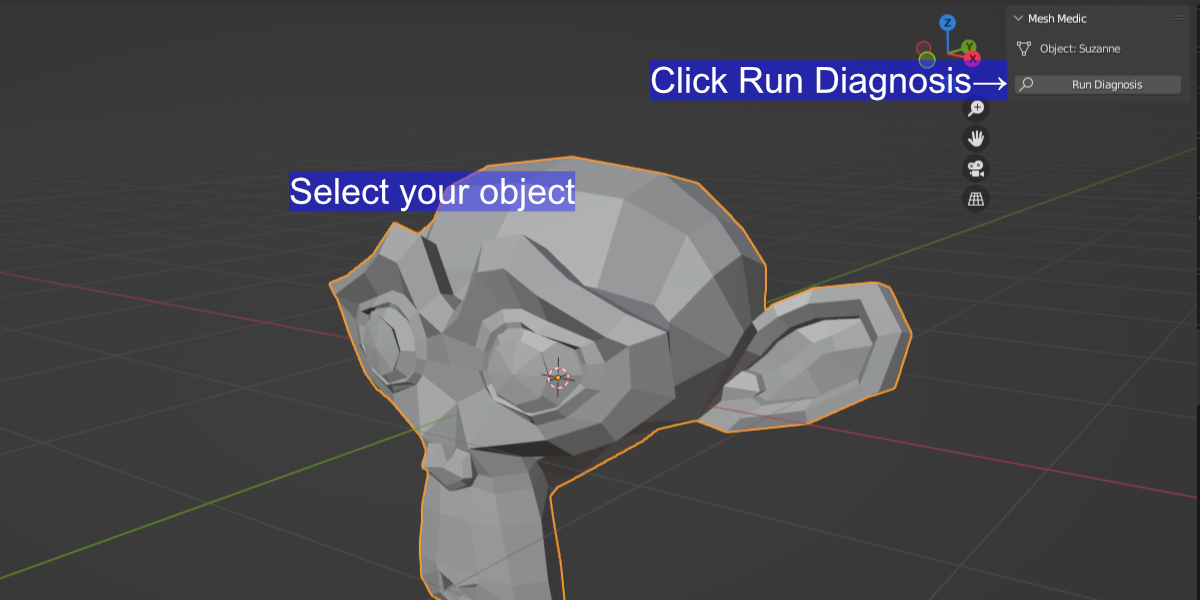
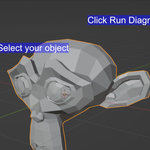
- Select the object(s) you want to clean up
- Open the Mesh Medic tab in the N-panel (View3D Sidebar)
- Click Run Diagnosis
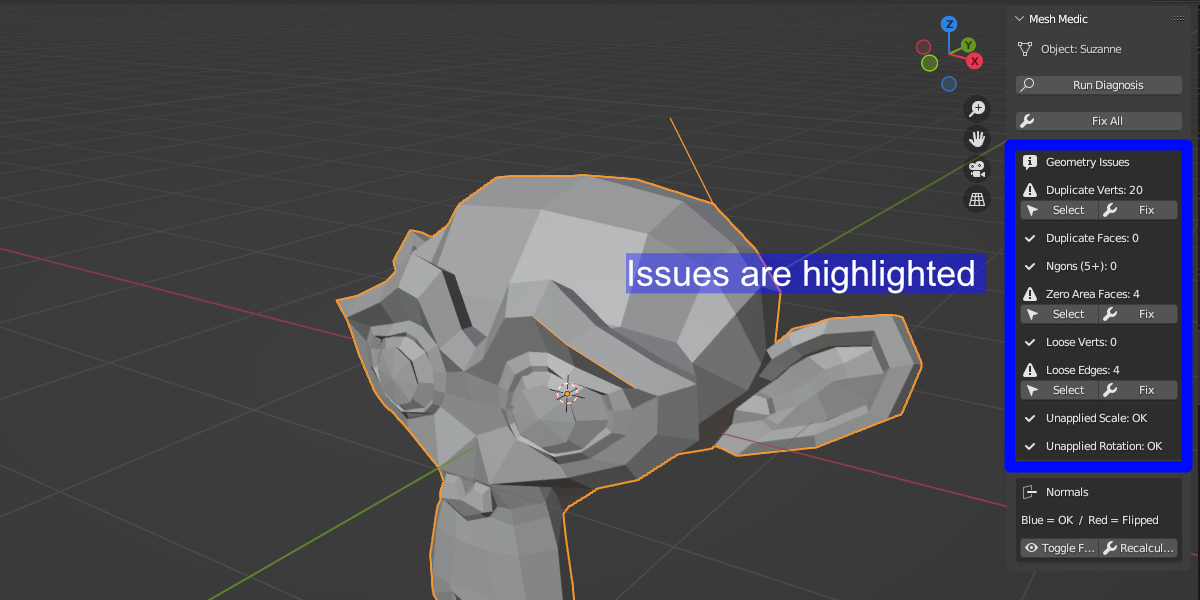
- Review the report, then click Fix All — or fix issues individually
Compatibility
- Blender 4.2+ → Install as an Extension (
.zip) - Blender 4.1 and below → Install the
.pyfile directly
Both files are included in the download.
Notes
- To Quads conversion is a best-effort operation. Complex Ngons may leave some triangles behind — this is a Blender limitation, not a bug.
- Face Orientation overlay (Blue = OK, Red = Flipped) can be toggled directly from the panel.
- Fix operations are undoable via Ctrl+Z.
