 Mytner



Mesh Writer — Search. Mesh. Animate.
What is Mesh Writer:
- Searchable symbol library (with a built-in SVG editor)
- Turns symbols, SVGs, math characters and emojis, into Geometry Nodes curves or 3D mesh or 3D Curves
- 5,000+ Symbols & 3700+ SVGs for Mesh and Geometry Nodes
- Streamlines the full workflow — search, insert, import materials, and convert to mesh or Geometry Nodes — into one place.
- It eliminates the task to look up online for assets, downloading files, cleaning them up, and repeating the process project after project
— all without leaving Blender.
Jump to the Power features:
Geometry Nodes Integration
Inbuilt SVG Editor with Library
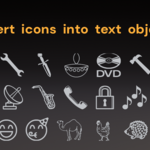
Icons as text objects
Scientific and Mathematical text
Sleek UI
Bonus feature: Notes for Node Documentation
Note on 3D extrusion: Mesh Writer uses Blender’s native curve and SVG workflows for extrusion and mesh generation. So while SVGs and emojis can be extruded into 3D geometry, recognizable results depend heavily on silhouette simplicity and curve structure.
See "What extrudes well" section.
Power Features
Geometry Nodes Integration:
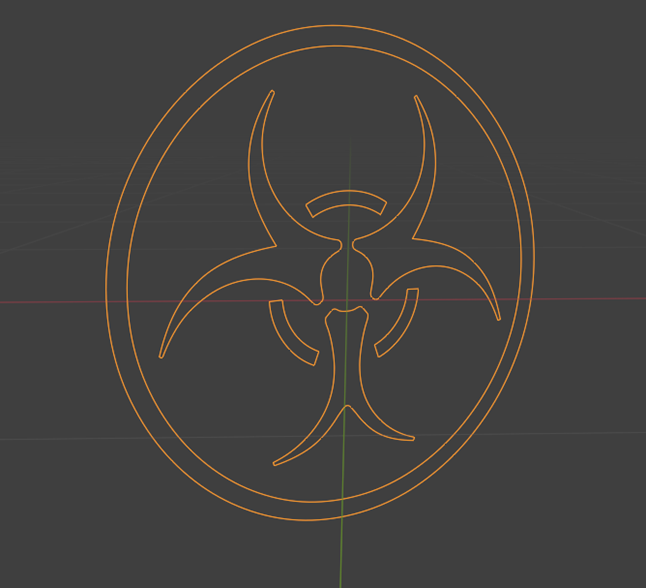
- Turn complex symbols/icons into geometry nodes curves with a click.
- Node-friendly workflow: select the node and insert directly from Mesh Writer
- One-click insertion makes complex setups easy.
- Ideal for motion graphics and technical setup.
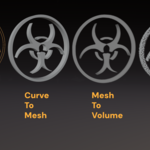
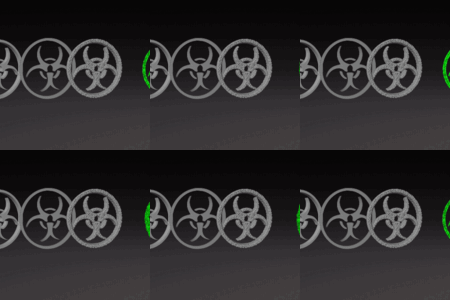
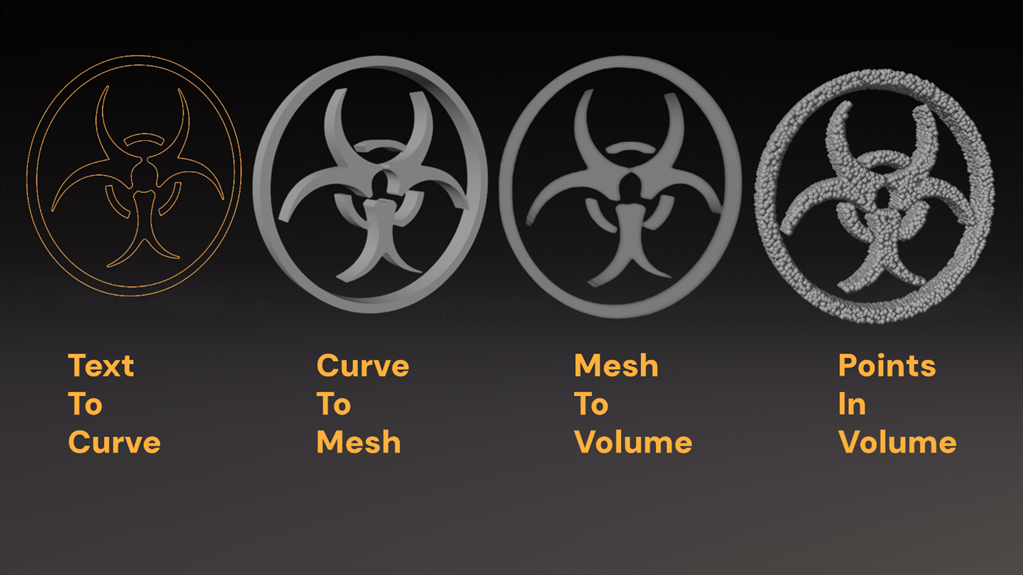
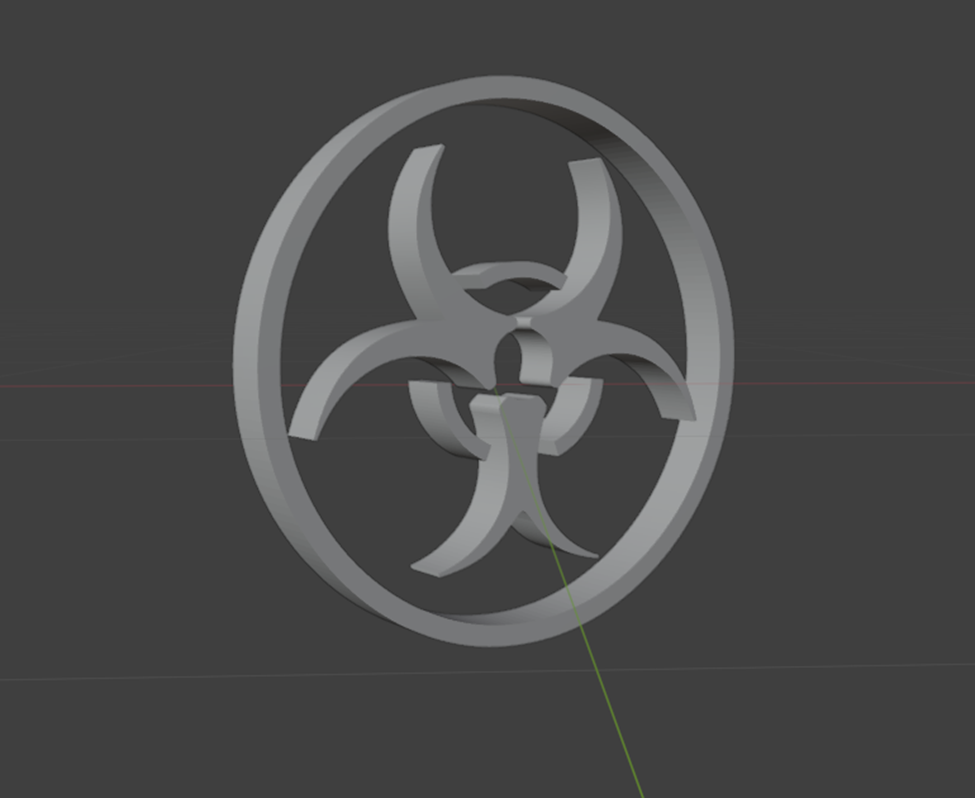
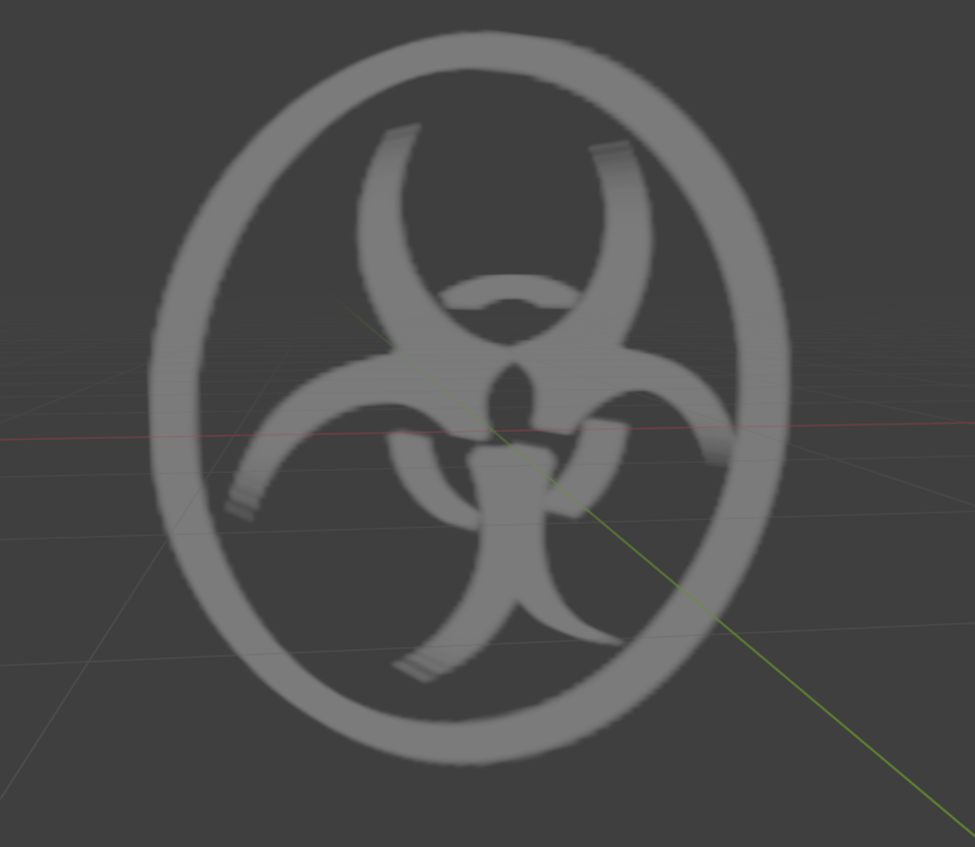
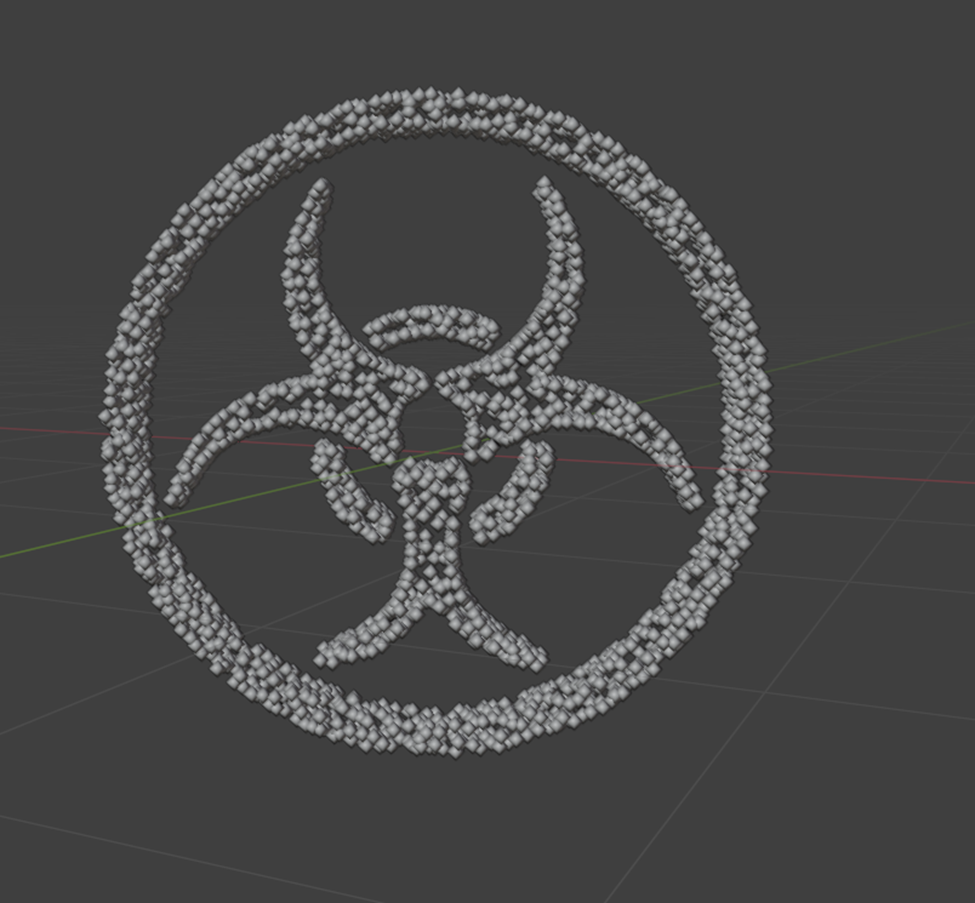
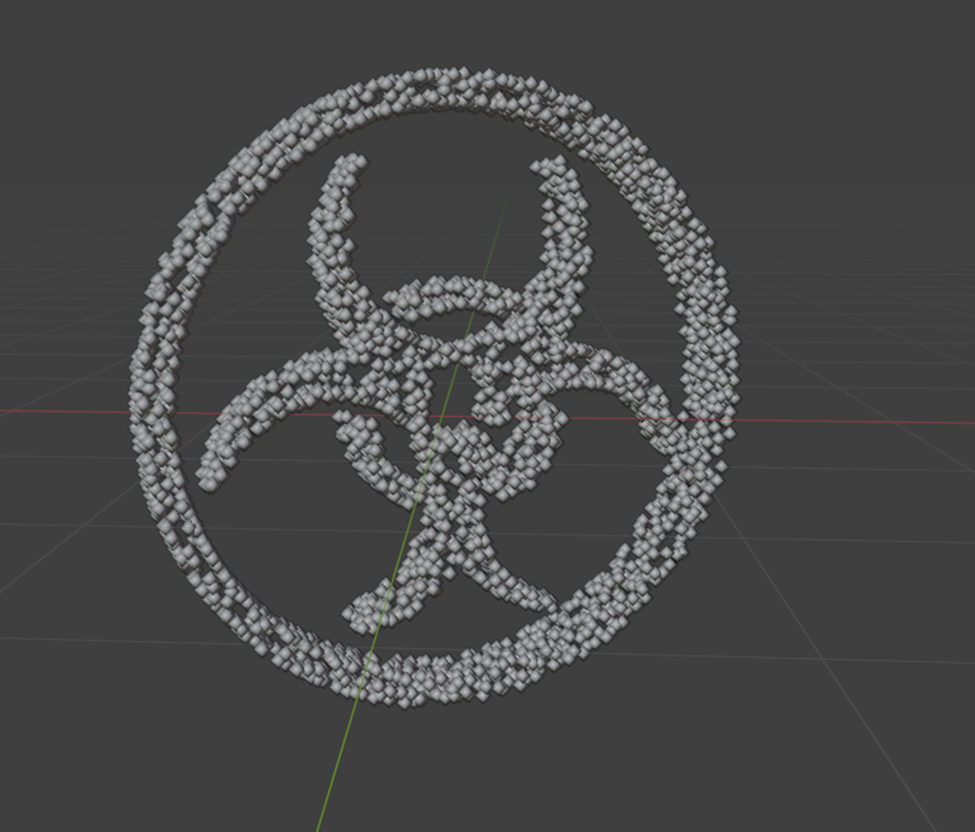
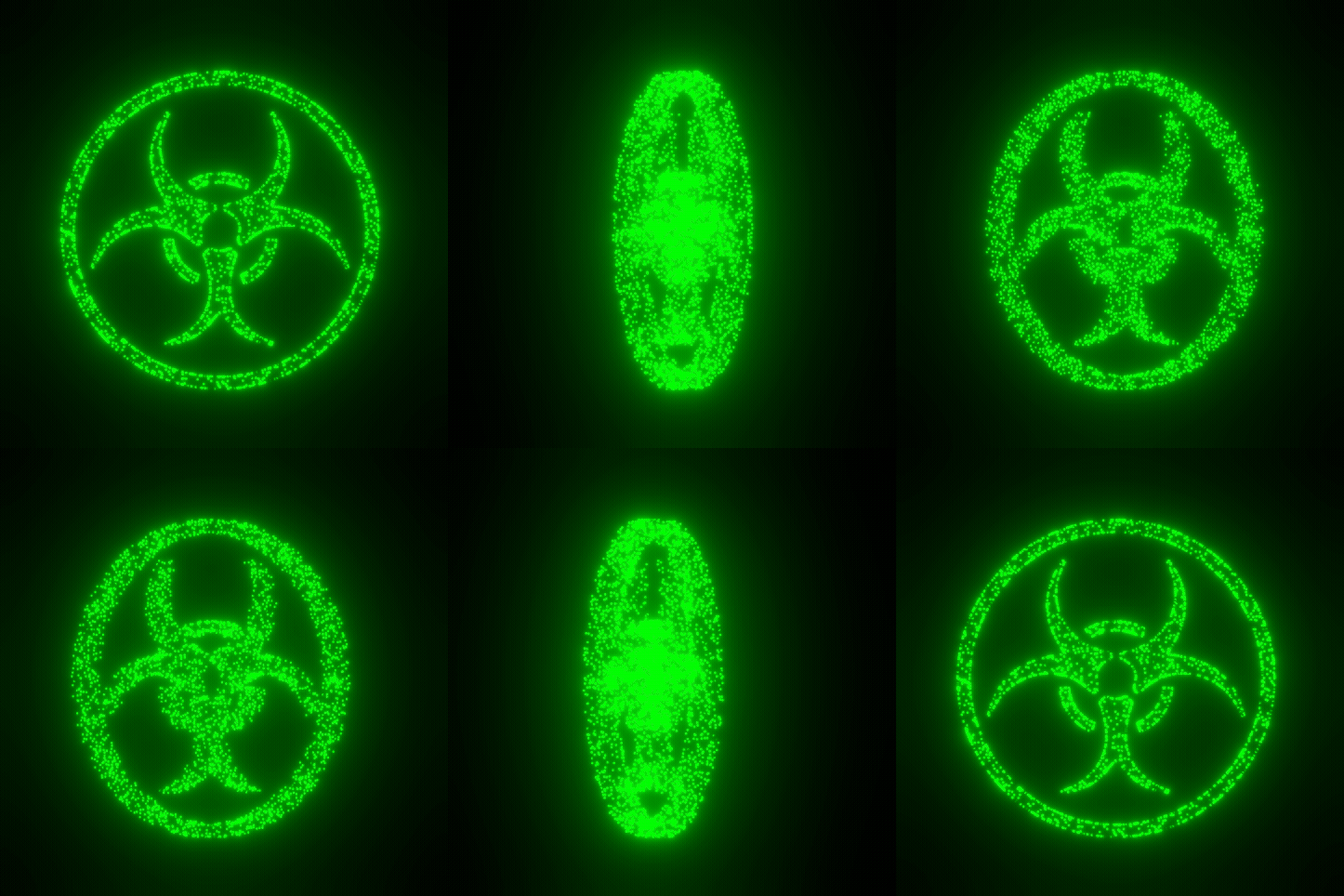
For example, complex shapes (like biohazard ☣) become: - Curves
- Mesh
- Volumes
- Instances on points
Inbuilt SVG Editor with Library:
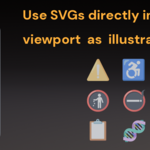
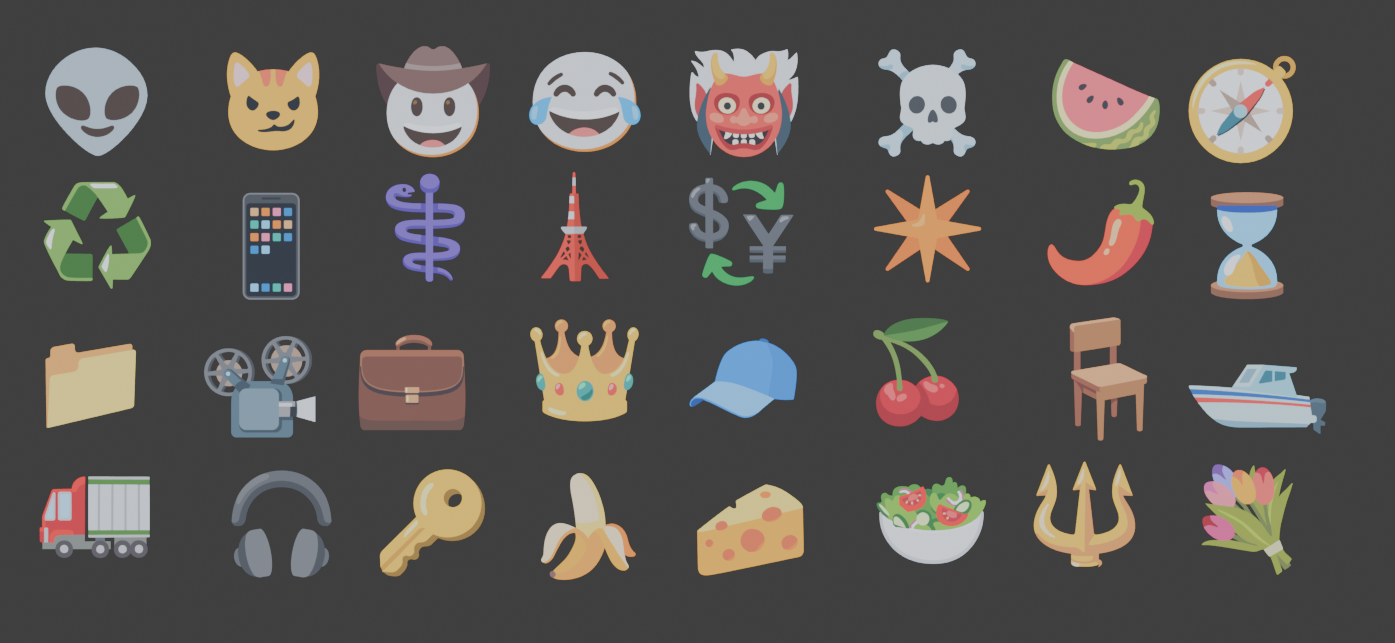
- Mesh Writer includes a built-in SVG workflow system directly inside Blender.
- Instead of:
search → download → import → clean curves → organize files
you can simply:
search → click → insert → animate
Features of the SVG editor:
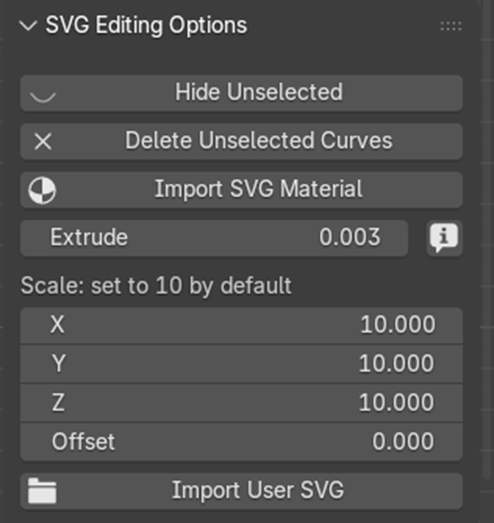
- Import SVG materials directly into Shader Nodes
- Perform multi-curve operations like smoother extrusion and cleanup workflows. Convert SVG files into 3D models with ease.
- The SVG editor works with Blender’s native curve objects, including Bezier curves and circles
- You can also import your own SVG, apart from 3700+ SVGs that come with Mesh Writer,
- Note: All SVG are imported with a scale of 10.0 by MeshWriter as a default value to compensate for lender’s native SVG import scale. You can change it at time of import.
Icons as text objects:
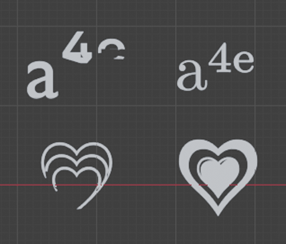
- Many symbols, emojis, and technical characters do not render correctly in Blender's default font system.
- Mesh Writer solves this with bundled cross-platform symbol support.
- Mesh Writer ships with the "Symbola" font, which works seamlessly across platforms.
- For Windows users, it also loads Microsoft's Segoe UI Emoji font.
- Reliable rendering for mathematical symbols, emojis, and special characters with the “Symbola” font.
- Use symbols as text, curves, Geometry Nodes inputs, or meshes.
- Recommended font for emojis: Microsoft’s Segoe emoji. (Loaded by default for Windows by Mesh Writer)
Blender Mesh Writer Blender Mesh Writer
Scientific and Mathematical text:
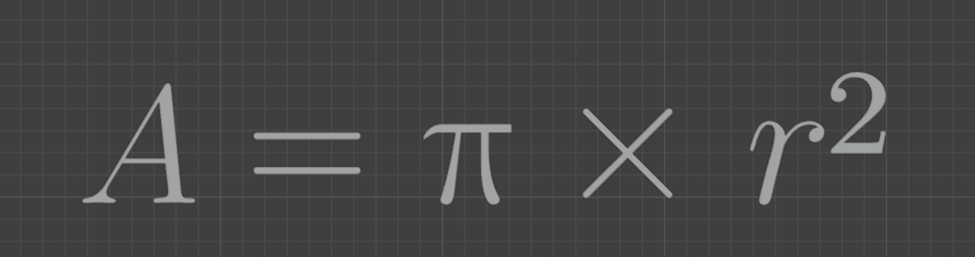

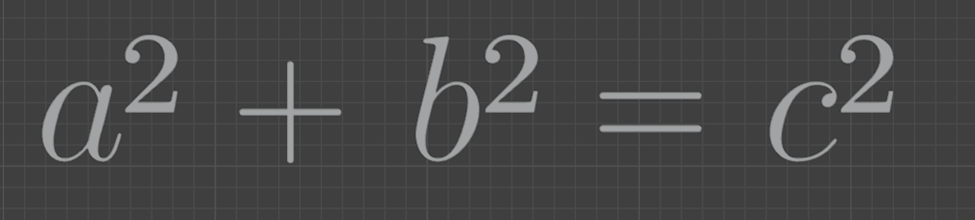

- Mesh Writer’s comes with 100+ special characters that render seamlessly.
- You can create Superscript , subscript in Blender.
- Complex Mathematical formulas .
- Recommended font for Scientific and Mathematical symbols:“Symbola”, comes with Mesh Writer.
Sleek UI:
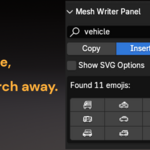
- Just type the name of an icon and get results instantly
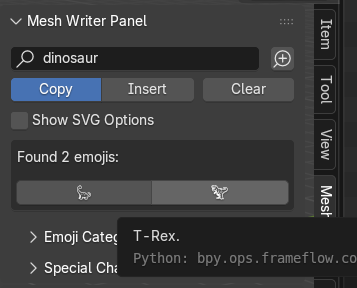
- One-click copy or insertion as text or SVG.
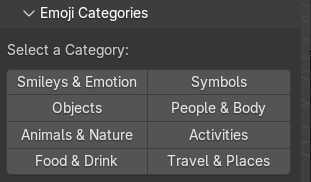
- Categorized browsing library.
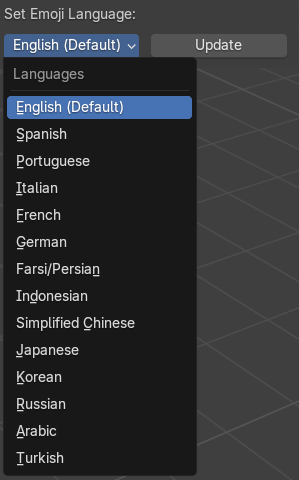
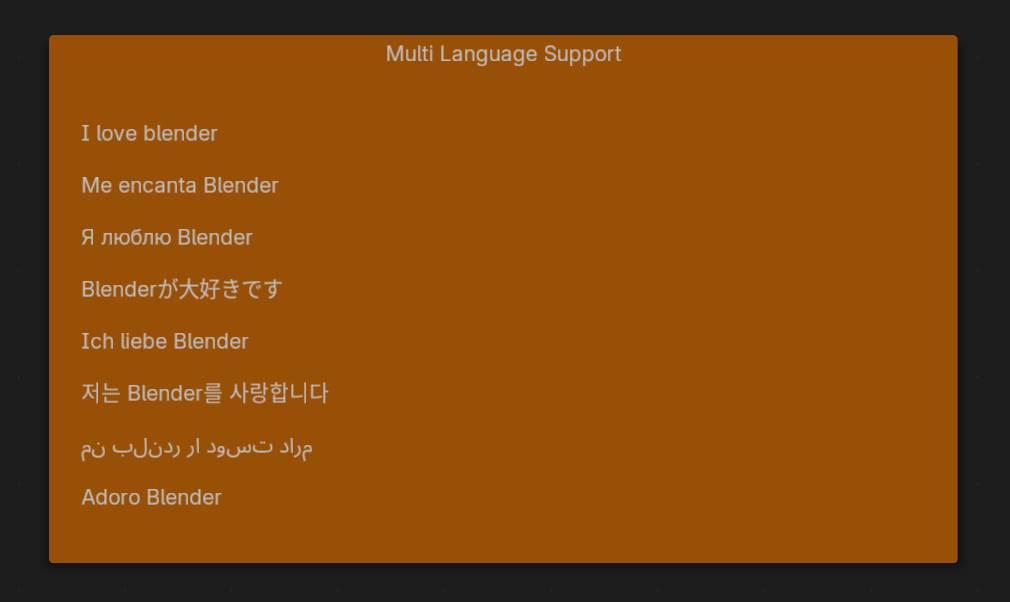
- Multi-language support with 9+ languages.
Bonus feature: Notes for Node Documentation
Documenting complex node setups inside Blender becomes significantly easier with built-in formatted notes.
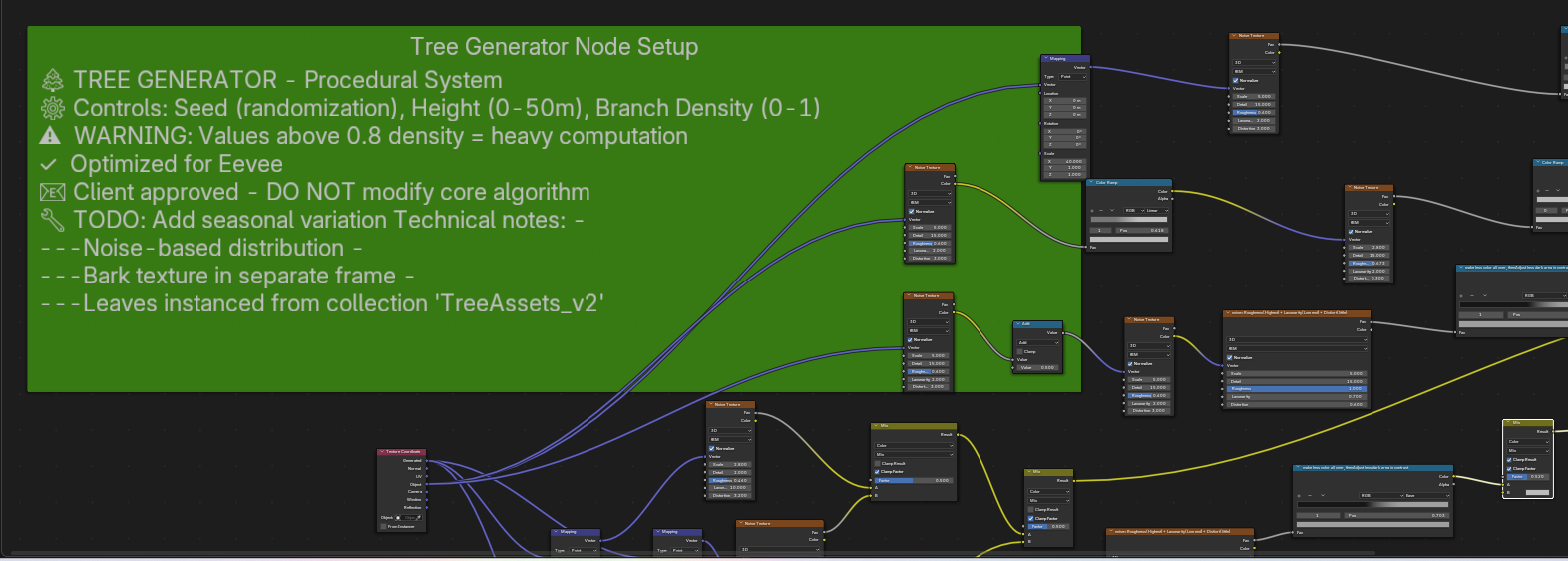
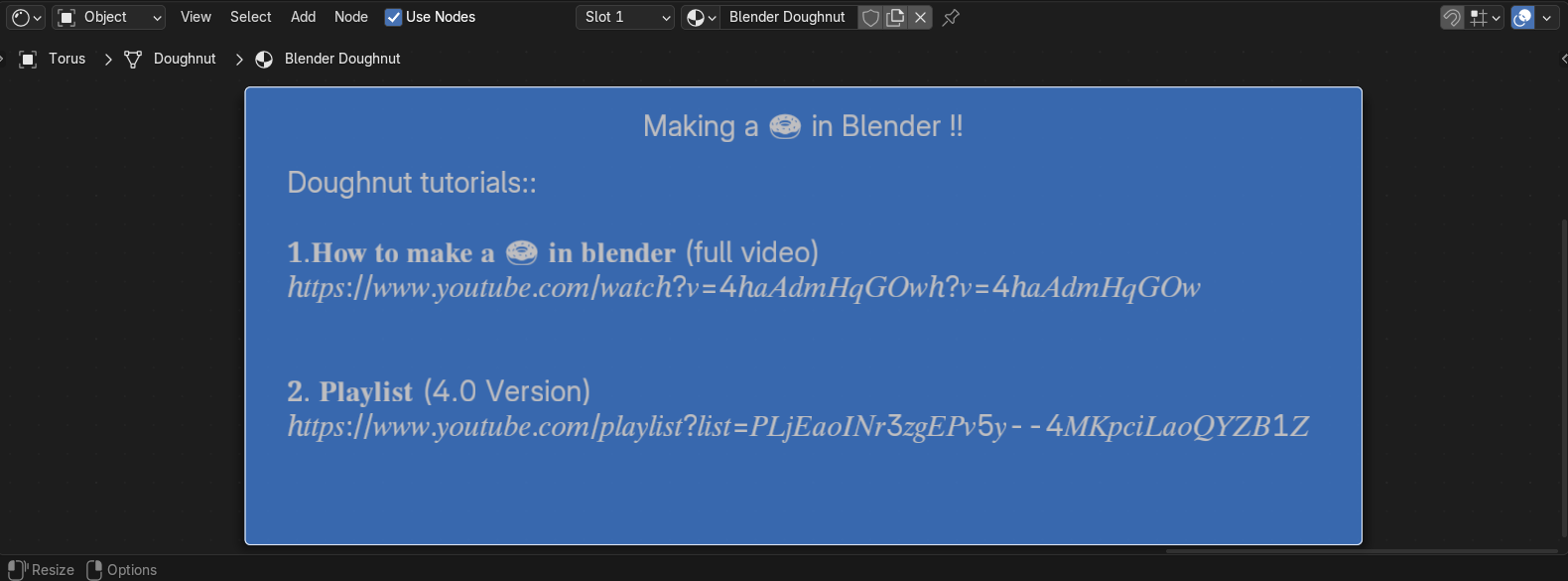
- Multi-line sticky notes inside node editors.
- Bold and italic formatting.
- Faster documentation workflows without hopping to Blender’s text editor.
- Insert symbols and icons directly into notes.
- Improves readability for large node setups and team collaboration.
Perfect for:
- Geometry Nodes documentation
- Shader organization
- Team workflows
- Large procedural project
Mesh Writer is ideal for
- Geometry Node Users
- Motion graphics artists
- Game assets creator
- Scientific visualization
- Educational content creators
- Technical typography
- Product demos
-
UI and icon animations
What extrudes well:
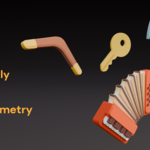
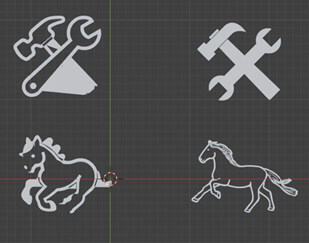
Objects with strong top-down silhouettes — such as video game controllers, wrench, Bio-hazard, and icons — generally produce the most recognizable 3D forms. More complex emojis and illustrations are often better suited for flat graphics or typography.
Of the 3,500+ included SVGs, roughly ~600 extrude into clearly recognizable 3D forms and another ~400 are partially recognizable.
The remaining ~2,500 (Complex organic shapes like faces, fruits, full‑figure characters) will extrude but usually will not resemble their real‑life counterparts. These are best used flat — as text or symbols.
Whether you're producing motion graphics, game assets, scientific visualizations, or just well-documented node setups, Mesh Writer provides you with the right tools and assets without leaving Blender at all.
