Metaball Brush
 shigeru ozawa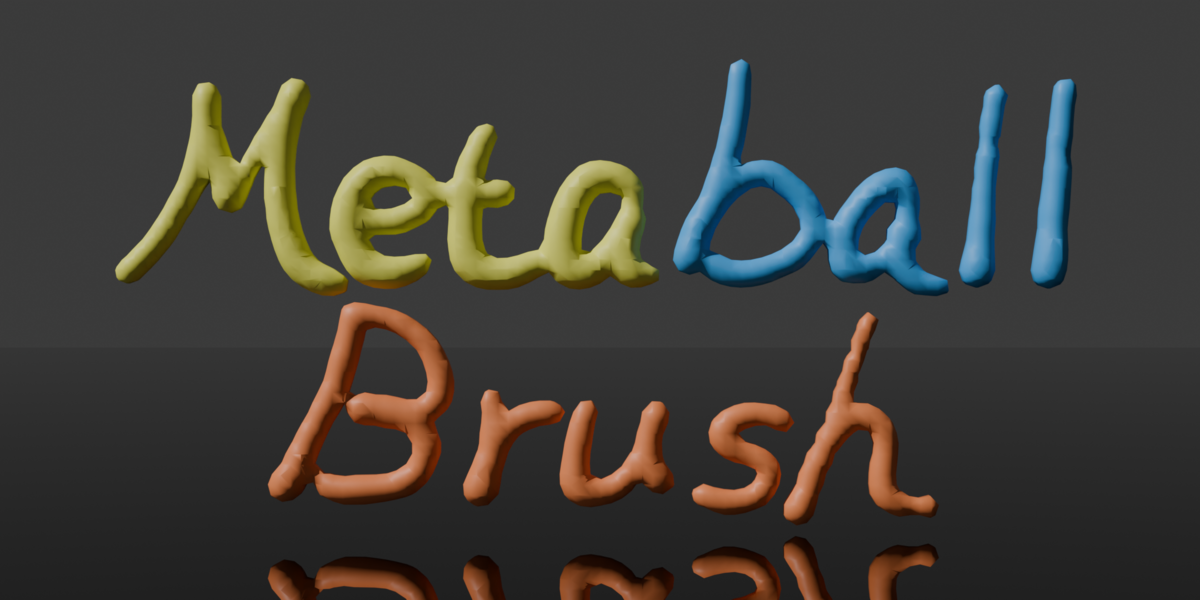



# Metaball Brush 2.3.0
## Overview
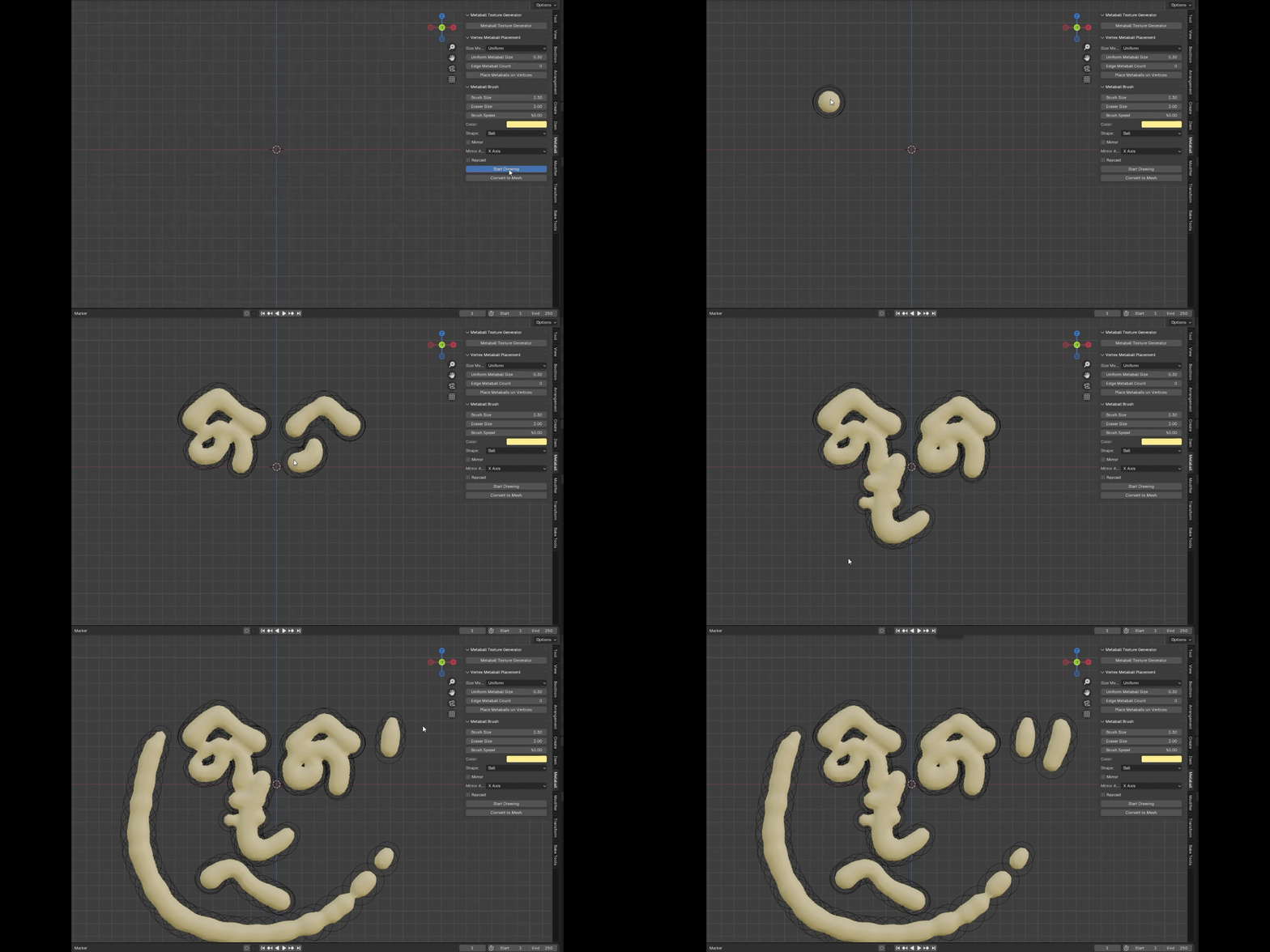
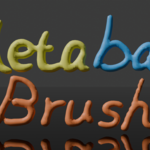
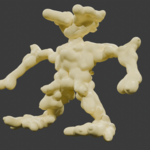
Metaball Brush lets you paint and erase metaballs directly in the 3D View while showing a real-time GPU brush preview and an on-screen HUD widget.
## Features
- Paint metaballs directly on surfaces
- Erase metaballs with a separate eraser radius
- Real-time GPU brush preview
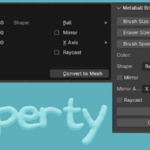
- GPU HUD widget in the 3D View
- Drag controls for brush size and eraser size
- Shortcut pie menus
- Scatter controls
- Mirror controls
- Raycast placement controls
- Random scale and rotation
- Collection support
- Convert metaballs to mesh
- Brush resolution adjustment
## Controls
- Left Mouse Button: Paint
- Shift + Left Mouse Button: Erase
- B: Brush Pie Menu
- C: Color Pie Menu
- M: Action Pie Menu
- Middle Mouse Button: Rotate the 3D View
- Mouse Wheel: Zoom the 3D View
- Esc: Exit Brush Mode
## HUD Widget
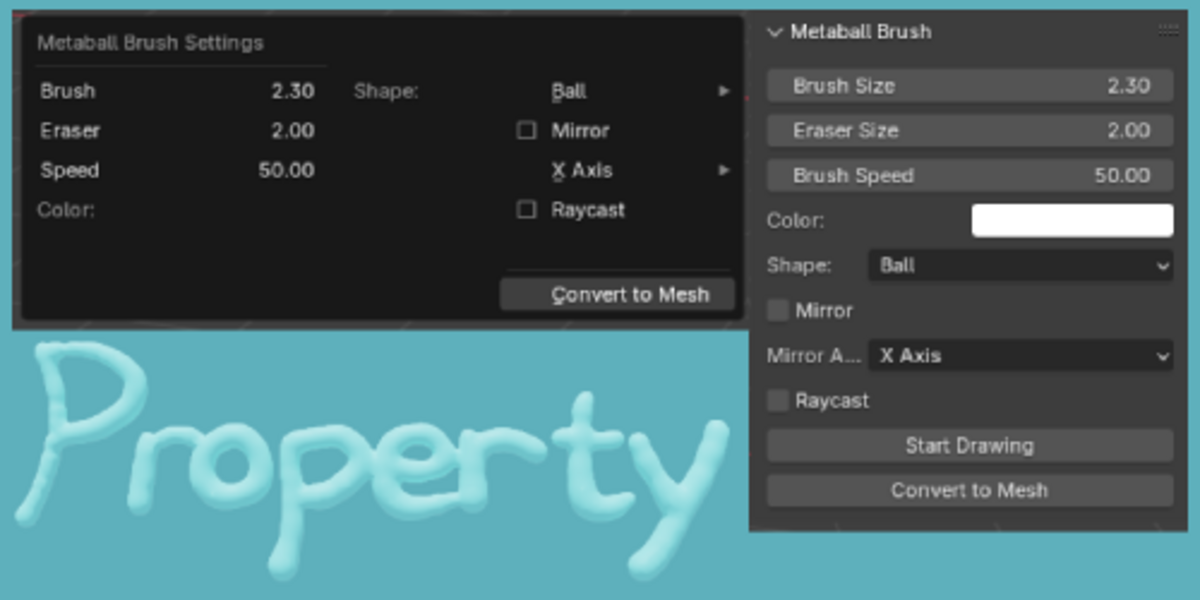
- Size: Drag left or right to change the brush size
- Eraser: Drag left or right to change the eraser radius
- Scatter: Click to toggle scatter
- Mirror: Click to toggle mirroring
- Raycast: Click to toggle surface raycast placement
- C > Custom…: Open the color picker dialog for a custom brush color.
-
$10
This is an enhanced version of the original Metaball Brush add-on, featuring improved drawing behavior, customizable brush settings, advanced spread controls, and additional utilities for managing and converting metaballs.
-
$5
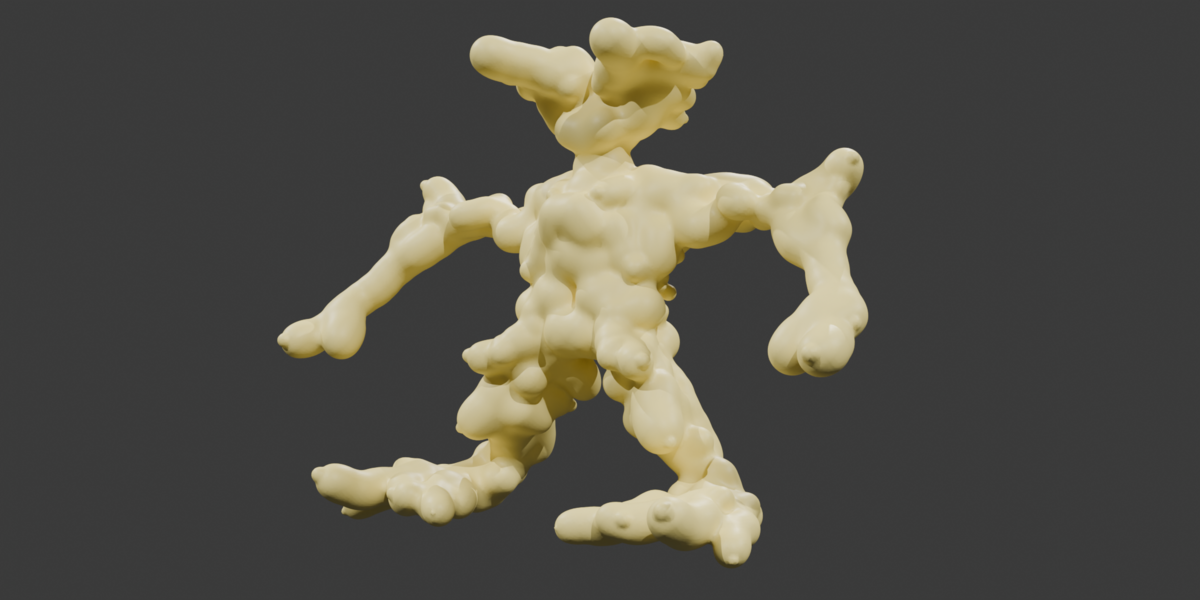
Metaball Brush is a powerful Blender add-on that lets you paint metaballs with advanced options like random size, shape, color, mirroring, and mesh conversion. Perfect for creative and procedural modeling.
Have questions about this product?
Login to message

Discover more products like this
real-time editing blender tools dynamic shapes shape drawing Blender customization symmetry Blender Add-on advanced tools metaball creation surface projection color control brush tool 3D artist 3d modeling eraser tool mesh conversion metaball 3D Design customizable brushes mirror mode