MetalWorks - Brass
 Jim Morren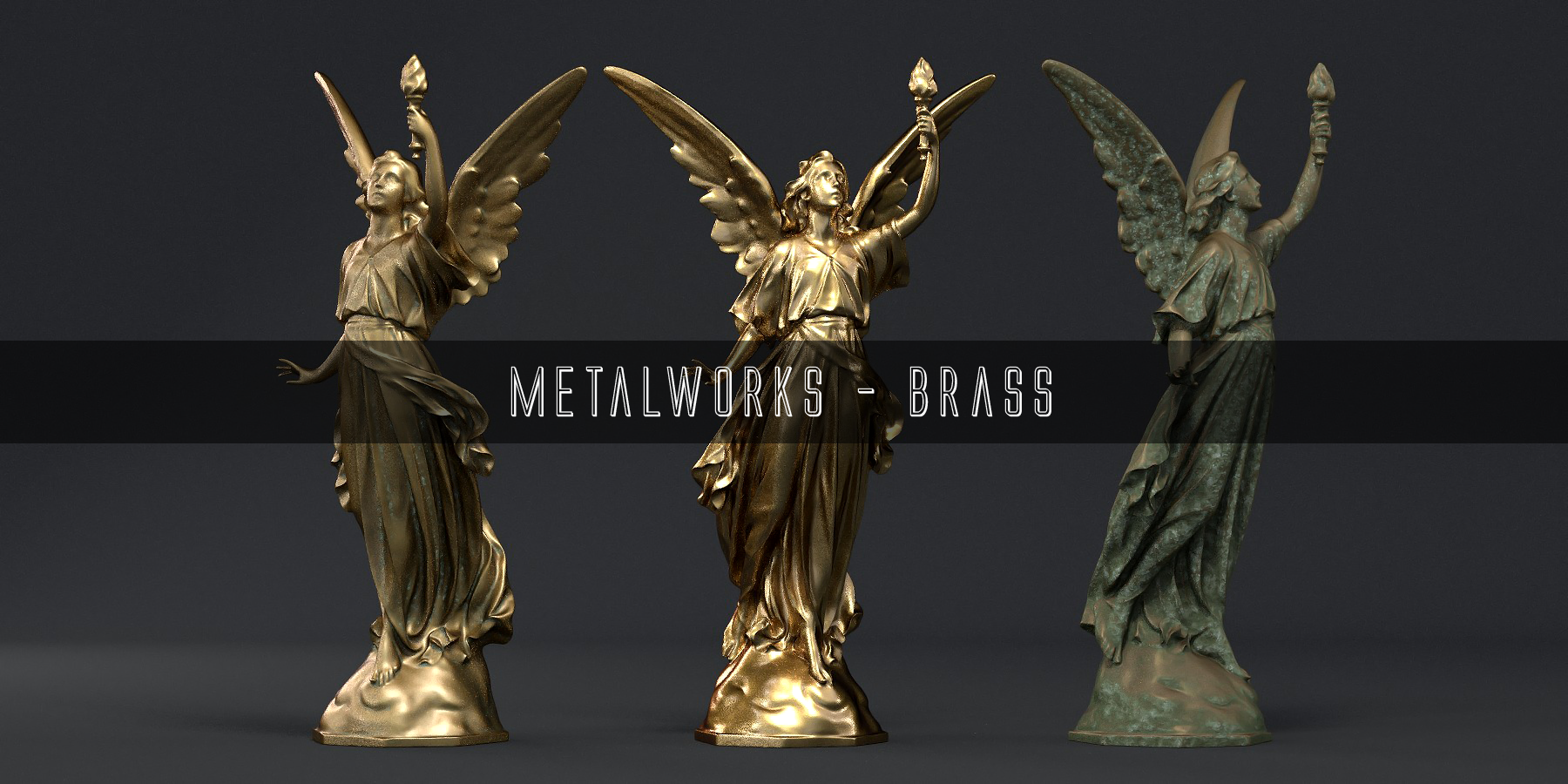
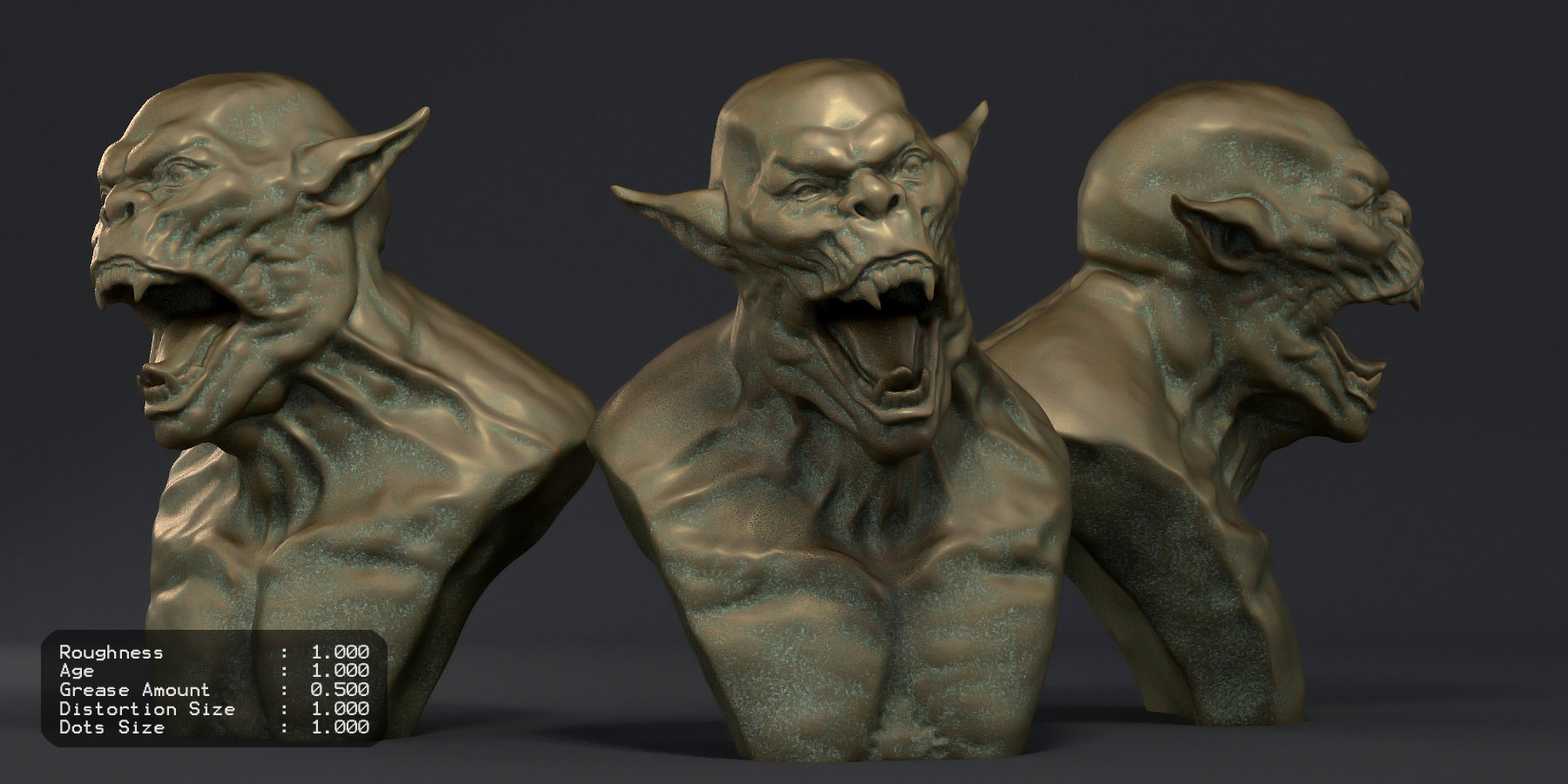
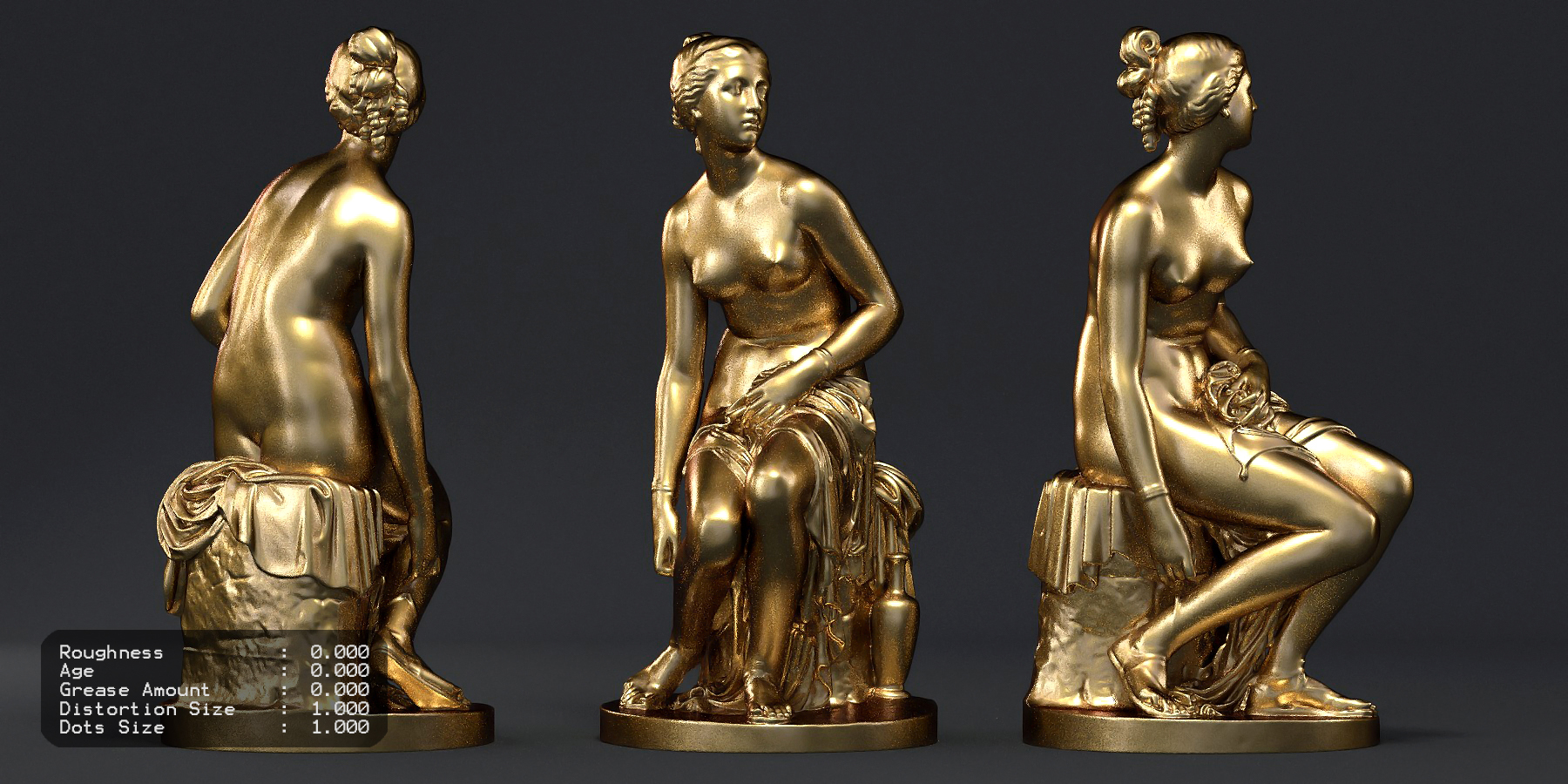
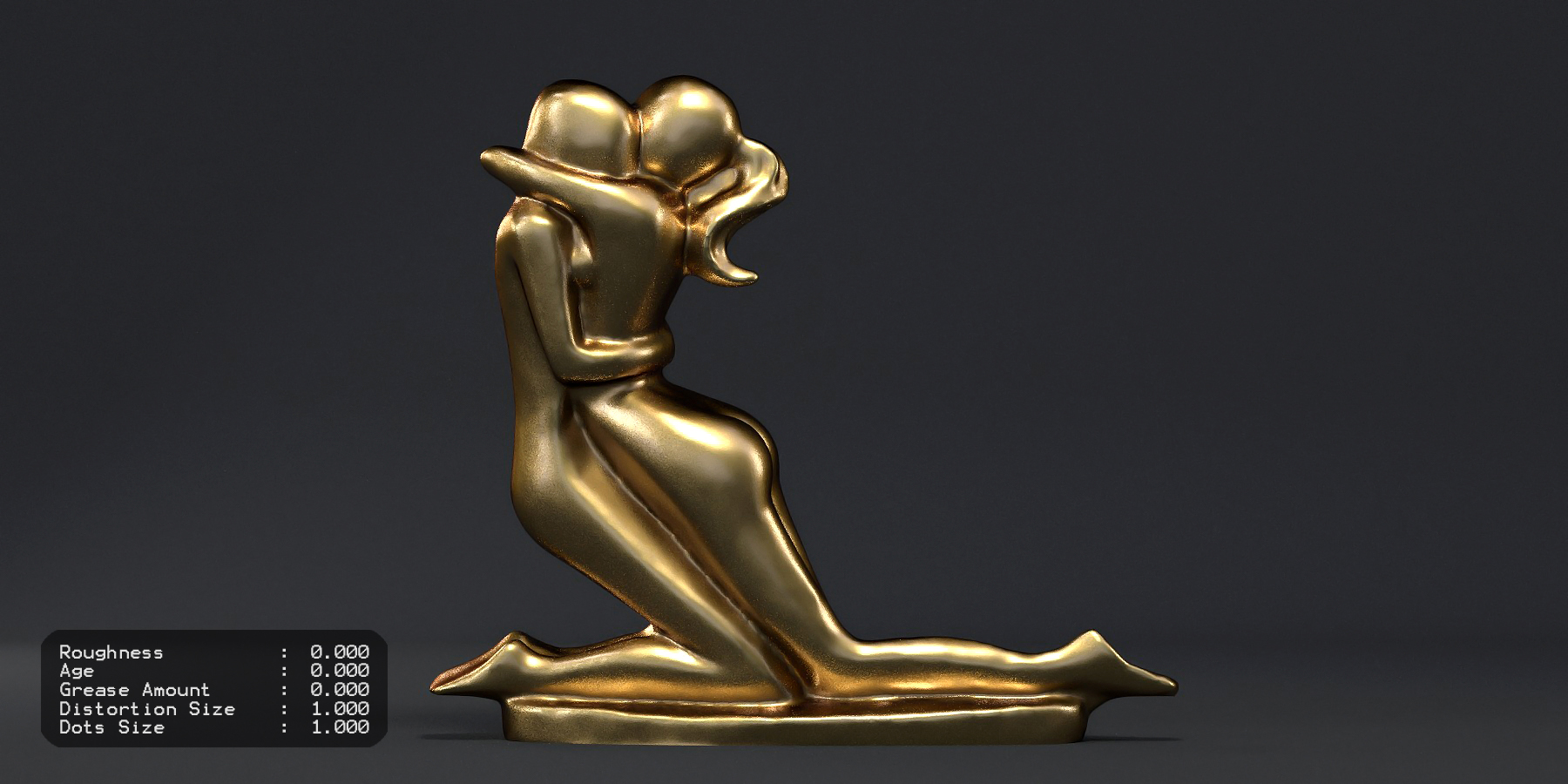


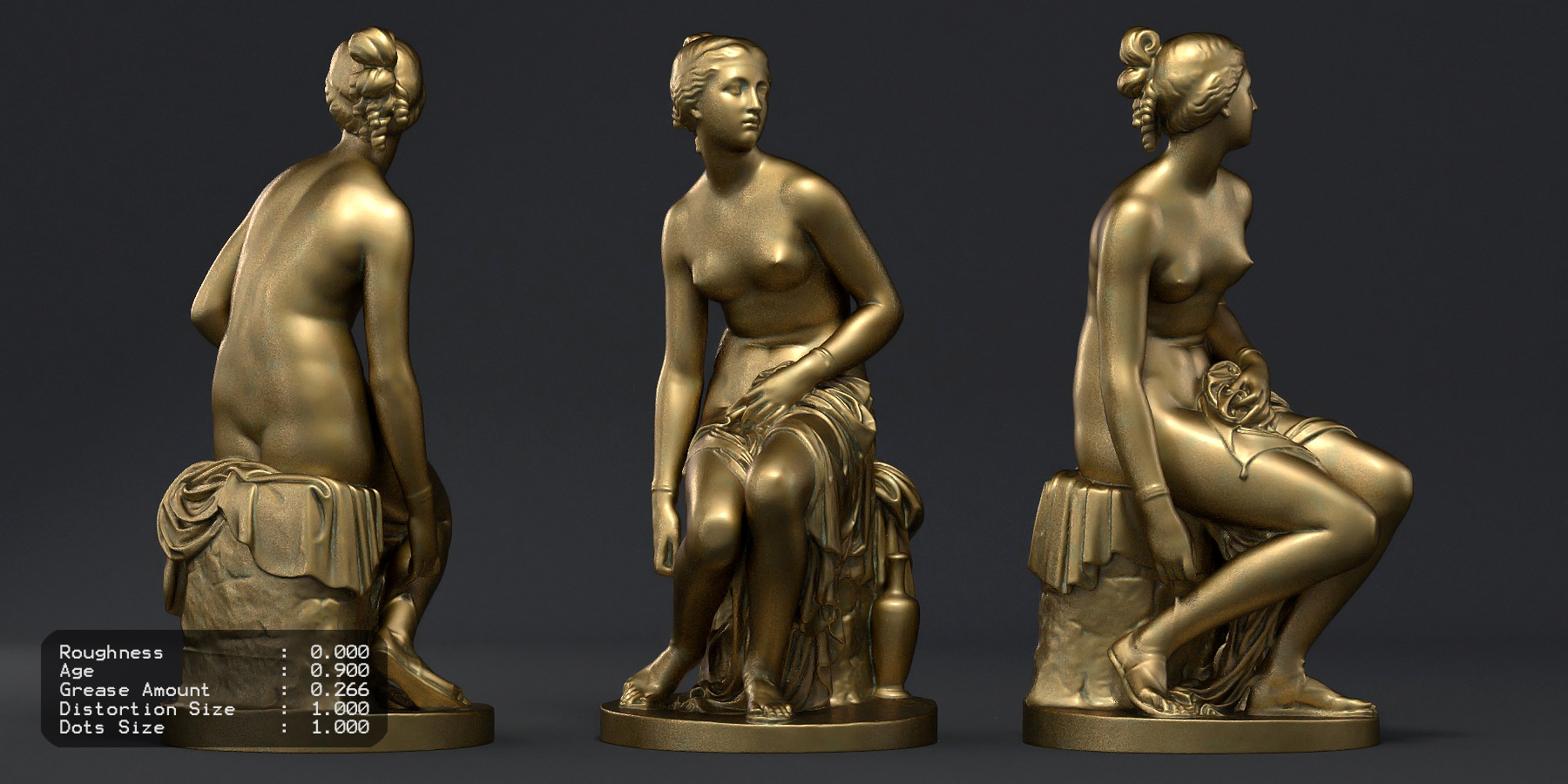
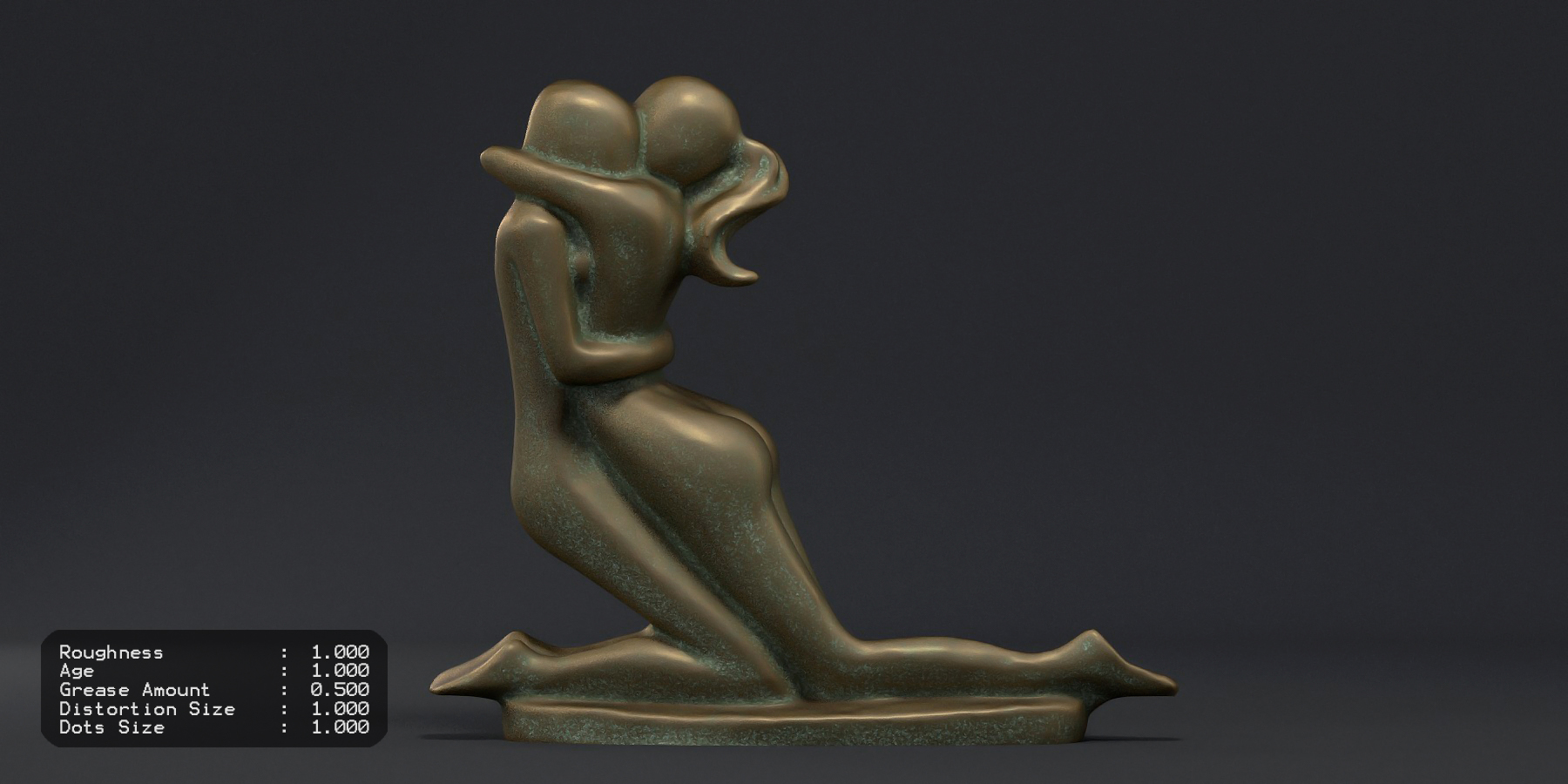
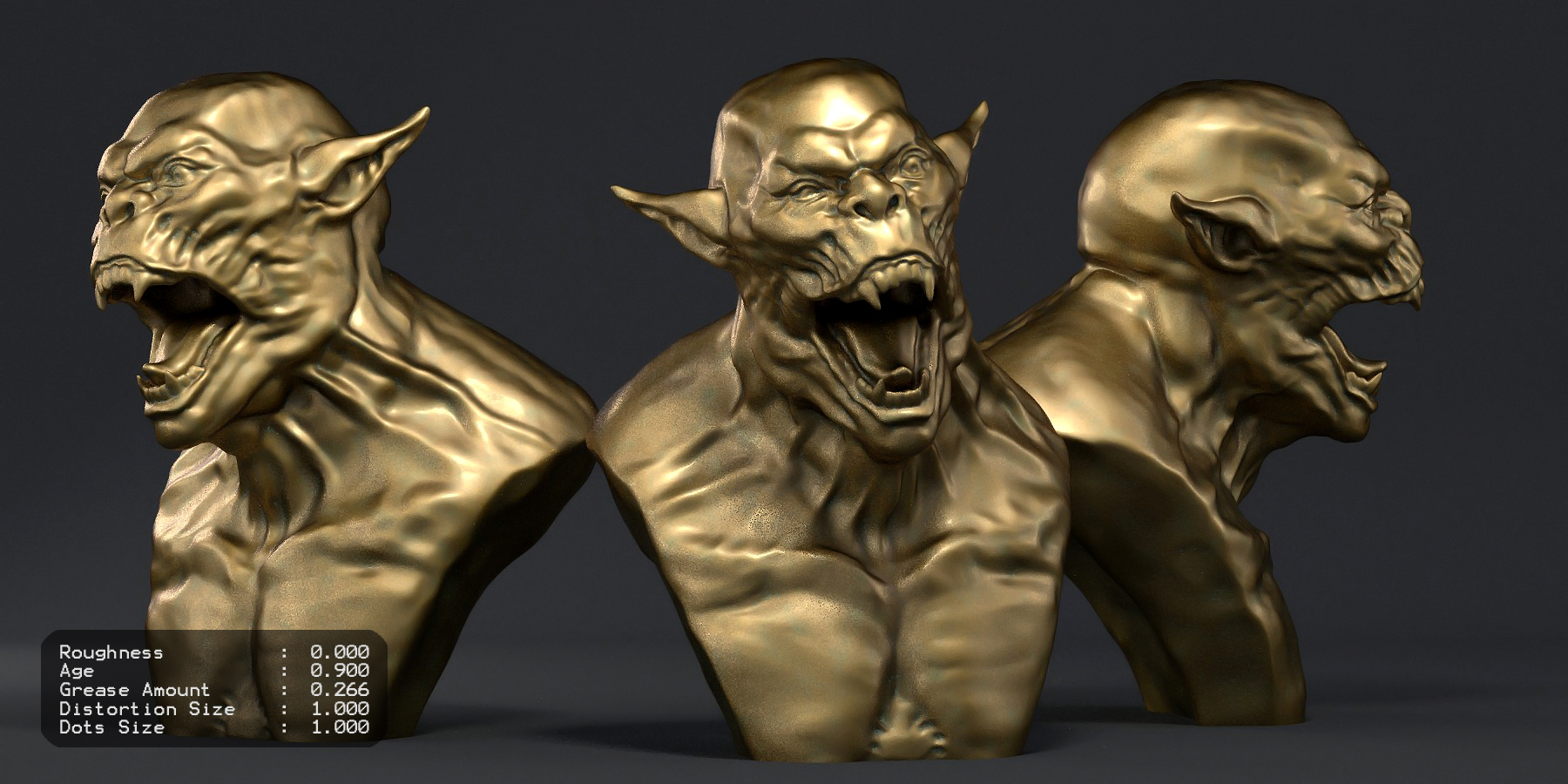
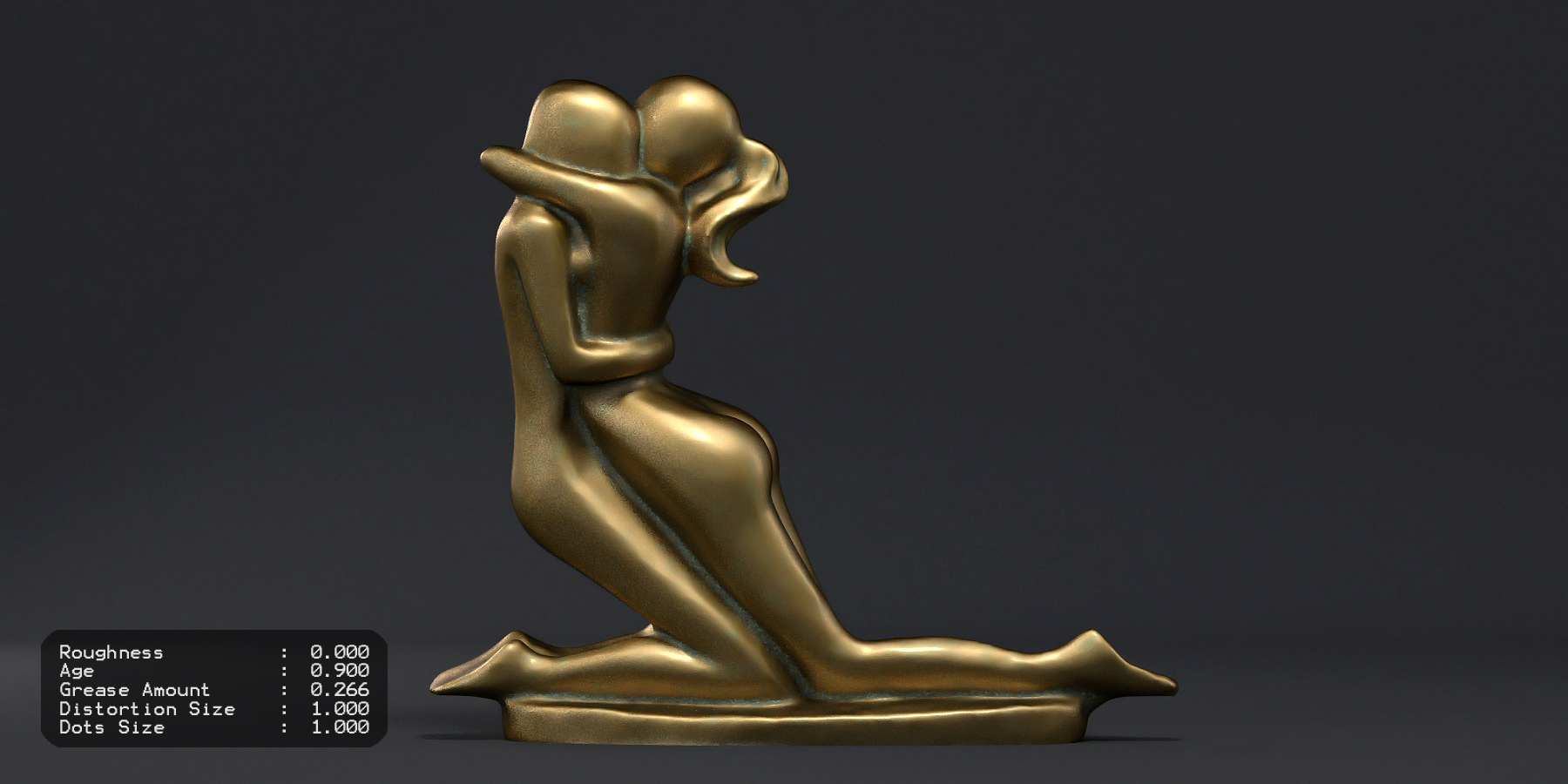
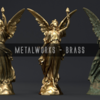
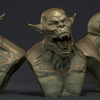
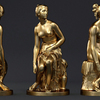


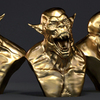
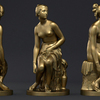
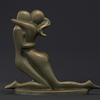
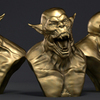

- Export the "Brass.zip" to you desired location
- Open your Blender Scene
- Append [Located in the 'FILE' tab on the Top Left]
- Go to your Extracted 'Brass' Folder
- Open the Brass.blend file
- Go to 'Materials' and Select and Double Click the Brass Material
- The Shader is now Imported to your Scene's Material Library
Have questions about this product?
Login to message
| Sales | 40+ |
| Rating | 1 ratings |
| Dev Fund Contributor | |
| Published | about 11 years ago |
| Blender Version | 2.7x |
| Render Engine Used | Cycles |
| License | Royalty Free |