◆ VOYDE PROCEDURAL / ADD-ON / BLENDER 5.2
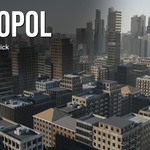
Metropol
One-Click Procedural Cities
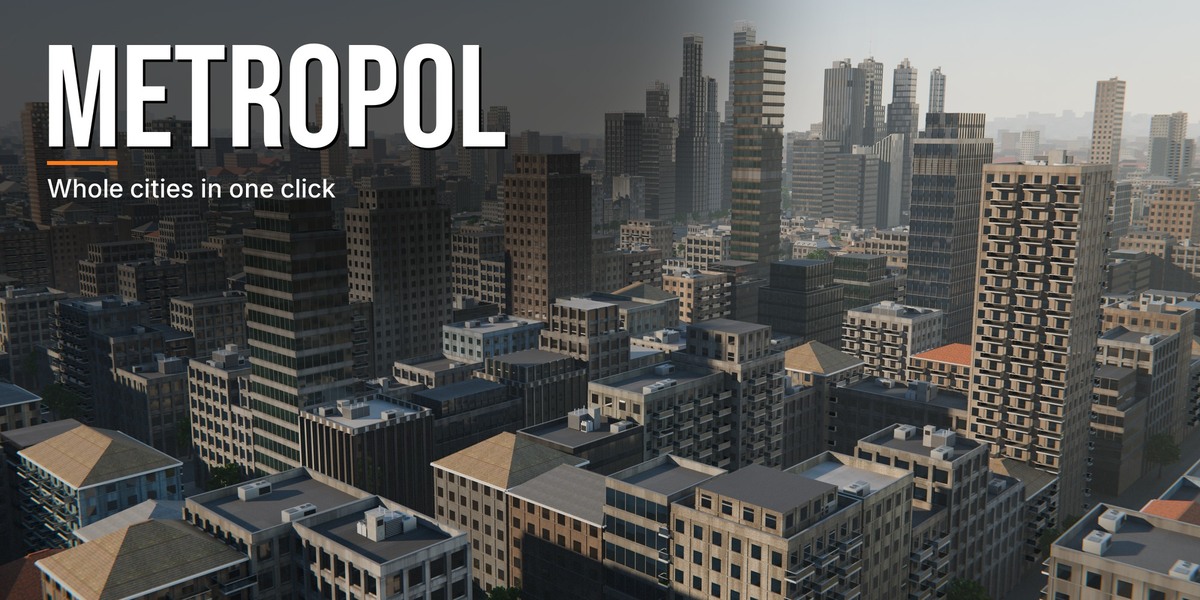
A whole city in one click, from the glass towers to the chimneys on the roofs.
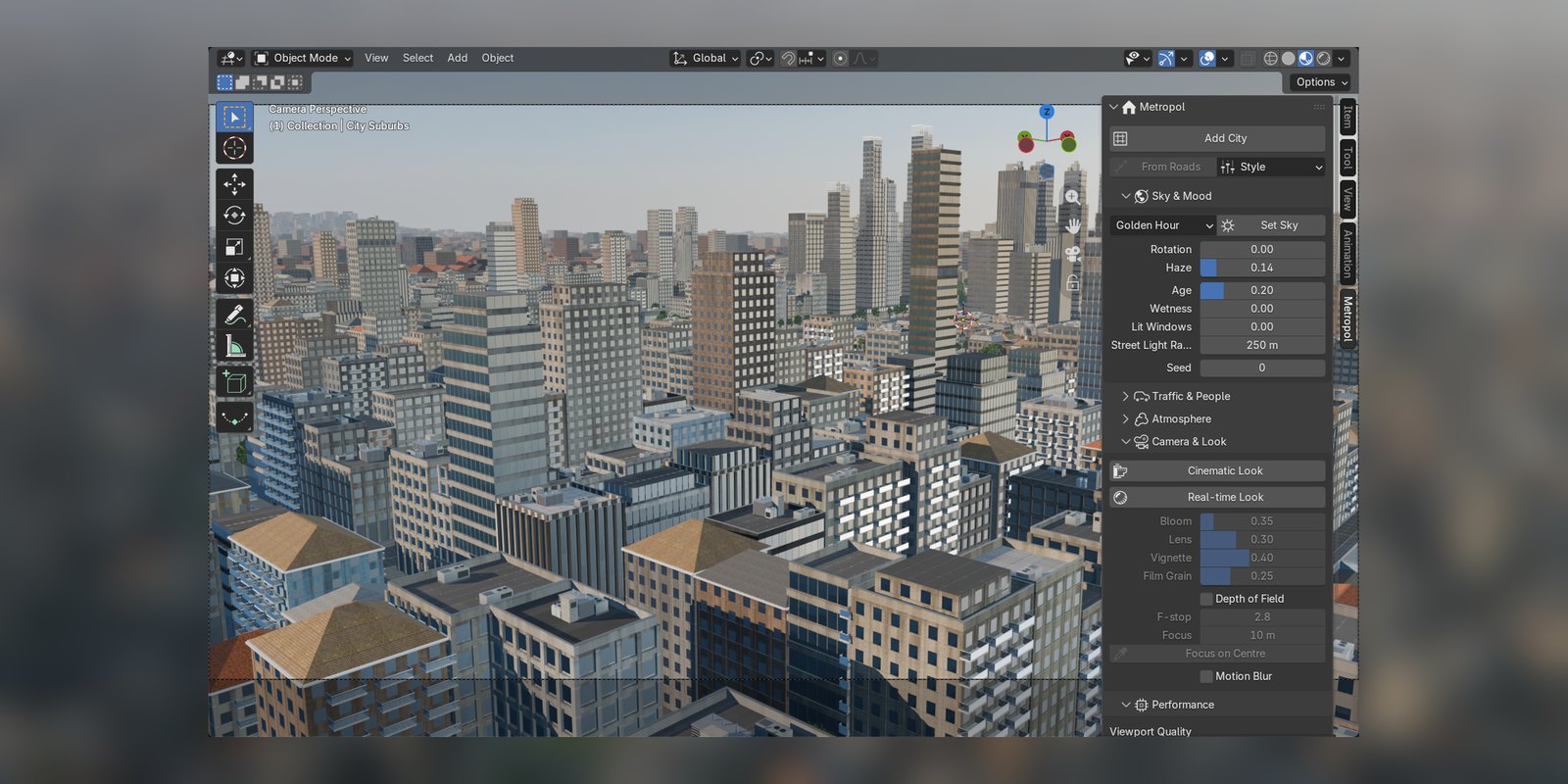
Metropol builds a complete procedural city in Blender: towers downtown, mid-rise apartment and office blocks, shopping streets, suburbs with gardens and pools, parks, and a far city that runs on to the horizon. Every street gets kerbs, footways, trees, lamps, signals and furniture.
The buildings are assembled from a real modular kit, with moulded windows, cornices, tiled and metal roofs, dormers, rear wings and streets that are not ruled with a straight edge. Draw your own roads, curved or at any angle, and Metropol builds the blocks between them. One click switches the whole city to a style, from a glass metropolis to a European old town or a wet night.
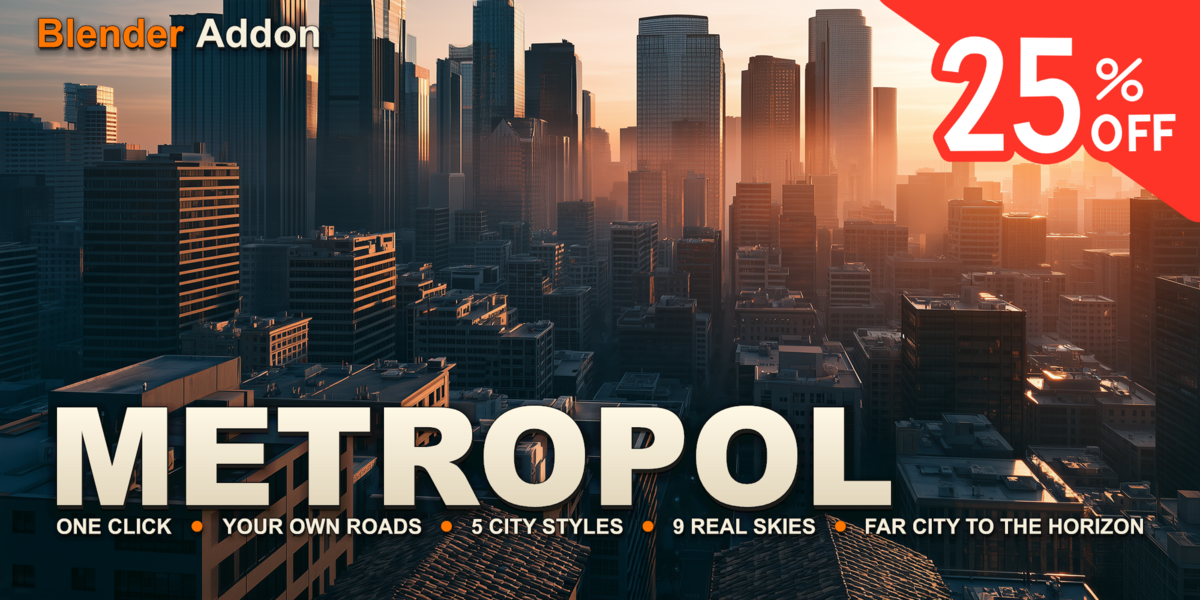
ONE CLICKYOUR OWN ROADS5 CITY STYLES9 REAL SKIESFAR CITY TO THE HORIZON
3
VIEWPORT QUALITY LEVELS
01 — KEY FEATURES
Everything a city needs
◆Districts in rings
Towers in the centre, mid-rise blocks, shopping streets and suburbs further out, with parks among them. Each district is its own object with its own settings.
◆City from Roads
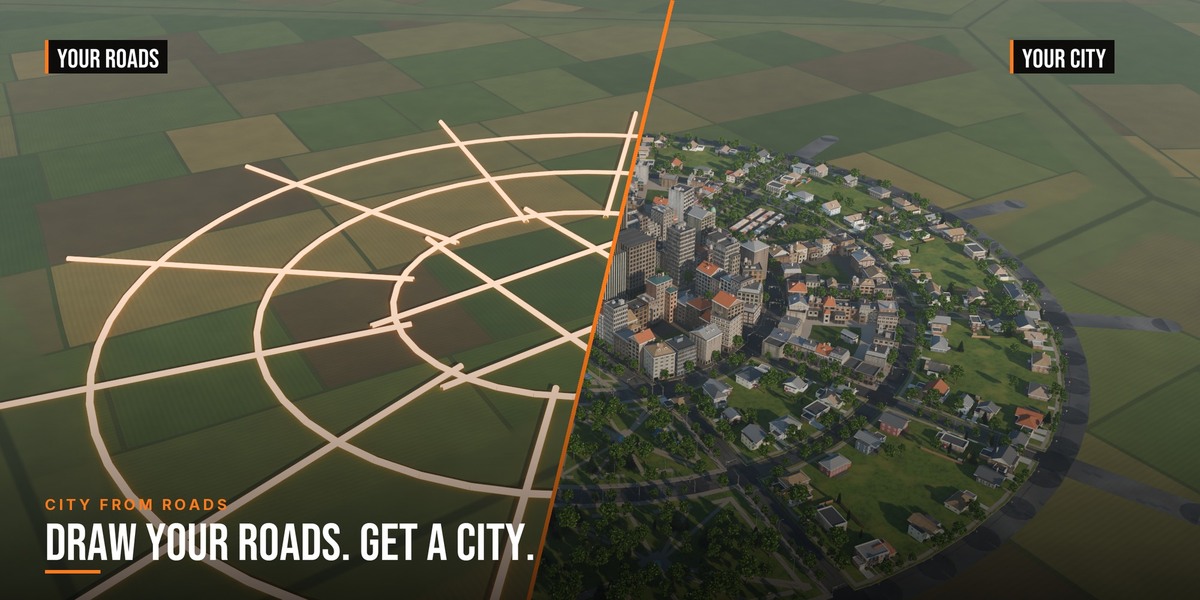
Draw road centre lines as a mesh or a curve. Every area they enclose becomes a block, curved and diagonal streets included.
◆A real building kit
Moulded windows, doors, cornices, crowns and fire escapes from a CC0 modular kit. The window grid fits each wall, so a corner never cuts a window in half.
◆Roofs, not boxes
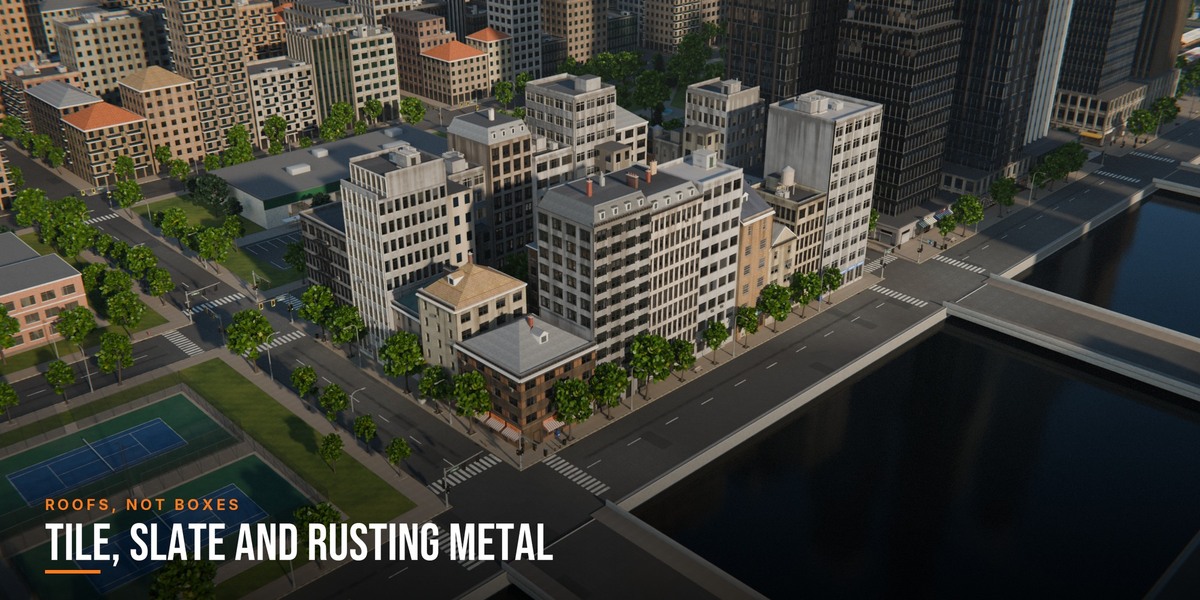
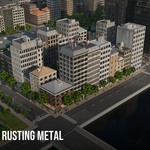
Hip, gable, lean-to and mansard roofs, gables facing the street, dormers, chimneys, clay tile, slate and corrugated metal that rusts with age.
◆Streets with rhythm
Buildings step back and turn a little on their lots, and lower wings at the back break up each block. Both have their own slider.
◆Far City
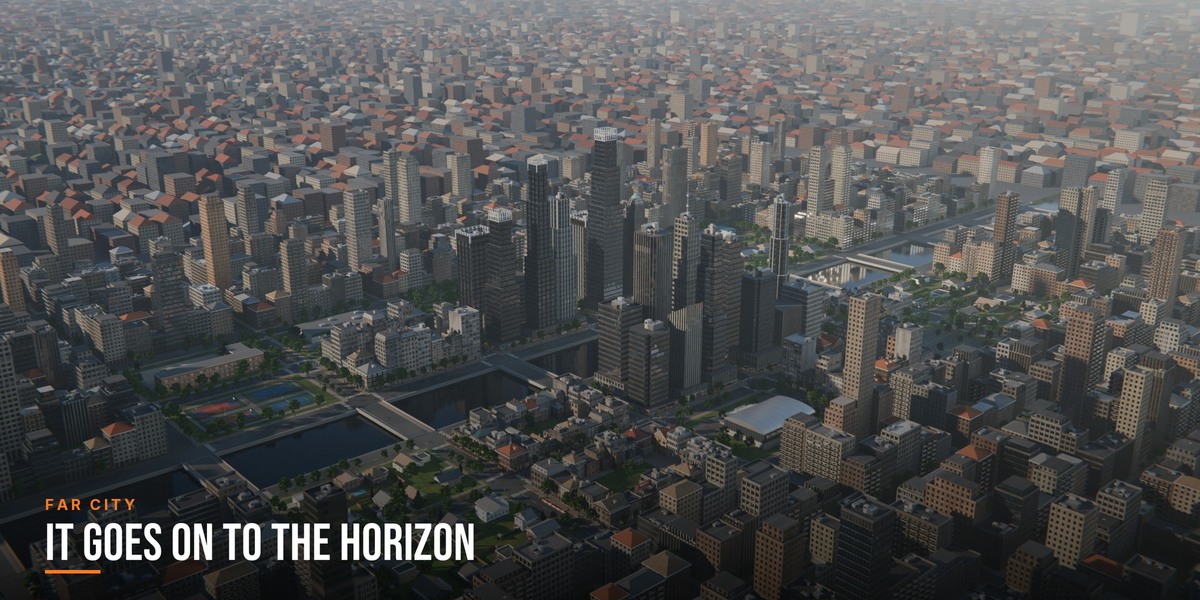
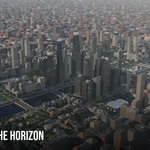
The street grid goes on for up to nine kilometres as one light mesh, so an aerial shot ends at the horizon and not at the edge of the model.
◆Rivers and bridges
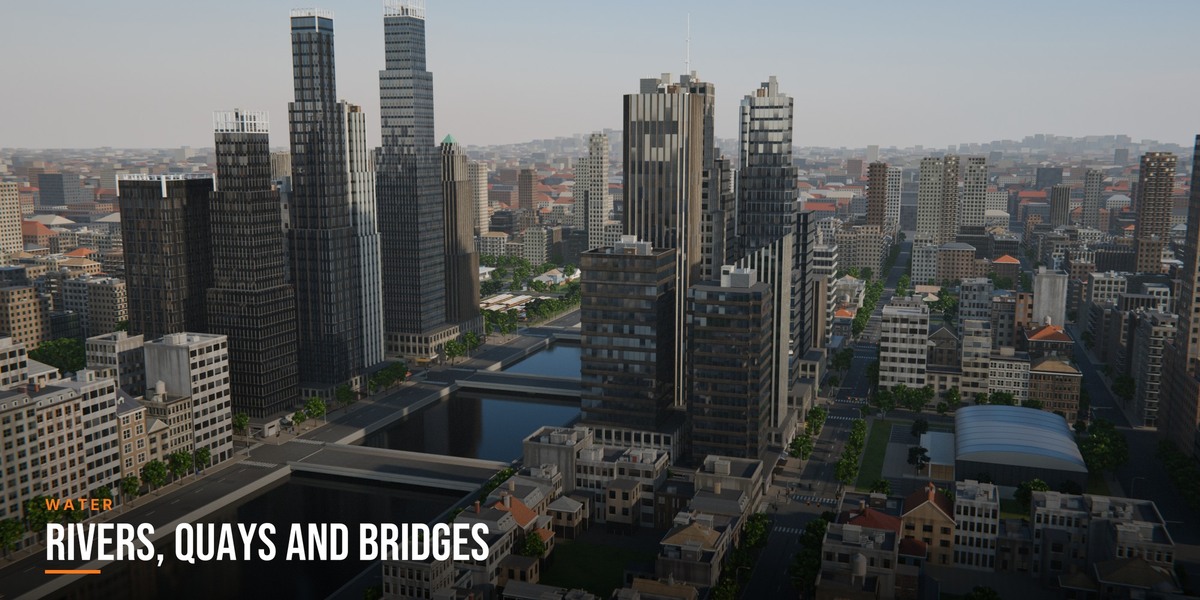
Turn the middle of the city into a river with quay walls, grass banks and a bridge for every street that crosses it.
◆One-click styles
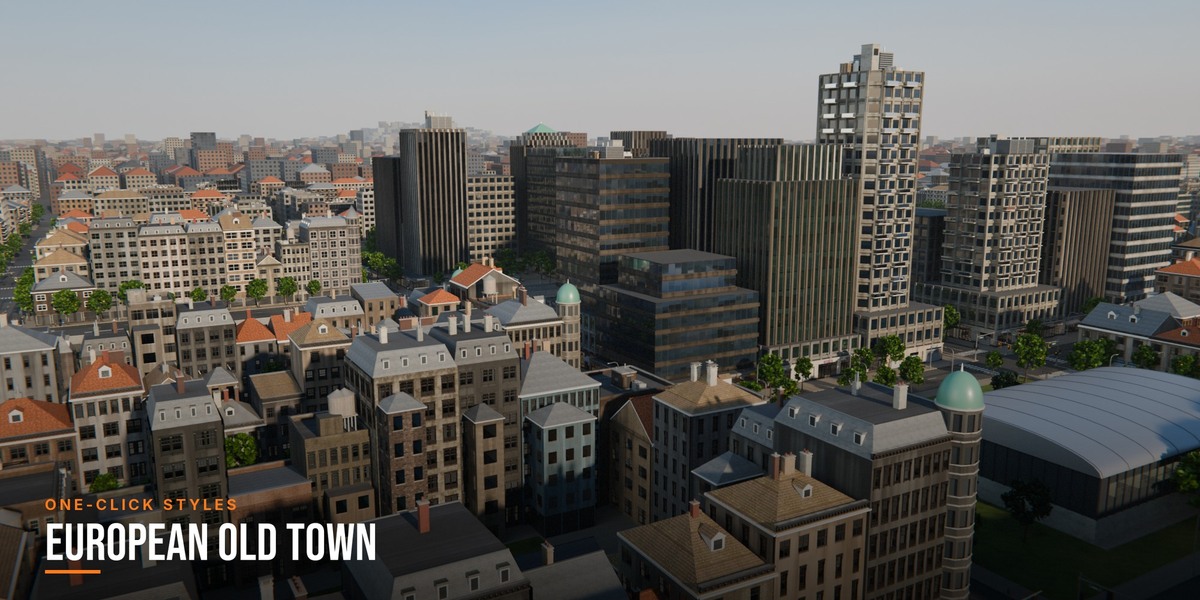
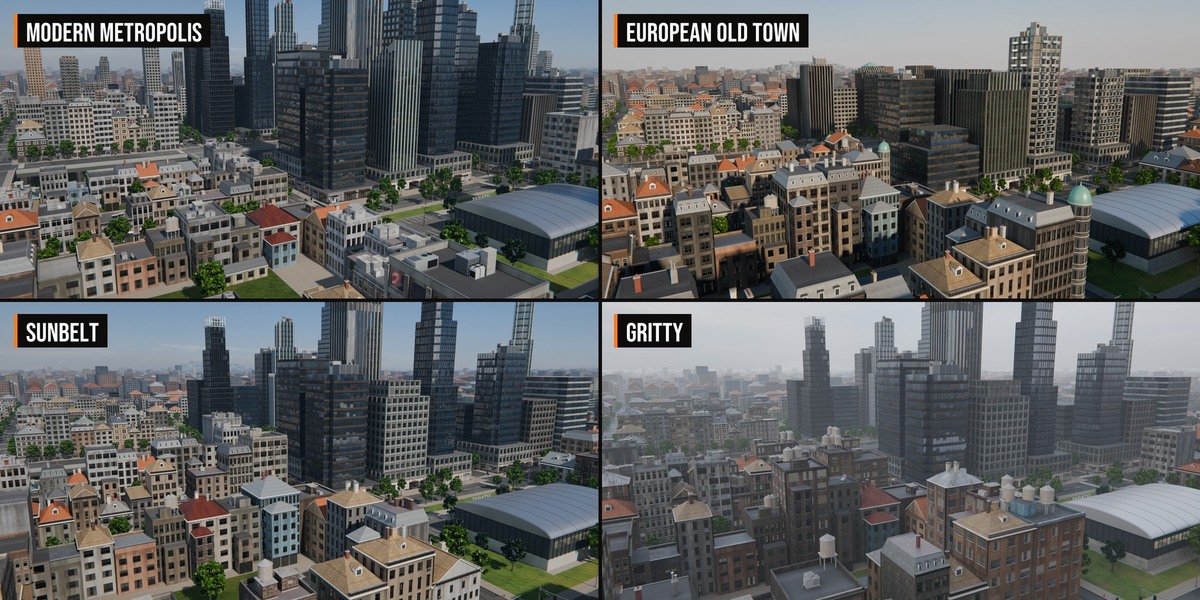
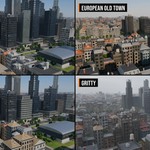
Modern Metropolis, European Old Town, Sunbelt, Night City and Gritty set the buildings, streets, sky and weather together.
◆Real skies, haze and fog
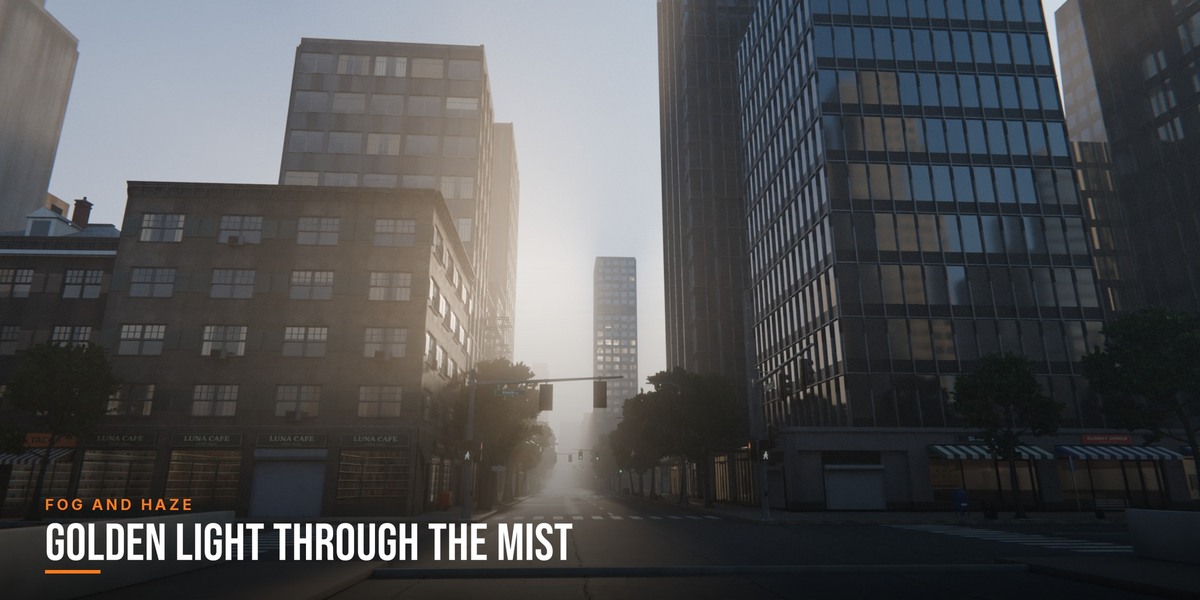
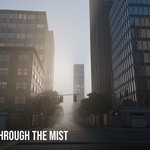
Nine sky photographs with a matching sun, aerial haze that costs no render time, and a box of height fog when you want one.
◆Nights that look like nights
Each window gets its own lamp colour and curtain, offices run on cool tubes, and street lamps near the camera are real lights with shadows that stop at the walls.
◆Age, Wetness and Lit Windows
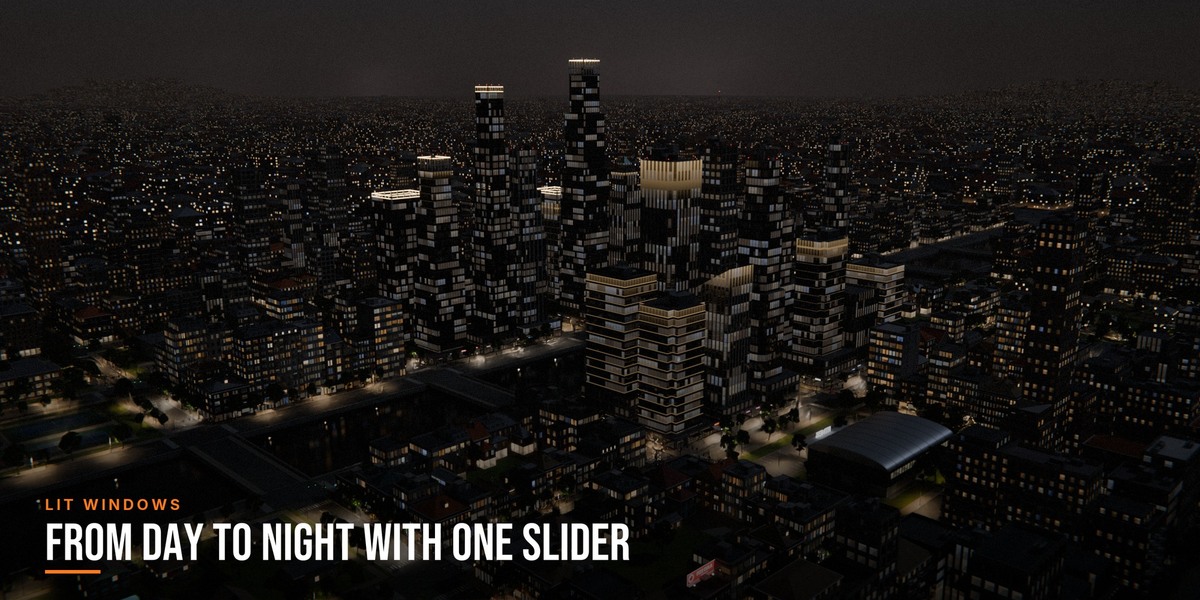
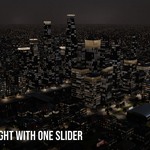
Three scene-wide sliders take the city from new to run down, from dry to rain-soaked and from day to night.
◆Viewport friendly
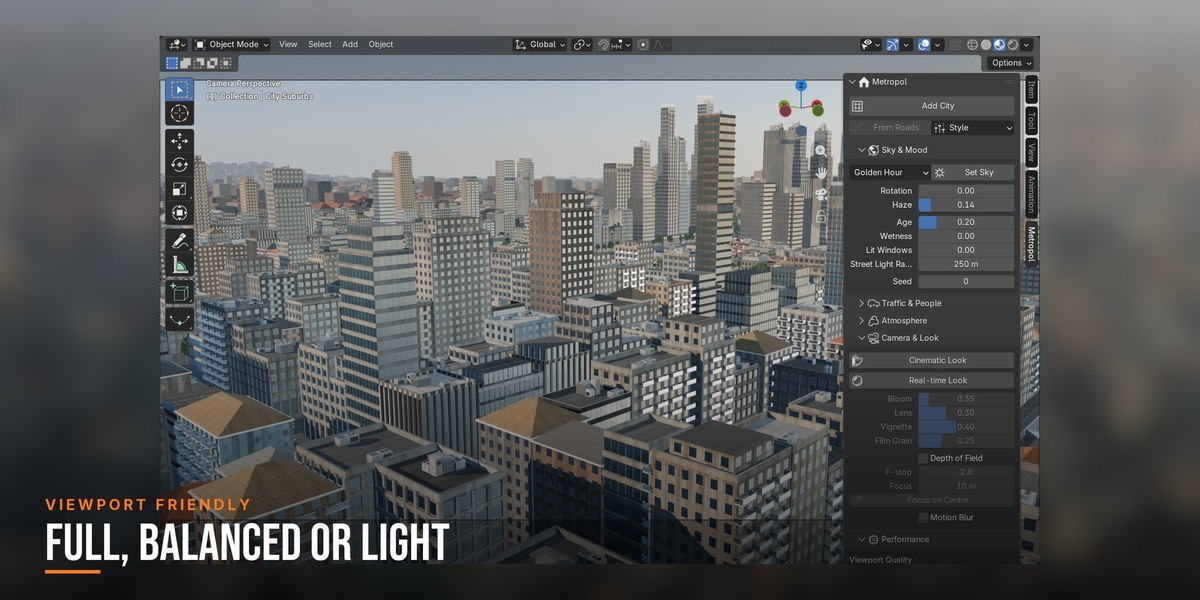
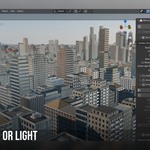
Pick Full, Balanced or Light in the panel. Level of detail follows the camera, and a Real-time Look button sets up EEVEE.
02 — THE SKYLINE AND THE STREET
Close up and far away
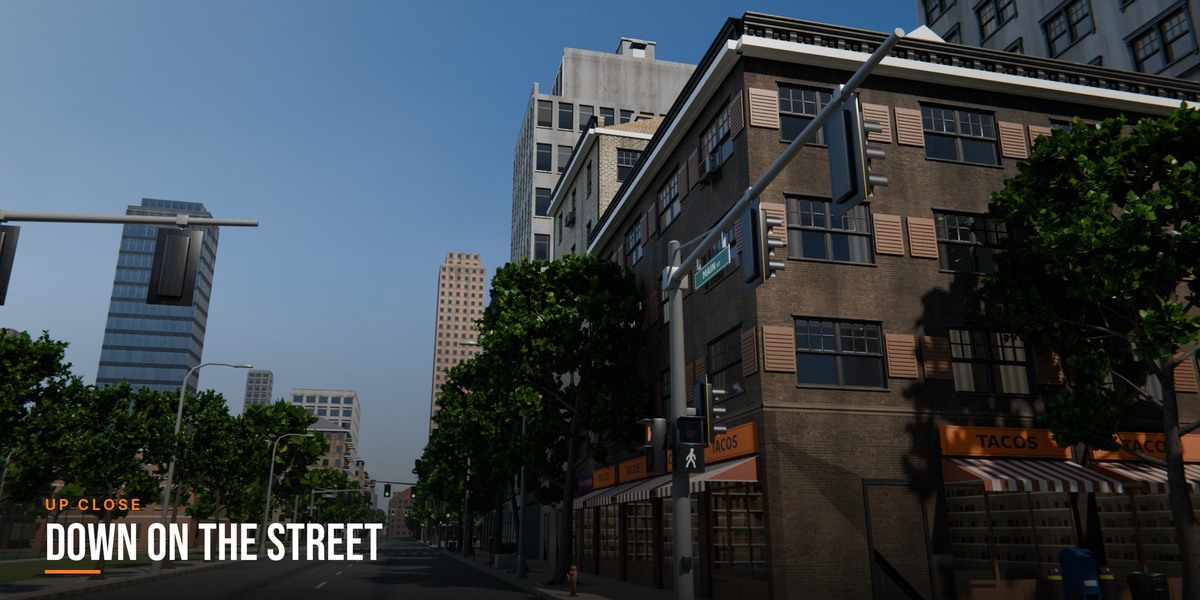
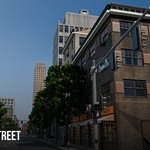
The same city holds up from a plane and from the pavement. Far away it is a roofscape running into the haze; up close it has shopfronts with goods on the shelves, signs, signals and street furniture.
Far City carries the streets on to the horizon.
Detail all the way down to the kerb.
Shopfronts with goods on the shelves and rooms behind the glass.
Trees, lamps, signals and furniture on every street.
03 — YOUR LAYOUT
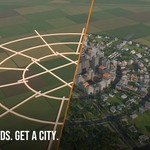
Draw the roads, get a city
Draw road centre lines from above as the edges of a mesh or as a curve and click From Roads. Crossing roads meet in junctions, loose ends are ignored, and each enclosed area becomes a block in its district.
Ring and radial roads drawn by hand, and the city built from them.
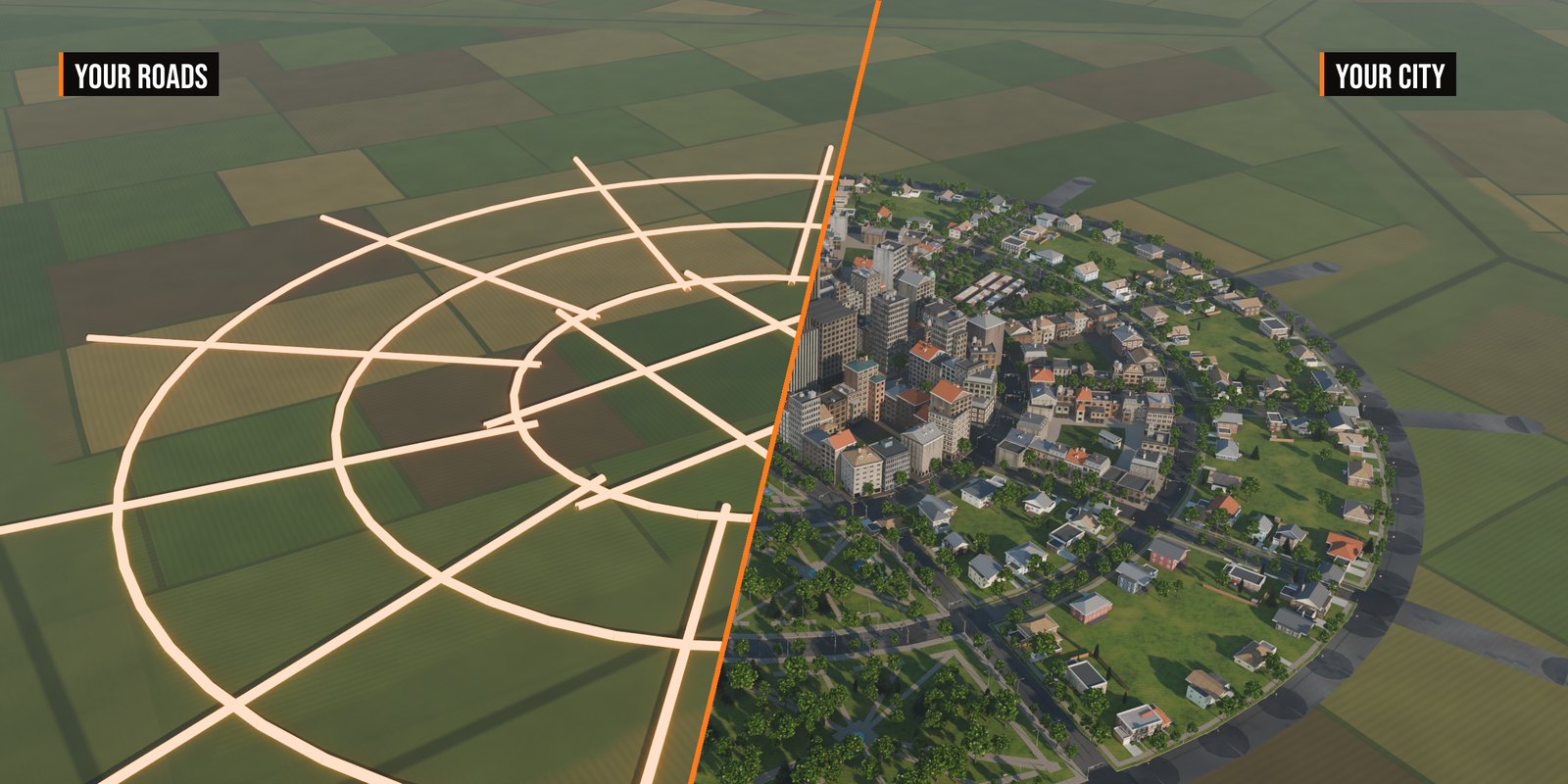
Curved and diagonal streets become blocks too.
04 — IN AMONG THE BLOCKS
Rivers, markets and pitches
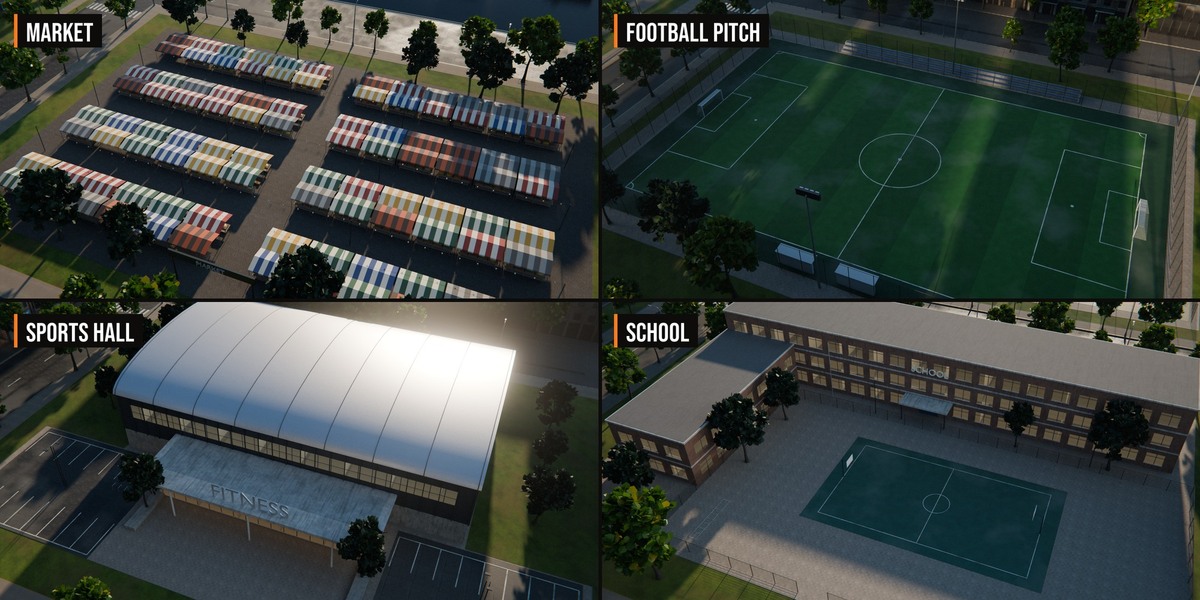
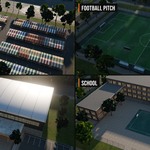
Turn the middle of the city into a river with quay walls and a bridge for every street that crosses it. Public places fill whole blocks: a market with striped stalls, a floodlit football pitch, tennis and basketball courts, a sports hall, a supermarket, a filling station, a school and a car park.
Rivers with quays and bridges.
A market with striped stalls.
Pitches, courts, a sports hall and a school.
Blue hour on the river.
05 — AFTER DARK
From day to night in one click
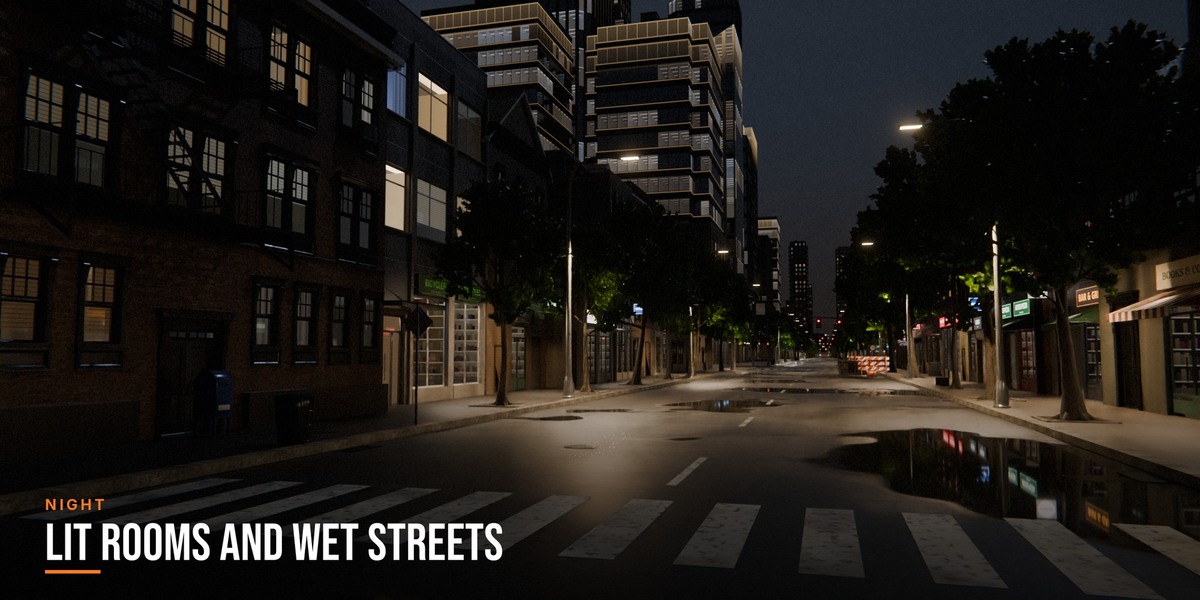
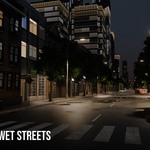
Pick a night sky and the city switches on: every window gets its own lamp colour and curtain, offices run on cool tubes and shop windows glow. Street lamps near the camera are real lights with shadows; further away they turn into painted pools of light that cost no render time.
The same city by day and by night.
Lit rooms, shop windows, real street lamps and wet asphalt.
06 — STYLES
One city, five moods
Style sets the district mixes, heights and streets of every city object and the sky, haze, age, wetness and lit windows of the scene. Only what a style lists changes, so it is a starting point you can keep tweaking.
07 — THE PANEL
One tab for the whole city
Everything is in the Metropol tab of the sidebar: build a city, pick a style, set the sky and mood and the viewport quality, and find every setting of the selected city object grouped as in its modifier.
08 — INSIDE
What the city is made of
Downtown
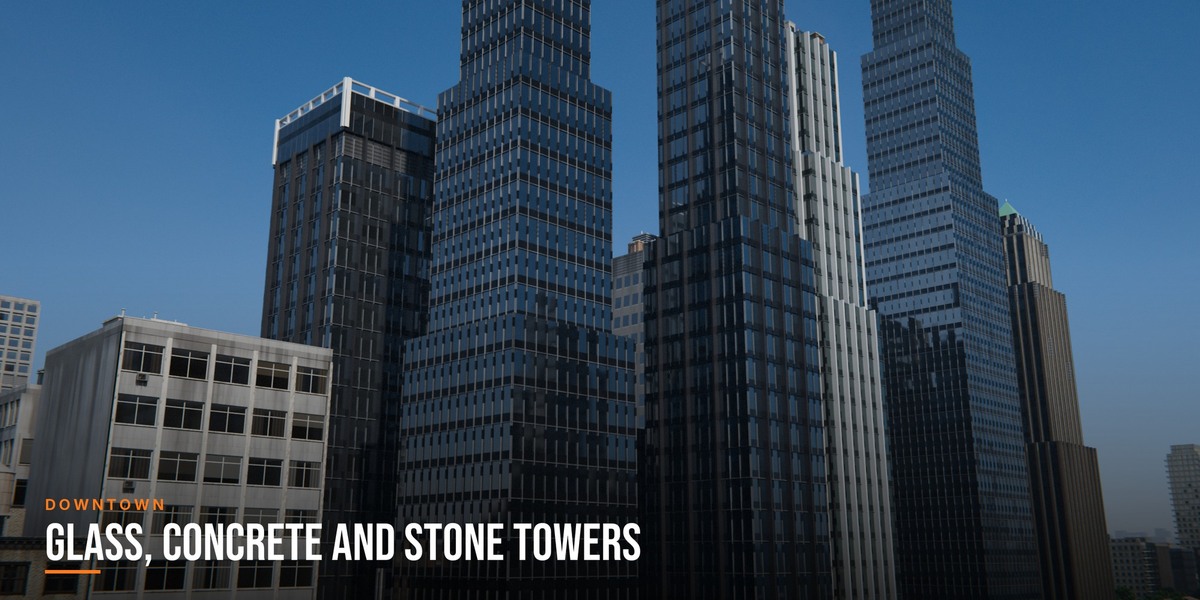
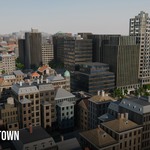
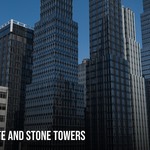
Glass, concrete-frame, stone and ribbon-window towers in seven plan shapes, with setbacks, fins, crowns, plant rooms, helipads and spires, and street floors of shops and lobbies.
Mid-rise and shops
Perimeter blocks of nine building types, with balconies, bays, shopfronts and awnings, fire escapes and named shop signs; gardens and rear buildings in the courtyards.
Suburbs
Houses with gable, hip and flat roofs, garages, porches, fences, hedges, pools and decks.
Parks
Paths, fountains, benches, lamps and a fenced playground, with trees grown from branches with real leaves.
Public places
A market with striped stalls, a floodlit football pitch, tennis and basketball courts, a sports hall, a supermarket, a filling station, a school and a car park, set in among the blocks.
City edge
Apartment blocks with balconies, sheds and warehouses, street trees, then fields and hedgerows into the haze.
Textures
Photographed CC0 textures from Poly Haven and ambientCG for walls, roofs, roads, pavements and lawns, with grime, dust and per-building variety.
09 — QUICK START
Your first city
1In Blender, go to Edit > Preferences > Get Extensions, open the drop-down menu, choose Install from Disk and pick metropol-1.0.0.zip.
2A Metropol tab appears in the 3D Viewport sidebar (press N).
3Click Add City. A city with a river takes about ten seconds on a recent PC.
4Pick a Style, then a Sky and click Set Sky.
5Place your camera and render, or click Real-time Look and fly around in EEVEE.
10 — FAQ
Good to know
Are cars and people included?
Not as part of the look. A new city has empty streets, ready for your own models: give the Parked Vehicles input of a district a collection with your cars, one object per car. The sliders also bring in simple built-in stand-ins, which are meant for blocking out, not for close-ups.
Will a whole city slow my viewport down?
Set Viewport Quality to Balanced or Light while you work: Light shows plain boxes. Renders always show everything, and level of detail follows the camera.
Cycles or EEVEE?
Both. The materials, the haze and the night lighting work in each.
Which Blender versions?
Blender 5.2 or newer. Metropol uses modifier features that are new in 5.2.
Can I change the layout?
Yes. Each face of a district object is a block that you can move or reshape in Edit Mode, or draw your own roads and use From Roads.
Can I use it in commercial work?
Yes, your renders and animations are yours. The building kit, textures and skies are CC0.
11 — DETAILS
What you get
Included
◆Metropol add-on (Blender extension)
◆Two demo scenes with cameras
◆User manual
Compatibility
◆Blender 5.2 or newer
◆Cycles and EEVEE
◆Pure Python and Geometry Nodes, no binaries
License
◆The add-on code is licensed under GPL-3.0-or-later.
◆Building kit, textures and skies: Poly Haven and ambientCG, CC0.
 Voyde Procedural
 VOYDE.PROCEDURAL
VOYDEPROCEDURAL.COM / ALL PRODUCTS / X / INSTAGRAM