 blenderVfxMaster




The complete MIDI piano animation and audio-production package
Pro Max combines MIDI-driven key, hammer and pedal motion with the bundled piano setup, channel colors, falling-ball visualization and SF2 audio generation.
MIDI Piano Dynamics Tool Pro Max – Transforming Music into Visual Magic
Bring your music to life with MIDI Piano Motion Tools Pro Max . This ultimate Blender plugin transforms MIDI files into stunning, professional piano animations .
Whether for music videos, tutorials, visual arts, or live performances, this tool makes creating professional-grade animations easy for everyone1.
Note:that the video demonstration uses other languages, but the actual plugin language is English
✅Main Functions
🎹A complete piano animation system
-
Automatic piano key animation with realistic rhythm
-
Hammering animation synchronized with musical notes
-
Pedal animation (suspension, softness, sustain)
-
Supports the full 88-key range (MIDI 21–108).

🎨Advanced visual effects
-
Dynamic key firing effect with customizable colors
-
Color modes based on speed and rainbow gradient
-
Customizable colors for each channel and each button.
-
Ball dropping visualization
-
Complete 16-channel MIDI color management
🎵Audio Integration
-
Built-in SF2 sound library for audio generation
-
Export audio by MIDI channel
-
Supports custom tone libraries
-
High-quality FluidSynth rendering
⚡Professional animation control
-
Multiple interpolation modes (linear, constant, Bezier, intelligent).
-
Speed-sensing animation duration
-
Supports MIDI controllers (pitch bend, modulation).
-
Frame Precision Timing
-
Batch animation cleanup and management

🎛️ Flexible workflow
-
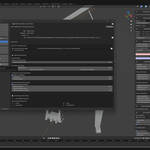
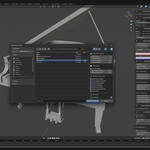
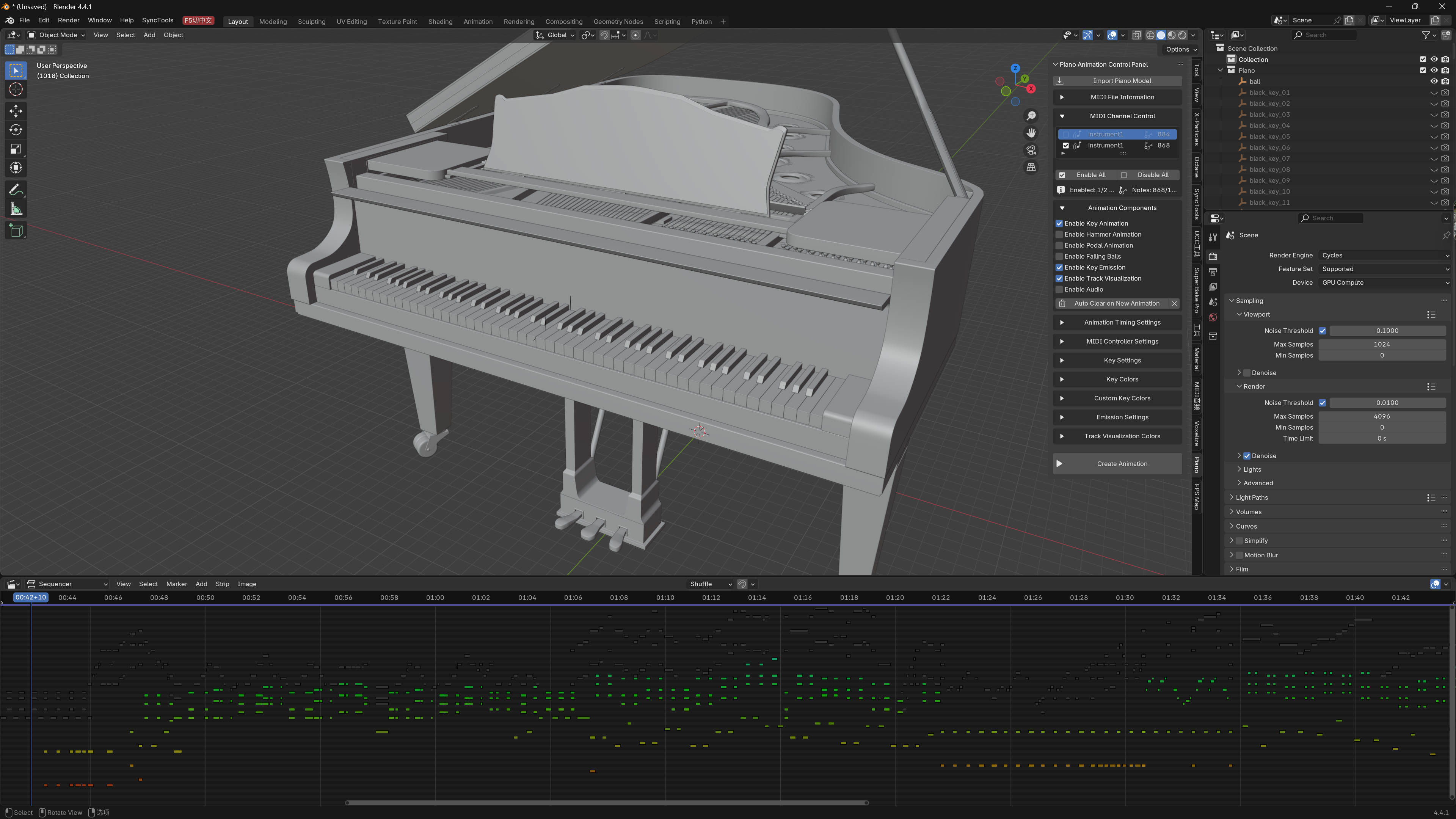
Intuitive sidebar user interface (View3D → Sidebar → Piano)
-
Real-time channel enabled/disabled
-
Audio and animation muted for each channel
-
Visual sequence editor integration
-
Automatically organized animation data
🔧Advanced Customization
-
Custom key naming rules
-
Editable time, duration, and emission intensity
-
Intelligent interpolation enables natural motion
-
Complete MIDI information display and diagnostics
✅Perfect for
-
Music video creators
-
Music educators and students
-
Visual artists and designers
-
Animation Studio
-
Performing musicians
-
Anyone who wants beautiful MIDI visualizations
✅Work Process
-
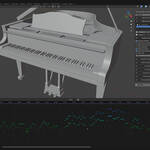
Import the built-in piano model (or use your own piano model).
-
Load your MIDI file via the piano panel
-
Configure buttons, hammer, animations, effects, and colors.
-
One-click animation generation
-
Adjust channels and settings as needed
-
Export audio using the SF2 sound library
-
Render your final piano performance animation
✅Technical Highlights
-
Compatible with Blender 4.2.0 and later.
-
Includes bundled libraries: mido, numpy, scipy, fluidsynth
-
Comes with a default SF2 sound library.
-
Supports custom tone libraries
-
Highly efficient F-curve organization
-
Node-based launch materials
-
Fully supports 16-channel MIDI
✅Includes assets
-
High-quality piano models
-
Default SF2 sound library
-
FluidSynth binary file
-
Required Python libraries
Transform your MIDI files into breathtaking, expressive piano performances that will captivate your audience.
Get MIDI Piano Motion Tools Pro Max now!