 blenderVfxMaster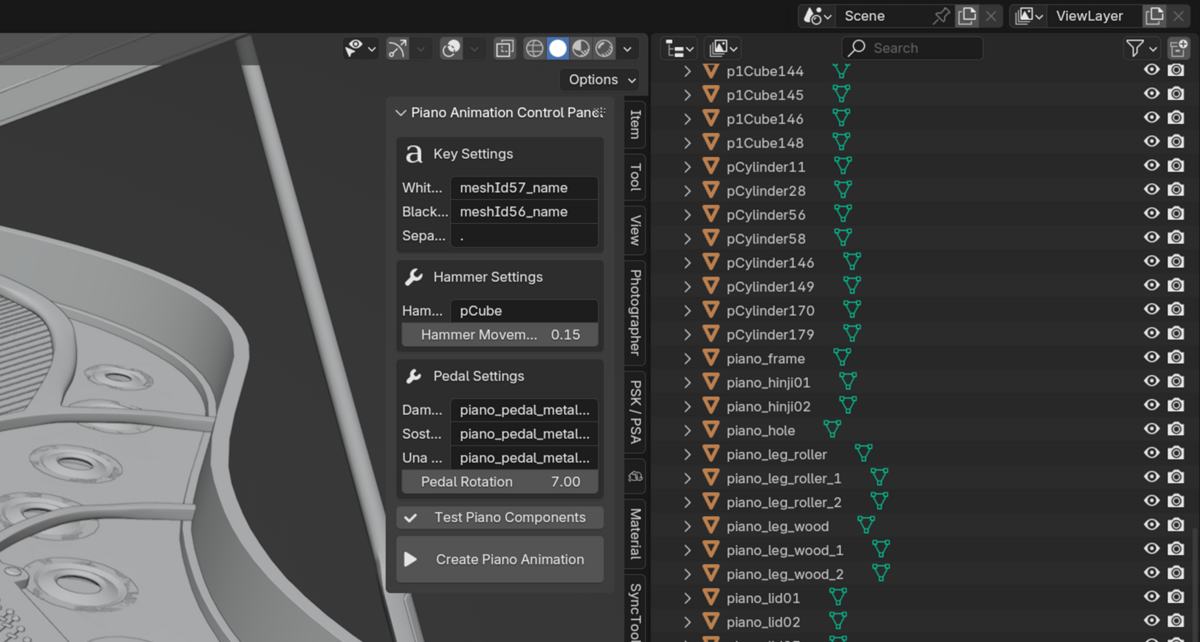
PianoMotion Tools
Load a MIDI file, choose a piano template, and turn the notes into key, hammer and pedal animation in Blender. A piano model is included, so you have something to start with. Once the motion is in place, you can work on the camera, materials and lighting.
Cover illustration. The screenshots and previews below are labelled separately.
The piano and its animation
The model, animation and controls are shown separately below.
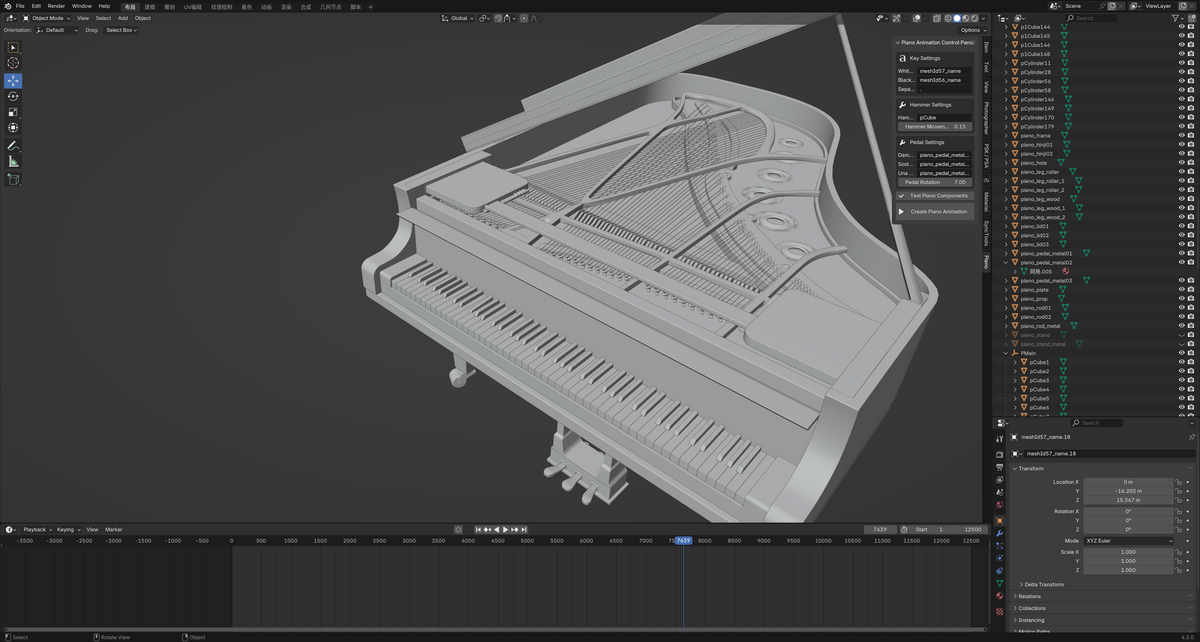
MODEL PREVIEW · View full size ↗
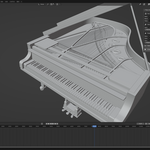
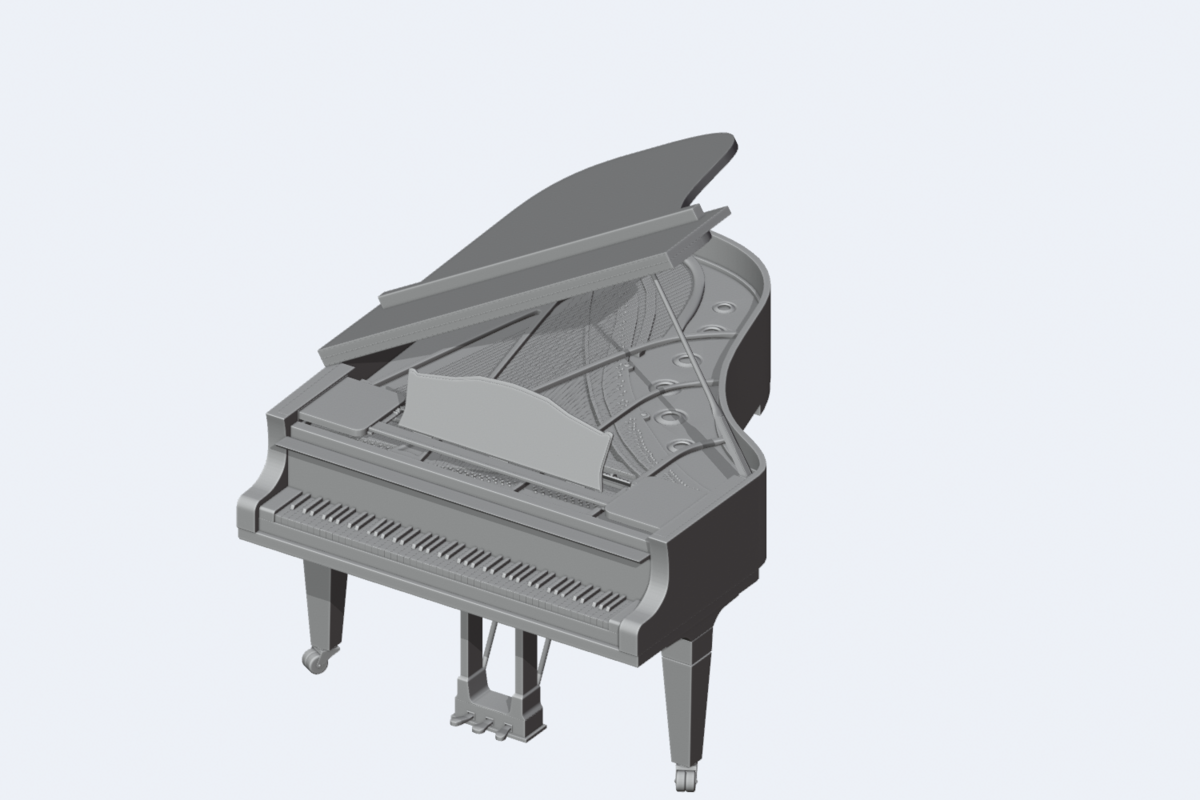
The included piano
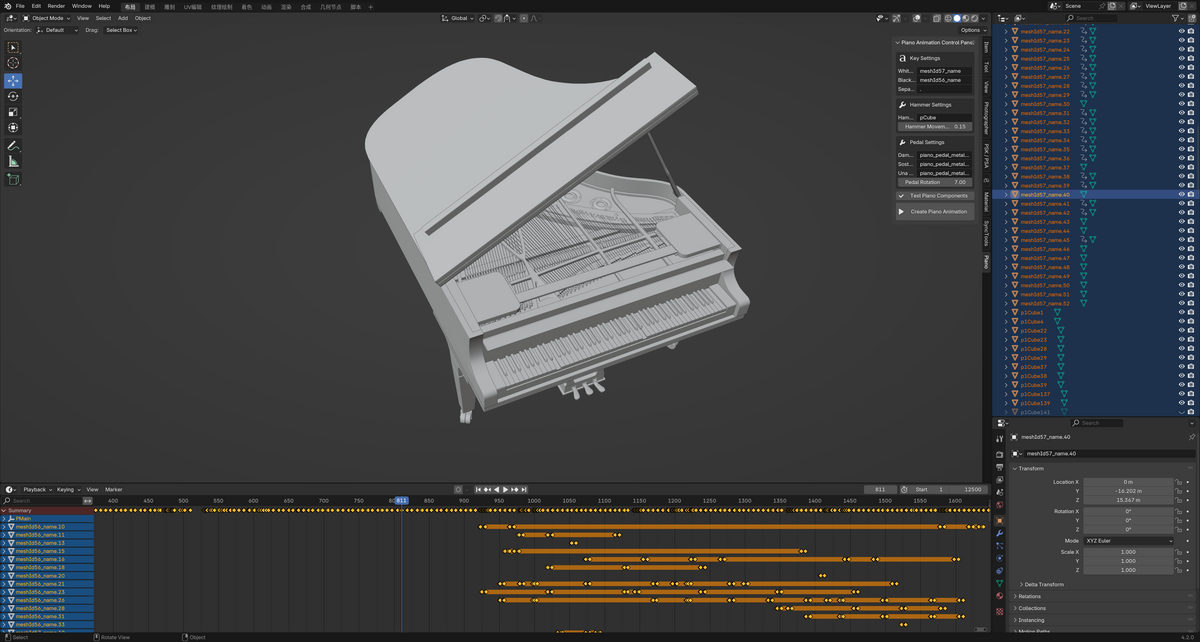
Here’s the piano model from this edition, shown without the Blender interface. This is a static geometry preview, not an animated performance or a supplied lighting setup.
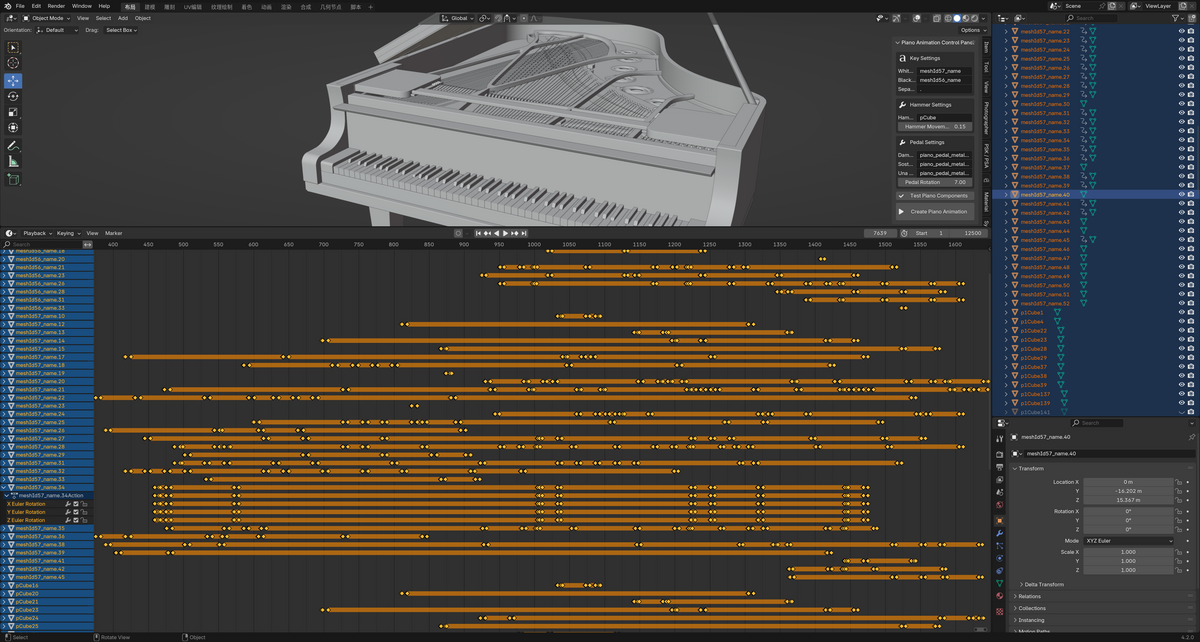
RESULT · View full size ↗
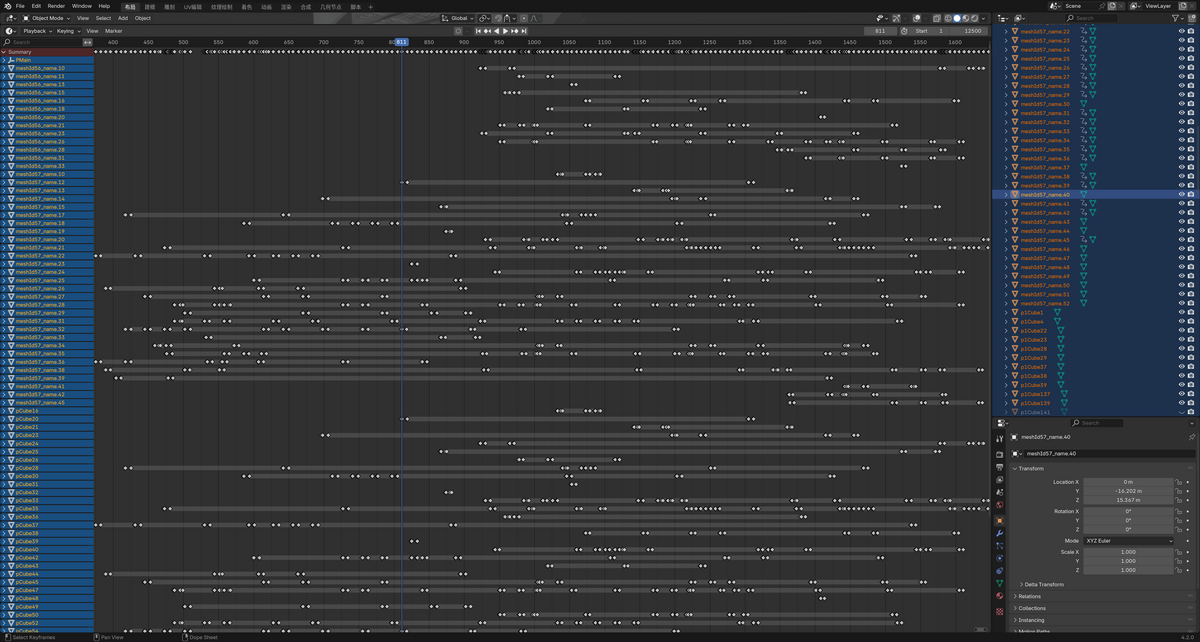
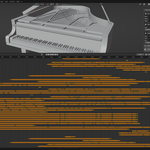
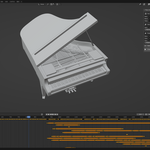
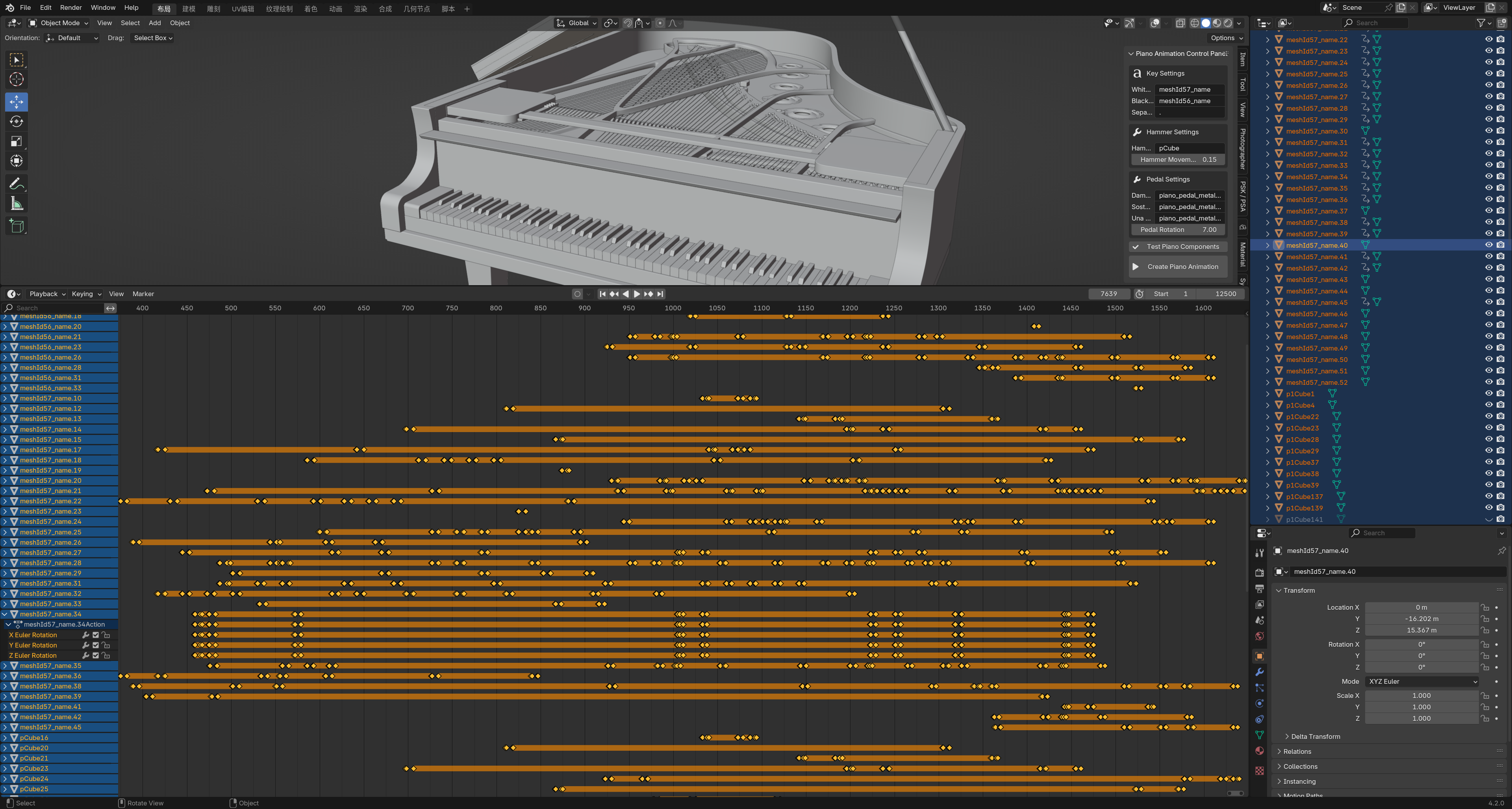
The performance on the timeline
The piano and its animation tracks are visible together. This is where you can check which parts move and how the notes line up over time.
What you can do
Here’s what you can do with it.
Start with a MIDI file
Import a Standard .mid file to drive the piano animation instead of keyframing each note by hand. Play through the result and adjust the timing where needed.
Animate more than the keys
Set up the keys, hammers and supported pedals to move with the music. The add-on needs to know which objects belong to each part, so check the piano’s object names and mappings first.
A piano and templates are included
Use the included piano model and animation templates to get started. The model preview below shows the geometry in a neutral studio view; it is not an animation or an example of supplied lighting.
Give the piano your own look
Change the materials, frame the shot and light the scene in Blender. You can prepare the scene for Cycles or EEVEE, whether you’re making a music video, a lesson or a portfolio piece.
Keep working after generation
The animation and scene are there for you to inspect and refine. Keep a source copy when trying different templates, and check the result rather than assuming every MIDI file will need the same settings.
Where the controls are
CONTROLS · View full size ↗
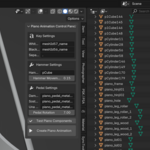
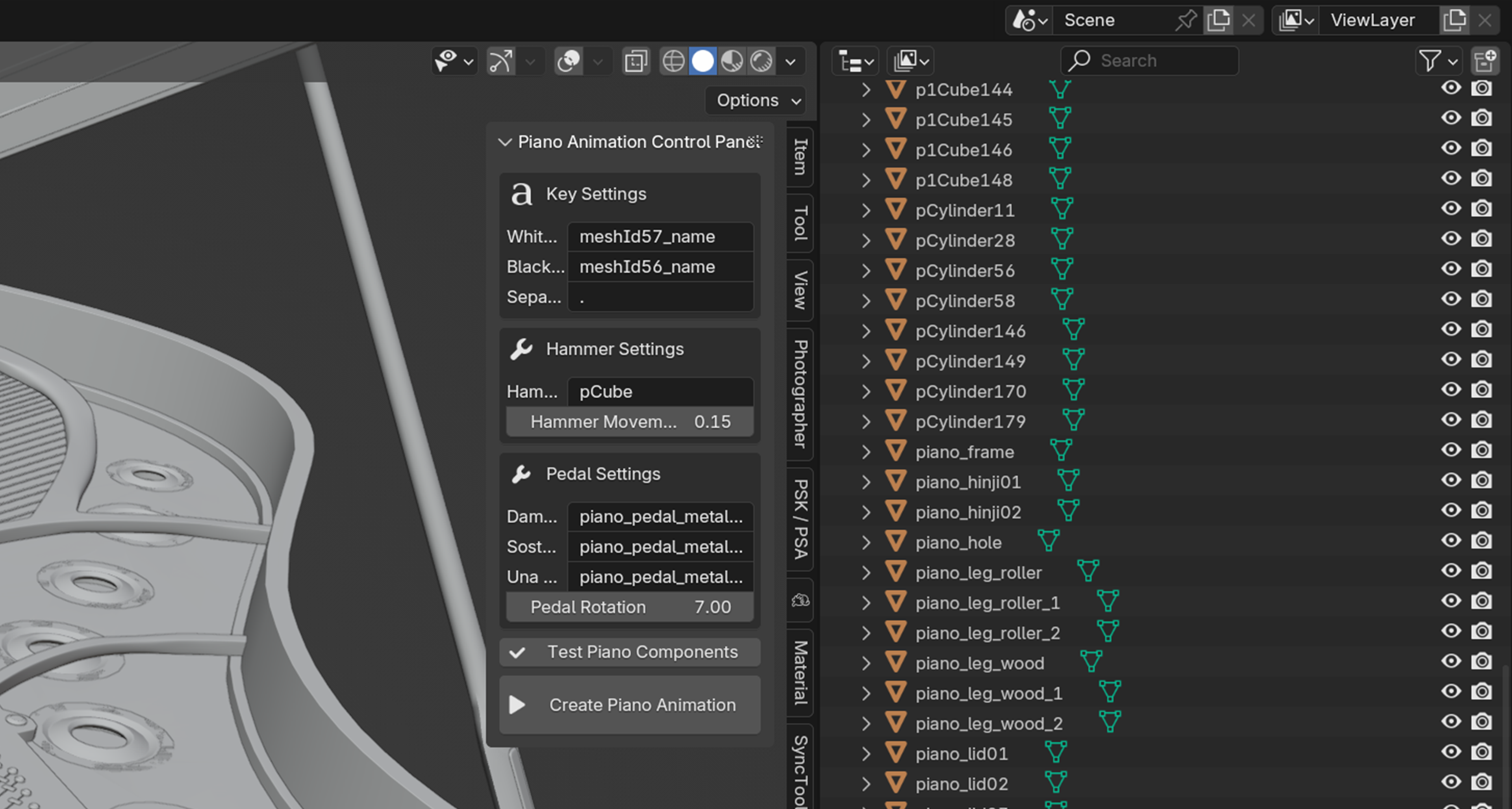
Choose a template and set up the piano
The sidebar puts the template and piano controls beside the model, so you can work on the mappings without leaving the scene.

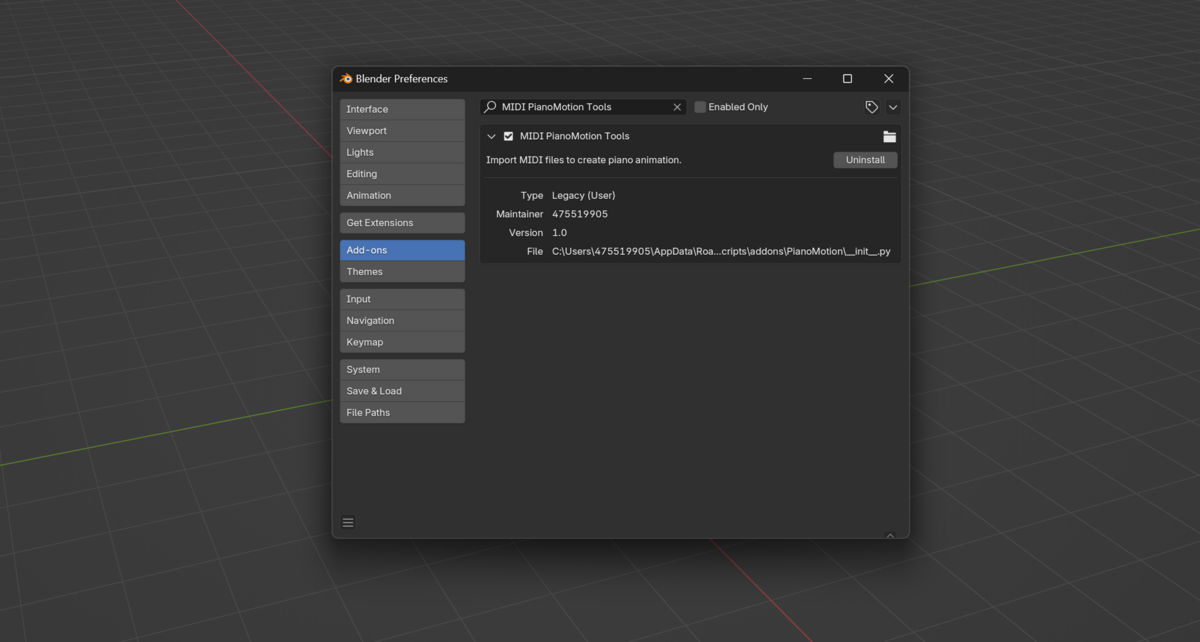
BLENDER PREFERENCES · View full size ↗
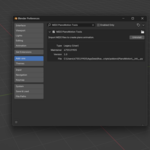
The add-on in Preferences
This is the installed add-on entry in Blender Preferences. The other screenshots show the piano controls and animation.
From MIDI to your first render
-
01
Open the piano setup and look through its objects.
-
02
Choose your MIDI file and an animation template.
-
03
Check the key, hammer and pedal mappings.
-
04
Generate the animation and play through the whole passage.
-
05
Set up the materials, camera and lights, then render.
What you need
- Blender 3.0 or newer.
- Standard MIDI (.mid) files.
- Windows 10/11, macOS 13+ and Linux.
- Basic, Pro and Pro Max include different resources. Check the edition you’re buying.
Does this include a piano?
Yes. This edition includes a piano model and animation templates.
Do I need to adjust the animation afterward?
Play through the keys, hammers and pedals after importing your MIDI. You may want to adjust the motion or scene before rendering.