MIDI PianoMotion Tools
 blenderVfxMaster
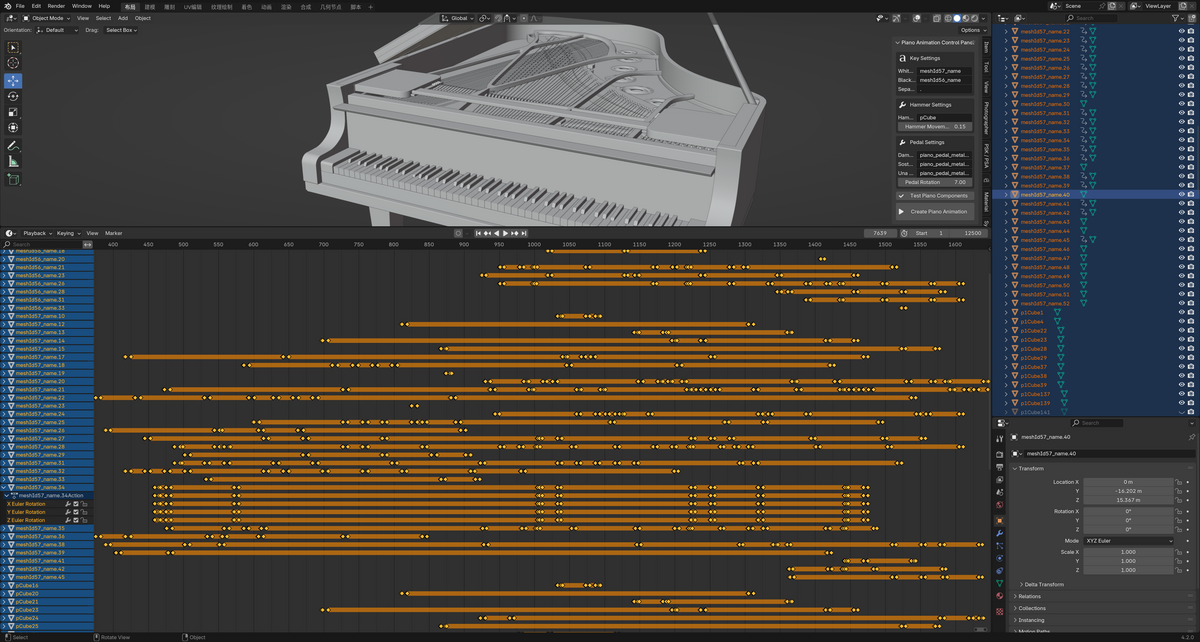
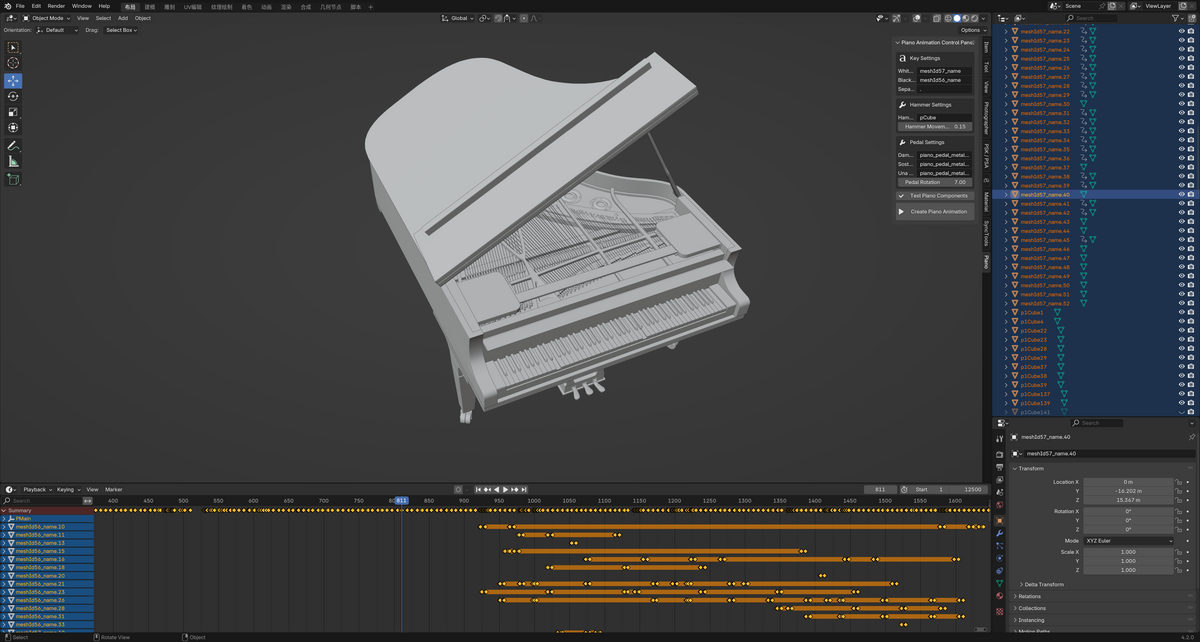
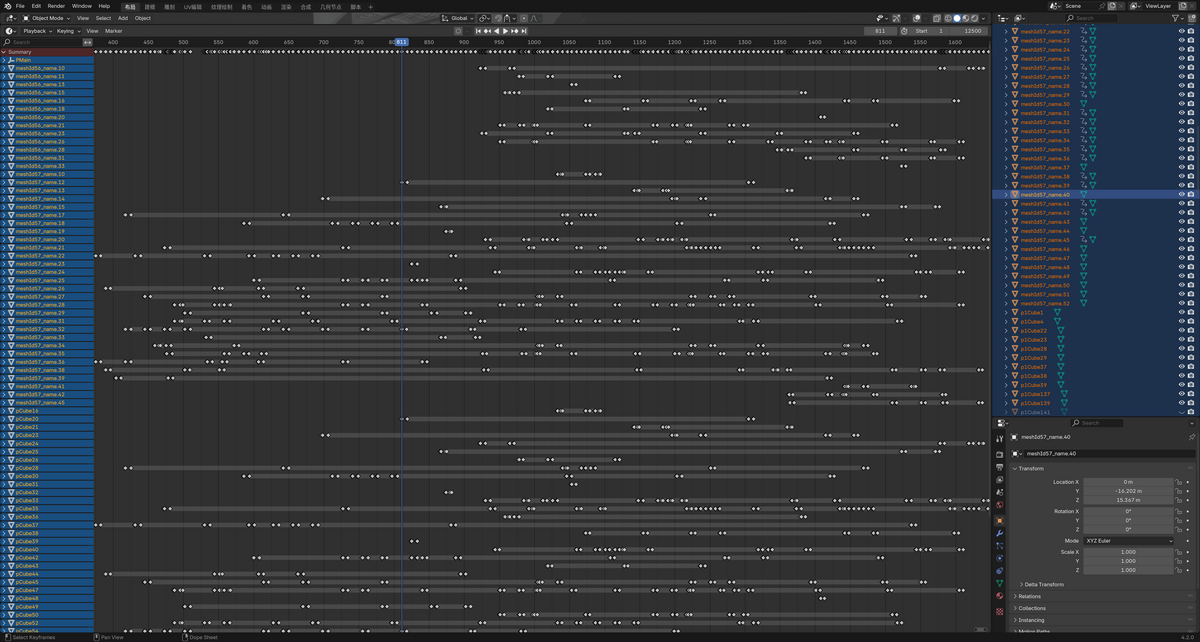
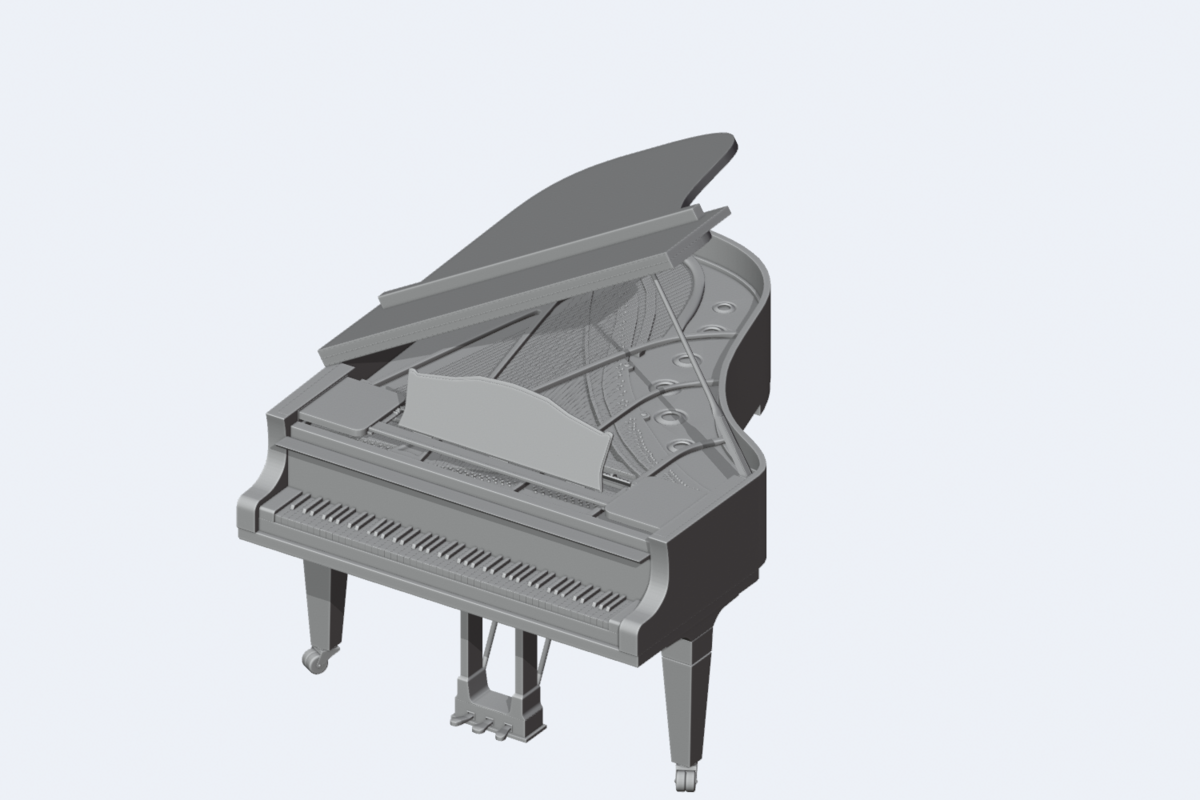
PianoMotion
User Manual
Plugin Overview
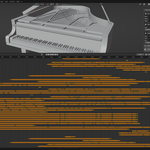
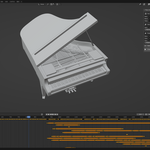
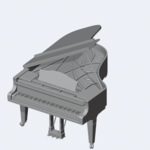
MIDI PianoMotion Tools is a specialized addon for Blender designed to convert MIDI files into piano animations.
It generates realistic keypress animations, hammer actions, and pedal effects, and supports customizable emission effects to enhance visual performance.
System Requirements
-
Blender 4.2.0 or later
-
Python library dependency:
mido(bundled installation instructions provided)
Features
MIDI File Import
-
Supports standard MIDI file formats
-
Automatically converts MIDI events into piano animations
Animation Effects
-
Realistic keypress animations
-
Hammer mechanism animations
-
Three-pedal animation effects
-
Left and right hand color differentiation
Customization Options
-
Adjustable key colors
-
Flexible key naming rules
-
Adjustable animation parameters
Installation
2.1 Add-on Installation
Install the add-on via Blender Preferences from a .zip file:
-
Obtain the
.zipfile from the website or developer, e.g.,MIDI_PianoMotion_Tools.zip. -
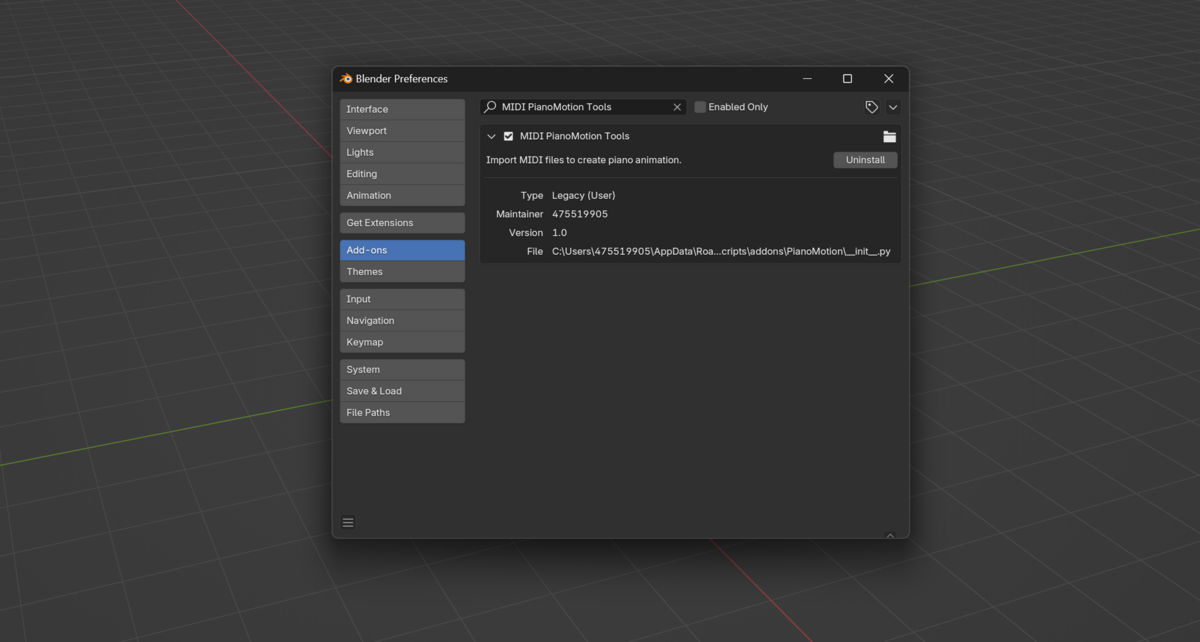
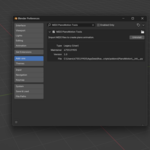
In Blender, go to Edit > Preferences > Add-ons.
-
Click Install, select the
.zipfile, and click Install Add-on. -
In the Add-ons list, find PianoMotion Pro and enable it by checking the checkbox.
2.2 Mido Library Dependency
mido is a Python library used for handling MIDI files. PianoMotion Pro requires mido to function properly.
If you encounter an error like No module named 'mido', it means the library is missing.
Solution:
In Blender’s Python Console, run:
Alternatively:
-
Install
midousing your system’s Python installation. -
Copy the installed
midomodule into Blender’sscripts/modulesfolder.
Then restart Blender. If successful, MIDI file importing will work correctly.
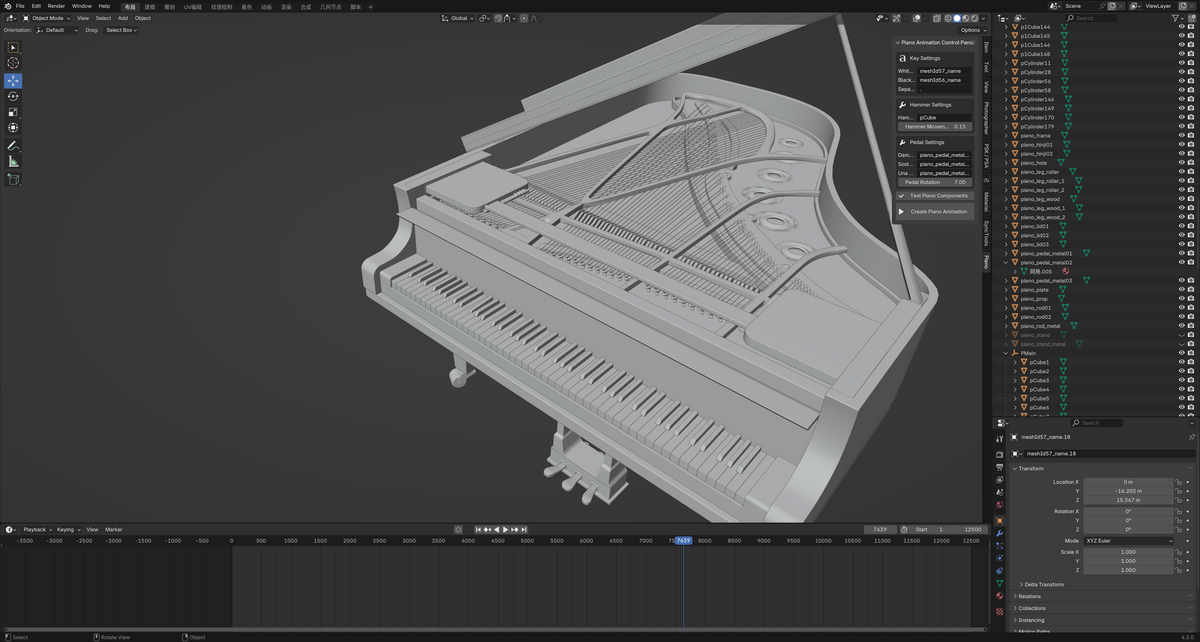
After installation, press N in the 3D Viewport and go to the Piano tab to access the addon panel.
User Interface
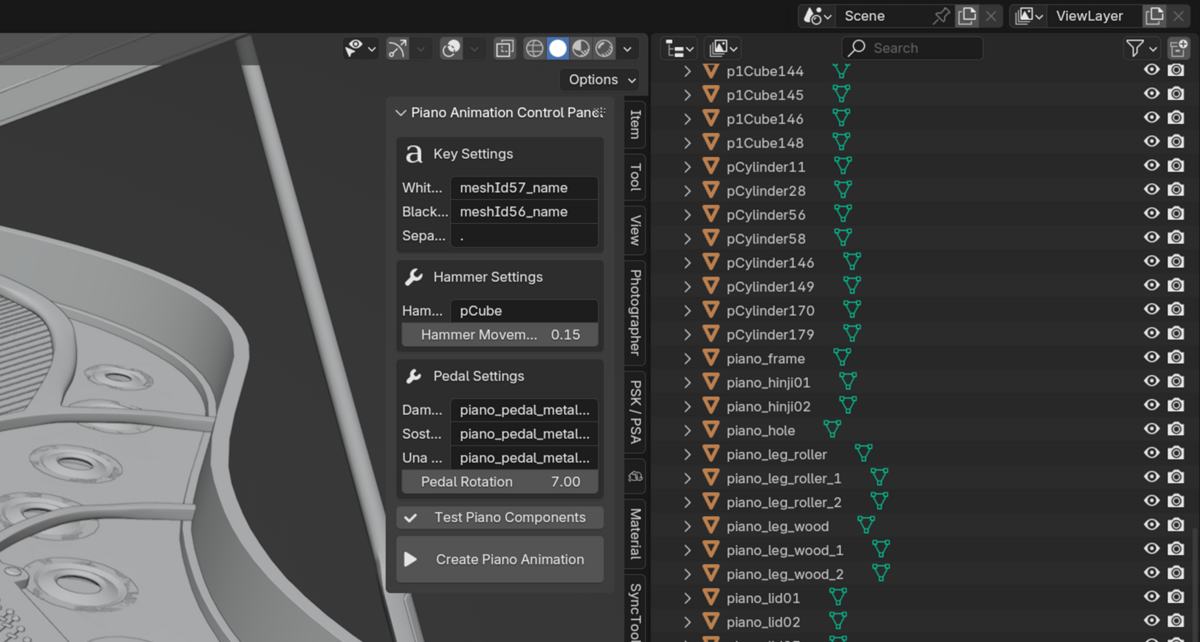
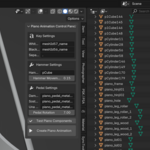
The plugin panel is located in the sidebar of the 3D Viewport (press N key to open). Find it under the Piano tab.
Main Settings Panel
Key Settings
-
White Key Prefix: Name prefix for white keys
-
Black Key Prefix: Name prefix for black keys
-
Key Separator: Separator character for key names
-
White Key Color: Default color for white keys
-
Black Key Color: Default color for black keys
Hammer Settings
-
Hammer Prefix: Name prefix for hammers
-
Hammer Movement: Movement distance for hammers
Pedal Settings
-
Damper Pedal: Object name for damper pedal
-
Sostenuto Pedal: Object name for sostenuto pedal
-
Una Corda Pedal: Object name for una corda pedal
-
Pedal Rotation: Rotation angle for pedals
Workflow
Preparation
-
Ensure the piano model uses the correct object naming.
-
Use the Test Components button to verify correct mappings.
Creating Animation
-
Click the Create Piano Animation button.
-
Select the MIDI file to import.
-
Wait for the animation to be generated.
Adjust Parameters
-
Fine-tune emission effects as needed.
-
Adjust key colors and animation settings.
-
Preview results in real-time.
Important Notes
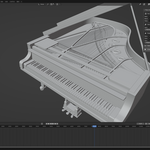
Piano Model Requirements
-
52 white keys
-
36 black keys
-
88 hammers
-
3 pedals
Naming Conventions
-
White Keys:
meshId57_name.1tomeshId57_name.52 -
Black Keys:
meshId56_name.1tomeshId56_name.36 -
Hammers:
pCube1topCube88 -
Pedals:
piano_pedal_metal01,piano_pedal_metal02,piano_pedal_metal03
Performance Considerations
-
Larger MIDI files take longer to generate animations.
-
It is recommended to test with shorter MIDI files first.
Troubleshooting
If component testing fails
-
Check if object naming follows the required conventions.
-
Confirm that all necessary piano components are present.
-
Verify the object hierarchy is correct.
If animation effects are unsatisfactory
-
Modify the movement settings for keys and hammers.
-
Check and adjust pedal rotation settings.
Technical Support
-
Author: 475519905
-
Version: 1.0
-
Category: Animation
-
Contact: [qq475519905]
License
This software is licensed under the GNU General Public License v3.0 (GPL-3.0).
-
$7
1 seat. For individual creators or small commercial projects.
-
$16.80
Up to 3 seats / single studio team. 20% off vs buying 3 individual licenses.
-
$84
15+ seats / company-wide. 20% off vs buying 15 individual licenses.
Have questions about this product?
Login to message
| Blender Extension Compatible | Yes |
| Sales | 20+ |
| Rating | 1 ratings |
| Published | almost 2 years ago |
| Blender Version | 3.6 - 5.2 |
| Extension Type | Add-on |
| License |