 Mr. Steve 3D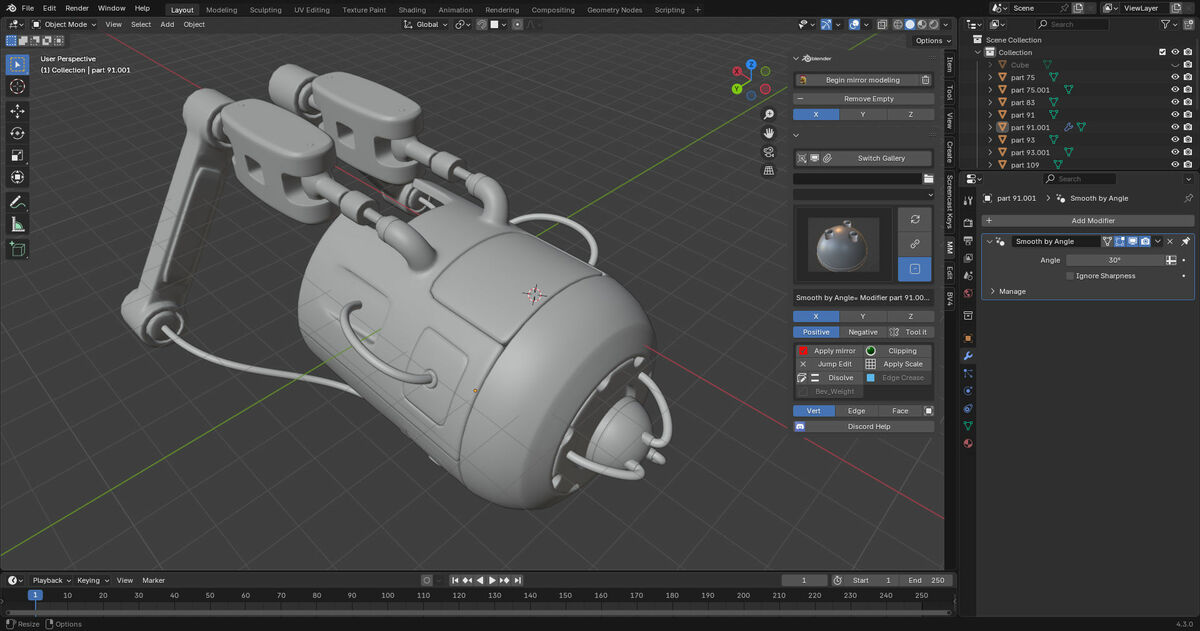

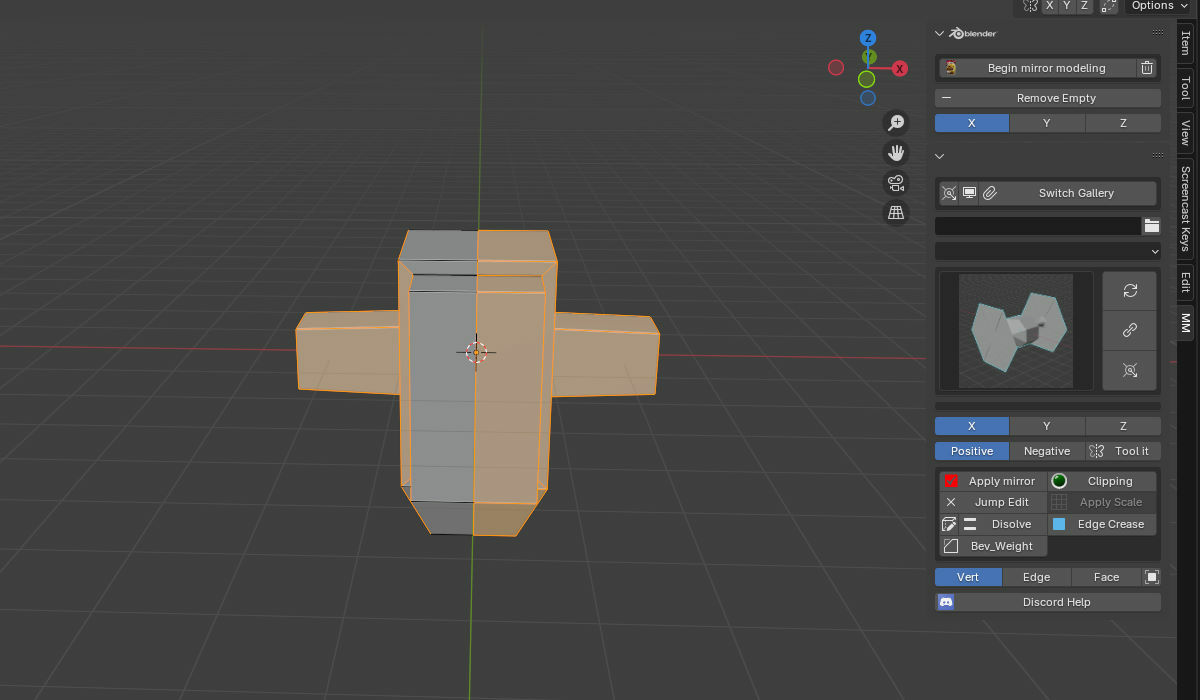
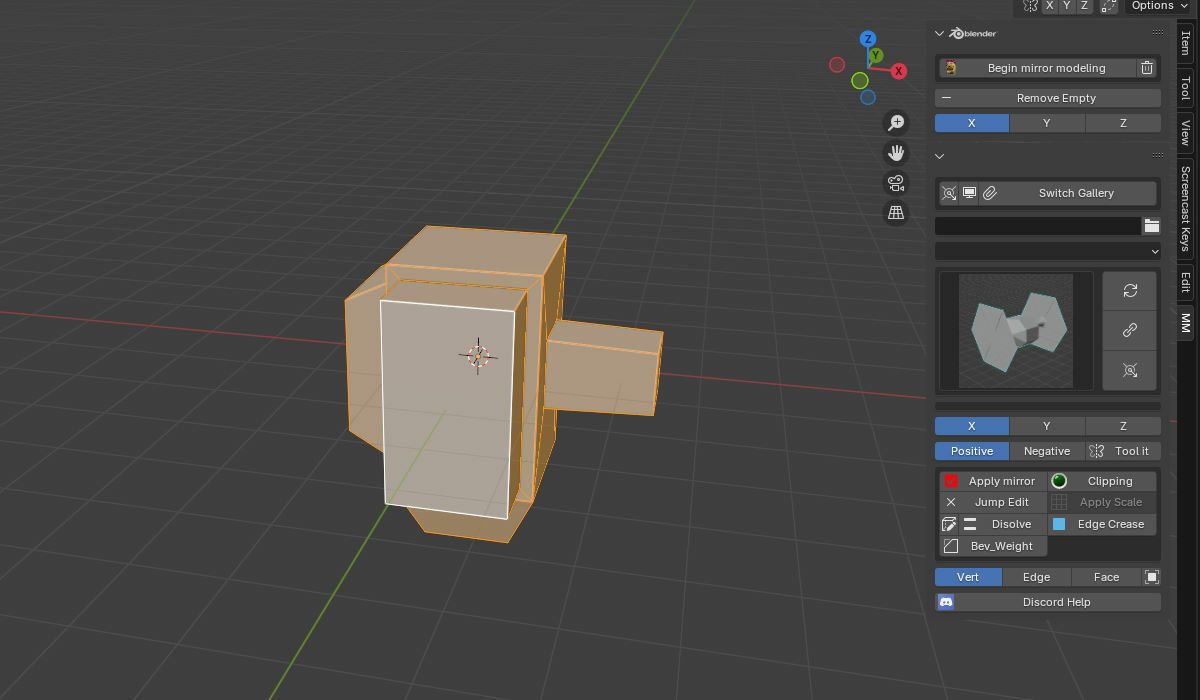
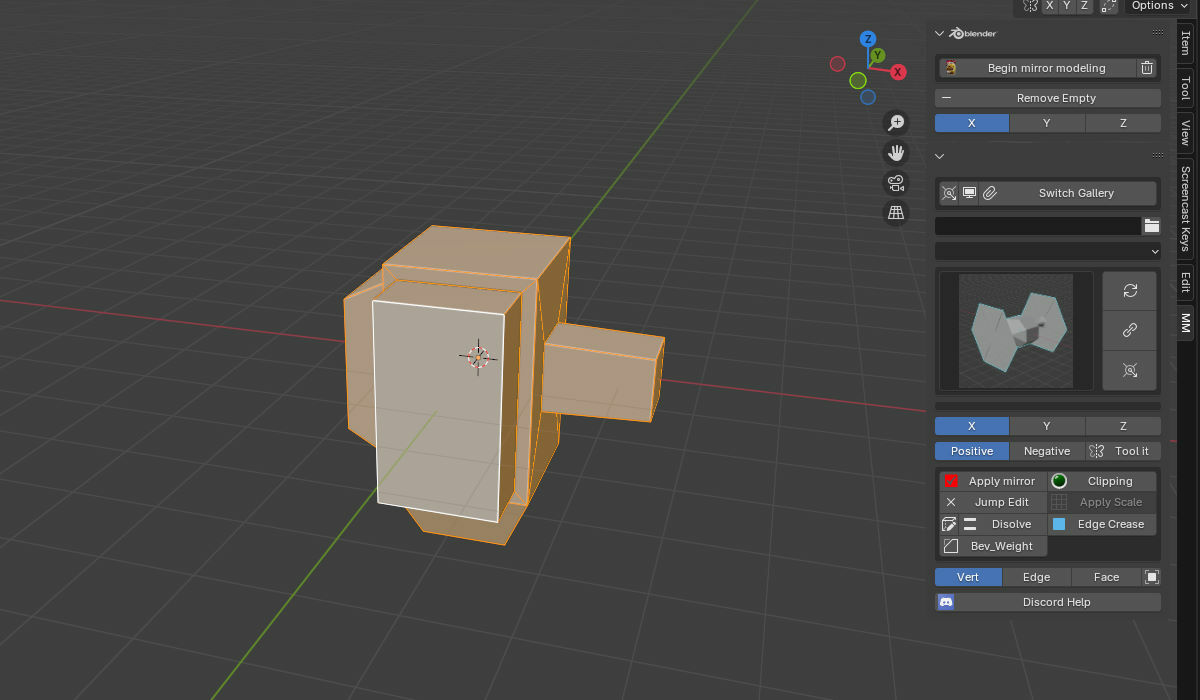
Mirror Machine
Version 1.0.2 • Blender 3.6 – 4.5
Platforms: Windows • macOS • Linux
Platforms: Windows • macOS • Linux
Auto-symmetrize by mouse side, plus a hard-surface kit for rapid builds.
INSTALLATION
Go to Edit → Preferences → Extensions → Install from Zip.
Mirror Machine will appear in the N-panel.
Hard-surface building kit for 2025+
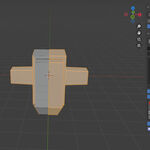
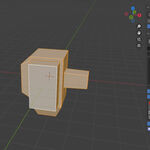
Auto symmetrize is here: no more guessing X−→X+, Y±, or Z±. With Mirror Machine you point at the side you want to copy over and go.
Quick use
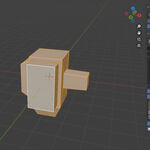
- SHIFT + ALT + Q in Edit Mode, hover the side you want to mirror from, and confirm.
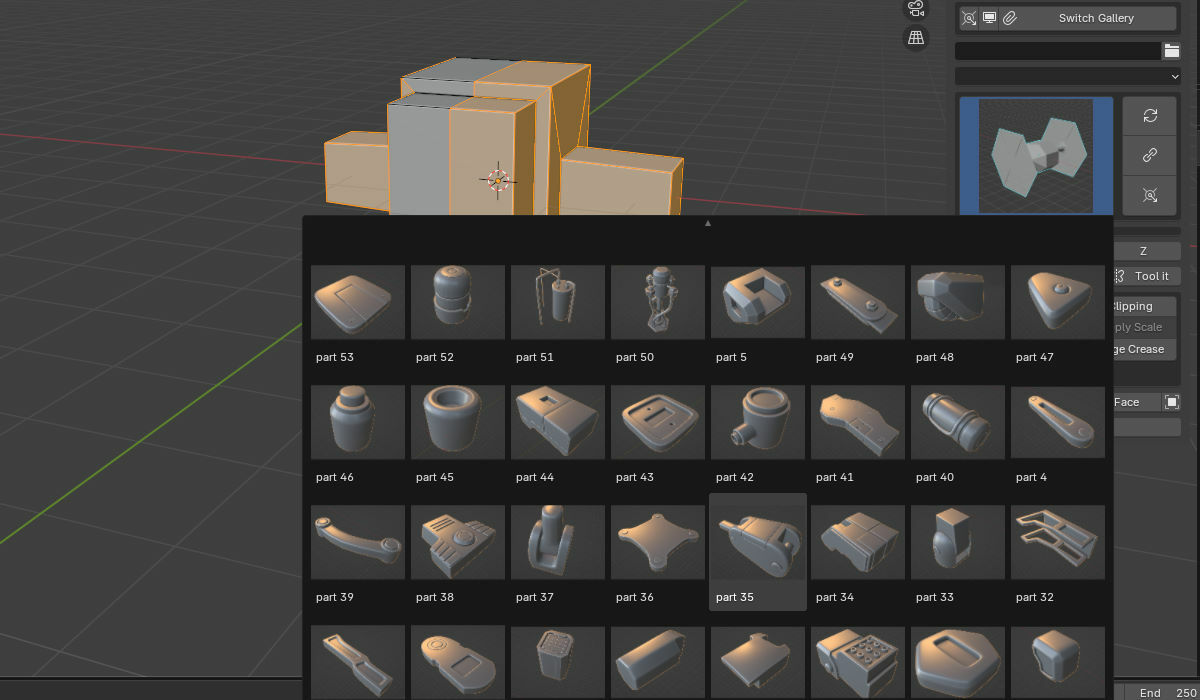
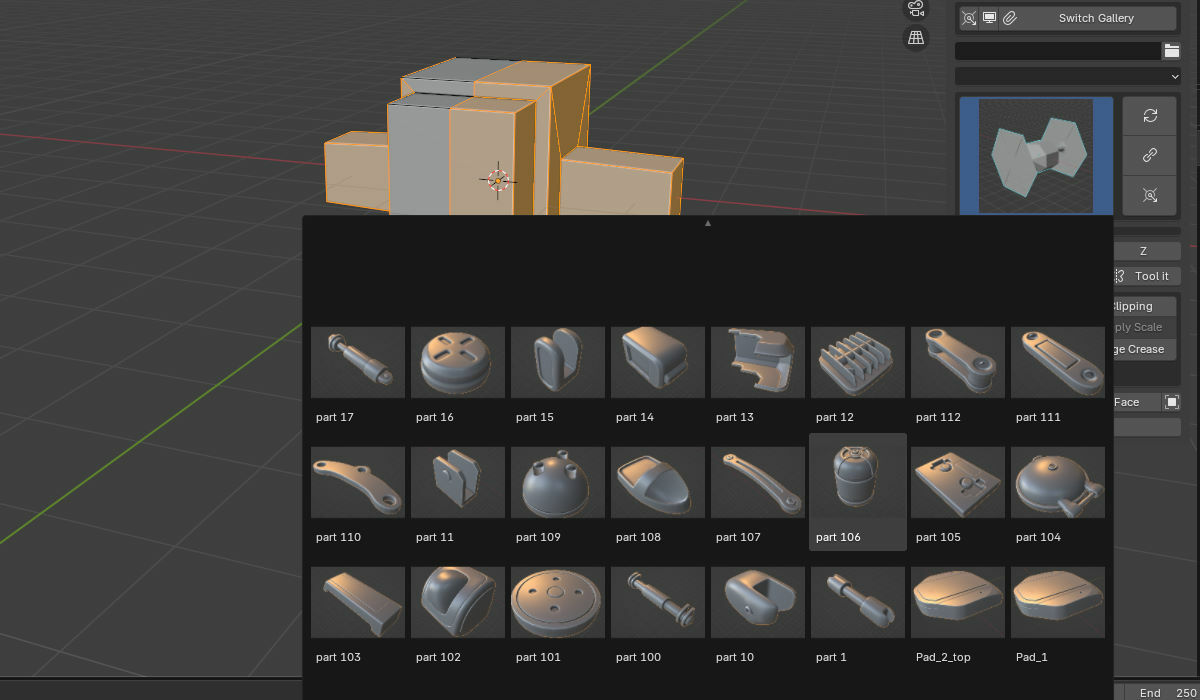
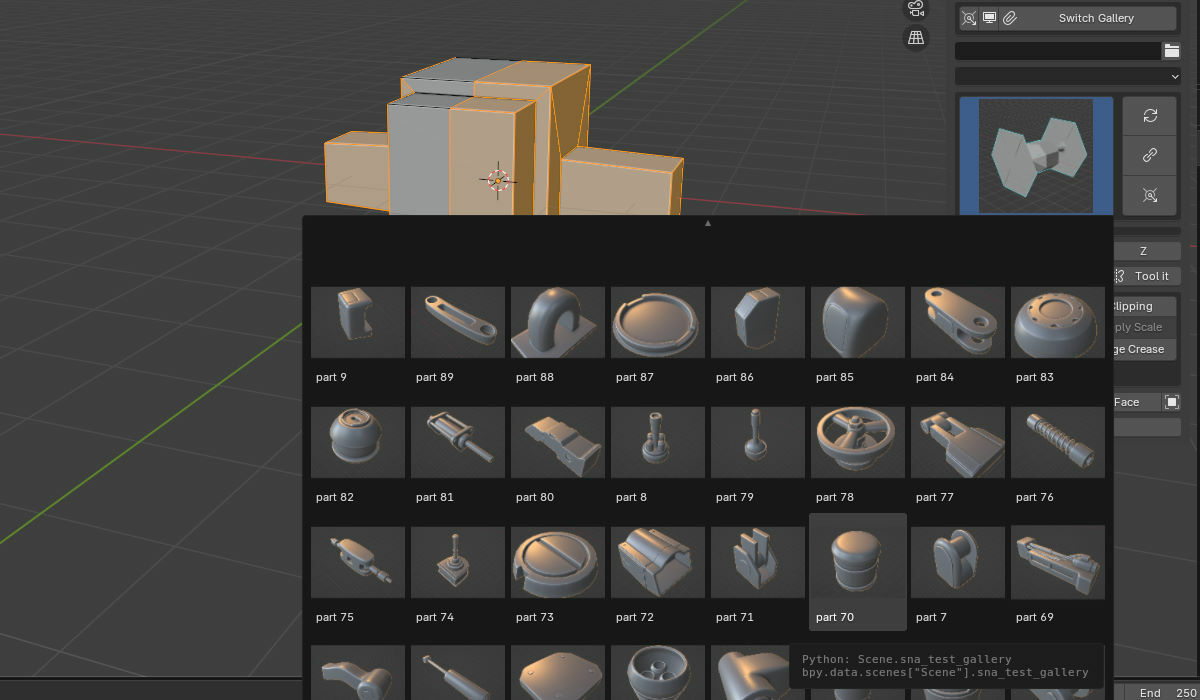
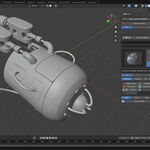
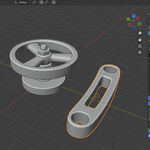
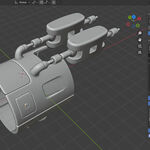
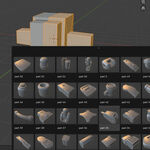
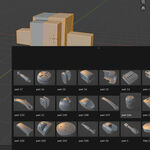
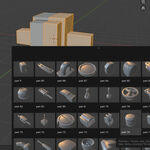
- Import your own models or choose from 120+ hard-surface demo assets.
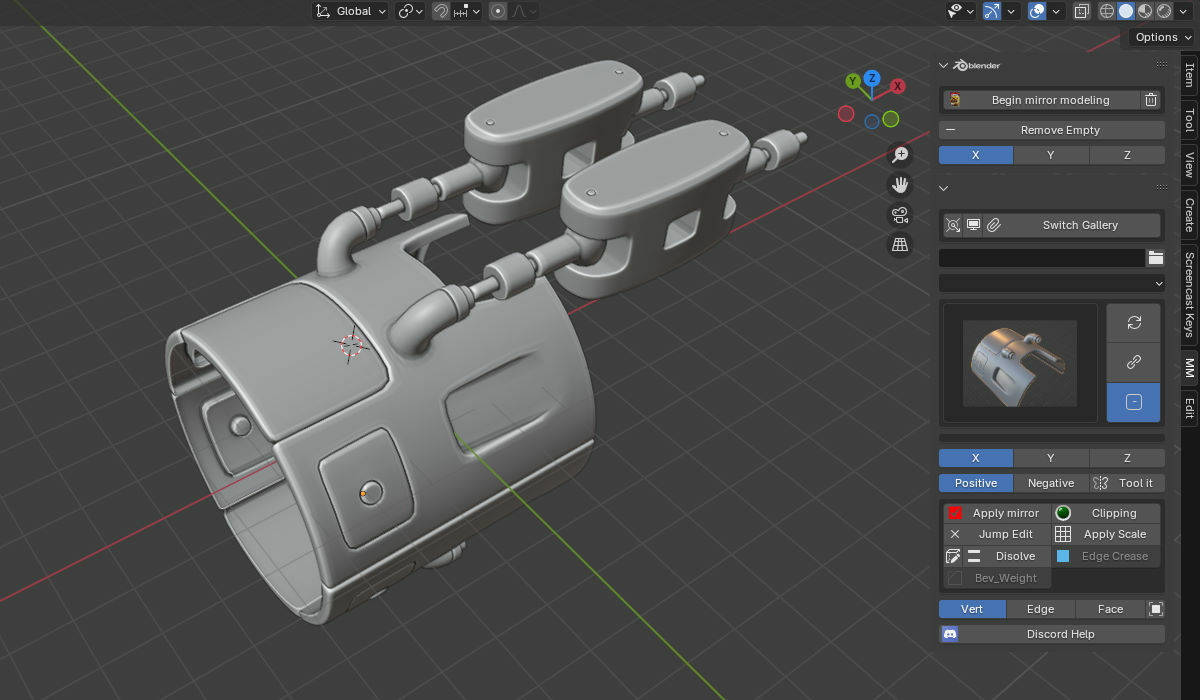
- Access the custom mirror toolset at the top of the Mirror Machine panel in the N-panel.
Features
- Auto Symmetrize by Cursor Side: Mirror from the side you hover—no axis guesswork.
- 120+ Hard-Surface Assets: Import your own or pick from the included demo kit.
- N-Panel Toolset: Dedicated Mirror Machine tools for quick access and predictable results.
Check out my other Blender add-ons
Purpose-built tools for speed, control, and stability
Bevel Joints
Join meshes cleanly + bevel presets
OCP “1-Click Proxy”
Clone exact meshes as render-safe proxies
Cracks Damage
Procedural cell-fracture & damage tools
LM Studio & Gobo Creator 3
Design dynamic gobos & pro looks
RenderScope Pro
Shot, camera & render state hub
Tip: Add thumbnail images to this product’s gallery and reference them here for image cards that always load.