Mixamo to Rigify (In One Click)

Denis Chera in Rigging


Item Rating

This item has an average rating of 3 from 13 ratings by the community.

24%
24%
31%
0%
24%

Purchase this item to leave a review!

  • Doce
    11 months ago

    Works like a charm on Blender 4.5.1 LTS :-) Thank you!

  • Kyle Wetton
    almost 4 years ago

    Works great, thanks to the dev for such a quick and helpful response to confusion i had

  • Glorija Berezinskyte
    about 4 years ago

    this is an amazing tool for quick animations that need to be made under extremly tight deadlines

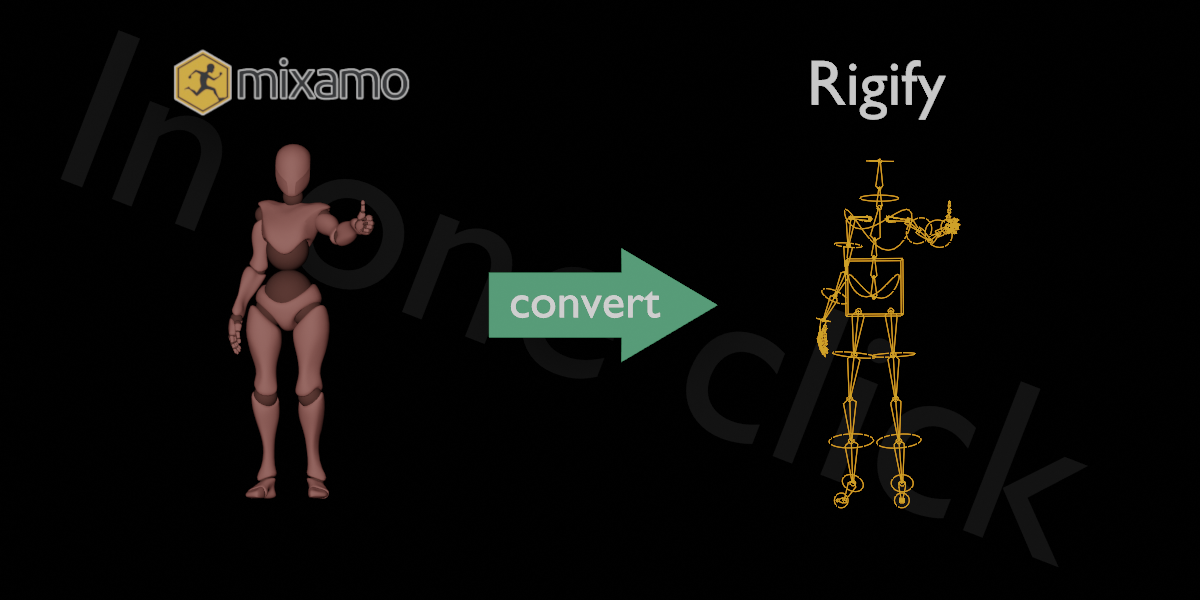
    mixamo offers such a huge libary of animations but theyre all useless due to their awful rigg, with this im able to use their animation libary on all my models by simply putting the animation data on the models using nhla strips, since its same rigify rigg,

    this is so amazing thank you so much for making this tool, its so simple i love it
    just export your fav animation from mixamo import into blender done, like what? how?

    this has helped my team so much to produce quick content thank you so much

    • Denis Cera

      about 4 years ago

      Wow o_O Thanks for such a kind review! Very appreciate it!
  • Mauricio N. Santos
    11 months ago

    It's important to know that for this addon to work properly in Blender 4.3 (and other versions), you need to use the standard Mixamo mannequin mesh (use it from Character options, choosing the "Y Bot" character) and download the animation without keyframe reduction and with the skin option. After many attempts, I discovered this prerequisite.

  • Luke Catesby
    about 2 years ago

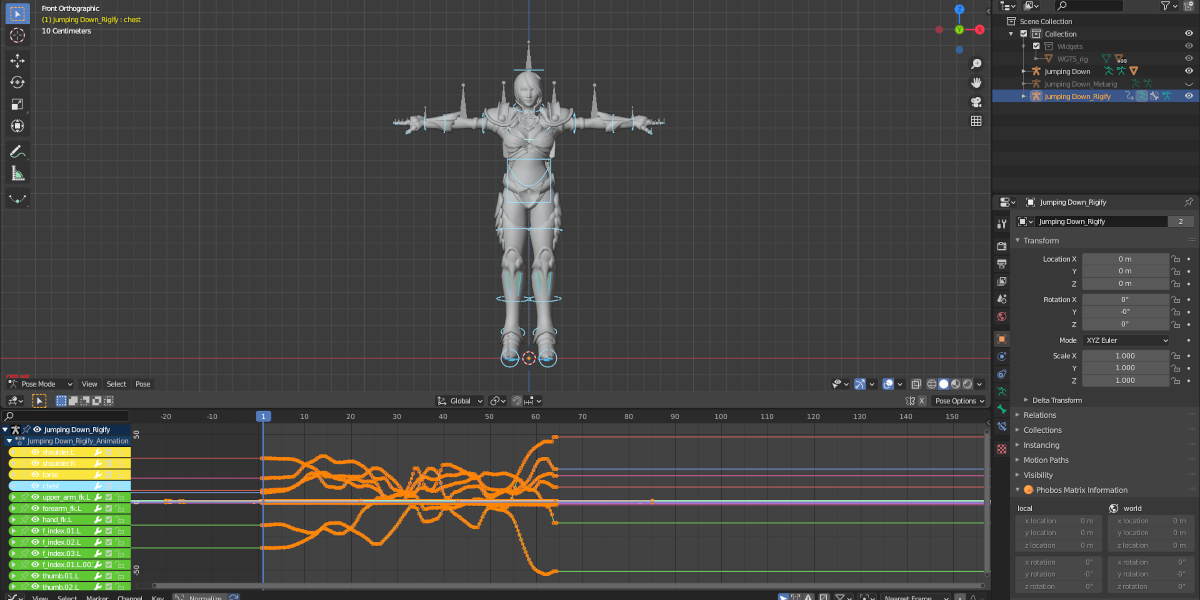
    It has some bugs in blender 4.2. Requires the Rigging:Rigify addon to be enabled which comes with blender. Then the rig loads in the rest position which can be changed to the Pose Position in the Armature tab. Once this is done it seems to work!

  • 188529100494
    over 4 years ago

    Hi,there has some problem.For example it only works for T-pose,Could you suit for A-pose? And is it possible reamap for IK?

    • Denis Cera

      over 4 years ago

      It works for T-pose only for now. You can easily remap FK to IK and back with Rigify.

  • Sythelux Rikd
    almost 2 years ago

    I bought it knowing that it might not work for 4.3 and yes it has an exception. I wrapped lines 1090-1093 in "the_script" in a try-except-block and it runs through. It doesn't look perfect and needs adjustments, but I can work off that for now.

    would be cool if you find the time fixing it.

    • Denis Cera

      almost 2 years ago

      Please see the mixamo-to-rigify-4.2.0.zip It should work fine for Blender 4. Enjoy!

  • david frenkel
    about 2 years ago

    I think this needs to be updated for 4.2. I'm getting a python script error that pretty much says a name is wrong. I'm guessing this is because the name of something changed. Can you release an update?

  • 3dpath
    over 4 years ago

    I just bought your script and It doesn't work, neither with 3.2 or 3.0...it shows the following errro: AttributeError: 'PoseBone' object has no attribute 'rigify_type'
    Are there any tutorials to make it work correctly?

    • Denis Cera

      over 4 years ago

      It should work as long as you follow Mixamo bones name conventions and your rig's rest pose is the T-pose. We'll gladly help you with your problem, just send us a message in DM. Thanks

  • Steffen
    over 4 years ago

    There are still a lot of things to do here, some of which makes me wonder wether the creator actually uses his own creatons. But for the price...
    Batch importing fbx works, which is cool, being able to unify all actions from several files so quickly. But it creates the actions three times when unified to one rigify rig. For example. The addon does delete original blender rigifies already present in the scene wether "one rigify" solution is ticked or not. That is another thing. These are two things one should be aware of before delivering. But then again for the price...if this was just for importing one action at a time solution, there are other addons that may cost a little more but also give you many more additional tools. So...for the price...

    • Denis Cera

      over 4 years ago

      I am constantly in touch with all the customers who contact me via blendermarket messages. Most of the problems and bugs got resolved, let me know in PM if you still have any problems.

$5

Have questions about this product?
Login to message

Details
Sales 1000+
Rating
13 ratings
Dev Fund Contributor
Published almost 5 years ago
Blender Version 4.3, 4.2, 4.1, 4.0, 3.0, 2.93, 2.92, 2.91, 2.9, 2.83, 2.82, 2.81, 2.8
License GPL