 Mohd Khurram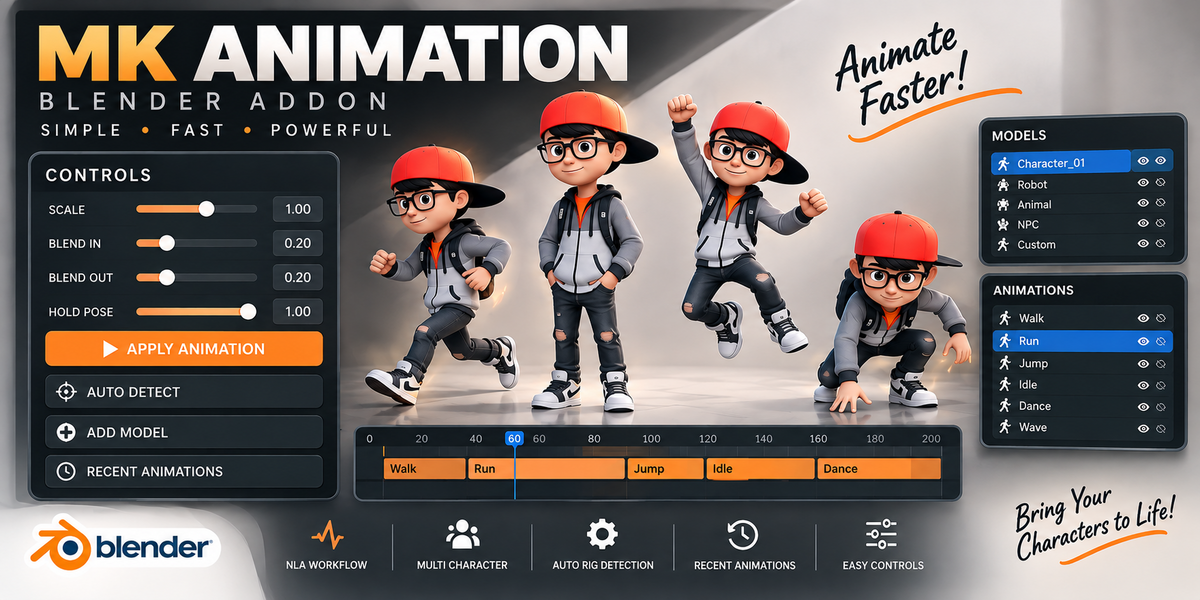


MK Animation
NLA Animation Workflow for Blender
MK Animation is a simple yet powerful Blender add-on designed to speed up your animation workflow. Quickly manage characters, apply animations, and reuse recently used actions without complicated setup.
A faster way to manage animation.
MK Animation is a simple yet powerful Blender add-on designed to speed up your animation workflow. It allows you to quickly manage characters, apply animations, and reuse recently used actions without dealing with complicated setup steps.
Whether you're a beginner learning animation or a professional working on larger projects, MK Animation helps keep your workflow fast, organized, and efficient.
Everything you need for a faster workflow.
✓ Quick and easy animation application
✓ Character and model management system
✓ Recent animation history for faster reuse
✓ Automatic rig detection
✓ Clean and user-friendly interface
✓ NLA-based animation workflow
✓ Fast switching between multiple characters
✓ Adjustable Scale, Blend In, Blend Out, and Hold Pose settings
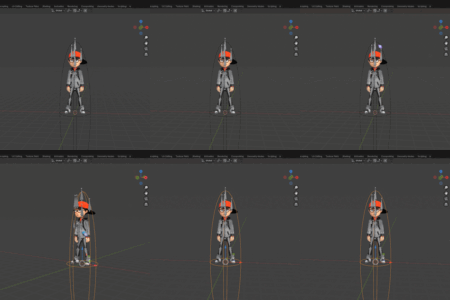
How to Add a Model
Prepare your character for animation in just a few simple steps.
• Armature
• Animation Action
How to Select a Model
01 Open the Models panel.
02 Click any model from the list.
03 The selected model becomes the active character.
04 All animation operations will be applied to the currently selected model.
05 Easily switch between multiple characters without reassigning settings.
How to Apply an Animation
1. Select a model from the Models List.
2. Choose the Animation Action you want to apply.
3. Adjust the animation settings if needed:
• Blend In
• Blend Out
• Hold Pose (Optional)
4. Click Apply Animation.
MK Animation automatically creates and manages animation strips using Blender's Non-Linear Animation (NLA) system, making it easy to build and organize complex animation sequences.
Built for different animation workflows.
Animate faster. Stay organized.
Focus on creativity and spend less time managing your animation workflow.