Fast Nla Mk Animation Addon
 Mohd Khurram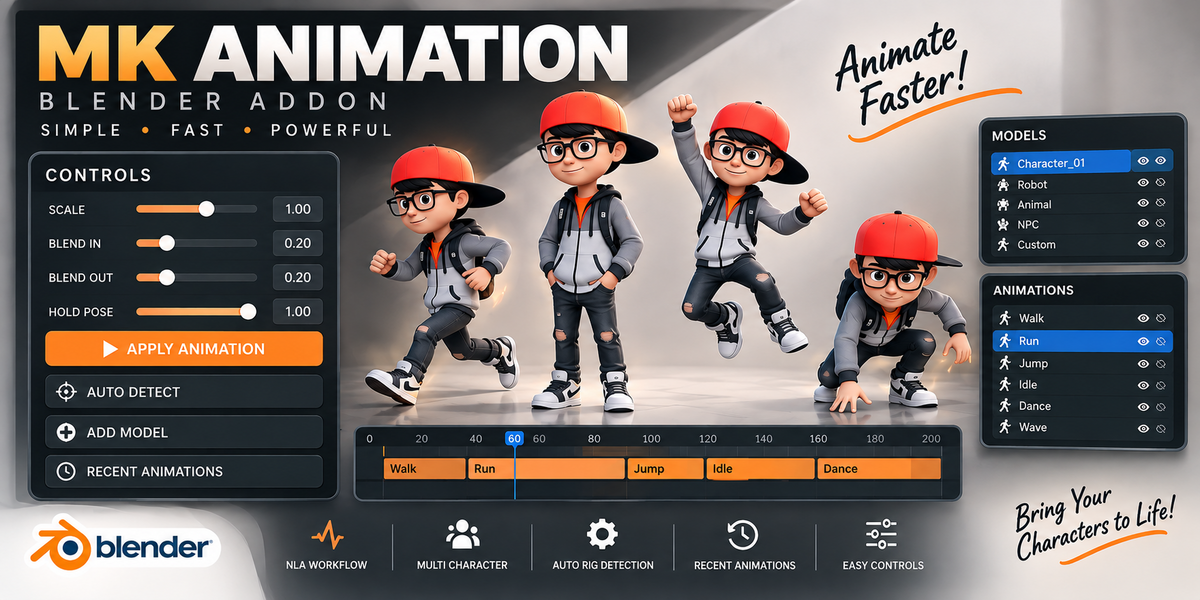


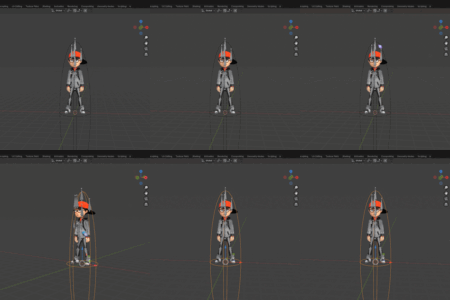
MK Animation is a simple and powerful Blender addon designed to speed up animation workflows. It allows users to quickly select models, apply animations, and manage recent animations from an easy-to-use interface.
Features
- Quick animation application
- Easy model selection
- Recent animation history
- Auto rig detection
- Clean and organized user interface
- Fast animation workflow
- Supports Blender 4.2 and above
Installation
- Download the addon ZIP file.
- Open Blender.
- Go to Edit → Preferences → Add-ons.
- Click Install from Disk.
- Select the downloaded ZIP file.
- Enable MK Animation.
How to Use
Select a Model
- Select your character or rig in the viewport.
- Open the MK Animation panel in the Sidebar (N Panel).
Apply Animation
- Choose an animation from the available list.
- Click Apply Animation.
- The selected animation will be applied to the active rig.
Recent Animations
- Recently used animations are automatically saved.
- Quickly reapply animations from the Recent section.
Auto Detect Rig
- Click Auto Detect Rig to automatically find the character rig.
- If needed, manually select the rig and apply animations.
Requirements
- Blender 3.6 or newer
- Compatible character rig
Support
If you experience any issues or have suggestions for new features, please contact the developer.
$45
Have questions about this product?
Login to message
| Blender Extension Compatible | Yes |
| Published | 3 months ago |
| Blender Version | 3.6 - 5.1 |
| Extension Type | Add-on |
| Render Engine Used | Cycles, Eevee |
| License | GPL |