Salman Animator
The problem: weathering takes too long
Real objects wear first at their edges: paint chips, rust creeps in, snow and dust settle on ledges. Getting that in Blender usually means pointiness or AO masks that only work in Cycles, or texture painting a mask by hand for every asset. Changing your mind means painting again.
The solution: grow materials from edges
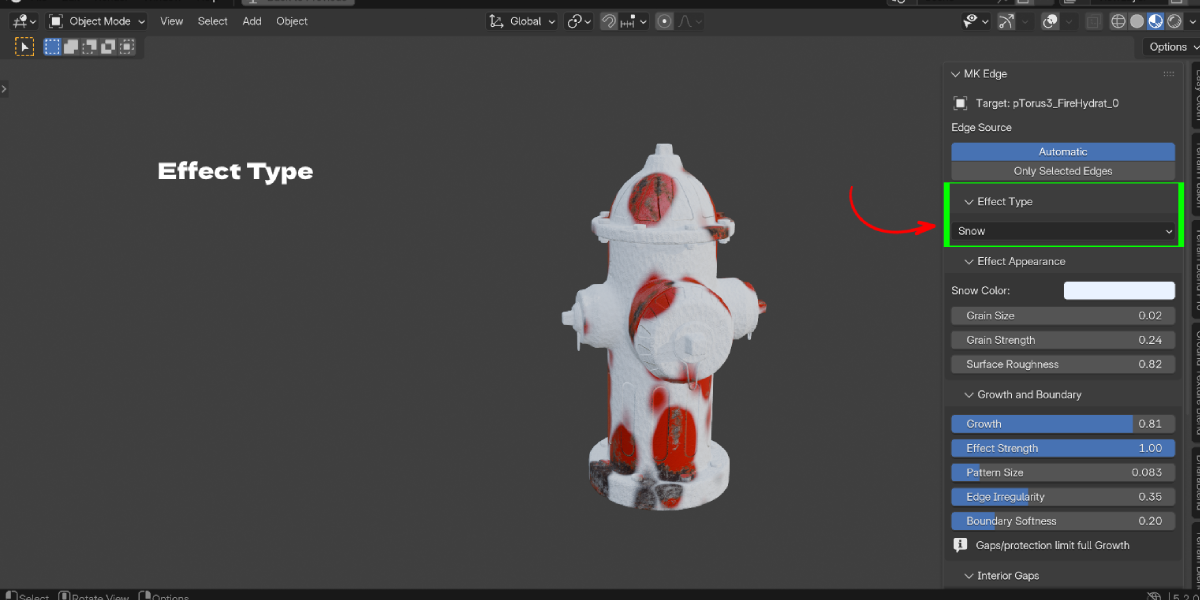
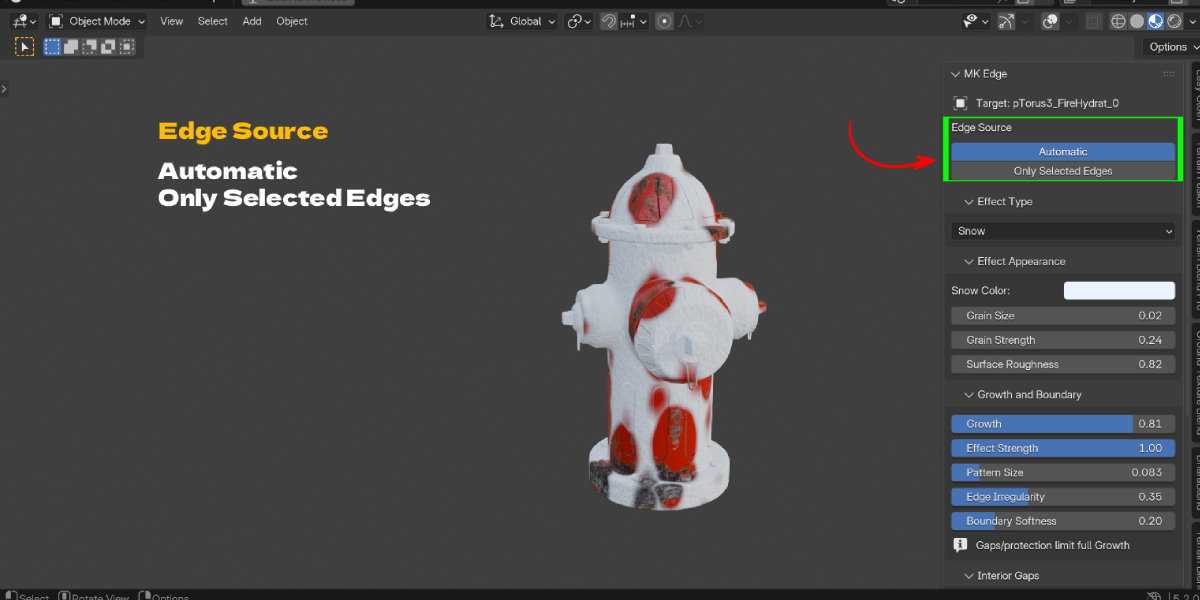
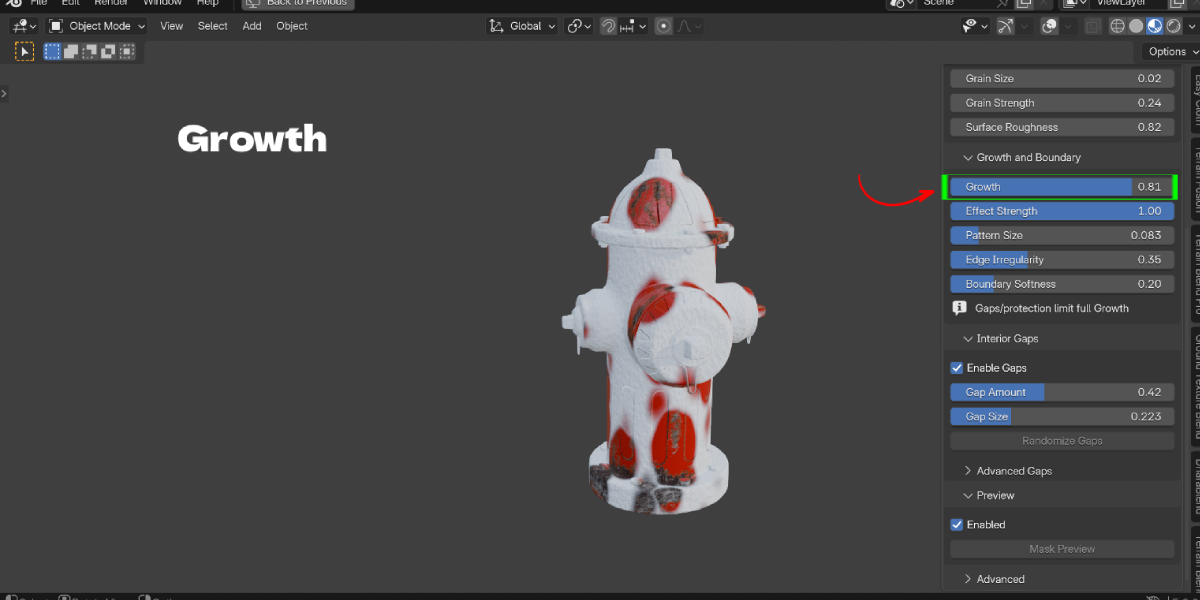
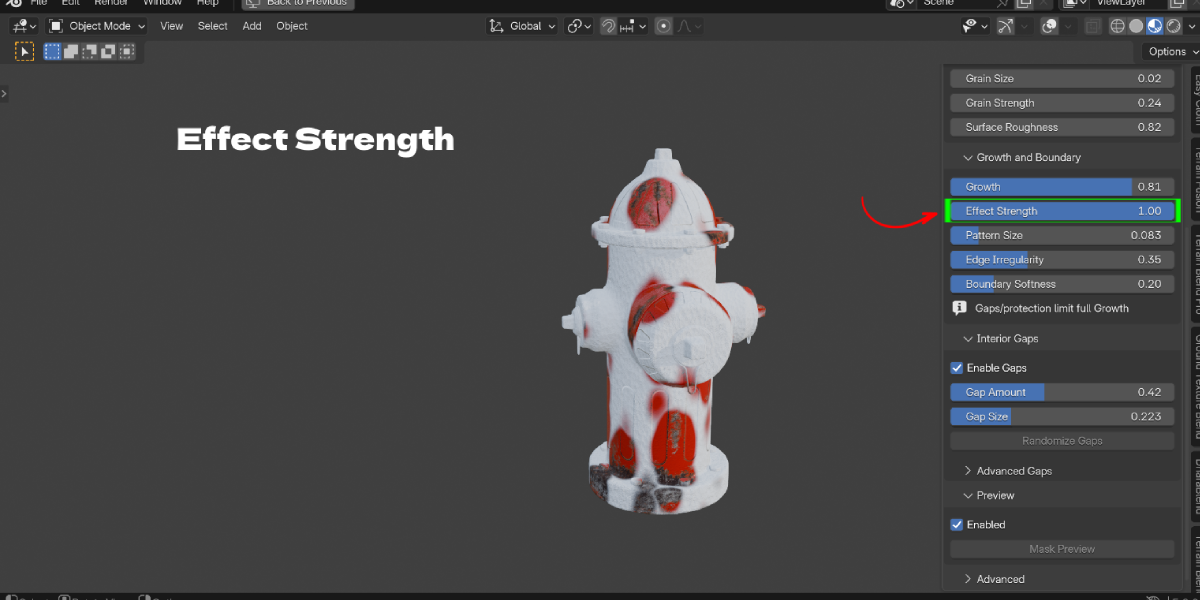
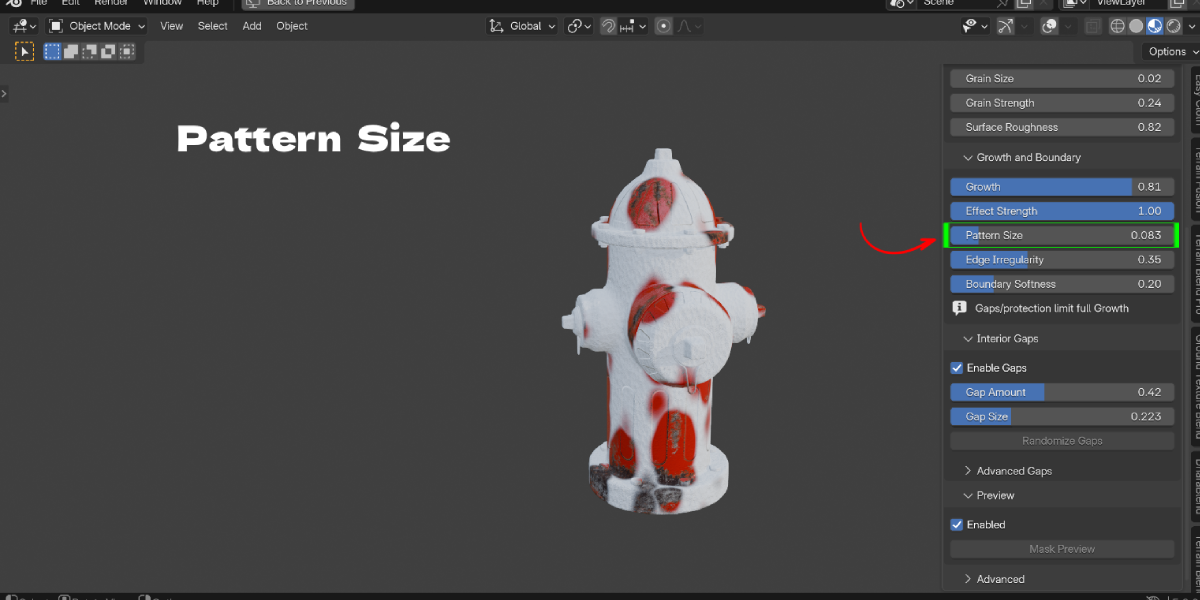
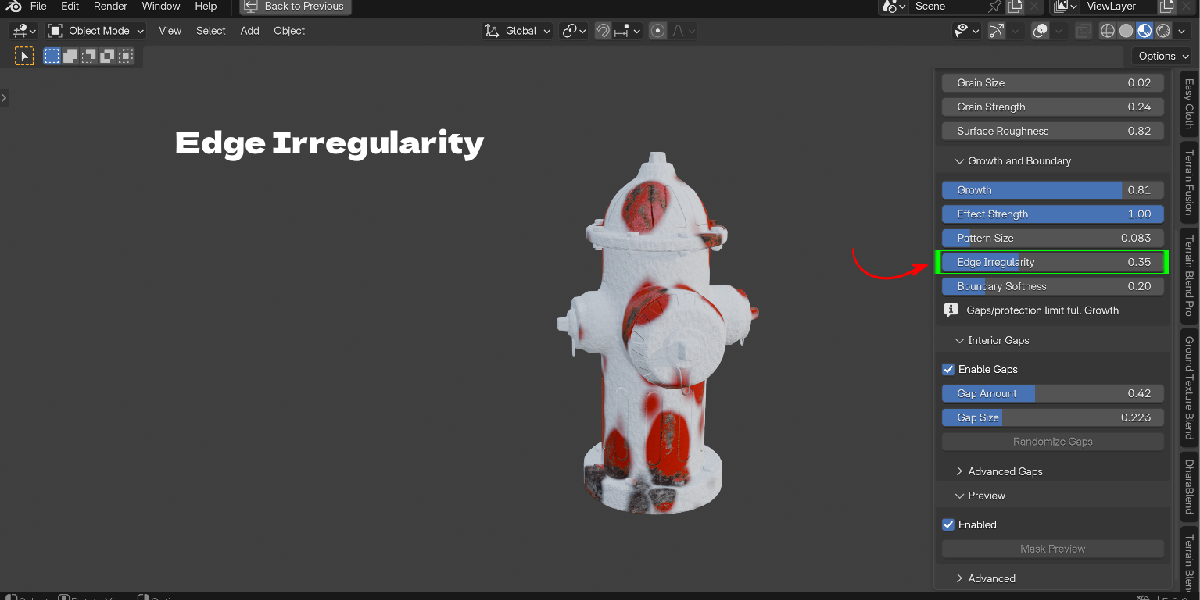
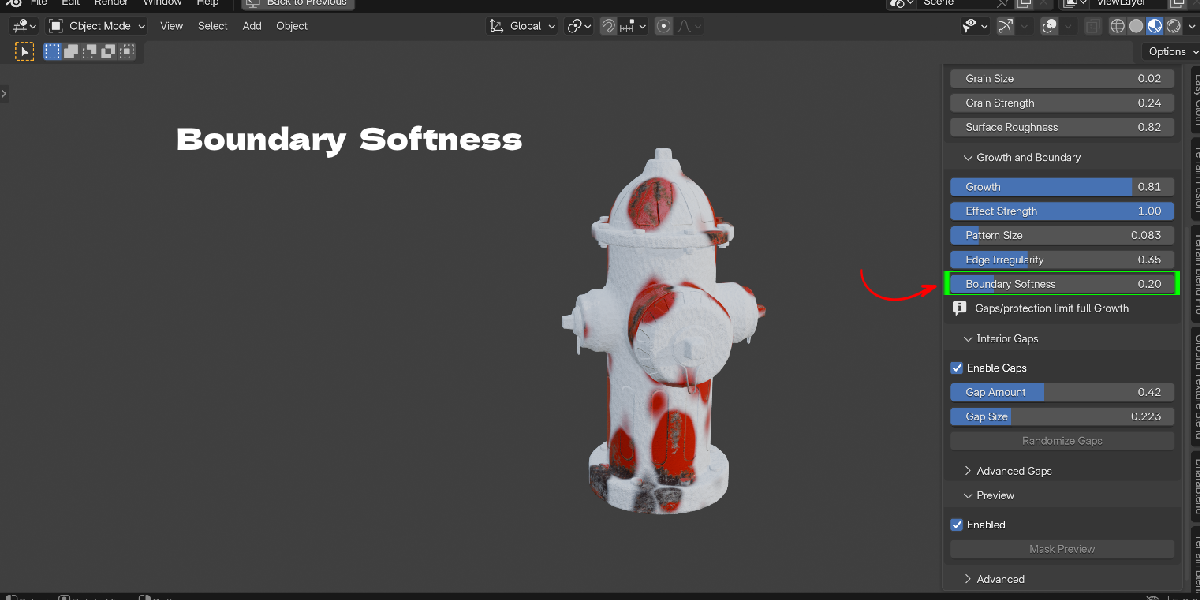
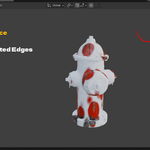
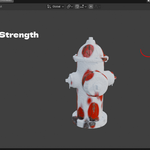
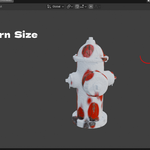
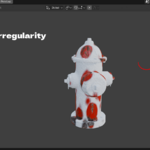
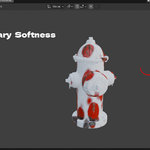
MK Edge grows a textured effect outward from the edges of your mesh. Pick Automatic to use the shape's edges, or Only Selected Edges to grow from edges you choose in Edit Mode. Choose an Effect Type, then shape it with Growth, Effect Strength, Pattern Size, Edge Irregularity and Boundary Softness.
Rust, snow, dirt, stains and more
Effect types include rust with bundled CC0 rust maps, snow, dirt, water stains, moss, scorch and char, verdigris, brass rub, sun fade, dust and more. Outdoor looks use bundled wood, asphalt and concrete maps. Every map is CC0, works offline and needs no download.
Natural breakup with gaps
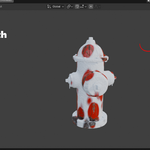
Enable interior gaps to break the effect with holes that reveal the surface below. Gap Amount, Gap Size and Gap Seed control the pattern, and Advanced Gaps add border control.
No UVs required
Object Box mapping uses height detail and needs no UV map. If you have UVs, UV mapping loads the full color, roughness, normal and height maps.
Key Features
- Automatic or selected edge sources: grow from the mesh edges or only from edges you pick. Benefit: wear exactly where it would happen in real life.
- Many effect types: rust, snow, dirt, water stains, moss, scorch, char, verdigris, brass rub, sun fade, dust and more. Benefit: one tool for most weathering looks.
- Growth and Boundary controls: Growth, Effect Strength, Pattern Size, Edge Irregularity and Boundary Softness. Benefit: subtle wear or heavy damage from the same setup.
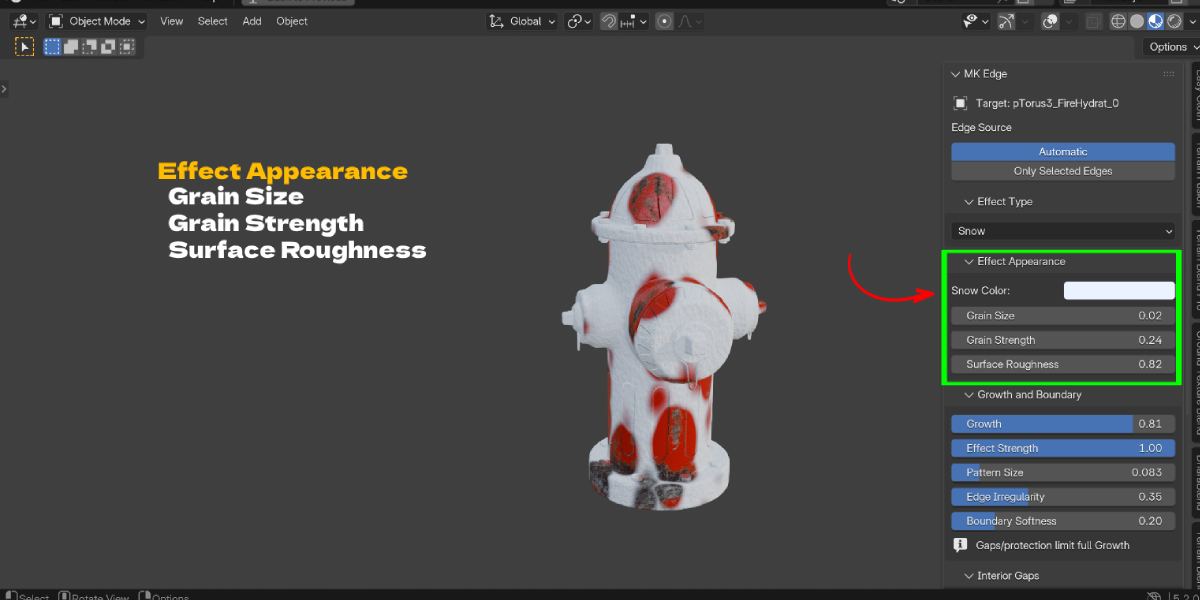
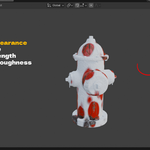
- Effect Appearance: color, grain size, grain strength and surface roughness per effect. Benefit: match the look to your scene.
- Interior gaps: holes in the effect with amount, size and seed. Benefit: natural breakup instead of a solid band.
- Bundled CC0 PBR maps: rust, moss, wood, asphalt and concrete. Benefit: realistic texture detail offline, free to use commercially.
- No UVs needed: Object Box mapping works on any mesh. Benefit: weather kitbash and imported models instantly.
- Quick Looks: ready made combinations to start from. Benefit: a good result in one click.
- Protection mask: load a mask to protect areas. Benefit: keep logos or clean parts untouched.
- Mask preview and compare: see where the effect grows and compare with the original. Benefit: faster decisions.
- Non destructive: the existing appearance is preserved and the effect can be disabled. Benefit: safe to try on finished assets.
Workflow Benefits
- Old way: build a pointiness mask that only works in Cycles. New way: pick an edge source and an effect.
- Old way: texture paint a rust mask for every prop. New way: grow rust from edges with one setup.
- Old way: repaint when the client wants less wear. New way: lower Growth or Effect Strength.
- Old way: unwrap UVs before adding texture detail. New way: Object Box mapping without UVs.
- Old way: download separate texture packs for each look. New way: CC0 maps are bundled.
Who it is for
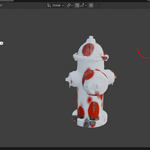
- Prop and environment artists: rusty hydrants, pipes, rails, machines and signs
- Game artists: quick weathered variants of clean assets
- Archviz artists: aged concrete, weathered wood and outdoor surfaces
- Motion designers: rust or snow growing on product shots
- Hobbyists: realistic wear without texture painting