MK Edge: Grow Rust, Snow, Dirt and Wear From Edges
 Salman Animator
Requirements
Blender 4.5.0 or newer. An editable mesh. The effect shows in Material Preview and Rendered view, not Solid view.
Install
- Keep the ZIP as it is. Do not unzip it.
- Open Edit > Preferences > Add-ons and choose Install from Disk.
- Pick MK-Edge-0.14.7-SalmanAnimator.zip and enable MK Edge.
- In the 3D Viewport press N and open the MK Edge tab.
First use
- Select a mesh. It becomes the Target.
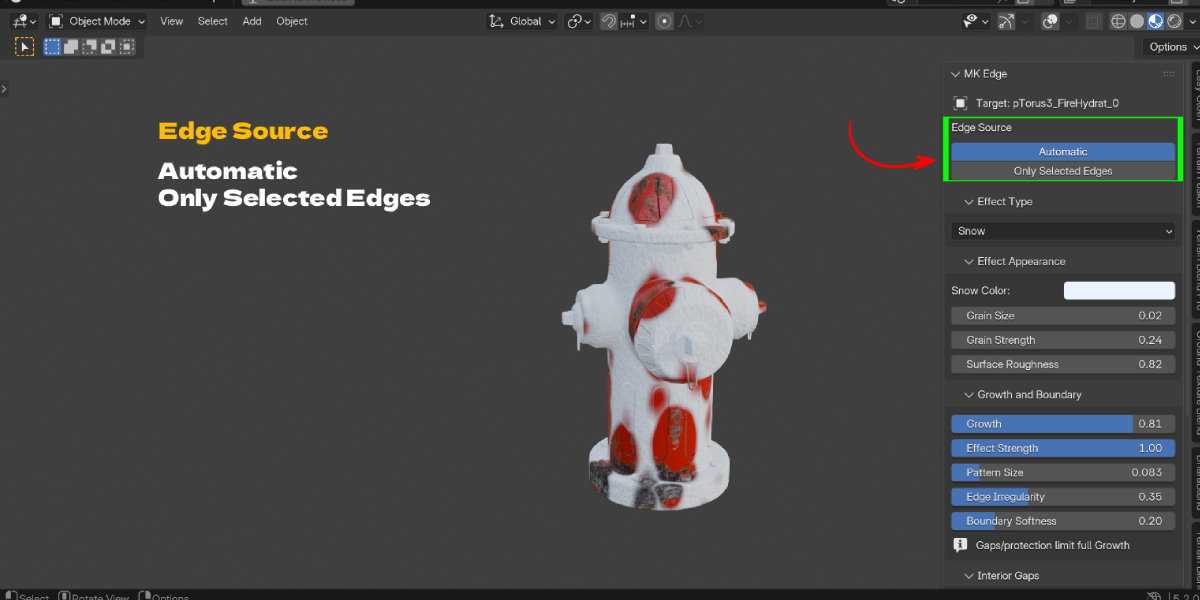
- Choose the Edge Source: Automatic, or Only Selected Edges.
- For selected edges, enter Edit Mode, switch to Edge Select, select edges and capture them.
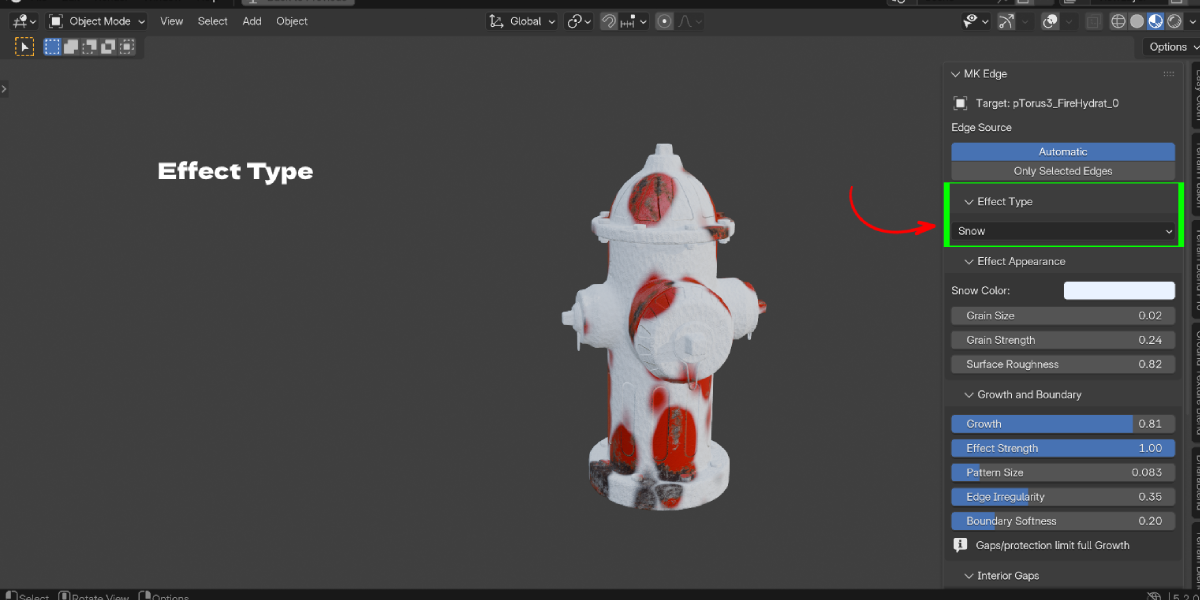
- Choose an Effect Type such as Rust or Snow.
- Switch to Material Preview to see the result.
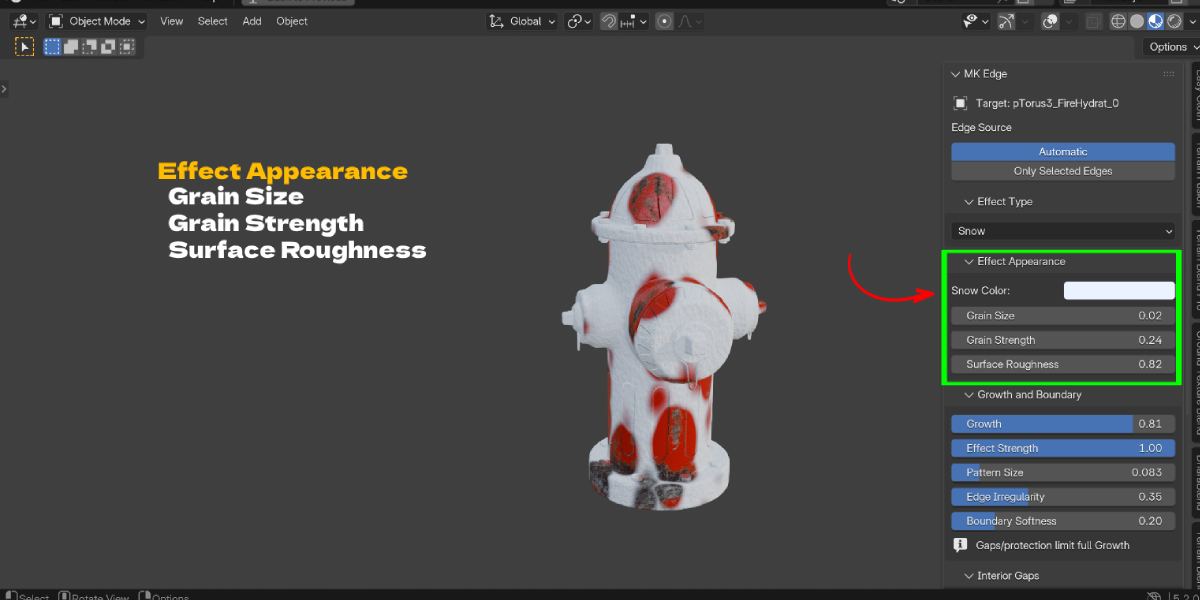
Effect Appearance
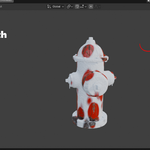
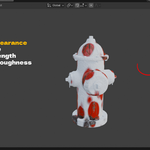
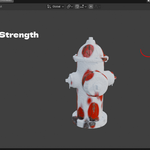
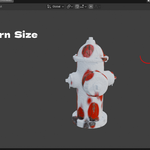
Color, Grain Size, Grain Strength and Surface Roughness. Image based effects add Texture Size, Tint Strength, Roughness Adjustment and Bump Strength.
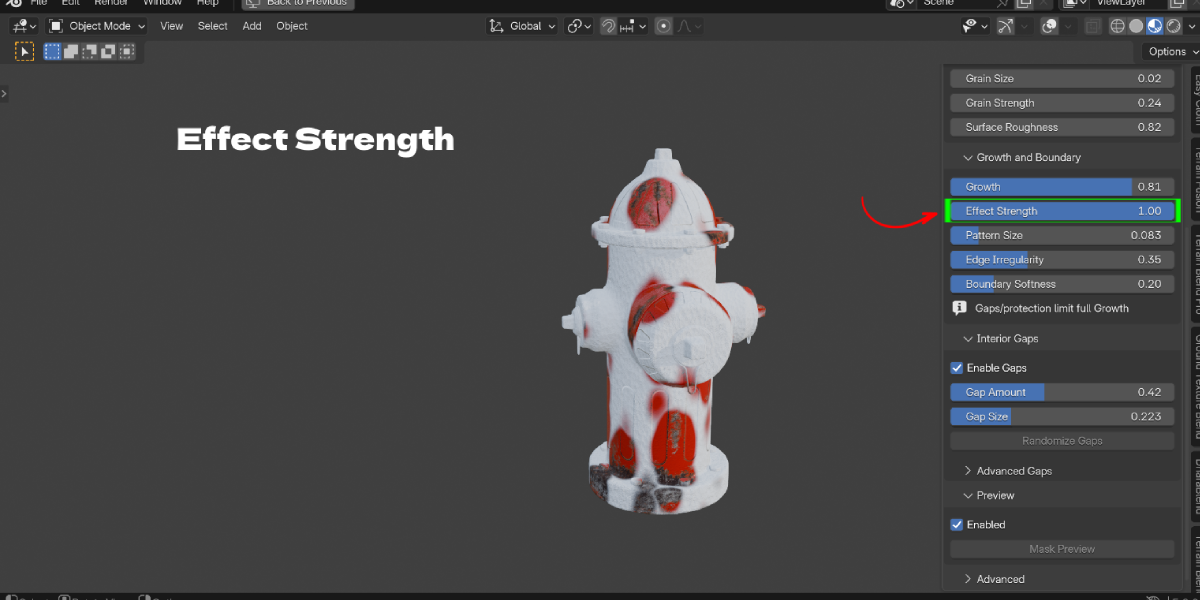
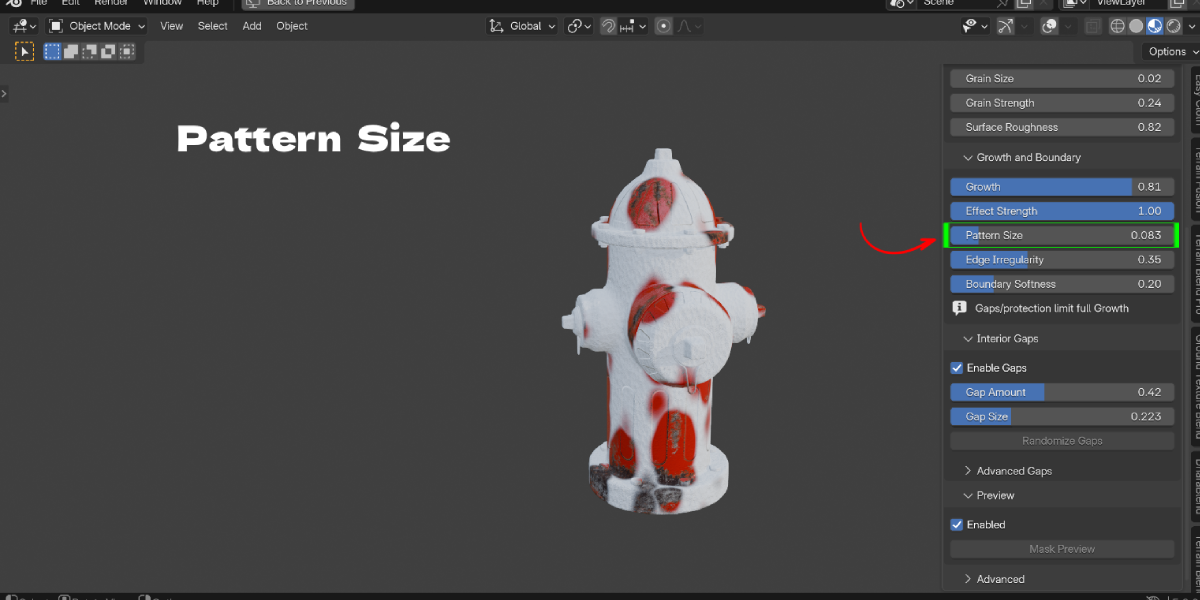
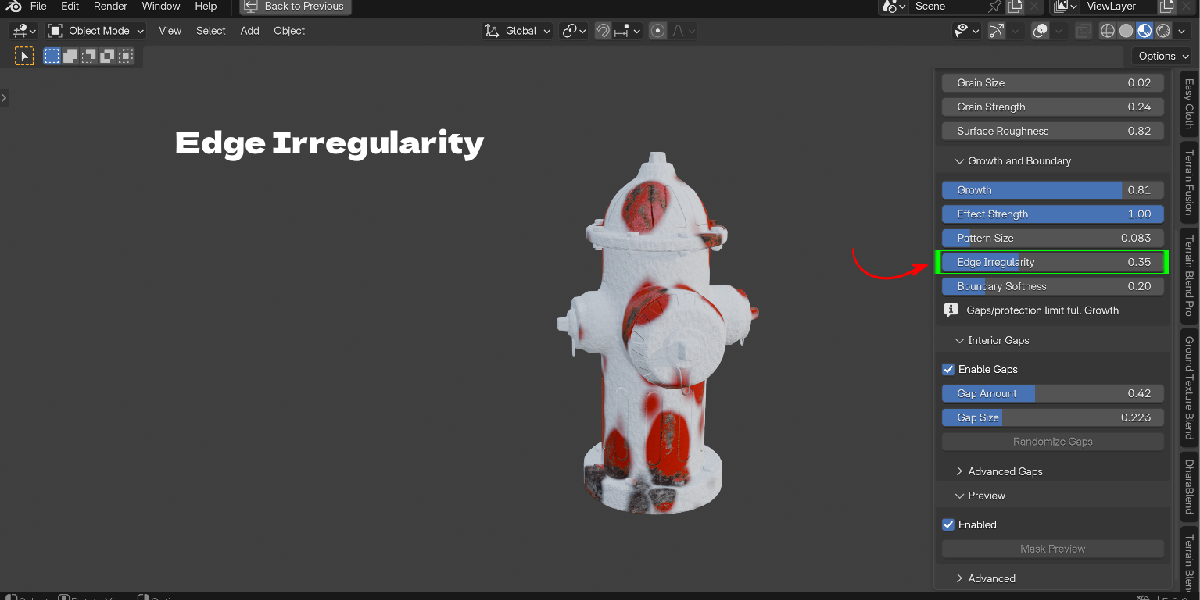
Growth and Boundary
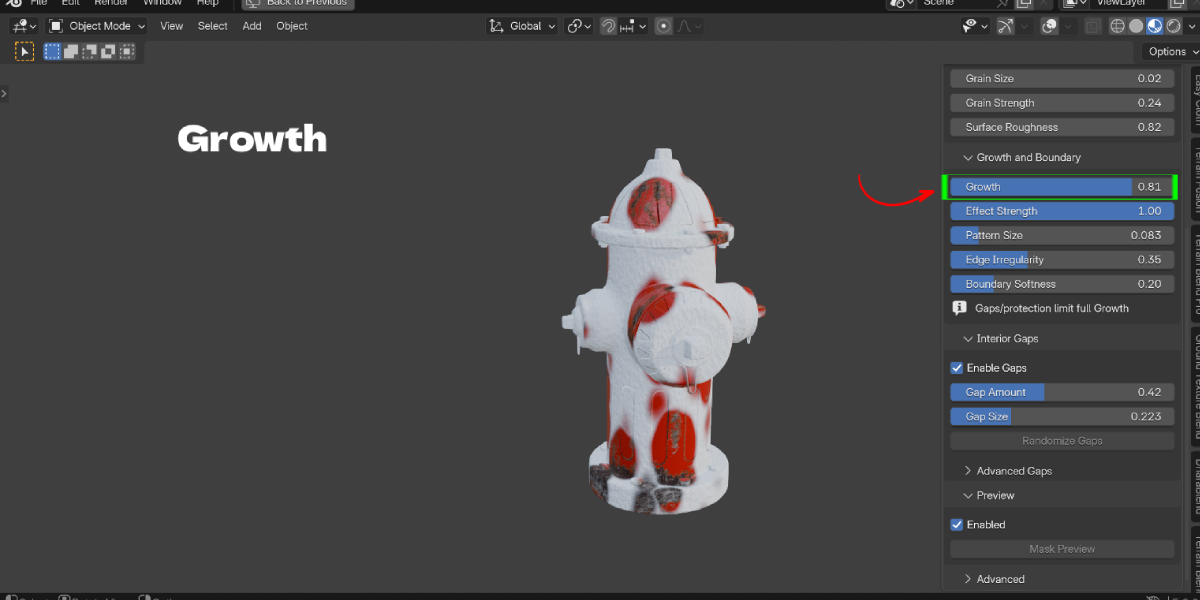
- Growth: how far the effect spreads from the edges.
- Effect Strength: overall intensity.
- Pattern Size: scale of the breakup pattern.
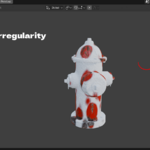
- Edge Irregularity: how uneven the boundary is.
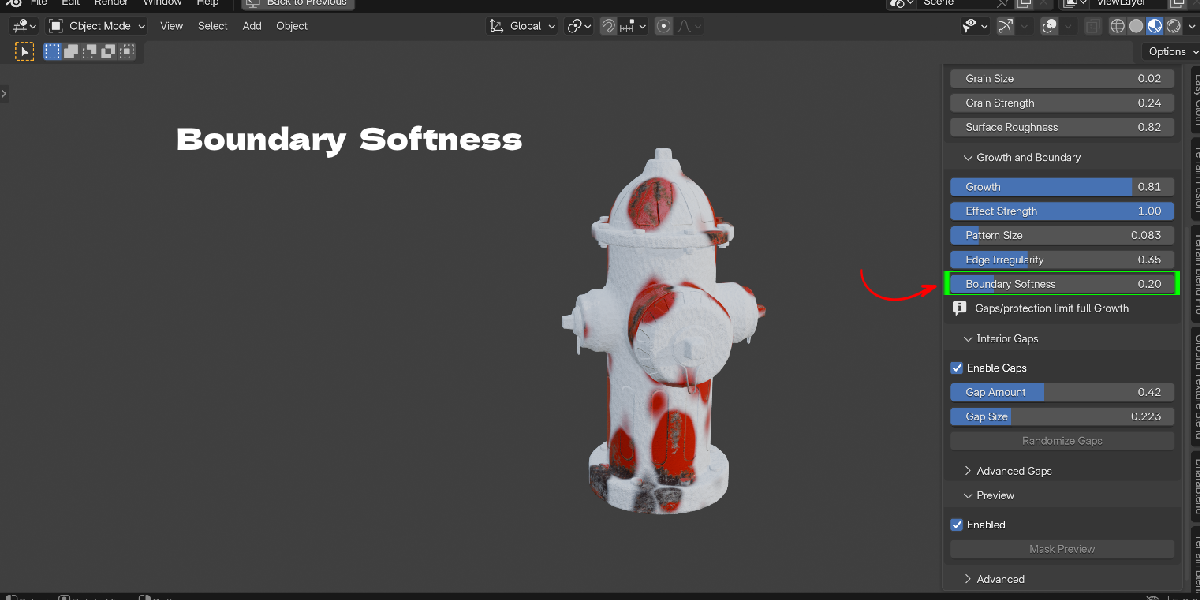
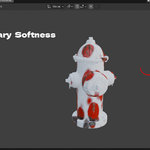
- Boundary Softness: how soft the transition is.
Interior Gaps
Enable Gaps, then set Gap Amount, Gap Size and Gap Seed. Advanced Gaps add border controls. Gaps reveal the chosen base.
Mapping
Object Box mapping needs no UVs and uses height detail. UV mapping loads color, roughness, OpenGL normal and height maps. Choose a valid UV map for UV mode.
Preview and tools
Enabled toggles the effect. Mask Preview shows where it grows. Compare shows the original. Update Edges refreshes captured edges after you edit the mesh.
Limits
The effect is a material, so it shows in Material Preview and Rendered view only. Shared material data must be isolated before editing. Very low poly meshes give coarser edge detection.
Troubleshooting
- Nothing changes in the viewport: switch from Solid to Material Preview or Rendered view.
- Only Selected Edges does nothing: enter Edit Mode, use Edge Select, select edges and capture them.
- Mask needs rebuilding: click the rebuild button after editing the mesh.
- Effect appears on other objects too: the material is shared. Isolate it first.
- Texture looks stretched: switch to Object Box mapping or fix the UV map.
Have questions about this product?
Login to message
| Blender Extension Compatible | Yes |
| Published | about 14 hours ago |
| Blender Version | 4.5 - 5.2 |
| Extension Type | Add-on |
| License | GPL |
