Modern Biplane
 FladmarkDesign


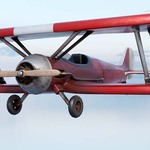
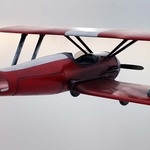
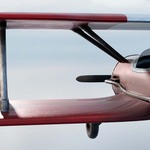
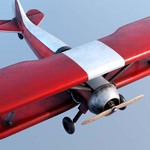
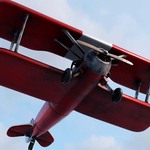
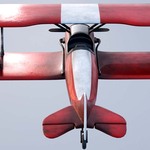
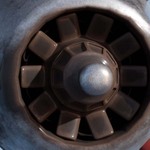
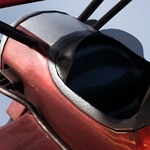
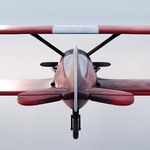
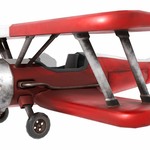
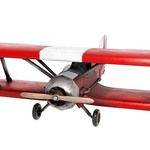
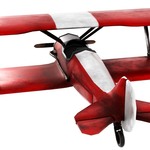
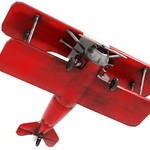
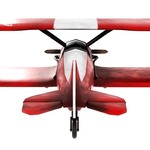
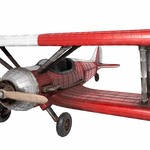
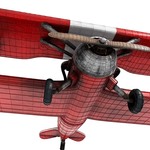
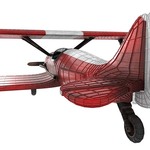
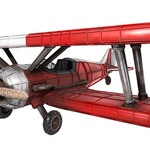
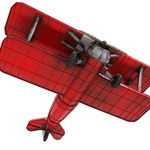
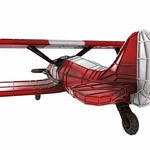
This package includes two variations of the same model - one High-Poly model for use in animations and gaming on computers and consoles, one Low-Poly model for use on mobile and slower systems.
These are both game-ready and use the same animation, meaning you can swap between the models within your project for optimization purposes.
Stats for both models:
High Poly: 64,240 polygons - 32,136 vertices
Low Poly: 19,284 polygons - 9,658 vertices
The blend file includes only the high-poly version (which is the one that should be used in most cases). If you need the low-poly version I recommend importing "LowBiplane.obj"
Due to requirements in Unity and Godot (As they use a different axis-layout for Y and Z than Blender), the low-poly .fbx files are oriented pointing downwards. If you prefer using these over .obj, you will need to create an Empty (Create -> Empty -> Plain Axes), parent the model to this Empty, and rotate the empty 90⁰ on the X-axis.
Both versions have an alternative .fbx file called "FILE_XL_embedded". These have the texture files embedded into the model itself, and are for use with programs that require this to avoid manual texture-mapping. Within Blender this is not an issue and I recommend using the standard versions.
______________________________________________________
When unzipping the Texture file, make sure to unzip it into the same root folder as the models for the textures to map automatically. The path for your images should be "./textures/2k/Biplane_Diffuse_2K" NOT "./textures/textures/2k/Biplane_Diffuse_2K"
By default the high-poly model uses 2k textures, while the low-poly model uses 1k textures.
______________________________________________________
The default start animation when opening the project (or importing the model through .obj or .fbx) is ground_to_fly, which tilts the plane for a take-off, and animations that set the flaps and tail to move. Other animations can be selected within your Dope Sheet -> Action Editor and within the NLA tracks. Note that the flaps and tail do NOT have a separate animation to return them to their resting locations - instead you should go to your NLA track, push the action down into a new strip, and press "reversed" under your playback options
Have questions about this product?
Login to message
| Published | over 1 year ago |
| Blender Version | 3.6 - 4.4 |
| Render Engine Used | Cycles, Eevee |
| Misc Data | Uvs-Unwrapped, Manifold-Mesh, Rigged, Animated, Low-High-Resolution, Normal-Mapped, Textured |
| License | Creative Commons |
Discover more products like this
plane transport crop duster aircraft biplane civilian commerical airplane aerospace Historic Aircraft one seat